> For the complete documentation index, see [llms.txt](https://www.boxhero.io/docs/llms.txt). Markdown versions of documentation pages are available by appending `.md` to page URLs; this page is available as [Markdown](https://www.boxhero.io/docs/documentation/ja/readme.md).
# BoxHero
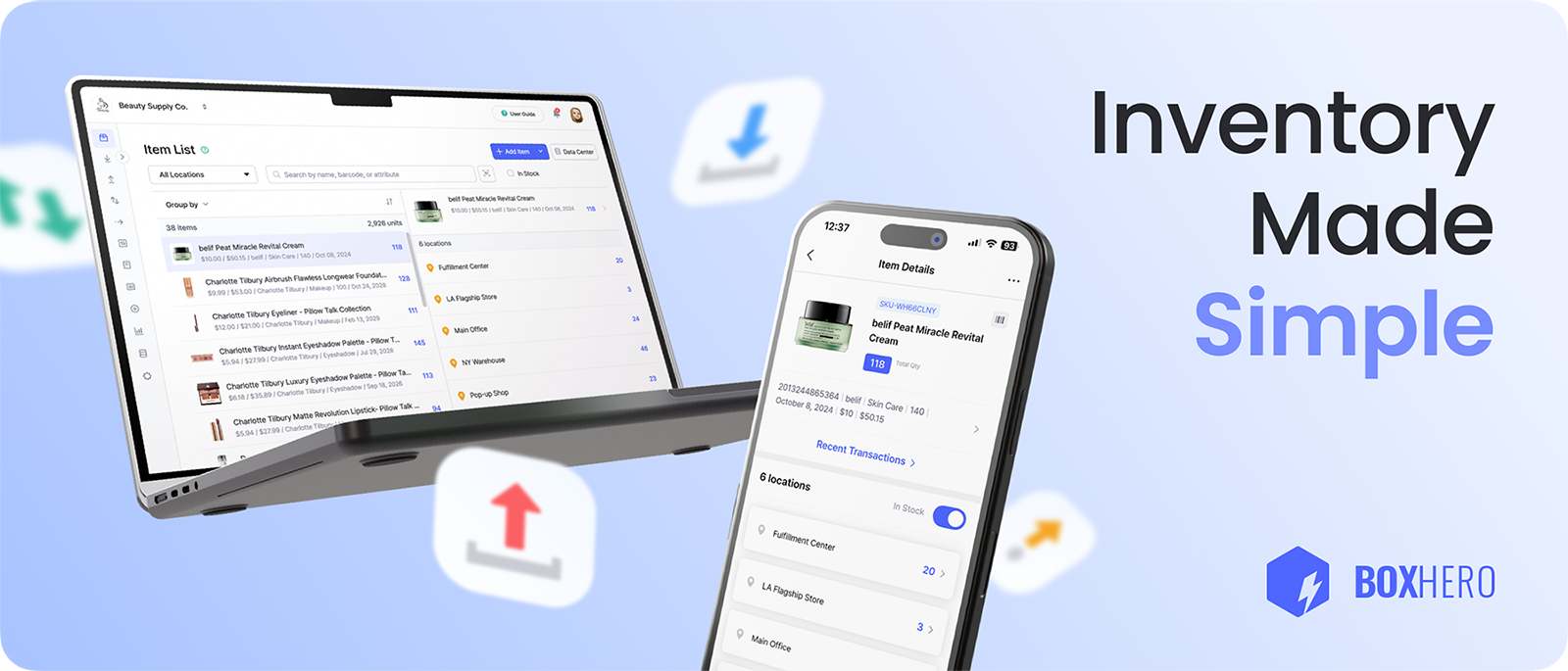
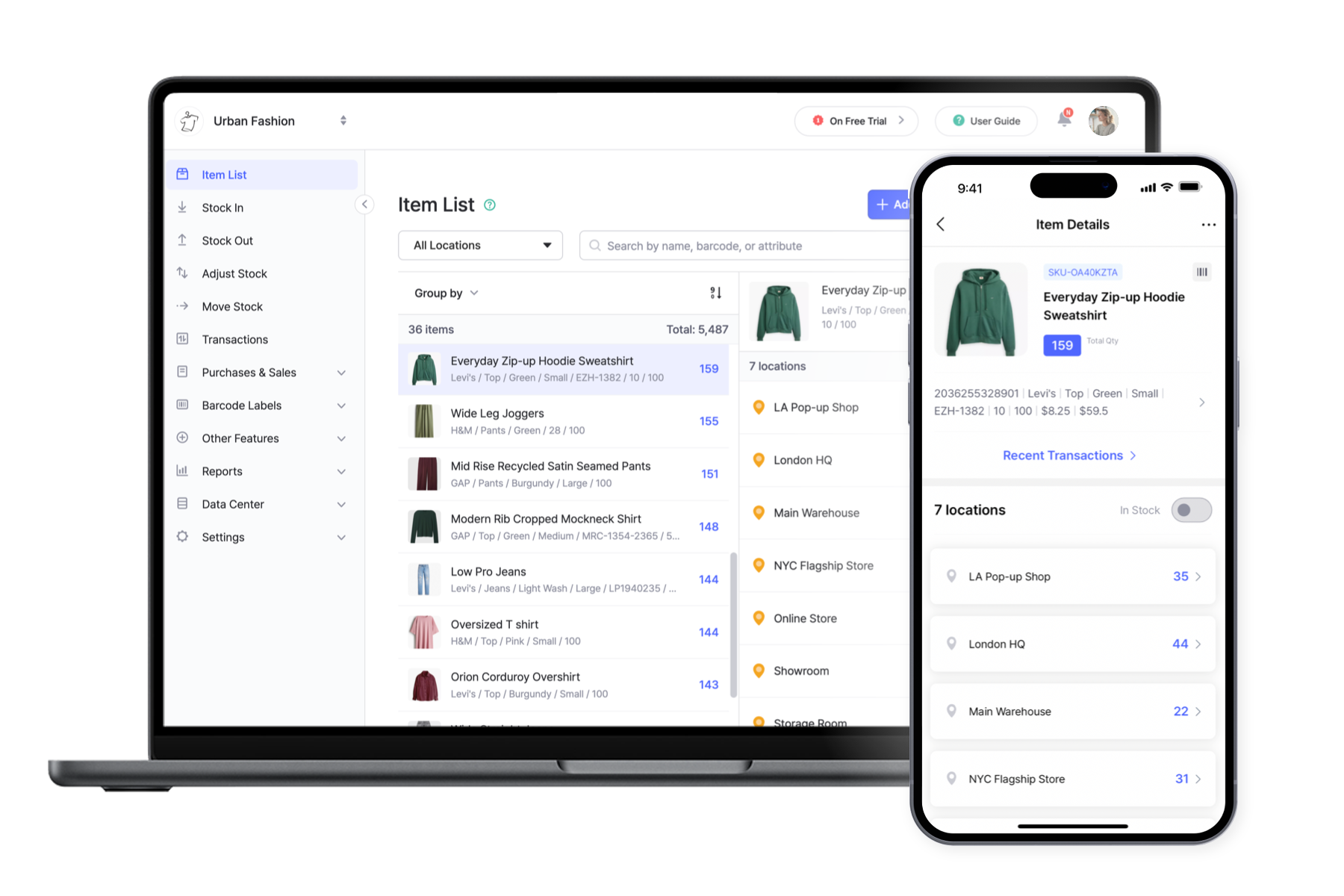
BoxHeroは、小規模ビジネスが在庫を追跡、管理、整理するための最も簡単な方法です。100以上の国で30万人以上のユーザーに信頼され、すべてを1つのシンプルなプラットフォームにまとめます。
 ***
## 主な機能
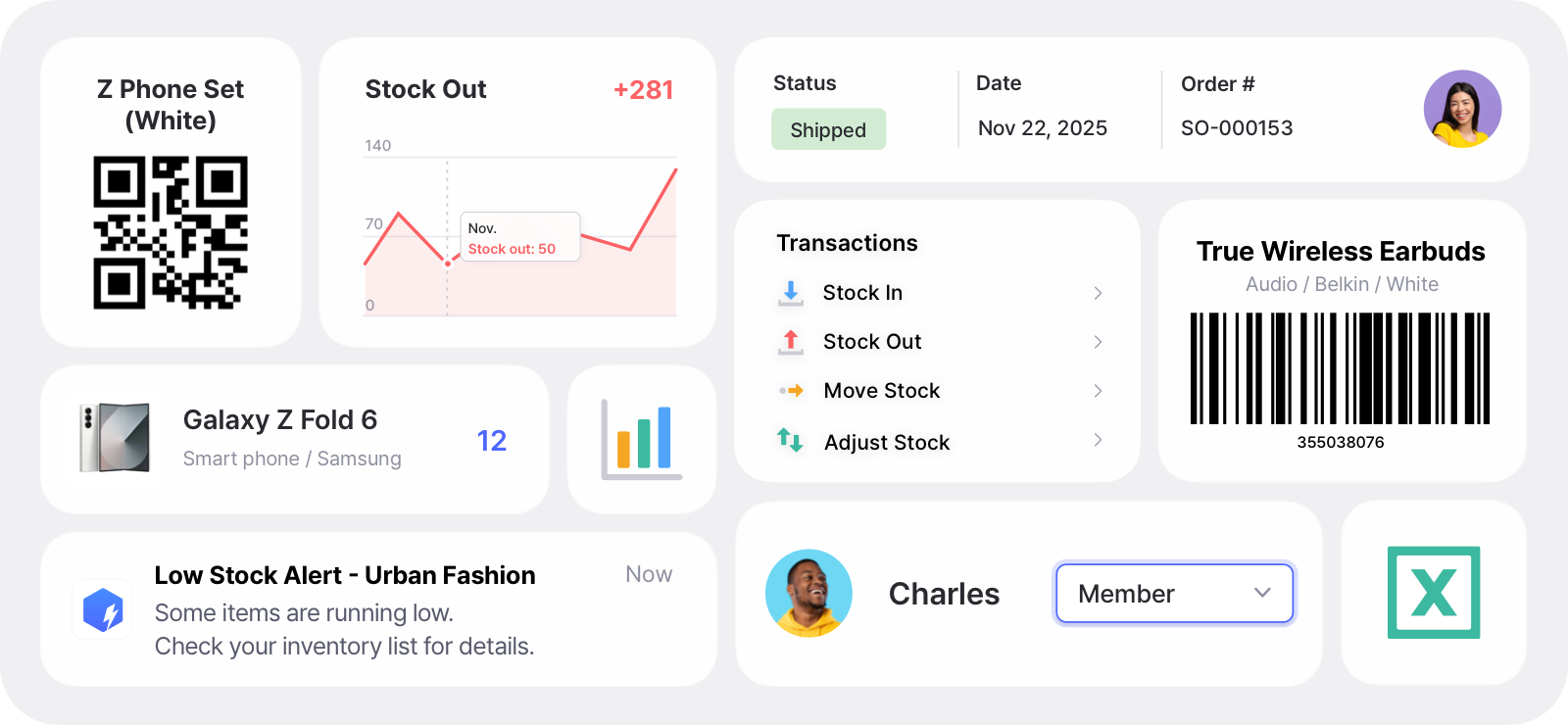
* **リアルタイム更新**:すべての拠点で在庫レベルを正確に保ちます。
* **バーコードをスキャン&印刷**:スマートフォンやハンディスキャナーで商品をスキャンし、標準プリンターまたはサーマルプリンターでカスタムラベルを印刷できます。
* **チームコラボレーション**:チームを招待し、役割と権限を割り当てます。
* **在庫不足アラート**:安全在庫レベルを設定し、在庫切れ前に通知を受け取れます。
* **棚卸**:在庫棚卸を実施して、差異を修正します。
* **レポート&分析**:在庫データと売上データをカスタムレポートに変換するか、AIアシスタントに作成を依頼できます。
***
## 主な機能
* **リアルタイム更新**:すべての拠点で在庫レベルを正確に保ちます。
* **バーコードをスキャン&印刷**:スマートフォンやハンディスキャナーで商品をスキャンし、標準プリンターまたはサーマルプリンターでカスタムラベルを印刷できます。
* **チームコラボレーション**:チームを招待し、役割と権限を割り当てます。
* **在庫不足アラート**:安全在庫レベルを設定し、在庫切れ前に通知を受け取れます。
* **棚卸**:在庫棚卸を実施して、差異を修正します。
* **レポート&分析**:在庫データと売上データをカスタムレポートに変換するか、AIアシスタントに作成を依頼できます。
 ## 活用例
* **在庫管理**:すべての在庫を1か所で整理・追跡します。
* **資産追跡**:重要な業務資産を管理します。
* **IT資産管理**:IT機器やソフトウェアライセンスを管理します。
* **消耗品の追跡**:拠点をまたいで消耗品や原材料を監視します。
* **受注管理**:受注を最初から最後まで追跡し、仕入先や販売を管理します。
* **倉庫管理**:倉庫レベルと棚レベルの両方で在庫を整理します。
{% embed url="" %}
今すぐ登録して **30日間の無料トライアル** ビジネスプランのすべての機能を利用しましょう!
{% endembed %}
## どのデバイスでも始められます
クラウドベースのサービスとして、BoxHero はすべてのデバイス間でデータを同期します。Web で使用することも、好みのプラットフォーム用にアプリをダウンロードすることもできます:
* **Mac**: [ダウンロード](https://download.boxhero.io/darwin/BoxHero.dmg)
* **Windows**: [ダウンロード](https://download.boxhero.io/win32/BoxHero.exe)
* **iOS**: [App Store](http://itunes.apple.com/app/id1325512157)
* **Android**: [Google Play](http://play.google.com/store/apps/details?id=com.bgpworks.boxhero)
* **Web**: [ブラウザで使用する](https://app.boxhero.io/)
## 活用例
* **在庫管理**:すべての在庫を1か所で整理・追跡します。
* **資産追跡**:重要な業務資産を管理します。
* **IT資産管理**:IT機器やソフトウェアライセンスを管理します。
* **消耗品の追跡**:拠点をまたいで消耗品や原材料を監視します。
* **受注管理**:受注を最初から最後まで追跡し、仕入先や販売を管理します。
* **倉庫管理**:倉庫レベルと棚レベルの両方で在庫を整理します。
{% embed url="" %}
今すぐ登録して **30日間の無料トライアル** ビジネスプランのすべての機能を利用しましょう!
{% endembed %}
## どのデバイスでも始められます
クラウドベースのサービスとして、BoxHero はすべてのデバイス間でデータを同期します。Web で使用することも、好みのプラットフォーム用にアプリをダウンロードすることもできます:
* **Mac**: [ダウンロード](https://download.boxhero.io/darwin/BoxHero.dmg)
* **Windows**: [ダウンロード](https://download.boxhero.io/win32/BoxHero.exe)
* **iOS**: [App Store](http://itunes.apple.com/app/id1325512157)
* **Android**: [Google Play](http://play.google.com/store/apps/details?id=com.bgpworks.boxhero)
* **Web**: [ブラウザで使用する](https://app.boxhero.io/)
 ***
## サインアップ
アカウントを作成して、あなたの **30日間の無料トライアル** ビジネスプランの
{% hint style="info" %}
**ご質問がありますか?** 詳しくは当社の [FAQ](https://www.boxhero.io/docs/faq/ja/) またはお問い合わせください [サポート](/docs/documentation/ja/rissu/contact.md).
{% endhint %}
***
## サインアップ
アカウントを作成して、あなたの **30日間の無料トライアル** ビジネスプランの
{% hint style="info" %}
**ご質問がありますか?** 詳しくは当社の [FAQ](https://www.boxhero.io/docs/faq/ja/) またはお問い合わせください [サポート](/docs/documentation/ja/rissu/contact.md).
{% endhint %}