> For the complete documentation index, see [llms.txt](https://www.boxhero.io/docs/llms.txt). Markdown versions of documentation pages are available by appending `.md` to page URLs; this page is available as [Markdown](https://www.boxhero.io/docs/documentation/ja/sonono/inventory-link.md).
# 在庫リンク
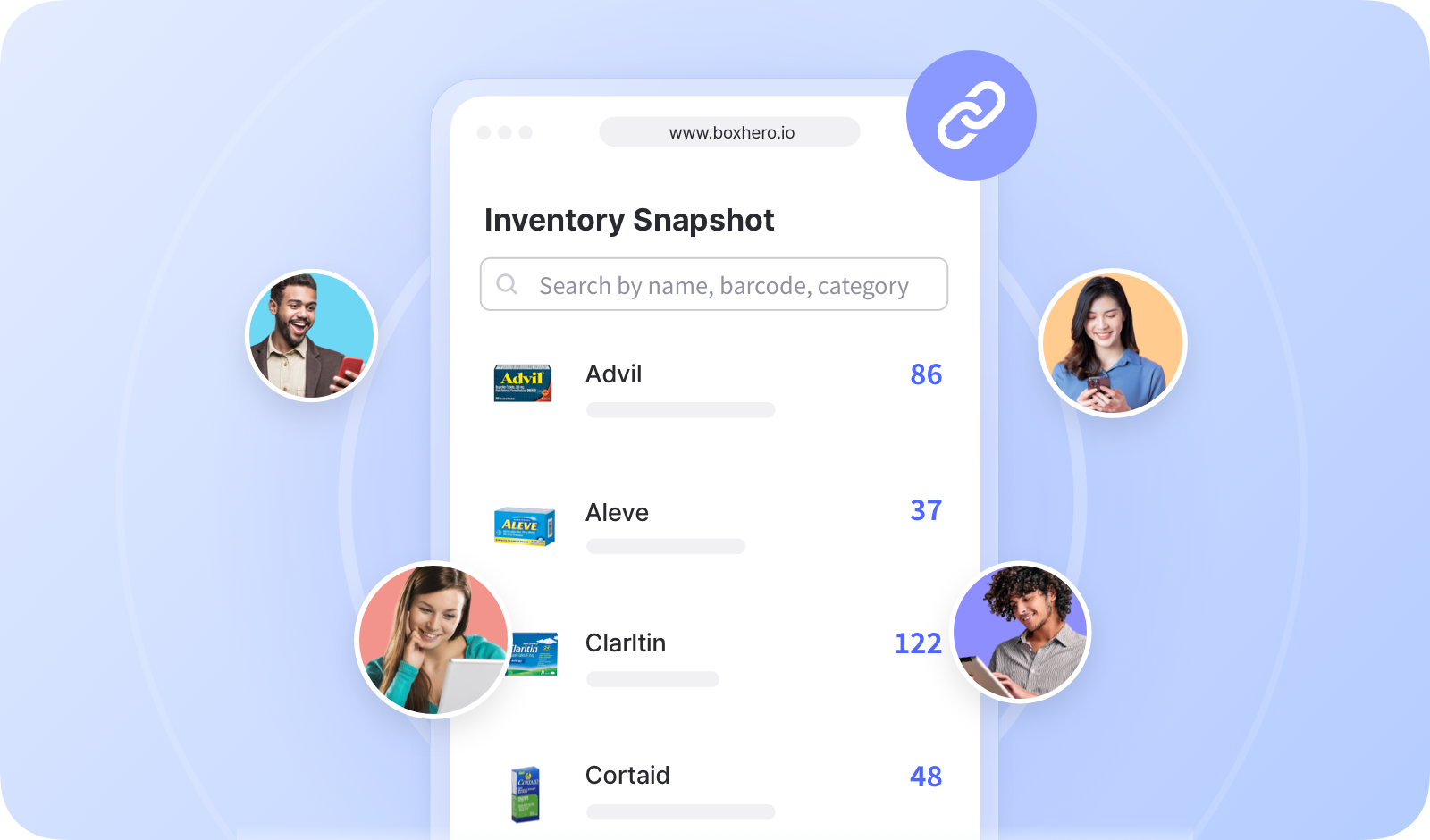
BoxHeroのInventory Linkを使うと、クライアント、取引先、その他の関係者を含むチーム外の人々と在庫情報を共有できます。
 ***
## 在庫リンクの作成
共有する特定のアイテムを選択し、外部ユーザーに表示する情報を決定できます。
{% embed url="" %}
{% hint style="success" %}
複数のリンクを生成できるため、個人や組織ごとに固有のリンクを作成できます。
{% endhint %}
## 在庫リンクの共有
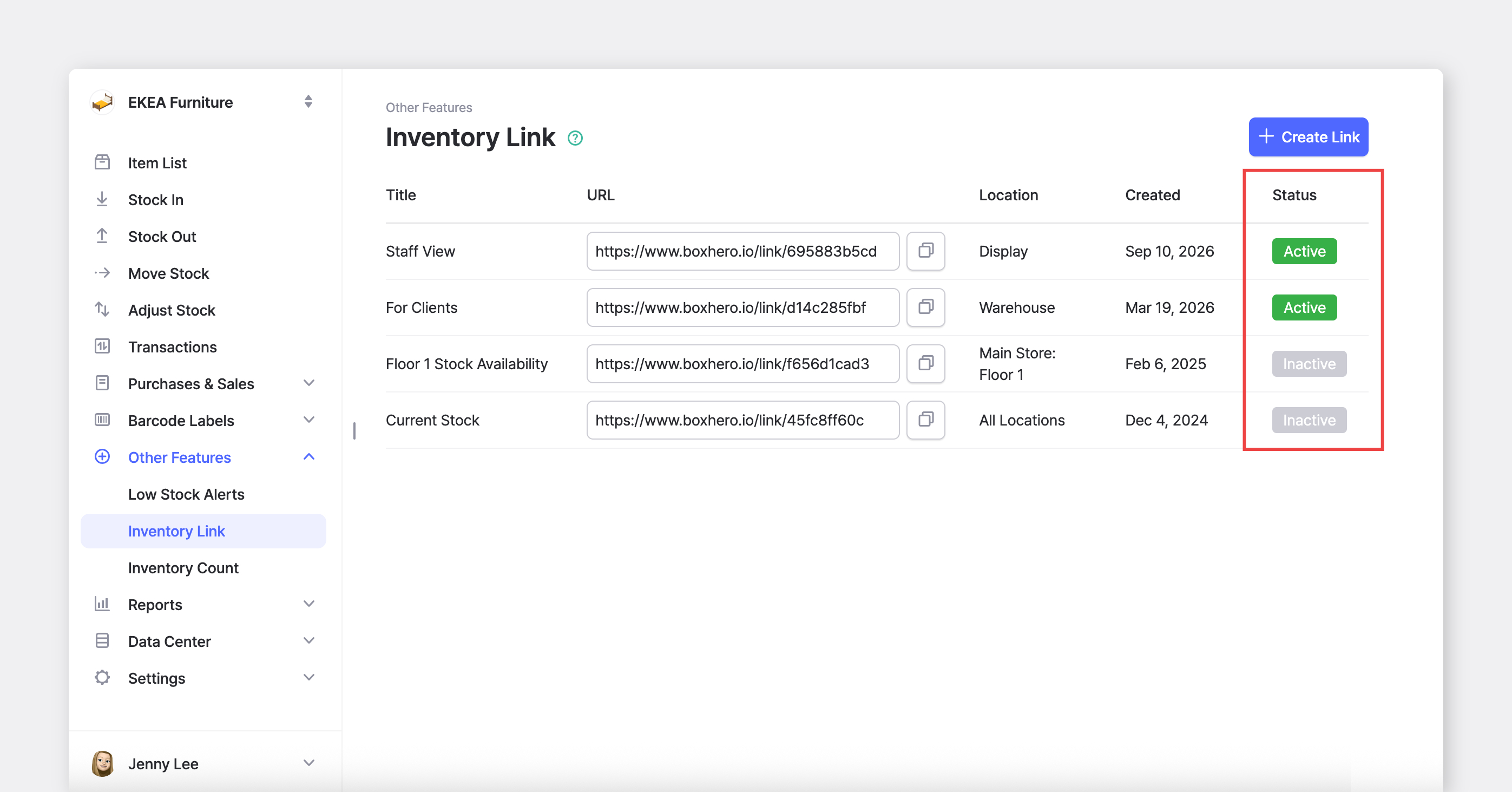
リンクのURLをコピーして、外部ユーザーと共有してください。
{% embed url="" %}
リンクが「*アクティブ*」の場合、外部ユーザーはそれを開いて最新の在庫状況を確認できます。ページがすでに開かれている場合は、更新して最新情報を表示してください。
***
## 在庫リンクの作成
共有する特定のアイテムを選択し、外部ユーザーに表示する情報を決定できます。
{% embed url="" %}
{% hint style="success" %}
複数のリンクを生成できるため、個人や組織ごとに固有のリンクを作成できます。
{% endhint %}
## 在庫リンクの共有
リンクのURLをコピーして、外部ユーザーと共有してください。
{% embed url="" %}
リンクが「*アクティブ*」の場合、外部ユーザーはそれを開いて最新の在庫状況を確認できます。ページがすでに開かれている場合は、更新して最新情報を表示してください。
 ***
## よくある質問
**詳細情報をお探しですか?** FAQでよくある質問への回答をご覧ください。
{% content-ref url="/spaces/Zvjcst6XueuNcyPRjnhb/pages/23e896e89372cce9498c2ed28b5c2611eabb16d2" %}
[在庫リンク](/docs/faq/ja/to/inventory-link.md)
{% endcontent-ref %}
***
## よくある質問
**詳細情報をお探しですか?** FAQでよくある質問への回答をご覧ください。
{% content-ref url="/spaces/Zvjcst6XueuNcyPRjnhb/pages/23e896e89372cce9498c2ed28b5c2611eabb16d2" %}
[在庫リンク](/docs/faq/ja/to/inventory-link.md)
{% endcontent-ref %}