> For the complete documentation index, see [llms.txt](https://www.boxhero.io/docs/llms.txt). Markdown versions of documentation pages are available by appending `.md` to page URLs; this page is available as [Markdown](https://www.boxhero.io/docs/documentation/th/other-features/inventory-link.md).
# ลิงก์สินค้าคงคลัง
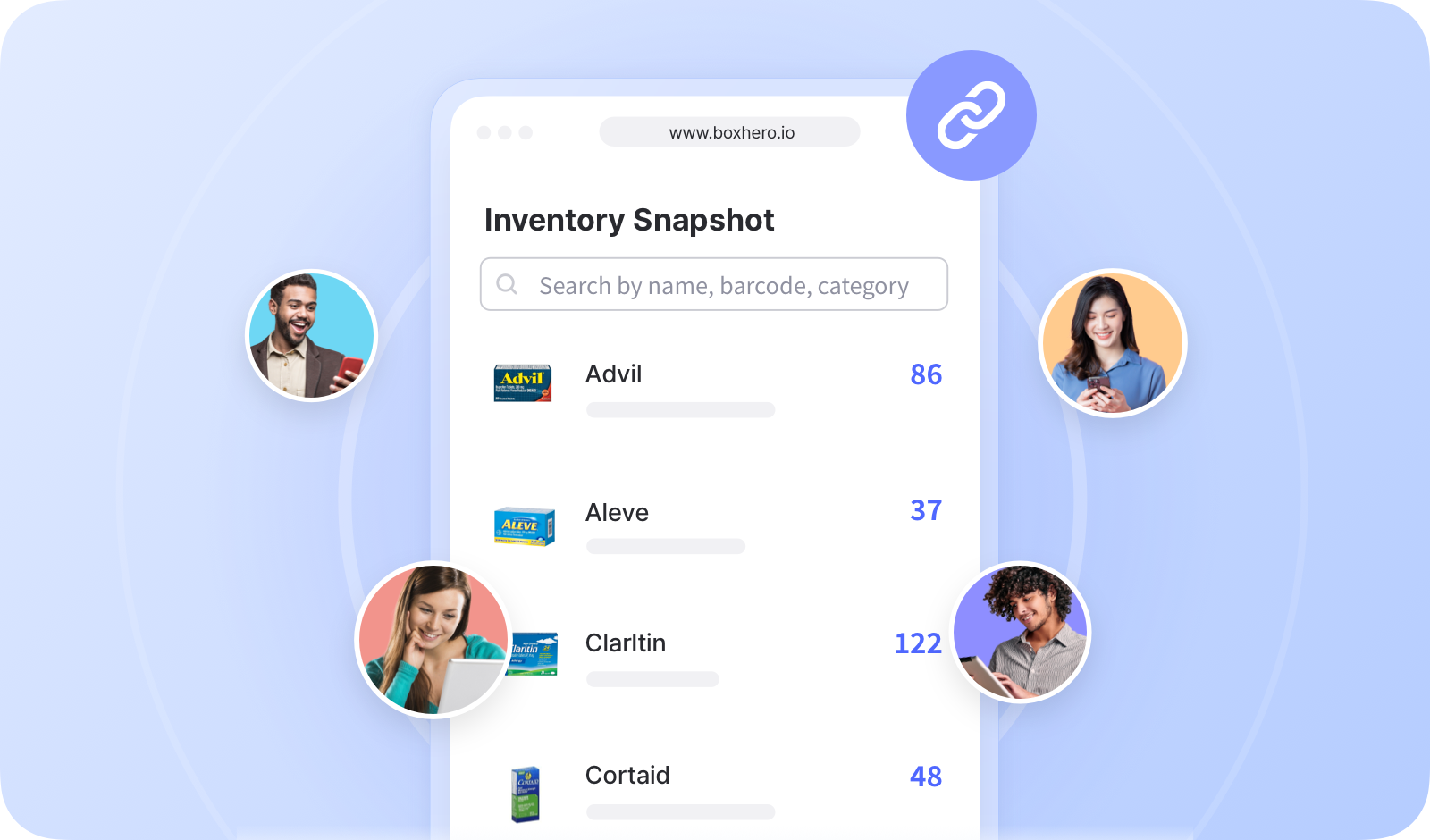
Inventory Link ของ BoxHero ช่วยให้คุณแชร์รายละเอียดสินค้าคงคลังกับบุคคลนอกทีมของคุณได้ รวมถึงลูกค้า พาร์ทเนอร์ และผู้มีส่วนได้ส่วนเสียอื่น ๆ
 ***
## การสร้างลิงก์สินค้าคงคลัง
คุณสามารถเลือกรายการที่ต้องการแชร์และกำหนดได้ว่าข้อมูลใดจะแสดงให้ผู้ใช้ภายนอกเห็น
{% embed url="" %}
{% hint style="success" %}
คุณสามารถสร้างลิงก์ได้หลายรายการ เพื่อสร้างลิงก์เฉพาะสำหรับแต่ละบุคคลหรือองค์กร
{% endhint %}
## การแชร์ลิงก์สินค้าคงคลัง
คัดลอก URL ของลิงก์และแชร์ให้กับผู้ใช้ภายนอก
{% embed url="" %}
หากลิงก์เป็น “*ใช้งานอยู่*,” ผู้ใช้ภายนอกสามารถเปิดลิงก์และตรวจสอบสถานะสินค้าคงคลังล่าสุดของคุณได้ หากหน้าเว็บเปิดอยู่แล้ว ให้รีเฟรชเพื่อดูข้อมูลที่อัปเดต
***
## การสร้างลิงก์สินค้าคงคลัง
คุณสามารถเลือกรายการที่ต้องการแชร์และกำหนดได้ว่าข้อมูลใดจะแสดงให้ผู้ใช้ภายนอกเห็น
{% embed url="" %}
{% hint style="success" %}
คุณสามารถสร้างลิงก์ได้หลายรายการ เพื่อสร้างลิงก์เฉพาะสำหรับแต่ละบุคคลหรือองค์กร
{% endhint %}
## การแชร์ลิงก์สินค้าคงคลัง
คัดลอก URL ของลิงก์และแชร์ให้กับผู้ใช้ภายนอก
{% embed url="" %}
หากลิงก์เป็น “*ใช้งานอยู่*,” ผู้ใช้ภายนอกสามารถเปิดลิงก์และตรวจสอบสถานะสินค้าคงคลังล่าสุดของคุณได้ หากหน้าเว็บเปิดอยู่แล้ว ให้รีเฟรชเพื่อดูข้อมูลที่อัปเดต
 ***
## คำถามที่พบบ่อย
**กำลังมองหาข้อมูลเพิ่มเติมอยู่ใช่ไหม?** ค้นหาคำตอบสำหรับคำถามที่พบบ่อยได้ใน FAQ ของเรา
{% content-ref url="/spaces/sc1B0M6CMvBQDLW3fpLH/pages/a60557e0c7401ec8ca22f9ec34412498293c8bff" %}
[ลิงก์สินค้าคงคลัง](/docs/faq/th/inventory-and-transactions/inventory-link.md)
{% endcontent-ref %}
***
## คำถามที่พบบ่อย
**กำลังมองหาข้อมูลเพิ่มเติมอยู่ใช่ไหม?** ค้นหาคำตอบสำหรับคำถามที่พบบ่อยได้ใน FAQ ของเรา
{% content-ref url="/spaces/sc1B0M6CMvBQDLW3fpLH/pages/a60557e0c7401ec8ca22f9ec34412498293c8bff" %}
[ลิงก์สินค้าคงคลัง](/docs/faq/th/inventory-and-transactions/inventory-link.md)
{% endcontent-ref %}