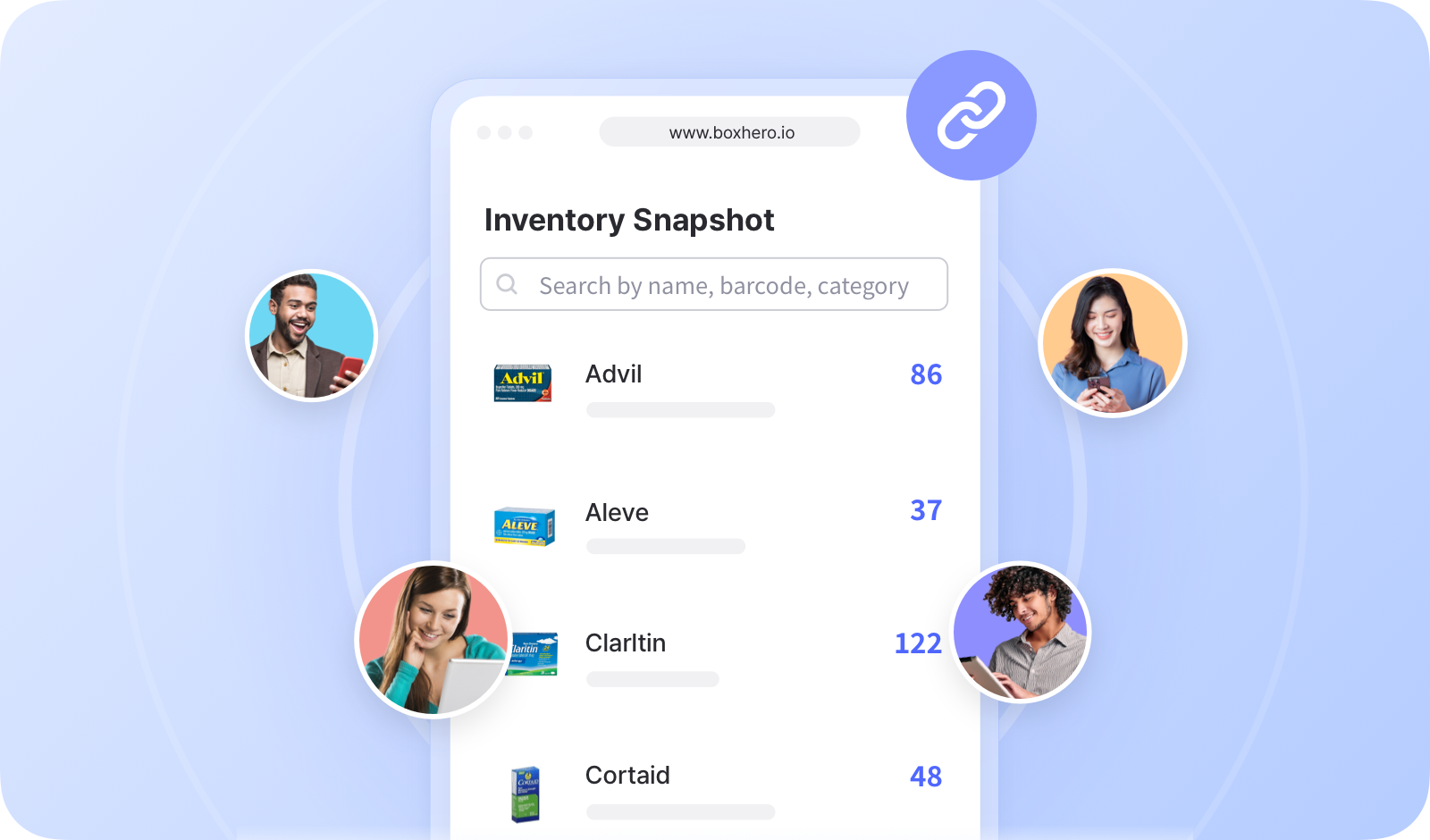
# Liên kết tồn kho

<figure><img src="/files/1d3822be2f41cd65ad503963bba8e1288fcdef06" alt=""><figcaption></figcaption></figure>

***

## Cách tạo liên kết kho hàng

Bạn có thể chọn các mục cụ thể để chia sẻ và quyết định thông tin nào sẽ hiển thị cho người dùng bên ngoài.

{% embed url="<https://customer-0jrbilsa8yt3k758.cloudflarestream.com/40f61173410b40898412174d7e10571b/iframe?autoplay=true&controls=false&letterboxColor=transparent&loop=true&muted=true&poster=https://customer-0jrbilsa8yt3k758.cloudflarestream.com/40f61173410b40898412174d7e10571b/thumbnails/thumbnail.jpg?height=1080&preload=true>" %}

{% hint style="success" %}
Có thể tạo nhiều liên kết, vì vậy bạn có thể tạo các liên kết riêng biệt cho từng cá nhân hoặc tổ chức khác nhau.
{% endhint %}

## Cách sử dụng liên kết kho hàng

Sao chép URL của liên kết và chia sẻ với người dùng bên ngoài.

{% embed url="<https://customer-0jrbilsa8yt3k758.cloudflarestream.com/47e68f9a5a5b4f9b8e16dacad1f80210/iframe?autoplay=true&controls=false&letterboxColor=transparent&loop=true&muted=true&poster=https://customer-0jrbilsa8yt3k758.cloudflarestream.com/47e68f9a5a5b4f9b8e16dacad1f80210/thumbnails/thumbnail.jpg?height=1080&preload=true>" %}

Nếu liên kết là “*đang hoạt động*,” người dùng bên ngoài có thể mở liên kết và kiểm tra trạng thái kho hàng mới nhất của bạn. Nếu trang đã được mở, hãy làm mới để xem thông tin cập nhật.

<figure><img src="/files/b0f2f44d41dbc4a7773aefbff91e8428bb224f15" alt=""><figcaption></figcaption></figure>

***

## Yêu cầu một tên miền tùy chỉnh cho liên kết kho hàng của bạn

Kết nối <mark style="color:màu xanh;">**`Liên kết kho hàng`**</mark> với một tên miền mà bạn đã sở hữu để khách hàng và đối tác dễ nhận biết và truy cập hơn. Việc sử dụng tên miền của riêng bạn tạo thêm nét chuyên nghiệp và giúp xây dựng niềm tin với người dùng bên ngoài.

<figure><img src="/files/5f9a74eff8c27f1a3ff71cc38ab6f7865ef431eb" alt=""><figcaption></figcaption></figure>

Nhấp vào **"Kết nối tên miền tùy chỉnh"** bên dưới trường URL.

Bạn sẽ được chuyển hướng đến một [biểu mẫu ngắn](https://boxhero-invt.typeform.com/to/BKTgk2MA#team_id=xxxxx\&link_id=xxxxx) nơi bạn có thể gửi yêu cầu của mình. Đội ngũ hỗ trợ của chúng tôi sẽ xem xét và phản hồi bạn trong thời gian sớm nhất.

<figure><img src="/files/b7a548182de3455c6fd669e030066f3ecdbc76de" alt=""><figcaption></figcaption></figure>

***

**Cần thêm thông tin?** Tìm câu trả lời cho các câu hỏi thường gặp trong phần Câu hỏi thường gặp của chúng tôi.

{% content-ref url="/spaces/ZTj6bpOuH6MmecGVGoNx/pages/5047dd992a478c9b853d6c7ef8fba2e0d61181b3" %}
[Liên kết tồn kho](/docs/faq/vi/bao-mat-and-quyen-rieng-tu/lien-ket-ton-kho.md)
{% endcontent-ref %}


---

# Agent Instructions: Querying This Documentation

If you need additional information that is not directly available in this page, you can query the documentation dynamically by asking a question.

Perform an HTTP GET request on the current page URL with the `ask` query parameter:

```
GET https://www.boxhero.io/docs/documentation/vi/tinh-nang-khac/inventory-link.md?ask=<question>
```

The question should be specific, self-contained, and written in natural language.
The response will contain a direct answer to the question and relevant excerpts and sources from the documentation.

Use this mechanism when the answer is not explicitly present in the current page, you need clarification or additional context, or you want to retrieve related documentation sections.