> For the complete documentation index, see [llms.txt](https://www.boxhero.io/docs/llms.txt). Markdown versions of documentation pages are available by appending `.md` to page URLs; this page is available as [Markdown](https://www.boxhero.io/docs/documentation/zh/readme.md).
# BoxHero
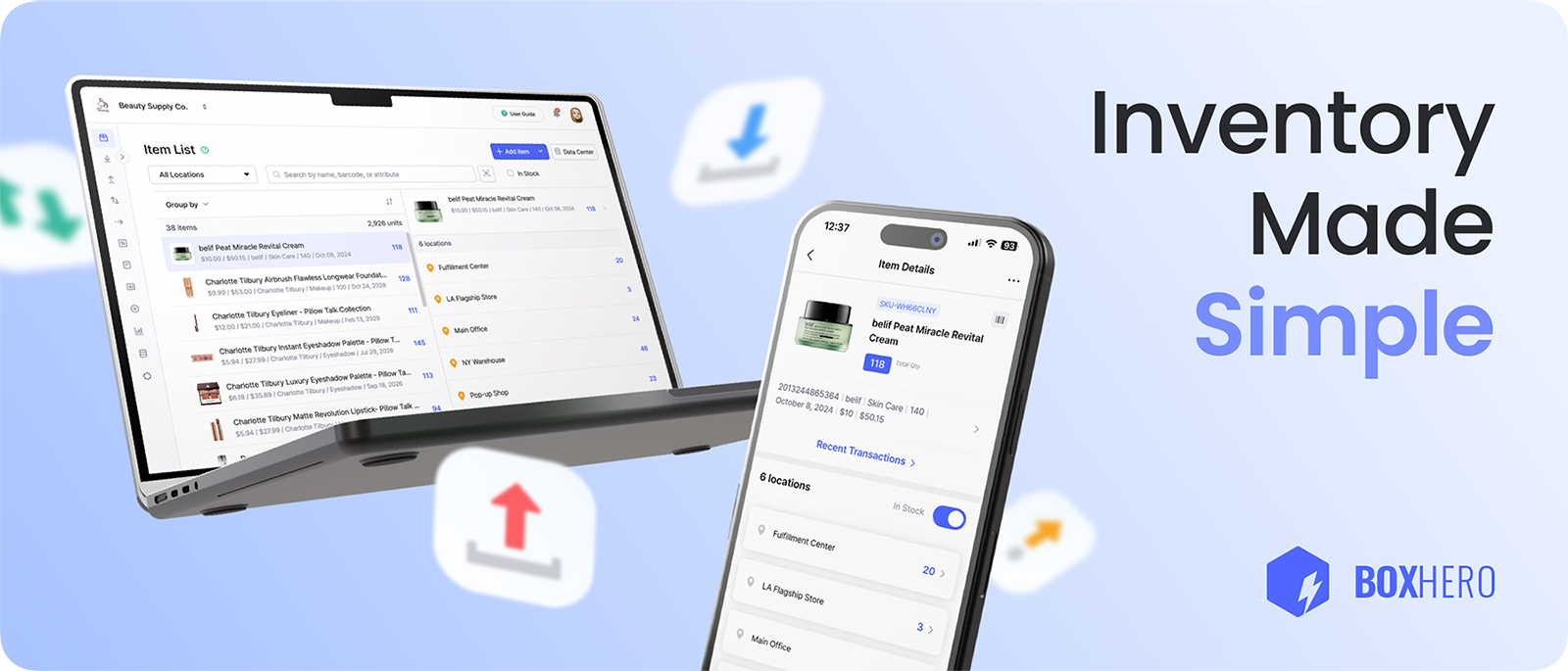
BoxHero 是小型企业跟踪、管理和整理库存的最简单方式。深受 100 多个国家/地区超过 30 万用户信赖,它将一切整合在一个简洁的平台中。
 ***
## 核心功能
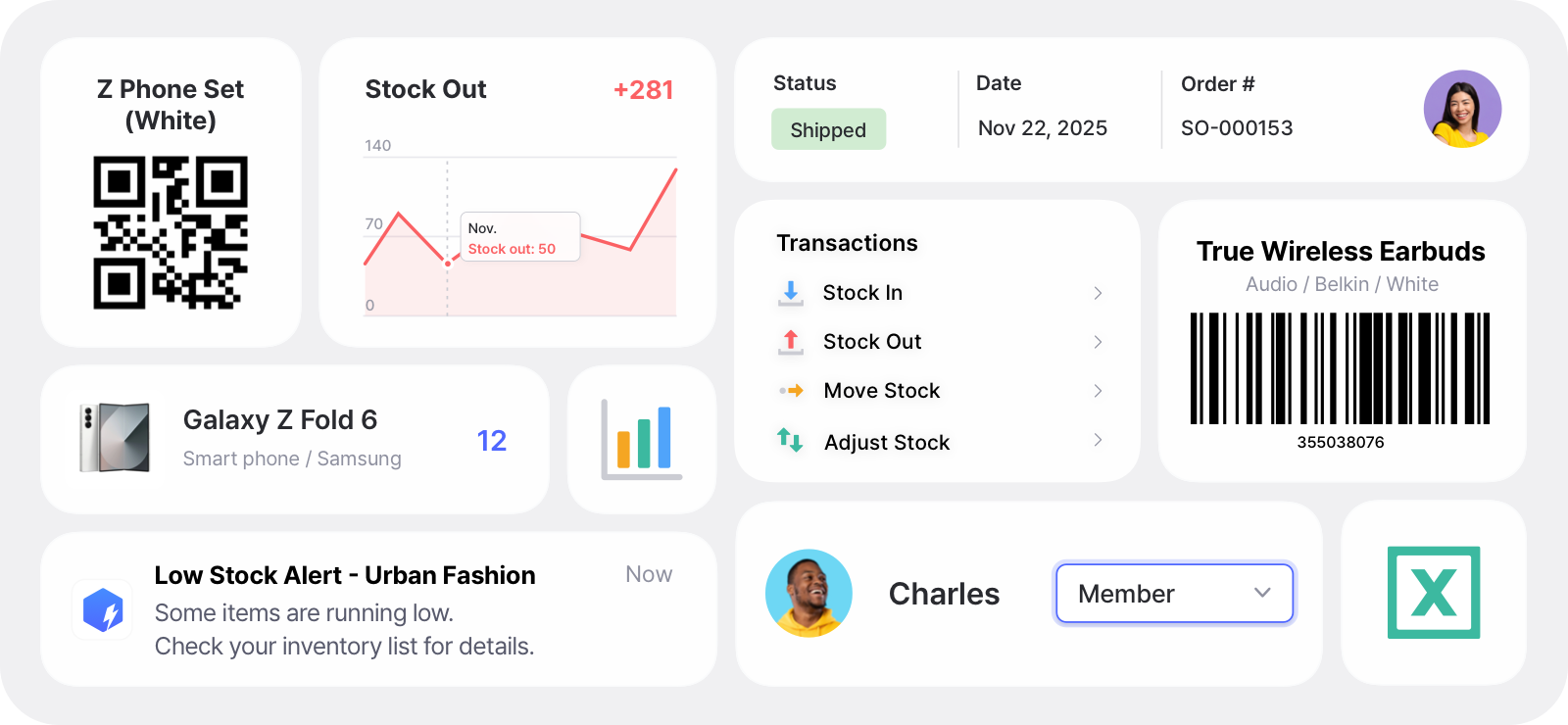
* **实时更新**:确保各个地点的库存水平始终准确。
* **扫描并打印条形码**:使用手机或手持扫描器扫描商品,并可在任何标准或热敏打印机上打印自定义标签。
* **团队协作**:邀请团队成员,然后分配角色和权限。
* **库存不足提醒**:设置安全库存水平,并在商品耗尽前收到通知。
* **库存盘点**:执行盘点以纠正任何差异。
* **报告与分析**:将库存和销售数据转化为自定义报告,或让 AI 助手为你生成报告。
***
## 核心功能
* **实时更新**:确保各个地点的库存水平始终准确。
* **扫描并打印条形码**:使用手机或手持扫描器扫描商品,并可在任何标准或热敏打印机上打印自定义标签。
* **团队协作**:邀请团队成员,然后分配角色和权限。
* **库存不足提醒**:设置安全库存水平,并在商品耗尽前收到通知。
* **库存盘点**:执行盘点以纠正任何差异。
* **报告与分析**:将库存和销售数据转化为自定义报告,或让 AI 助手为你生成报告。
 ## 使用场景
* **库存管理**:在一个地方整理并追踪你的全部库存。
* **资产追踪**:追踪有价值的企业资产。
* **IT 资产管理**:管理 IT 设备和软件许可证。
* **物资追踪**:跨地点监控物资和原材料。
* **订单管理**:从头到尾跟踪订单,并管理供应商和销售。
* **仓库管理**:在仓库和货架层级整理库存。
{% embed url="" %}
今天就注册,享受 **30 天免费试用** 所有商业计划功能!
{% endembed %}
## 在任何设备上开始使用
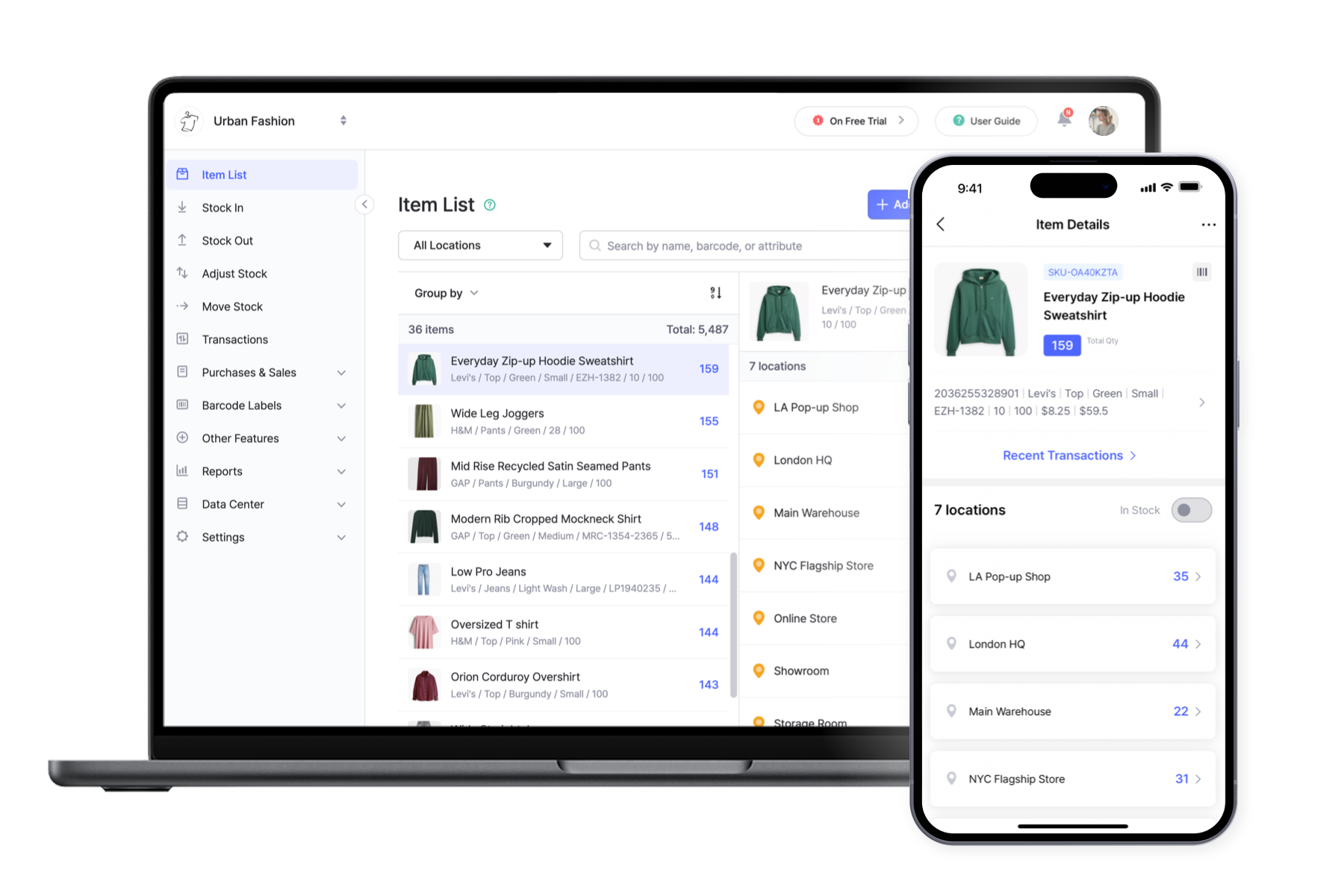
作为一项基于云的服务,BoxHero 会在你的所有设备间同步数据。你可以在网页上使用,也可以下载适合你偏好平台的应用:
* **Mac**: [下载](https://download.boxhero.io/darwin/BoxHero.dmg)
* **Windows**: [下载](https://download.boxhero.io/win32/BoxHero.exe)
* **iOS**: [App Store](http://itunes.apple.com/app/id1325512157)
* **Android**: [Google Play](http://play.google.com/store/apps/details?id=com.bgpworks.boxhero)
* **网页**: [在浏览器中使用](https://app.boxhero.io/)
## 使用场景
* **库存管理**:在一个地方整理并追踪你的全部库存。
* **资产追踪**:追踪有价值的企业资产。
* **IT 资产管理**:管理 IT 设备和软件许可证。
* **物资追踪**:跨地点监控物资和原材料。
* **订单管理**:从头到尾跟踪订单,并管理供应商和销售。
* **仓库管理**:在仓库和货架层级整理库存。
{% embed url="" %}
今天就注册,享受 **30 天免费试用** 所有商业计划功能!
{% endembed %}
## 在任何设备上开始使用
作为一项基于云的服务,BoxHero 会在你的所有设备间同步数据。你可以在网页上使用,也可以下载适合你偏好平台的应用:
* **Mac**: [下载](https://download.boxhero.io/darwin/BoxHero.dmg)
* **Windows**: [下载](https://download.boxhero.io/win32/BoxHero.exe)
* **iOS**: [App Store](http://itunes.apple.com/app/id1325512157)
* **Android**: [Google Play](http://play.google.com/store/apps/details?id=com.bgpworks.boxhero)
* **网页**: [在浏览器中使用](https://app.boxhero.io/)
 ***
## 注册
创建账户,开始你的 **30 天免费试用** 商业方案开始。
{% hint style="info" %}
**有问题吗?** 查看我们的 [常见问题](https://www.boxhero.io/docs/faq/zh/) 或联系 [支持](/docs/documentation/zh/zi-yuan/contact.md).
{% endhint %}
***
## 注册
创建账户,开始你的 **30 天免费试用** 商业方案开始。
{% hint style="info" %}
**有问题吗?** 查看我们的 [常见问题](https://www.boxhero.io/docs/faq/zh/) 或联系 [支持](/docs/documentation/zh/zi-yuan/contact.md).
{% endhint %}