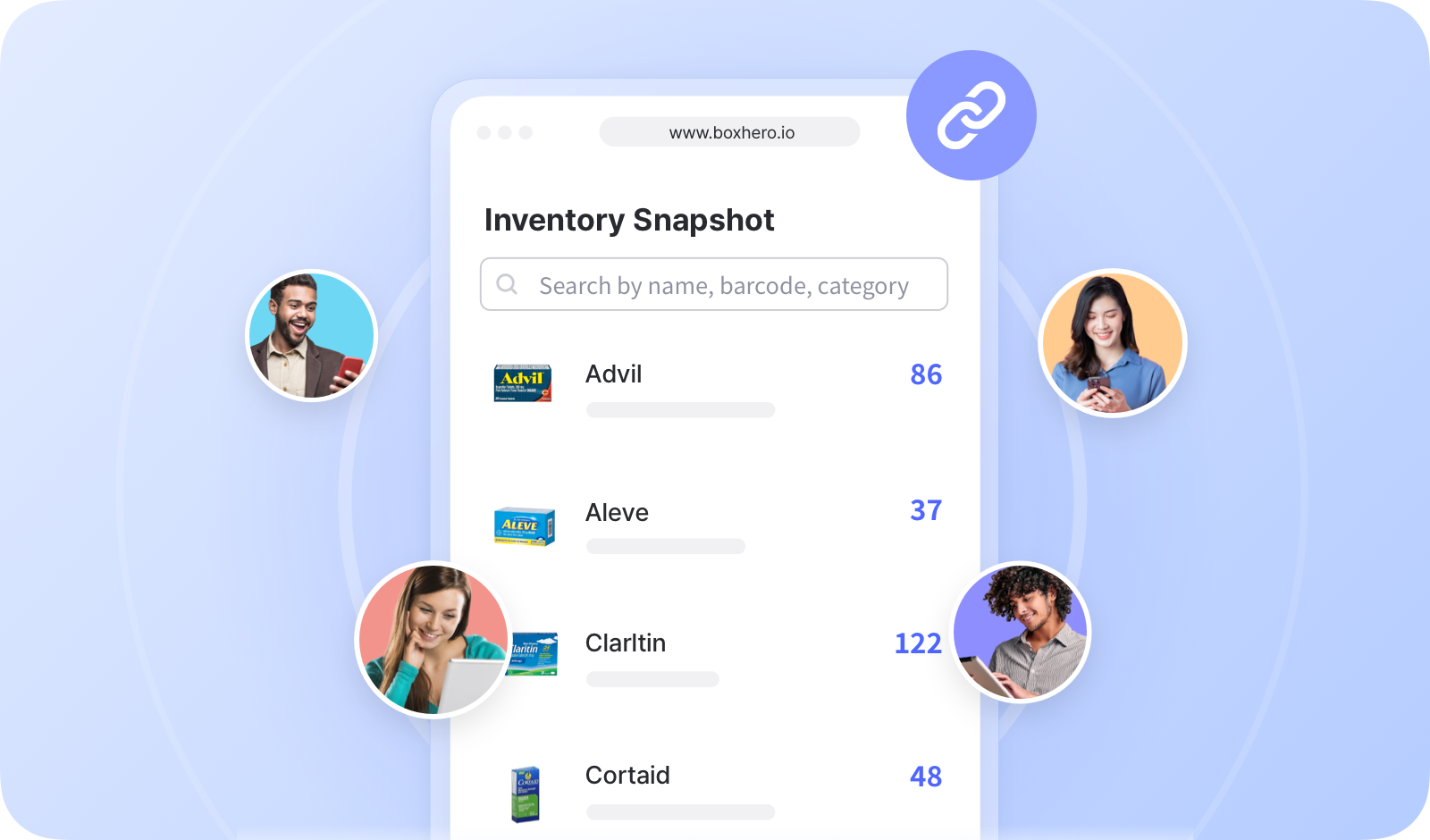
# 库存链接

<figure><img src="/files/4f1fc493b32a1735a7989fe726fc4846c38dbc56" alt=""><figcaption></figcaption></figure>

***

## 如何创建库存链接

您可以选择要共享的特定项目，并决定哪些信息对外部用户可见。

{% embed url="<https://customer-0jrbilsa8yt3k758.cloudflarestream.com/40f61173410b40898412174d7e10571b/iframe?autoplay=true&controls=false&letterboxColor=transparent&loop=true&muted=true&poster=https://customer-0jrbilsa8yt3k758.cloudflarestream.com/40f61173410b40898412174d7e10571b/thumbnails/thumbnail.jpg?height=1080&preload=true>" %}

{% hint style="success" %}
可以生成多个链接，因此您可以为不同的个人或组织创建唯一的链接。
{% endhint %}

## 如何使用库存链接

复制链接 URL 并将其分享给外部用户。

{% embed url="<https://customer-0jrbilsa8yt3k758.cloudflarestream.com/47e68f9a5a5b4f9b8e16dacad1f80210/iframe?autoplay=true&controls=false&letterboxColor=transparent&loop=true&muted=true&poster=https://customer-0jrbilsa8yt3k758.cloudflarestream.com/47e68f9a5a5b4f9b8e16dacad1f80210/thumbnails/thumbnail.jpg?height=1080&preload=true>" %}

如果链接为“*活动*”，外部用户可以打开它并查看您的最新库存状态。如果页面已打开，请刷新以查看更新的信息。

<figure><img src="/files/289e5f437dc0e32d3ac5baabaa3360a31db54775" alt=""><figcaption></figcaption></figure>

***

## 为您的库存链接申请自定义域名

将您的 <mark style="color:蓝色;">**`库存链接`**</mark> 连接到您已拥有的域名上，方便客户和合作伙伴识别和访问。使用您自己的域名更显专业，也有助于与外部用户建立信任。

<figure><img src="/files/d9d199c600da09d41de2de20fa7b07aadaa34e72" alt=""><figcaption></figcaption></figure>

点击 **“连接自定义域名”** 下方的 URL 字段。

您将被重定向到一个 [简短表单](https://boxhero-invt.typeform.com/to/BKTgk2MA#team_id=xxxxx\&link_id=xxxxx) ，您可以在其中提交请求。我们的支持团队会进行审核，并很快与您联系。

<figure><img src="/files/622da7670b10cec5a141e020bf550ed231066f23" alt=""><figcaption></figcaption></figure>

***

**在找更多信息吗？** 在我们的 FAQ 中查找常见问题的答案。

{% content-ref url="/spaces/1XHeAQmLMHSILvJsICC2/pages/71f7c0e2658b9896a6ad57c1fb76eb0218133210" %}
[库存链接](/docs/faq/zh/an-quan-yu-yin-si/ku-cun-lian-jie.md)
{% endcontent-ref %}


---

# Agent Instructions: Querying This Documentation

If you need additional information that is not directly available in this page, you can query the documentation dynamically by asking a question.

Perform an HTTP GET request on the current page URL with the `ask` query parameter:

```
GET https://www.boxhero.io/docs/documentation/zh/qi-ta-gong-neng/inventory-link.md?ask=<question>
```

The question should be specific, self-contained, and written in natural language.
The response will contain a direct answer to the question and relevant excerpts and sources from the documentation.

Use this mechanism when the answer is not explicitly present in the current page, you need clarification or additional context, or you want to retrieve related documentation sections.