How Barcode Scanning Makes Everyday Inventory Tasks Easier
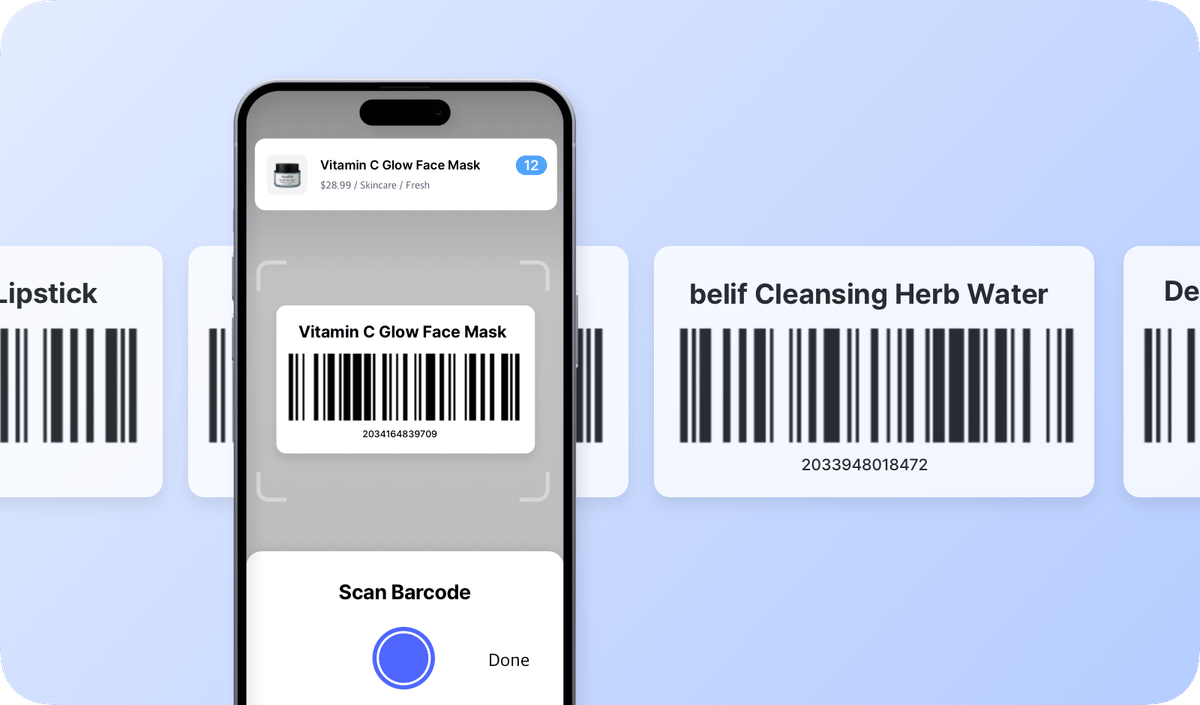
A barcode connects each product to its record in your inventory software. Scan it, and you instantly see that item's current quantity, storage location, and other details like category, weight, or dimensions.
It's as simple as it sounds — instead of typing everything by hand or writing it down on paper, you just scan the barcode.
Here are four everyday inventory tasks that become faster and easier with barcode scanning: looking up items, receiving and shipping products, checking orders, and counting stock.
The Three Parts of a Barcode Setup
Before we get into the four tasks, it helps to understand how a barcode system works. It has three basic parts:
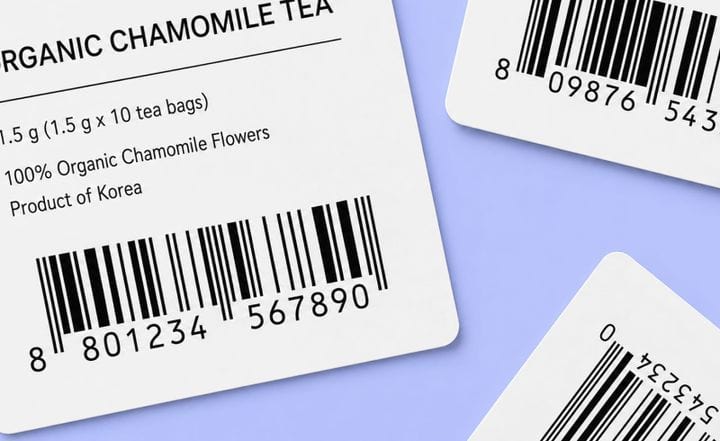
- The label: a printed code (1D or 2D) attached to each item or box. You can use the manufacturer’s existing barcode or create your own.
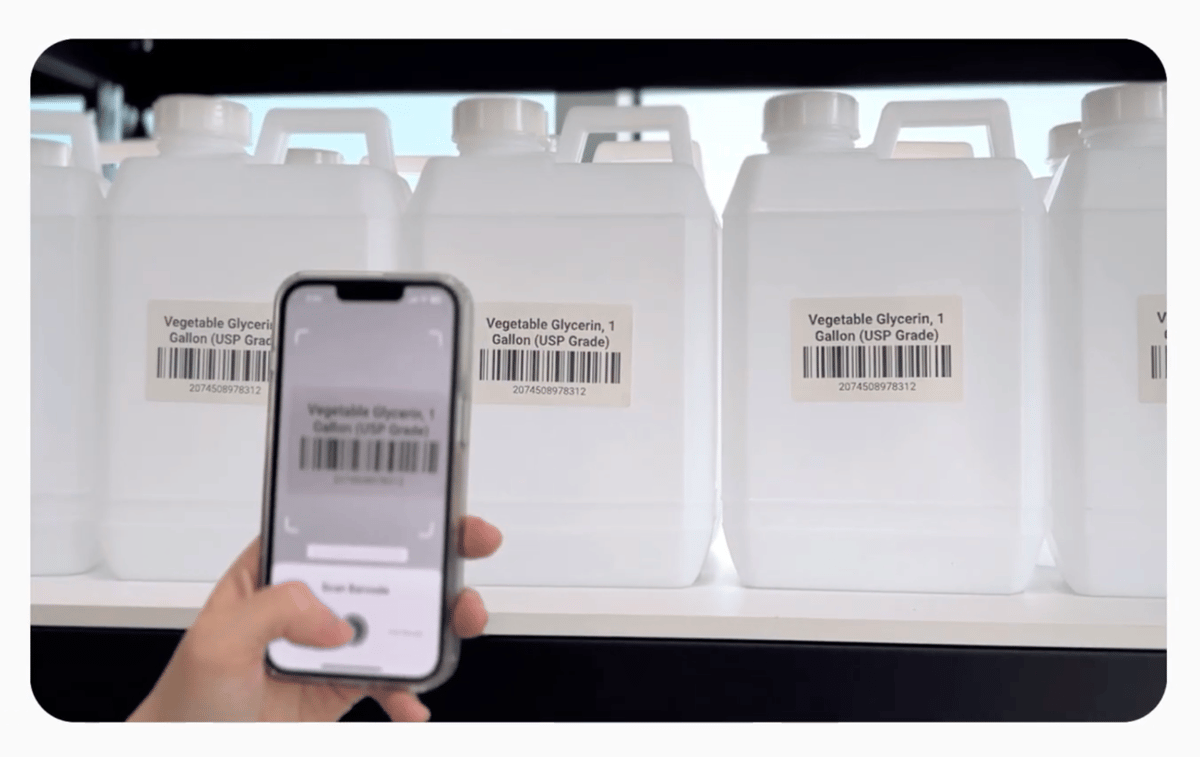
- The scanner: a handheld scanner, or just a phone or tablet camera, reads the code.
- The software: each barcode is linked to an item in your inventory system. When you scan it, the platform pulls up that exact record.
1. Item Lookups
A "lookup" is usually the first step in most inventory tasks. You check stock before selling to a customer, picking an order, or reordering products.
Without barcodes:
You search by name or SKU, but items often end up entered in different ways by different people: A-203, 203A, A23. This makes results inconsistent; searches may miss the entry or return the wrong one. It gets even harder when products have variants like size or color. You end up scanning through near-identical names such as:
• Classic Tee, Black, L
• Classic Tee, Navy, M
With barcodes:
The barcode is one fixed ID for that exact item, so it doesn't matter how the product was named. No matter who is looking it up, the scan always pulls up the correct variant. This also makes it easier for anyone on the team to find items quickly, whether they’re using a phone or a computer.
2. Receiving and Shipping
Receiving and shipping keeps your inventory up to date as products come in and go out. Stock increases when items arrive (↑) and decreases when they leave (↓).
Without barcodes:
Someone counts the items and types the numbers into the inventory system. A small miscount or typo, like entering 100 instead of 10, can throw off availability later. The issue usually shows up only after the fact, when something is out of stock or when a reorder is placed for items that are already sitting in storage.
With barcodes:
You scan each item or box, and stock updates automatically. Scanning is highly accurate, with error rates far lower than manual entry. It can reduce receiving time that takes about 30 minutes by hand to about 3 minutes.
A few tips:
- Scan items as they move, instead of waiting until the end of the day. This reduces mismatches caused by delays.
- Scan the box or case barcodes to record full cartons in one step instead of counting each individual unit.
3. Order Checks
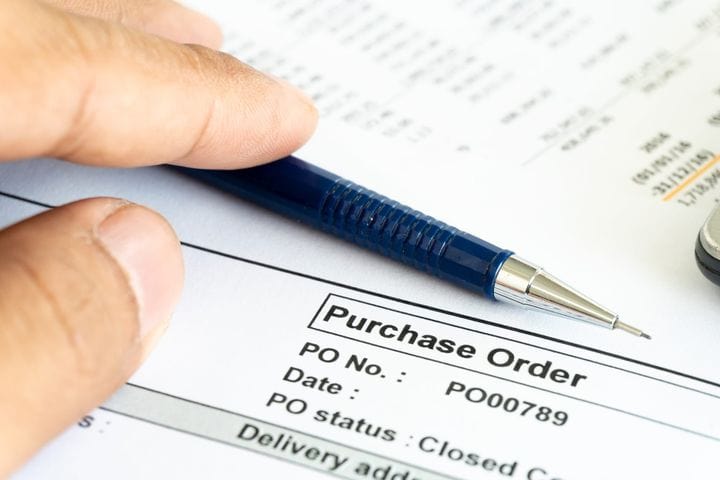
Before items are put away or shipped, they're checked against the purchase order or sales order to confirm the right items and counts.
Without barcodes:
You set the order sheet next to the items and compare names, quantities, and variants by eye. This is a separate step, and it's the one that gets skipped when things are busy. It also misses what the outside of a box doesn't show: a carton labeled M can hold L, and nobody catches it without actually opening the package.
With barcodes:
The check runs as part of the scan. As you scan each item, the inventory software checks it against the order. It can flag things that's easy to miss: a similar-looking (wrong) item, a short or over quantity, and the right item in the wrong variant.

4. Stock Counts
A stock count compares the recorded quantity against the physical quantity on the shelf. Many small businesses do a full count once a year, while others use smaller cycle counts throughout the year.
Without barcodes:
You count everything hand, write the numbers on paper, then type them back into the system afterward. The extra step increases the chance of mistakes, like typos or missed lines.
With barcodes:
You scan items as you count. Each scan updates the system directly, so no need to retype anything. This is one reason barcode-based systems consistently show higher accuracy rates (95-99%) and save time on inventory work for many small businesses.
Getting Started with Barcodes
Not sure a barcode system is worth it for your business? You don't need a warehouse or special equipment to find out. Test it out with these four simple steps:
- Decide which items to label. Start with your best-selling (i.e. fastest-moving) products or the ones that get miscounted frequently.
- Assign barcodes. If products already have manufacturer barcodes, you can use those. For items without labels, generate your own and print a simple label.
- Choose a scanner. A phone camera is enough to get started. A wireless scanner is an option once volume climbs.
- Scan at each step. Scan on receiving, shipping, checking items, and counting inventory.
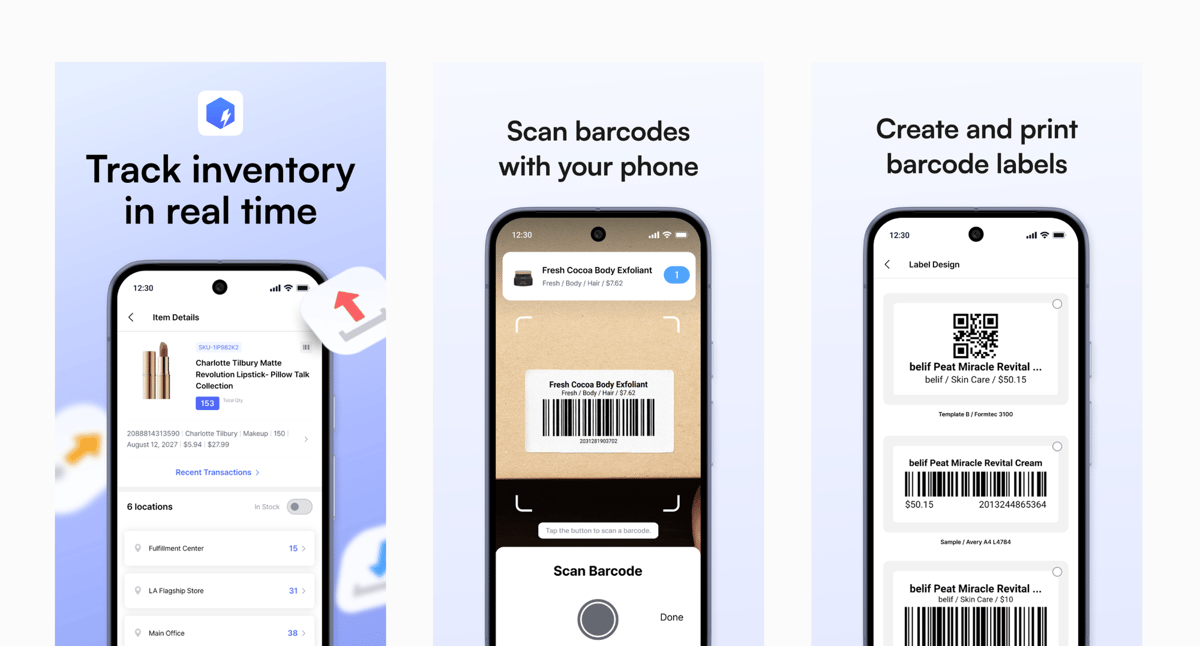
BoxHero covers the entire process — including barcode generation, label printing, and scanning — on desktop and mobile. You can try it free for 30 days, no credit card required.
Sign up and try Barcode Scanning in BoxHero: