What is Kitting? How It Works in Manufacturing and E-commerce
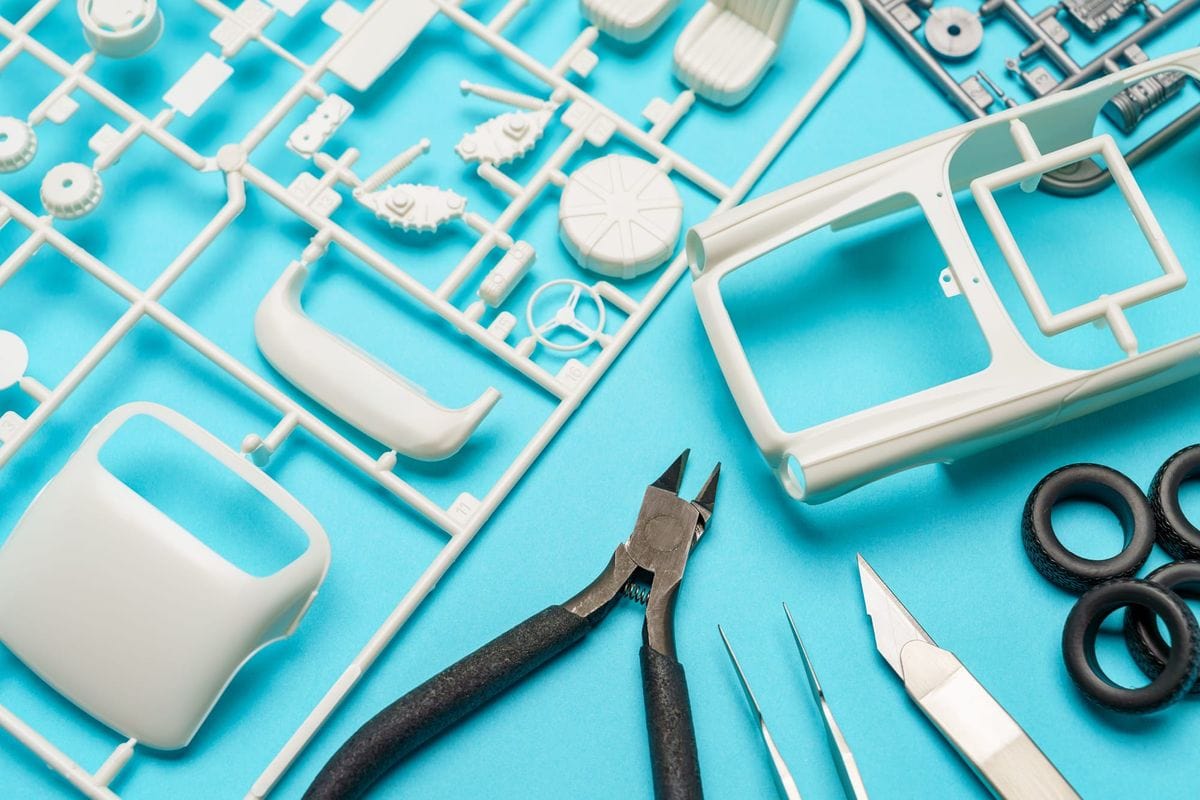
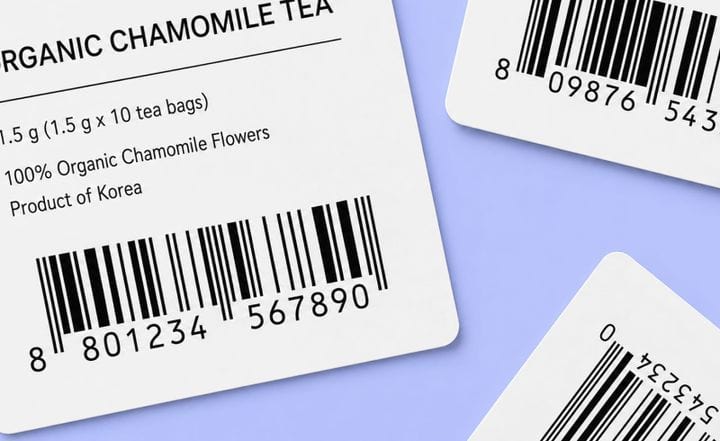
Kitting is the practice of grouping several components or products into a single unit that carries its own SKU and barcode.
A meal kit is a consumer version of it: one box holds every measured ingredient for a recipe. A retail version is a printer packaged with a starter ink cartridge and a setup manual under one item number. Manufacturers use the same approach internally, grouping every part a station needs for one assembly into a single kit.
In each case, a group of parts moves through receiving, storage, picking, and shipping as one record instead of three or four. The business counts it once, scans it once, and lists it once on an order.
This post explains what a kitting system is, how it differs from bundling and assembly, where it pays off, and how to set one up.
What a kitting system actually does
A "kit" is a set of items pre-grouped before production or order fulfillment, then tracked as one product. Manufacturing consultant Dr. Lisa Lang describes full kitting in manufacturing as "assembling everything needed to produce the product or job before it's released," so a job runs start to finish without pausing for a missing part.
The mechanical detail that makes kitting work is the SKU. Each kit gets a new SKU and barcode of its own, separate from the SKUs of its components. The system records one scan at the kit level while still drawing down the component counts underneath it.
Kitting shows up in two main forms:
- Parts prepared for internal work, where a kit holds every screw, fitting, and tool a station needs to finish one assembly.
- Finished sets prepared for sale, where complementary products ship together as a single item. A Nintendo console set with the console, a controller, and the cables is the everyday version.
Kitting vs. Bundling vs. Assembly
These terms get thrown around like they're interchangeable. They're not, and the differences are easy to mix up, so let's go through the actual definitions:
Each one calls for a different setup.
A kit needs its own item record plus a rule for how it pulls down component stock when it sells. A bundle is mostly a pricing and listing choice. Treat them as the same thing, and you lose track of how much of each component you really have.
Where does kitting make a difference?
1. Assembly lines that use many small parts
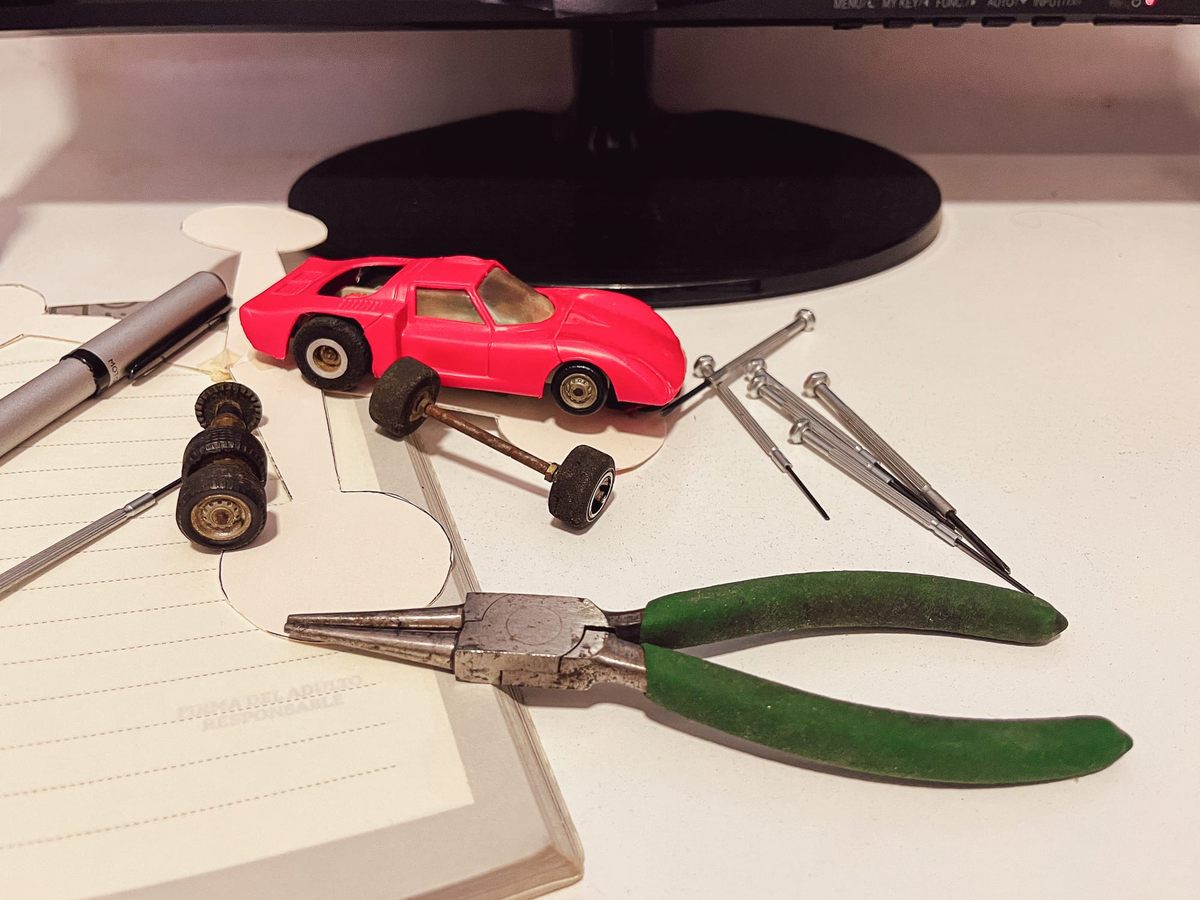
This is where kitting started, and the gains are easy to see. When a worker has every part for a job in one kit, they stop walking back and forth to separate bins, and the parts take up far less room at the workstation. Research on factory material handling found that kitting cut the space used at the assembly line by about 20% and the stock sitting there by about half.
Manufacturers see the same thing on real production floors. Plants that switched to kitting report 10% to 20% more assembly work getting done per hour and noticeably less downtime.
2. E-commerce orders for products bought together
Hand-picking a multi-item order leaves room for two mistakes: a missing item, or the wrong one tossed in. For the products your customers always buy together, a pre-built kit removes the per-order pick step that generates those errors, since the items are already grouped and scanned under one barcode.
It also makes your day-to-day counting simpler. One kit SKU stands in for several separate items at fulfillment, so your pickers handle fewer line items per order.
3. Storage space for related parts
Storing many small parts individually consumes rack space and adds counts to manage. Consolidating the parts for one job into a kit reduces the line-side footprint. Pre-sized kit packaging also lets shippers use right-sized boxes, which lowers dimensional-weight charges on parcels that would otherwise ship loose.
4. Slow-moving stock and order value
Kitting is also a way to clear products that aren't moving. Pair a slow seller with a popular one in a discounted set, and the slow item finally has a reason to leave the shelf while the order gets bigger. It's a long-proven retail tactic: McKinsey identifies bundling as a pricing lever for growing revenue per customer, and stores that add bundles commonly see average order values climb 20% to 35%.
How to set up a kitting system

1. Choose components from your own order history
Decide what goes in each kit using data you already hold. For sales kits, pull the products that appear together in past orders. For production kits, list every part one station consumes to complete one assembly, which is the bill of materials for that job.
2. Assign a dedicated SKU and barcode
A kit has to exist as its own record. Give it a new SKU and barcode, separate from the component items inside it. This is what lets you scan the kit as one line at shipping while the system still subtracts each component from its own count underneath.
3. Stage and store kits in a dedicated zone
Keep finished kits in their own labeled location so a kit order is a single pick. For production kits, make kitting a fixed step when components arrive, and keep the right packaging on hand before you start. A dedicated zone removes the walking that loose-part picking requires.
Kitting in BoxHero
BoxHero supports kitting through its Bundles feature, which groups items already in your inventory into a single product for purchasing and selling. When a bundle sells, BoxHero adjusts the stock counts of its component items automatically, so the underlying part counts stay accurate.
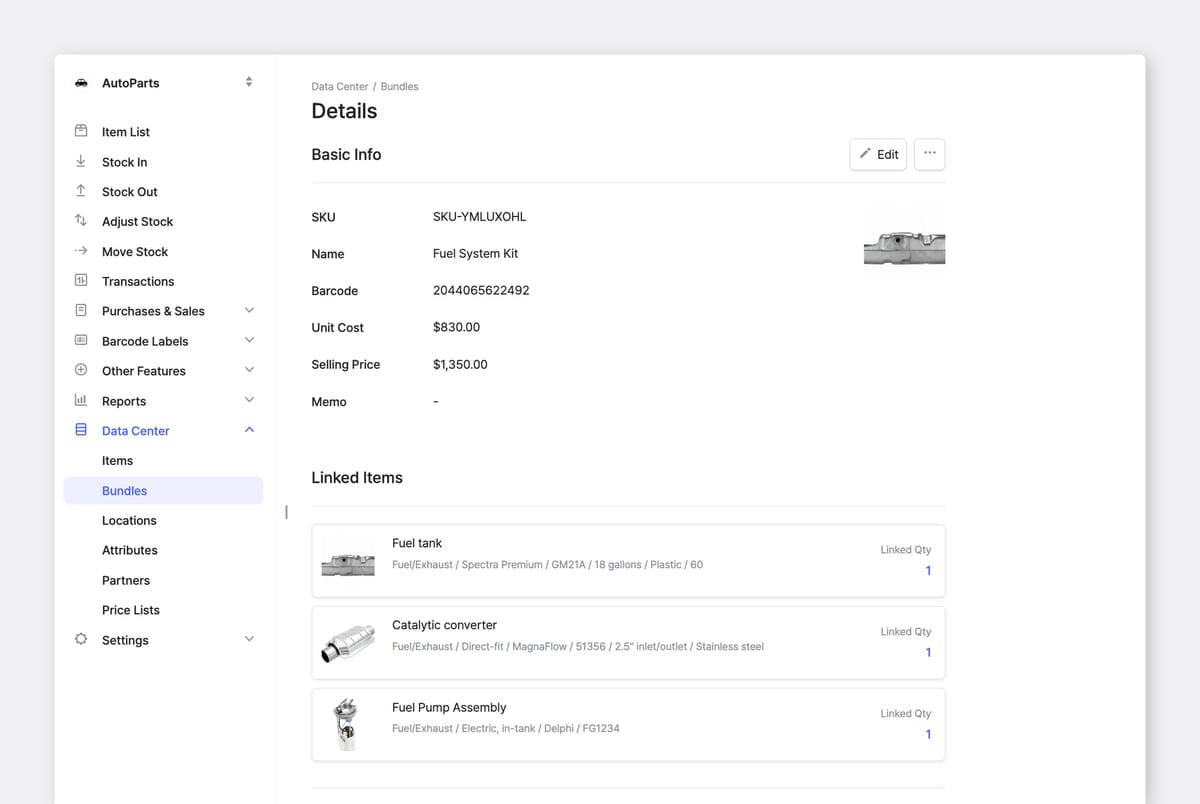
Setup takes 3 simple steps:
- Register the individual components as items, each with its own cost and price.
- Create the bundle under
Data Center>Bundles. Use BoxHero's auto-generate option to create the bundle's SKU and barcode in one click. - Link the component items to the new bundle.
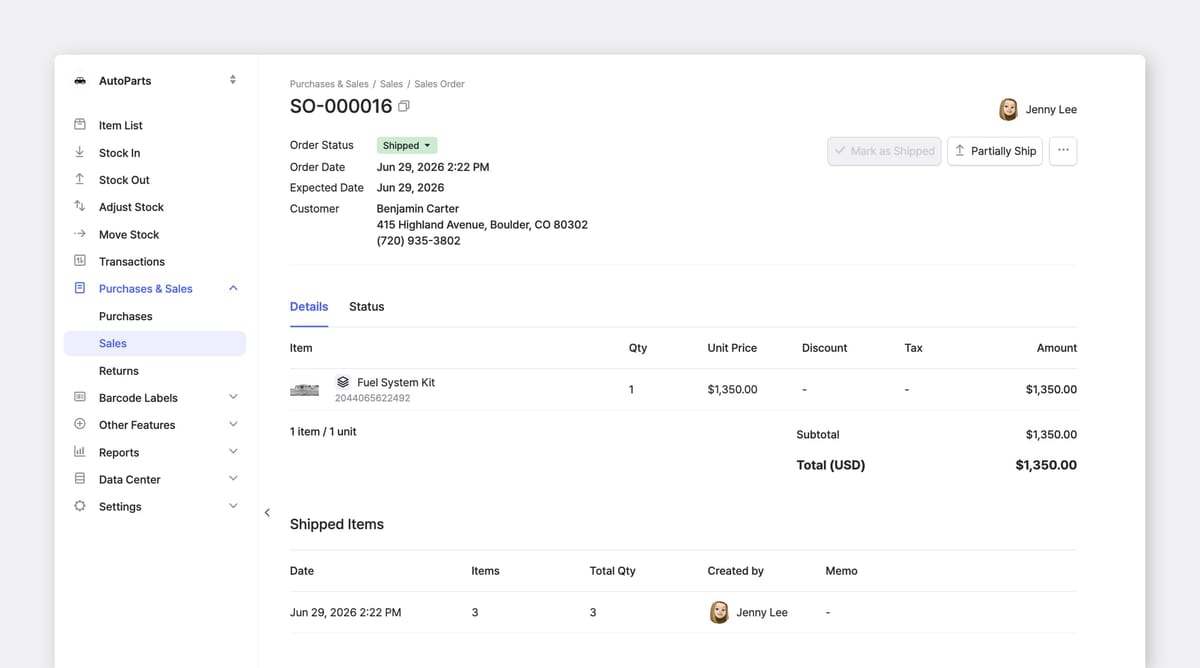
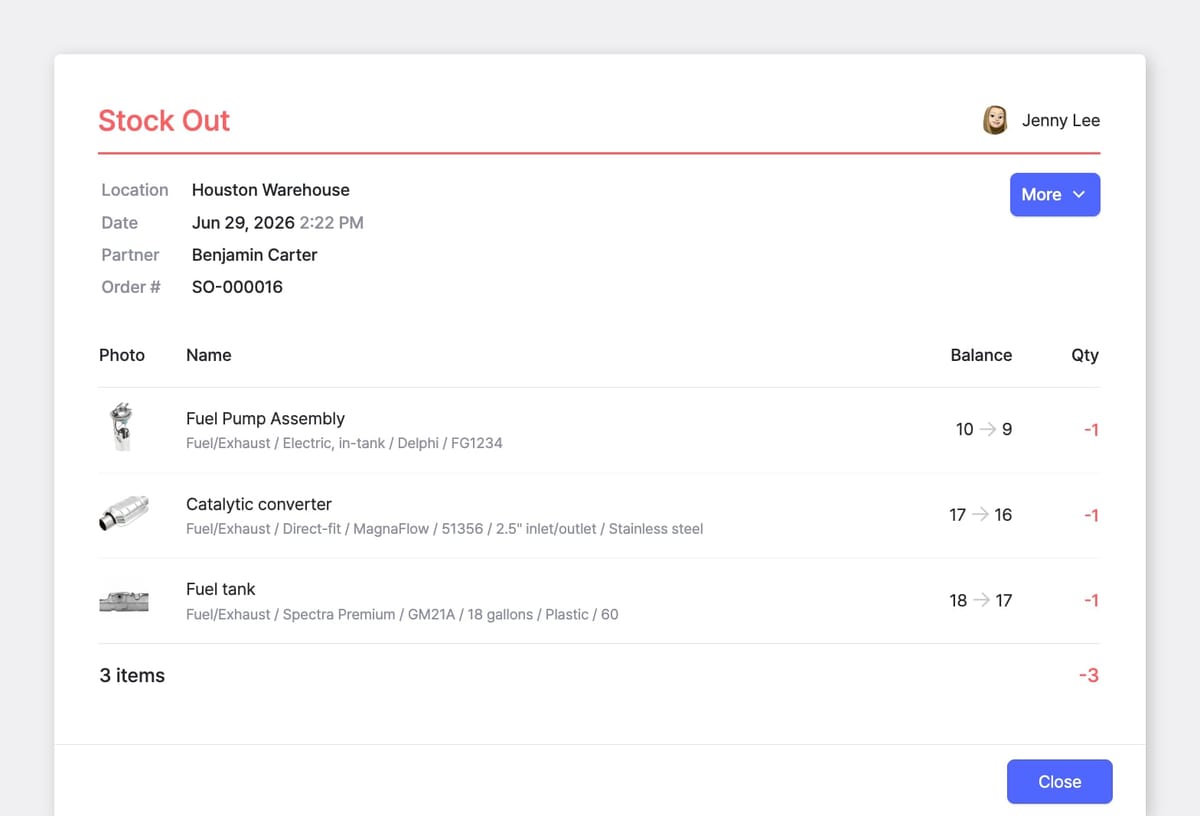
One kit sells as a single line, and its 3 components come out of stock on their own.
The simplest way in is to start with the two or three combinations you sell or build most often. Give each its own SKU, track the kit alongside its components, and add more once you can see the prep work paying back.
Try for free with BoxHero.
RELATED POSTS
 BoxHero
 Ahrom Yoo
 Oluniyi Akande