Construction Inventory: How Contractors Track Tools & Materials

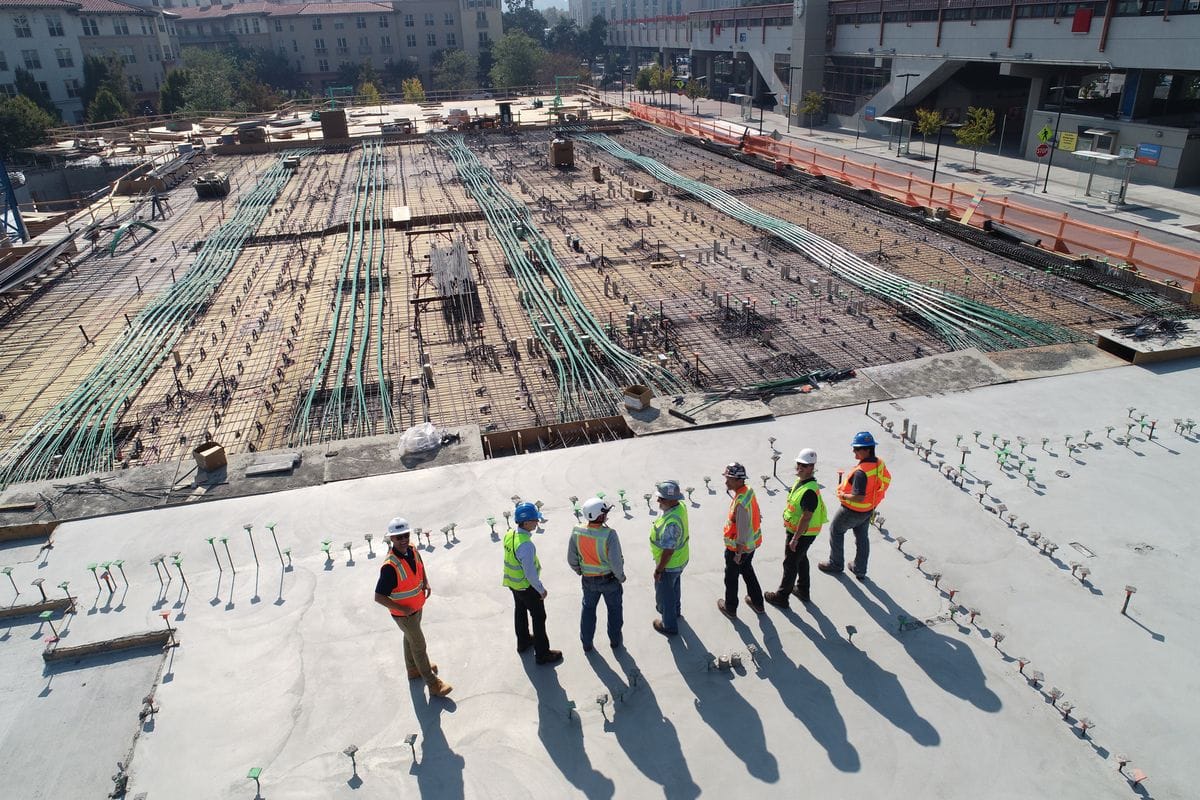
With construction inventory, materials move constantly between warehouses, service trucks, and active job sites. A single project can involve tens of thousands of items, from concrete and rebar to fasteners and specialty fixtures. Some supplies are stored outdoors, exposed to weather, and accessed by multiple subcontractors throughout the day.
For contractors, keeping track of materials and tools across multiple locations is daily challenge. Items move, crews rotate between sites, and deliveries don't always follow the plan. When materials are early, late, incomplete, or worse—not there—the entire project could get delayed.
This leads to a simple but important question: how do contractors keep track of materials across jobs, crews, and locations, and where do traditional inventory systems fall short?
Construction Inventory: What's the Issue?
Construction projects often span multiple locations simultaneously. Commercial builders move equipment between active sites, while residential contractors manage several remodels across a city. Each site needs different materials on different schedules, and inventory is always moving.
Timing creates additional problems. Materials are often ordered weeks or months ahead to reduce the risk of delays. When schedules shift (and they always do 🙄), those items sit longer than planned, leading to a higher risk of damage, loss, or misplacement.
Many construction teams still manage this process with paper clipboards and spreadsheets. Project managers walk sites with printed lists, mark deliveries by hand, and re-enter that info into Excel back at the office. But those spreadsheets become outdated once materials move between locations.
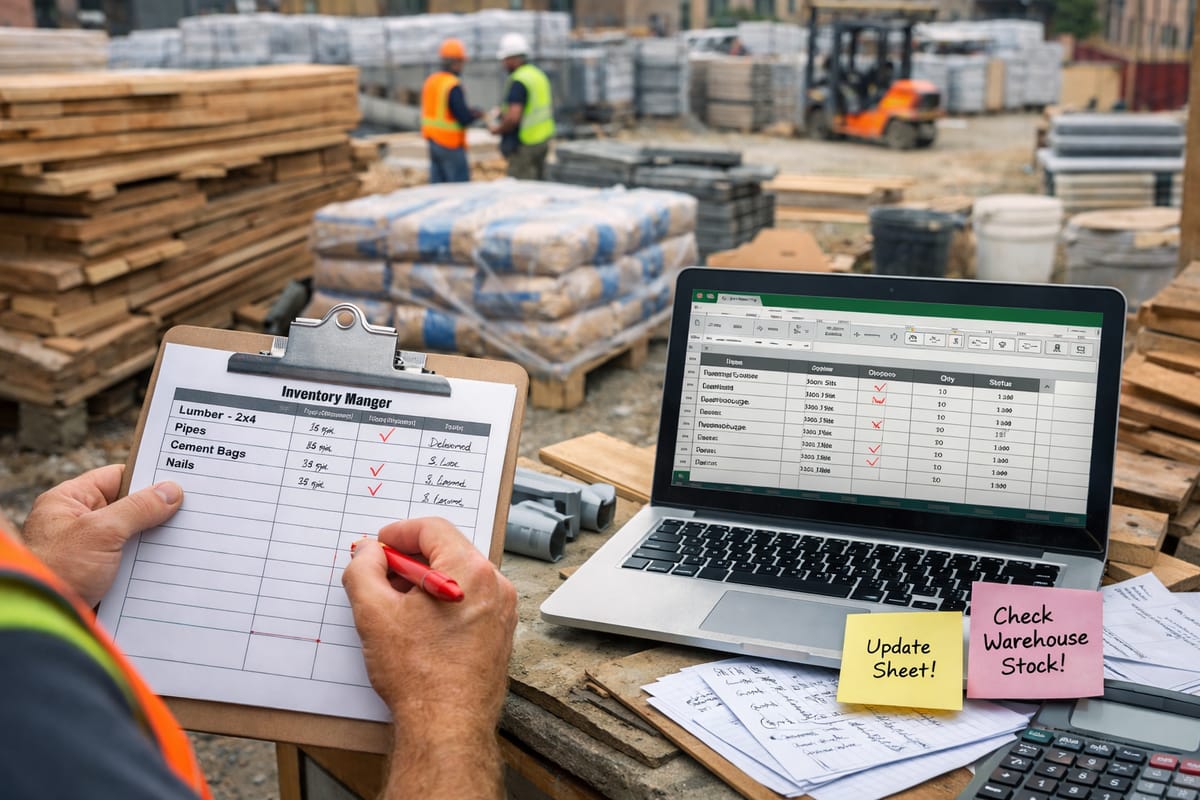
Last minute shortages lead to rushed orders and emergency trips to suppliers. By the time project costs are reviewed, these issues appear as unexplained overruns rather than specific inventory problems.
Understanding how inventory breaks down in construction starts with examining how materials are handled across job sites, warehouses, and trucks.
Job Site vs. Warehouse vs. Truck Inventory
Most contractors manage materials and tools across three primary locations: job sites, warehouses or yards, and service trucks. Each presents different conditions, risks, and inventory tracking requirements.

Job Site Inventory
Job site inventory consists of materials staged for active or upcoming work. This includes bulk materials delivered in phases, smaller components stored in trailers, and items placed near work areas for short-term access. Deliveries follow the project schedule and are staged based on available space.
Inventory on job sites changes frequently. Materials are repositioned as work progresses, and storage areas are shared across multiple trades. Without consistent tracking, it's difficult to know what materials are present, where they are stored, and which phase they are assigned to.
Job site inventory is also exposed. Materials stored outdoors or in temporary enclosures are subject to weather damage, site traffic, and repeated handling by multiple crews.
• Update records when materials are moved or consumed, not later.
• Capture photos to document quantities and material condition.
• Assign one person per site to record deliveries immediately against the correct project and location.
Warehouse Inventory
Warehouses and yards store bulk materials, backup stock, and items reserved for specific projects. These locations appear more controlled than job sites, but are prone to inventory discrepancies.
A common issue is the lack of separation between general stock and project-specific materials. When materials are not clearly assigned, inventory intended for one project might get pulled for another. A crew might need hinges for an emergency repair and grab them from shared warehouse stock. If they forget to record the transfer, recorded quantities won't match what's physically available.
As items get stacked behind newer deliveries, partial quantities get issued, and materials are relocated as space changes, the gap between recorded inventory and physical inventory grows over time.
• Separate general stock from project stock using clearly marked areas. Restrict access to project-specific stock where appropriate.
• Label storage areas clearly so materials are easy to identify.
• Verify inventory using regular cycle counts instead of full counts.
Truck Inventory
Service trucks act as mobile inventory locations. They carry tools, fittings, fasteners, and spare parts crews need everyday. Inventory levels vary by vehicle based on usage and restocking routines, but are often under-documented.
Materials get used on job sites, transferred between trucks, or left behind at the end of the day without being recorded. They're rarely tracked after loading, and as a result, inventory records fall out of sync with actual contents.
Inconsistent restocking contributes to this problem. Some trucks get replenished regularly, while others only get attention when something runs out in the middle of a job. Older materials remain onboard alongside newer stock, and undesired items (i.e. damaged, expired, or no longer needed) accumulate over time.
• Standardize stock lists so each truck carries a known set of items.
• Restock on a routine schedule and record inventory changes when items are used or transferred.
• Perform regular checks to keep records aligned (even a brief check-in at the end of the way works).
Best Practices for Construction Inventory
Once materials are spread across job sites, warehouses, and trucks, inventory comes down to a few consistent practices across locations and projects.
Teams that manage inventory well define clear ownership. Responsibility is assigned by location or category, so it's always clear who receives materials, updates records, and confirms quantities. Inventory counts also happen regularly in short, manageable intervals rather than as infrequent, disruptive audits.

➤ Location-based Tracking
Construction inventory without a location is incomplete. Knowing that an item exists does not help if you're not sure where it's physically stored.
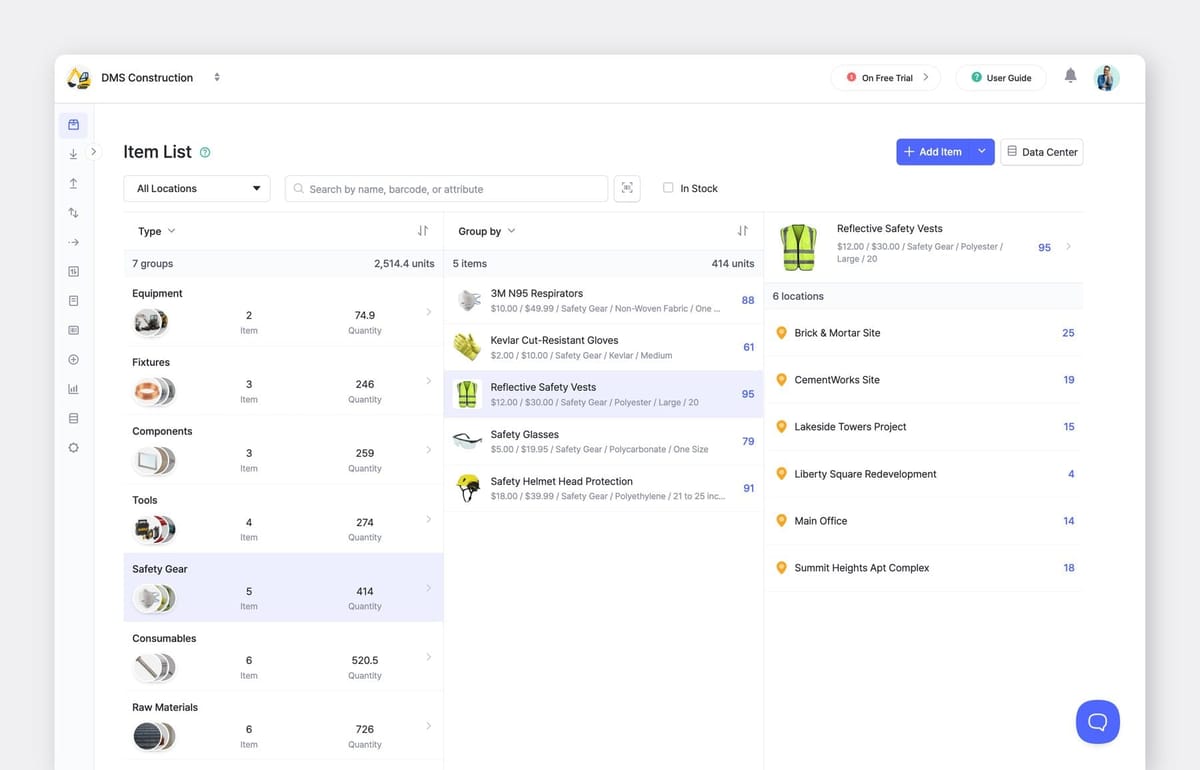
A part listed as “in stock” could be at a different site, inside a vehicle, or buried in warehouse storage. Location-based tracking keeps records aligned with how materials are actually used and moved during daily work. You know when and where tools and materials are as they move between job sites, warehouses, and trucks throughout a project.
➤ Regular Inventory Counts
Full physical inventory counts are difficult to perform during active projects. Crews are working, materials are in use, and schedules leave little room for shutdowns. As a result, inventory checks are often delayed or skipped altogether.
Teams that keep accurate inventory use smaller, more frequent counts. Job sites, warehouses, and trucks are reviewed separately, and items that move frequently are checked more often than slower-moving stock.
Digital inventory tools make this process easier to maintain. With BoxHero, quantities can be updated on-site using a mobile device, and counts can be completed by location without affecting other records.


Using BoxHero for Construction Inventory
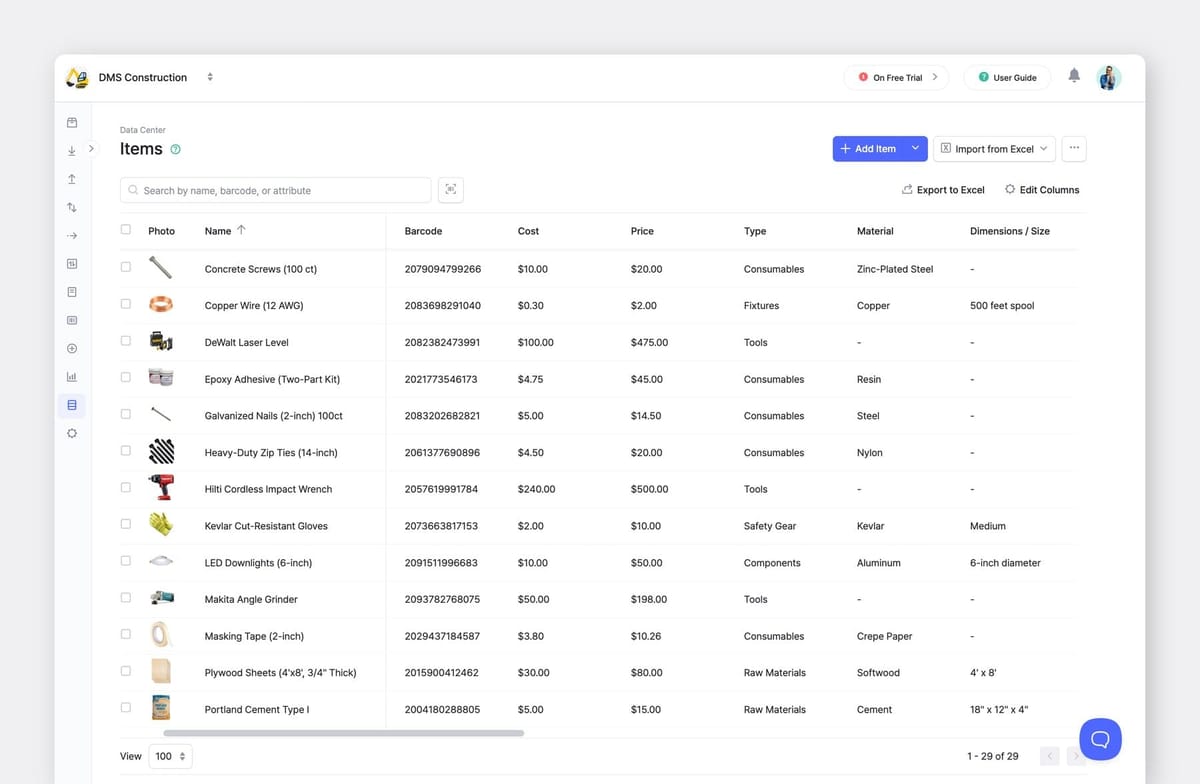
BoxHero is used by construction teams that want to track inventory consistently across job sites, warehouses, and trucks. It's built around items, attributes, and locations, reflecting the way contractors think about their tools and materials.
1. Location Tracking
Inventory in BoxHero is always tied to a specific location. Job sites, warehouses, and vehicles are tracked separately, so you can see where materials actually are, not just how many you have total.
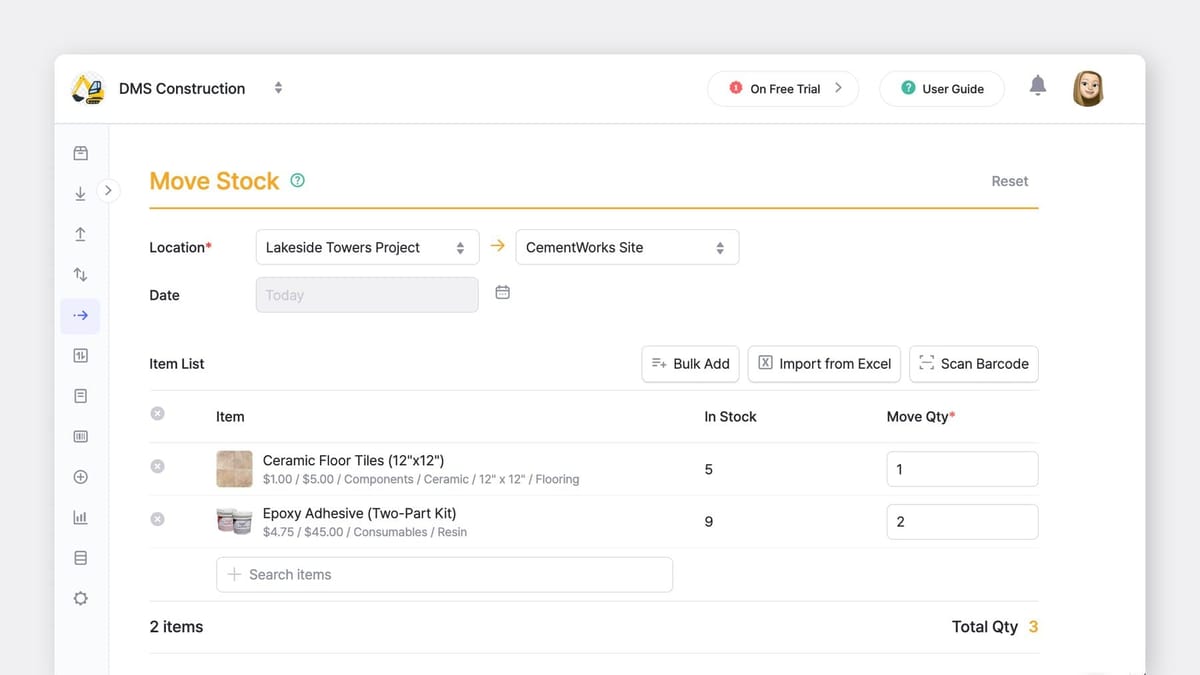
When items move between locations, record it as a Move Stock transaction to keep location data accurate. Before scheduling work, you can confirm materials are at the right site.
2. Inventory Counts
BoxHero also supports ongoing inventory checks without requiring a full shutdown. Teams can verify quantities by location, one section at a time.
Frequently used items can be checked weekly, while slower-moving stock can be counted monthly or quarterly. Breaking counts into smaller, location-based sections makes them manageable to complete regularly instead of putting them off until year-end.
 BoxHero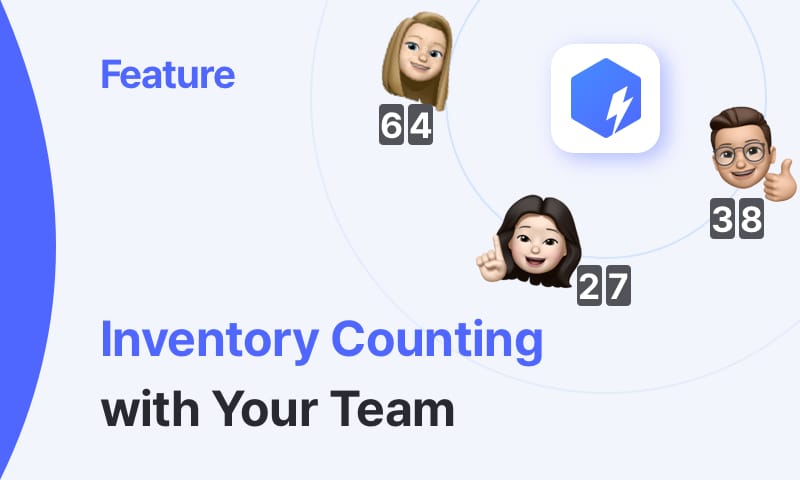
3. Item Attributes
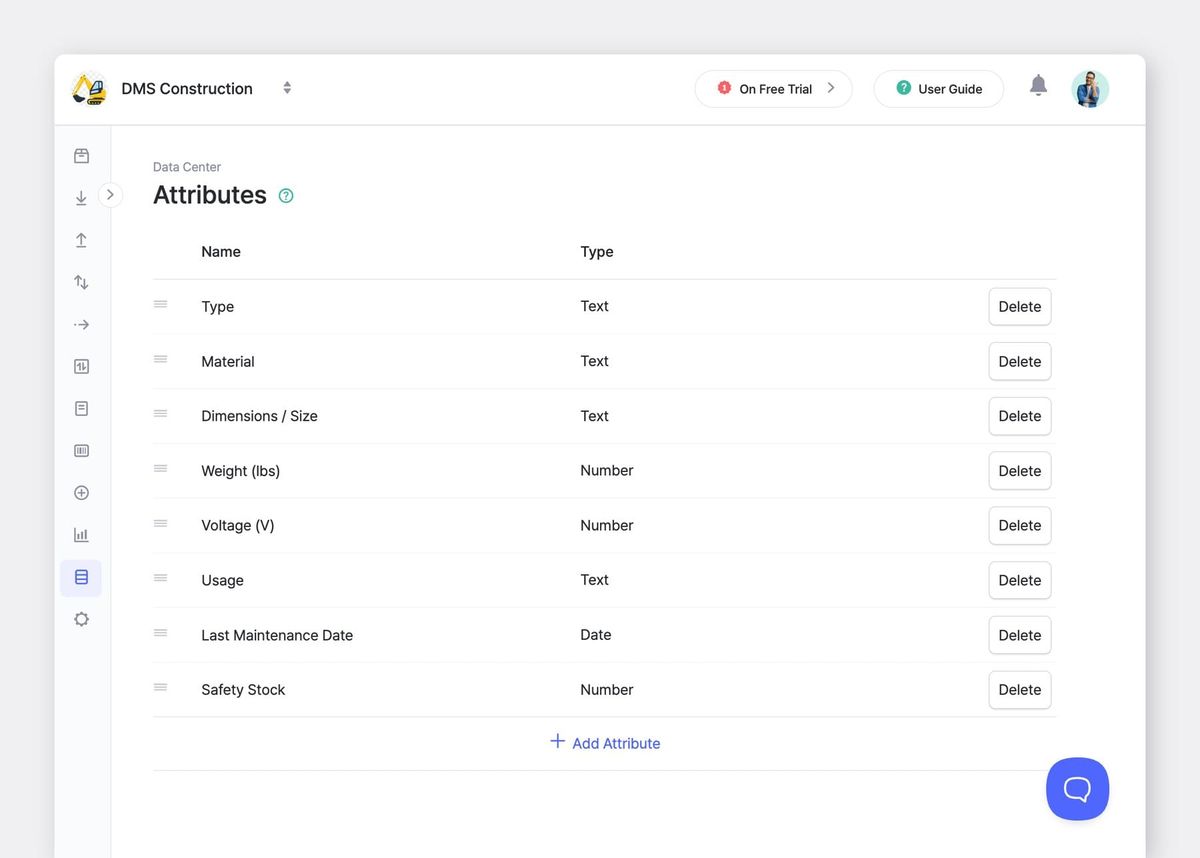
Attributes are custom fields that let you record details beyond basic item names and quantities. Construction teams use attributes to track material type, dimensions, weight, voltage, intended usage, or last maintenance date.
- For tools and equipment, attributes help track service intervals and condition.
- For materials, they help distinguish between similar items that serve different purposes (e.g., 2x4 studs vs. 2x4 blocking).
4. User Roles & Responsibilities
BoxHero supports shared access across teams through role-based permissions. You can limit who can edit inventory while allowing others to view availability to prevent prevent accidental changes.
Photos and notes add context around material condition, storage details, or delivery information, which is useful when materials are staged temporarily or accessed by multiple crews who need to know what's usable and what's damaged.
 Nahi Kim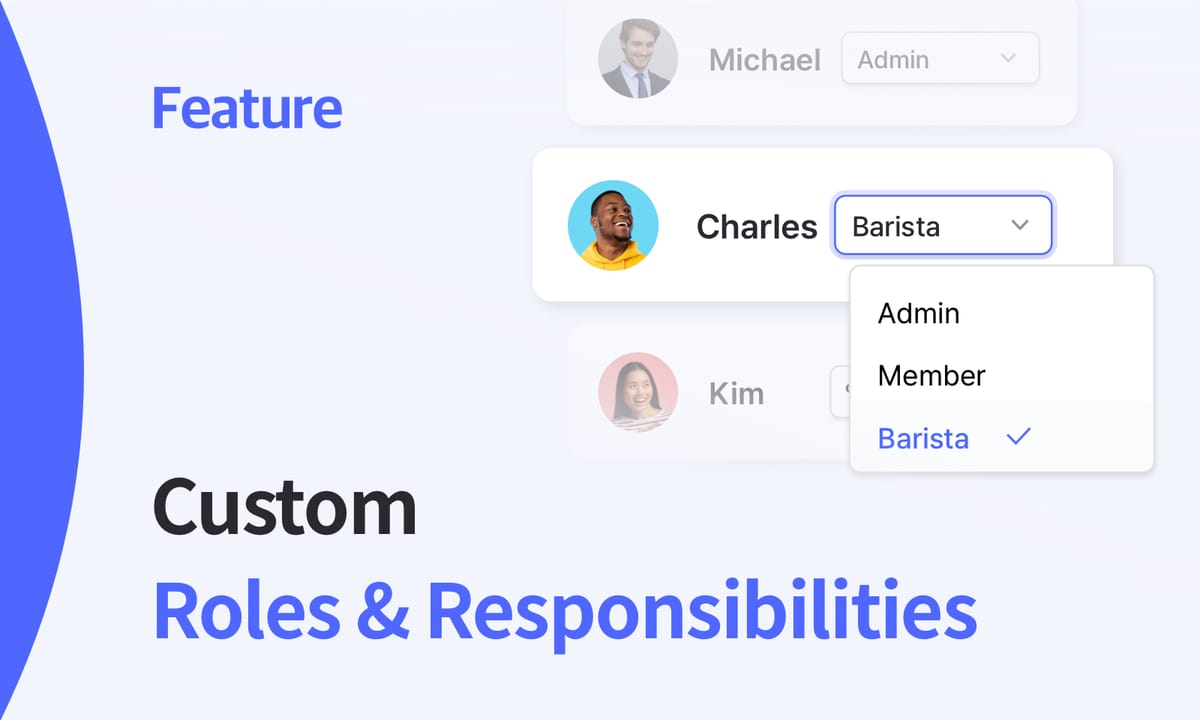
5. Real-Time Updates
Inventory updates can be made from the field using a mobile device. Crews adjust quantities when materials are used, transferred, or restocked.
Inventory records stay current during active projects instead of getting updated days later (when someone has time to sit down at a computer). Your team data syncs in real time across all locations, so office staff and field teams get to work from the same information.

Summary
Construction inventory will always be a little messy—literally and figuratively. Materials move constantly. Weather causes damage. Subcontractors pull supplies and schedules change. These challenges are part of the work, but they become manageable with proper inventory tracking.
Location-based tracking, regular counts, and mobile updates make this possible. Contractors who track inventory properly waste less time searching, make fewer emergency runs, and catch problems before they turn into budget overruns.
BoxHero supports all of these practices with powerful features. Track items in multiple locations and update your inventory off-site. Run counts by section and set user permissions so the right people have access. It all starts here.
RELATED POSTS
 BoxHero
 Nahi Kim
 BoxHero