Why Duplicate Purchase Orders Happen (And How to Prevent Them)

Duplicate purchase orders (POs) are one of the most common—and expensive—inventory mistakes a purchasing team can make. They lock up cash in stock you didn't need, pile extra work onto receiving and accounts payable, and leave everyone asking the same question: "How did we order this twice?"
Often the problem isn't poor communication or bad inventory data. It's that buyers make reorder decisions based only on what's currently in stock, without accounting for what's already on the way.
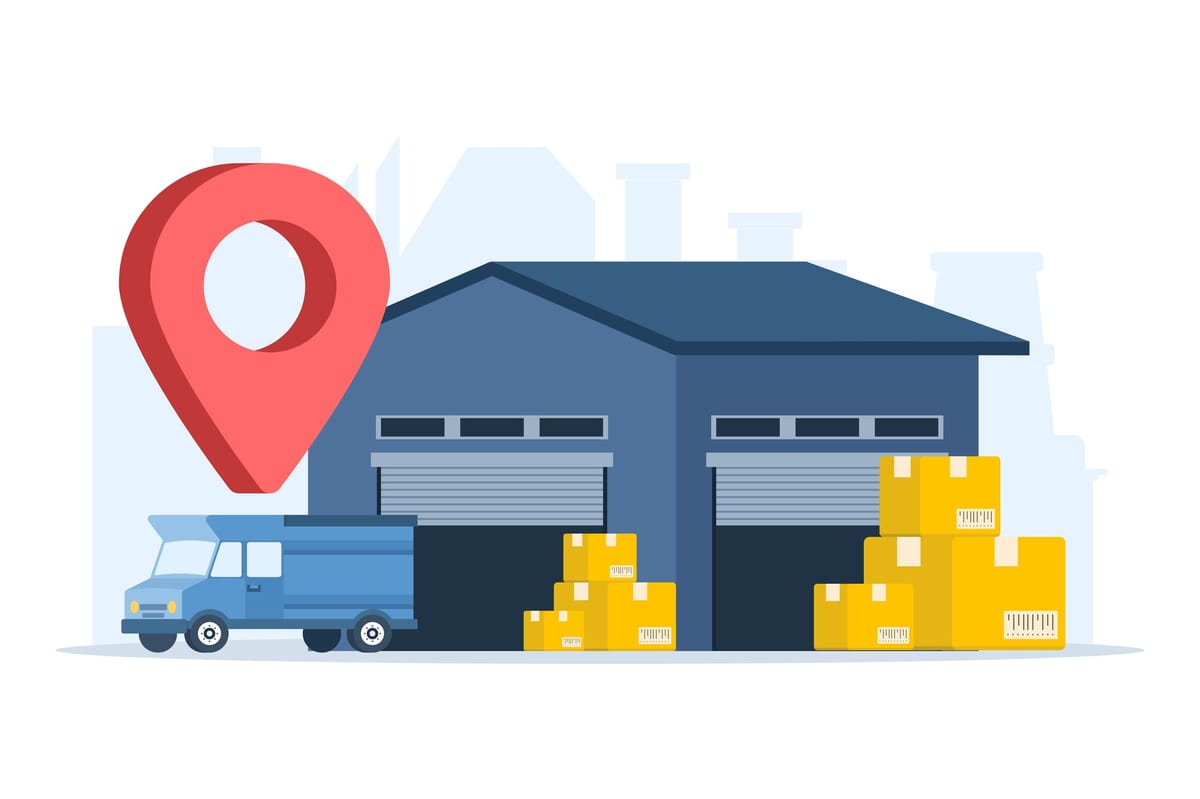
On-hand quantity tells you what's physically available right now. On-order quantity is what a supplier has confirmed but hasn't delivered yet.
Together, these two figures have a name: inventory position. Getting your team to reorder against it (instead of against on-hand alone) is the single most effective way to stop ordering the same items twice.
The number purchasing actually needs
On-hand quantity is genuinely useful. It's the right number for picking orders, running stock counts, and valuing inventory. But the moment you're deciding whether to reorder, on-hand only tells part of the story.
The number that answers the reorder question is inventory position, which combines current stock with what's already on the way, while accounting for stock that's already committed to customers.
= On-hand + On-order − Allocated stock − Backorders
Quick Example
Suppose you have:
- On-hand: 18 units
- On-order: 100 units
- Allocated to sales orders: 8 units
- Backorders: 0 units
Your inventory position is 110 units (18 + 100 − 8 − 0).
Looking only at the 18 units on hand, it feels like time to reorder. But if you factor in the 100 units already on the way, it's obvious that another purchase order isn't needed.
This is exactly how duplicate purchase orders happen. The inventory count was accurate, but it wasn't the complete picture.
Inventory position tells you whether you need to reorder. Supplier lead time tells you when to place the order so new stock arrives before you run out.
On-hand inventory isn't always accurate
Relying on on-hand quantity alone is risky for another reason: it isn't always perfectly accurate.
A recent in the Journal of Business Logistics examined inventory record inaccuracies across roughly 24,000 SKUs in 11 grocery stores. Records frequently differed from the physical inventory available—especially for products with high inventory levels, frequent replenishment, and short shelf lives.
That means buyers may already be making purchasing decisions using inventory data that's less than perfect. If they also can't see inventory that's already on order, the risk of unnecessary or duplicate purchase orders becomes even greater.
While keeping inventory records accurate is important, that alone doesn't prevent duplicate orders. Buyers also need to know about confirmed purchase orders so replenishment decisions run on inventory position rather than on-hand quantity.

What duplicate purchase orders actually cost
Duplicate orders don't just create extra inventory. They tie up cash, increase storage costs, and create more work for receiving and accounts payable.
For scale: IHL Group's 2025 inventory distortion study estimates that retailers worldwide lose around $1.73 trillion a year to overstocks and out-of-stocks. While duplicate purchase orders are only one cause of overstock, they're one of the easiest to prevent.
The same issue often carries over into finance. Duplicate POs increase the risk of duplicate invoices and duplicate payments, creating unnecessary work for accounting teams and suppliers alike.

5 ways to prevent duplicate purchase orders
1. Always create purchase orders from your item master
Instead of typing product names manually, select items from your inventory records using their SKU, barcode, or another unique identifier. This avoids duplicate or inconsistent product names that can make the same item appear multiple times. Choosing products from your item master helps prevent errors.
- Abbreviations and units: "16 oz Water Bottle" vs. "16-Ounce Water Bottle"
- Word order: "T-Shirt, Blue, Large" vs. "Large Blue T-Shirt"
- Punctuation and spacing: "HDMI Cable 6ft" vs. "HDMI-Cable 6 feet"
2. Check inventory position before reordering
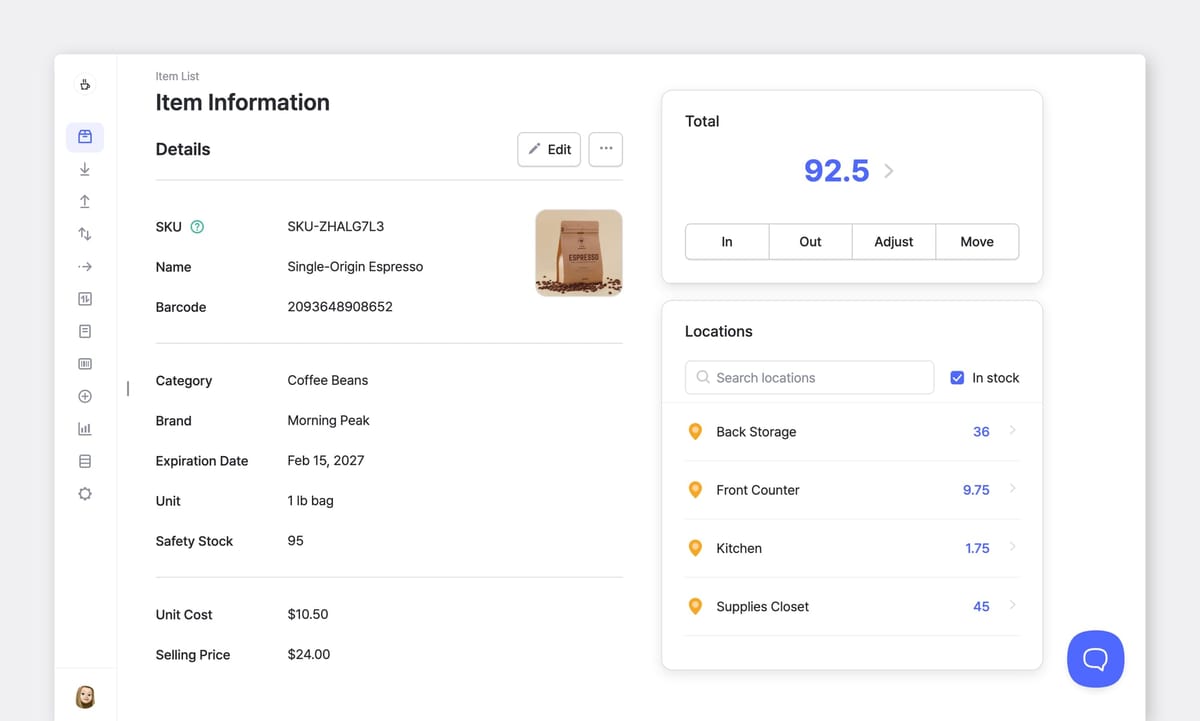
Before creating a purchase order, look at three numbers together:
- Current on-hand inventory
- Inventory already on order
- Inventory already committed to customers
Seeing them side by side is what tells a buyer whether a reorder is actually needed.
3. Keep purchase order statuses up to date
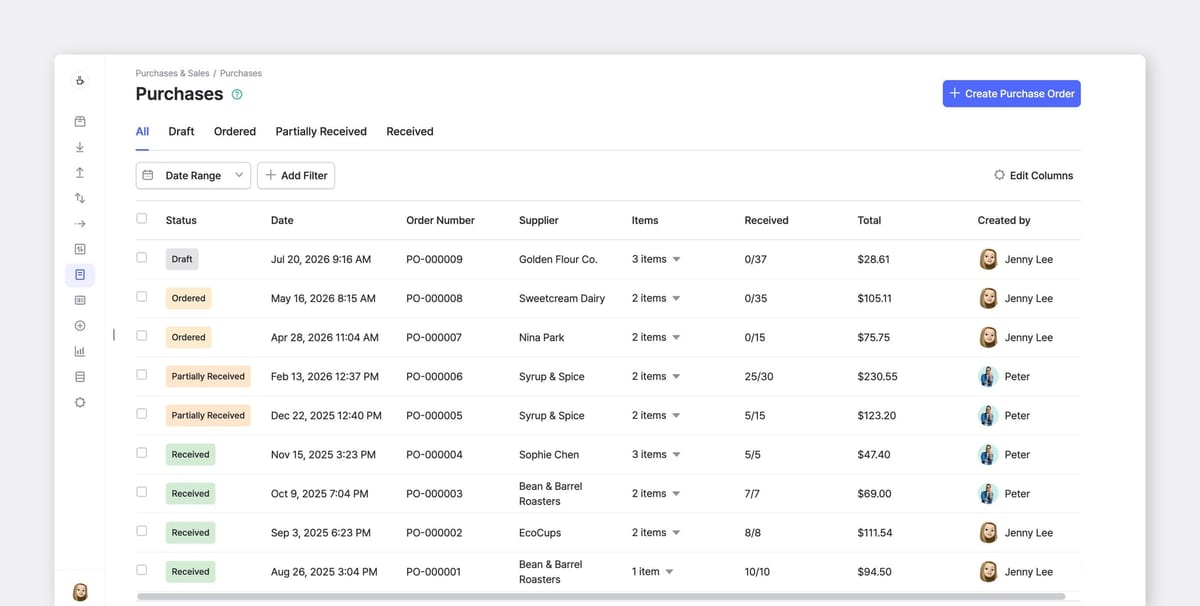
Every purchase order should clearly show whether it's pending (ordered), partially received, or received.
Partial deliveries are especially easy to overlook. If a purchase order for 100 units has only delivered 80, the remaining 20 units should still be counted as inbound inventory.
4. Review overdue purchase orders regularly
Old purchase orders can create the opposite problem.
If an overdue PO stays open long after it should have arrived, your inventory position may incorrectly assume those units are still coming, delaying a reorder that's actually needed.
5. Base reorder decisions on inventory position
Reorder points should be compared against inventory position, not just on-hand inventory. A typical reorder point is calculated as:
= (Average daily usage × Lead time) + Safety stock
When inventory position falls below that threshold, it's time to reorder. Comparing the reorder point to on-hand inventory alone increases the chance of placing duplicate purchase orders.
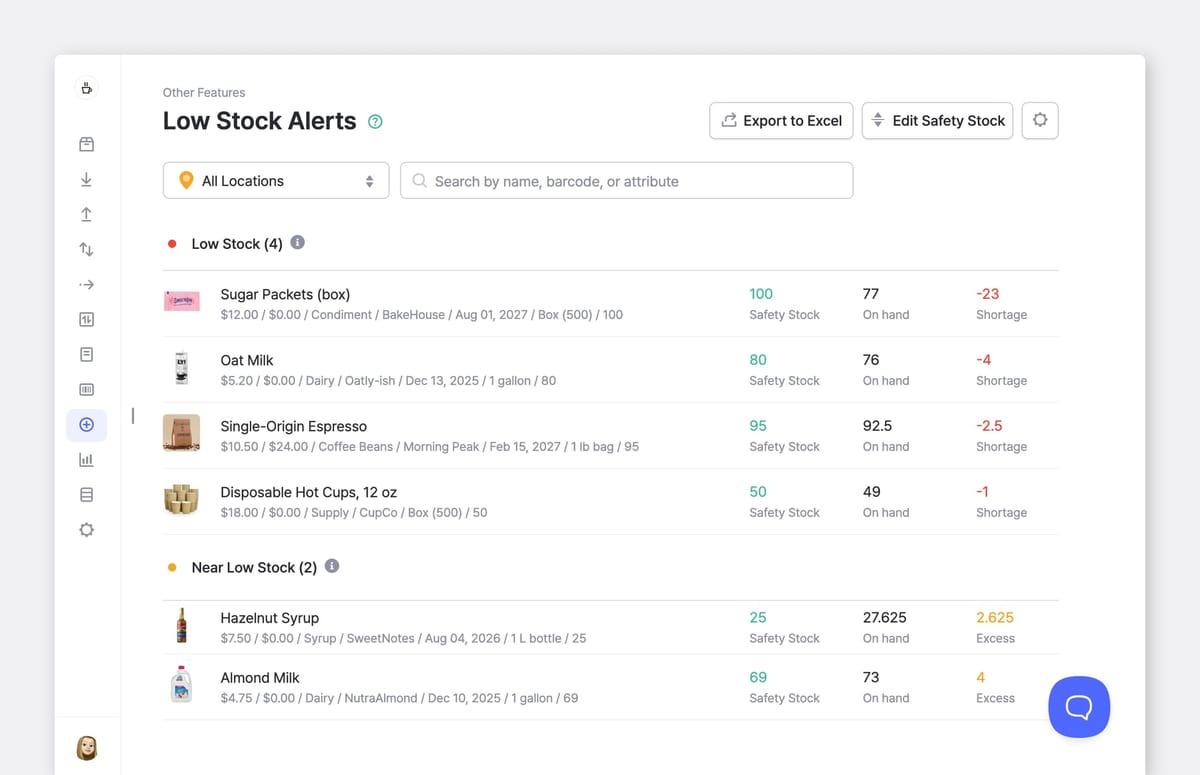
Keep purchase orders and inventory in sync
Most of these problems trace back to one root cause: buyers and inventory records working from different information.
BoxHero connects purchase orders with your inventory records, so buyers always work from the same system. Purchase orders are created using registered inventory items, eliminating manual item entry and keeping SKUs consistent. Each PO tracks its receiving status — Draft, Ordered, Partially Received, or Received — and inventory levels update automatically as items are received.
If you're reviewing your purchasing workflow, start with your open purchase orders. Every quantity on that list represents inventory you've already committed to buying; it's the fastest place to catch an order before it becomes a duplicate.
RELATED POSTS
 Oluniyi Akande
 Ahrom Yoo
 Heehong Moon