Beta Release: Custom Analytics
We’re opening up a new way to work with your BoxHero data. Our upcoming Custom Analytics feature is now available in beta.
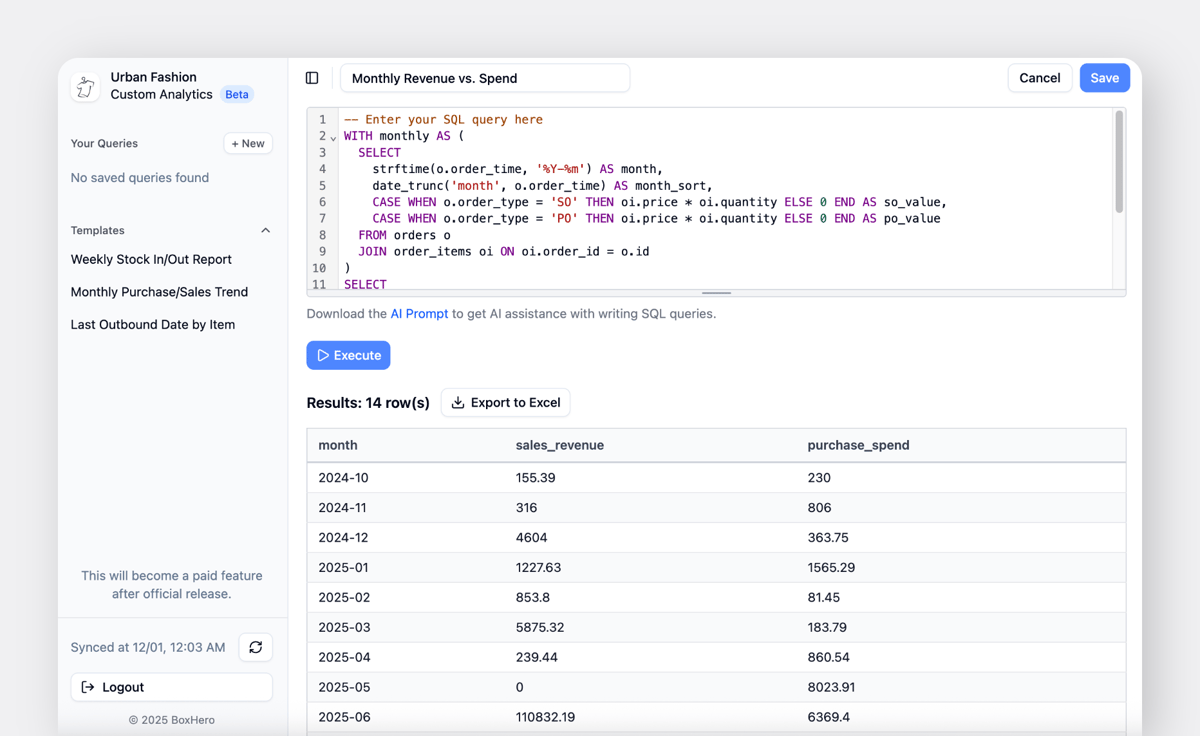
This update lets you query and analyze your data using SQL. You can pull details that were hard to check in the existing Inventory Reports view and create custom reports that match the way your team works. You can save the reports you use most and access them with your team whenever you need them.
Feature Overview
- Use SQL to query the exact data you need
- Set conditions using items, attributes, prices, dates, partners, and other fields
- Save multiple reports and revisit them anytime
- Export results to Excel for additional analysis or reporting
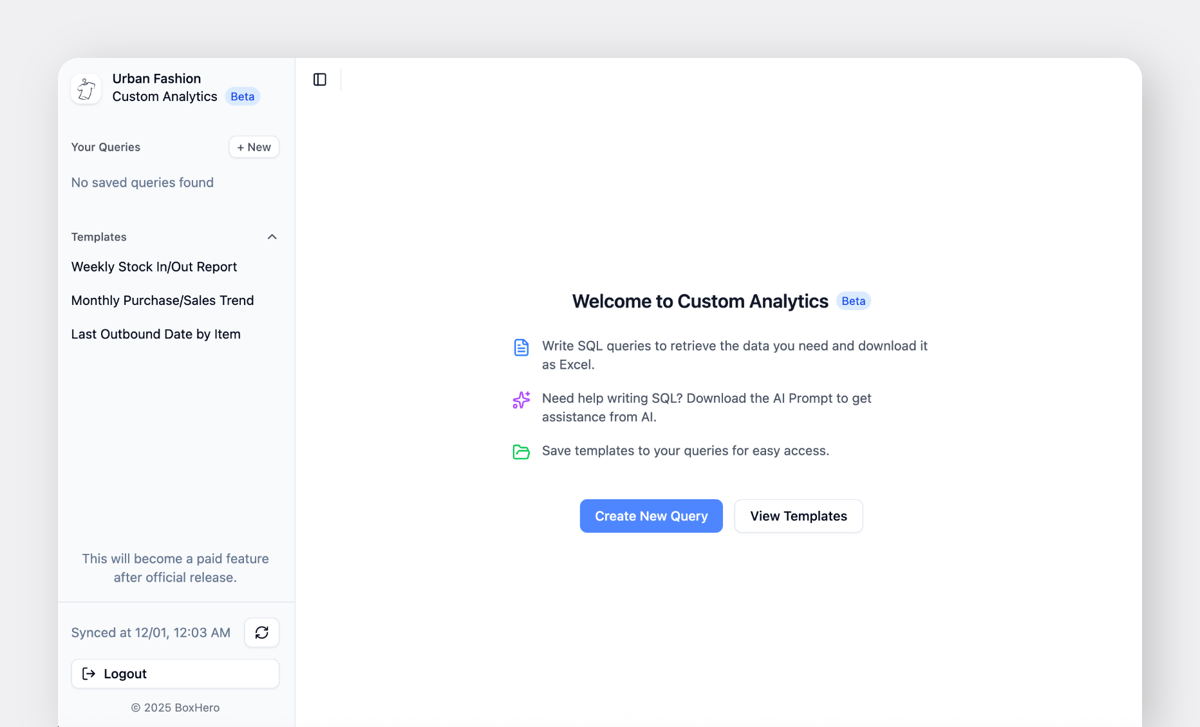
If you’re not familiar with SQL, you can generate queries using AI tools like ChatGPT or Perplexity and run them in BoxHero. With this feature, you can check data such as:
- Last Outbound Date by Item
- Weekly Stock In/Stock Out Trends
- Monthly Purchase and Sales Activity
- Partner-level Purchase and Sales Summaries
- Stock In/Stock Out Statistics by Team Member
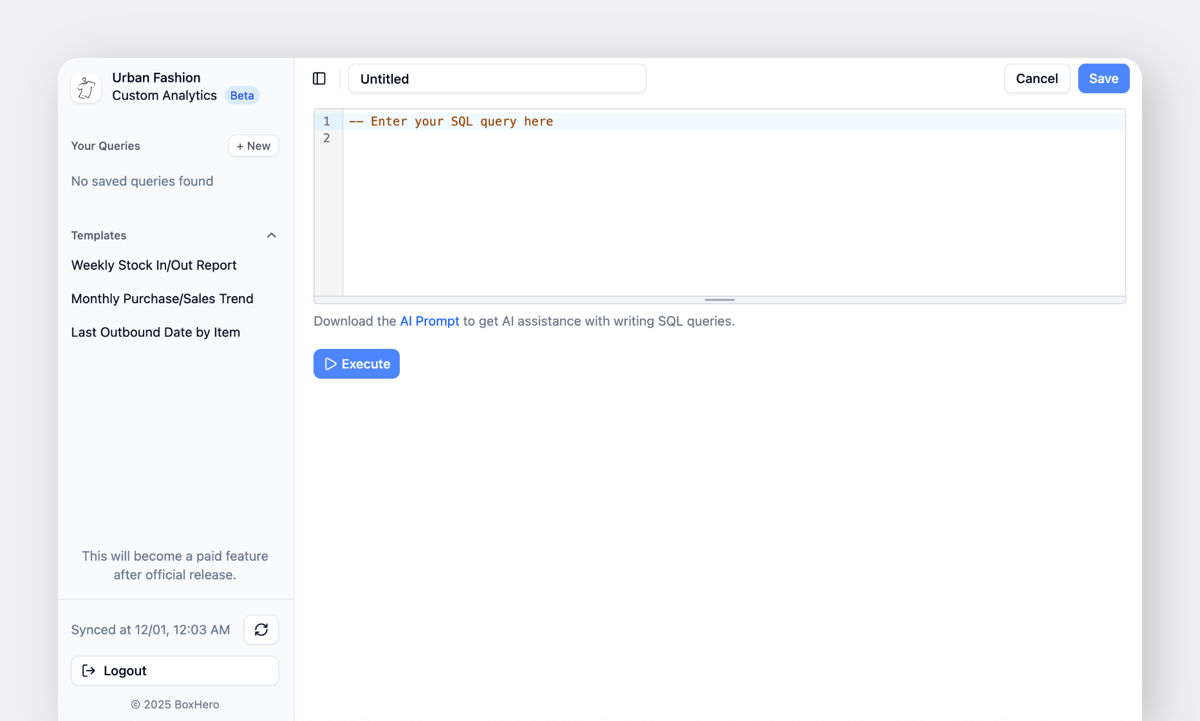
Try It Out
You can find setup instructions in our User Guide below. If you have feedback or want to report an issue, reach out anytime at support@boxhero.io.


RELATED POSTS
 Nahi Kim
 Heehong Moon
 Nahi Kim