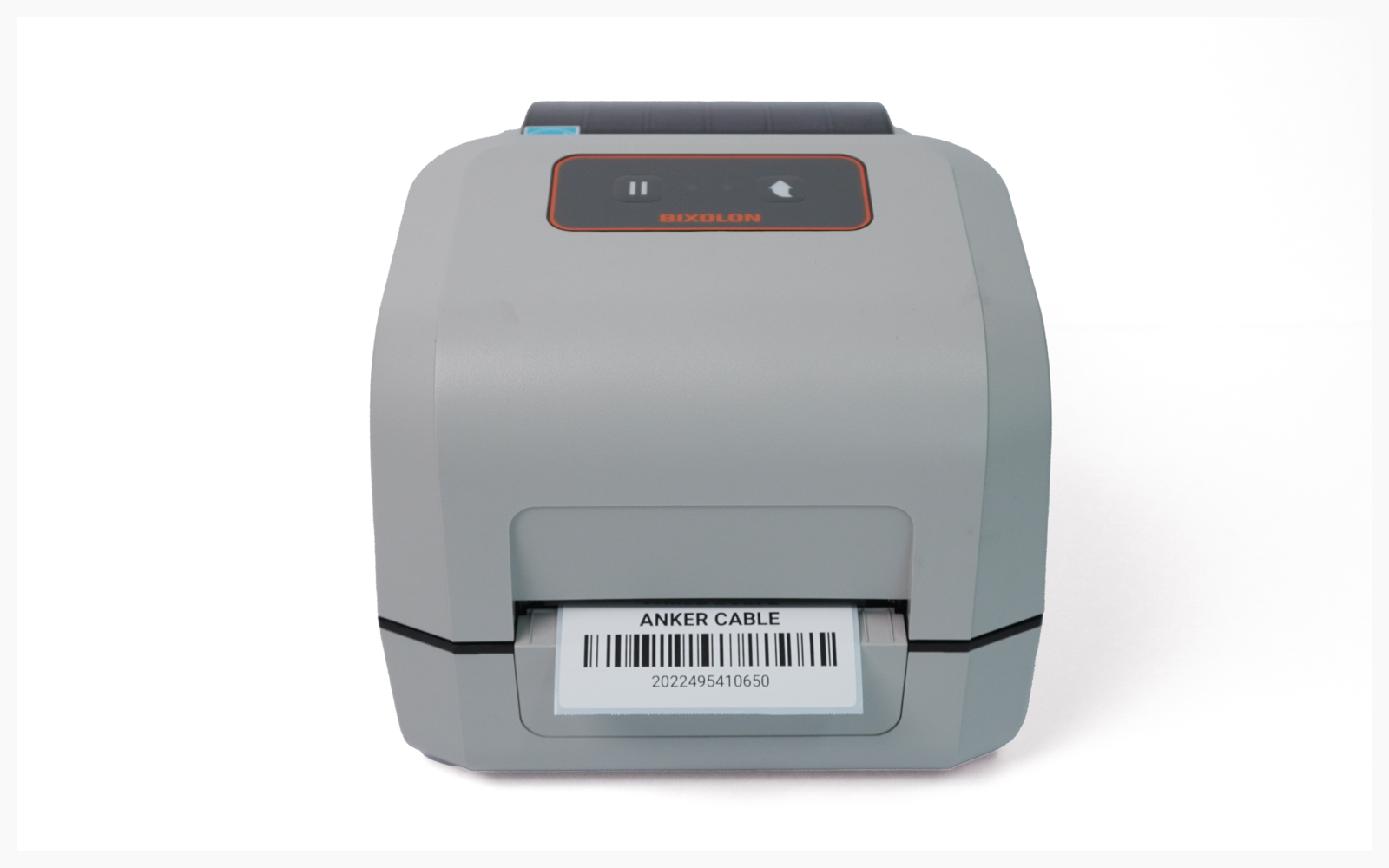
Desktop Printing
How to print from your computer once the BIXOLON XD5-40 is set up.
이 콘텐츠는 아직 번역되지 않았습니다.
I. Driver Installation
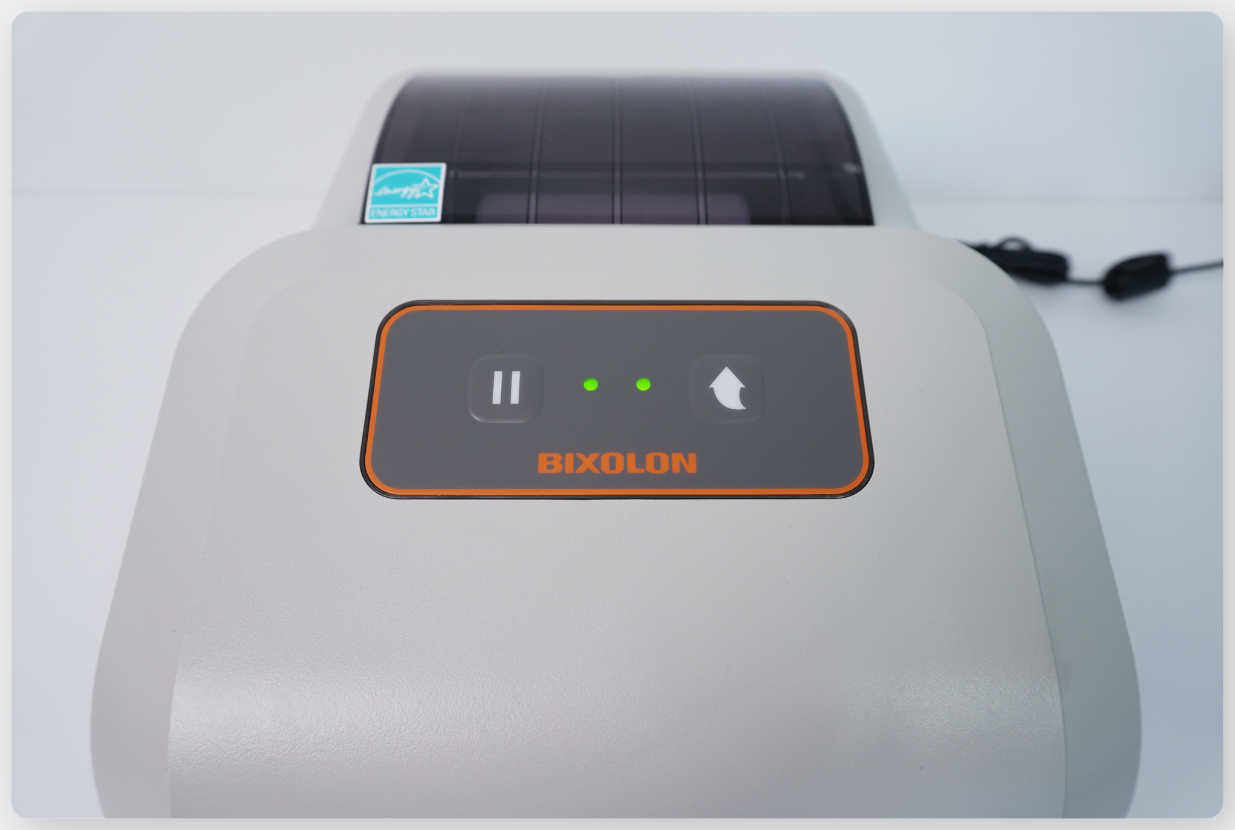
Section titled “I. Driver Installation”Connect the USB cable between the label printer and your PC.
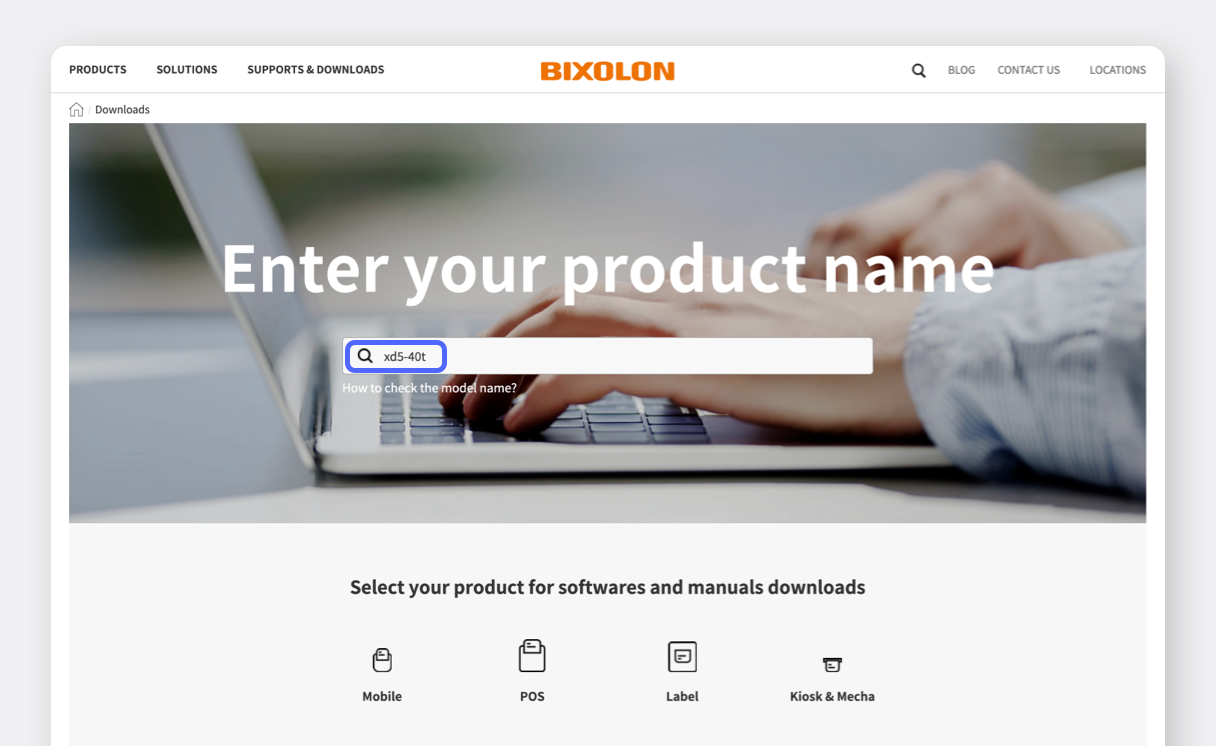
Download the Windows driver from the BIXOLON official website.
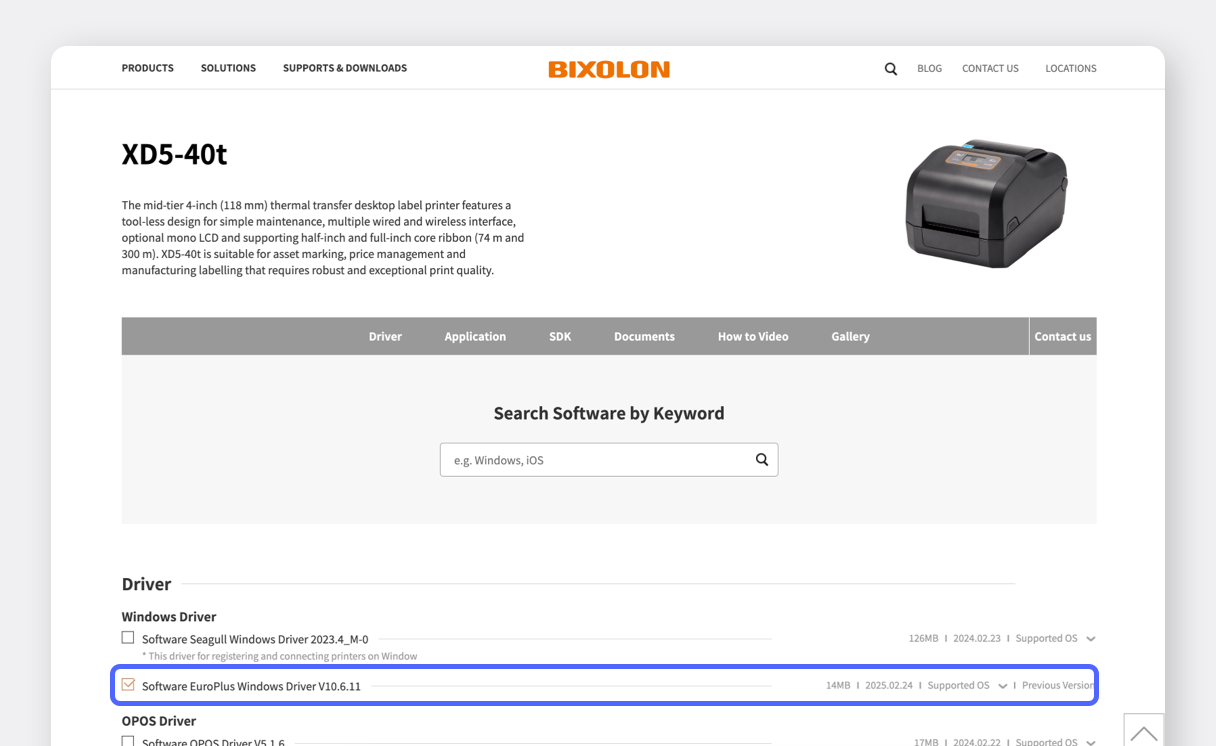
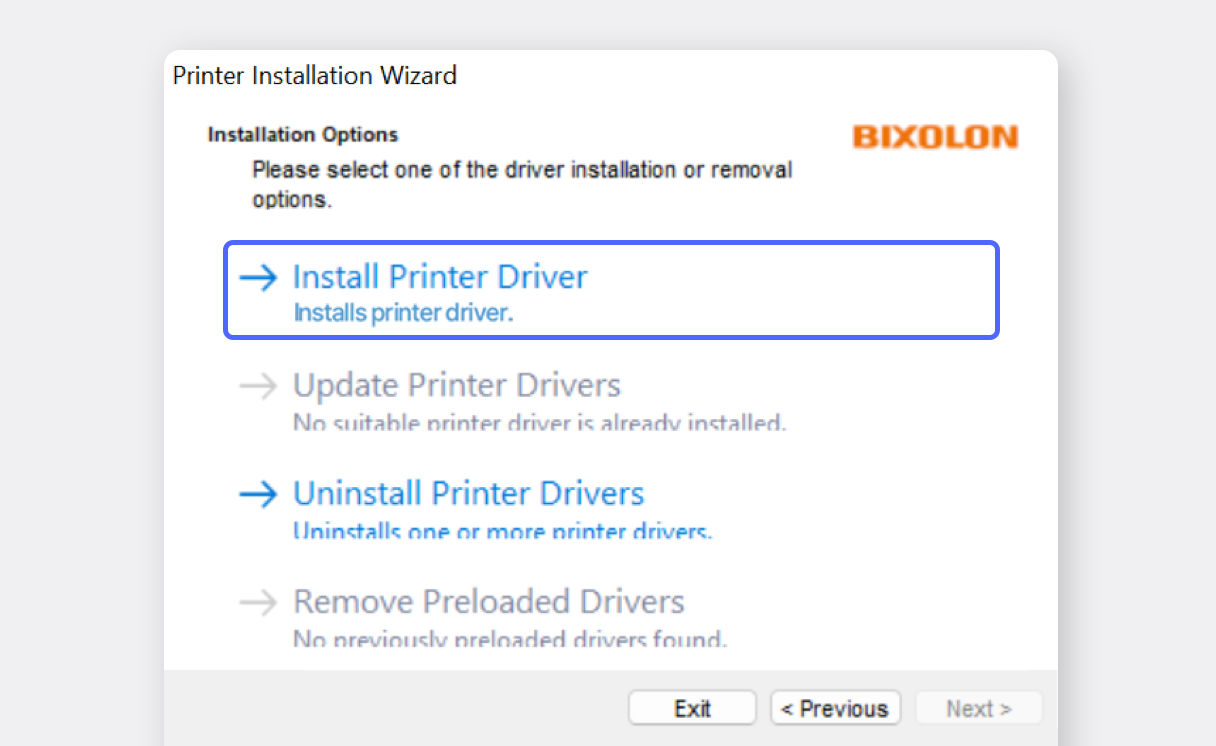
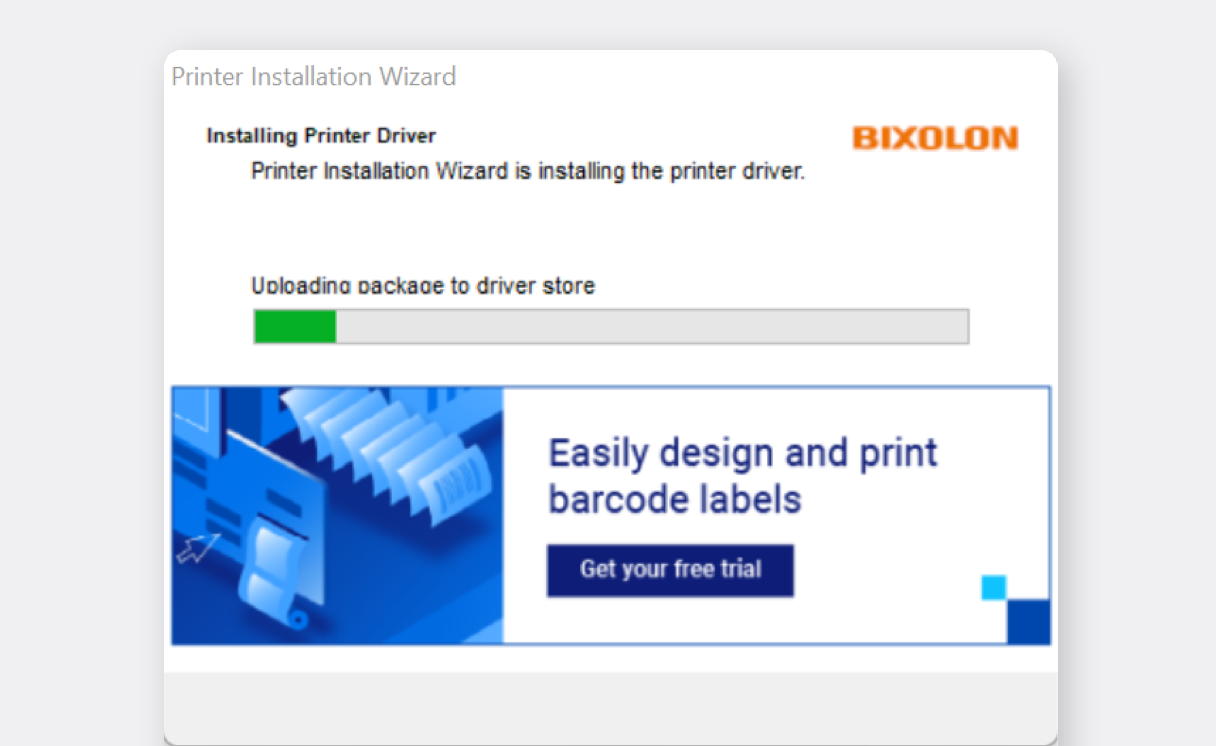
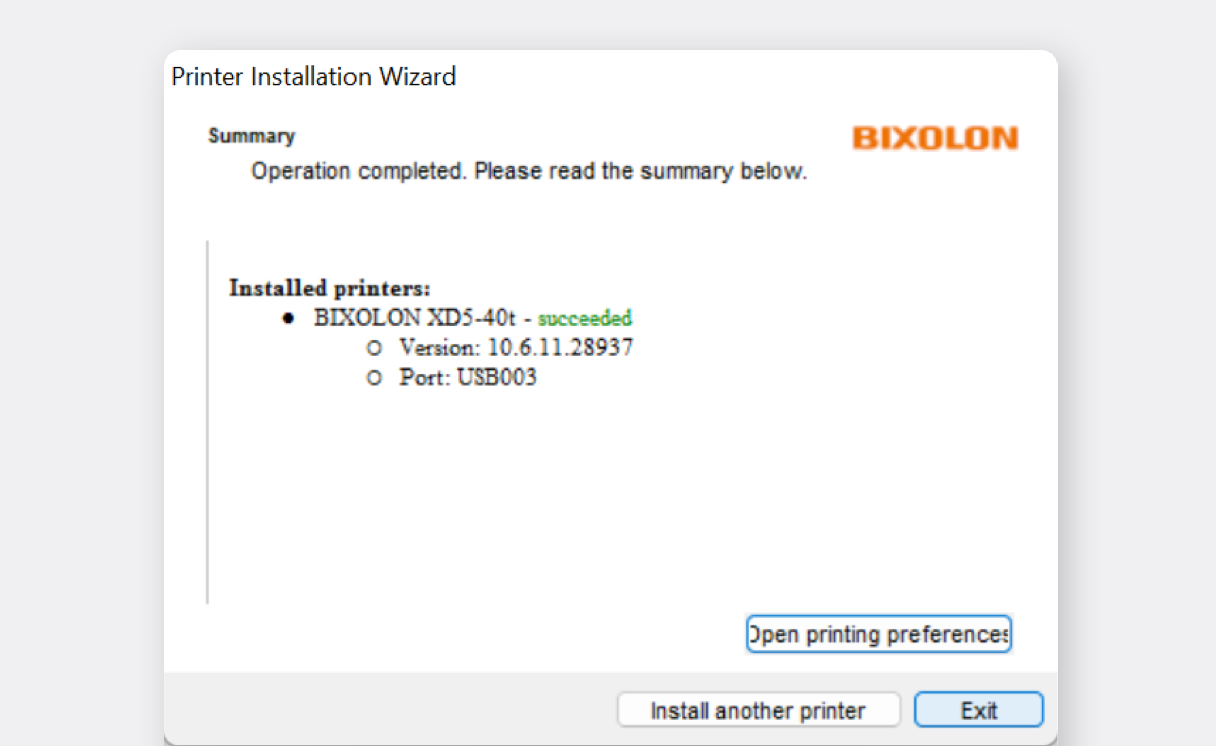
Now you need to set the paper size in the printer settings. Go to
Bluetooth & devices>Printers & scanners.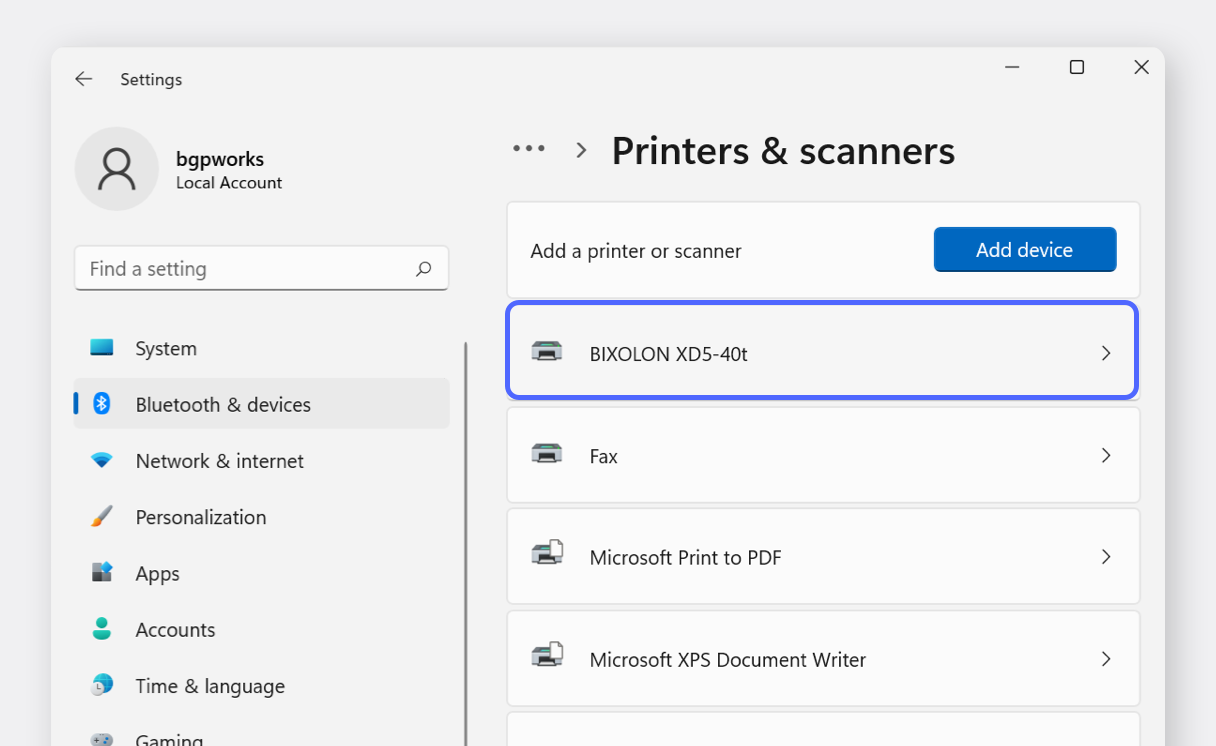
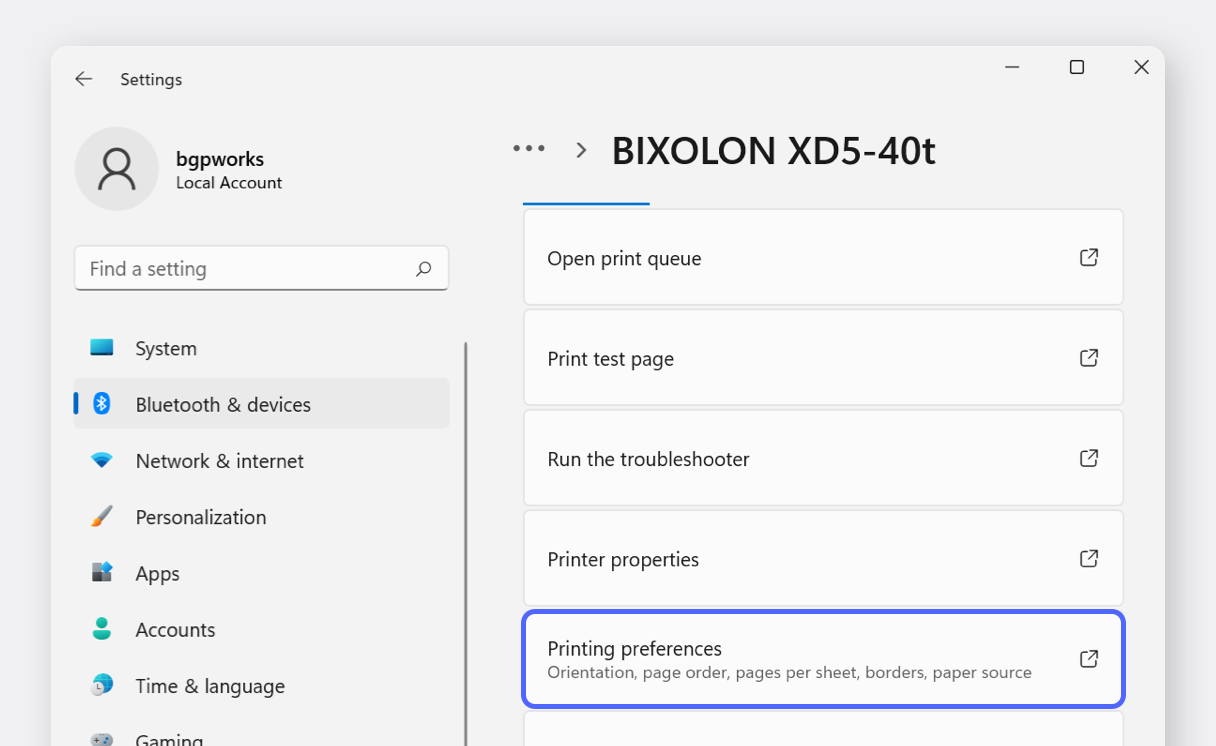
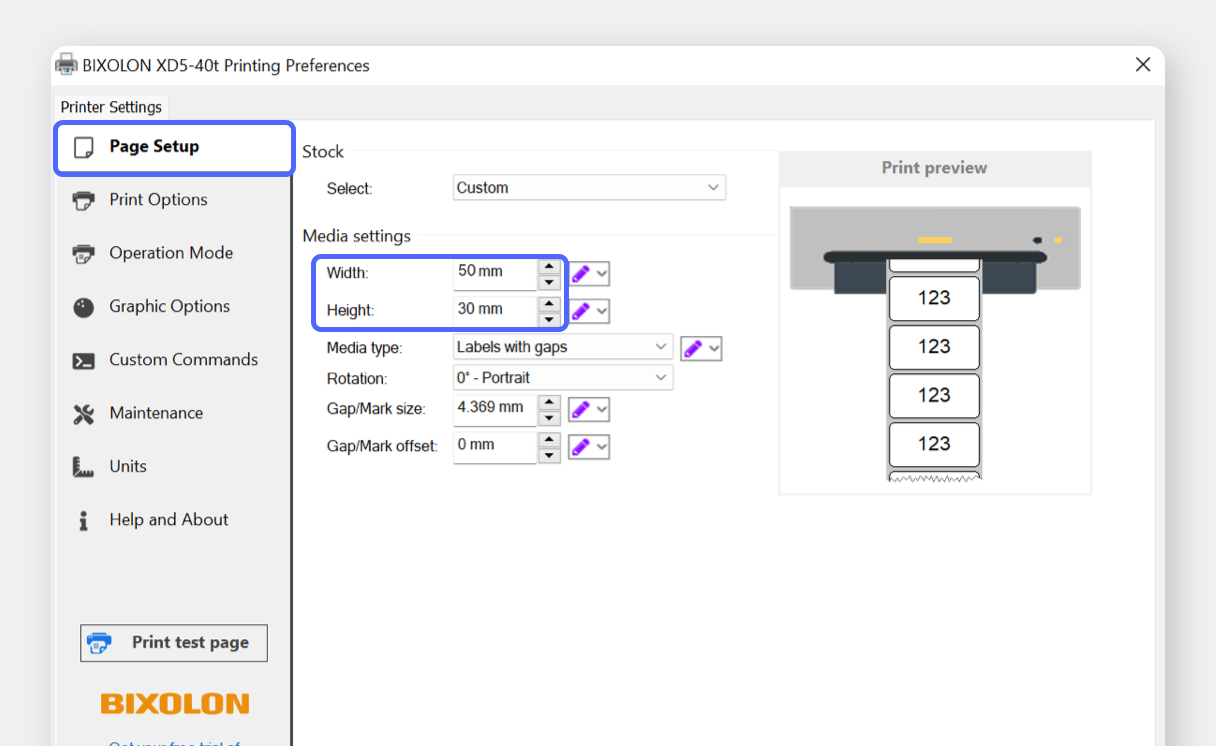
II. Label Printing
Section titled “II. Label Printing”Log into BoxHero on your PC and navigate to the
Barcode Labelssection. SelectThermal Rolland enter the paper size you’ll be using.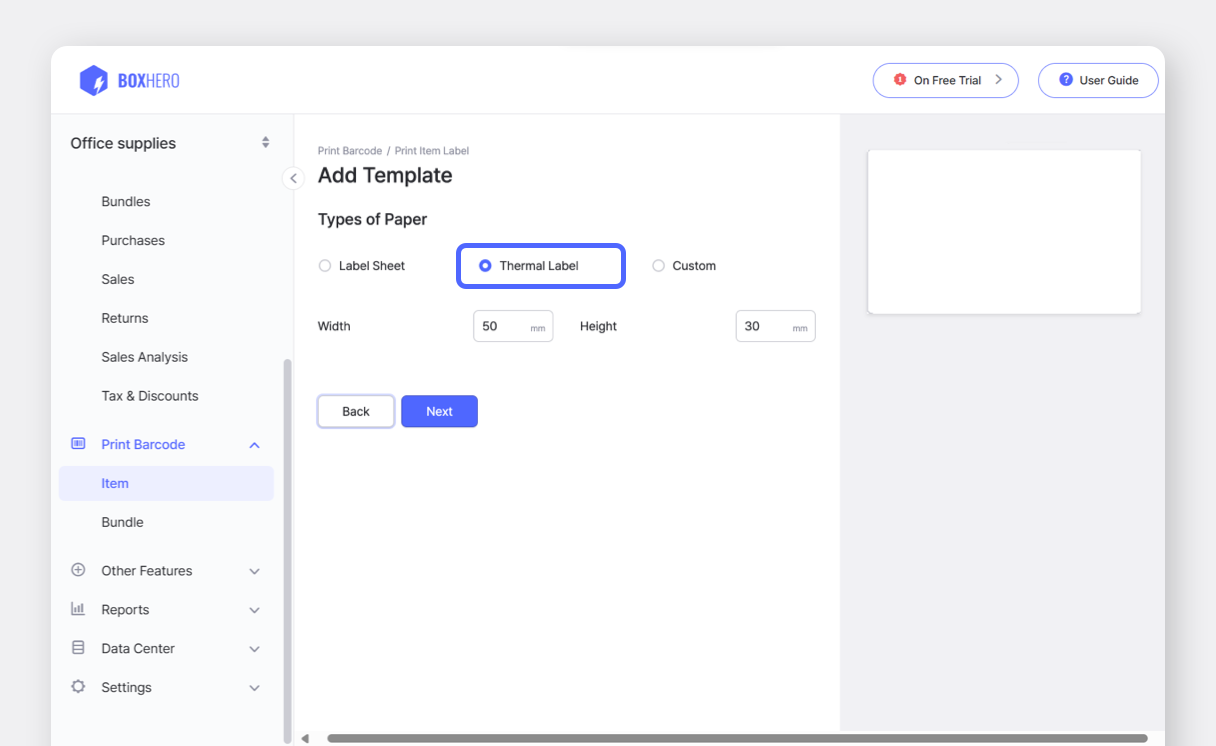
Choose your desired template: Barcode or QR Code.
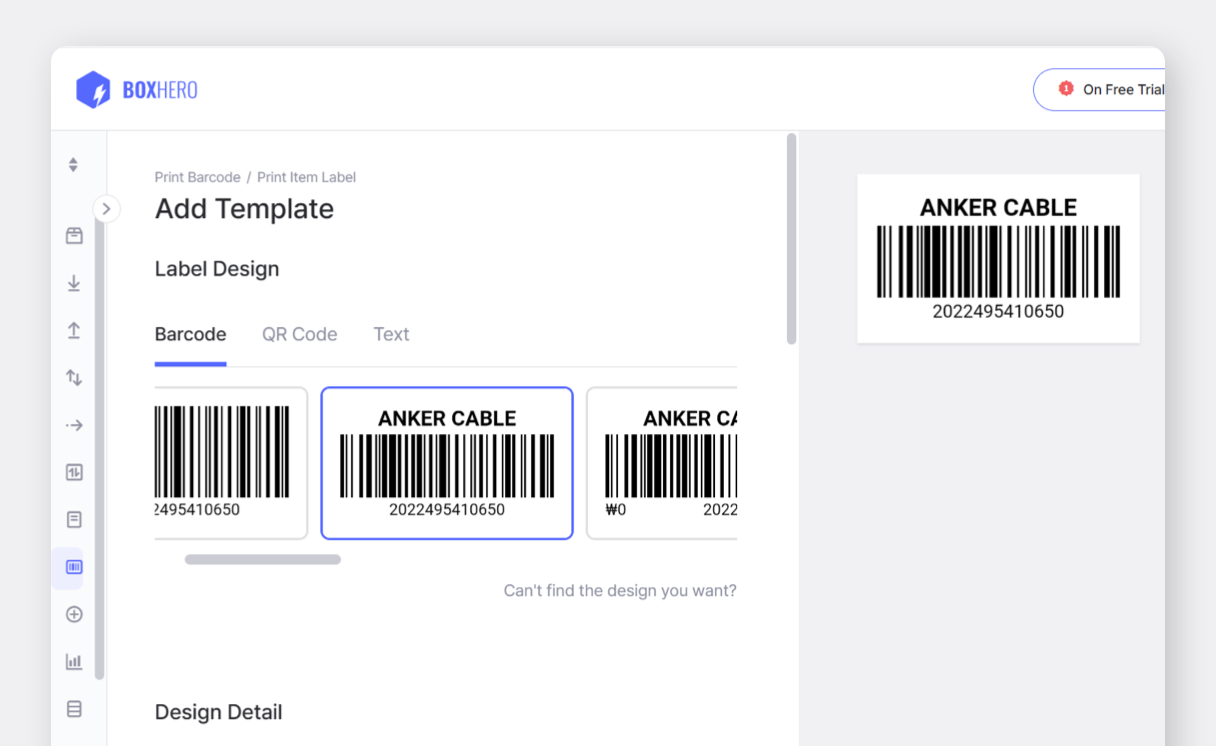
In the
Label Contentsection at the bottom of the page, set up the item information you want to display on the label and clickSave.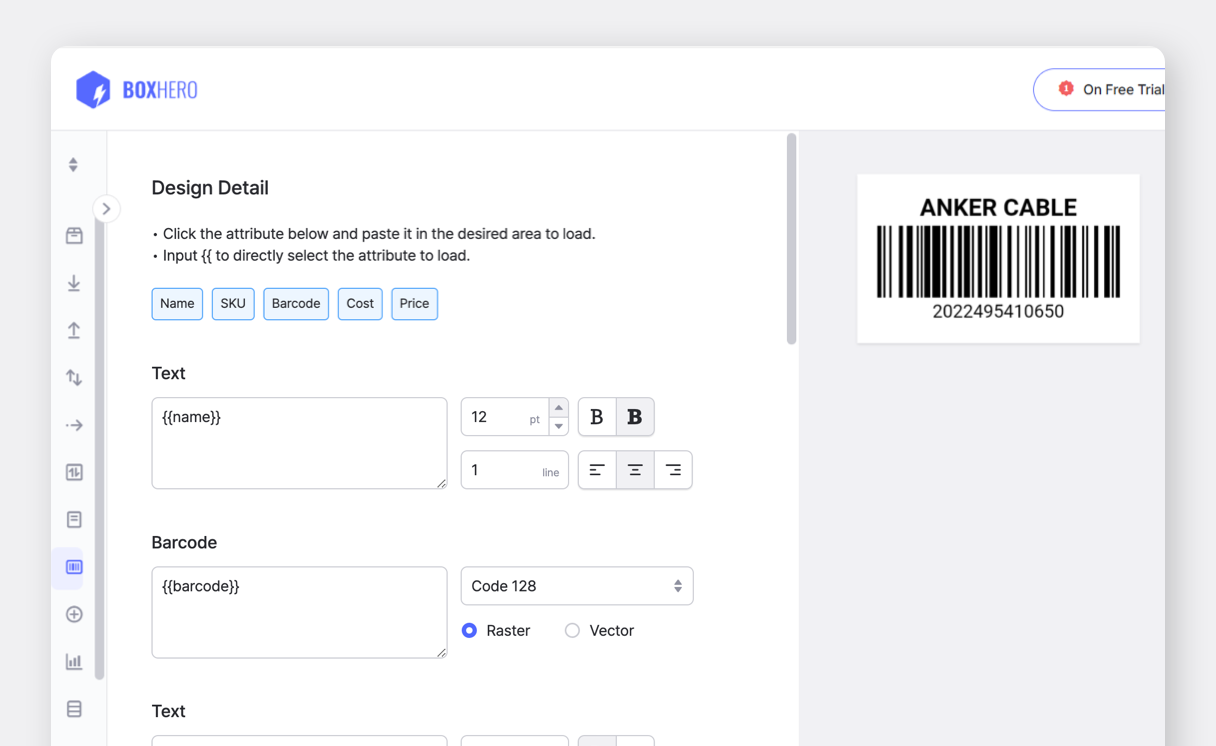
Add the items you want to print to the list, then click the
Printbutton at the bottom.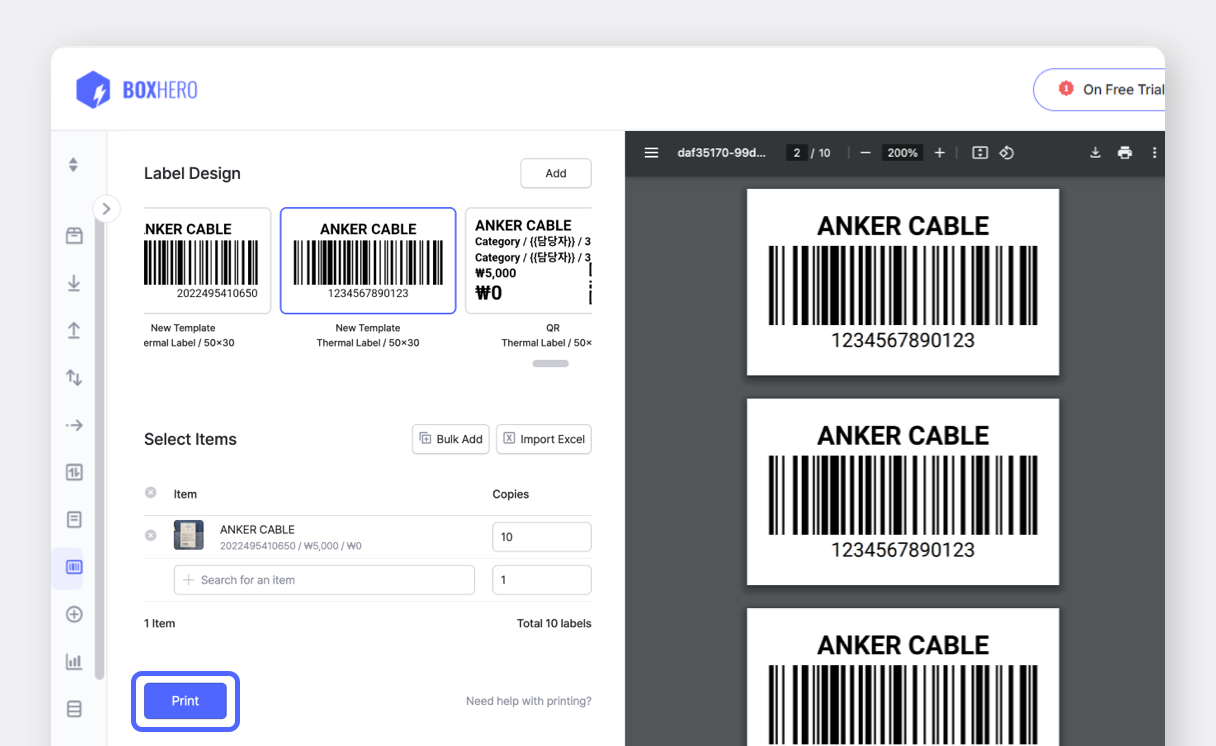
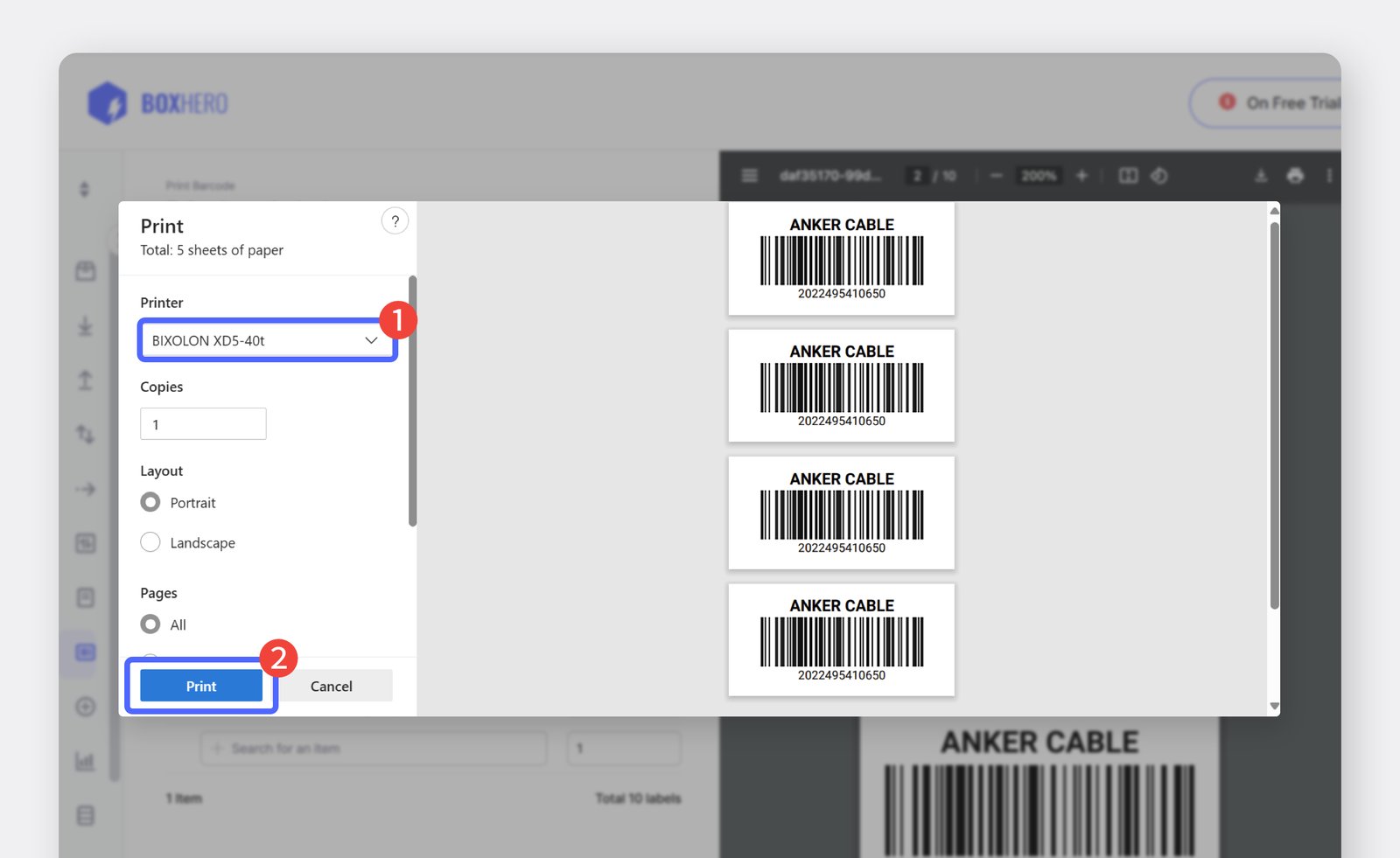
Select the printer you want to use and click
Printto start the printing.