




Inventory Management Made Simple
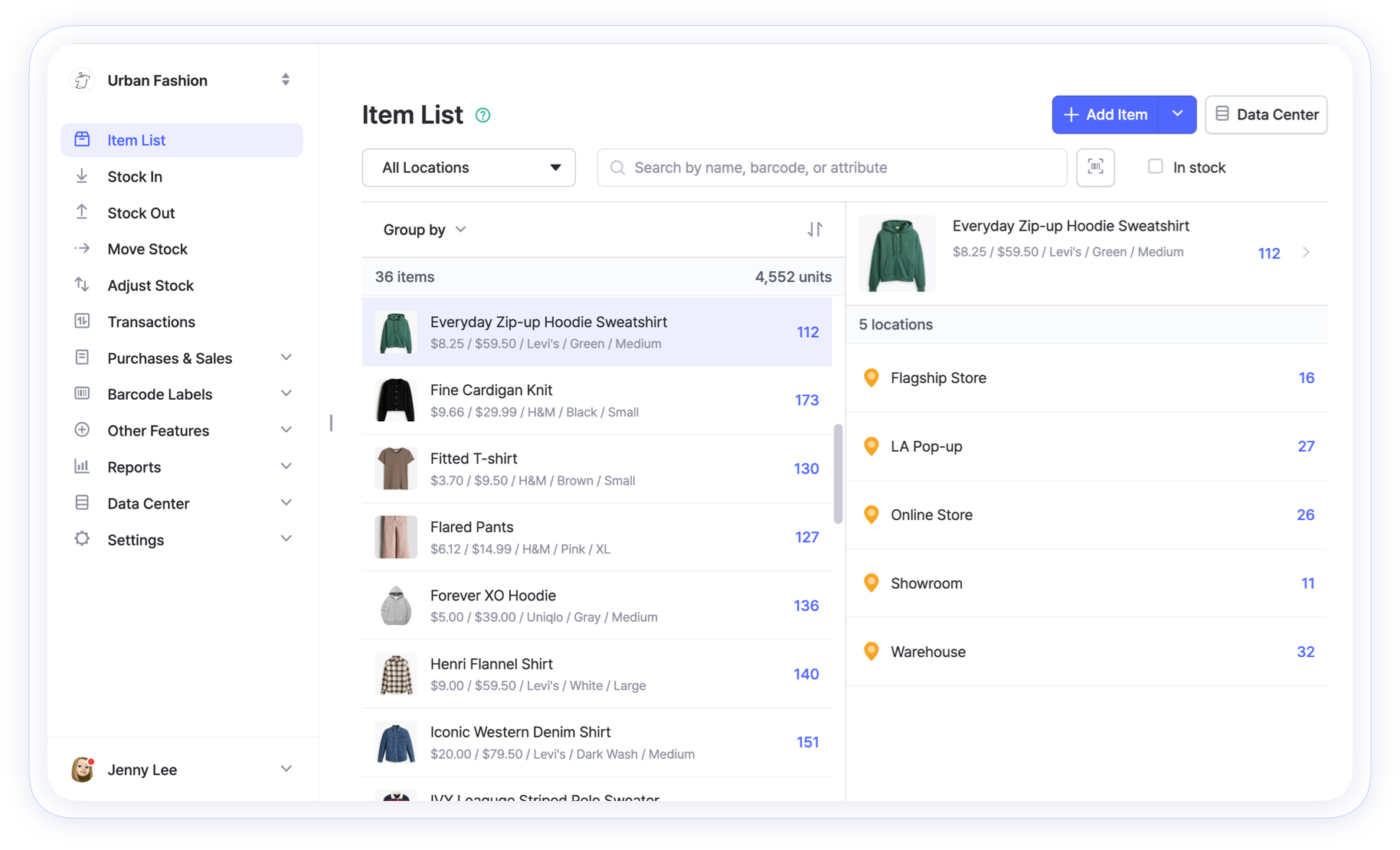
BoxHero: the simplest inventory software solution for small businesses to track, manage, and organize inventory.
Free 30-day trial. No credit card needed.

From scan to stock count
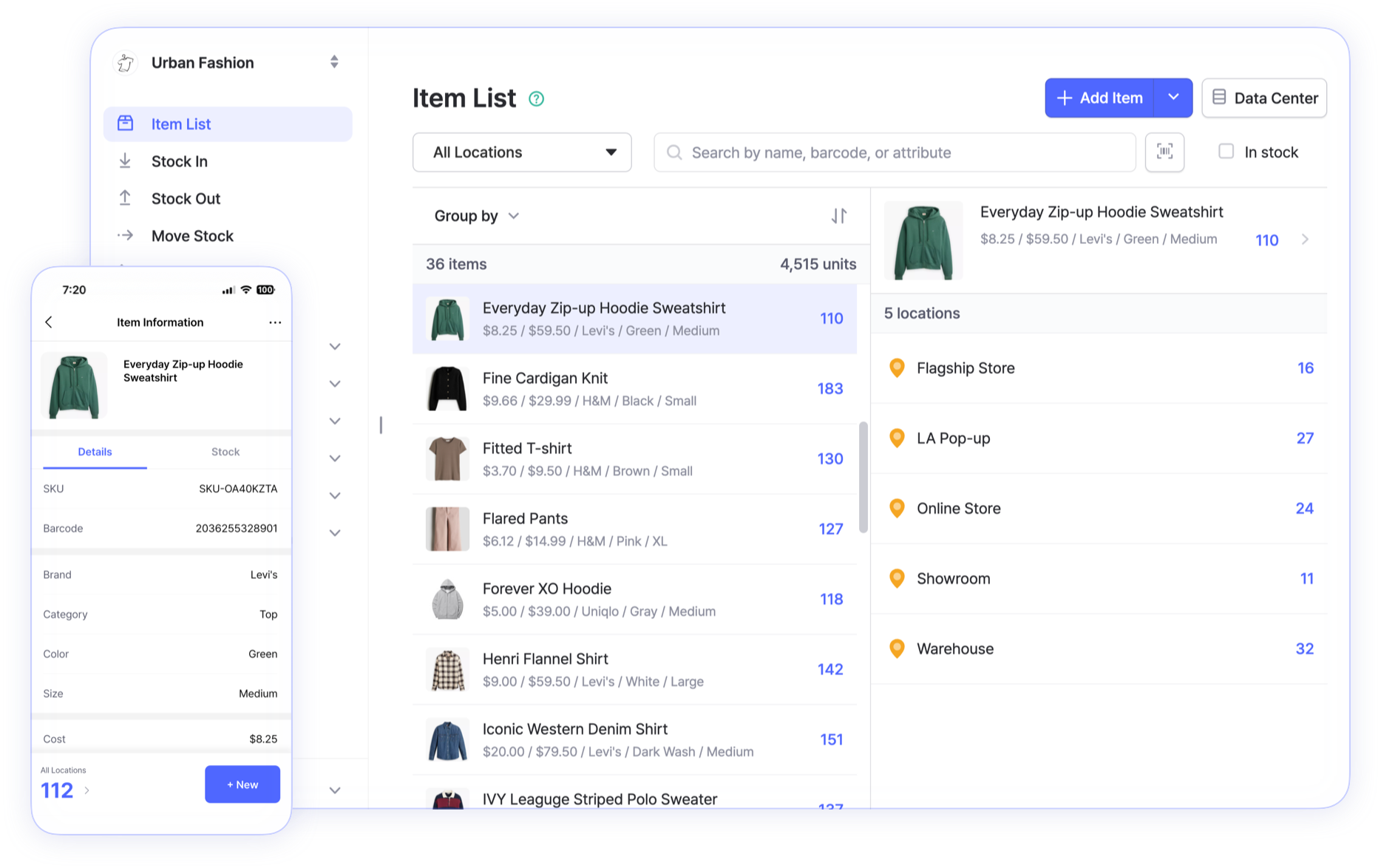
Scan an item barcode, record what moved, and watch your counts update with real-time transactions. The basics take a few minutes to learn.
Trusted by over 300,000 users around the world
















Features at a glance
Track inventory, use barcodes, and manage multiple locations with tools built to be simple from the start. Here’s everything you need to stay organized.
Sort and customize inventory
Upload your existing inventory list into BoxHero for easy sorting and grouping. Organize your inventory and add item details with custom attributes and descriptions.
- Import your inventory data from Excel for quick setup
- Track unique item details such as color, size, and brand
- Group items by category, location, and custom attributes
Design labels and scan barcodes
Create custom barcodes and QR codes with your item information to identify specific products. You can generate labels and start scanning to register items and count inventory.
- Design your own custom barcode label
- Works with office and thermal printers and USB or Bluetooth scanners
- Scan barcodes with your mobile device
Manage orders and generate invoices
Easily manage all your purchase orders, invoices, and inventory levels. Keep things simple by bringing your suppliers, customers, and items in one place.
- Create custom invoices with taxes and discounts
- Track and manage order status with detailed updates
- Manage partners and record returns against the original order
Get real-time reports and insights
Plan ahead with reports built from your inventory history. Use custom formulas to see what’s selling and avoid overstocking.
- Analyze your stock levels by date or location
- Generate inventory reports to track trends over time
- Customize formulas for metrics like profit and turnover
Explore more features
 Learn more
Excel Import & Export
Add and update items straight from a spreadsheet, from prices and quantities to SKUs. Download a template that matches your columns, then export back to Excel whenever you need.
 Learn more
Multiple Locations
Manage inventory across warehouses, stores, and stockrooms, all from one place. See how much you have at each site, and move stock between locations with full tracking history.
 Learn more
Low Stock Alerts
Set a safety stock level for each item and get notified before you run out, so you have time to reorder. Adjust alerts by location and choose when you receive them.
Inventory software for your industry
A retail counter, a job site, and a commercial kitchen track stock differently. BoxHero adapts to each instead of forcing one setup on everyone.














Real people, real feedback
Possibly the best inventory app that sticks to the core necessities of inventory management. The app is straightforward to use. All of the features (especially Inventory Analysis and Low Stock Alert) are the most relevant for my work plan. Also, the mobile app is bug-free!

Andrew O.G2


Get a handle on your inventory
Tips, guides, and how-tos for running your business and managing inventory more effectively. Learn what works from real examples and get practical advice you can apply.

ABC Analysis: Focus Your Time on the Stock That Matters
Not every item deserves the same attention. ABC analysis sorts your stock into three tiers by value, so you count high-value items often, cheap and easy-to-reorder ones rarely, and spend your time where it pays off.

How to Track Inventory in Excel (and When to Stop)
Most businesses start tracking stock in a spreadsheet, and for a while it works fine. Here’s how to set up Excel properly, the formulas worth knowing, common mistakes to avoid, and the signs you’ve outgrown it.

Inventory Management From Scratch: A Beginner’s Guide
Never tracked inventory before? This guide walks you through the basics, from deciding what counts as stock to building your first item list and running your first count, with no special tools or experience required.
Frequently Asked Questions
BoxHero makes it easy to track stock quantities and stay on top of your inventory. Start by creating a team and adding your items, with details like barcode, size, color, and other custom attributes. You can then invite team members and use our mobile app to manage everything on the go.
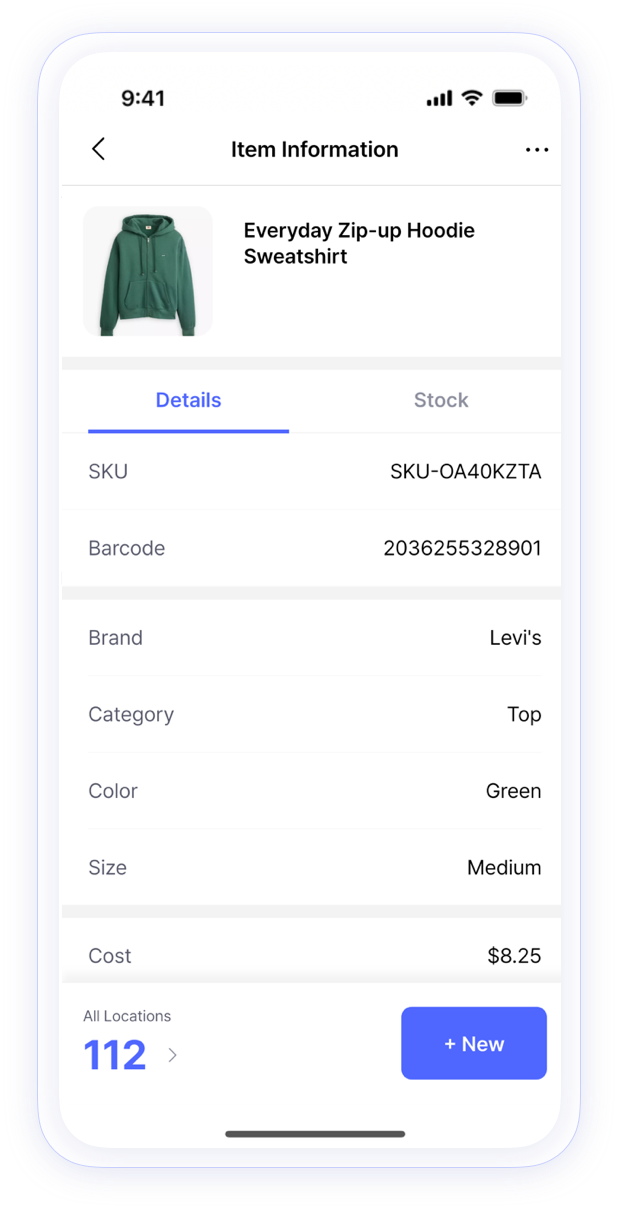
Connect a barcode scanner to your mobile device to speed up your workflow. With a simple scan, you can add and look up items, count inventory, and perform key inventory transactions like Stock In, Stock Out, Move Stock, and Adjust Stock—right from the BoxHero app.
BoxHero works with most barcode scanners: any Bluetooth or USB scanner should work. You can also scan barcodes with your device camera in the BoxHero mobile app.
We currently support 10+ languages, with plans to add more in the near future. Stay tuned for updates and please let us know if you’re looking for a specific language.
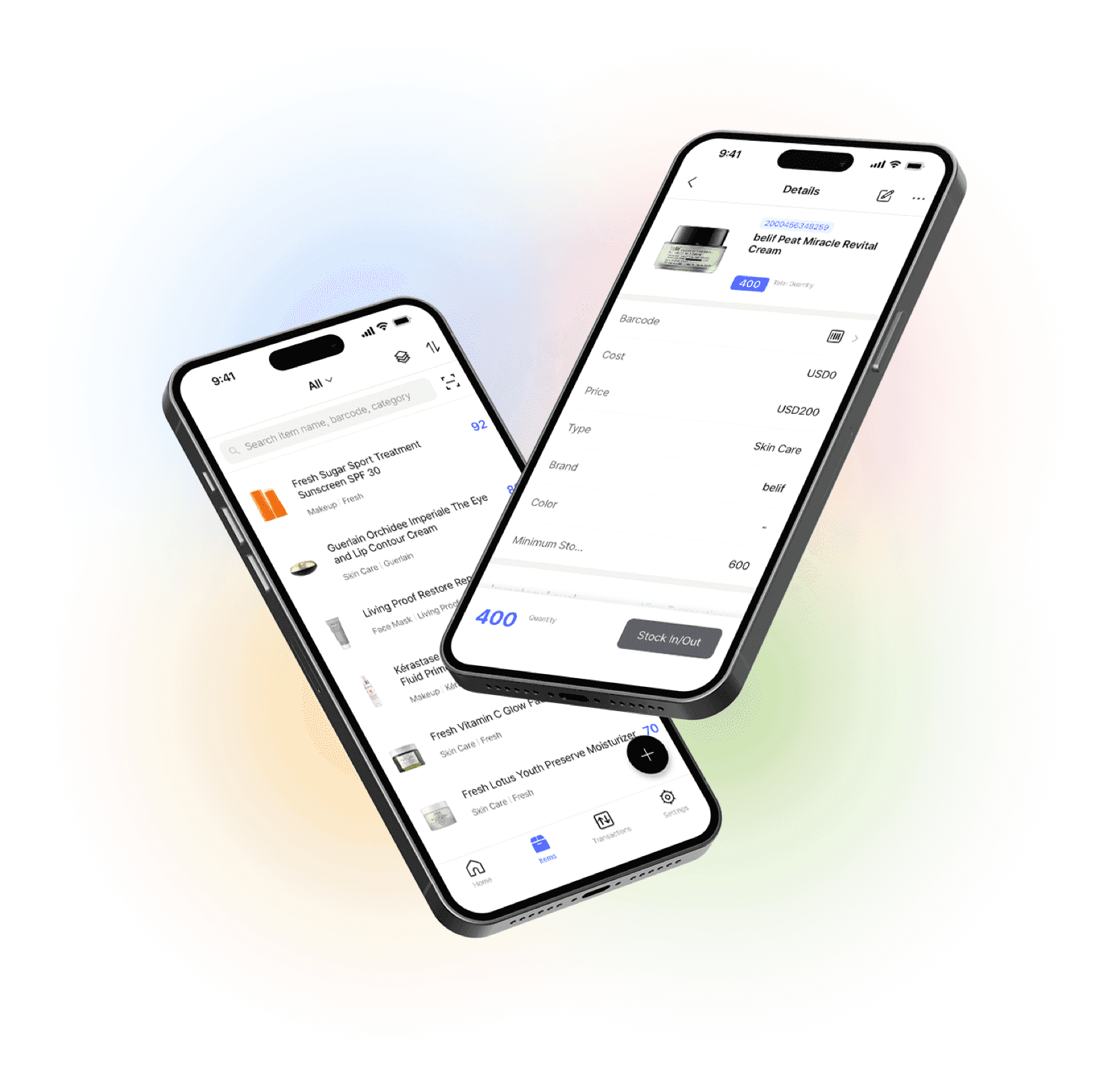
Go mobile with our iOS and Android app
Our mobile app makes it easy to control your inventory from anywhere. Use BoxHero on your phone, desktop, or tablet for automatic syncing.


Try it before you commit
No setup fees. No credit card required.
Try for free today.