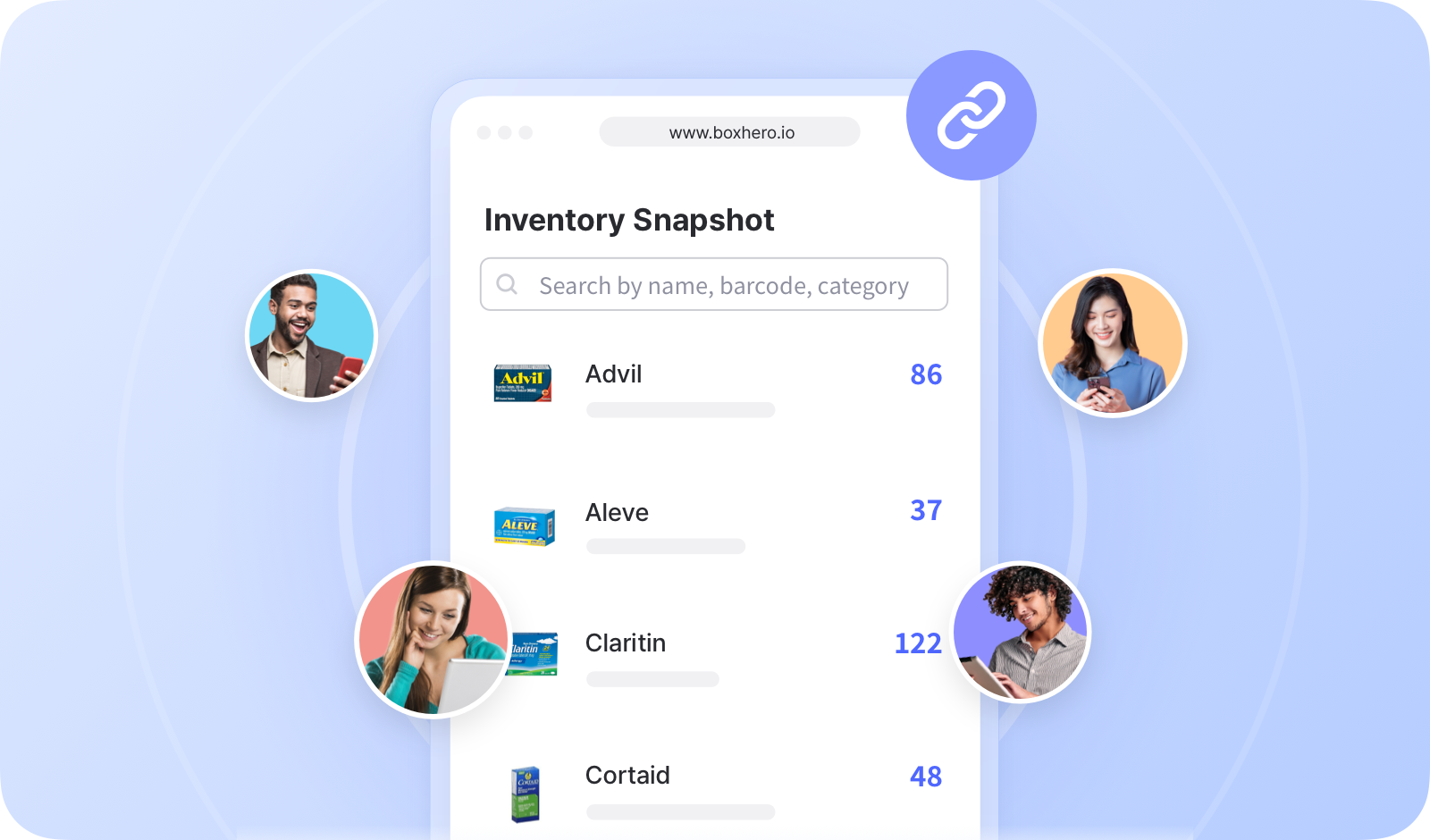
# Enlace de inventario

<figure><img src="/files/c3798d3941096f732b0a96a4ca6ac8ea006c7bd2" alt=""><figcaption></figcaption></figure>

***

## Cómo crear un enlace de inventario

Puedes seleccionar artículos específicos para compartir y decidir qué información es visible para los usuarios externos.

{% embed url="<https://customer-0jrbilsa8yt3k758.cloudflarestream.com/40f61173410b40898412174d7e10571b/iframe?autoplay=true&controls=false&letterboxColor=transparent&loop=true&muted=true&poster=https://customer-0jrbilsa8yt3k758.cloudflarestream.com/40f61173410b40898412174d7e10571b/thumbnails/thumbnail.jpg?height=1080&preload=true>" %}

{% hint style="success" %}
Es posible generar varios enlaces, así que puedes crear enlaces únicos para diferentes personas u organizaciones.
{% endhint %}

## Cómo usar el enlace de inventario

Copia la URL del enlace y compártela con usuarios externos.

{% embed url="<https://customer-0jrbilsa8yt3k758.cloudflarestream.com/47e68f9a5a5b4f9b8e16dacad1f80210/iframe?autoplay=true&controls=false&letterboxColor=transparent&loop=true&muted=true&poster=https://customer-0jrbilsa8yt3k758.cloudflarestream.com/47e68f9a5a5b4f9b8e16dacad1f80210/thumbnails/thumbnail.jpg?height=1080&preload=true>" %}

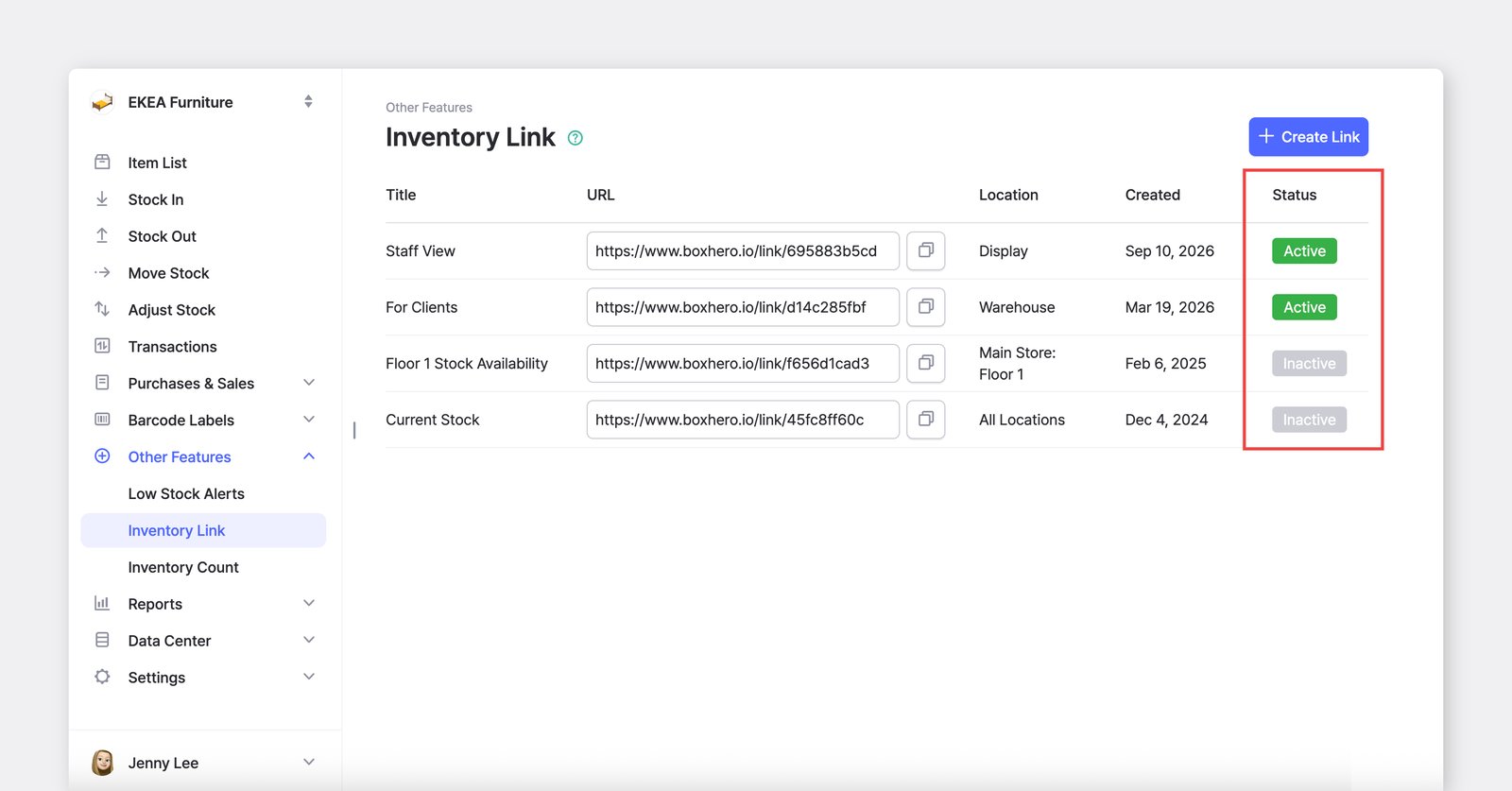
Si el enlace está “*activo*”, los usuarios externos pueden abrirlo y comprobar el estado más reciente de tu inventario. Si la página ya está abierta, actualízala para ver la información actualizada.

<figure><img src="/files/fc2ded848cf29dd45aa6648857212d7d39607908" alt=""><figcaption></figcaption></figure>

***

## Solicita un dominio personalizado para tu enlace de inventario

Conecta tu <mark style="color:azul;">**`enlace de inventario`**</mark> a un dominio que ya posees para que a los clientes y socios les resulte más fácil reconocerlo y acceder a él. Usar tu propio dominio añade un toque profesional y ayuda a generar confianza entre los usuarios externos.

<figure><img src="/files/60cddf7b716218dfc989e2d676220be1cf9d56ad" alt=""><figcaption></figcaption></figure>

Haz clic en **"Conectar dominio personalizado"** debajo del campo de URL.

Serás redirigido a un [formulario breve](https://boxhero-invt.typeform.com/to/BKTgk2MA#team_id=xxxxx\&link_id=xxxxx) donde puedes enviar tu solicitud. Nuestro equipo de soporte la revisará y se pondrá en contacto contigo en breve.

<figure><img src="/files/c9b3c511e610c465df84808dbea76d7bbe4fb841" alt=""><figcaption></figcaption></figure>

***

**¿Buscas más información?** Encuentra respuestas a preguntas frecuentes en nuestras FAQ.

{% content-ref url="/spaces/2HSNaaMfPye6J7HoP6FU/pages/a73db8fe6704764d77880ce1d4d0d4af1625b6d0" %}
[Enlace de inventario](/docs/faq/es/seguridad-y-privacidad/enlace-de-inventario.md)
{% endcontent-ref %}


---

# Agent Instructions: Querying This Documentation

If you need additional information that is not directly available in this page, you can query the documentation dynamically by asking a question.

Perform an HTTP GET request on the current page URL with the `ask` query parameter:

```
GET https://www.boxhero.io/docs/documentation/es/otras-funciones/inventory-link.md?ask=<question>
```

The question should be specific, self-contained, and written in natural language.
The response will contain a direct answer to the question and relevant excerpts and sources from the documentation.

Use this mechanism when the answer is not explicitly present in the current page, you need clarification or additional context, or you want to retrieve related documentation sections.