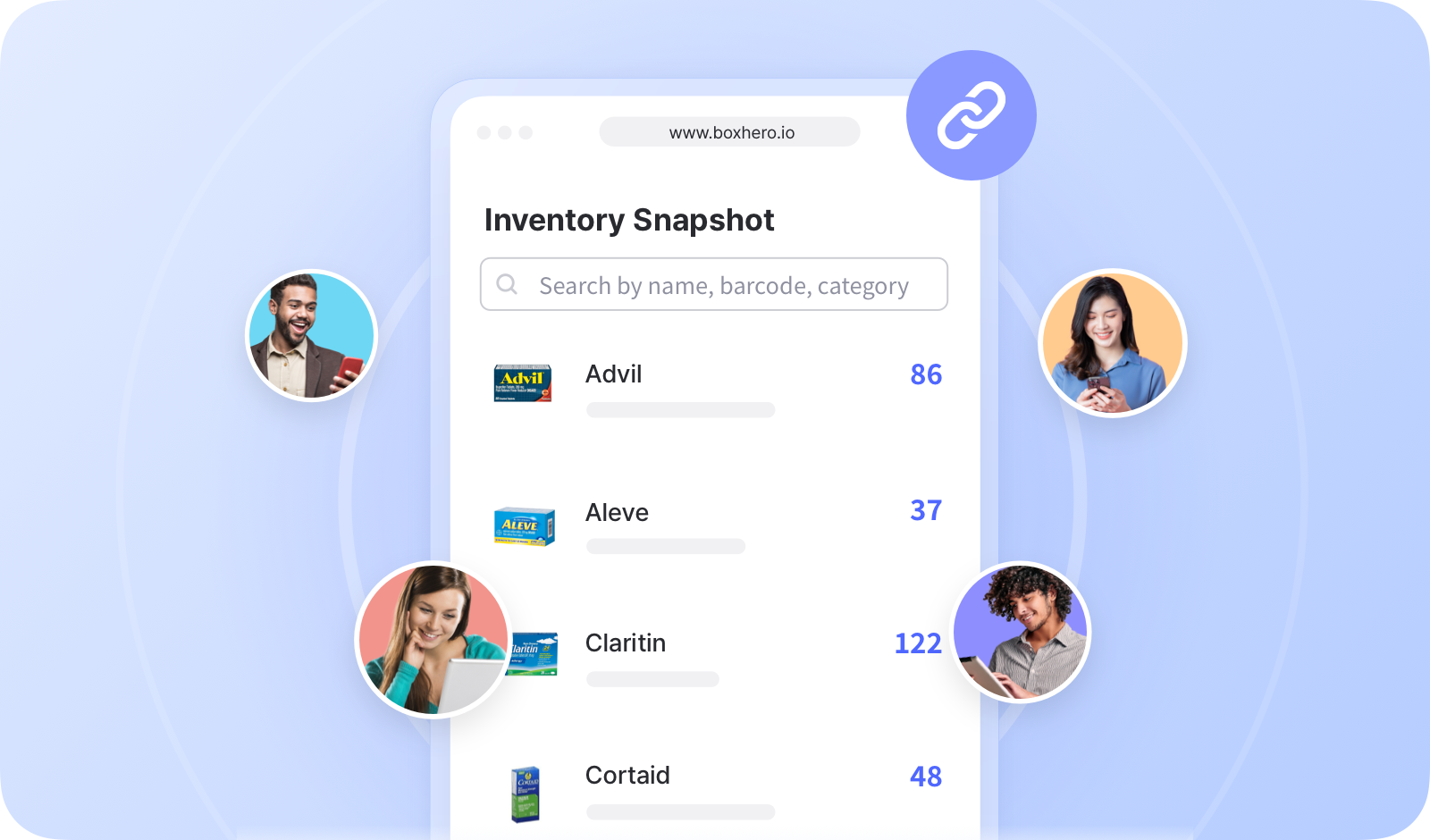
# Inventory Link

<figure><img src="https://687823928-files.gitbook.io/~/files/v0/b/gitbook-x-prod.appspot.com/o/spaces%2FlRf1QqJGoevCQqGbfI80%2Fuploads%2Fgit-blob-81fc89ef33c4799e0cbdca9d09b8a30819c66c22%2F%E1%84%8C%E1%85%A2%E1%84%80%E1%85%A9%20%E1%84%80%E1%85%A9%E1%86%BC%E1%84%8B%E1%85%B2%20%E1%84%85%E1%85%B5%E1%86%BC%E1%84%8F%E1%85%B3.png?alt=media" alt=""><figcaption></figcaption></figure>

***

## How to Create an Inventory Link

You can select specific items to share and decide which information is visible to external users.

{% embed url="<https://customer-0jrbilsa8yt3k758.cloudflarestream.com/40f61173410b40898412174d7e10571b/iframe?autoplay=true&controls=false&letterboxColor=transparent&loop=true&muted=true&poster=https://customer-0jrbilsa8yt3k758.cloudflarestream.com/40f61173410b40898412174d7e10571b/thumbnails/thumbnail.jpg?height=1080&preload=true>" %}

{% hint style="success" %}
It’s possible to generate multiple links, so you can create unique links for different individuals or organizations.
{% endhint %}

## How to Use the Inventory Link

Copy the link URL and share it with external users.

{% embed url="<https://customer-0jrbilsa8yt3k758.cloudflarestream.com/47e68f9a5a5b4f9b8e16dacad1f80210/iframe?autoplay=true&controls=false&letterboxColor=transparent&loop=true&muted=true&poster=https://customer-0jrbilsa8yt3k758.cloudflarestream.com/47e68f9a5a5b4f9b8e16dacad1f80210/thumbnails/thumbnail.jpg?height=1080&preload=true>" %}

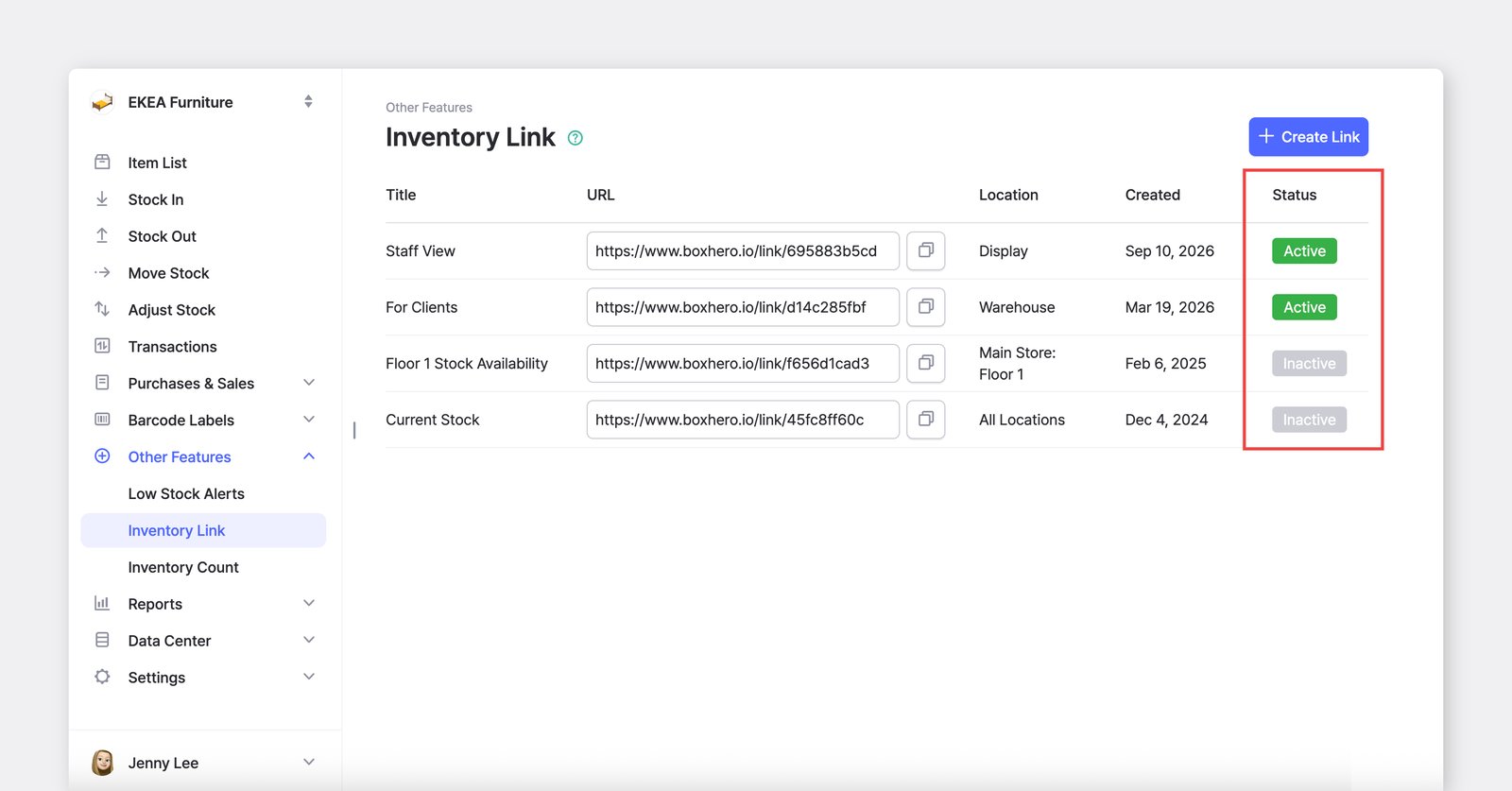
If the link is “*active*,” external users can open it and check your latest inventory status. If the page is already open, refresh it to see updated information.
<figure><img src="https://687823928-files.gitbook.io/~/files/v0/b/gitbook-x-prod.appspot.com/o/spaces%2FlRf1QqJGoevCQqGbfI80%2Fuploads%2Fgit-blob-d3d29f542d38a47e1c4be96a0407d8cb479b4a20%2Finventory-link-status.png?alt=media" alt=""><figcaption></figcaption></figure>

***

## Request a Custom Domain for Your Inventory Link

Connect your <mark style="color:blue;">**`Inventory Link`**</mark> to a domain you already own to make it easier for clients and partners to recognize and access. Using your own domain adds a professional touch and helps build trust with external users.

<figure><img src="https://687823928-files.gitbook.io/~/files/v0/b/gitbook-x-prod.appspot.com/o/spaces%2FlRf1QqJGoevCQqGbfI80%2Fuploads%2Fgit-blob-09378661ad11c3783fae6df3ff44053e95e30ae2%2Fcustom-domain-1.png?alt=media" alt=""><figcaption></figcaption></figure>

Click **"Connect Custom Domain"** under the URL field.

You'll be redirected to a [short form](https://boxhero-invt.typeform.com/to/BKTgk2MA#team_id=xxxxx\&link_id=xxxxx) where you can submit your request. Our support team will review it and get back to you shortly.

<figure><img src="https://687823928-files.gitbook.io/~/files/v0/b/gitbook-x-prod.appspot.com/o/spaces%2FlRf1QqJGoevCQqGbfI80%2Fuploads%2Fgit-blob-0cd77d41629dfd2b41383a06de66b6d0defd83cb%2Fcustom-domain-2.png?alt=media" alt=""><figcaption></figcaption></figure>

***

## Frequently Asked Questions (FAQ)

### Can external users edit my inventory through the link?

No, <mark style="color:blue;">**`Inventory Links`**</mark> are view-only.\
External users cannot make any changes to your inventory data.

<figure><img src="https://687823928-files.gitbook.io/~/files/v0/b/gitbook-x-prod.appspot.com/o/spaces%2FlRf1QqJGoevCQqGbfI80%2Fuploads%2Fgit-blob-5d951486a9f16b079f6cad1ecdac18f880b3de17%2FInventory_Link_Image.png?alt=media" alt=""><figcaption></figcaption></figure>

### How secure is the Inventory Link?

<mark style="color:blue;">**`Inventory Links`**</mark> are secure and can be *deactivated* at any time. However, anyone with the link can access the shared data, so be mindful of whom you share it with.

### How do I deactivate a link?

You can deactivate a link at any time by editing the existing URL and toggling the "**Active**" option. Once deactivated, external users will no longer be able to access the link.

<figure><img src="https://687823928-files.gitbook.io/~/files/v0/b/gitbook-x-prod.appspot.com/o/spaces%2FlRf1QqJGoevCQqGbfI80%2Fuploads%2Fgit-blob-08bf9dc9a7bf0099059a87e5f31c2bb14752cbd2%2Finventory-link-deactivate.png?alt=media" alt=""><figcaption></figcaption></figure>