> For the complete documentation index, see [llms.txt](https://www.boxhero.io/docs/llms.txt). Markdown versions of documentation pages are available by appending `.md` to page URLs; this page is available as [Markdown](https://www.boxhero.io/docs/documentation/th/other-features/inventory-link.md).

# ลิงก์สินค้าคงคลัง

<figure><img src="/files/c4832bf829c859ff9cdb993acb71dd93873ad659" alt=""><figcaption></figcaption></figure>

***

## การสร้างลิงก์สินค้าคงคลัง

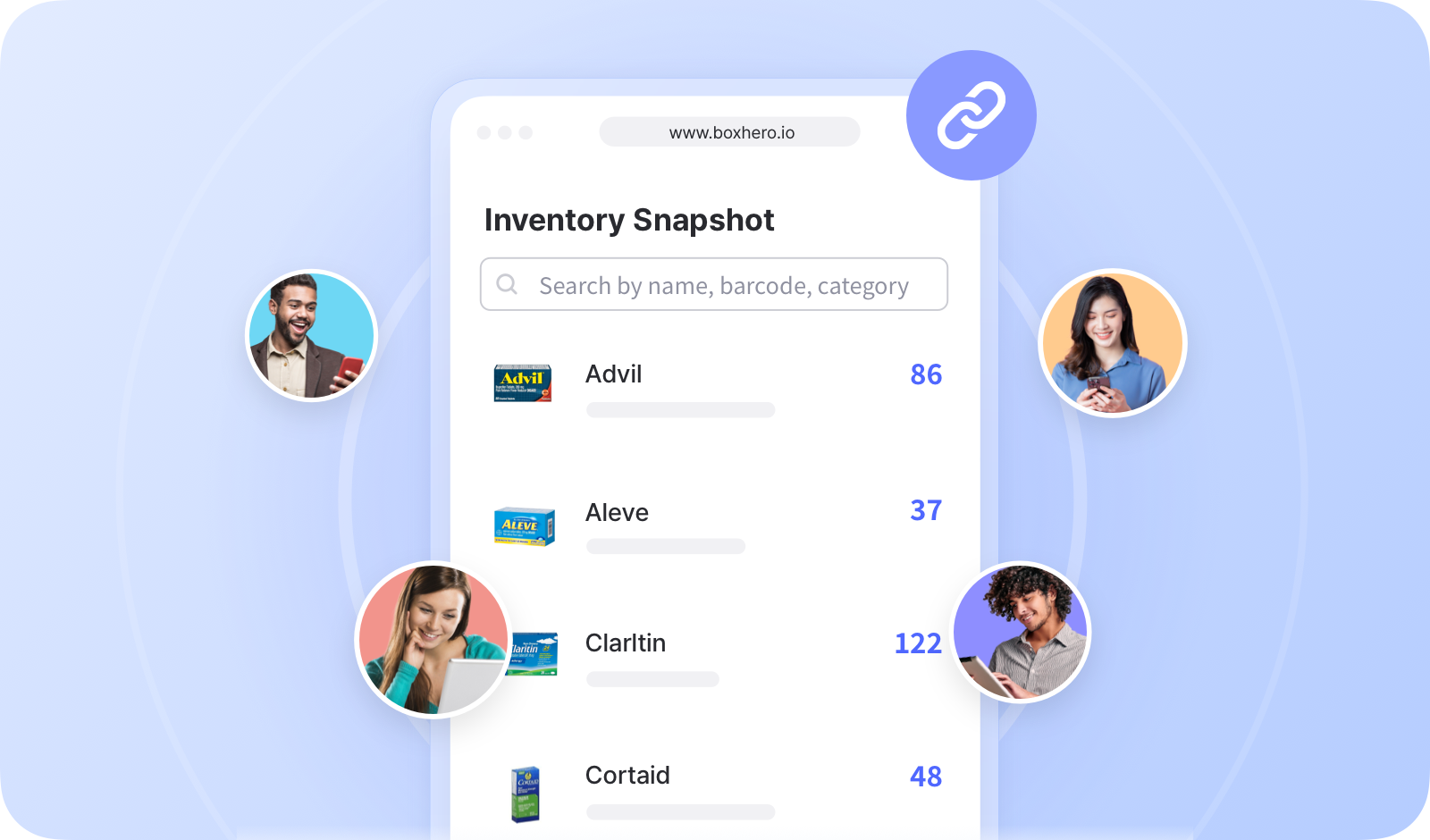
คุณสามารถเลือกสินค้าที่ต้องการแชร์และกำหนดได้ว่าข้อมูลใดจะมองเห็นได้สำหรับผู้ใช้ภายนอก

{% embed url="<https://customer-0jrbilsa8yt3k758.cloudflarestream.com/40f61173410b40898412174d7e10571b/iframe?autoplay=true&controls=false&letterboxColor=transparent&loop=true&muted=true&poster=https://customer-0jrbilsa8yt3k758.cloudflarestream.com/40f61173410b40898412174d7e10571b/thumbnails/thumbnail.jpg?height=1080&preload=true>" %}

{% hint style="success" %}
คุณสามารถสร้างลิงก์ได้หลายรายการ จึงสามารถสร้างลิงก์เฉพาะสำหรับบุคคลหรือองค์กรต่างๆ ได้
{% endhint %}

## การแชร์ลิงก์สินค้าคงคลัง

คัดลอก URL ของลิงก์และแชร์ให้ผู้ใช้ภายนอก

{% embed url="<https://customer-0jrbilsa8yt3k758.cloudflarestream.com/47e68f9a5a5b4f9b8e16dacad1f80210/iframe?autoplay=true&controls=false&letterboxColor=transparent&loop=true&muted=true&poster=https://customer-0jrbilsa8yt3k758.cloudflarestream.com/47e68f9a5a5b4f9b8e16dacad1f80210/thumbnails/thumbnail.jpg?height=1080&preload=true>" %}

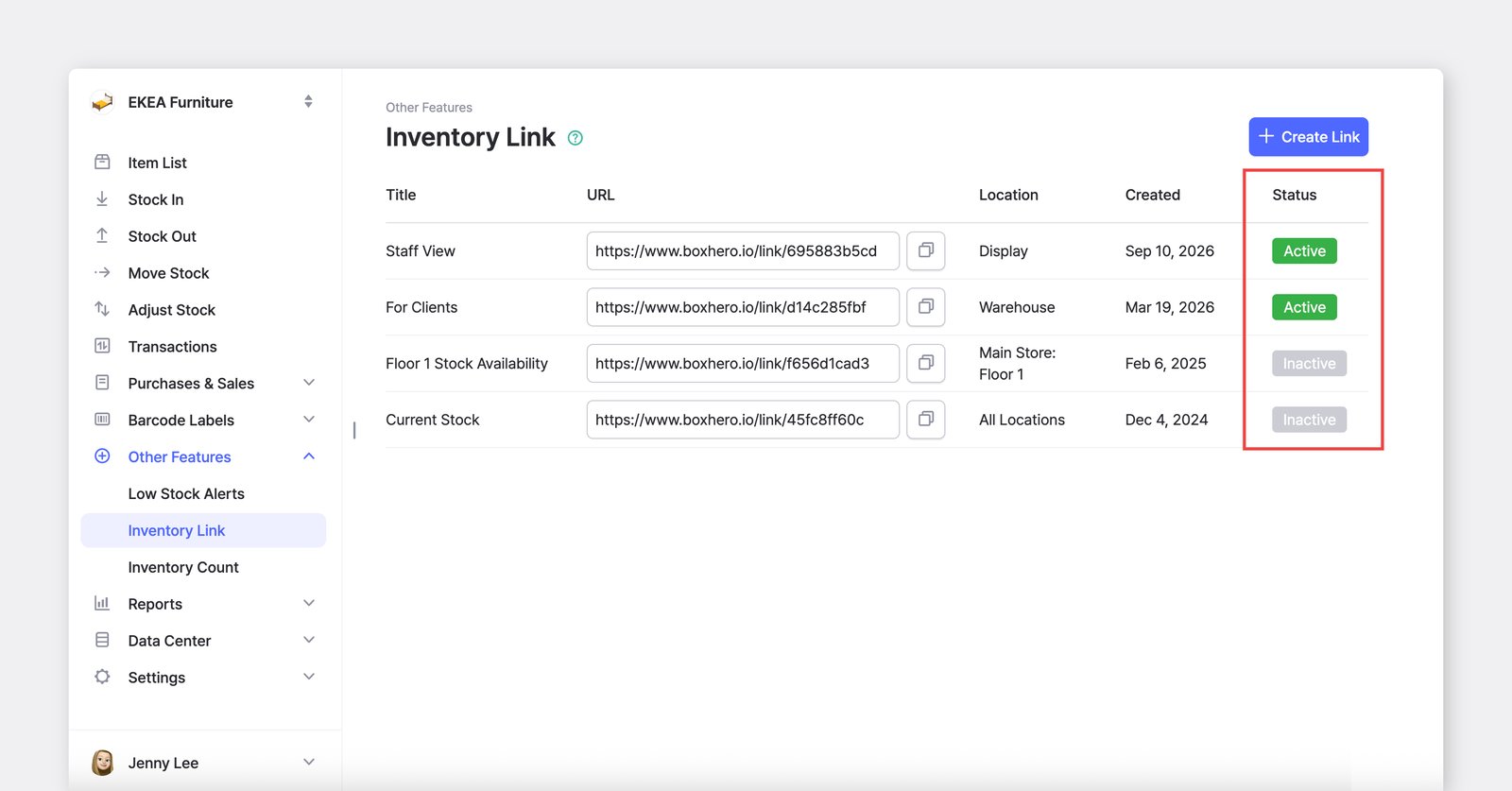
หากลิงก์เป็น “*ใช้งานอยู่*,” ผู้ใช้ภายนอกสามารถเปิดดูและตรวจสอบสถานะสินค้าคงคลังล่าสุดของคุณได้ หากหน้าเพจเปิดอยู่แล้ว ให้รีเฟรชเพื่อดูข้อมูลที่อัปเดต

<figure><img src="/files/e2248dcfe4c09f8c941e00eef6c9308d24532cd1" alt=""><figcaption></figcaption></figure>

***

## โดเมนแบบกำหนดเองสำหรับลิงก์สินค้าคงคลังของคุณ

เชื่อมต่อ <mark style="color:สีน้ำเงิน;">**`ลิงก์สินค้าคงคลัง`**</mark> เข้ากับโดเมนที่คุณเป็นเจ้าของอยู่แล้ว เพื่อให้ลูกค้าและพาร์ทเนอร์จดจำและเข้าถึงได้ง่ายขึ้น การใช้โดเมนของคุณเองช่วยเพิ่มความเป็นมืออาชีพและสร้างความไว้วางใจกับผู้ใช้ภายนอก

<figure><img src="/files/b163f20cb9d5a0030ce680927616d90192ffb609" alt=""><figcaption></figcaption></figure>

คลิก **"เชื่อมต่อโดเมนแบบกำหนดเอง"** ใต้ช่อง URL

คุณจะถูกนำไปยัง [แบบฟอร์มสั้น](https://boxhero-invt.typeform.com/to/BKTgk2MA#team_id=xxxxx\&link_id=xxxxx) ซึ่งคุณสามารถส่งคำขอของคุณได้ ทีมสนับสนุนของเราจะตรวจสอบและติดต่อกลับคุณในไม่ช้า

<figure><img src="/files/788fbdeccb2029354e598d962e844b5a09f5fa68" alt=""><figcaption></figcaption></figure>

***

## คำถามที่พบบ่อย

**กำลังมองหาข้อมูลเพิ่มเติมอยู่ใช่ไหม?** ค้นหาคำตอบสำหรับคำถามที่พบบ่อยได้ในส่วนคำถามที่พบบ่อยของเรา

{% content-ref url="/spaces/sc1B0M6CMvBQDLW3fpLH/pages/a60557e0c7401ec8ca22f9ec34412498293c8bff" %}
[ลิงก์สินค้าคงคลัง](/docs/faq/th/inventory-and-transactions/inventory-link.md)
{% endcontent-ref %}


---

# Agent Instructions
This documentation is published with GitBook. GitBook is the documentation platform designed so that both humans and AI agents can read, navigate, and reason over technical content effectively. Learn more at gitbook.com.

## Querying This Documentation
If you need additional information that is not directly available in this page, you can query the documentation dynamically by asking a question.

Perform an HTTP GET request on the current page URL with the `ask` query parameter:

```
GET https://www.boxhero.io/docs/documentation/th/other-features/inventory-link.md?ask=<question>
```

The question should be specific, self-contained, and written in natural language.
The response will contain a direct answer to the question and relevant excerpts and sources from the documentation.

Use this mechanism when the answer is not explicitly present in the current page, you need clarification or additional context, or you want to retrieve related documentation sections.