Shelf vs. BoxHero
Asset tracking or full inventory control?
Shelf is built for tracking equipment and bookings. BoxHero tracks your assets and the stock you buy and sell in one place. Compare the two to see which one matches your work.
Free 30-day trial. No credit card required.


Shelf specializes in tracking equipment and other assets
Shelf helps businesses keep track of equipment, IT assets, and other valuable items, including who has them and when they’re booked.

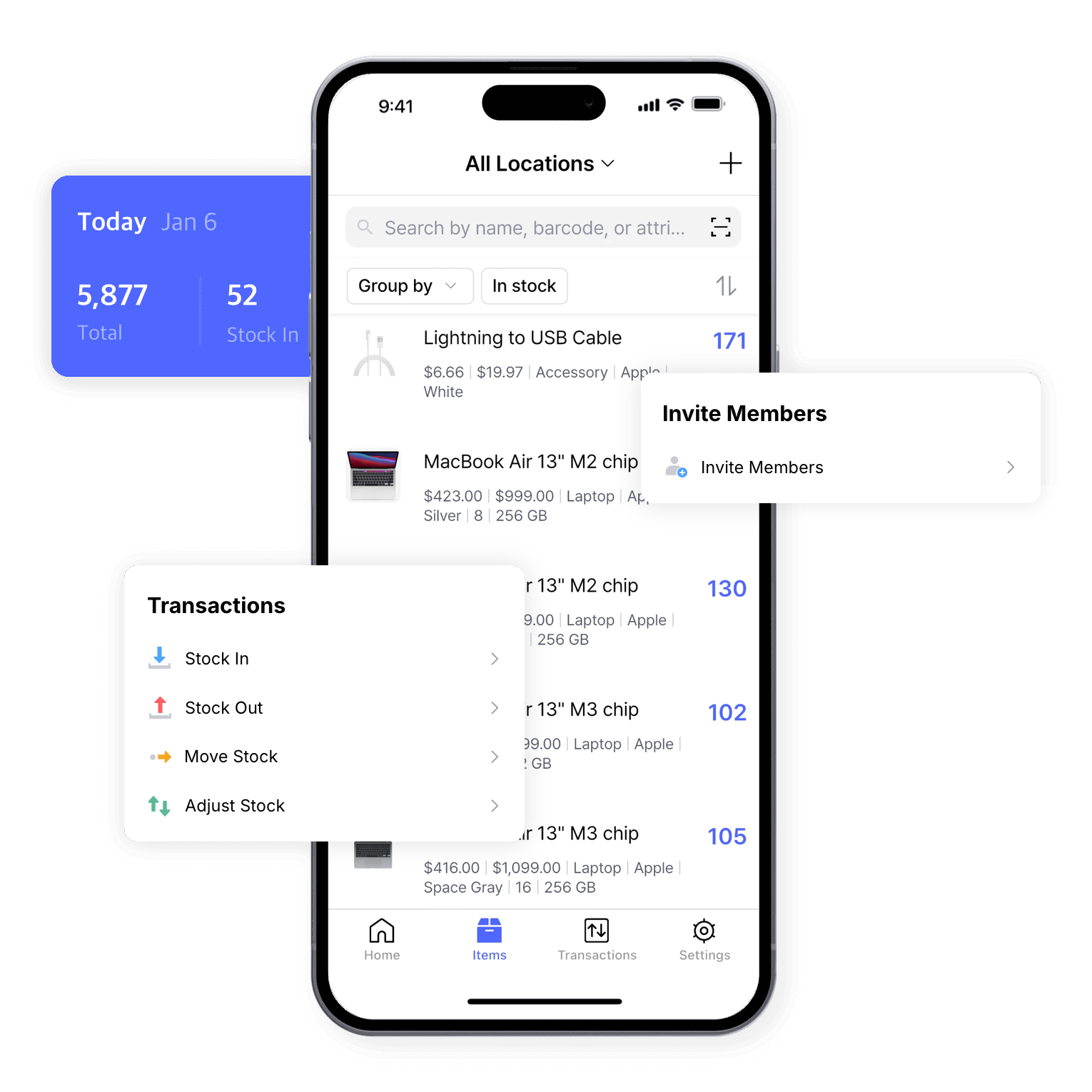
BoxHero is inventory management for the stock you buy, sell, and use
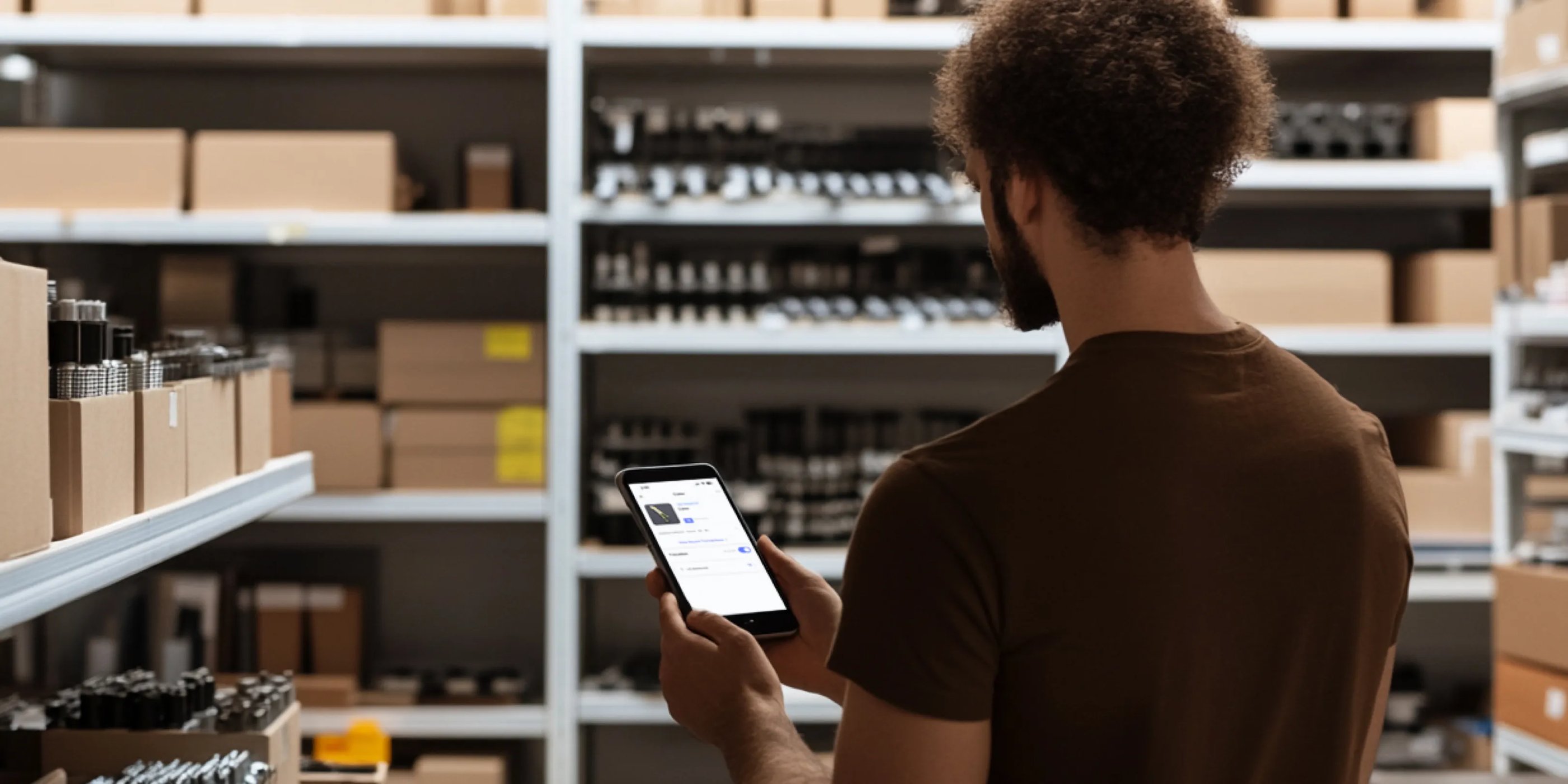
BoxHero covers what a business needs to manage stock: barcodes, low stock alerts, multiple locations, and physical stock counts, with real-time updates across your PC, tablet, and phone.
How does BoxHero compare to Shelf?
Stock control, not just asset tags
Shelf can track quantities of consumables alongside its assets, but it doesn’t create purchase or sales orders, so buying and selling stock happen elsewhere.
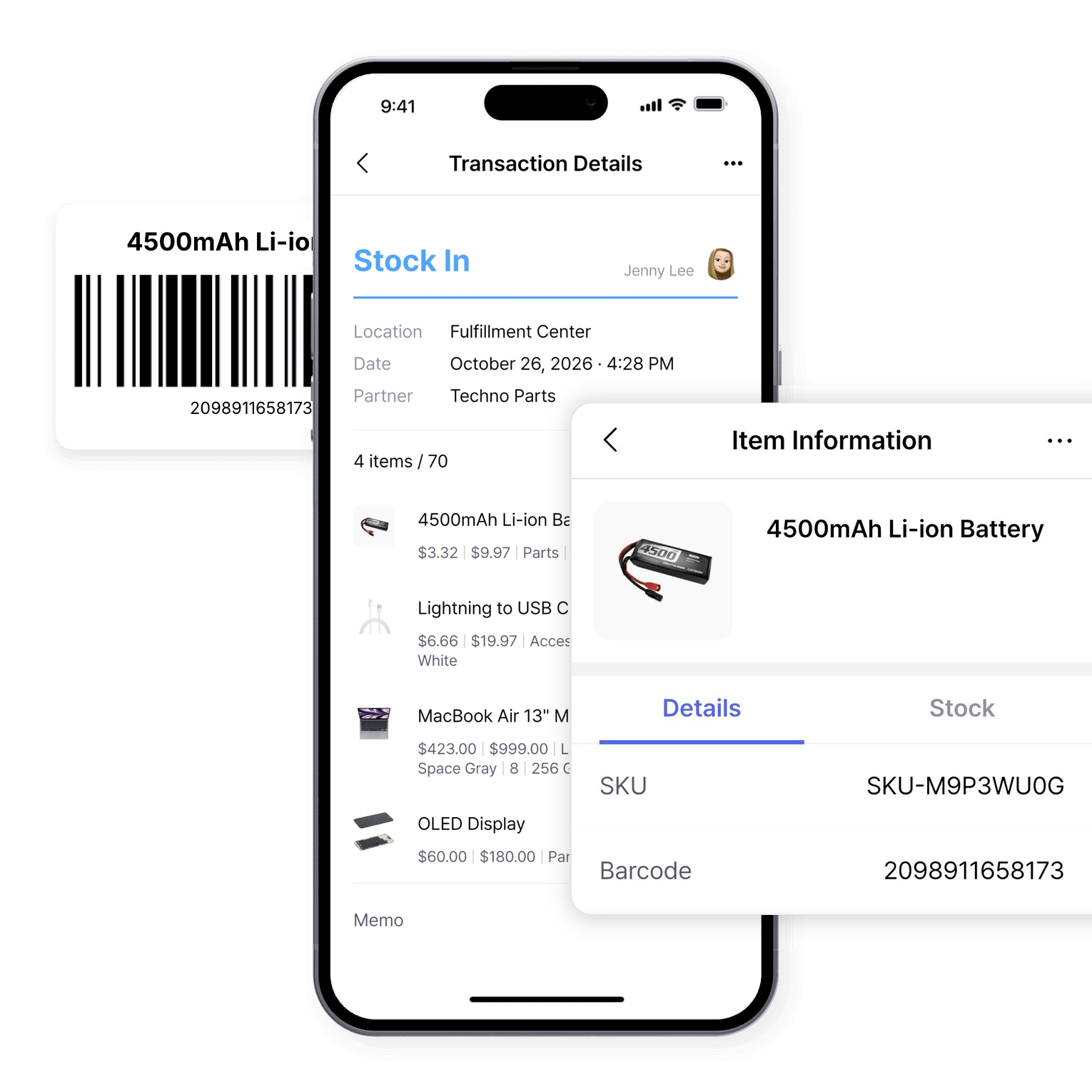
BoxHero is built for day-to-day stock control: tracking quantities as items come in and go out, reordering before you run low, and recording every purchase and sale.
Any barcode, at no extra cost
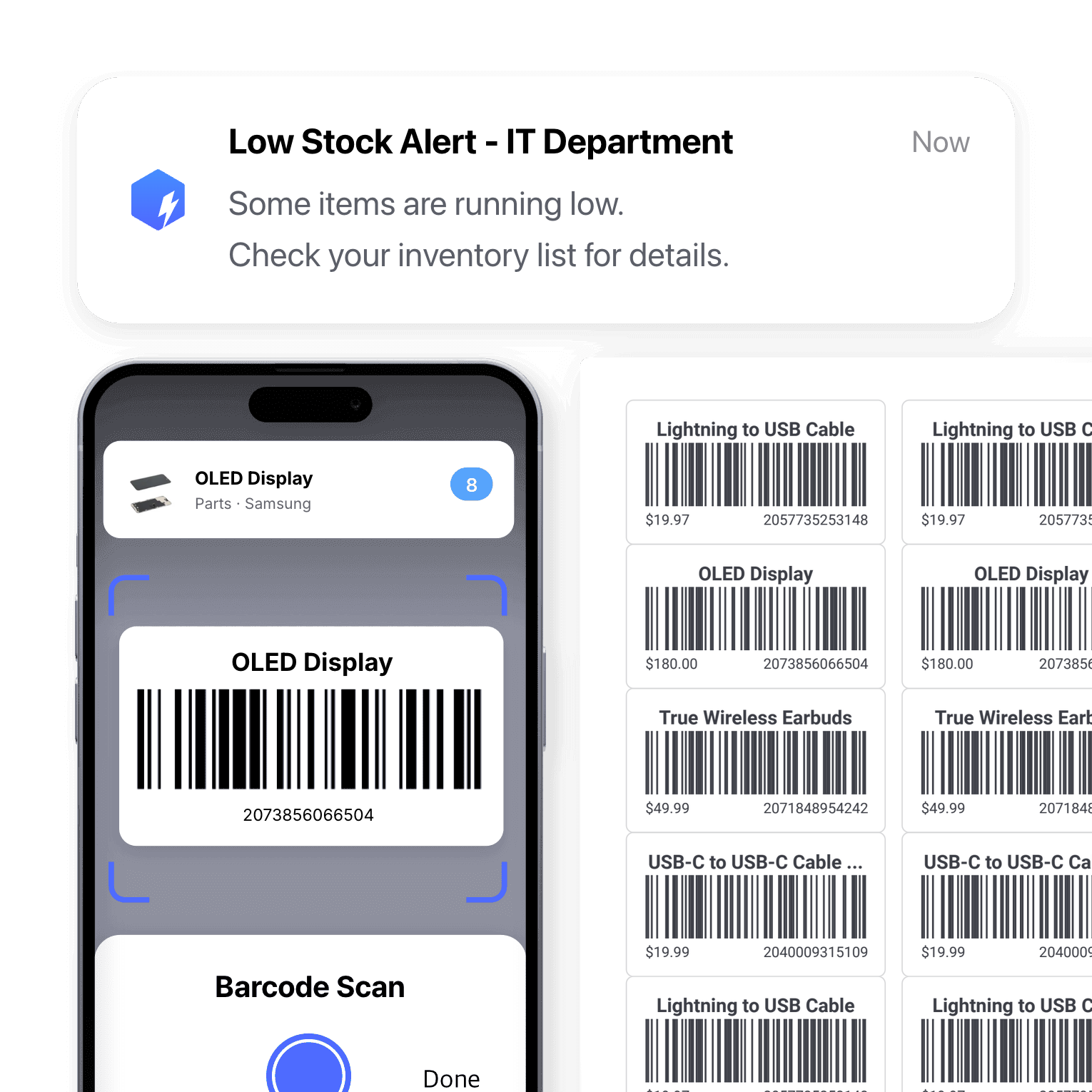
BoxHero works with barcodes and QR codes alike. Scan with a Bluetooth scanner or your phone camera, and anyone on your team can design and print barcode labels.
Shelf is built around its own QR codes, with 1D barcodes like Code128 and EAN-13 available as a paid add-on for the Team Plan. The codes are designed mainly for asset tagging and location tracking rather than for counting stock or recording incoming and outgoing inventory.
What each plan includes
Shelf’s free plan limits custom fields and doesn’t include spreadsheet import or export. CSV import and email support start on the paid Plus Plan, and bookings and team members require the Team Plan.
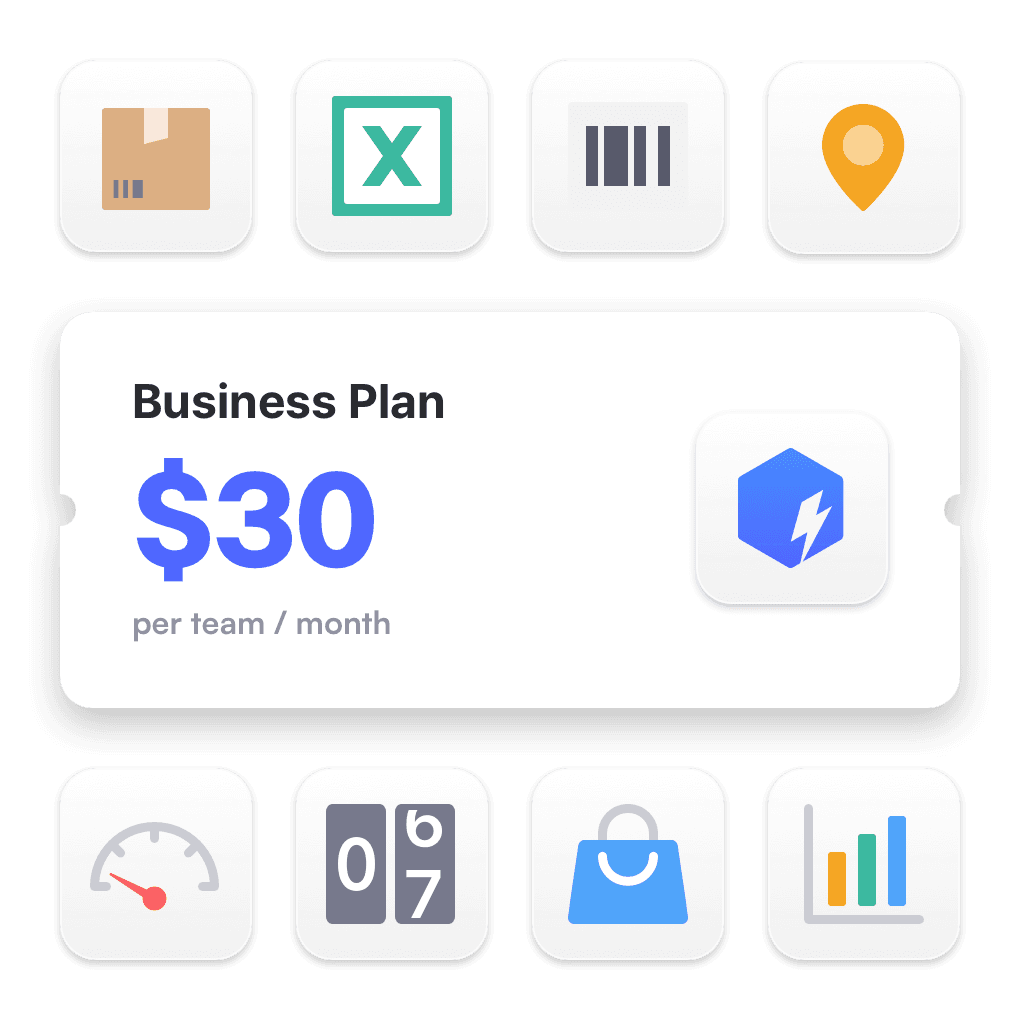
BoxHero’s free Personal Plan already includes Excel import and export. Starting at $30 a month per team, the Business Plan adds multiple locations, purchase and sales orders, and custom barcode label design. You can try every premium feature for free before you pay.
Which should I use: Shelf or BoxHero?
Shelf is a good fit for businesses that mainly manage IT equipment and other valuable assets, especially if they need check-outs and bookings. It’s less suited to managing stock you buy and sell.
BoxHero suits businesses that need to know how much stock they have, where it is, and when to reorder. It can track equipment and supplies too, so one app covers both your stock and your assets.

Inventory management that grows with you
Start with a single stockroom, then add members, items, and locations as your business needs them.
Features that keep your inventory in check
 Learn more
Barcoding
Scan with your phone camera or a handheld scanner to add, find, count, and move items. Generate barcodes and print custom labels on any standard or thermal printer.
 Learn more
Low Stock Alerts
Set a safety stock level for each item and get notified before you run out, so you have time to reorder. Adjust alerts by location and choose when you receive them.
 Learn more
Stock Count
Run full or partial counts with your team, splitting the work into task sheets by area or shelf. Review every difference against recorded quantities, then apply the results in a single step.
 Learn more
Inventory Control
Track every item in one place with SKUs, photos, and custom attributes. Record cost and price for each one, and keep quantities accurate with every stock transaction.
 Learn more
Multiple Locations
Manage inventory across warehouses, stores, and stockrooms, all from one place. See how much you have at each site, and move stock between locations with full tracking history.
 Learn more
Reports
Build reports from your inventory and sales data, from stock value and turnover to profit. Use prebuilt formulas or write your own, filter by location and date range, then export to Excel.
Manage your stock, not just your equipment
Try BoxHero free for 30 days.






Quick reference
 Help GuideFrom getting started to basic concepts, explore our detailed user guide to learn more about BoxHero.
 Contact UsHave a question or comment? Reach out to us and we’ll get back to you.
 GlossaryLearn about the most important inventory management and accounting terms and acronyms for small businesses.
Go mobile with our iOS and Android app
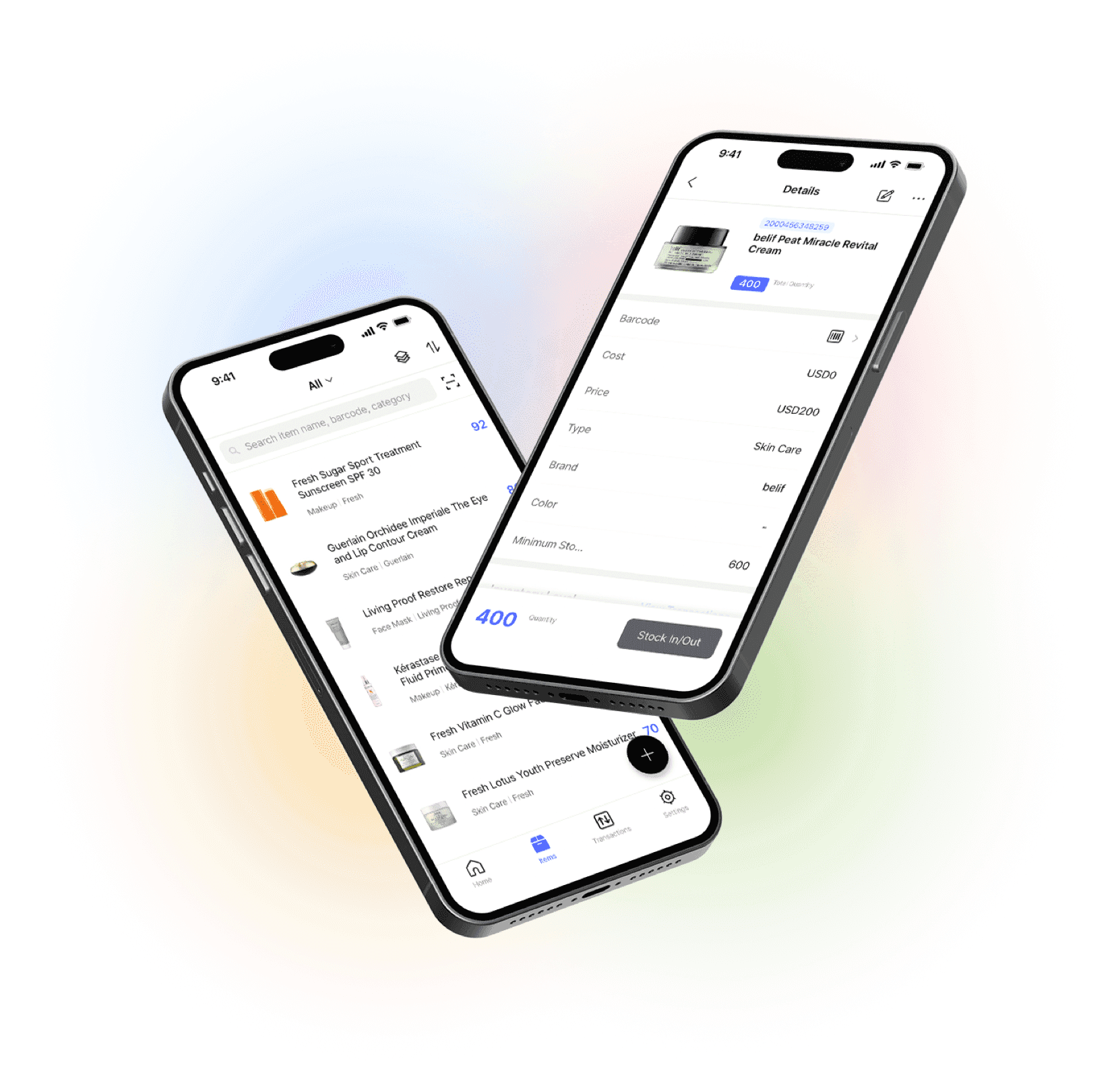
Set up items and review reports in your browser, then scan barcodes, record inventory transactions, and get low stock alerts on your phone. Everything stays in sync in real time.