Free Barcode Generator
Print barcodes for free, with no downloads or software to install. Works with common label sheets and thermal printers.
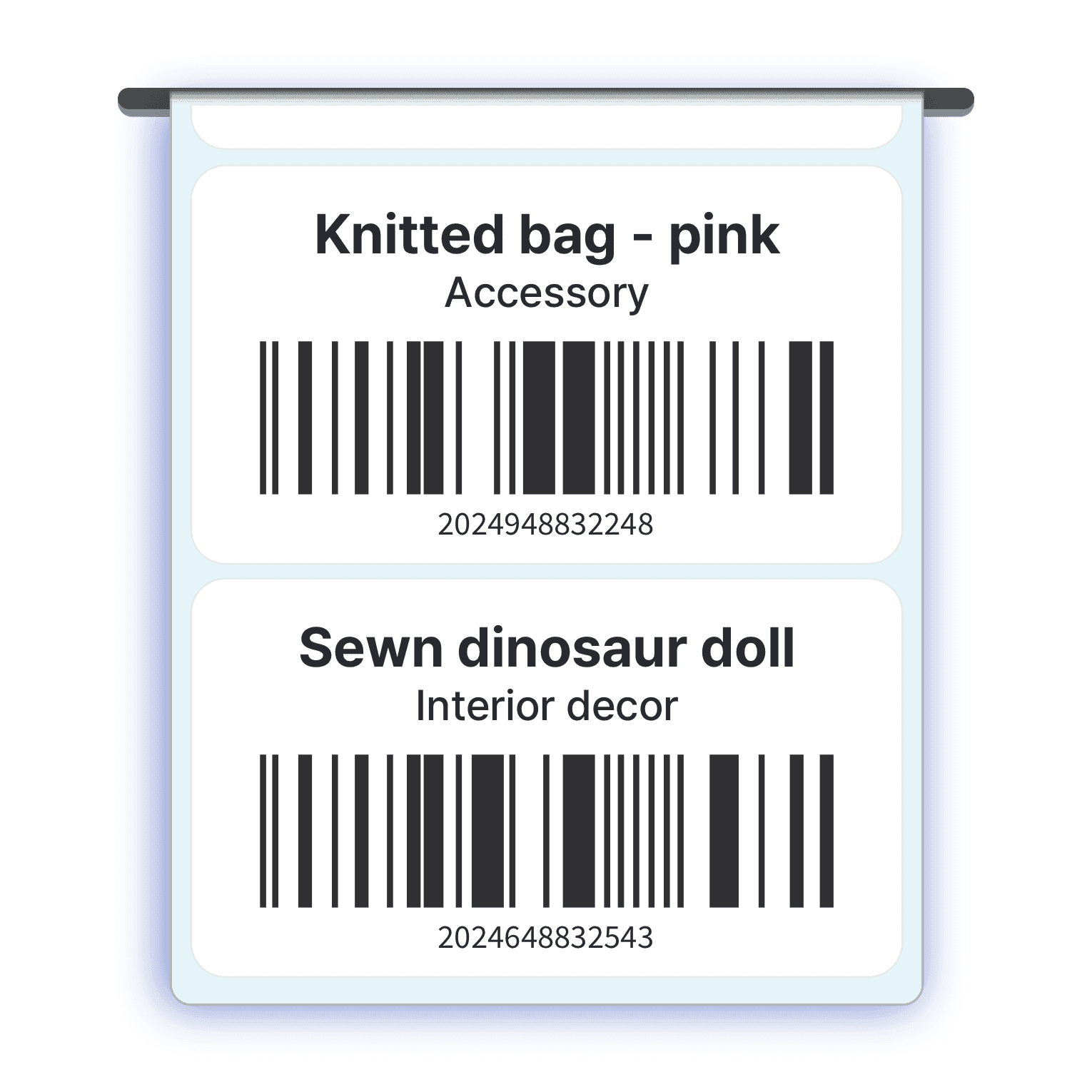
Print barcodes in minutes
Generate and print barcode labels right in your browser, with no software to install and no account needed.
Pick a label size, upload your item list from Excel, and print to label sheets or a thermal printer in a few clicks. When you’re ready to track the stock behind those labels, you can scan the same barcodes in BoxHero.
Built for every business type
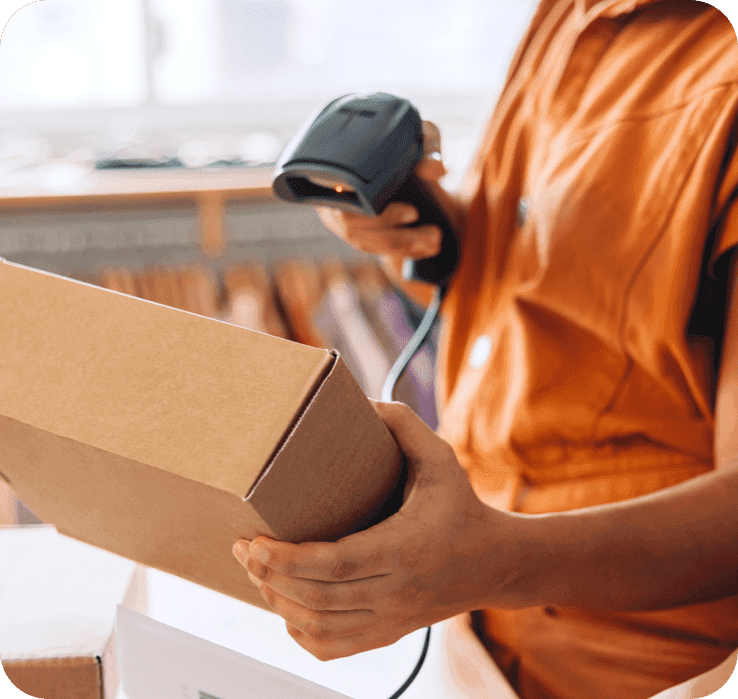
E-Commerce
Keep your online store running smoothly with easy-to-print barcodes on your products
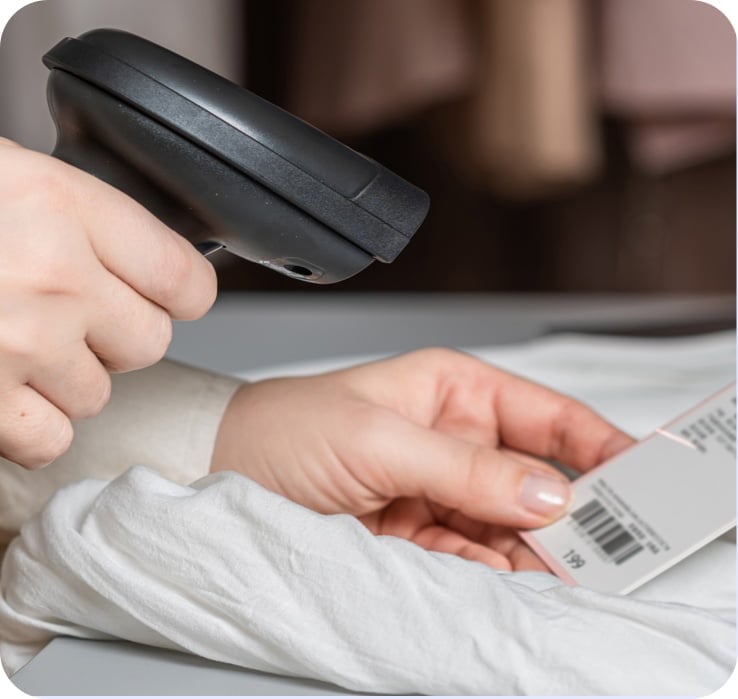
Wholesale & Retail
Label large catalogs quickly and keep up with high-volume sales
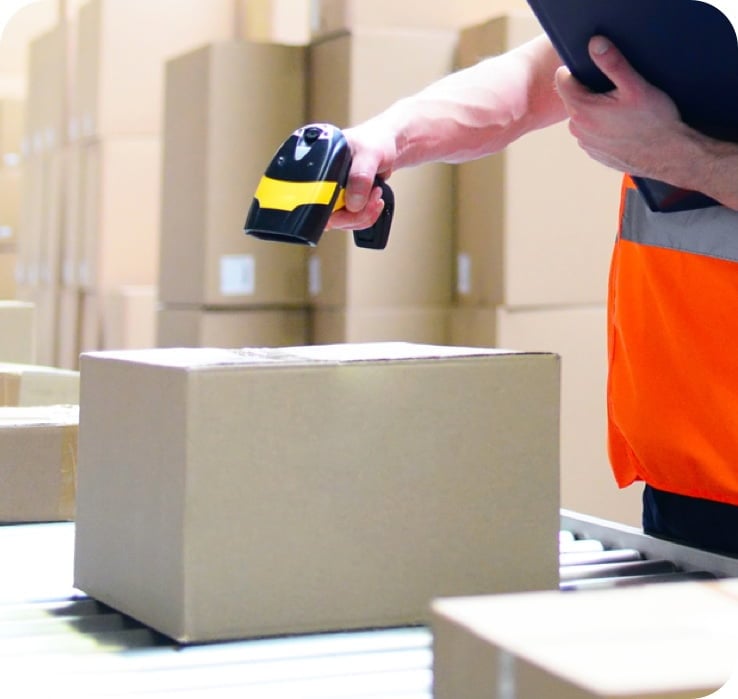
3PL
Label stock before you send it to Amazon FBA or a 3PL provider
Manufacturing
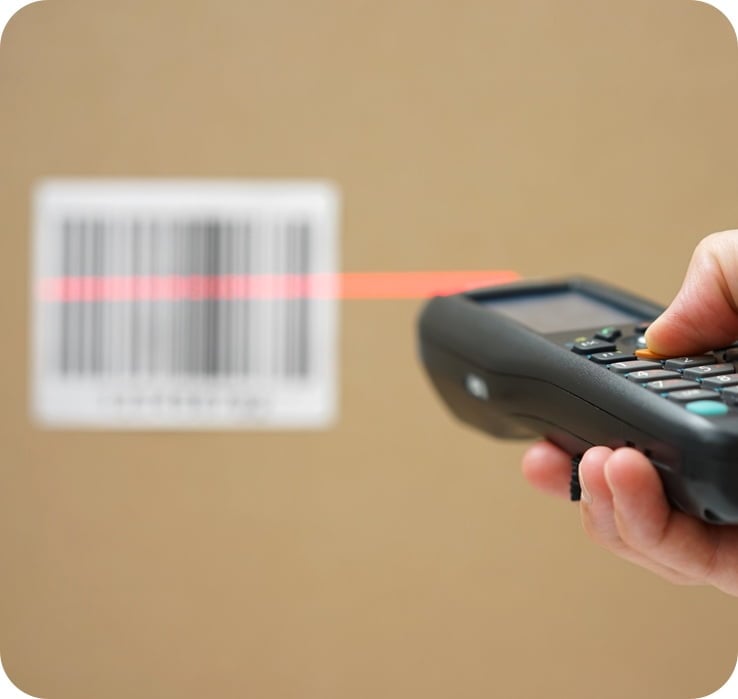
Track your production line from raw materials to finished products with a quick barcode scan
Feature Highlights
No software, no fuss. Generate and print barcodes instantly.

Barcodes & QR Codes
Print both 1D barcodes (Code128, EAN13) and 2D barcodes (QR Code)

A4 Label Sheets
Compatible with label sheets from brands like Avery

Thermal Transfer and Direct Thermal Printers
Works with thermal transfer and direct thermal printers from brands like Zebra and TSC

Design Configuration
Choose from a variety of label templates and customize the font size and alignment

PDF Export
Generate PDF files to store barcode labels for future use

Multilingual Fonts
Supports fonts for many languages, including Spanish, Chinese, Japanese, Korean, Arabic, and more

Auto-Save Settings
Your settings are automatically saved, so you don’t need to reconfigure each time

Cross-Platform Compatibility
Print directly from both PC and mobile devices, wherever you are
How to Print Barcodes
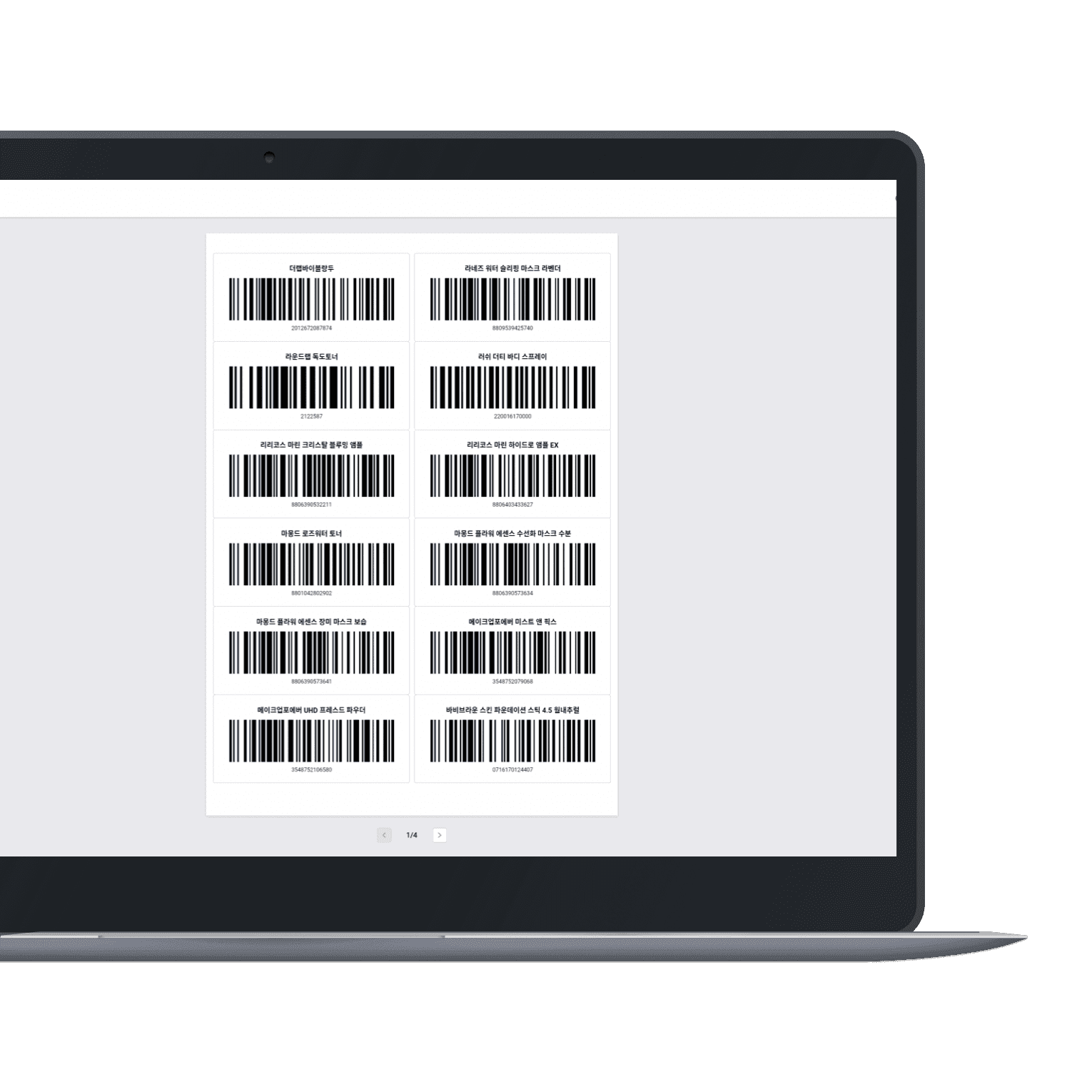
- Choose the right label size for your A4 sheet or thermal paper.
- Pick a barcode label design or create your own and adjust details.
- Upload an Excel file with your inventory data for easy printing.
- Click “Print”.
FAQ
Yes. Anyone can print barcodes for free. No need for separate software like BarTender.
You can fully customize your barcode labels—adjust the font size, make text bold, and more. Check out BoxHero’s Label Designer for full customization.
Yes, our web-based tool works well with browsers like Chrome and Safari. You can also download PDF files to your mobile device and print your barcodes using any PDF reader app.
Do more with your barcodes
Try BoxHero free for 30 days.