Inventory and tool tracking for job sites
Know where your tools are, who has them, and what materials are left on each site. BoxHero keeps one record across the yard and every job site, updated from a phone in the field.
Free 30-day trial upon signing up.


Know what’s on site before you send a truck back.
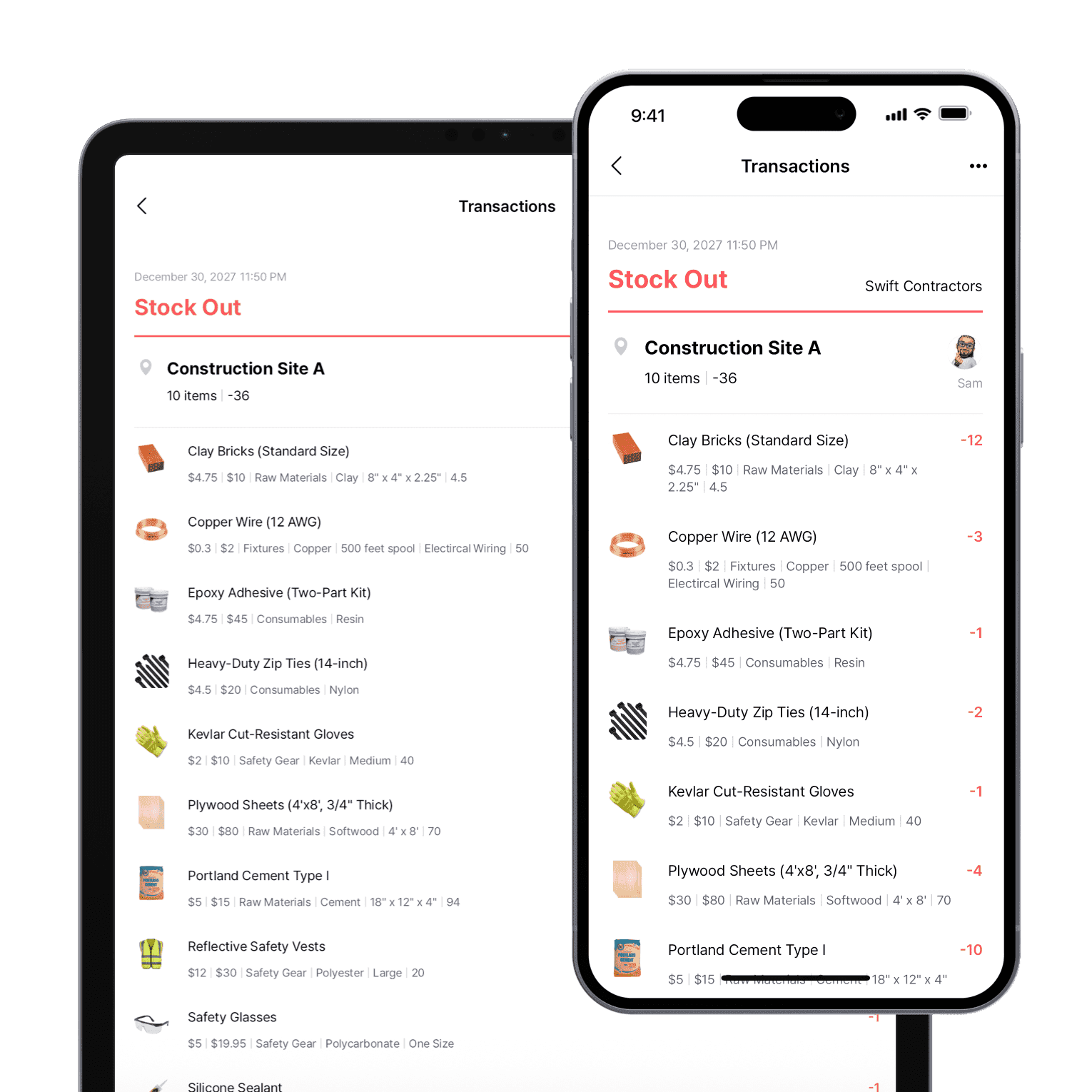
Every tool, tracked from yard to site and back
Track each tool and piece of equipment as it moves between sites. Assign a tool to a person, a crew, or a job site when it leaves the yard, and log it back in when it returns.
- Assign each tool to a person, crew, or site
- Pull up each tool’s full location history
- Track high-value equipment in the field
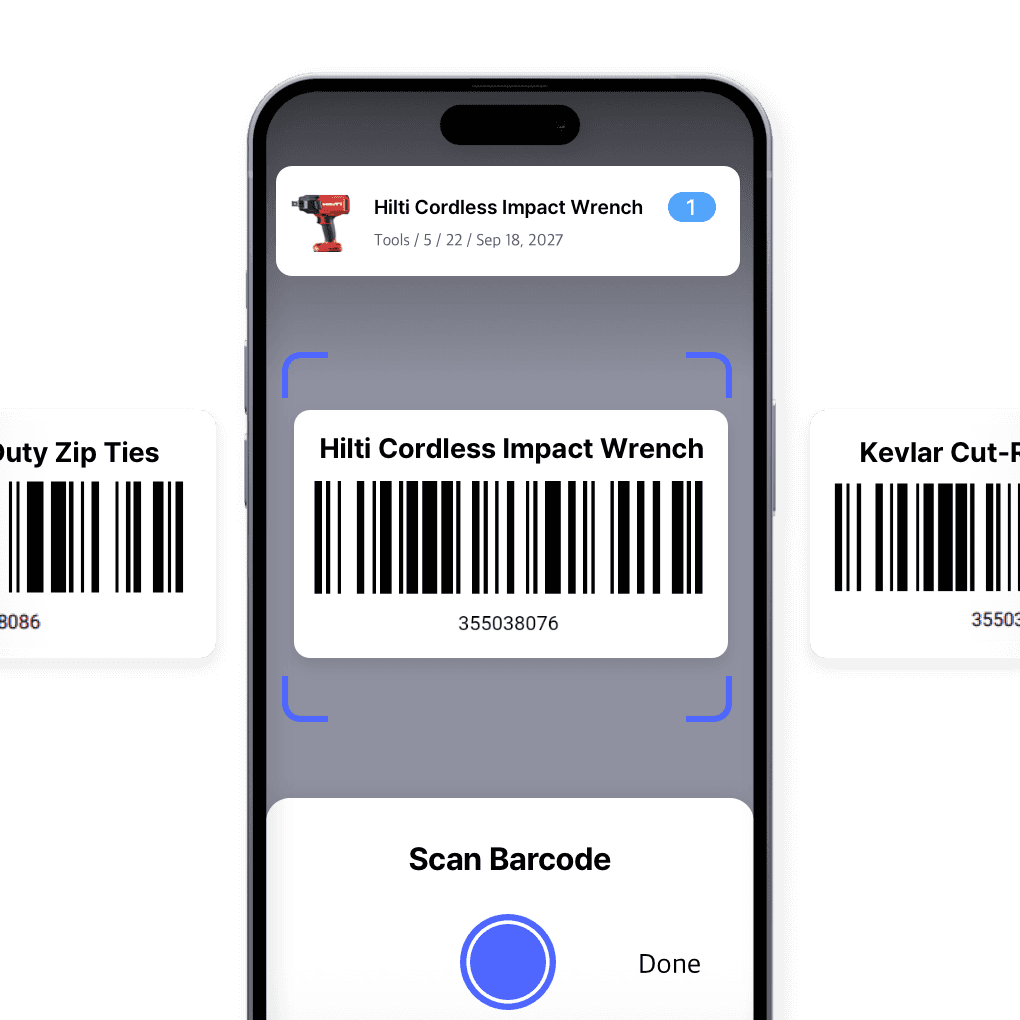
Tag your tools, scan them anywhere
Put a durable QR or barcode tag on each tool and asset, then scan with a phone to check it in, check it out, or look up its history. Print tags built to survive a job site straight from BoxHero.
- Stick a durable tag on every asset
- Scan to stock in or out from your phone
- Print tags that hold up on a job site
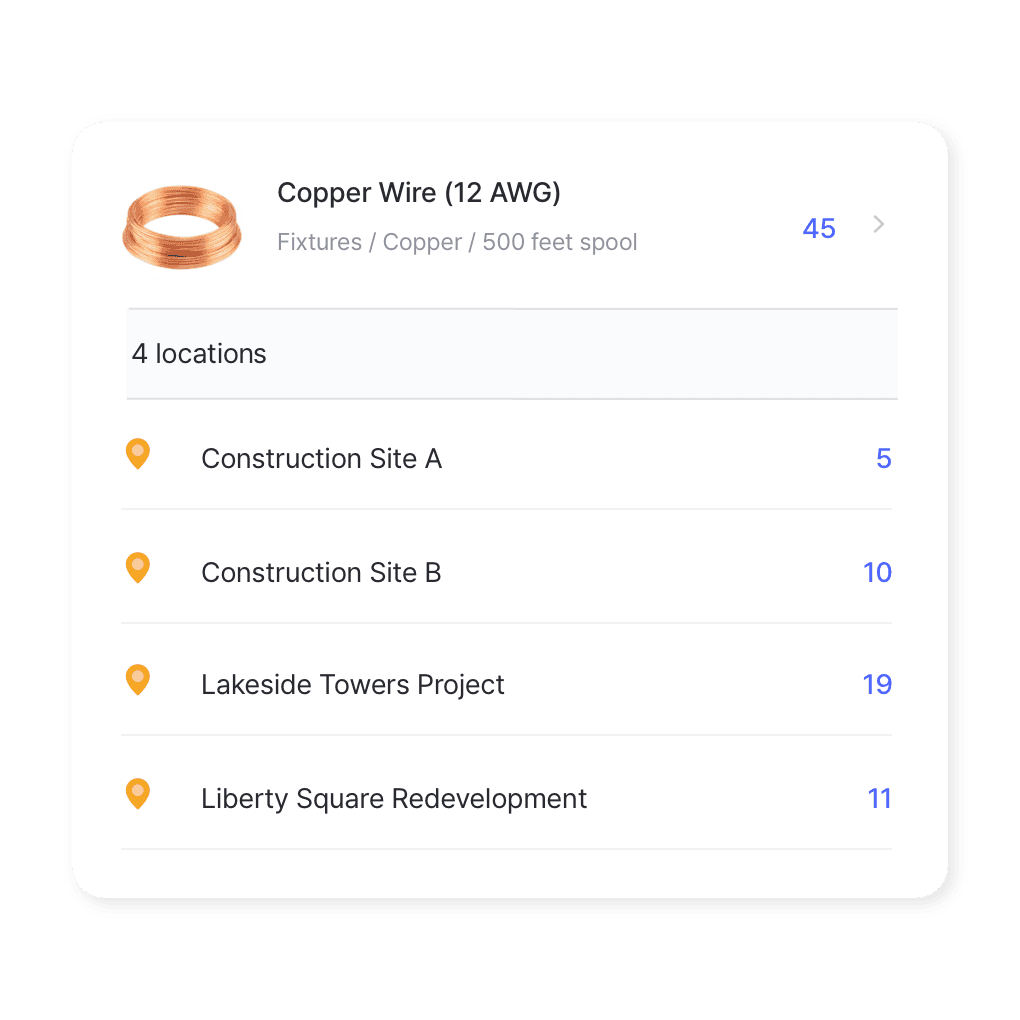
One view across every site you’re running
Treat each job site, your yard, and even a truck as its own location, and see what’s at each without calling the foreman. Move tools and materials between sites and keep a record of every transfer.
- Track each site separately
- See what to pull back when a job wraps
- Move gear between sites
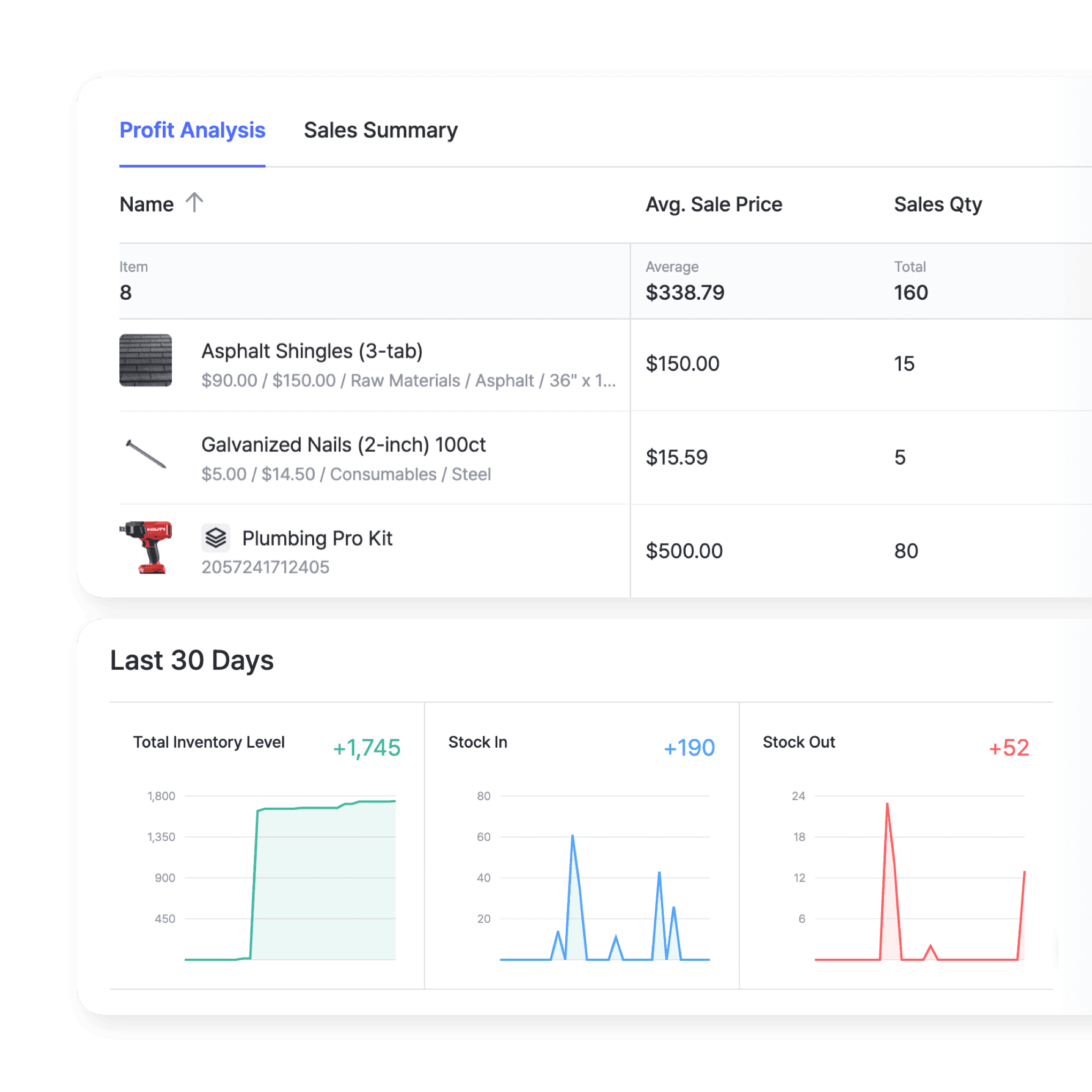
See what each job really used
Track material costs and usage by site over any date range. Reports show what each job used and which stock in the yard is tying up cash.
- Track material costs by site
- See usage over any date range
- Find stock that ties up cash
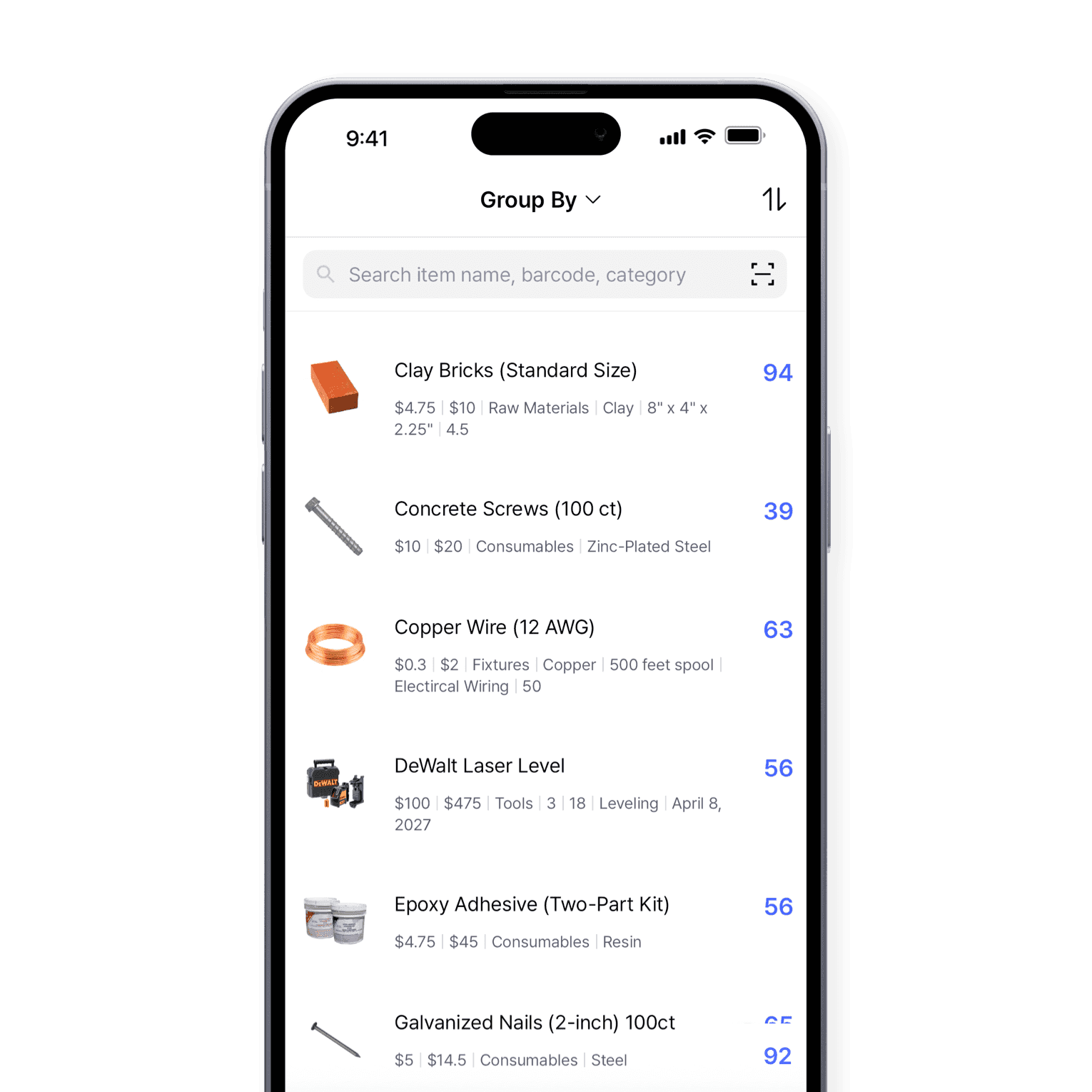
Know what’s left on every site
See which materials and equipment are left at each site. Add a photo to every item and search by custom fields like quantity, cost, or manufacturer.
- See what’s left at each site
- Add photos to materials and gear
- Search by any custom field
More ways to keep tools, materials, and crews in sync
Beyond tools and materials, these are the parts crews and office staff reach for most.
 Learn more
Low Stock Alerts
Set a safety stock level for each item and get notified before you run out, so you have time to reorder. Adjust alerts by location and choose when you receive them.
 Learn more
Purchases & Sales
Create purchase and sales orders, then receive or ship them in full or in batches. Send invoices by email or PDF, apply taxes and discounts, and handle returns against the original order.
 Learn more
Stock Count
Run full or partial counts with your team, splitting the work into task sheets by area or shelf. Review every difference against recorded quantities, then apply the results in a single step.
Construction inventory FAQ
Inventory management software like BoxHero provides real-time visibility into your stock levels across multiple job sites. It helps ensure that construction projects stay on schedule by maintaining the right levels of materials and equipment, ultimately saving time and money.
With the right inventory management software, you can streamline orders, prevent stockouts, and manage your tools and supplies more efficiently to improve project planning.
Yes. BoxHero lets you manage materials, tools, and equipment across multiple sites. You can track inventory transfers, check stock levels at each location, and ensure each project site has the resources it needs.
Using features like real-time tracking, low stock alerts, and timely reorders can help prevent material shortages. BoxHero allows you to set safety stock levels and receive notifications when supplies are running low, so you can reorder before stock runs out.
By tracking all materials and equipment, inventory management software helps construction companies better forecast demand and control costs. It provides detailed insights into spending, so you can avoid over-purchasing and reduce waste.
Managing tools and materials on the job site
Guides on tracking tools, controlling material costs, and keeping equipment accounted for on each job site, with practical steps for crews of any size.

Construction Inventory: Innovative Strategies
Construction projects rely on precise logistics where every beam, bracket, and board matters. BoxHero brings together just-in-time delivery, safety-stock planning, and supplier collaboration for real-time accuracy.
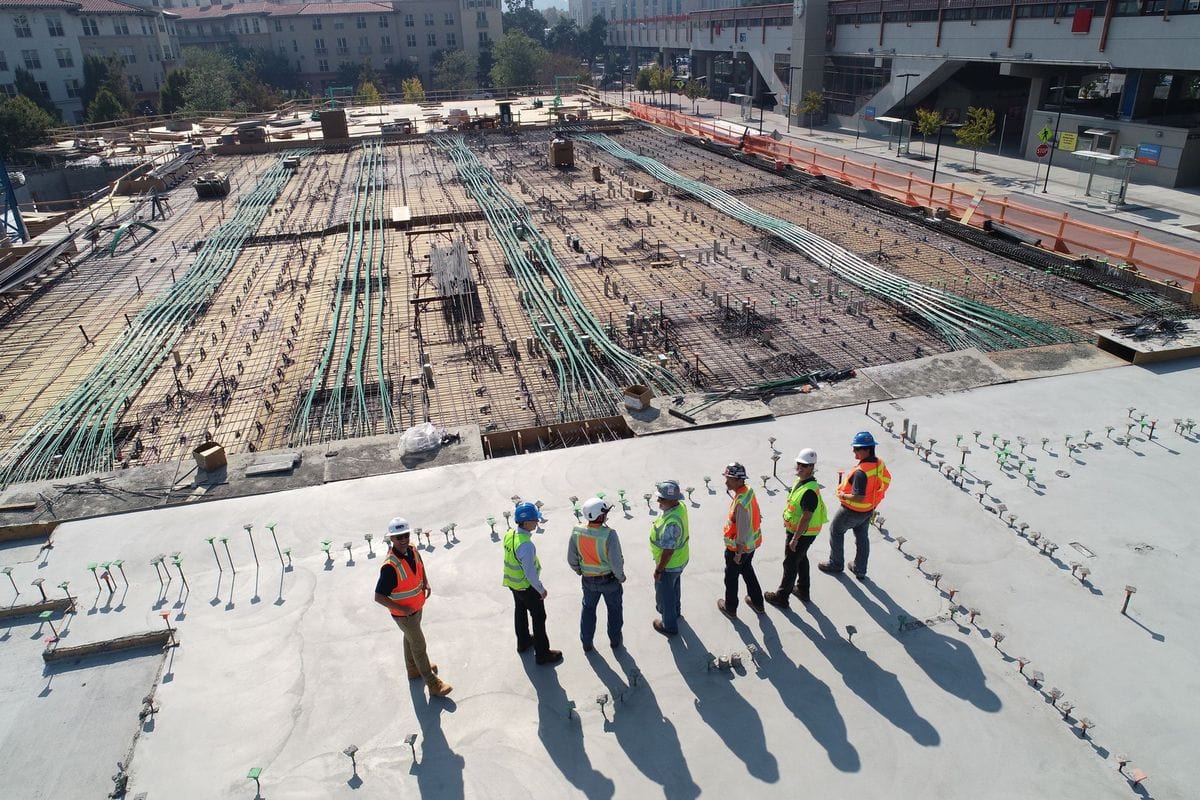
How Do SKUs Work in Construction?
SKUs are essential for construction inventory management—these unique alphanumeric codes give each item a clear identity and help you avoid confusion across materials, tools, and equipment.

BoxHero Mobile App for Smarter Construction Inventory
On busy construction sites, BoxHero’s mobile app lets crews scan barcodes, update stock instantly, and add items with photos right from the field. See how using it on the go cuts errors and keeps every site supplied.
Start tracking your gear today
From small tools and raw materials to large equipment.
Try BoxHero on your next job.






Quick reference
 Help GuideFrom getting started to basic concepts, explore our detailed user guide to learn more about BoxHero.
 Contact UsHave a question or comment? Reach out to us and we’ll get back to you.
 GlossaryLearn about the most important inventory management and accounting terms and acronyms for small businesses.

Go mobile with our iOS and Android app
Stay connected and get low stock alerts on your phone, wherever you are.