Track every item across every location
BoxHero keeps your counts accurate as items come in and go out. Record transactions, check quantities, and open your inventory from any device.
Free 30-day trial, no commitment.
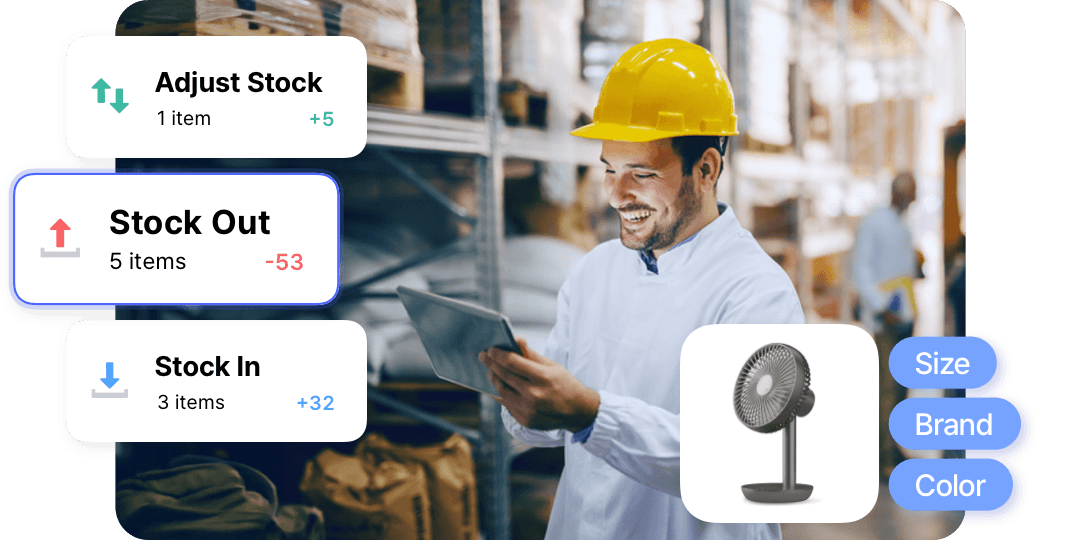

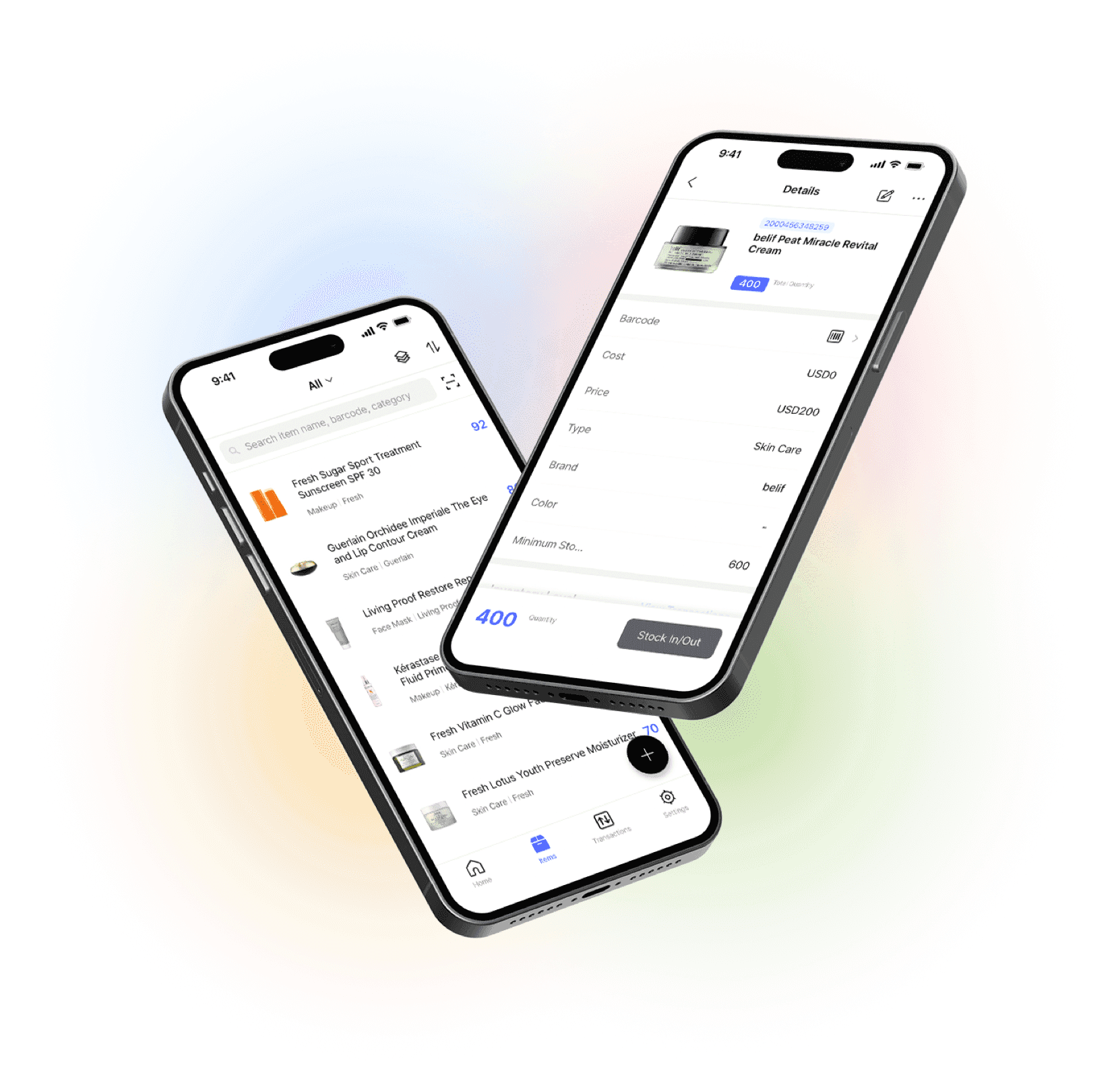
Every item organized and visible in one place.
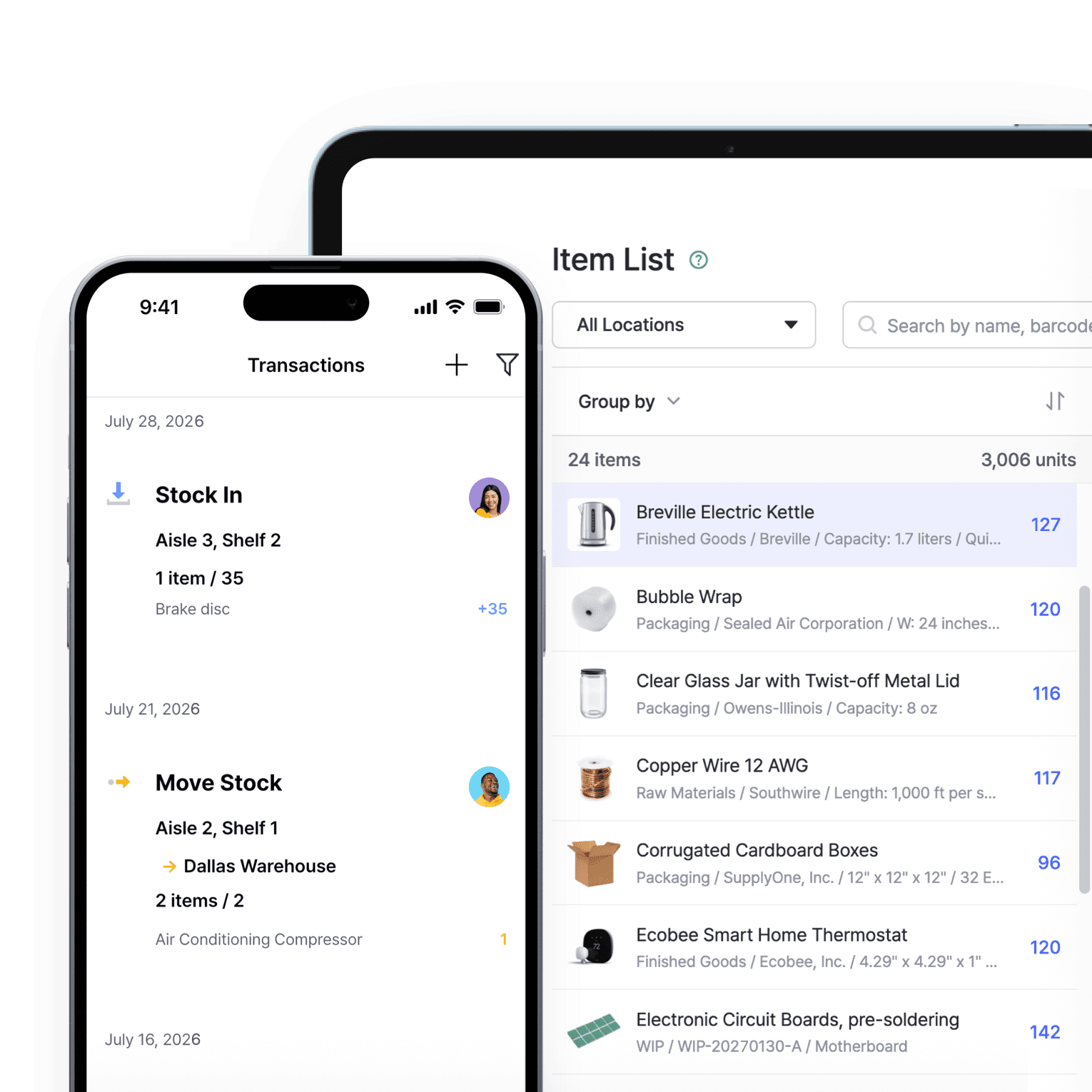
One place for all your stock
Keep all your inventory in one place and see exactly what’s coming in and going out. Counts update the moment your team records activity, so the number on screen is the number on the shelf.
- Update stock in real time
- See items across all locations
- Open it from web or phone
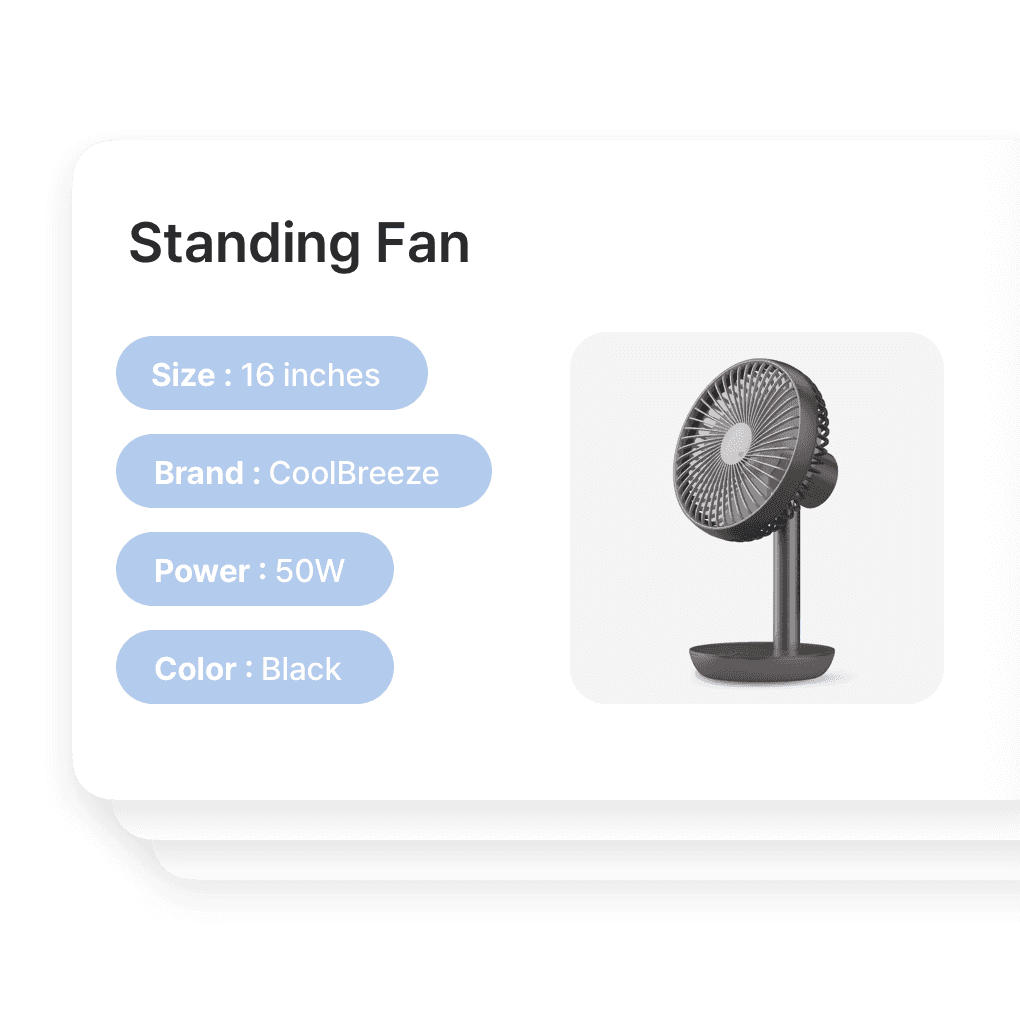
Item details, set up your way
Easily organize your inventory with key details such as cost, price, availability, and SKUs. Customize item variants based on unique attributes and keep everything neatly sorted.
- Add your own custom fields
- Split items into variants
- Sort and filter by any detail
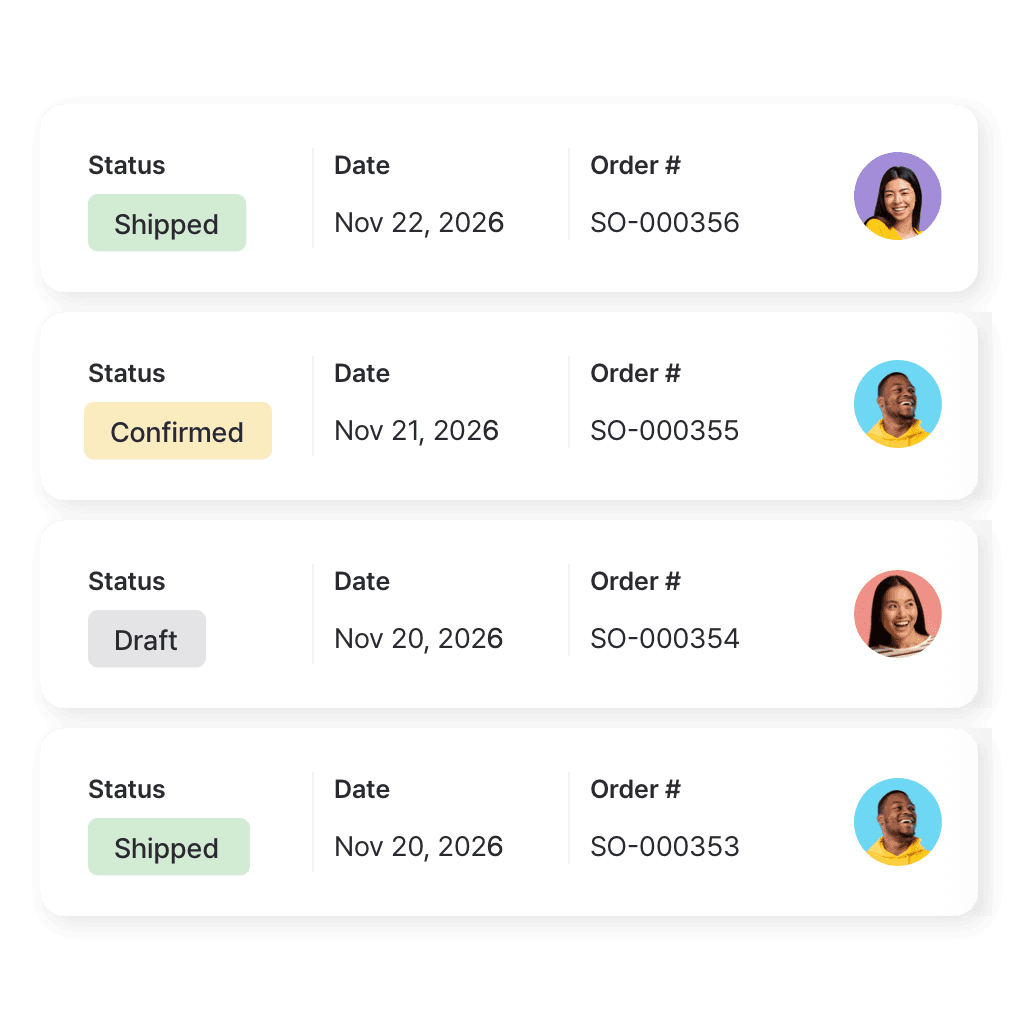
Every order, start to finish
Link purchase and sales orders to your stock, and see what’s incoming and what’s already shipped. Keep invoices with their orders, so every purchase and sale is easy to trace.
- Link orders to stock changes
- See what’s incoming vs. shipped
- Keep invoices alongside orders
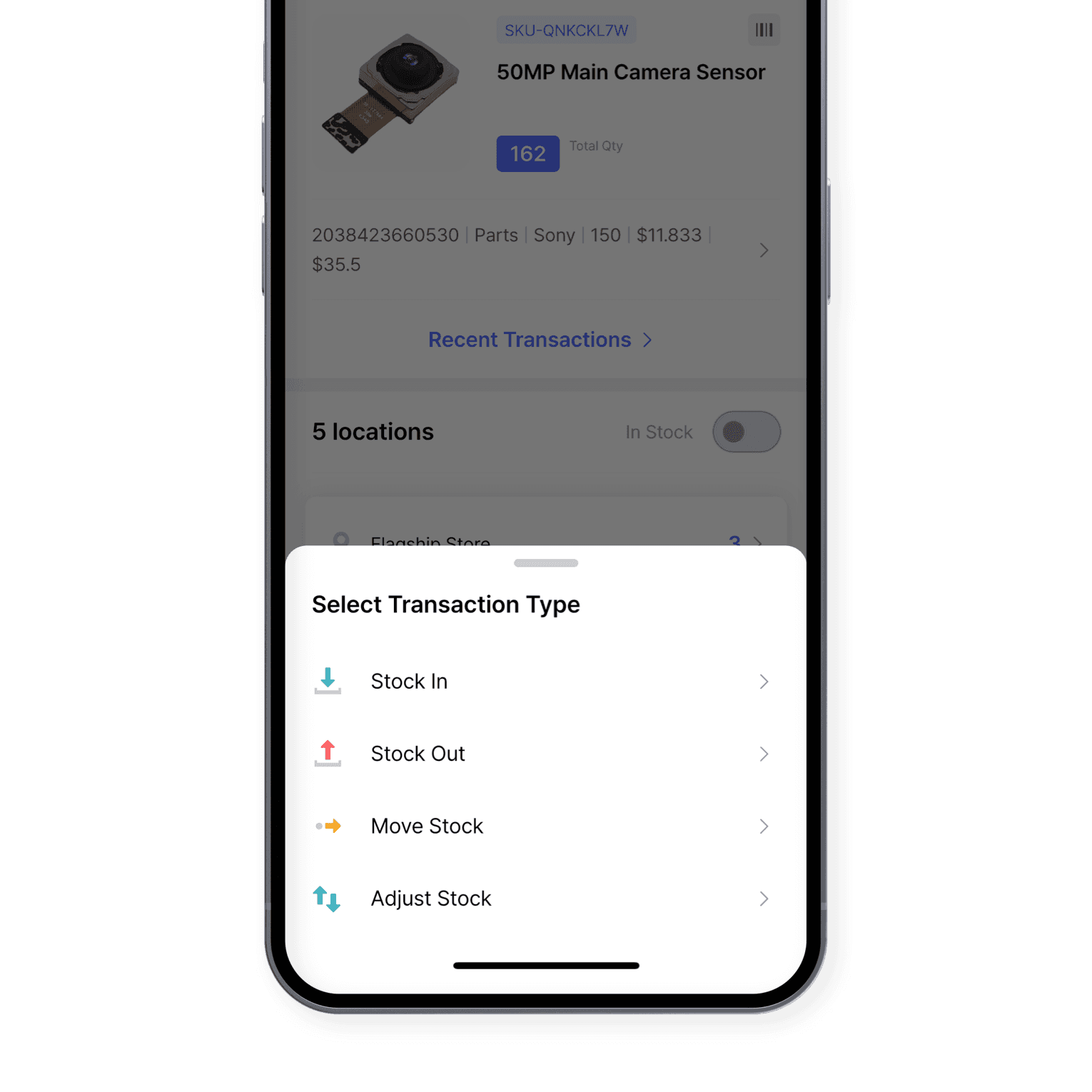
An audit trail for every change
Adjust your stock levels to account for product shrinkage or count discrepancies. Record every adjustment with complete details and access your transaction history for full transparency.
- Records who, when, and why
- Full history stays searchable
- Add a reason to every change
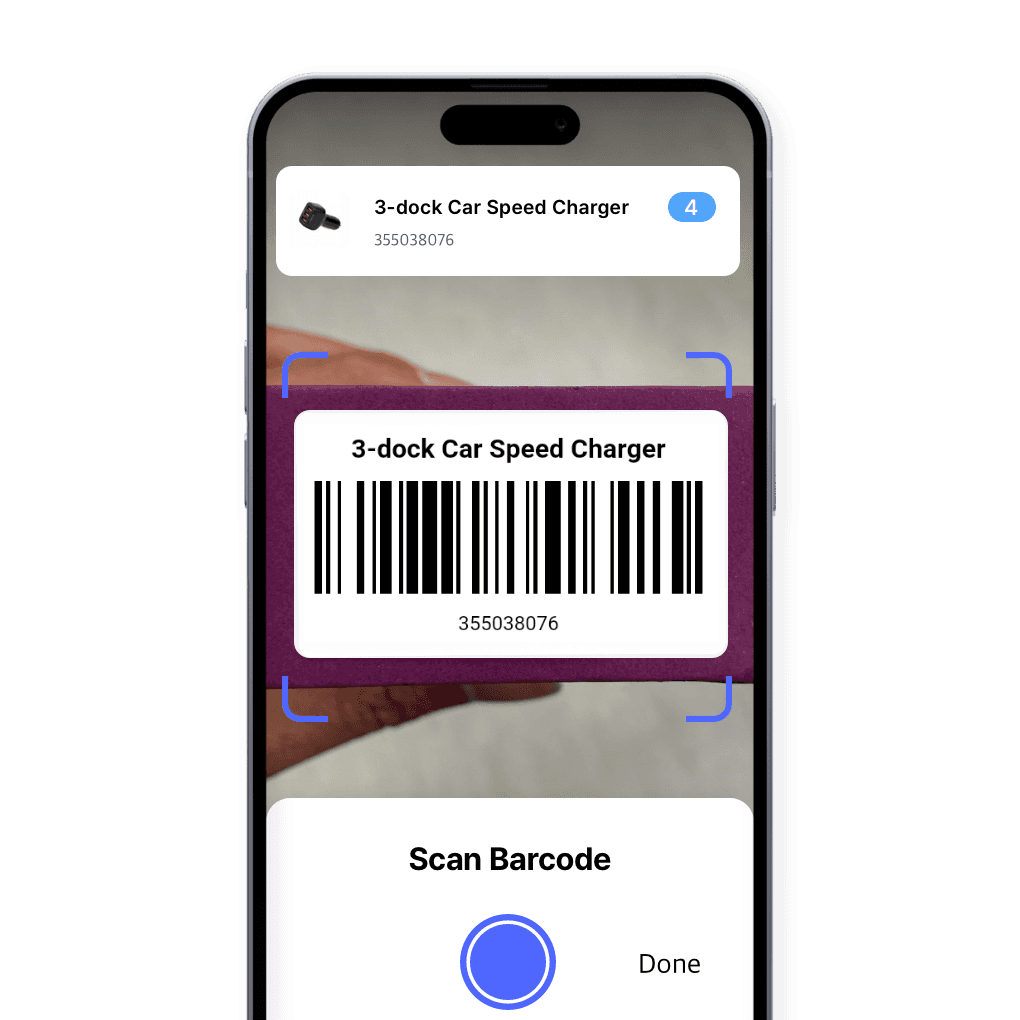
Scan barcodes to update
Scan a barcode to update stock or pull up an item’s details. Print labels for anything that doesn’t have one yet, so every item can be found and counted with a quick scan.
- Scan with your phone camera
- Print labels for any item
- Counts update on each scan
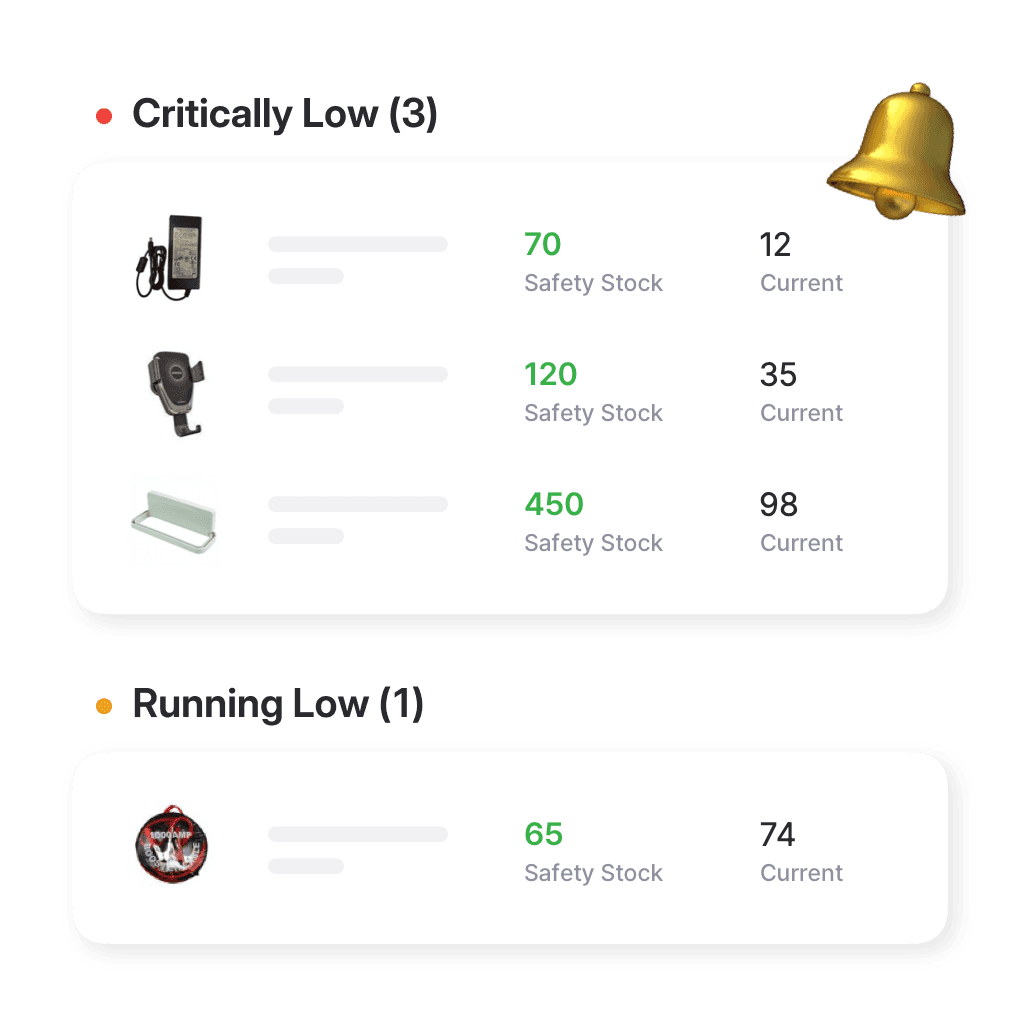
Reorder alerts, set per item
Set a safety stock quantity for each item so you know when to reorder. BoxHero’s low stock alerts tell you what’s running low at every location, well before it runs out.
- Set a minimum per item
- Get alerted when stock runs low
- Works across every location
More tools for day-to-day inventory
BoxHero gives small businesses a straightforward way to run daily inventory. Here are a few features that save time and keep your records in order.
 Learn more
Excel Import & Export
Add and update items straight from a spreadsheet, from prices and quantities to SKUs. Download a template that matches your columns, then export back to Excel whenever you need.
 Learn more
Stock Count
Run full or partial counts with your team, splitting the work into task sheets by area or shelf. Review every difference against recorded quantities, then apply the results in a single step.
 Learn more
Inventory Sharing
Share current stock levels with people outside your team through a private link, no login required on their end. Choose which items and details appear, and keep the rest of your inventory private.
Guides from the BoxHero blog
Our blog covers how to organize stock, compare inventory methods, and pick a barcode system that keeps your data accurate.

How to Set Up Inventory in a Small Business
Every small business already handles inventory in some way. This beginner-friendly guide walks you through the basics of setting up an inventory system so you can track what’s in stock and when something’s running low.

Perpetual vs. Periodic Inventory
Inventory management might not be the most exciting part of running a business, but it’s one of the most important. Get a clear comparison of perpetual systems versus periodic systems, plus tips to help choose what suits you best.
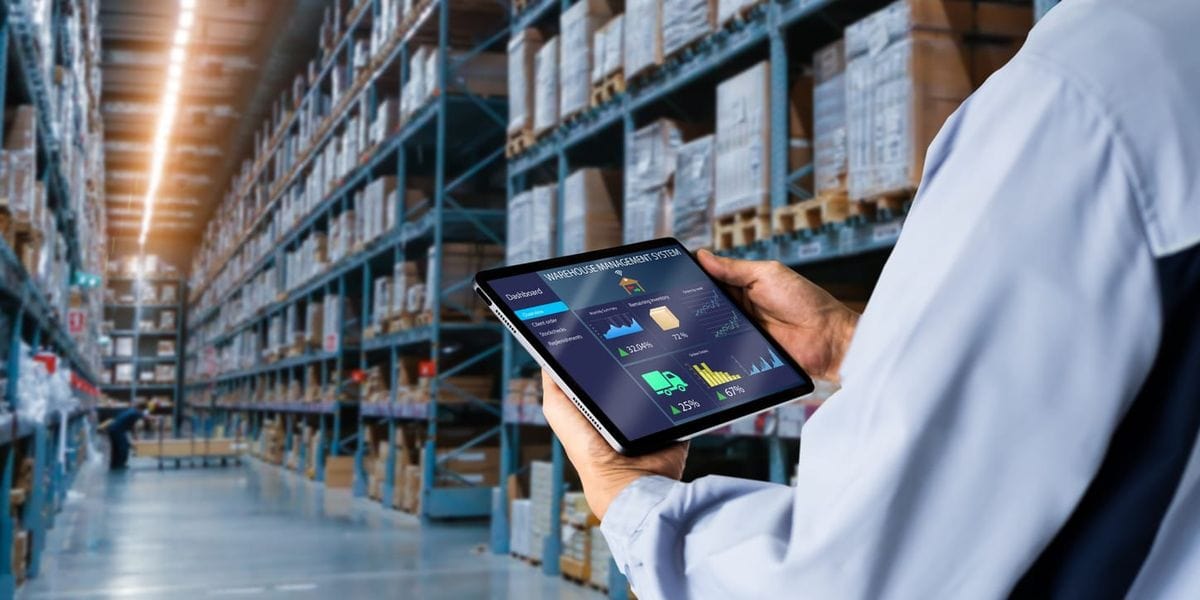
5 Best Inventory Software With Barcode Scanning
Barcode scanning makes inventory checks faster and more accurate. We review five leading tools, with a look at their key features and pricing plans. You’ll find solid software options reviewed in simple, practical terms.
See BoxHero on your own inventory
Try before you commit.
Free for 30 days, no credit card required.






Quick reference
 Help GuideFrom getting started to basic concepts, explore our detailed user guide to learn more about BoxHero.
 Contact UsHave a question or comment? Reach out to us and we’ll get back to you.
 GlossaryLearn about the most important inventory management and accounting terms and acronyms for small businesses.
Go mobile with our iOS and Android app
Stay connected and get low stock alerts on your phone, wherever you are.