Track every order from placed to delivered
Manage purchase orders to suppliers and sales orders from customers in one place. Stock counts update as you receive and ship against each order.
Free 30-day trial, no commitment.
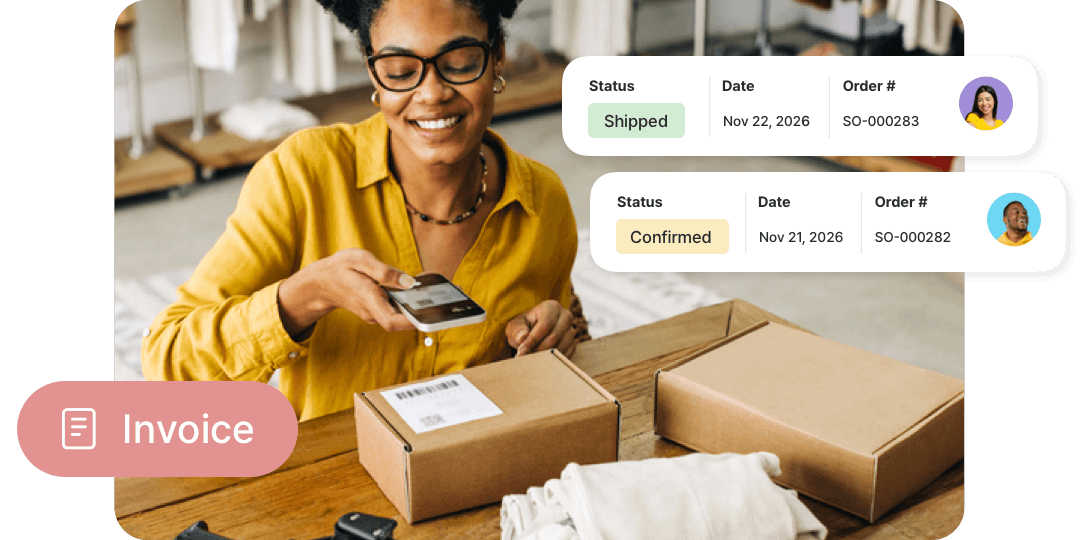

Manage purchase and sales orders with real-time inventory updates.
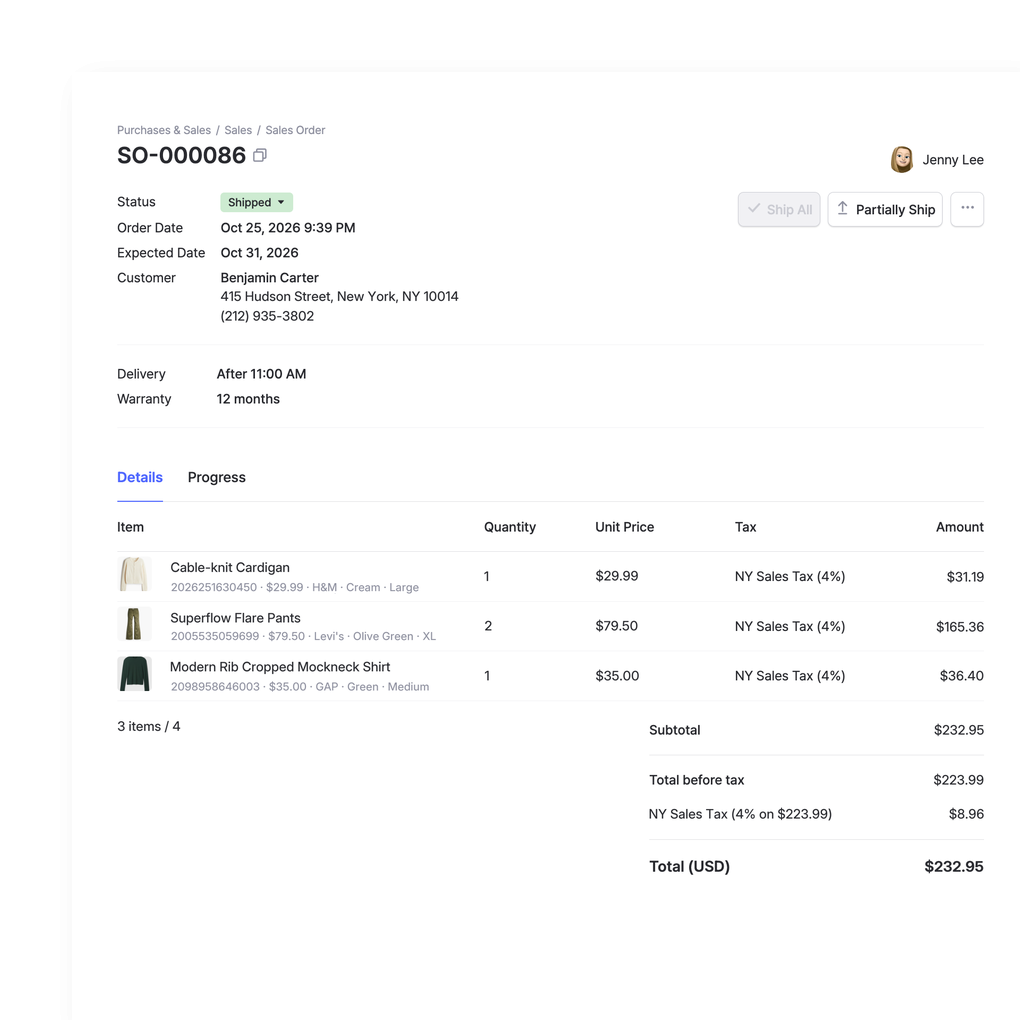
One home for buying & selling
Manage the full cycle without switching tools. Create purchase orders for suppliers and sales orders for customers, then track each one until it’s received or shipped and your stock adjusts.
- Handle POs and sales orders together
- See each order’s status at a glance
- Stock updates as items are received or shipped
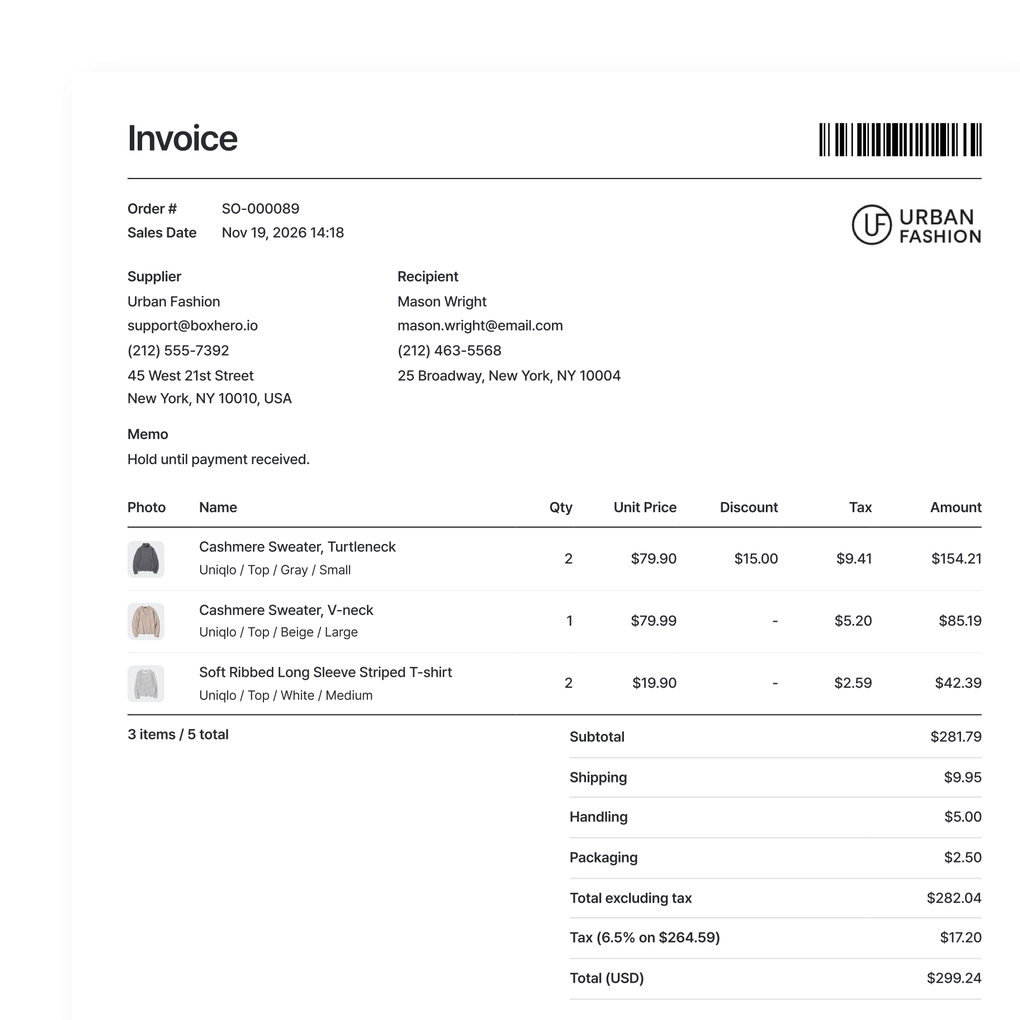
Send invoices in a click
Turn any order into an invoice and send it to a customer or supplier without re-entering anything. Apply taxes, discounts, and custom pricing per partner, and keep each invoice with its order.
- Generate invoices from any order
- Apply taxes, discounts, and custom pricing
- Keep invoices tied to their orders
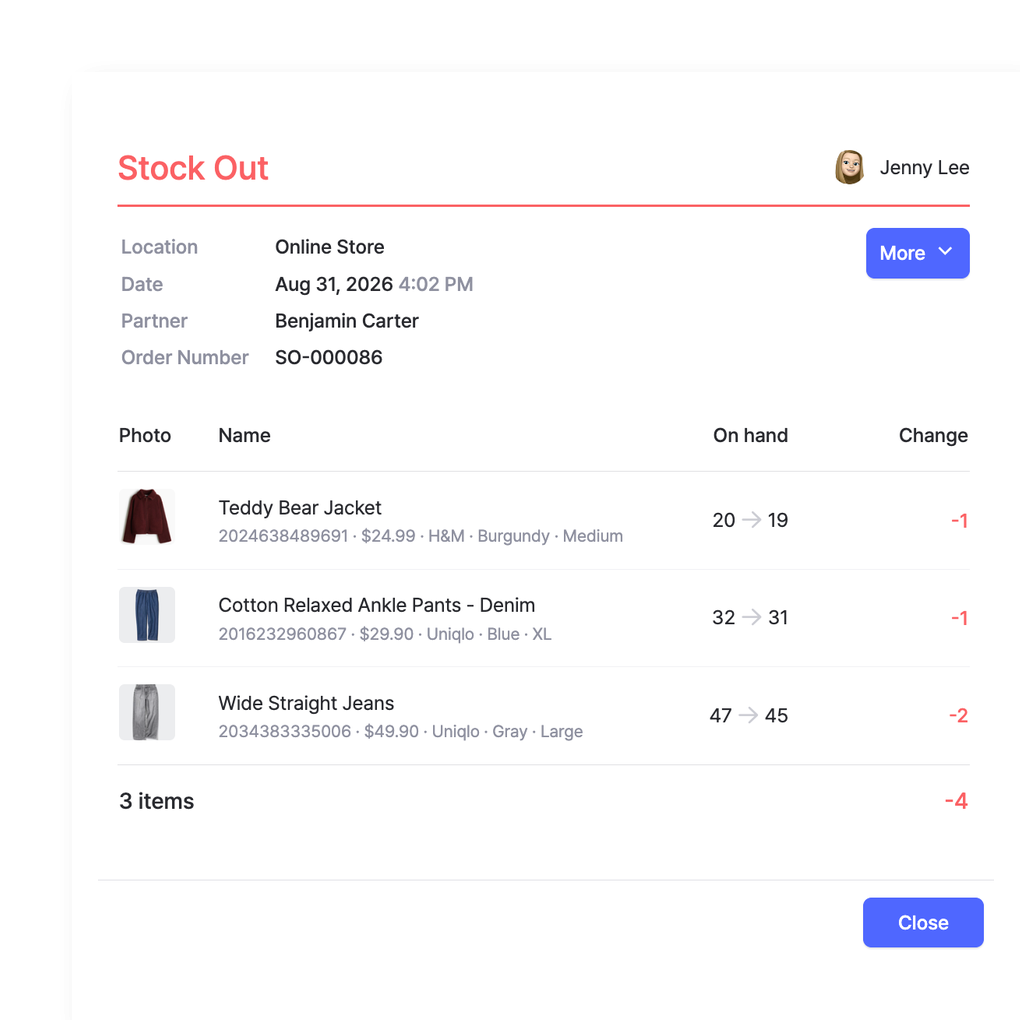
Orders and stock stay in sync
Stock changes when you receive a purchase order or ship a sales order, not when the order is created. Open orders show what’s on the way and what’s promised, so you don’t oversell or double-order.
- Counts change when items are received or shipped
- Avoid overselling and double-ordering
- One stock figure across the system
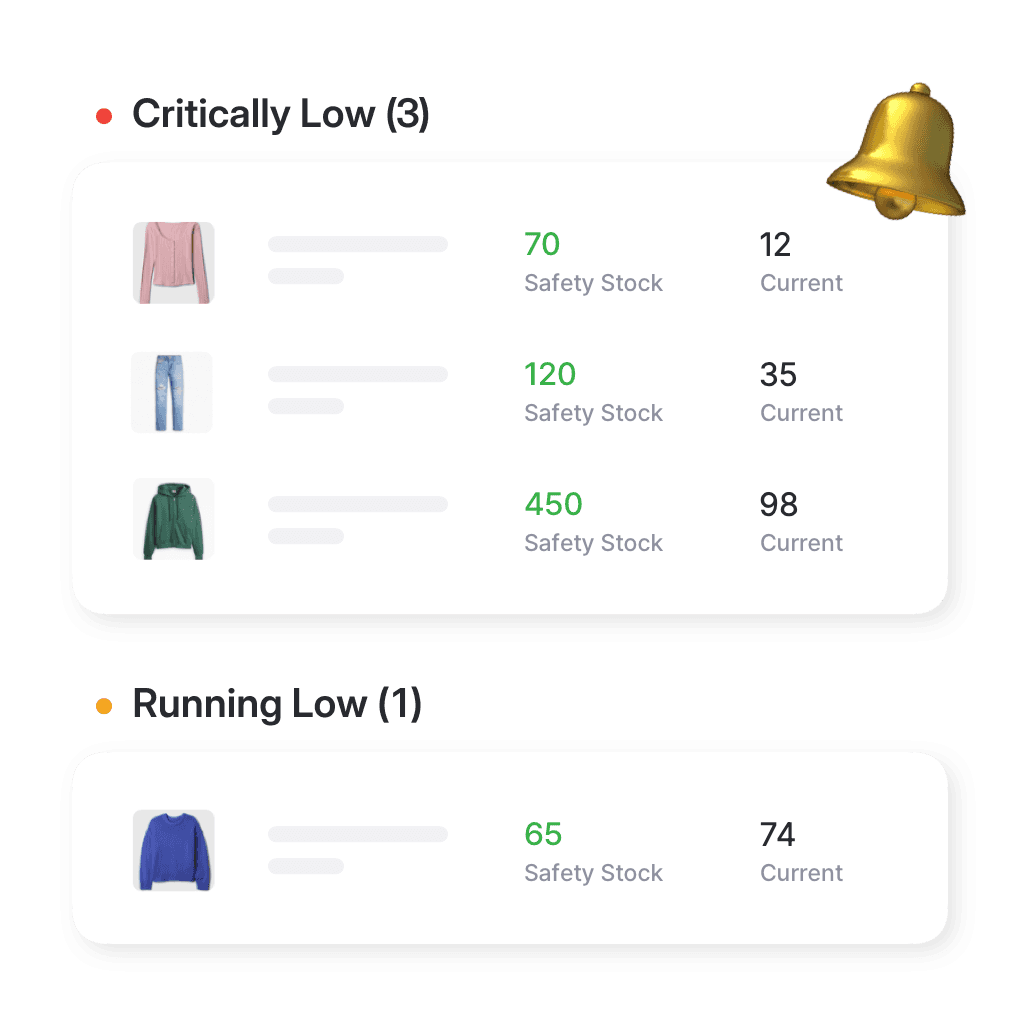
Reorder before you sell out
Set a minimum quantity for each item and get an alert when stock runs low. Then raise a purchase order to restock, so your best sellers stay available and you’re not turning away orders you could have filled.
- Set a reorder point per item
- Keep popular items in stock
- Safety stock levels by location
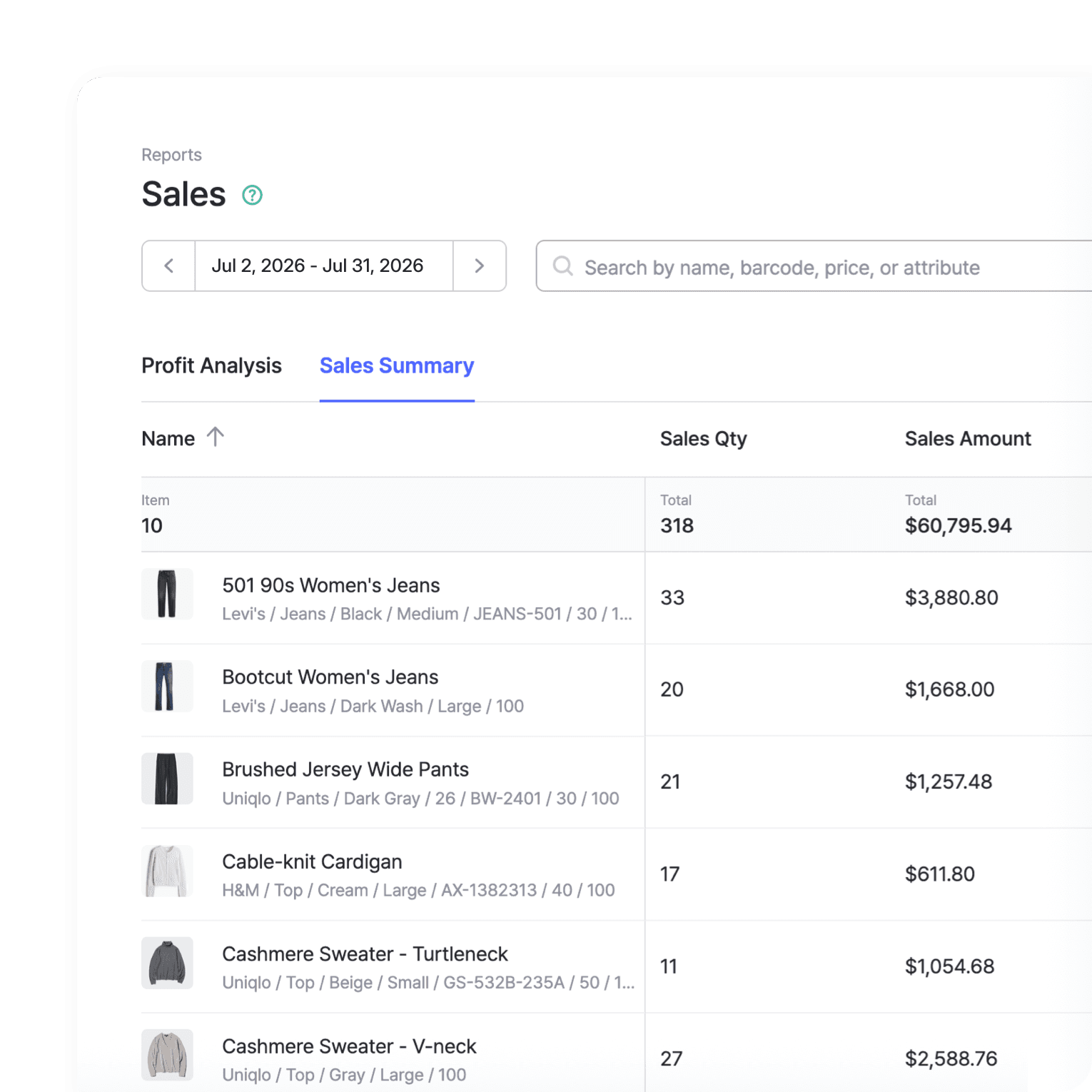
Sales data you can act on
Find your best sellers, watch revenue trends over time, and see which products sit. Use what you learn to plan purchasing around real demand, so you buy more of what moves and less of what doesn’t.
- Spot best sellers and slow movers
- Track revenue trends over time
- Plan purchasing around real demand
More tools for managing orders
Run the full order cycle from one system. A few more features that save time and cut down on errors.
 Learn more
Multiple Locations
Manage inventory across warehouses, stores, and stockrooms, all from one place. See how much you have at each site, and move stock between locations with full tracking history.
 Learn more
Barcoding
Scan with your phone camera or a handheld scanner to add, find, count, and move items. Generate barcodes and print custom labels on any standard or thermal printer.
 Learn more
Reports
Build reports from your inventory and sales data, from stock value and turnover to profit. Use prebuilt formulas or write your own, filter by location and date range, then export to Excel.






Track your purchases and sales together
Find practical insights on purchase orders, invoices, and order tracking. Learn how to simplify workflows, manage costs, and keep your business profitable.
Manage Revenue, Cost, Taxes, and Discounts
BoxHero helps you track purchases, sales, and cash flow in one place. Get access to gross profit, turnover, and other key metrics to make better decisions, and keep purchase and sales records next to your stock.
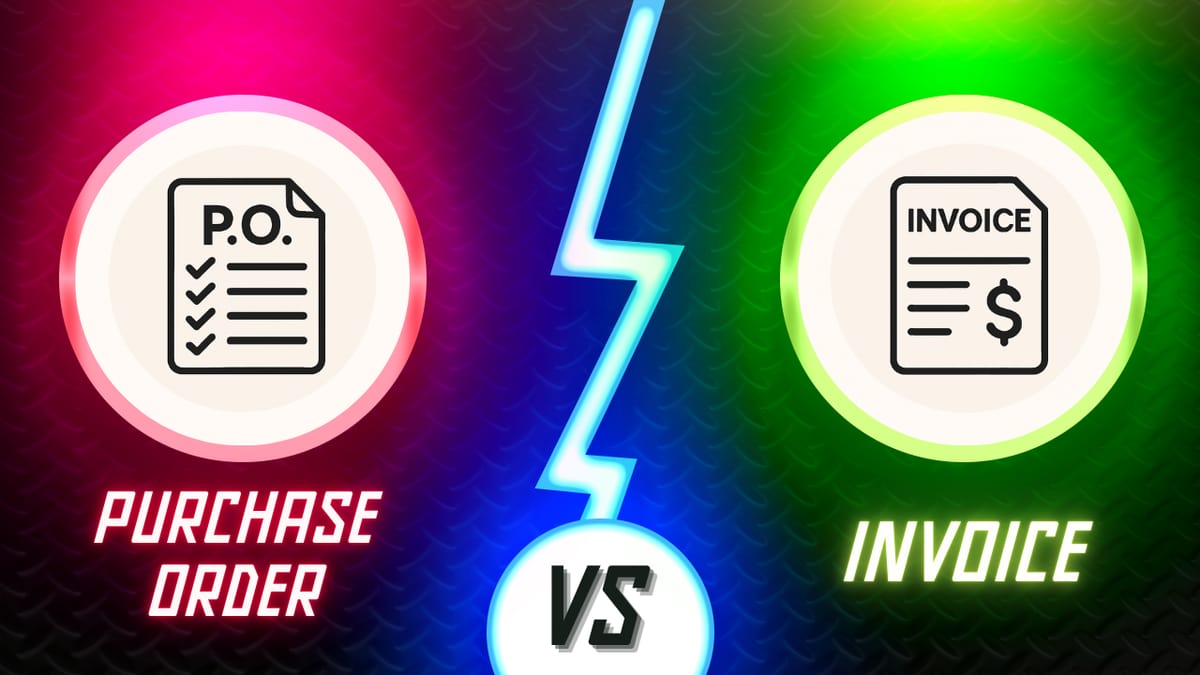
Purchase Order vs. Invoice: What’s the Difference?
Explore the key differences between purchase orders and invoices, when to use each document, and how they work together in the order cycle. Plus, learn how to create POs and SOs in BoxHero and send them to your partners.
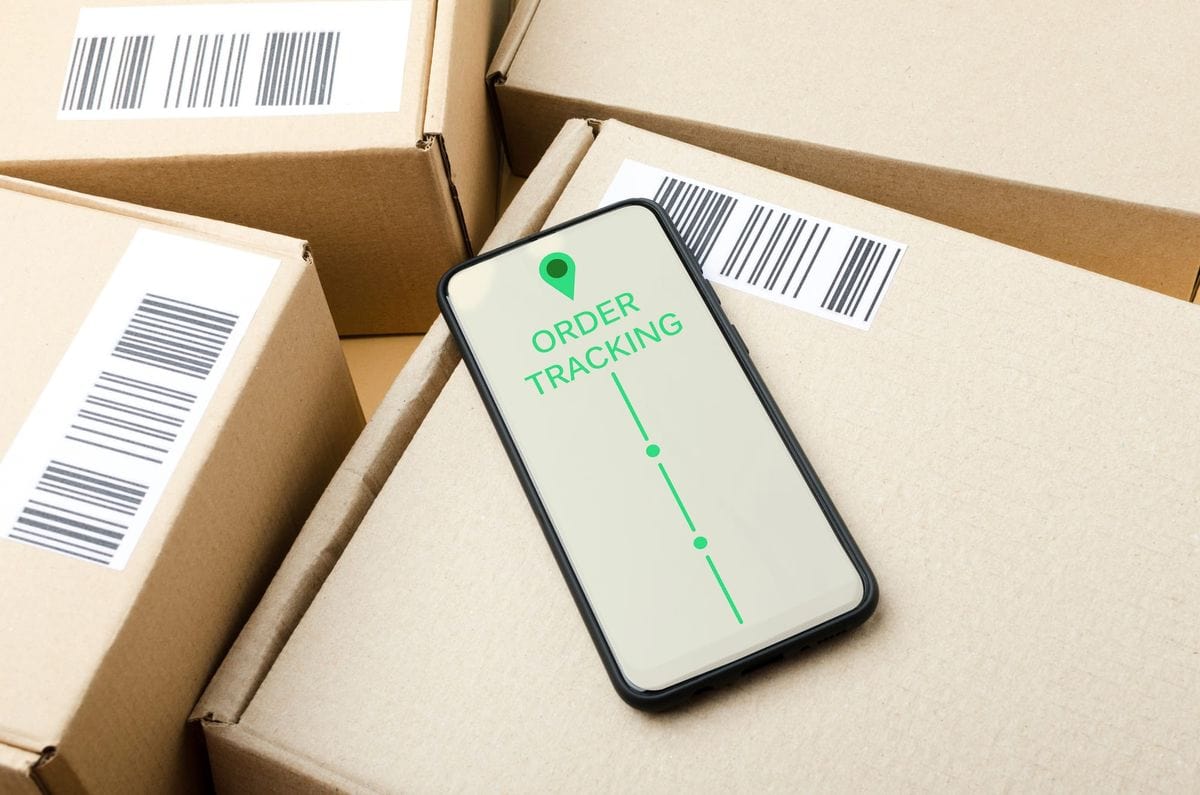
How to Simplify Your Order Management Process
Let’s take a look at the common challenges in order management and how to simplify the process of receiving, tracking, and fulfilling customer orders by automating with technology to improve inventory management!
Keep every order on track with BoxHero
Manage purchases and sales from a single system.
Try BoxHero free for 30 days.
Quick reference
 Help GuideFrom getting started to basic concepts, explore our detailed user guide to learn more about BoxHero.
 Contact UsHave a question or comment? Reach out to us and we’ll get back to you.
 GlossaryLearn about the most important inventory management and accounting terms and acronyms for small businesses.
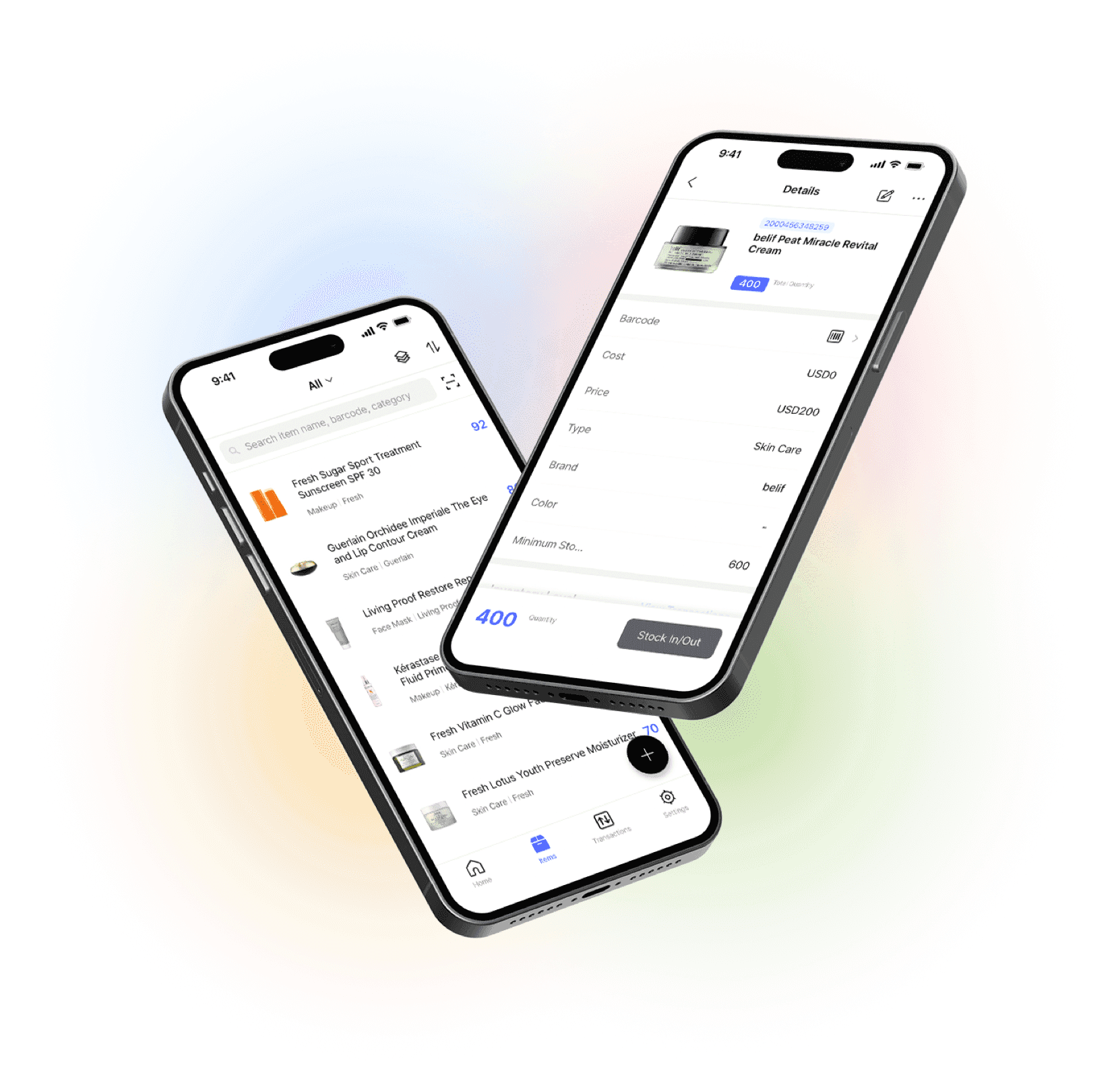
Go mobile with our iOS and Android app
Stay connected and get low stock alerts on your phone, wherever you are.