Keep stock accurate with cycle counting
Count a small slice of your inventory on a regular schedule instead of stopping everything for one big count a year. BoxHero tracks what’s been counted, flags what doesn’t match, and updates your records as you go.
Free 30-day trial, no commitment.
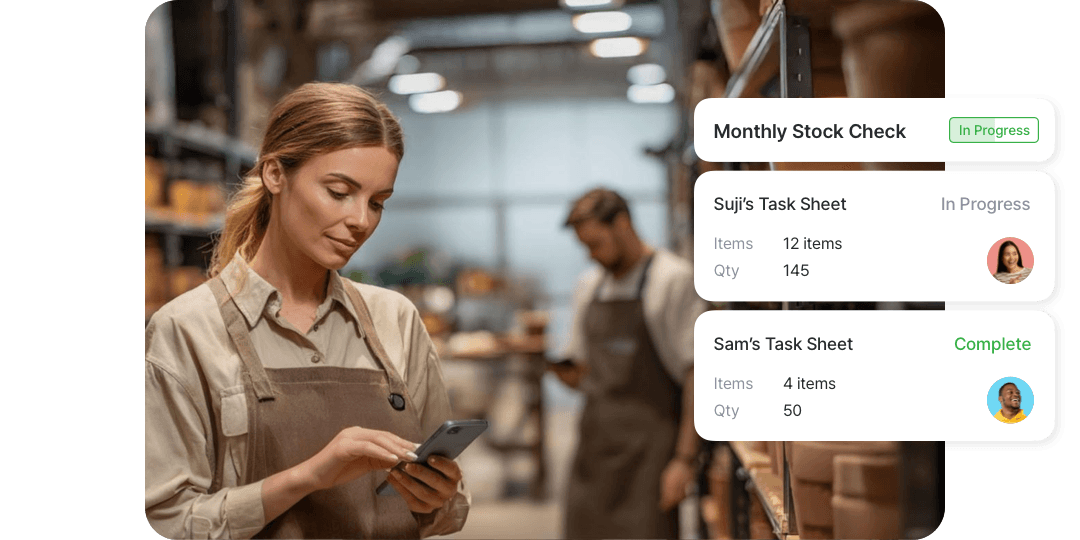

Count in small batches and catch errors early.
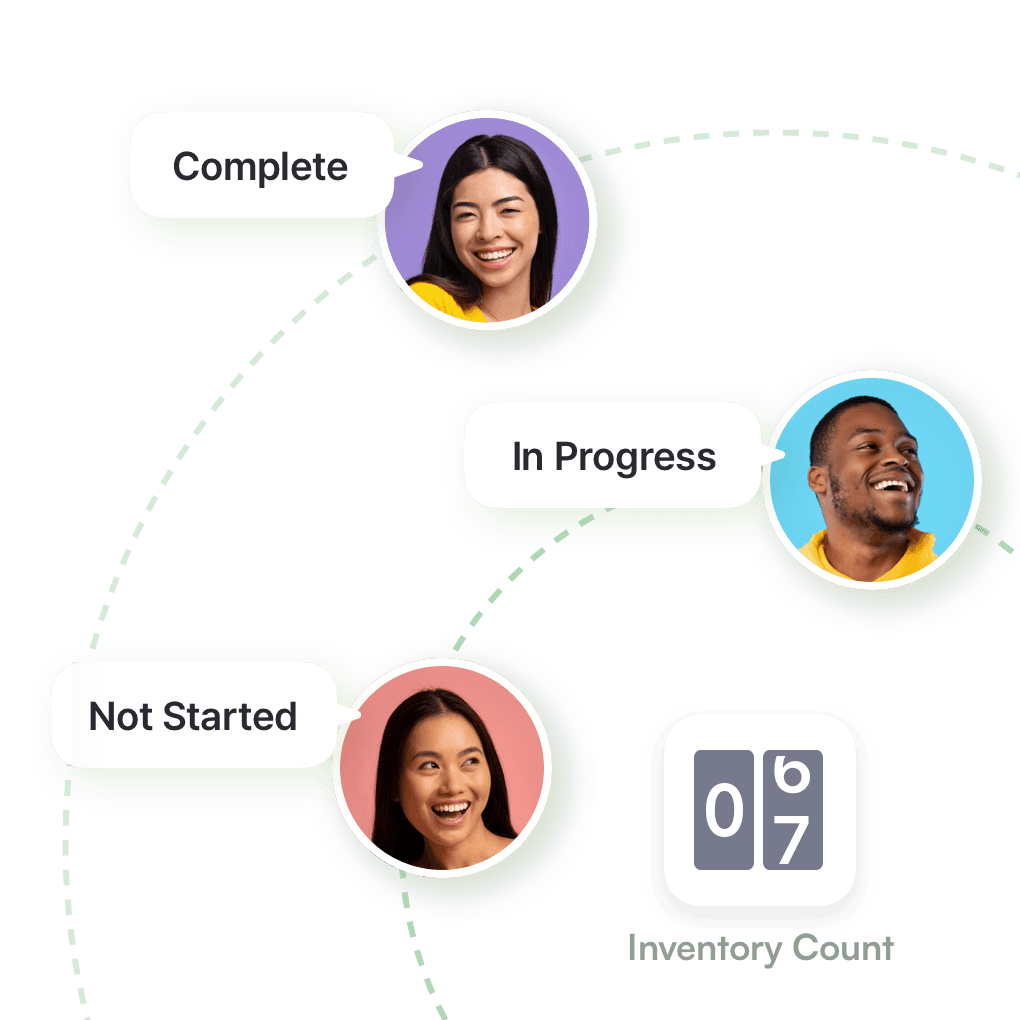
Assign and track team tasks
Distribute counting tasks across your team so each member knows exactly what to handle. As task sheets are completed, you can monitor status updates, verify results, and maintain a complete audit trail for every count.
- Set who can record counts
- Assign counts by section or person
- See what’s done and what’s open
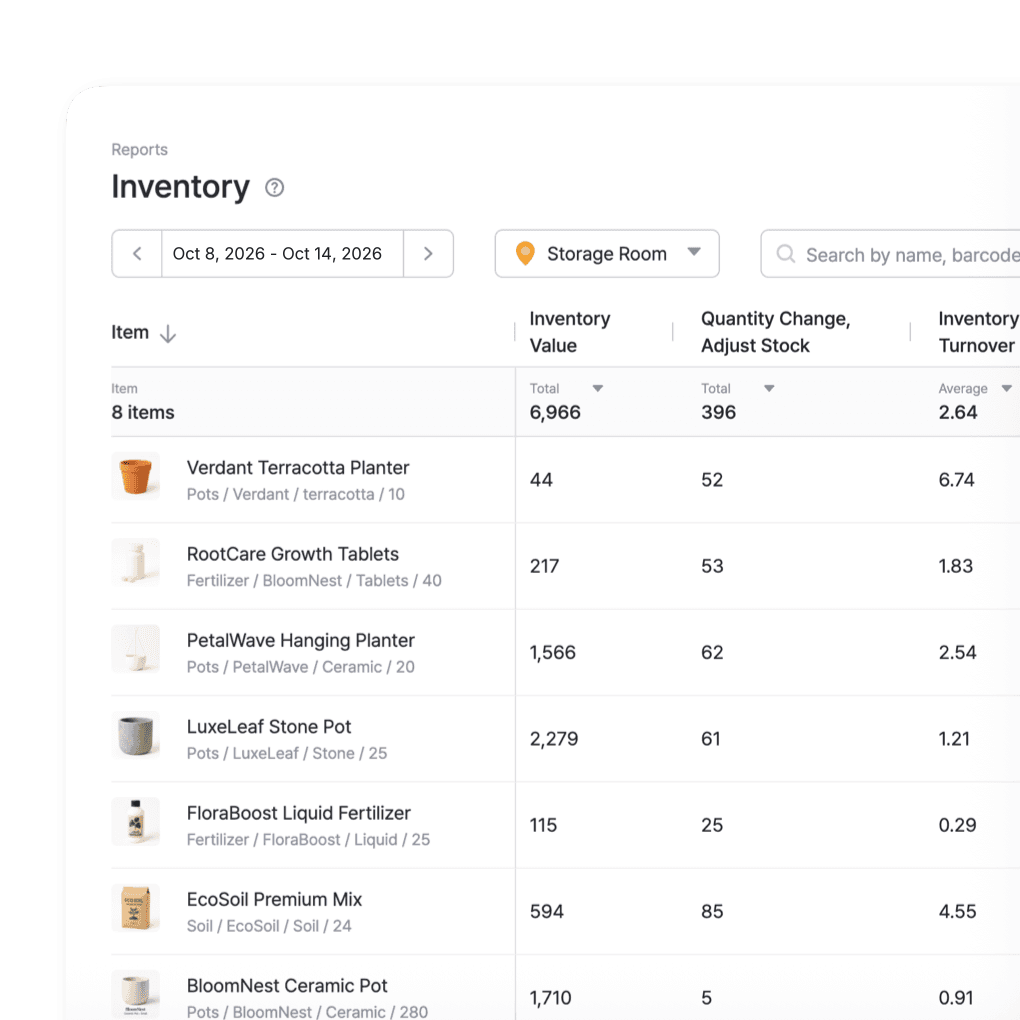
Spot every variance
After each cycle count, BoxHero shows the difference between recorded and counted quantities for every item. Review each variance and fix any miscount before you apply the results.
- Compare counted against recorded
- Export differences to Excel
- Focus on the items that are off
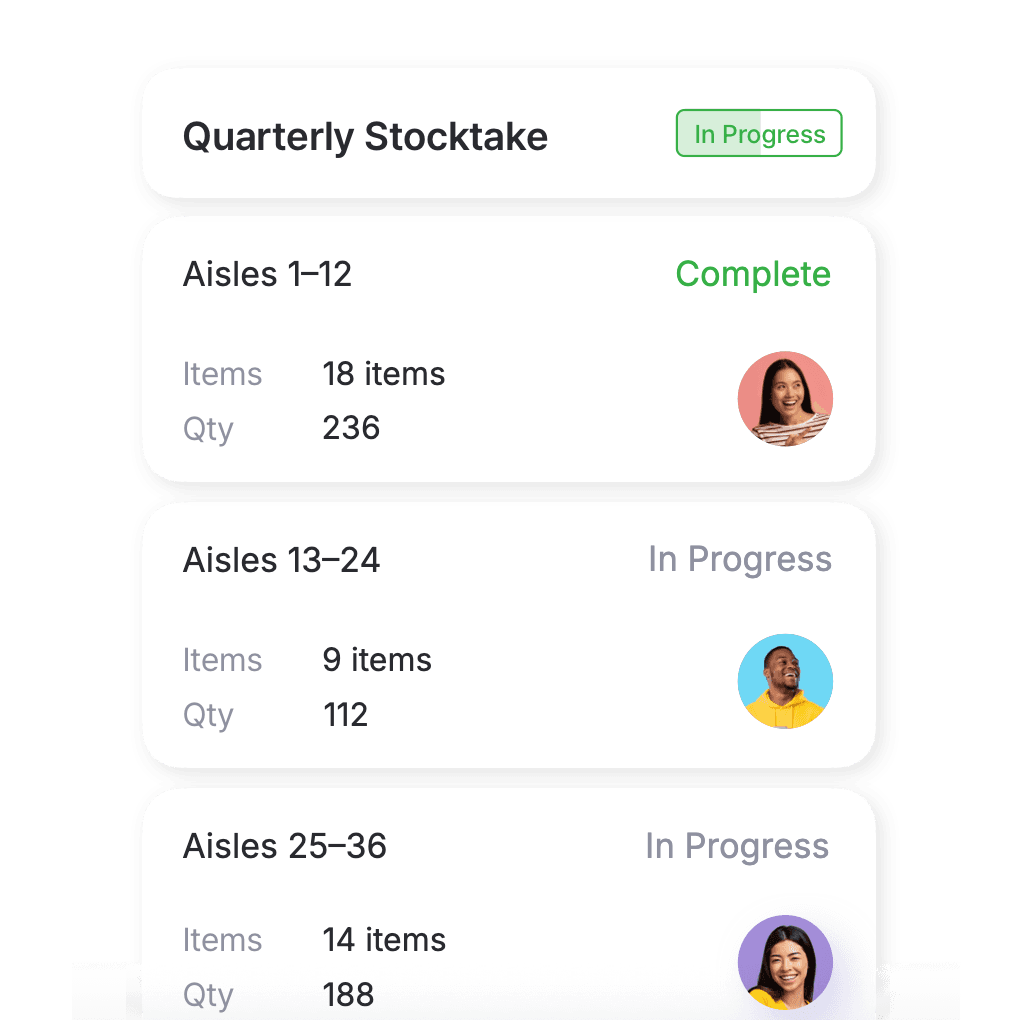
Count on a rolling schedule
Break the count into small batches and work through them on a schedule that fits your week. Counting a few items at a time keeps records accurate year-round, without closing for a full count.
- Count in small, regular batches
- Assign team members to specific locations
- Track completion progress in real time
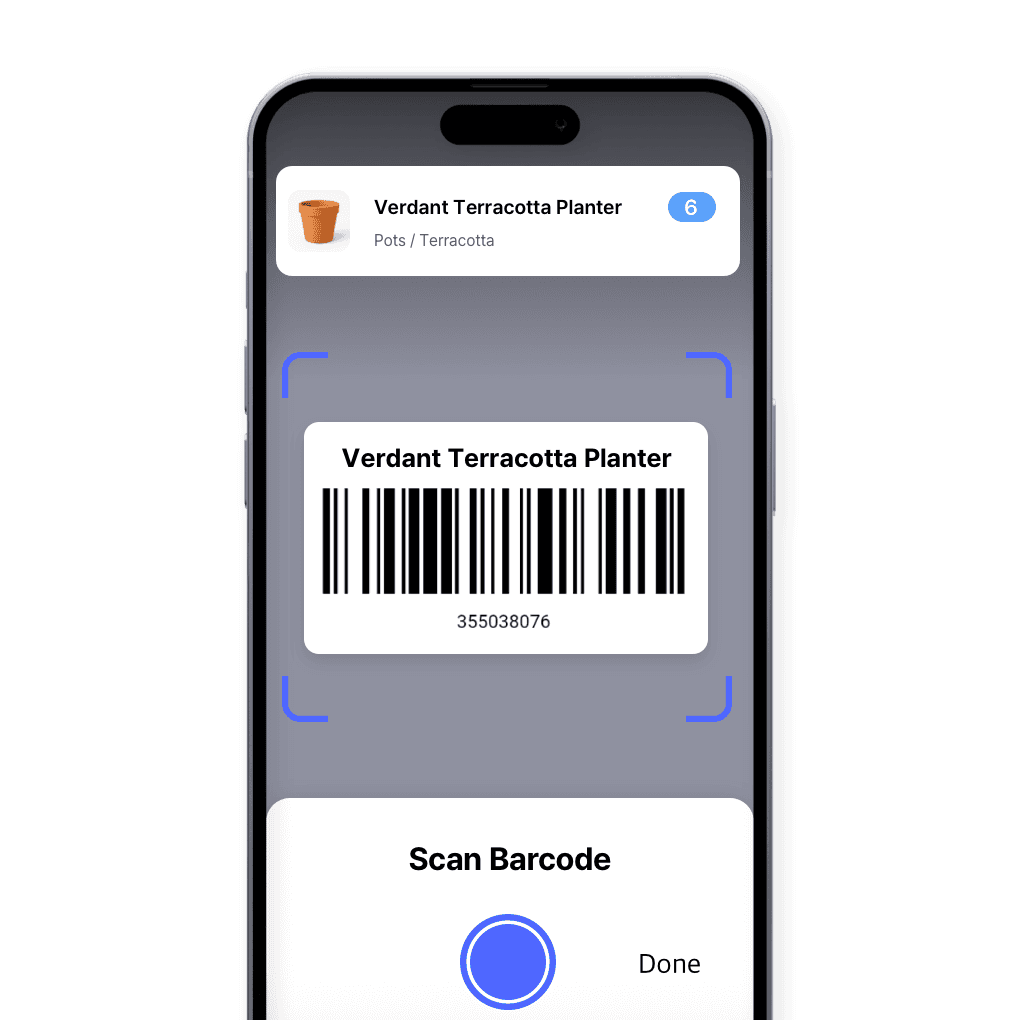
Count with your phone
Use your mobile device to complete cycle counts anywhere on the floor. Scan barcodes or search items to enter quantities on the spot, and see your updates reflected instantly across all connected devices.
- Scan items as you count them
- Count from a phone or tablet
- Instant sync with your team’s data
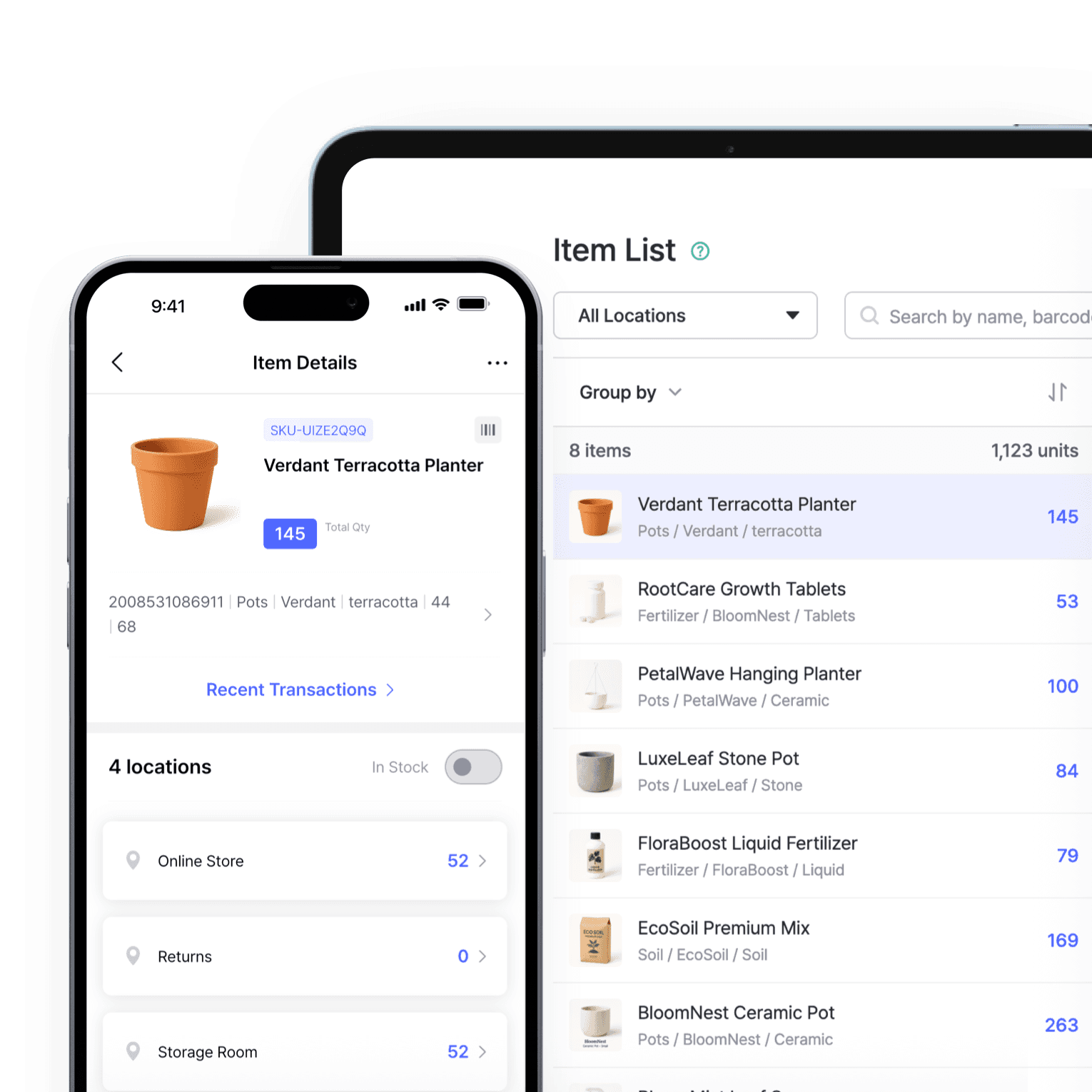
Update records as you go
Each verified and completed count updates your inventory immediately across your team’s devices. Your data stays consistent for every user and location without manual refresh or re-entry.
- Keep a full count history
- Log who changed what, and when
- Real-time sync across web and mobile
More tools for staying accurate
BoxHero connects every part of your counting process so each cycle count updates your records accurately and instantly. A few more features that support a steady counting routine.
 Learn more
Barcoding
Scan with your phone camera or a handheld scanner to add, find, count, and move items. Generate barcodes and print custom labels on any standard or thermal printer.
 Learn more
Inventory Control
Track every item in one place with SKUs, photos, and custom attributes. Record cost and price for each one, and keep quantities accurate with every stock transaction.
 Learn more
Multiple Locations
Manage inventory across warehouses, stores, and stockrooms, all from one place. See how much you have at each site, and move stock between locations with full tracking history.






Best practices for inventory audits
Understand how routine counts strengthen your inventory data and team accountability. Find tips, tools, and examples to plan, schedule, and execute effective inventory checks.
Point and Scan: Inventory Counting with Your Team
Team counting helps you spot mistakes faster and keep everyone aligned. See how to divide tasks among your team, track progress as you go, and record results together in BoxHero without slowing down daily work.
Inventory Audits as Arbiters of Accuracy
Audits confirm whether your stock data matches what’s actually on the shelves. Learn what to review, how to handle differences when you find them, and practical ways to make audits a regular part of how your team works.

The Best Frequency for Inventory Counting
How often should you count your inventory? Counting too often wastes time, but not counting enough leads to errors. This guide breaks down how often to count based on your item value, turnover rate, and business type.
Run your first cycle count this week
Set up your first count in minutes.
Try BoxHero free for 30 days.
Quick reference
 Help GuideFrom getting started to basic concepts, explore our detailed user guide to learn more about BoxHero.
 Contact UsHave a question or comment? Reach out to us and we’ll get back to you.
 GlossaryLearn about the most important inventory management and accounting terms and acronyms for small businesses.
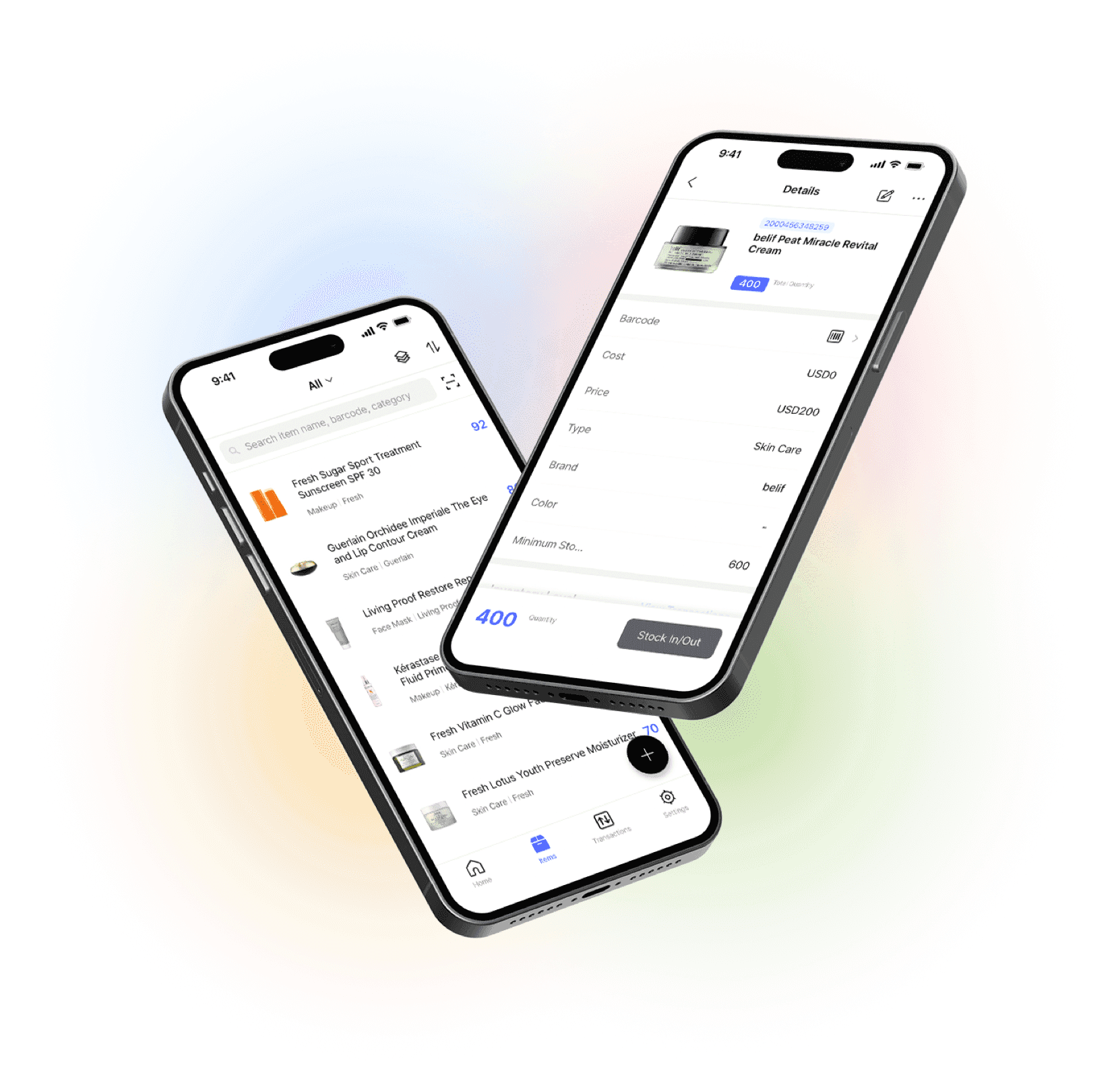
Go mobile with our iOS and Android app
Stay connected and get low stock alerts on your phone, wherever you are.