Inventory Sharing
Share live inventory levels with a link
Select the items you want to show, choose which details people can see, and send a secure link. Customers, suppliers, and coworkers open it in any web browser without signing up, and see your current stock every time they check.
Start today with a 30-day trial. No credit card required.

Share
Send one link that anyone can open in a browser, no attachments needed.

Control
Choose what each link shows, from exact quantities to simple availability.

Update
Links pull from your live inventory, so people always see current stock.
Share Inventory
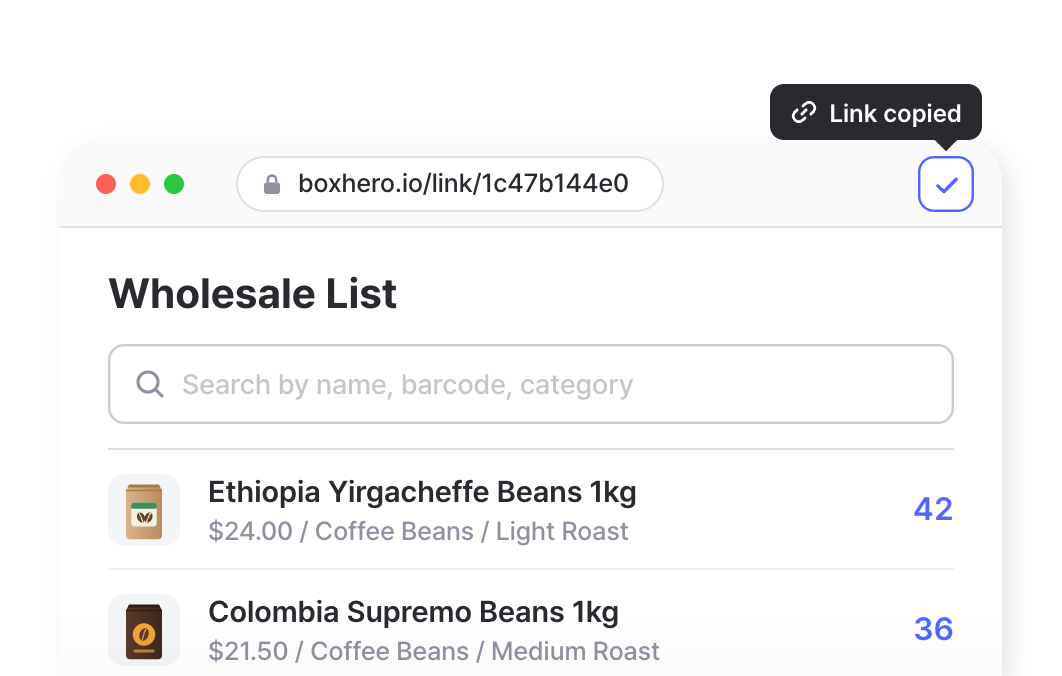
Create a link in BoxHero, copy it, and paste it into any message. People get a simple list of the items you picked, with no setup on their end.
No New Accounts
Anyone with the link can open it in a web browser. Suppliers, customers, and coworkers don’t need a BoxHero login, and you don’t need to add them to your team.
Searchable Item List
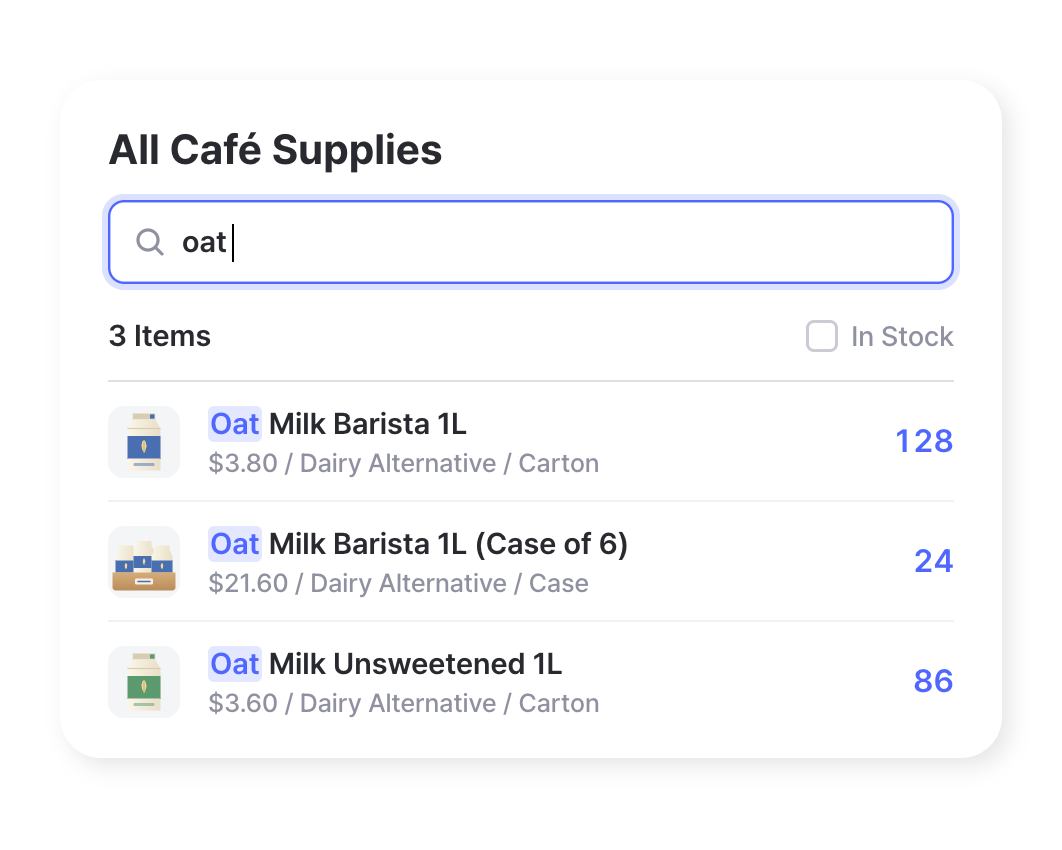
Viewers can search the list by item name to check availability on their own, instead of scrolling through everything or messaging you to ask.
Mobile-Friendly View
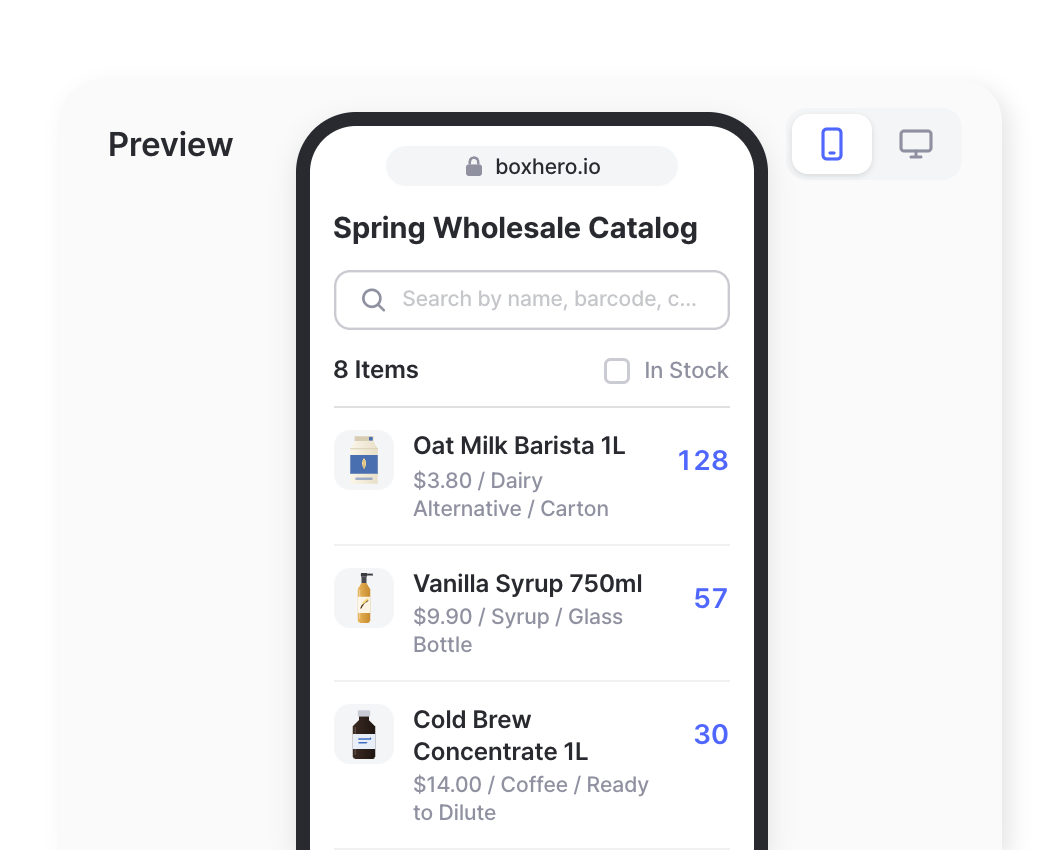
Links open on mobile as well as desktop. While setting up a link, you can preview the mobile version to check exactly how it looks on a phone.
Customize Views
Decide what each link includes, from the items on the list to the details shown for each one. Anything you leave out stays private.
Select Specific Items
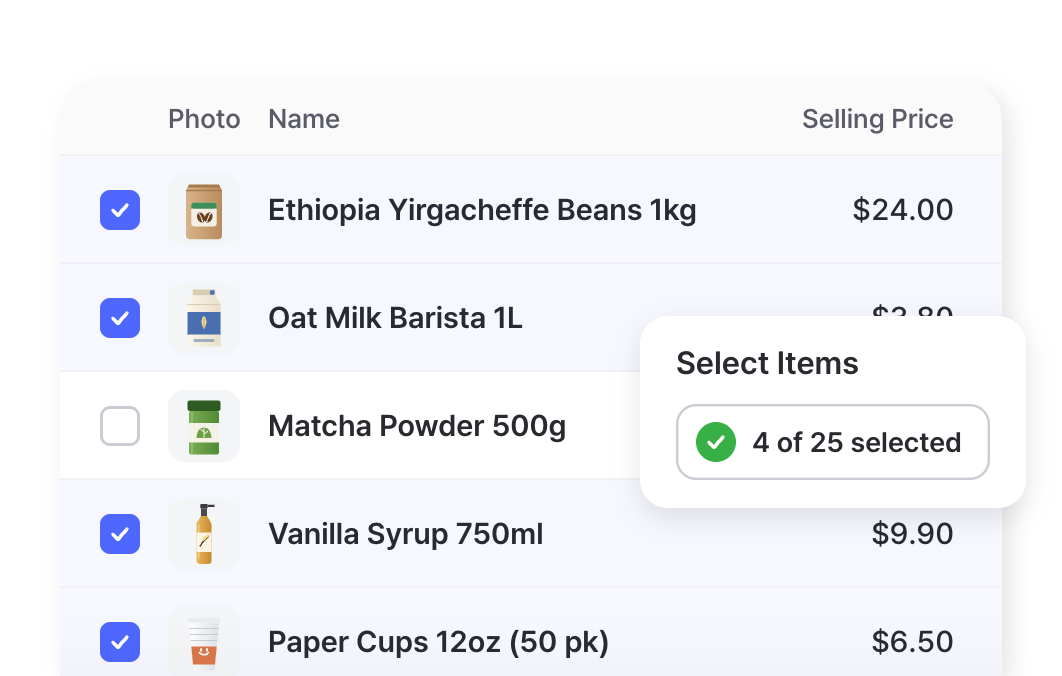
Choose which items appear on the link. Anything you don’t select stays off the page, so you can share a single product line without showing the rest of your inventory.
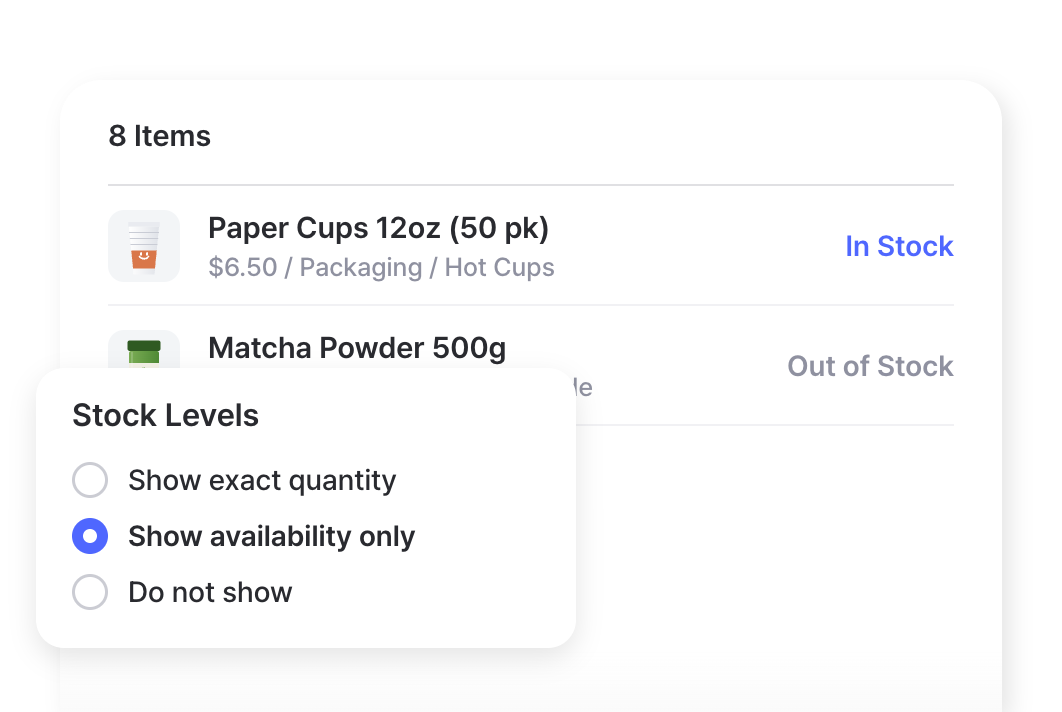
Show or Hide Quantities
Display the exact quantity on hand, or only whether each item is available. People can see what’s in stock without knowing how many units you have.
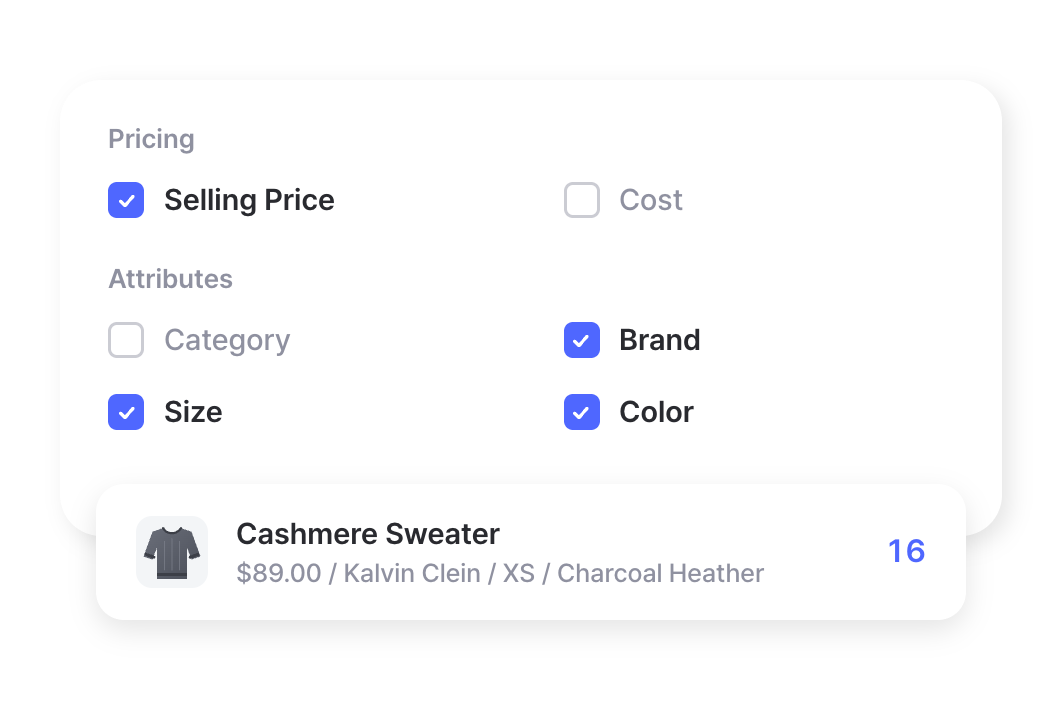
Pick Prices & Attributes
Decide which prices and item attributes appear, such as brand, size, or color. Leave out cost or anything else you’d rather keep internal.
Manage Access
Create as many links as you need. Each one stays view-only, and you can turn it off whenever you want to stop sharing.
Multiple Links
Make a different link for each customer, supplier, or department. A wholesale buyer and a retail shop can each see the items and details that apply to them.
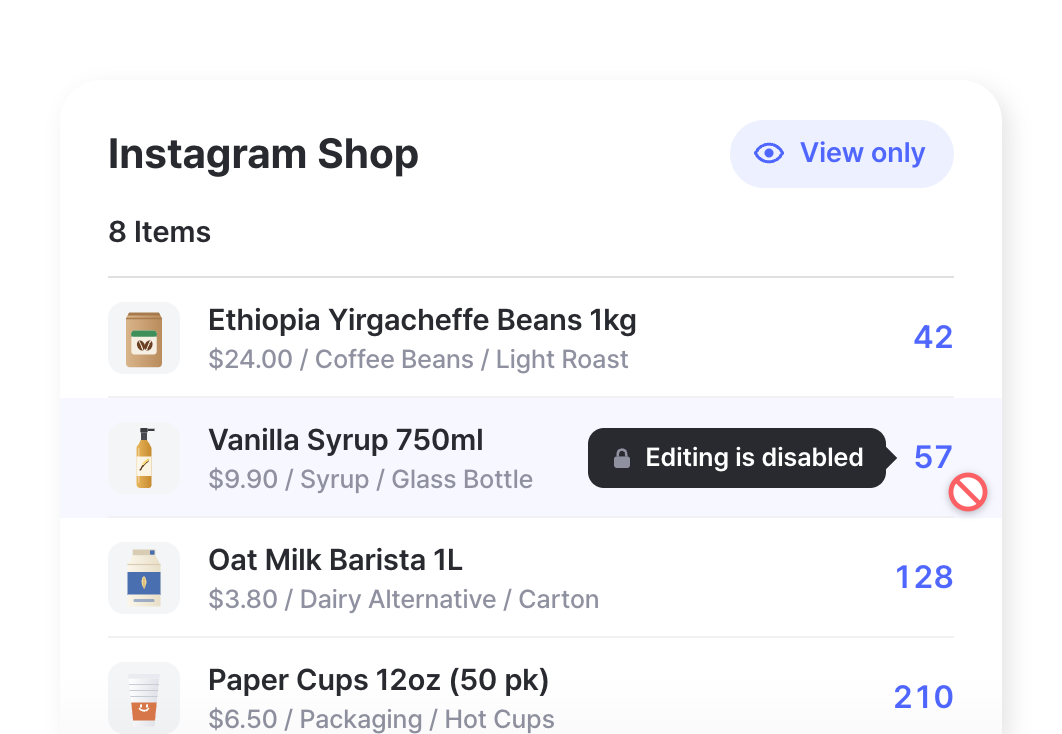
View-Only Access
People can look but can’t change anything. They can’t add, edit, or delete items, transactions, or any other data in your BoxHero account.
Deactivate Anytime
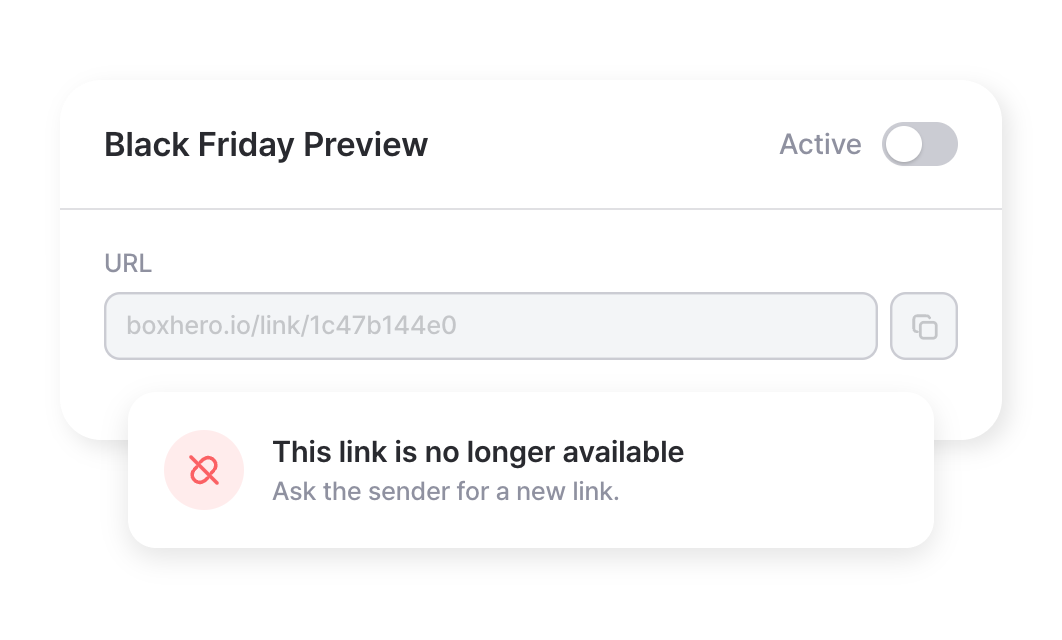
Turn off a link whenever you want to stop sharing. People can no longer open it, and you can create a new link for anyone who still needs access.
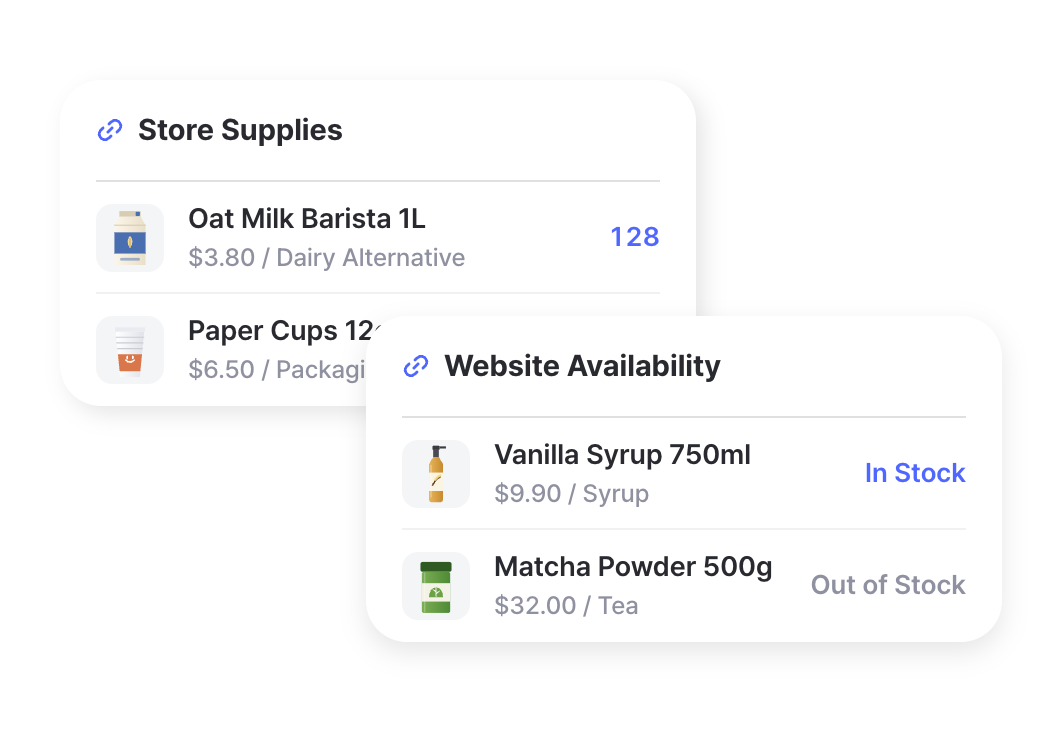
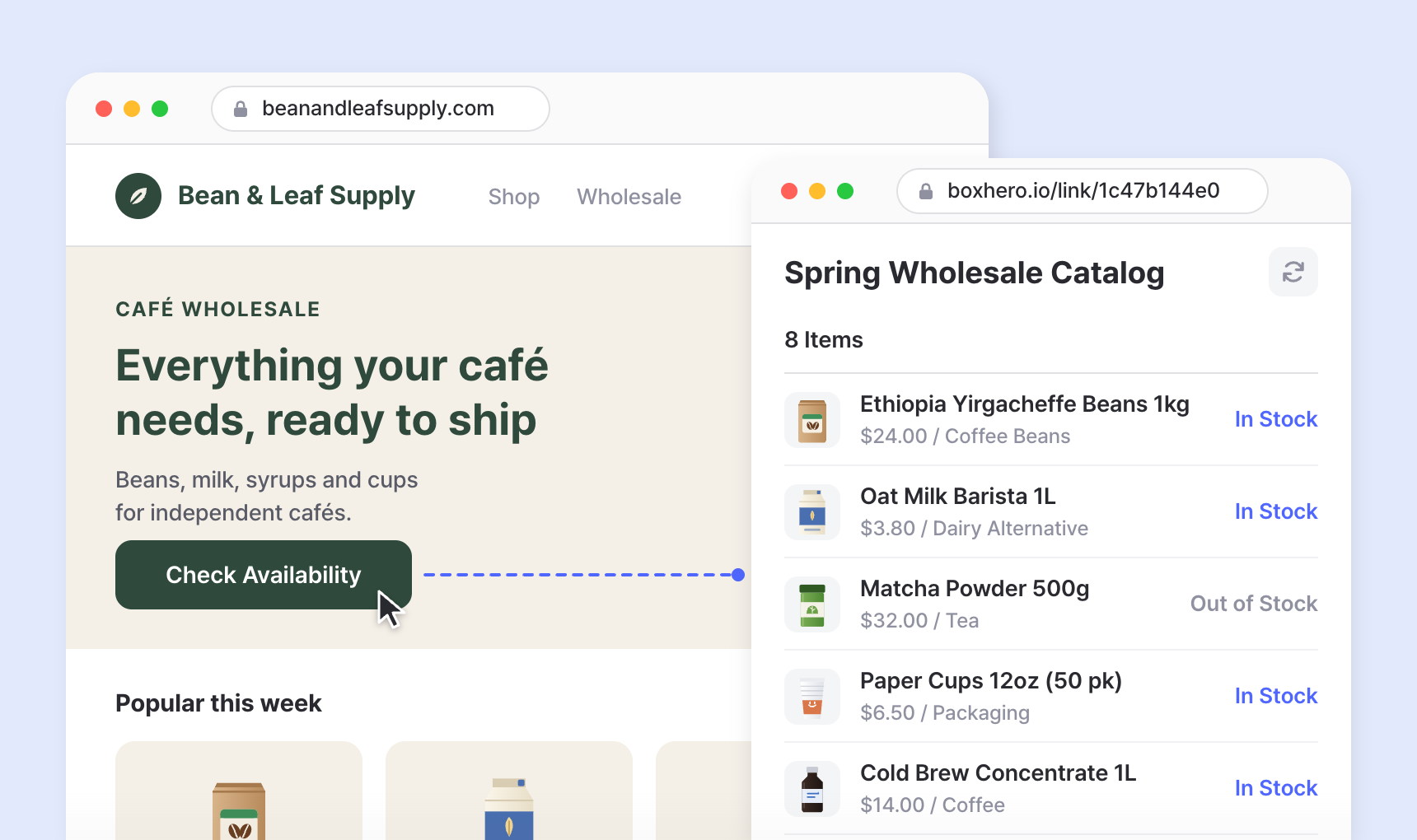
Show product availability on your website
Post your inventory link on your website or social media so customers can see what’s available before they reach out. You get an up-to-date inventory page without building one, and BoxHero keeps it current as you record stock changes.
Use cases by industry
From wholesale catalogs to donation drives, here’s how small businesses and organizations share inventory with the people who need it.
 WholesaleGive retail buyers a current view of your catalog with wholesale prices, so they can plan orders around what’s actually available.Learn more
 ConstructionShare materials and equipment on hand with site managers and subcontractors, so crews know what’s in the yard.Learn more
 NonprofitShare available donations and supplies with partner organizations and volunteers, so they can request what’s on hand.Learn more
Check out other related features
 Learn more
Multiple Locations
Manage inventory across warehouses, stores, and stockrooms, all from one place. See how much you have at each site, and move stock between locations with full tracking history.
 Learn more
Purchases & Sales
Create purchase and sales orders, then receive or ship them in full or in batches. Send invoices by email or PDF, apply taxes and discounts, and handle returns against the original order.
 Learn more
Low Stock Alerts
Set a safety stock level for each item and get notified before you run out, so you have time to reorder. Adjust alerts by location and choose when you receive them.
FAQ
No. Anyone with the link can open it in a web browser without signing up or logging in. That makes it a good fit for suppliers, customers, and others who shouldn’t be members of your team.
No. Inventory Links are view-only. People can see the data you’ve chosen to share, but they can’t create, edit, or delete items, transactions, or anything else.
Yes. The link shows your current BoxHero inventory each time it’s opened. If someone already has the page open, they can refresh it to see the latest numbers.
Yes. You can show exact quantities or in-stock/out-of-stock status, and choose which prices and attributes appear for the items included.
Not currently. Anyone with the link can view what it shows, so only include information you’re comfortable sharing with the people who receive it. If a link reaches someone it shouldn’t, deactivate it and create a new one.
Get more out of your Inventory Link
Tips and examples for sharing stock information with customers, suppliers, and your own team.

7 BoxHero Features You’re Probably Not Using
Seven time-saving features that are easy to overlook, from team logos and hashtag search filters to table view and per-user low stock alerts. Plus, how to share a public link that shows stock status without revealing exact counts.

How UB Bio Tracks Supplement Manufacturing
A New Zealand supplement maker swapped paper production records for BoxHero. OEM partners now check live stock of their own raw materials through an inventory link, while the rest of the warehouse stays private.

Managing Suppliers and Customers in BoxHero
Keep supplier and customer details in one place, then link them to stock movements, purchase orders, and sales orders. Filter your history by partner, and share live stock levels through a secure link without giving out account access.
Ready to share your inventory link?
Try BoxHero free for 30 days.
No credit card required.
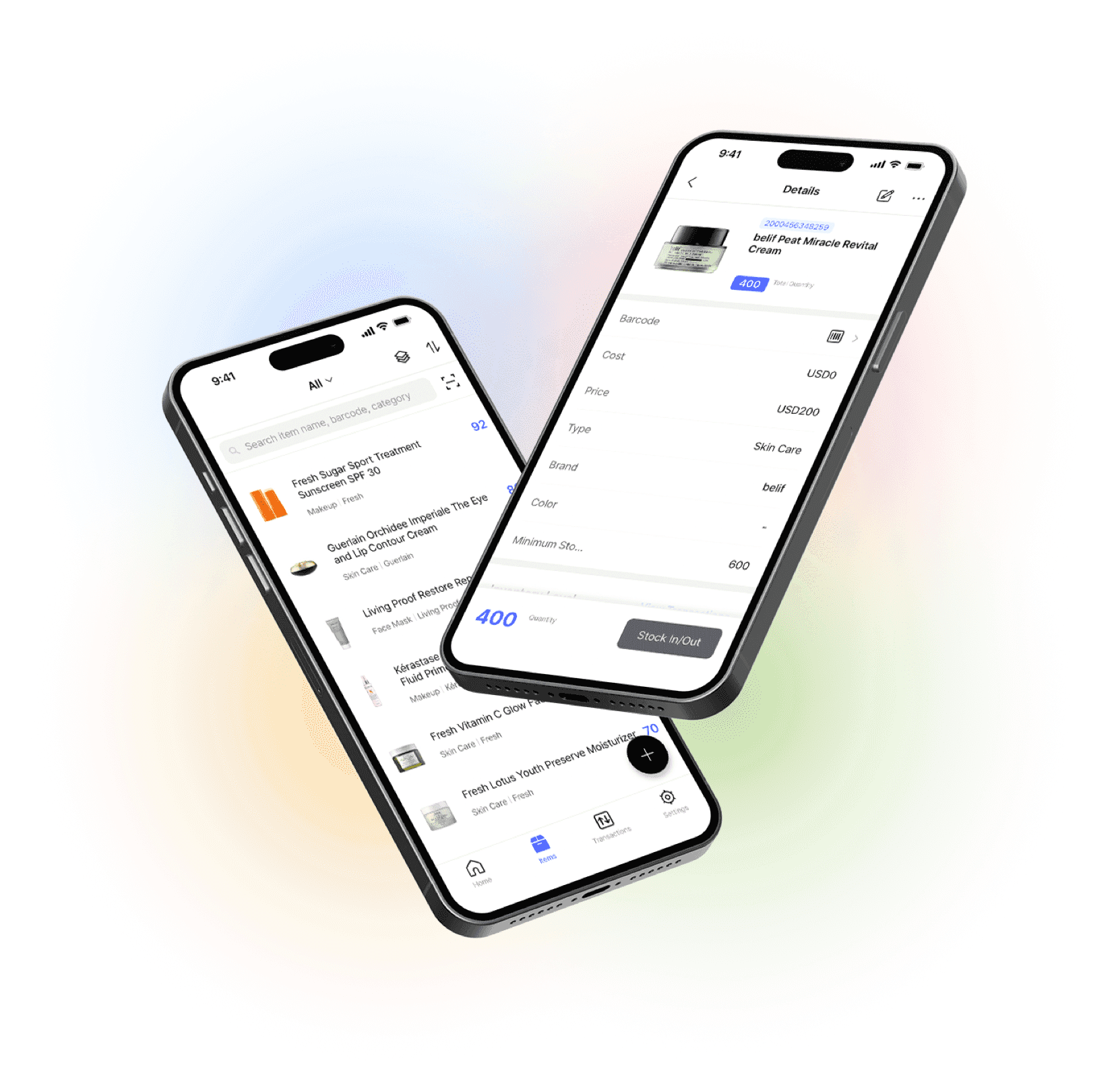
Manage your inventory from anywhere
Our mobile app makes it easy to control your inventory from anywhere. Use BoxHero on your phone, desktop, or tablet for automatic syncing.


Quick reference
 Help GuideFrom getting started to basic concepts, explore our detailed user guide to learn more about BoxHero.
 Contact UsHave a question or comment? Reach out to us and we’ll get back to you.
 GlossaryLearn about the most important inventory management and accounting terms and acronyms for small businesses.