Run your warehouse down to the bin
Track stock across multiple warehouses, right down to the rack, shelf, or zone. Move items between locations and check counts with a quick scan.
Free 30-day trial, no commitment.
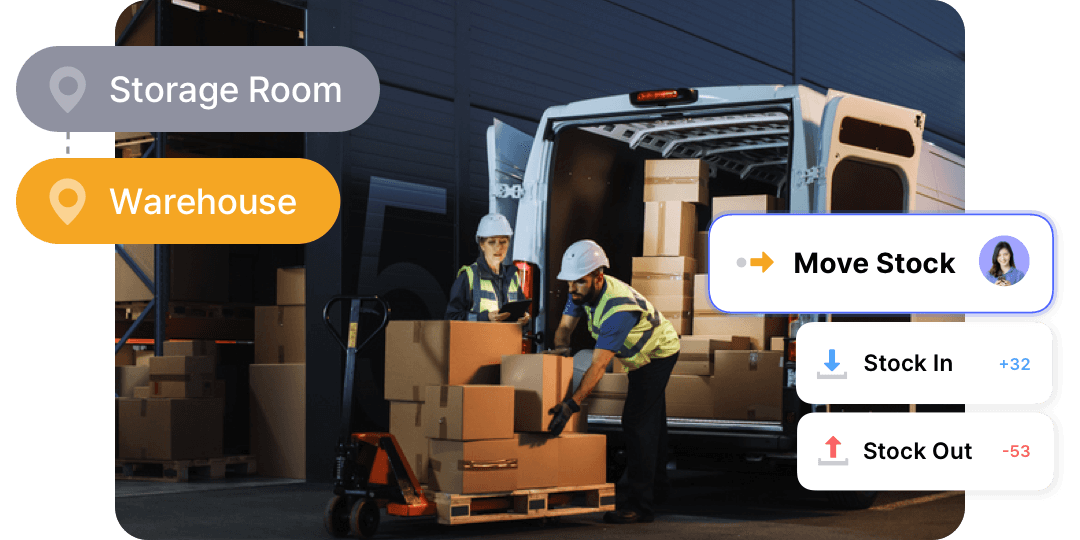

Keep counts accurate across every bin, shelf, and zone.
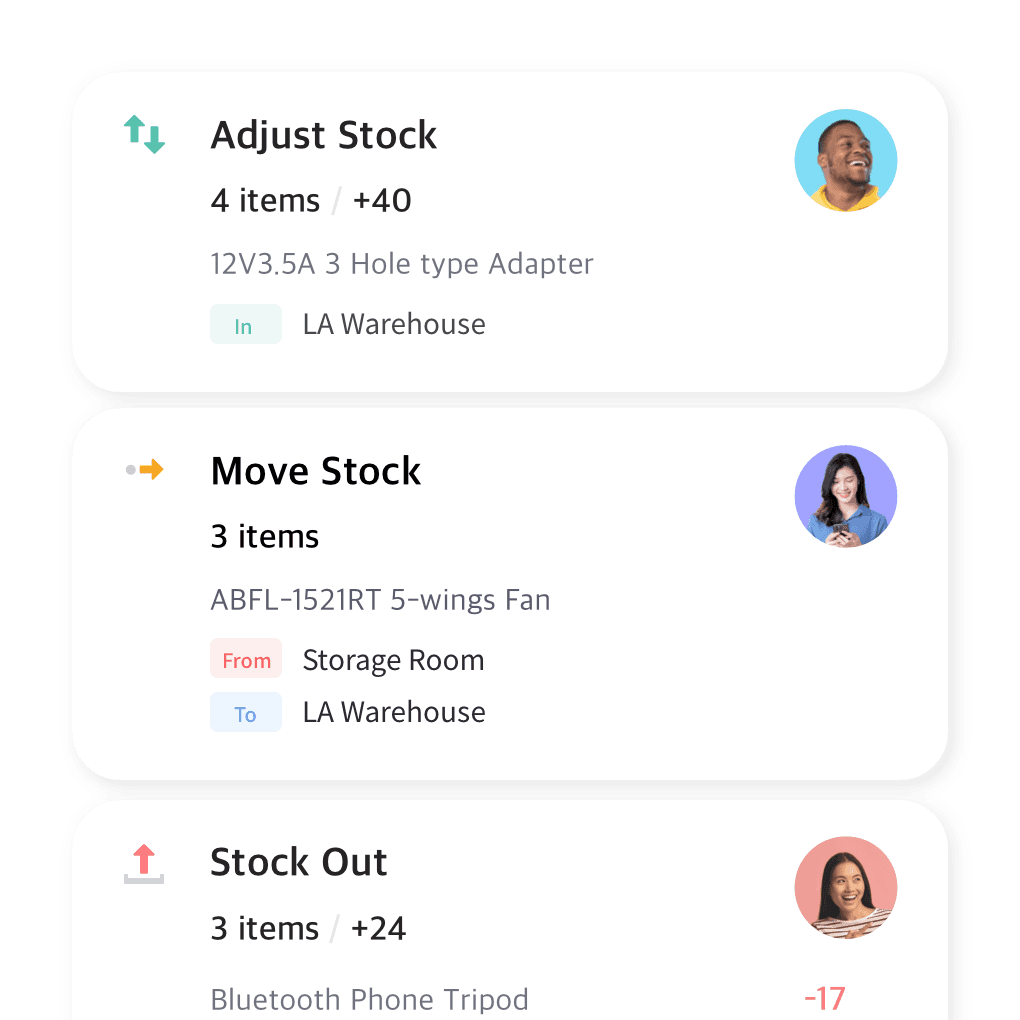
Real-time inventory tracking
Track every item that enters or leaves your warehouse. Get full visibility into your warehouse inventory at all times with updates on stock levels, item movements, and location transfers.
- Counts update on every receive and pick
- See item movements as they happen
- Track transfers between locations
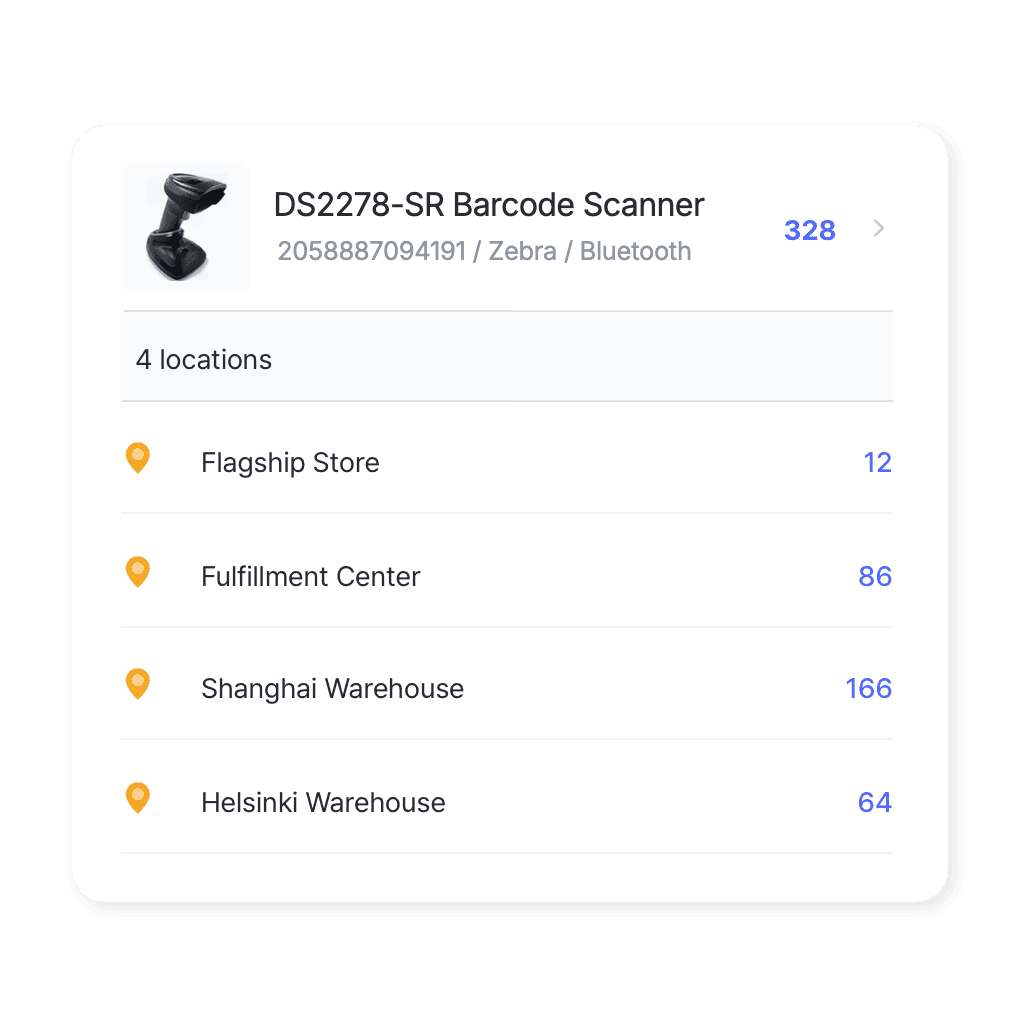
From warehouse to rack
Manage stock at both the rack and warehouse levels. Keep tabs on the whereabouts of your inventory and control the flow of stock when transferring items between various locations.
- Track stock down to the rack
- Transfer between zones and sites
- Find any item’s exact location
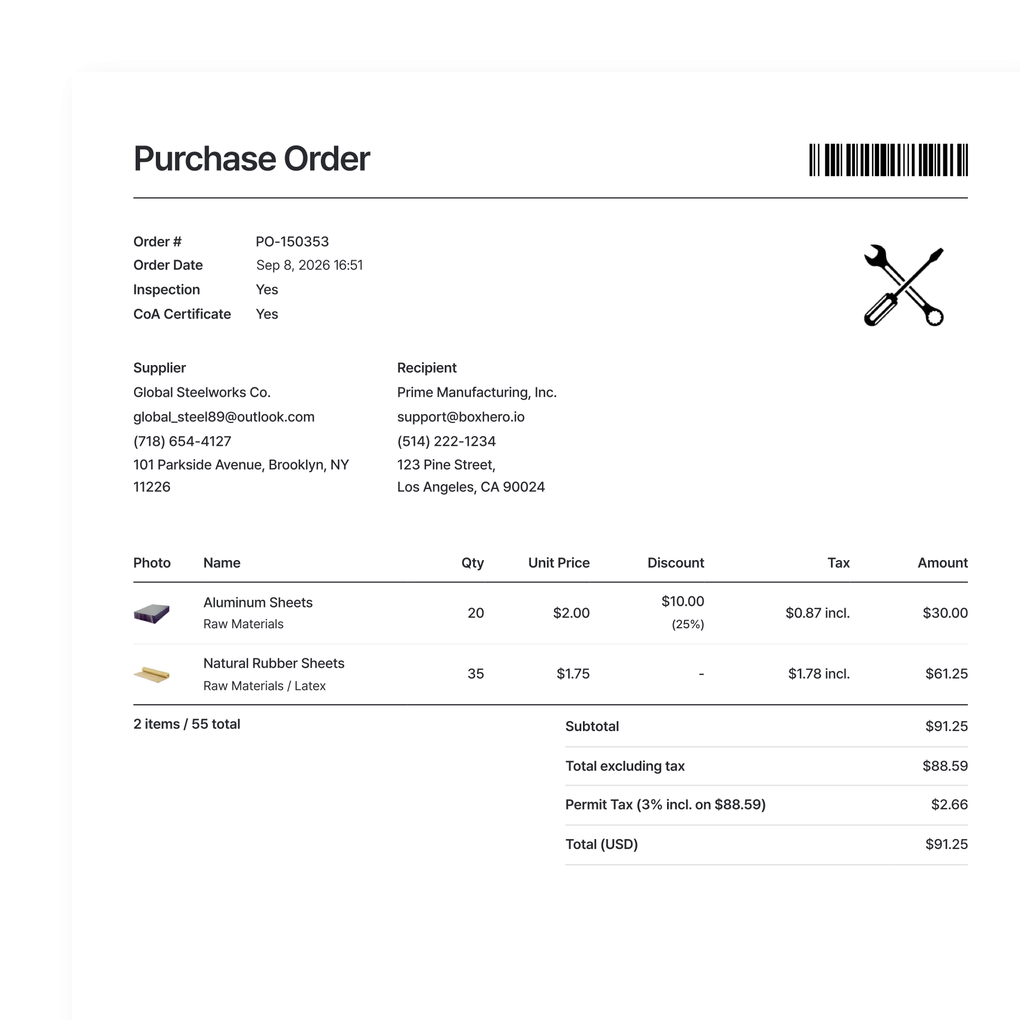
Pick, ship, and restock
Handle purchase orders, sales invoices, and returns alongside your stock. When an order is received or fulfilled, the counts adjust on their own, so receiving and shipping stay tied to your actual inventory.
- Create POs, invoices, and returns
- Counts adjust as orders are filled
- Receiving and shipping stay in sync
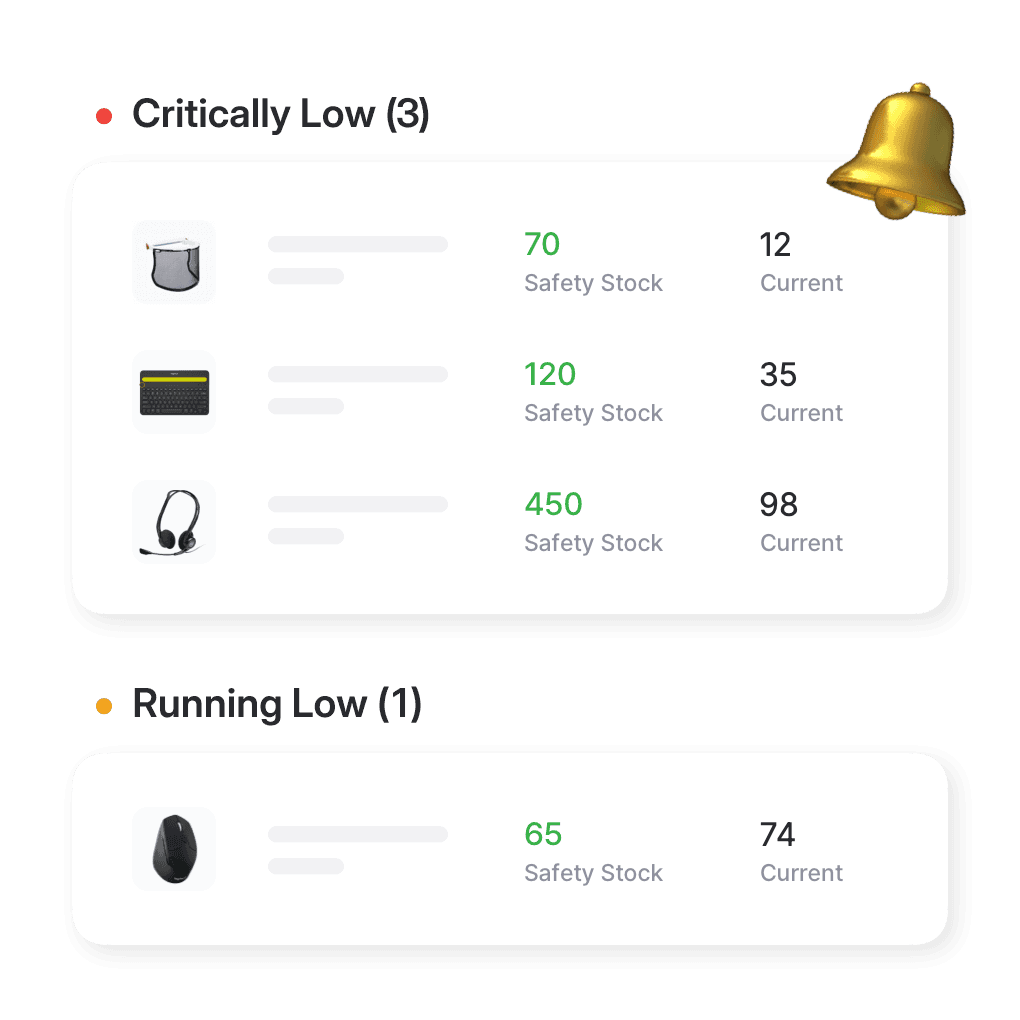
Catch low stock by warehouse
Set a minimum quantity for each item by warehouse location and get an alert when stock drops below it. You’ll know which site needs a restock and when, so a busy location doesn’t run out while another sits on surplus.
- Set reorder points per location
- Get alerts on your phone
- See which site needs restocking
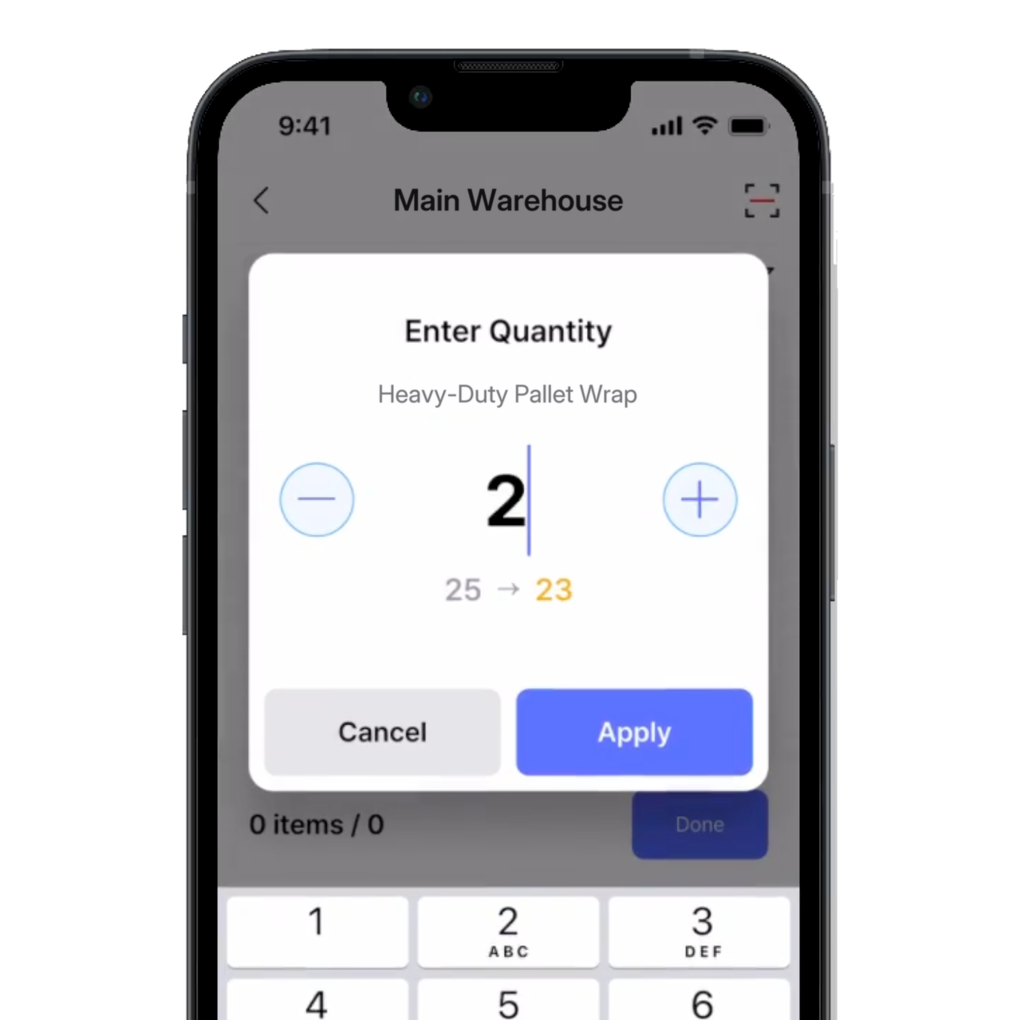
Mobile access on the go
Add stock, fulfill orders, and move items between warehouses straight from a phone or tablet. Scan as you go and the counts update for everyone, so your team records work where it happens.
- Scan and update from the floor
- Fulfill and transfer on mobile
- Syncs with the web app live
More tools for running the warehouse
Keep accurate counts and move stock faster across your warehouses. A few more features that help your team stay on top of it.
 Learn more
Inventory Sharing
Share current stock levels with people outside your team through a private link, no login required on their end. Choose which items and details appear, and keep the rest of your inventory private.
 Learn more
Barcoding
Scan with your phone camera or a handheld scanner to add, find, count, and move items. Generate barcodes and print custom labels on any standard or thermal printer.
 Learn more
Excel Import & Export
Add and update items straight from a spreadsheet, from prices and quantities to SKUs. Download a template that matches your columns, then export back to Excel whenever you need.






Improve your warehouse operations
Practical guides on warehouse tracking, WMS setup, and picking methods that speed up fulfillment.

Warehouse Management System (WMS) Explained
See how modern warehouse management systems control inventory, streamline fulfillment, and automate integrations like ERP and robotics. Learn the core features that make WMS so important today.
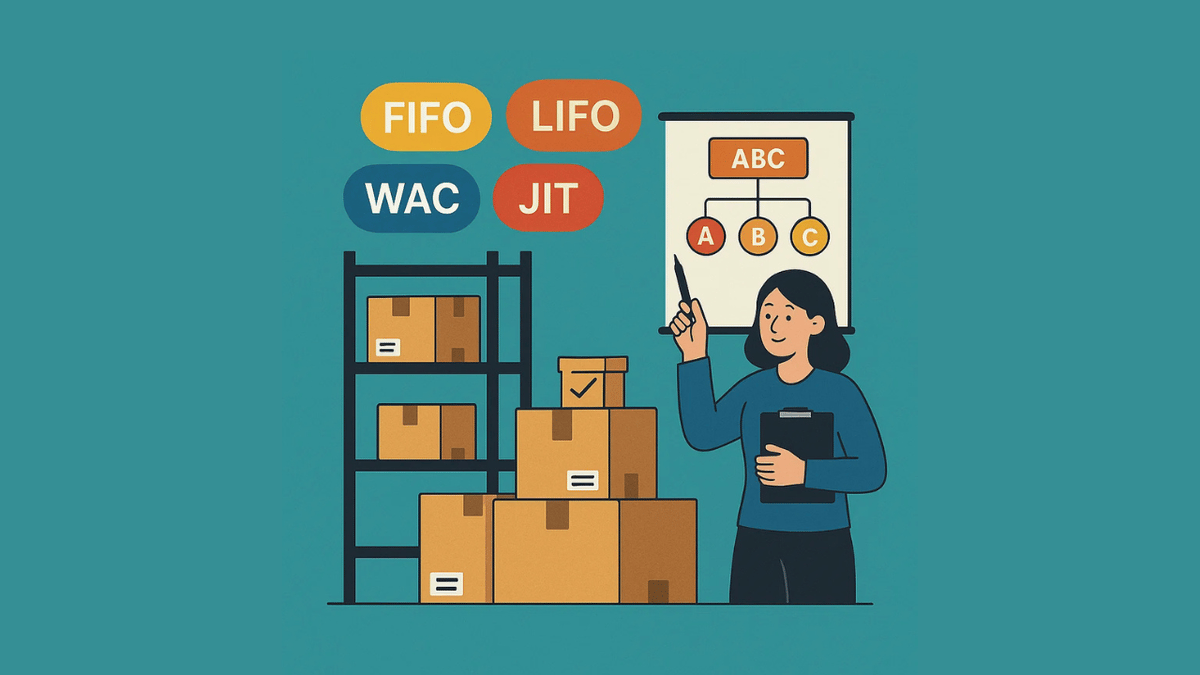
Stock Control Methods: FIFO, LIFO, WAC, JIT, and ABC
Explore inventory strategies from first-in, first-out to just-in-time. Applying the right method can keep shelves balanced and improve your cash flow. Learn more about each acronym today, simplified for beginners.

What’s a Pick List? Definition, Examples, and Key Benefits
A good pick list system does more than keep things organized. It helps your warehouse run better in every way. Reduce labor cost and fulfill more customer orders with the right pick list strategy and software.
Ready to run your warehouse on BoxHero?
Try before you commit.
Free for 30 days, no credit card required.
Quick reference
 Help GuideFrom getting started to basic concepts, explore our detailed user guide to learn more about BoxHero.
 Contact UsHave a question or comment? Reach out to us and we’ll get back to you.
 GlossaryLearn about the most important inventory management and accounting terms and acronyms for small businesses.
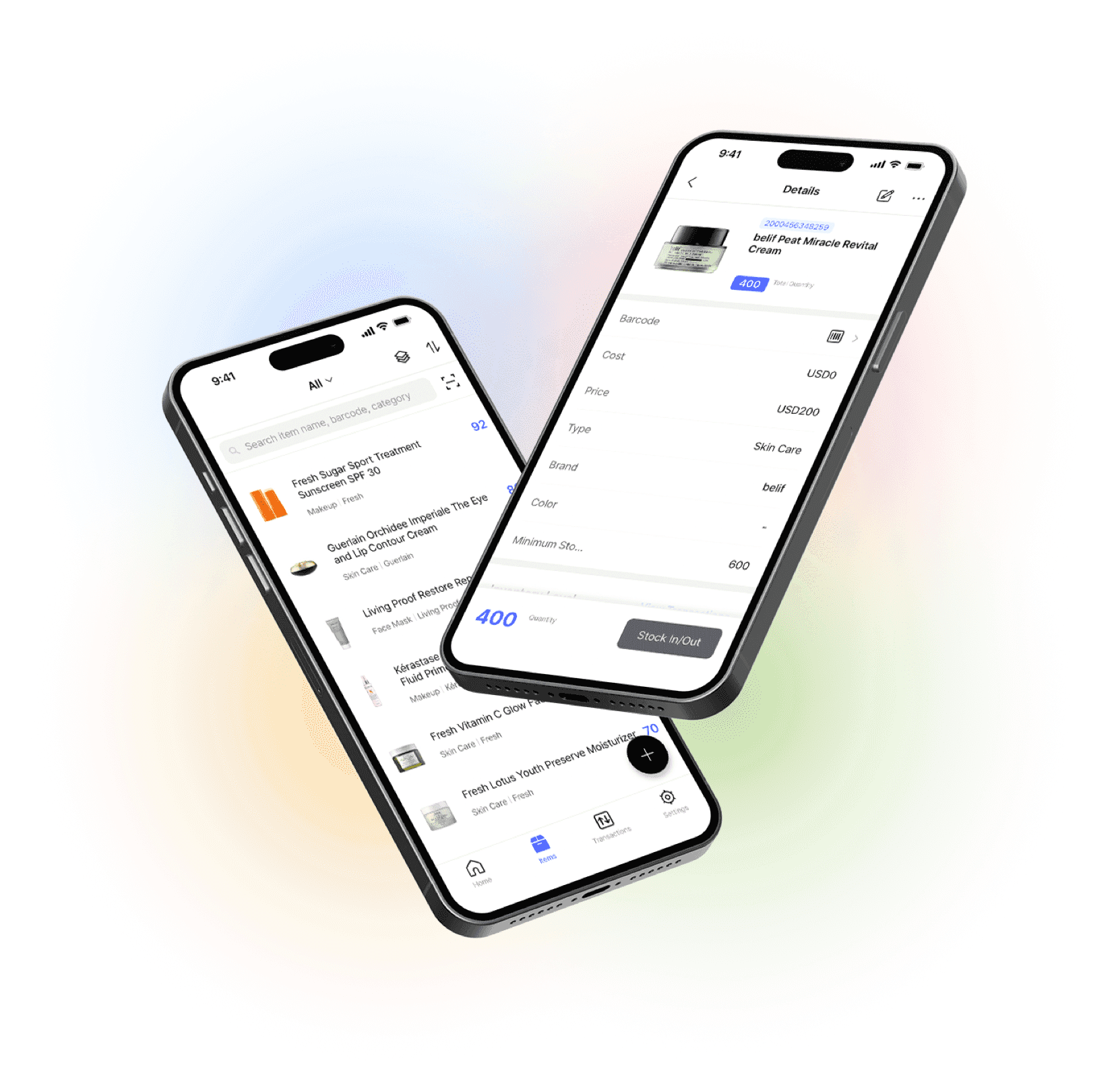
Go mobile with our iOS and Android app
Stay connected and get low stock alerts on your phone, wherever you are.