Know how much of each material you have left
Track the supplies and materials your team goes through, from raw stock to the last unit. BoxHero counts down as items get used, so you can reorder on time and stop discovering shortages mid-job.
Free 30-day trial, no commitment.
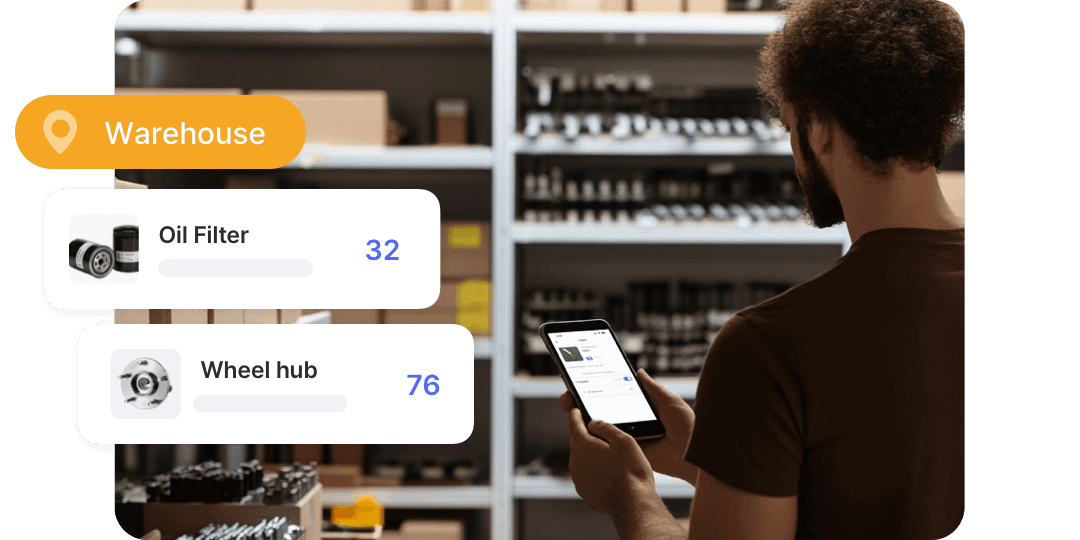

Track usage, stock on hand, and reorder points across every supply.
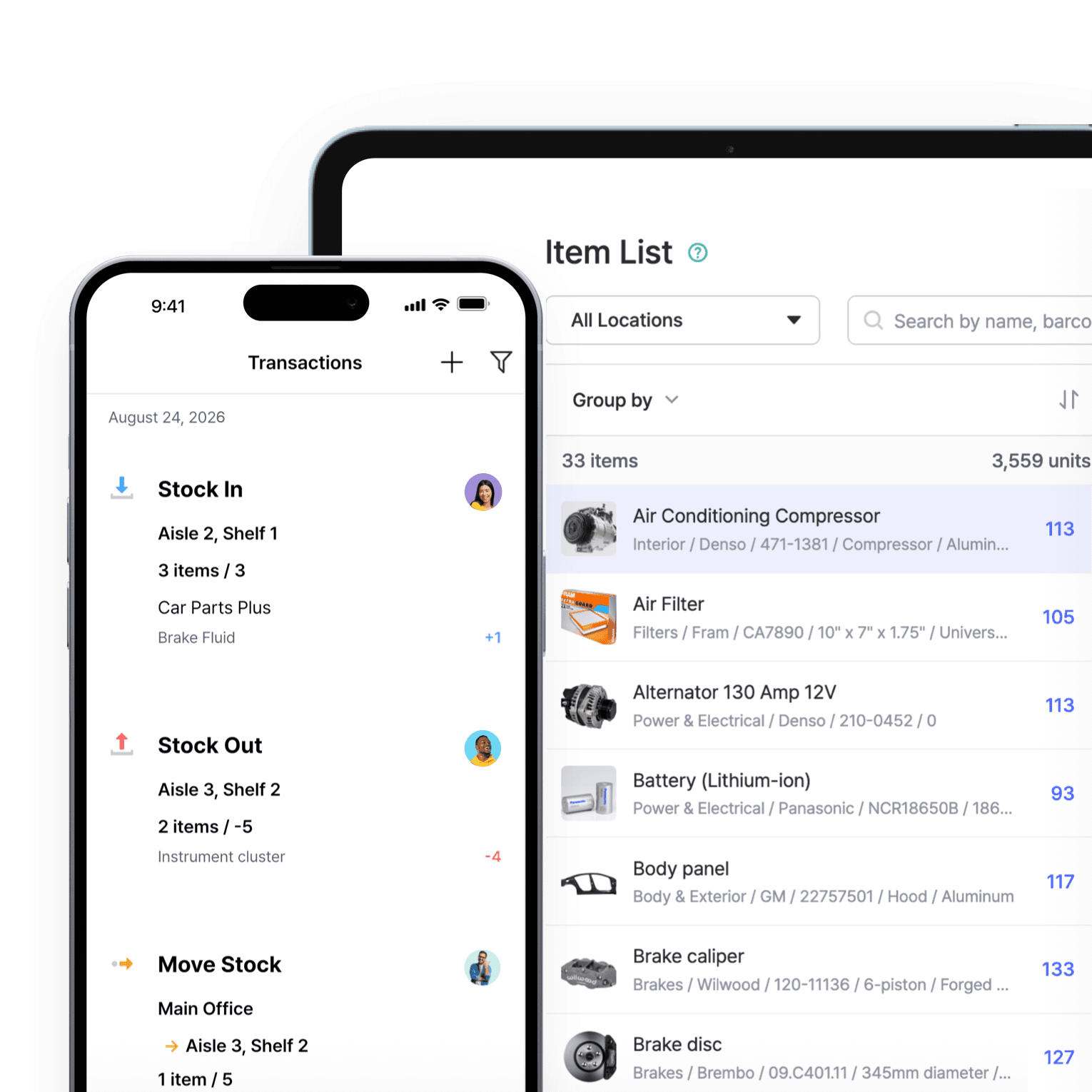
Track materials being used
Record materials going out the same way you record them coming in. Each time your team pulls stock for a job, the count drops, and you can look back at usage to see how fast a material moves.
- Count drops as stock is used
- Review usage over any date range
- See current stock at a glance
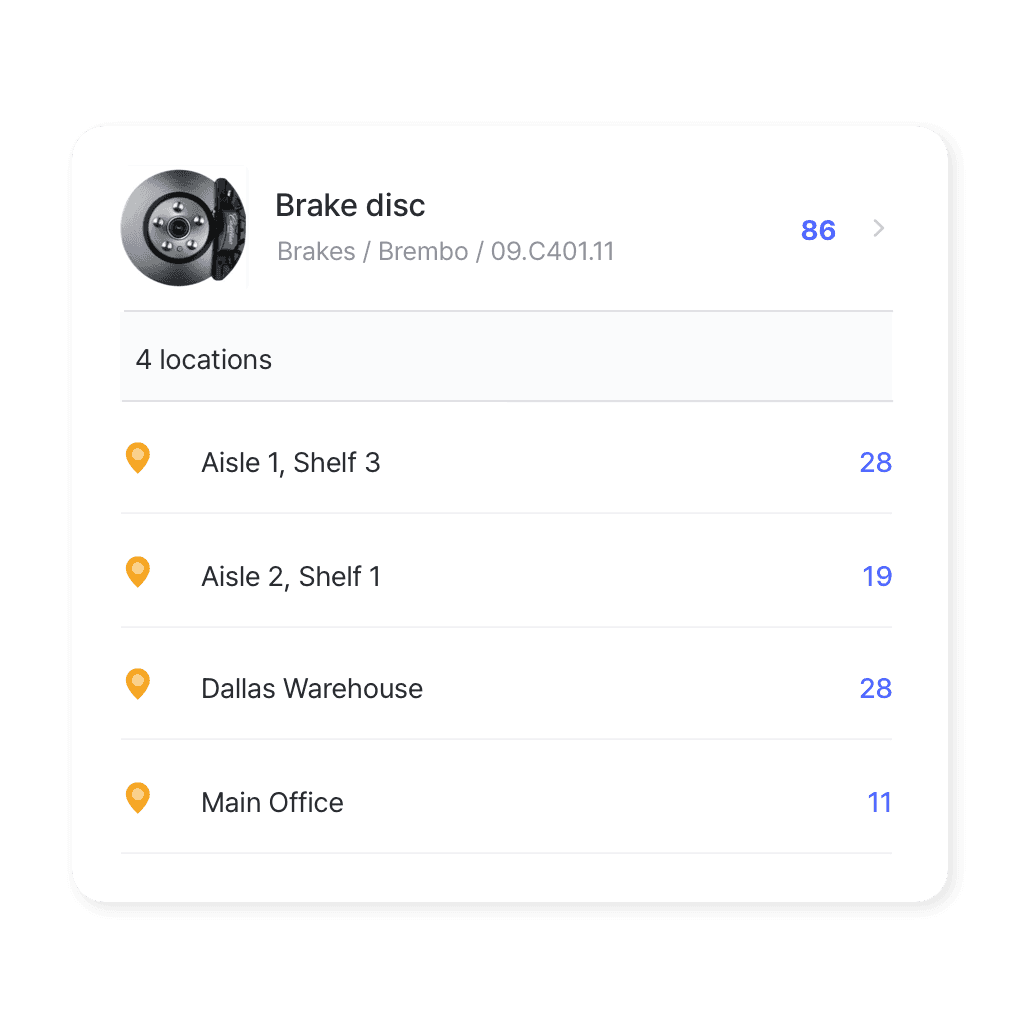
Materials by location
Supplies kept across storerooms, vans, and job sites stay on one dashboard. Move stock from a central store out to a site and the record updates for everyone, so you can see what’s where before you order more.
- See stock at every location
- Transfer materials between sites
- Check a site’s supply before reordering
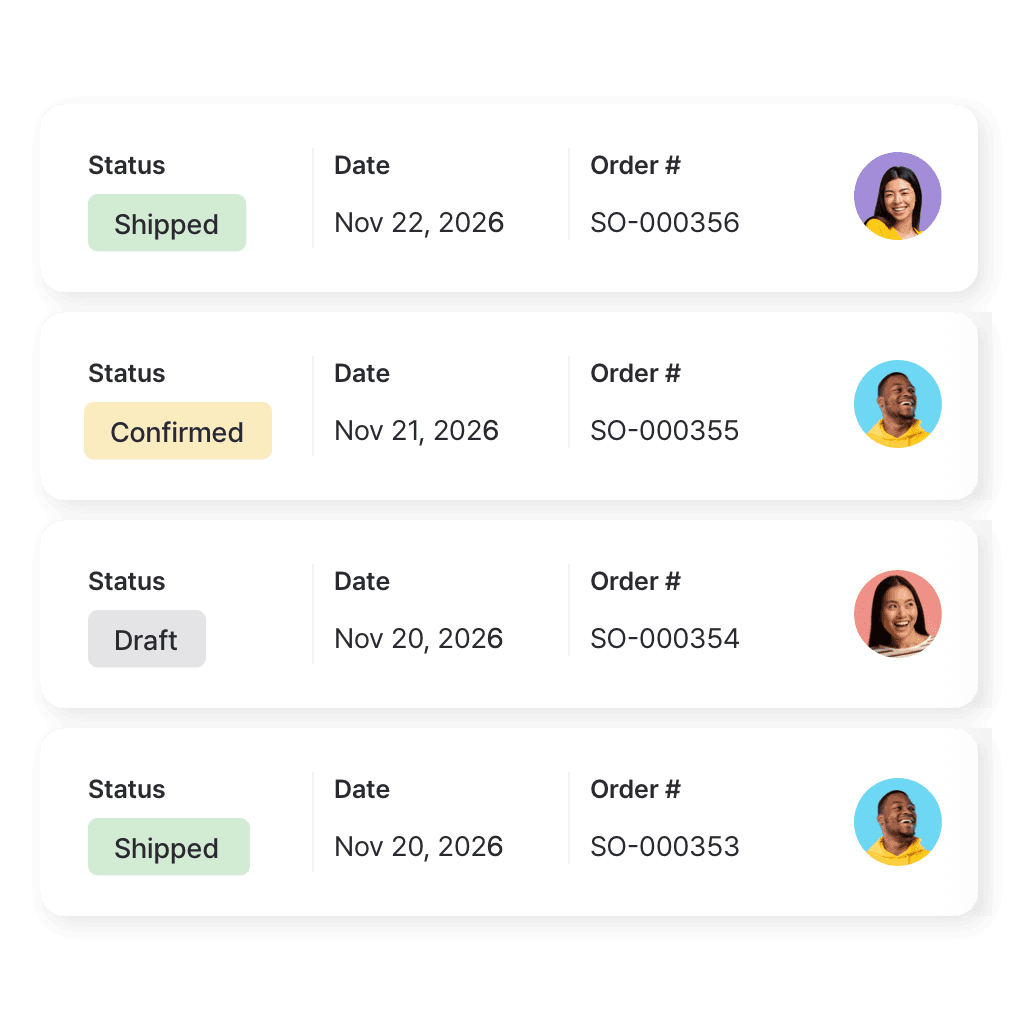
Order supplies from your vendors
Raise purchase orders to vendors, track what’s on the way, and bundle supplies for bulk orders. Received items go straight into stock, so counts are right the moment a delivery arrives.
- Raise POs to vendors
- Track what’s on the way
- Bundle supplies for bulk orders
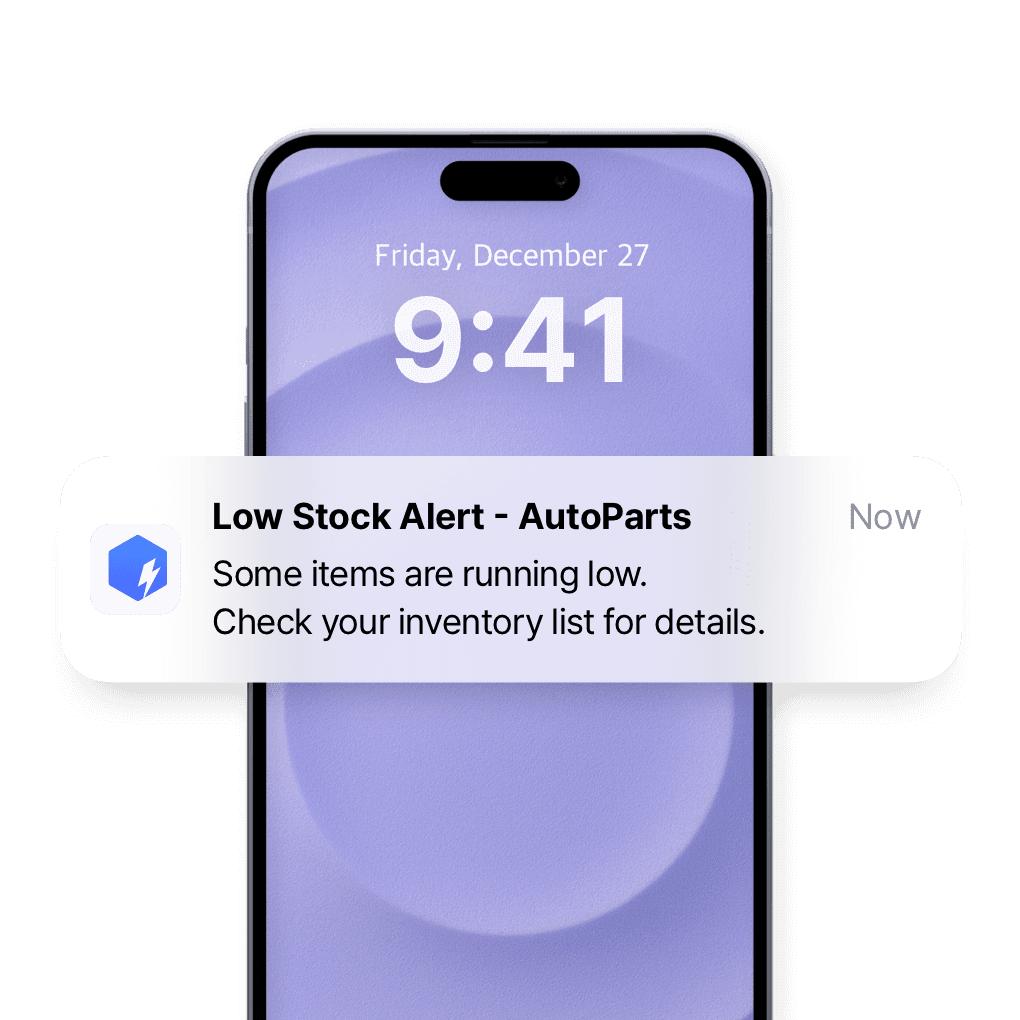
Set a minimum for each material
Set a safety stock level for each material and get low stock alerts at the times you choose. You can restock before a job runs short, instead of finding out on site.
- Set a minimum per material
- Get alerts by push or email
- Restock before a job runs short
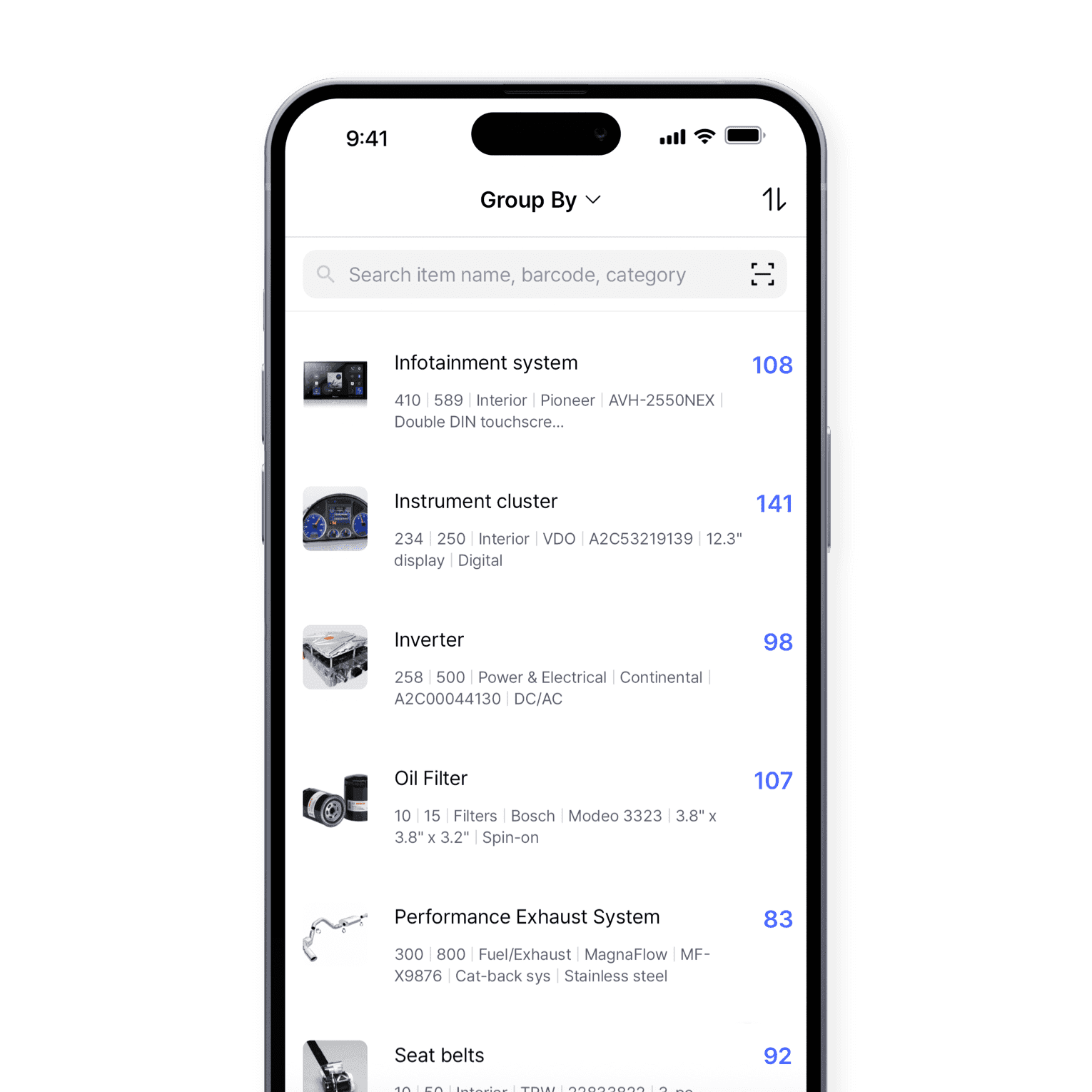
Update stock from the job site
Adjust stock, check levels, and scan barcodes from your phone or tablet, whether you’re in the office or on the road. Changes sync to the web app right away for the rest of your team.
- Adjust stock from your phone
- Check levels anywhere
- Scan barcodes on site
More tools for managing supplies
Keep accurate counts on everything your team consumes, from a central store to the field. A few more features that save time and keep you stocked.
 Learn more
Stock Count
Run full or partial counts with your team, splitting the work into task sheets by area or shelf. Review every difference against recorded quantities, then apply the results in a single step.
 Learn more
Excel Import & Export
Add and update items straight from a spreadsheet, from prices and quantities to SKUs. Download a template that matches your columns, then export back to Excel whenever you need.
 Learn more
Barcoding
Scan with your phone camera or a handheld scanner to add, find, count, and move items. Generate barcodes and print custom labels on any standard or thermal printer.






Stop running out of materials mid-job
Keep accurate counts on everything your team uses.
Try BoxHero free for 30 days.
Quick reference
 Help GuideFrom getting started to basic concepts, explore our detailed user guide to learn more about BoxHero.
 Contact UsHave a question or comment? Reach out to us and we’ll get back to you.
 GlossaryLearn about the most important inventory management and accounting terms and acronyms for small businesses.
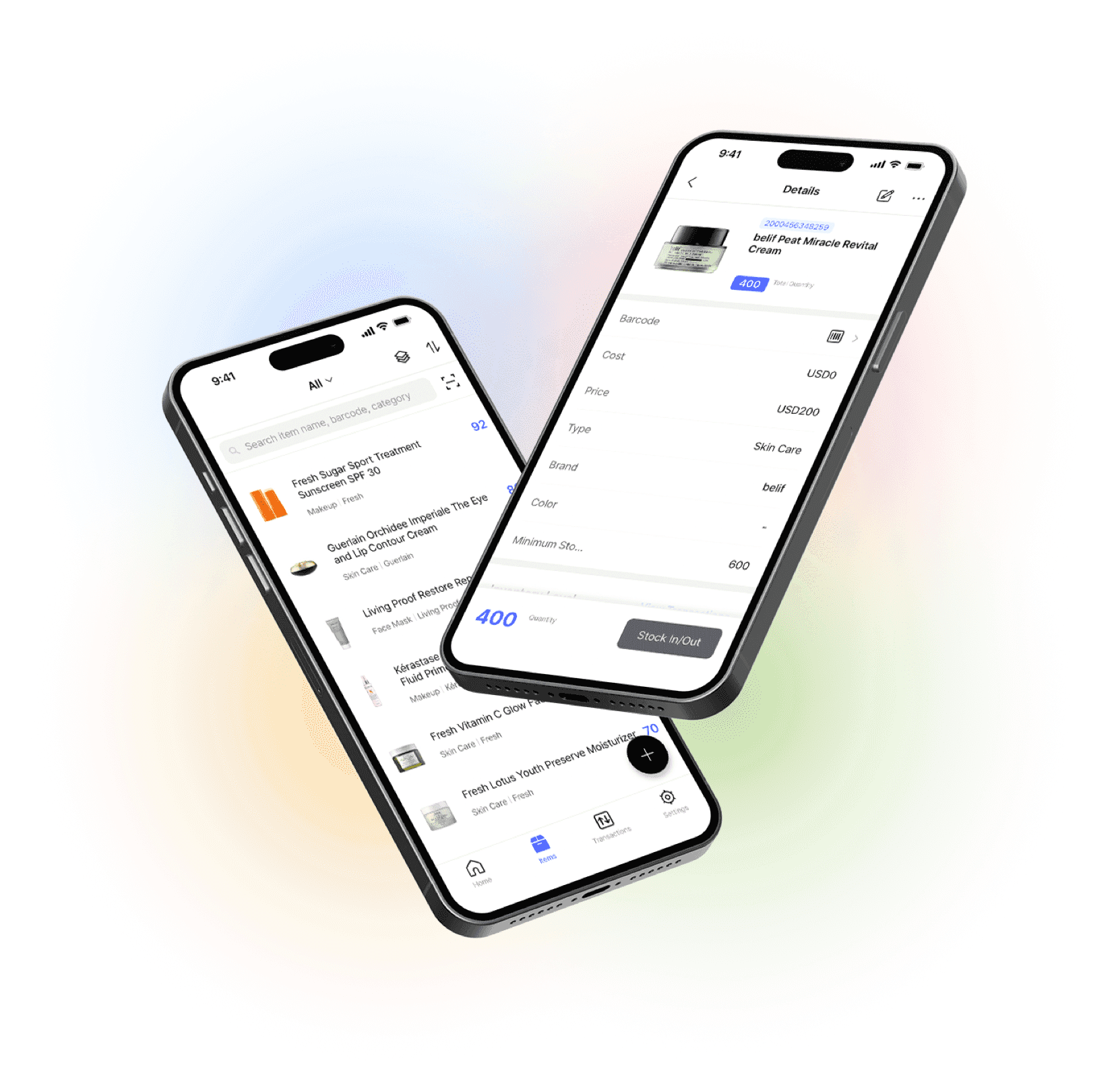
Go mobile with our iOS and Android app
Stay connected and get low stock alerts on your phone, wherever you are.