Zoho Inventory vs. BoxHero
Suite add-on or standalone inventory app?
Zoho Inventory works best alongside other Zoho apps, while BoxHero is a standalone inventory app. Compare the two on features, setup, and pricing.
Free 30-day trial. No credit card required.

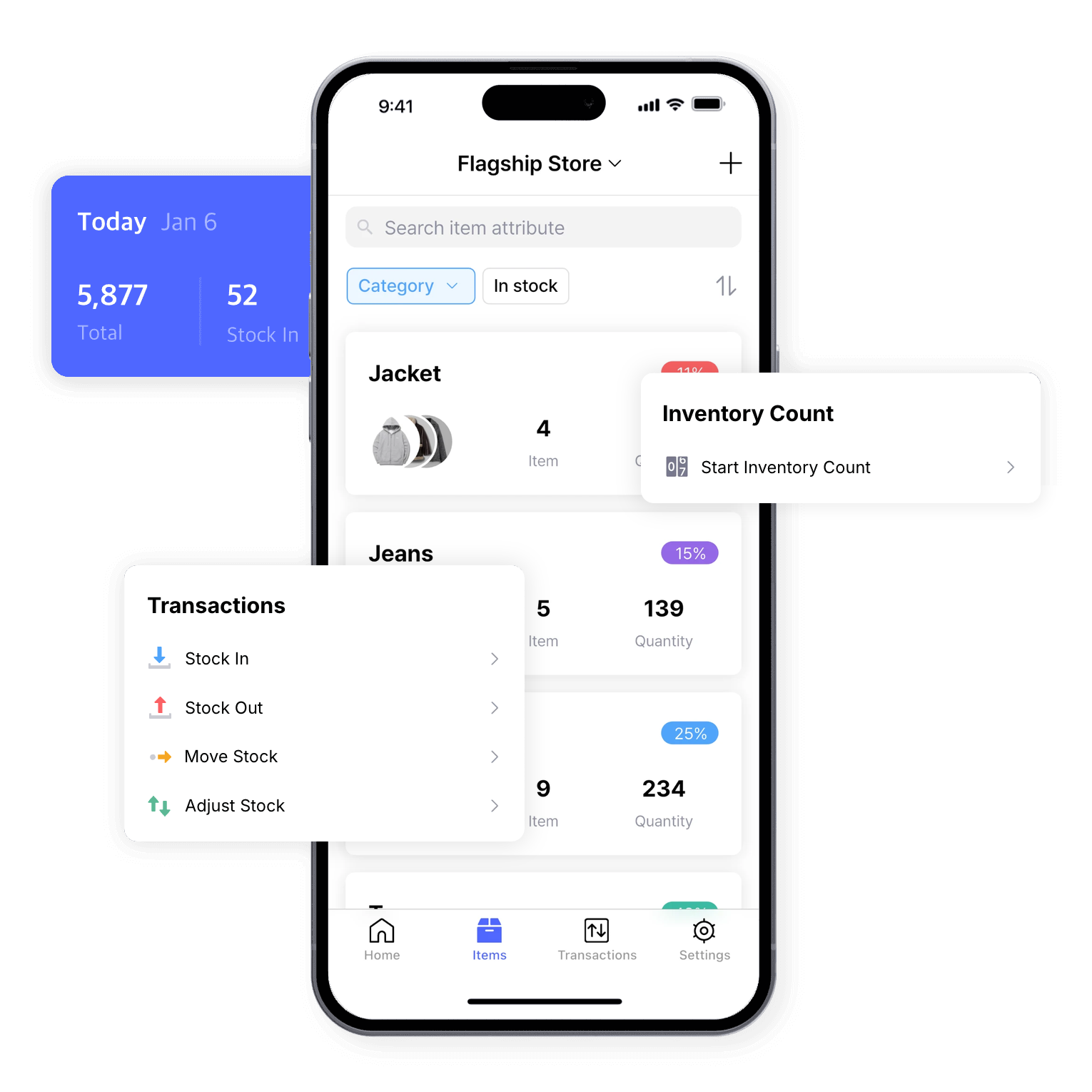

Zoho Inventory is built for multi-channel sellers in the Zoho ecosystem
Zoho Inventory offers batch and serial number tracking, multi-channel sales integrations, and connections to Zoho Books and Zoho CRM. It suits businesses that sell across several channels or already run on Zoho.

BoxHero focuses on simplicity and essential inventory features
BoxHero covers the inventory features most teams need, including barcode scanning, low stock alerts, and multiple locations. It’s quick to set up: import your item list from Excel and start tracking right away.
How does BoxHero compare to Zoho Inventory?
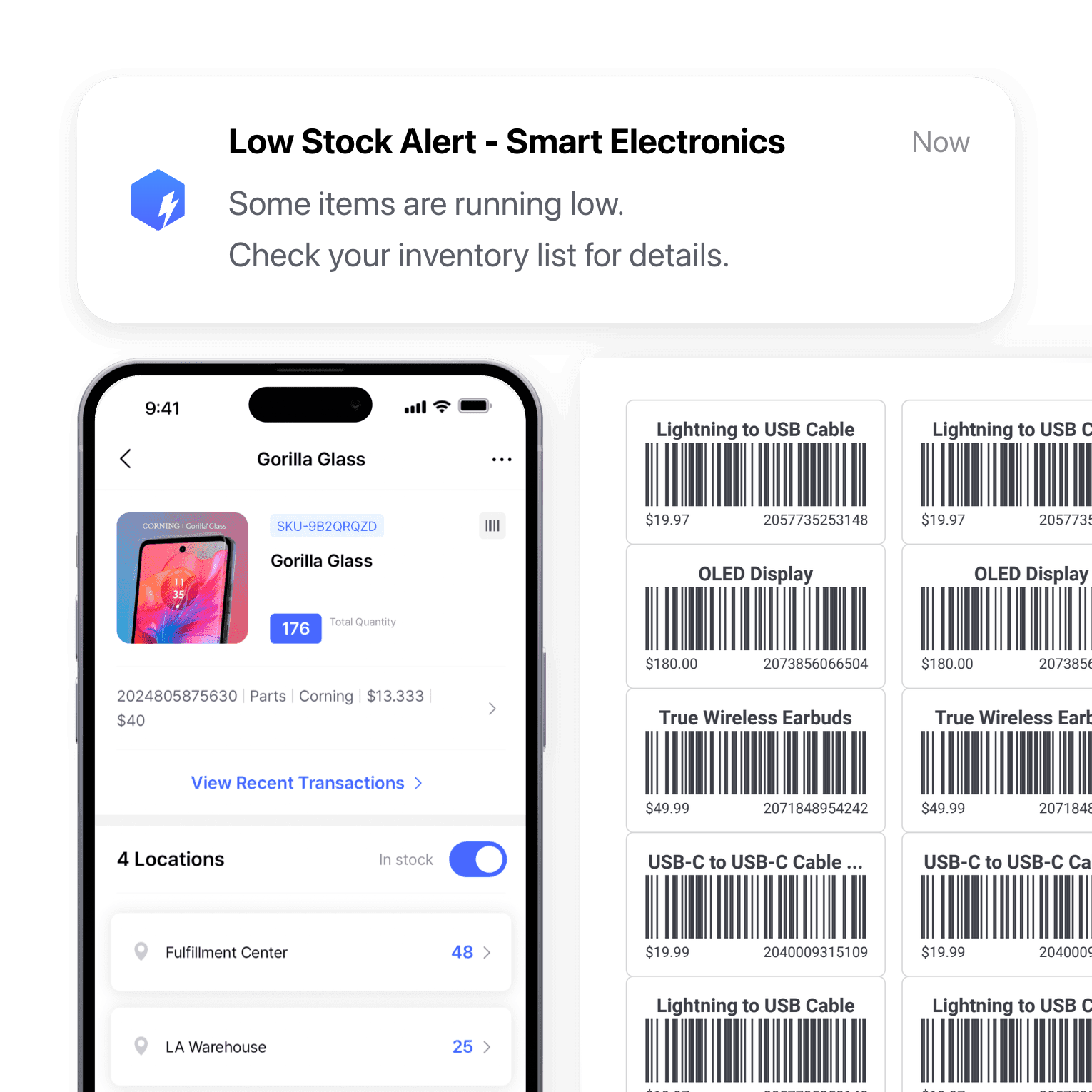
Fewer features to learn
Zoho Inventory connects with Zoho Books, Zoho CRM, and e-commerce platforms. Its advanced features, like serial number tracking and multi-channel selling, take more time to learn.
BoxHero sticks to the tools teams use every day, with the same core features on the web and on your phone. There’s less to learn, so new team members can get started quickly.
No other software required
BoxHero is built for small and mid-sized businesses in retail, fashion, warehousing, and wholesale that need straightforward inventory management. Everything works on its own, without integrations or technical setup.
Zoho Inventory is a better fit for businesses already using Zoho, or for larger operations that sell across several channels and need to connect external sales platforms.
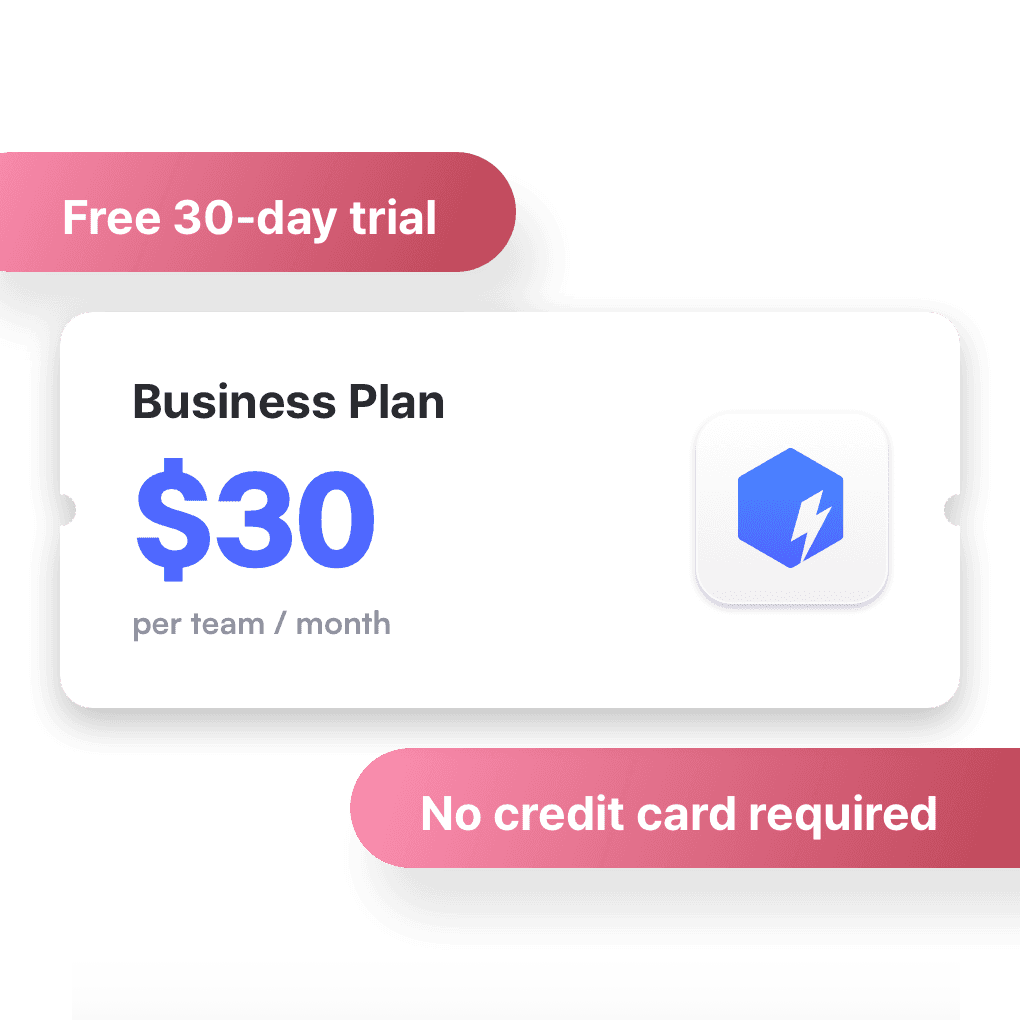
Every feature on one plan
Zoho Inventory’s Standard Plan limits how many users and locations you can add. Barcode generation, stock counting, and serial and batch tracking are only on its higher Premium Plan.
BoxHero has one paid plan. Starting at $30 a month per team, it includes multiple locations, barcode printing, order management, and physical stock counts, and you can try them all free first.
Zoho Inventory or BoxHero: Which is right for you?
Zoho Inventory offers advanced features like pick lists, serial number tracking, and multi-channel sales integrations, with more of them on higher tiers. It suits e-commerce businesses and warehouses that sell across channels or already use other Zoho apps.
BoxHero offers a user-friendly, affordable platform for businesses from a single shop to several warehouses. Its features focus on inventory management, so it’s quick to set up and easy to scale, without features you don’t need or a jump to a higher tier.

Designed to make inventory management easier
BoxHero is inventory software your whole team can learn in no time. Whether you’re managing stock in a retail store or overseeing multiple warehouses, it gives you the tools to keep stock accurate as you grow.
Get more out of the box on BoxHero
 Learn more
Reports
Build reports from your inventory and sales data, from stock value and turnover to profit. Use prebuilt formulas or write your own, filter by location and date range, then export to Excel.
 Learn more
Purchases & Sales
Create purchase and sales orders, then receive or ship them in full or in batches. Send invoices by email or PDF, apply taxes and discounts, and handle returns against the original order.
 Learn more
Multiple Locations
Manage inventory across warehouses, stores, and stockrooms, all from one place. See how much you have at each site, and move stock between locations with full tracking history.
 Learn more
Stock Count
Run full or partial counts with your team, splitting the work into task sheets by area or shelf. Review every difference against recorded quantities, then apply the results in a single step.
 Learn more
Barcoding
Scan with your phone camera or a handheld scanner to add, find, count, and move items. Generate barcodes and print custom labels on any standard or thermal printer.
 Learn more
Inventory Sharing
Share current stock levels with people outside your team through a private link, no login required on their end. Choose which items and details appear, and keep the rest of your inventory private.
See how a standalone inventory app fits your team
Try BoxHero free for 30 days.







Quick reference
 Help GuideFrom getting started to basic concepts, explore our detailed user guide to learn more about BoxHero.
 Contact UsHave a question or comment? Reach out to us and we’ll get back to you.
 GlossaryLearn about the most important inventory management and accounting terms and acronyms for small businesses.
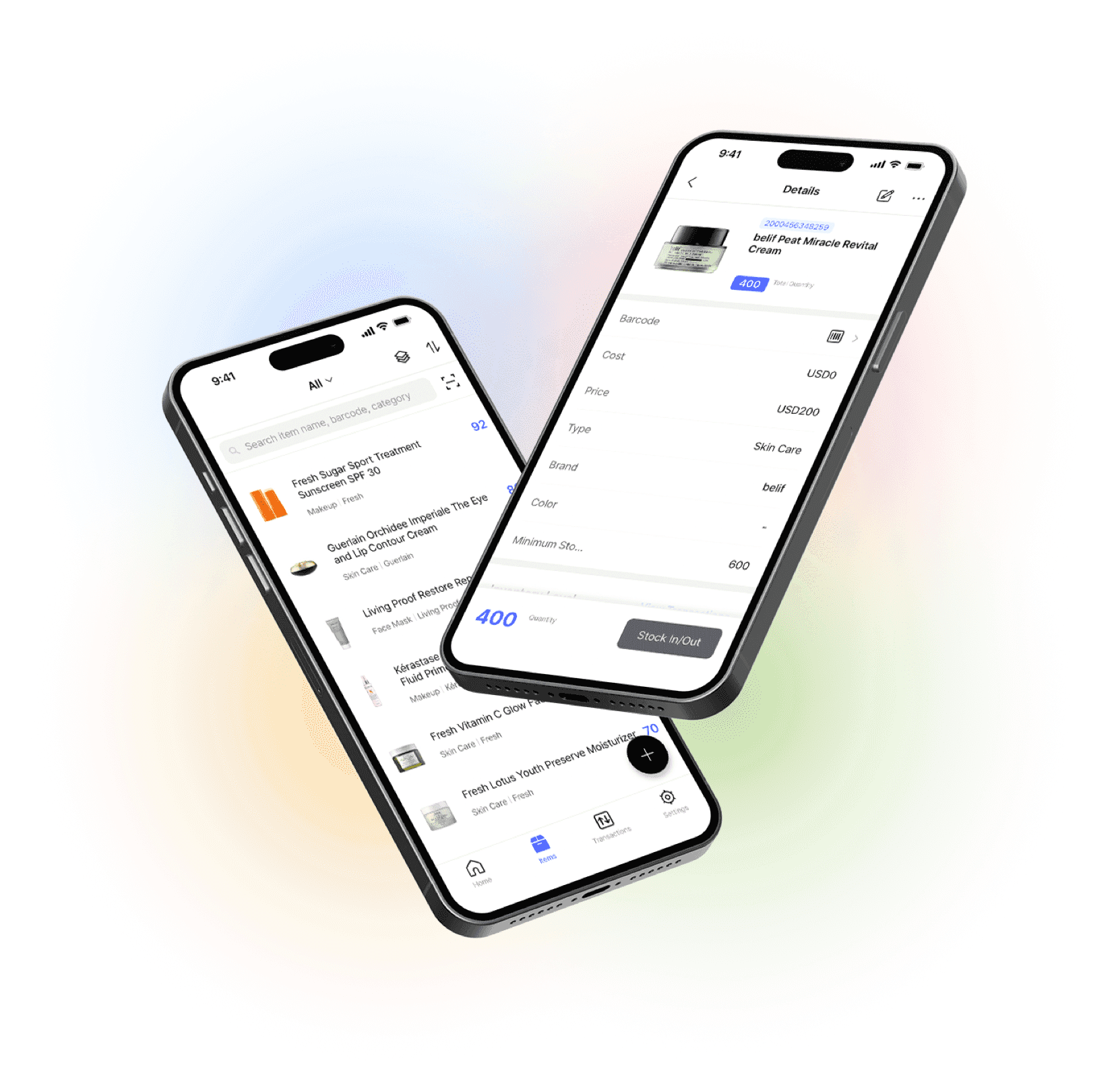
Go mobile with our iOS and Android app
Set up items and review reports in your browser, then scan barcodes, record inventory transactions, and get low stock alerts on your phone. Everything stays in sync in real time.