Keep the kitchen stocked and the waste down
BoxHero tracks what’s in your walk-in, your dry storage, and your bar. See what’s running low, use older stock first, and keep food cost in check.
Free 30-day trial upon signing up.


Know what’s in the walk-in before you place the next order.
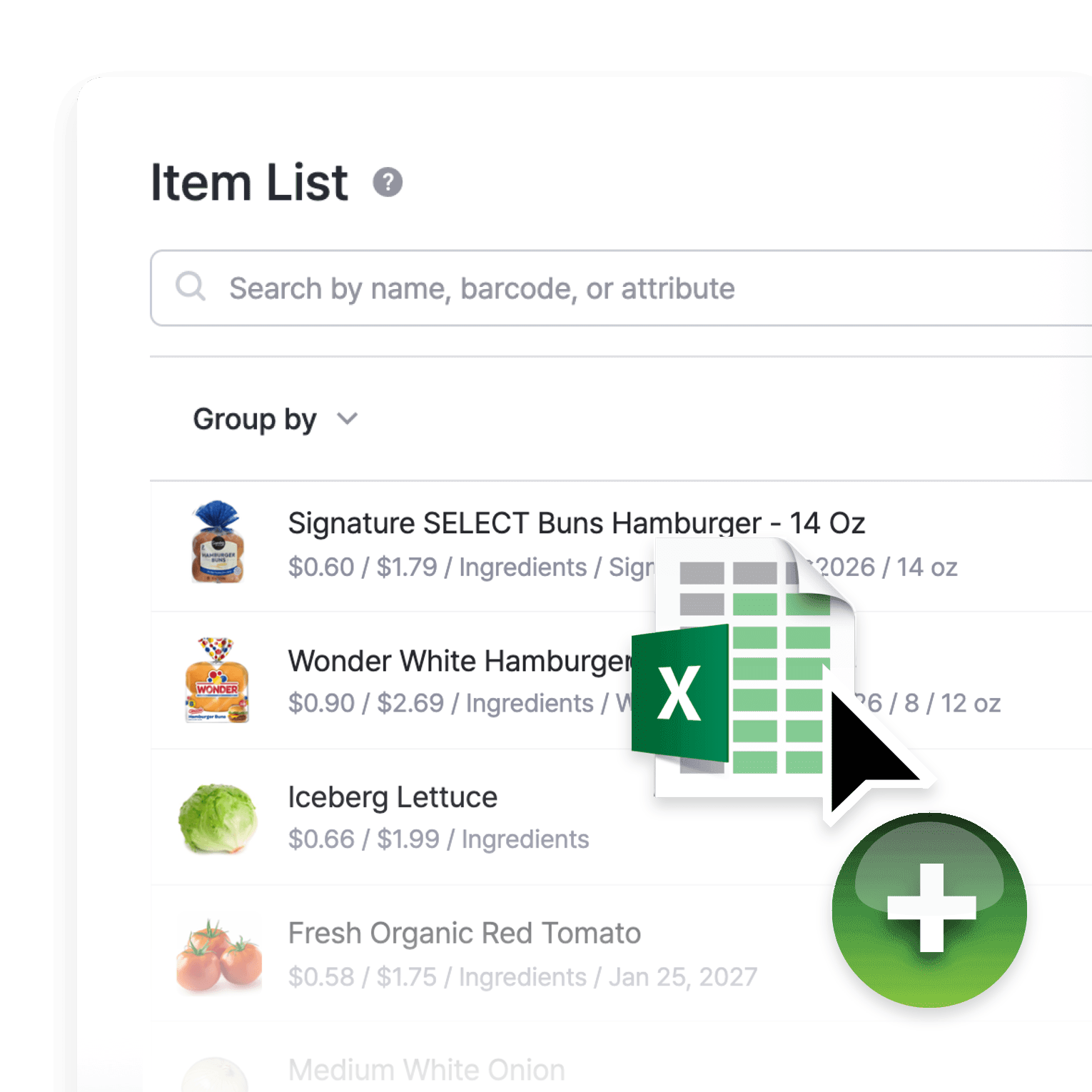
Bring your whole ingredient list in at once
Import your existing ingredient list from Excel in one upload instead of entering items one by one. Update prices or counts across hundreds of items at once, and export back to a spreadsheet for an audit.
- Upload your ingredient list in one go
- Edit prices and counts in bulk
- Export back to Excel for audits
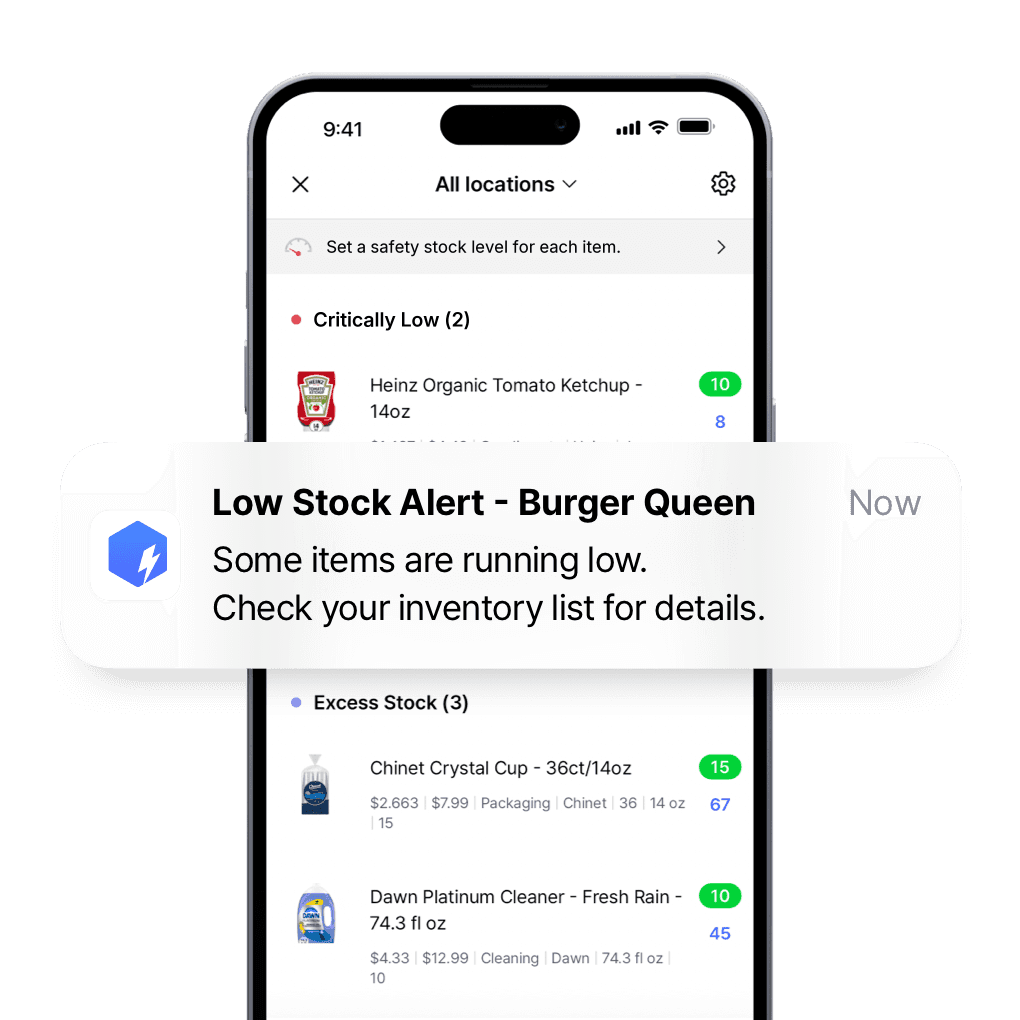
Know what to reorder and how much
Set a par level for each key ingredient and get an alert before you drop below it. Order the right amount at the right time and stop both running out and over-ordering perishables that spoil.
- Order enough without over-buying
- Get alerted before you run out mid-shift
- Know your reorder point for each ingredient
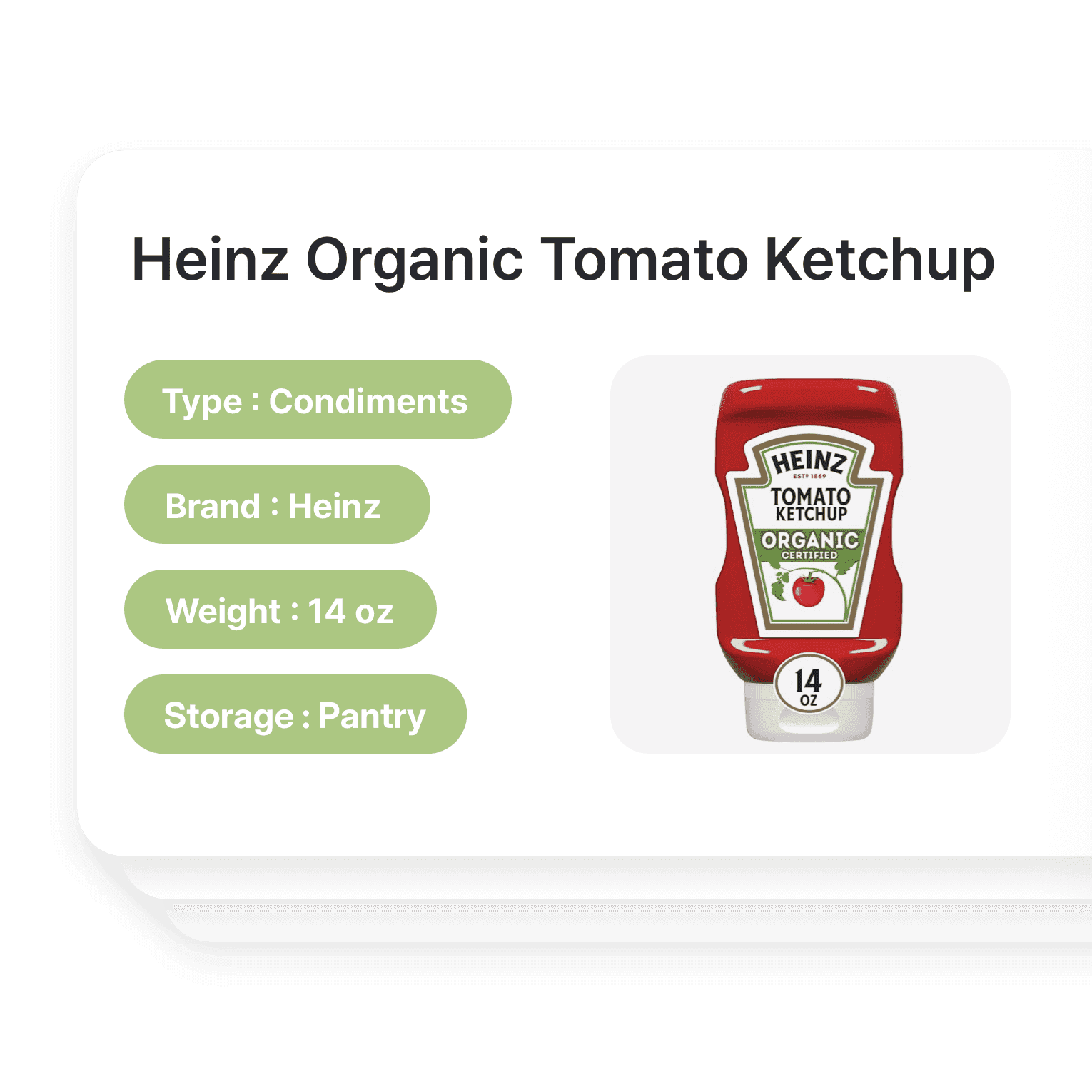
Custom inventory categories
Sort your stock by item type, storage area, or supplier so anyone on the team can find what they need. Group produce, proteins, dry goods, and bar separately, and track each across every location.
- Tag items by vendor
- Sort produce, proteins, and dry goods apart
- Keep each storage area counted separately
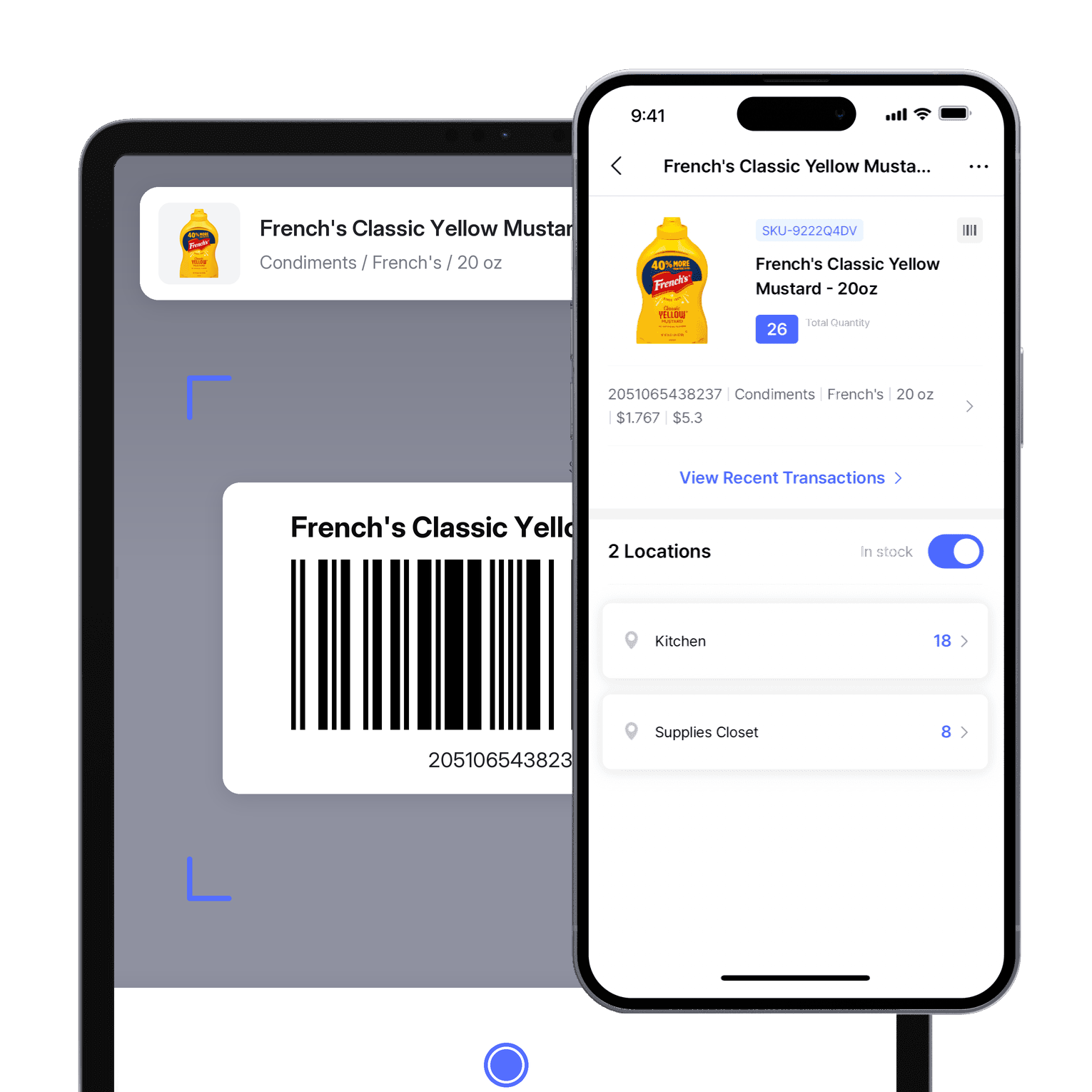
Count the walk-in from your phone
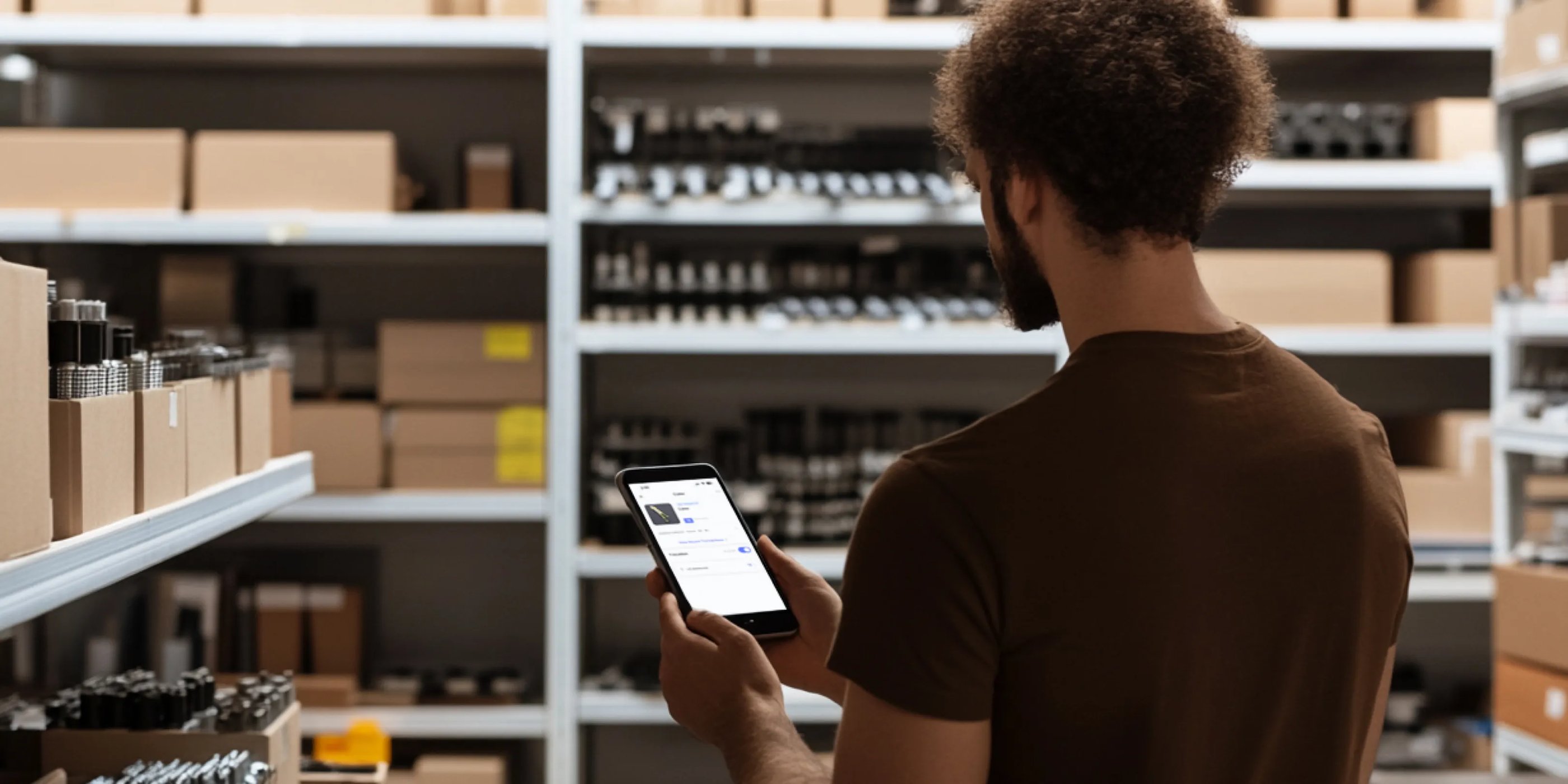
Update counts, check levels, and scan barcodes in the walk-in or behind the bar during a shift, from your phone or tablet, without going back to the office.
- Update counts during a shift
- Check levels from any device
- Scan barcodes in the walk-in
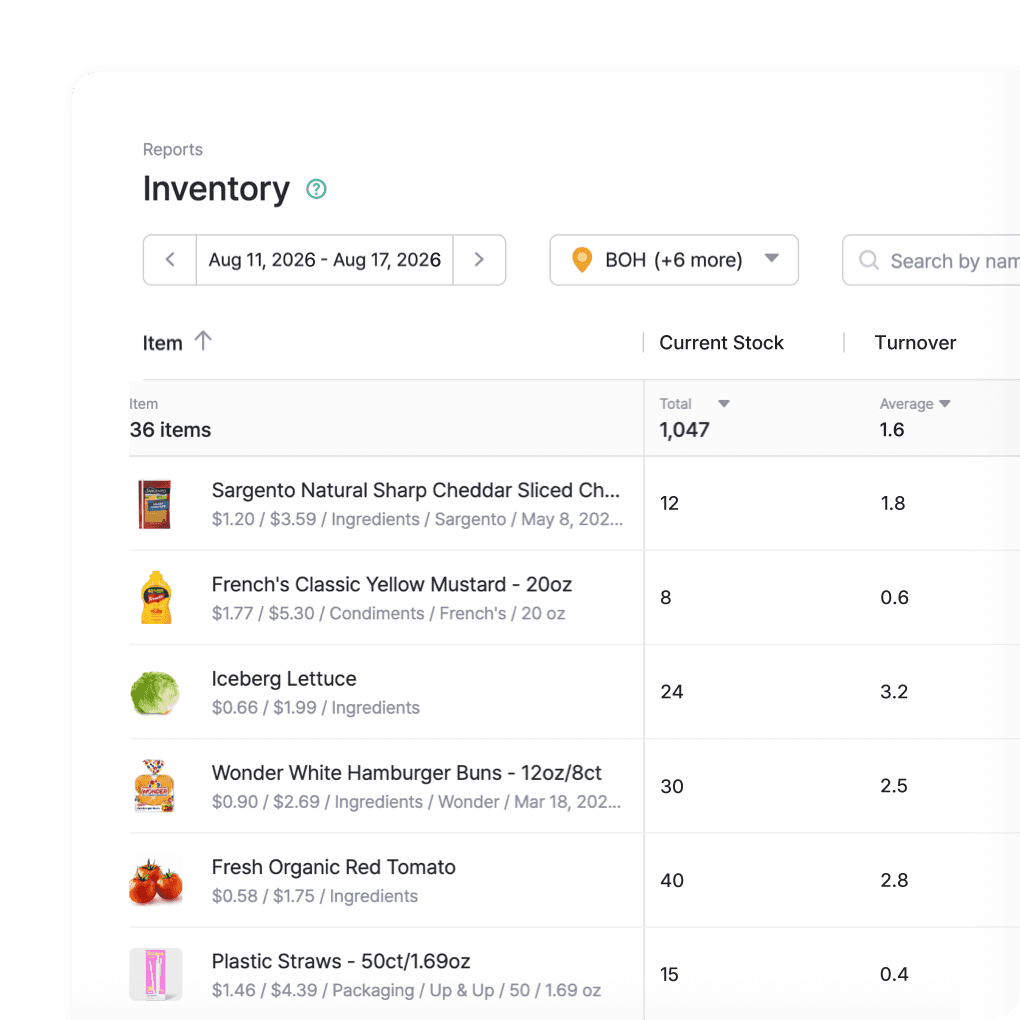
Know your food cost before it eats your margin
See which ingredients you go through fastest, where spoilage is costing you, and how your food cost trends week to week. Use it to order smarter and keep more of every dollar that comes through the kitchen.
- Back orders with real usage data
- Track food cost week over week
- Spot where spoilage is eating margin
More of what keeps a kitchen running
Beyond tracking ingredients, BoxHero covers the work around them: running counts with your team, handling orders and invoices with your suppliers, and keeping stock in line across every location.
 Learn more
Stock Count
Run full or partial counts with your team, splitting the work into task sheets by area or shelf. Review every difference against recorded quantities, then apply the results in a single step.
 Learn more
Purchases & Sales
Create purchase and sales orders, then receive or ship them in full or in batches. Send invoices by email or PDF, apply taxes and discounts, and handle returns against the original order.
 Learn more
Multiple Locations
Manage inventory across warehouses, stores, and stockrooms, all from one place. See how much you have at each site, and move stock between locations with full tracking history.
Restaurant inventory FAQ
Restaurant inventory management is the systematic process of tracking, controlling, and optimizing a restaurant’s food, beverages, and supplies. It’s the backbone of a well-run kitchen, ensuring you have the right ingredients at the right time without overstocking or running short.
Restaurant inventory management primarily involves:
- Tracking what you have on hand
- Knowing when and how much to order
- Understanding how quickly items are used
- Minimizing waste and spoilage
Inventory management software like BoxHero provides real-time visibility and tracking for both your non-consumable items and perishable goods. It can increase the efficiency and profitability of your food & beverage (F&B) business by reducing waste, optimizing stock levels, and streamlining ordering.
Inventory reports from your data can provide valuable insights such as stock turnover rates, sales performance, and inventory value. These reports help you understand which items move quickly, identify trends, and make informed purchasing decisions so that you have just the “right” amount of ingredients and supplies on hand.
Managing restaurant inventory and food cost
Guides on managing perishable stock, controlling food cost, and keeping your kitchen running with less waste.
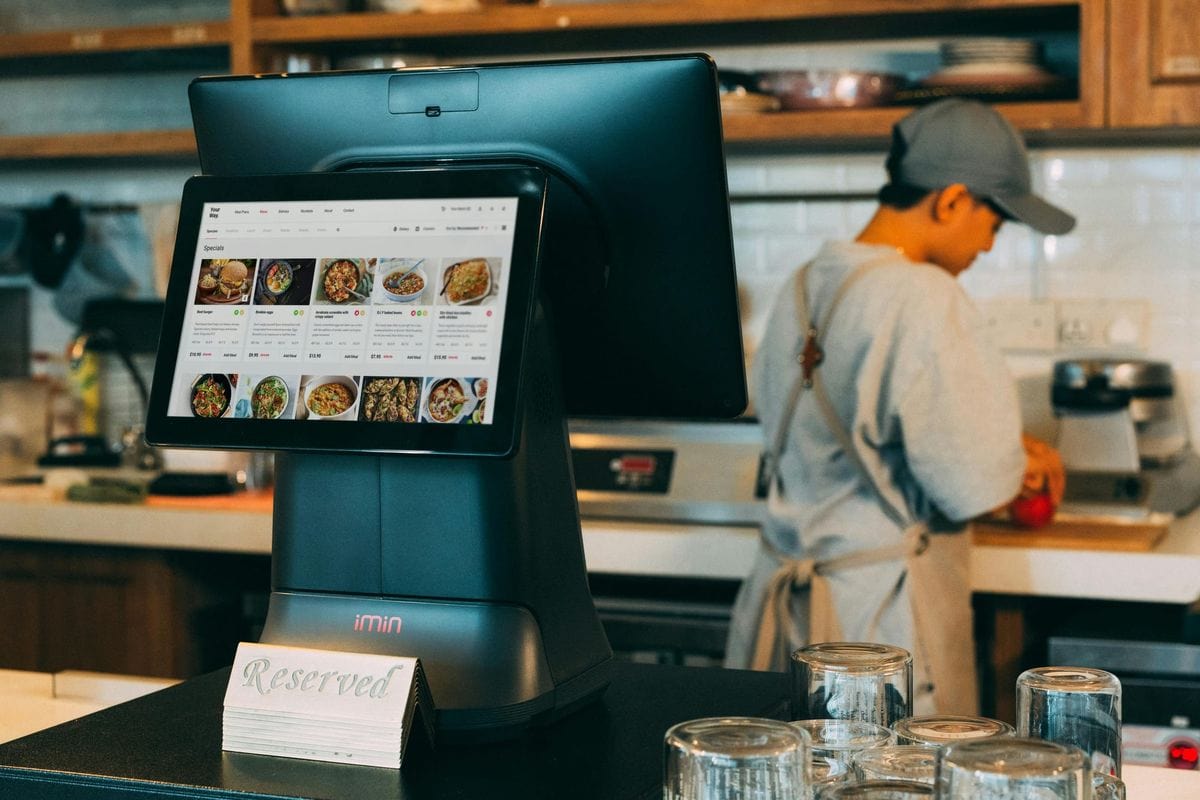
How to Manage Perishable Inventory in the Kitchen
Struggling with restaurant inventory and food waste? Find practical strategies for a well-run kitchen with the right ingredients at the right time, from organizing storage to using older stock first. Hint: set up a proper inventory system!
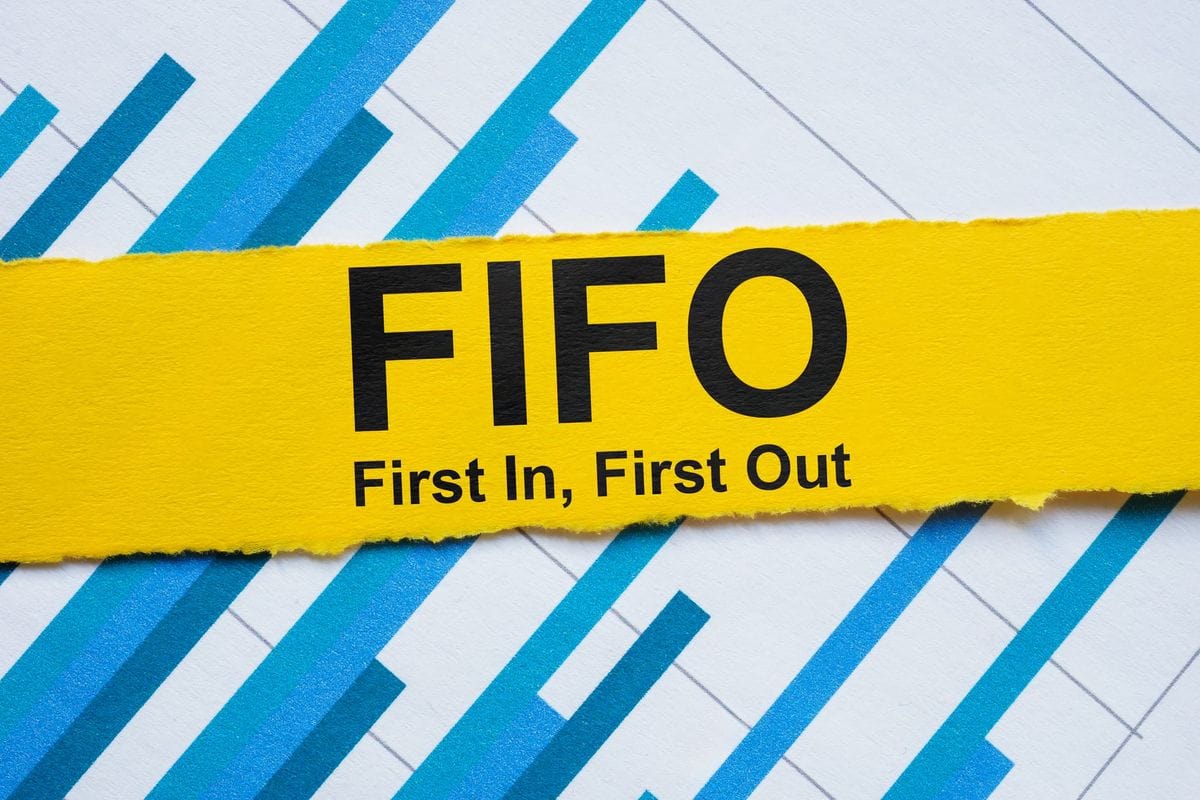
What is FIFO? Basics, Benefits, and Tips
First-In, First-Out assumes your oldest products in your stock are sold first. Why is it so important for food stores and supermarket chains? Find out how FIFO affects your cost of goods sold (COGS) and gross profit.
5 Ways Bundling Benefits Your Business
Bundling is a powerful strategy to boost sales and customer satisfaction. Learn how fast food chains like McDonald’s use different product bundles and how they can benefit your business to maximize sales potential.
Get your kitchen on one inventory list
Cut your spoilage with BoxHero.
Free for 30 days, no card needed.





Quick reference
 Help GuideFrom getting started to basic concepts, explore our detailed user guide to learn more about BoxHero.
 Contact UsHave a question or comment? Reach out to us and we’ll get back to you.
 GlossaryLearn about the most important inventory management and accounting terms and acronyms for small businesses.
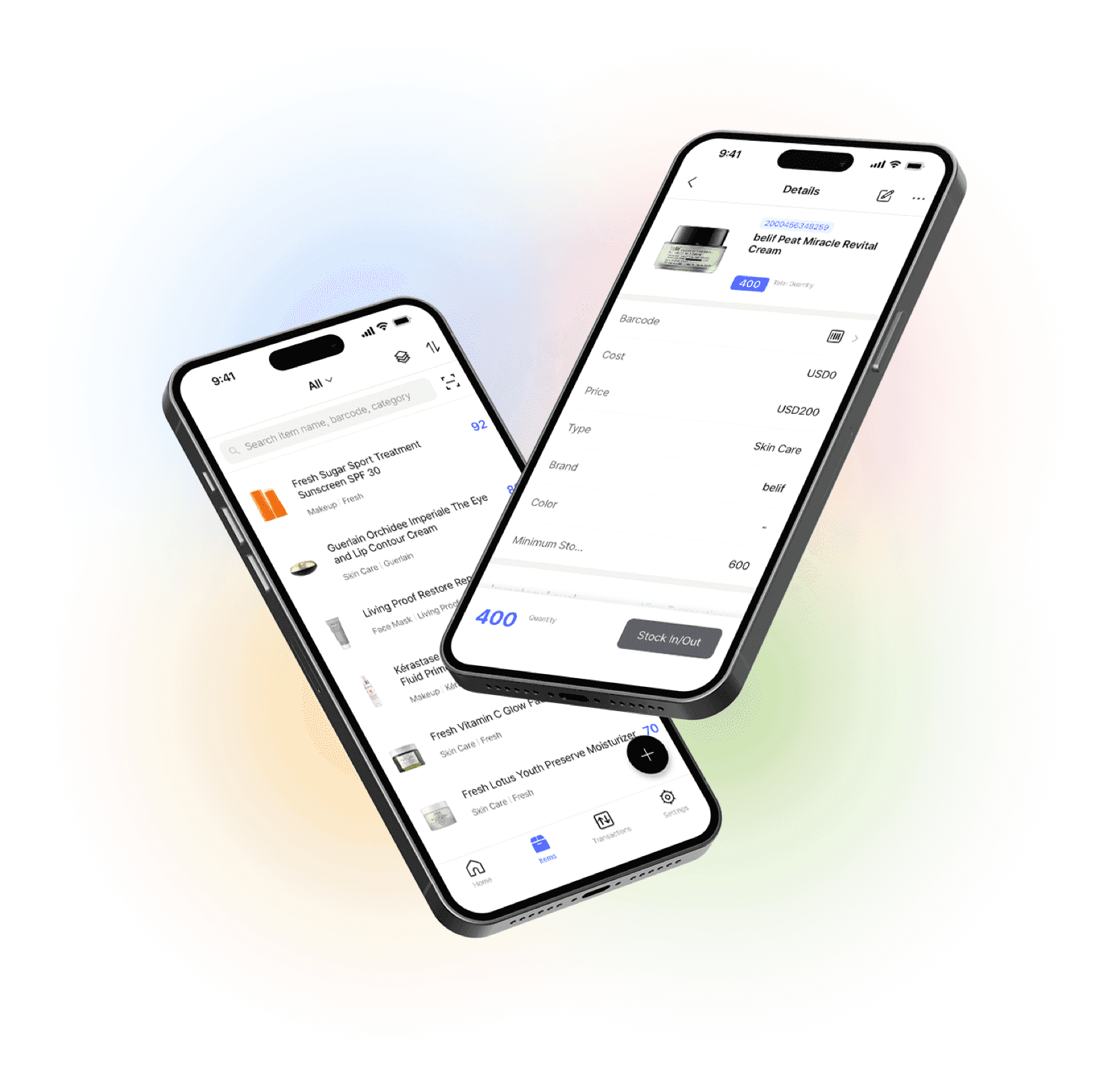
Go mobile with our iOS and Android app
Our mobile app makes it easy to control your inventory from anywhere. Use BoxHero on your phone, desktop, or tablet for automatic syncing.