Parts and inventory tracking for auto shops
Know which parts are on the shelf, which are on order, and where each one went. BoxHero keeps one count across your shops and dealerships.
Free 30-day trial upon signing up.


Find the part before the customer asks for it.
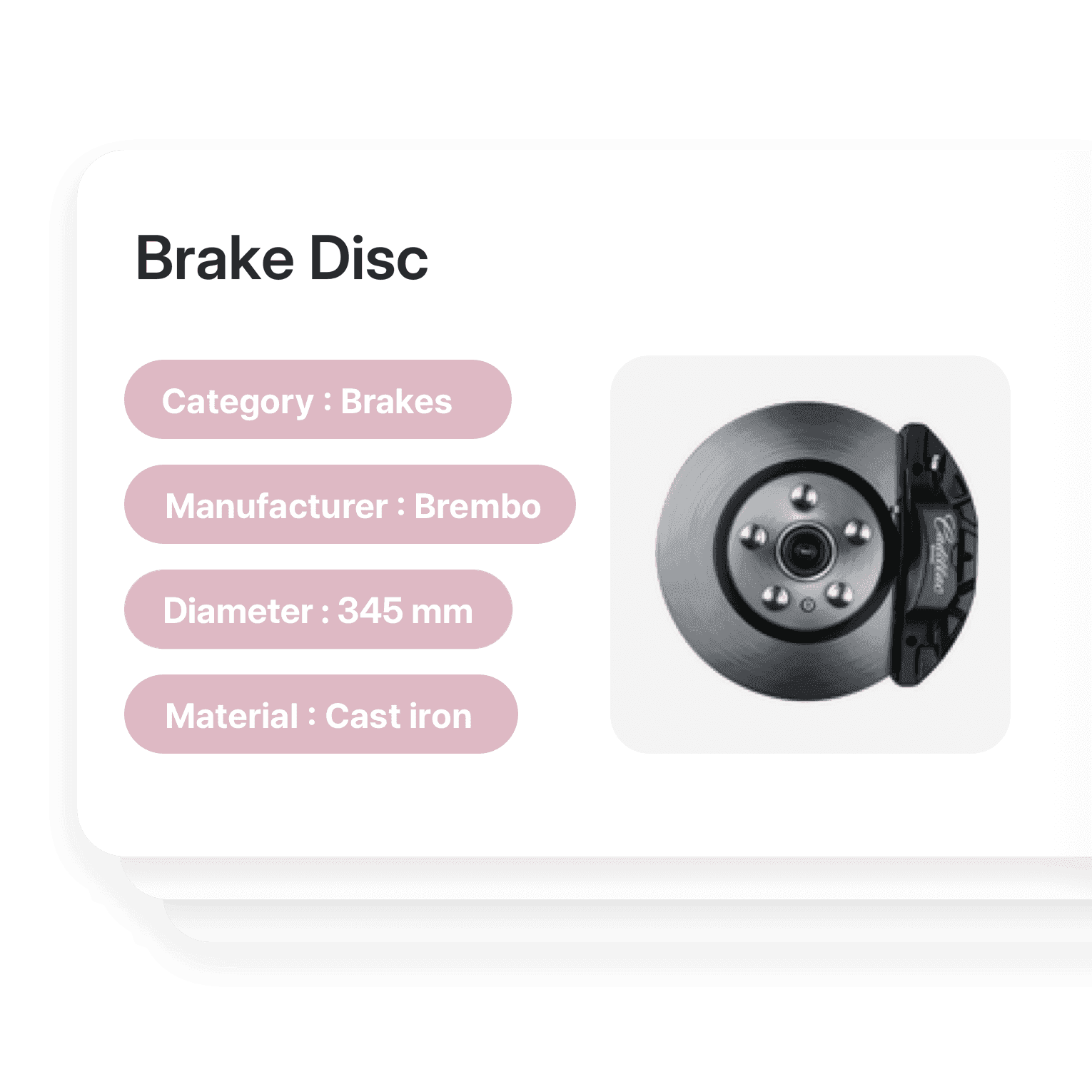
Find any part by size, fitment, or brand
Sort parts by category or vehicle, from tires to engines. Add a photo to each part and search by custom fields like size, fitment, cost, or brand.
- Sort parts by category or vehicle
- Filter by size, fitment, or brand
- Add a photo to every part
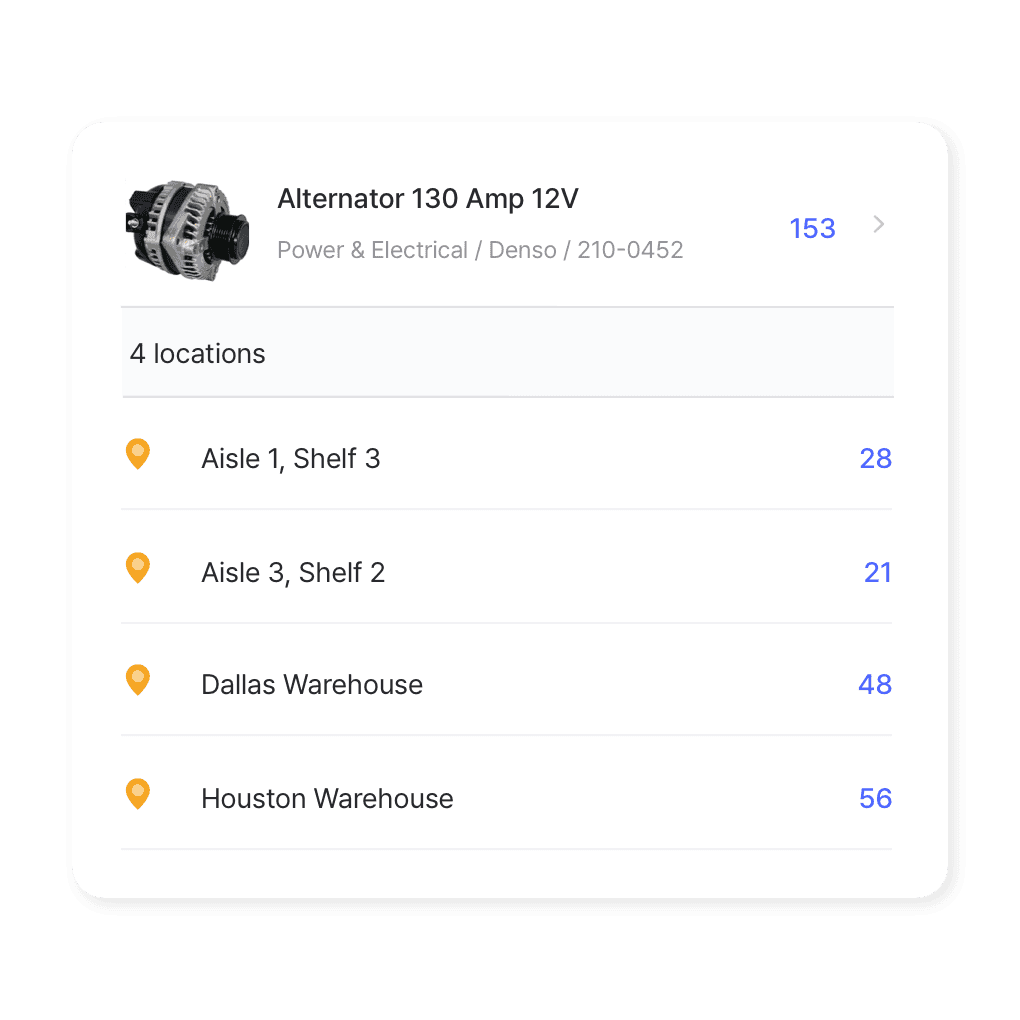
Multi-location management
Coordinating stock across repair shops or dealerships? See what each location has in one view, and move parts between them as jobs come in.
- See every shop’s stock in one view
- Move parts between locations
- Counts update as your team works
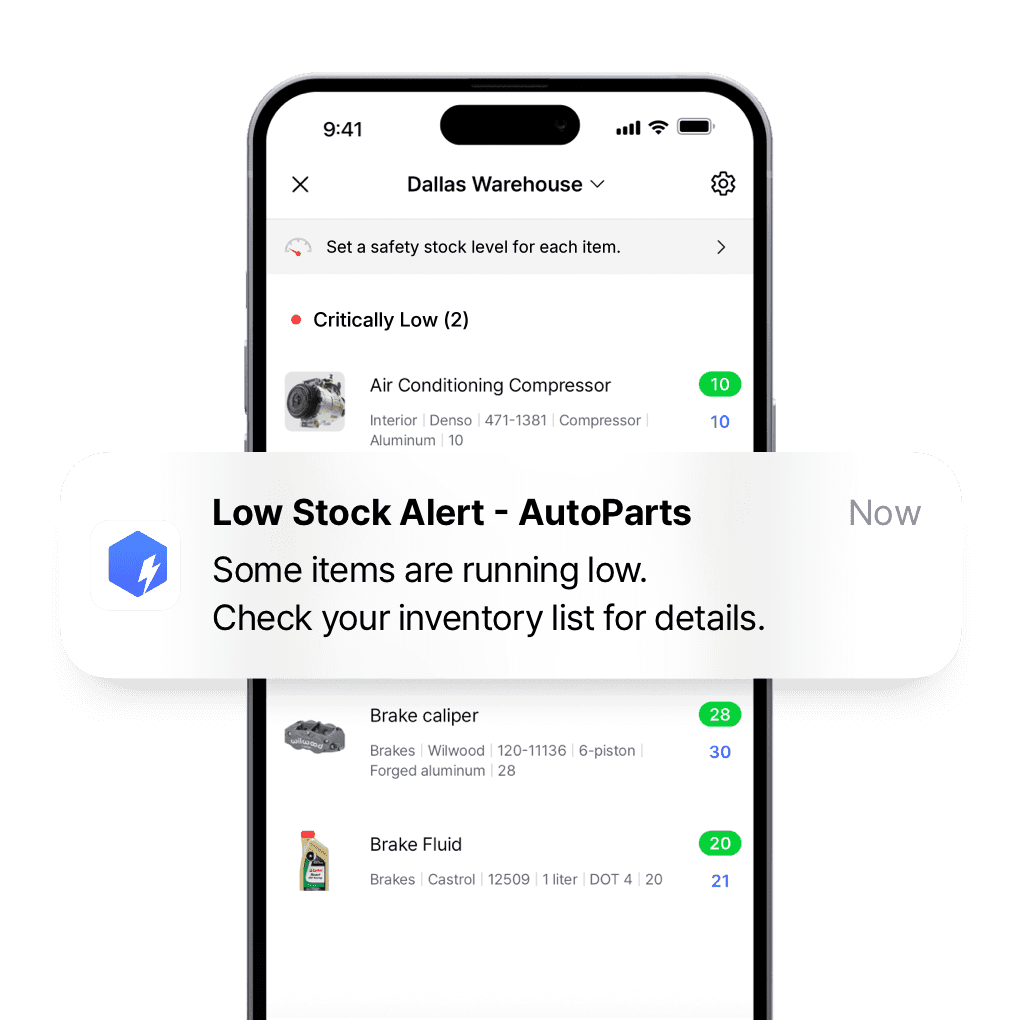
Reorder parts before a job waits on them
Set a safety stock level for each part and get low stock alerts at the times you choose, so a car isn’t stuck on a lift waiting for a filter.
- Set a minimum for each part
- Get alerts at the times you choose
- Keep service bays running
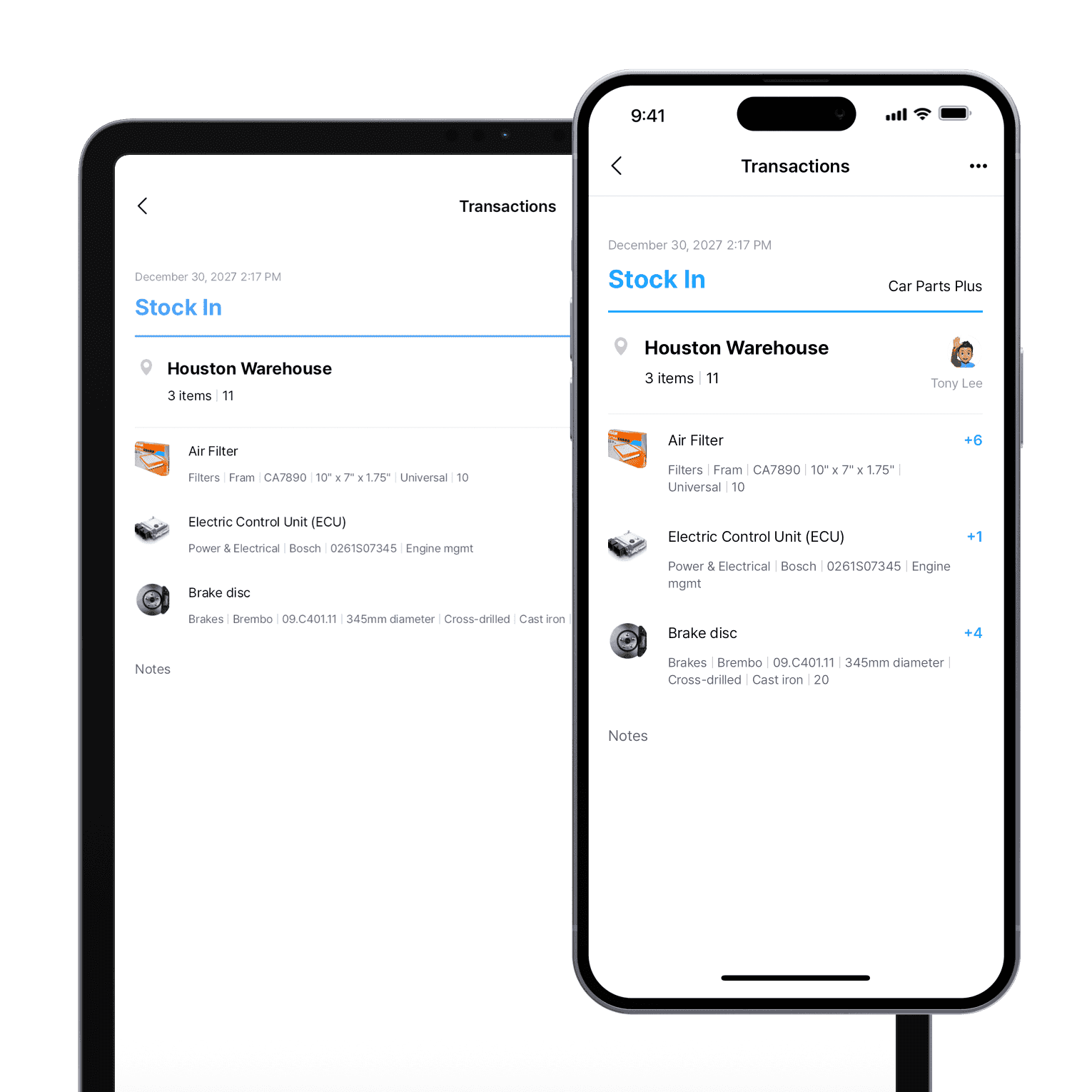
Update stock from the shop floor
Use BoxHero’s mobile app on the shop floor or out in the field. Adjust stock, check levels, and scan part barcodes from your phone or tablet.
- Adjust stock from your phone
- Check levels from the shop floor
- Scan part barcodes on the spot
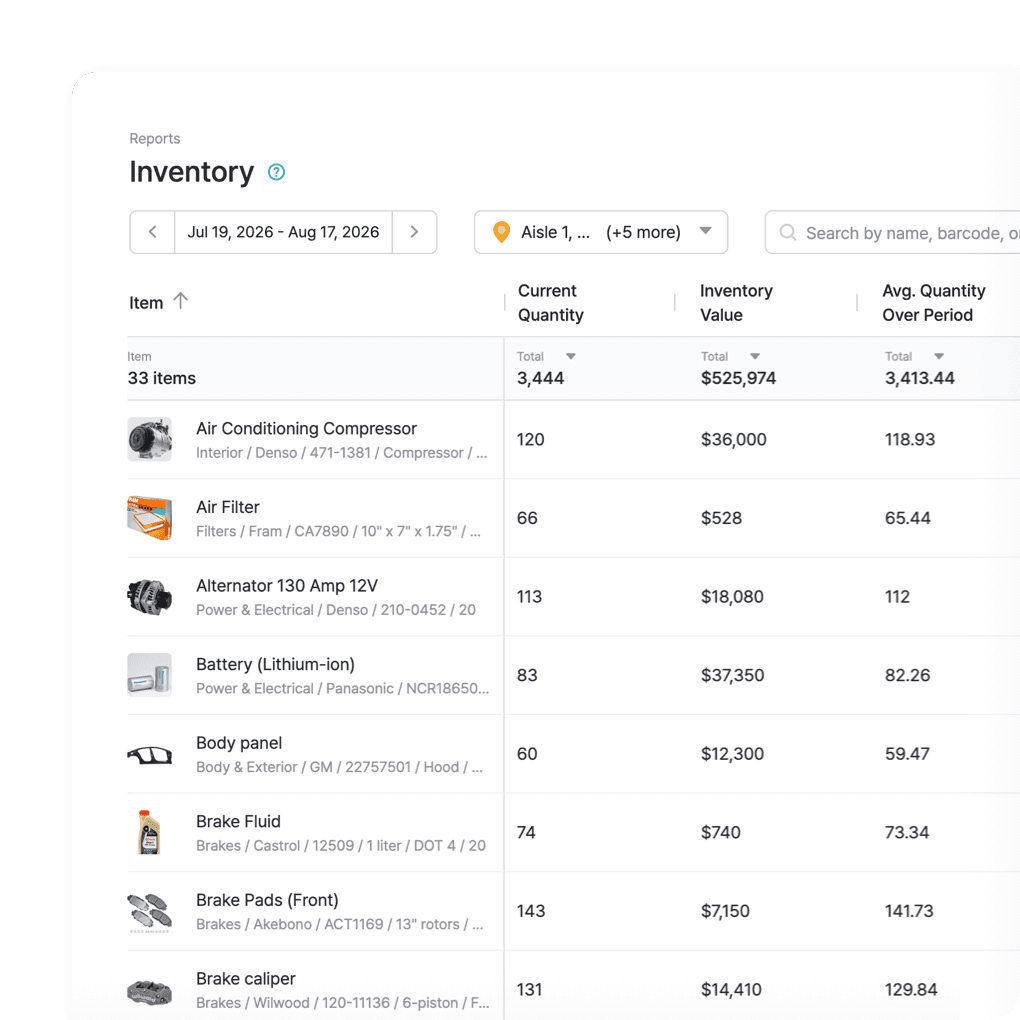
See which parts move and which sit
Track sales trends to see which parts, like tires and filters, move fastest and which sit on the shelf. Compare profit margins across service centers and dealerships.
- Spot your fastest-moving parts
- Find slow movers before they pile up
- Compare margins across locations
More tools for parts counters and service bays
Count by aisle, bring your parts list in from Excel, and scan part numbers instead of typing them.
 Learn more
Stock Count
Run full or partial counts with your team, splitting the work into task sheets by area or shelf. Review every difference against recorded quantities, then apply the results in a single step.
 Learn more
Excel Import & Export
Add and update items straight from a spreadsheet, from prices and quantities to SKUs. Download a template that matches your columns, then export back to Excel whenever you need.
 Learn more
Barcoding
Scan with your phone camera or a handheld scanner to add, find, count, and move items. Generate barcodes and print custom labels on any standard or thermal printer.

Inventory software built for the automotive industry
- Track auto inventory across multiple locations and warehouses in real time.
- Receive low stock alerts to prevent repair delays.
- Eliminate manual tasks and automate key inventory processes.
- Grow your automotive business on one system.
Get your parts room on one list
Free for 30 days, no card needed.







Quick reference
 Help GuideFrom getting started to basic concepts, explore our detailed user guide to learn more about BoxHero.
 Contact UsHave a question or comment? Reach out to us and we’ll get back to you.
 GlossaryLearn about the most important inventory management and accounting terms and acronyms for small businesses.
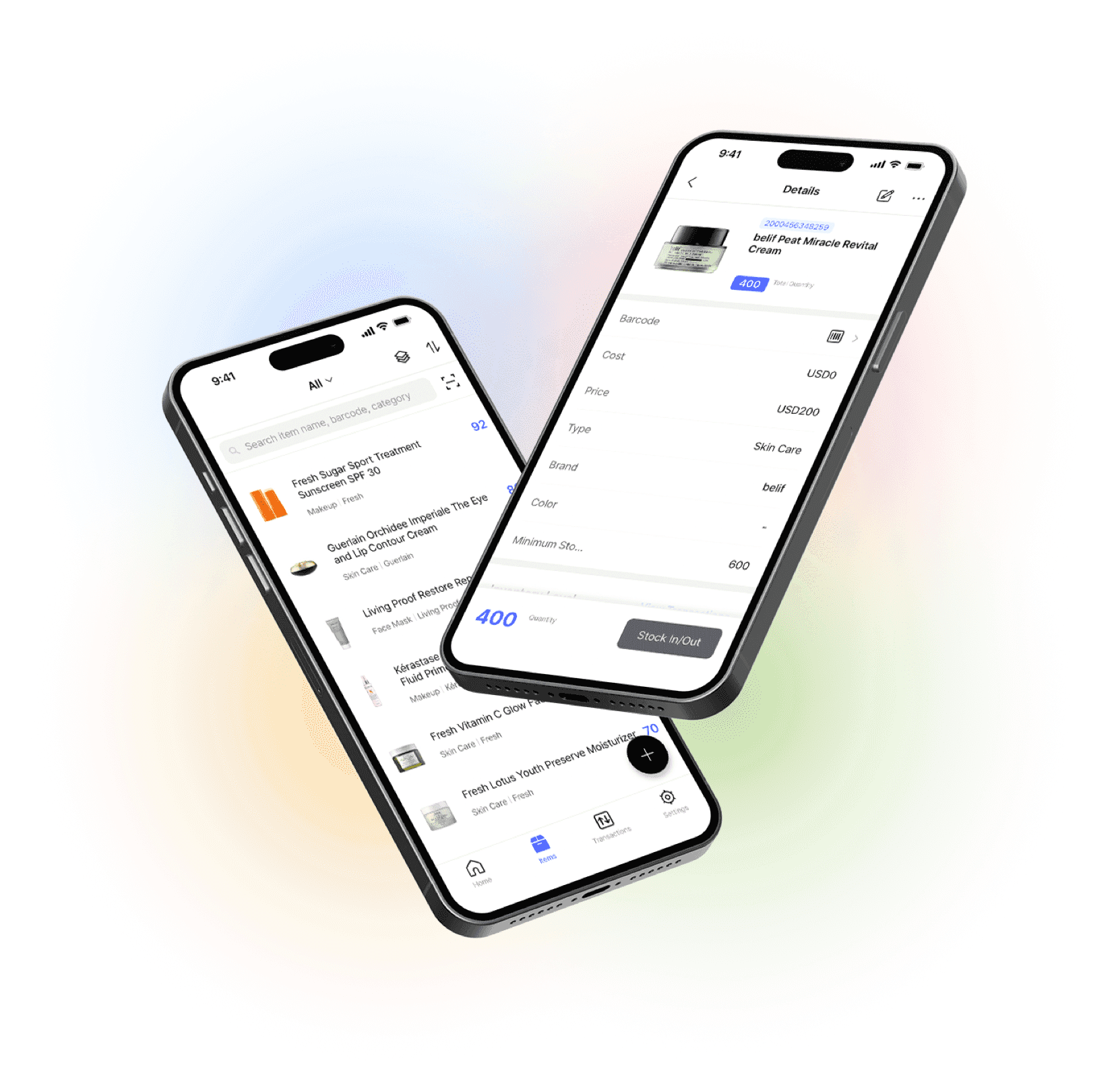
Manage your inventory from anywhere
Our mobile app makes it easy to control your inventory from anywhere. Use BoxHero on your phone, desktop, or tablet for automatic syncing.