Everything you need to run inventory, in one place
Track stock, scan barcodes, and manage orders and locations from one app on web, desktop, and phone.

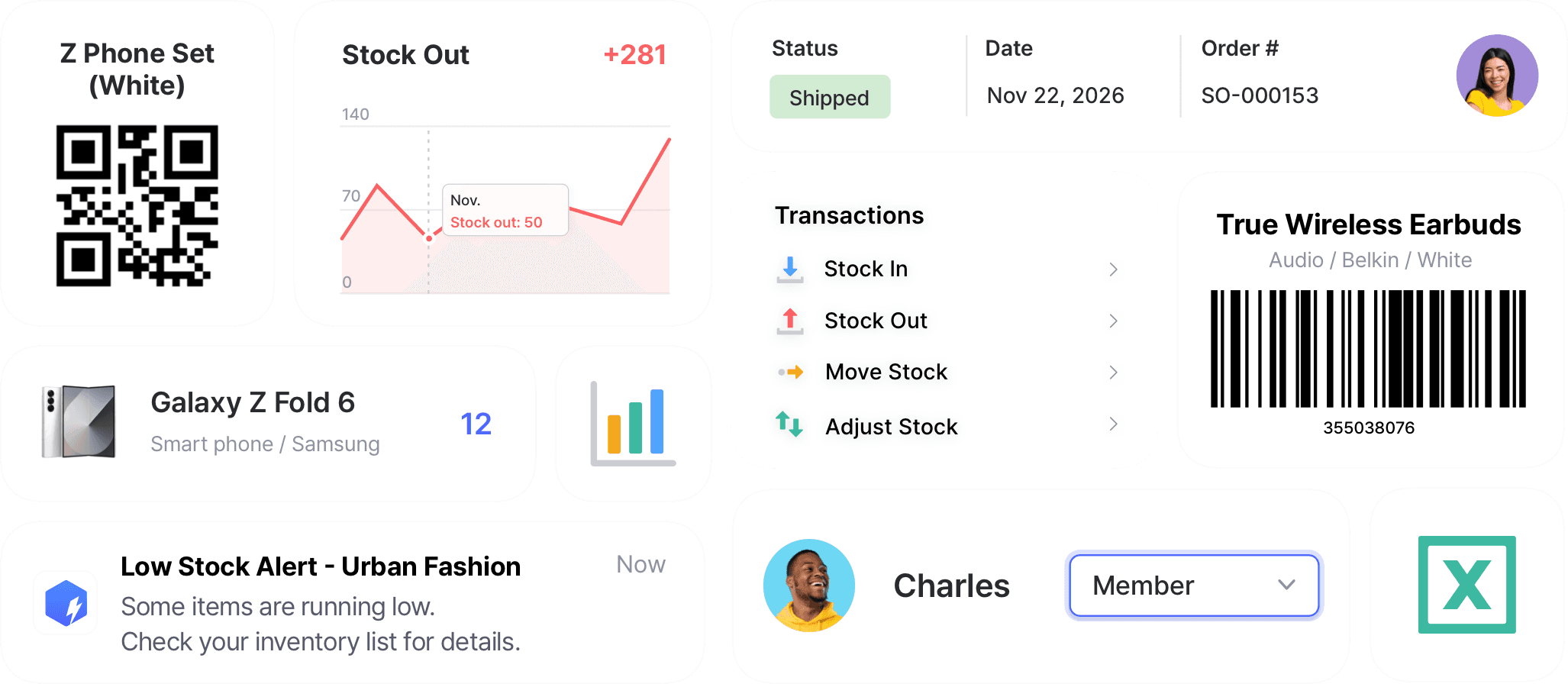
Tools for every part of your inventory
From receiving and counting to alerts and reports, each tool handles one part of the job.
 Learn more
Inventory Control
Track every item in one place with SKUs, photos, and custom attributes. Record cost and price for each one, and keep quantities accurate with every stock transaction.
 Learn more
Excel Import & Export
Add and update items straight from a spreadsheet, from prices and quantities to SKUs. Download a template that matches your columns, then export back to Excel whenever you need.
 Learn more
Barcoding
Scan with your phone camera or a handheld scanner to add, find, count, and move items. Generate barcodes and print custom labels on any standard or thermal printer.
 Learn more
Multiple Locations
Manage inventory across warehouses, stores, and stockrooms, all from one place. See how much you have at each site, and move stock between locations with full tracking history.
 Learn more
Low Stock Alerts
Set a safety stock level for each item and get notified before you run out, so you have time to reorder. Adjust alerts by location and choose when you receive them.
 Learn more
Stock Count
Run full or partial counts with your team, splitting the work into task sheets by area or shelf. Review every difference against recorded quantities, then apply the results in a single step.
 Learn more
Purchases & Sales
Create purchase and sales orders, then receive or ship them in full or in batches. Send invoices by email or PDF, apply taxes and discounts, and handle returns against the original order.
 Learn more
Reports
Build reports from your inventory and sales data, from stock value and turnover to profit. Use prebuilt formulas or write your own, filter by location and date range, then export to Excel.
 Learn more
Inventory Sharing
Share current stock levels with people outside your team through a private link, no login required on their end. Choose which items and details appear, and keep the rest of your inventory private.
What you can track with BoxHero







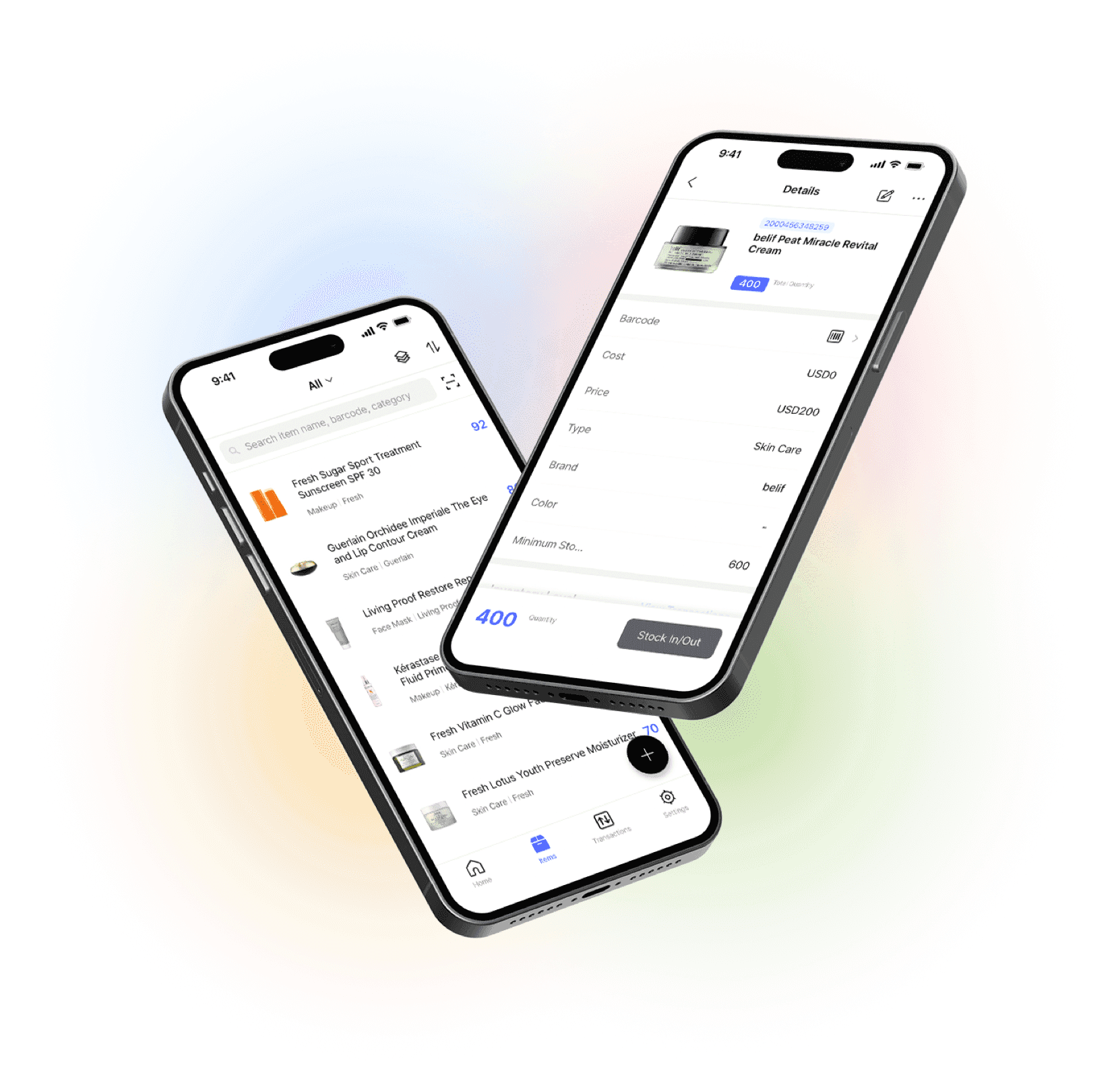
Manage your inventory from anywhere
Our mobile app makes it easy to control your inventory from anywhere. Use BoxHero on your phone, desktop, or tablet for automatic syncing.


Learn the features behind BoxHero
Short walkthroughs of the features you’ll use most, from scanning barcodes to setting up alerts.
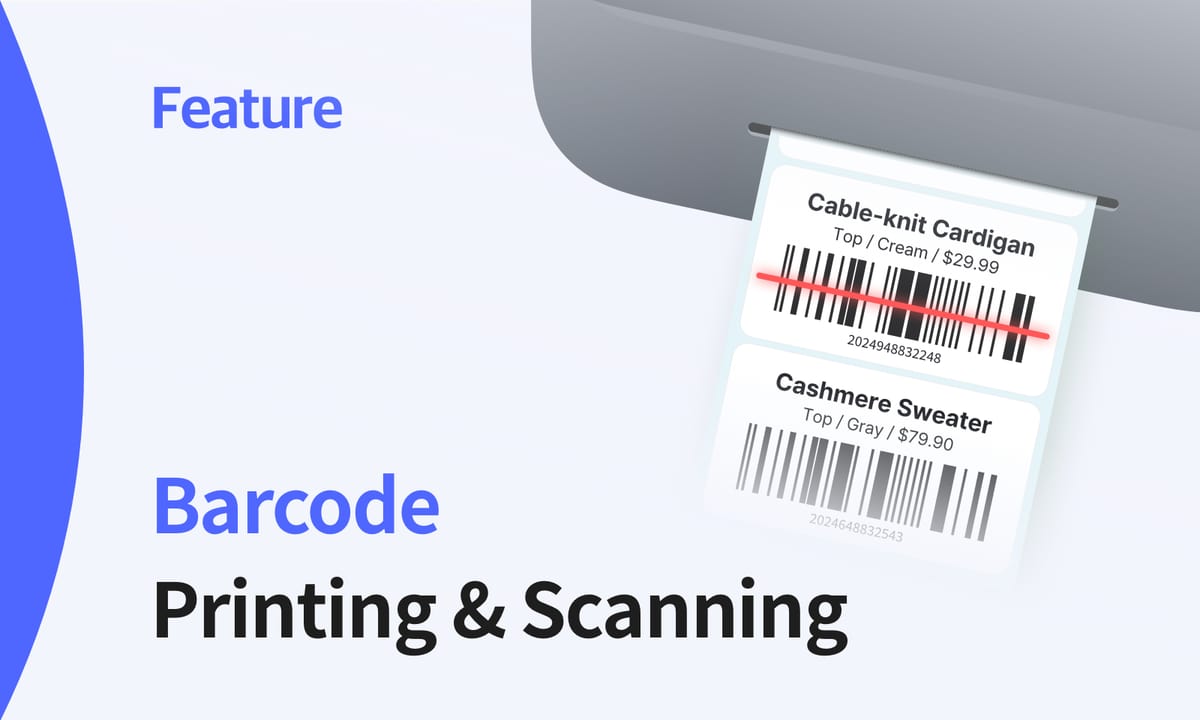
Barcoding: From Label to Scan
What it takes to scan and print barcodes without warehouse hardware. This guide covers the barcode formats that fit small businesses, the equipment you actually need, and a print-then-scan workflow that keeps your records accurate from the very first label you print.
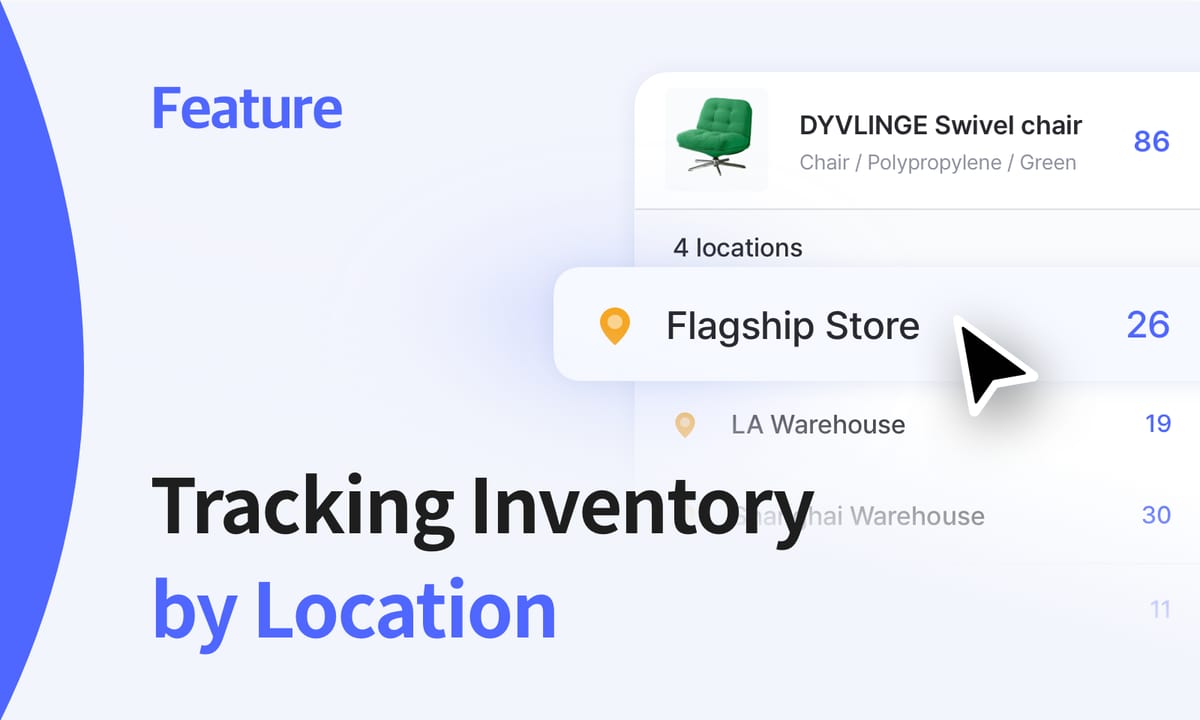
What’s a Location?
See where every item is, move stock between sites, and run counts one location at a time. We cover how to record stock transactions for each location, fulfill orders from the right place, and set low stock alerts for every site you manage, all from one account.
Custom Reports with AI
Ask for the report you need in plain English, and BoxHero’s AI Assistant builds it from your inventory data with no formulas or pivot tables. Refine it with follow-up questions, then export it to Excel, view it as a chart, or save it for your team to run again later.
See it with your own inventory
Set up your team in minutes.
Free to start and no commitment required.
Quick reference
 Help GuideFrom getting started to basic concepts, explore our detailed user guide to learn more about BoxHero.
 Contact UsHave a question or comment? Reach out to us and we’ll get back to you.
 GlossaryLearn about the most important inventory management and accounting terms and acronyms for small businesses.