Inventory Control
Your whole inventory, always up to date
Track items, scan barcodes, record movements, and run counts across one or many locations. Organize your full catalog, customize it to fit how you work, and keep every change recorded and reversible. Built for small businesses and independent teams, priced to match.
Start today with a 30-day trial.

Organize
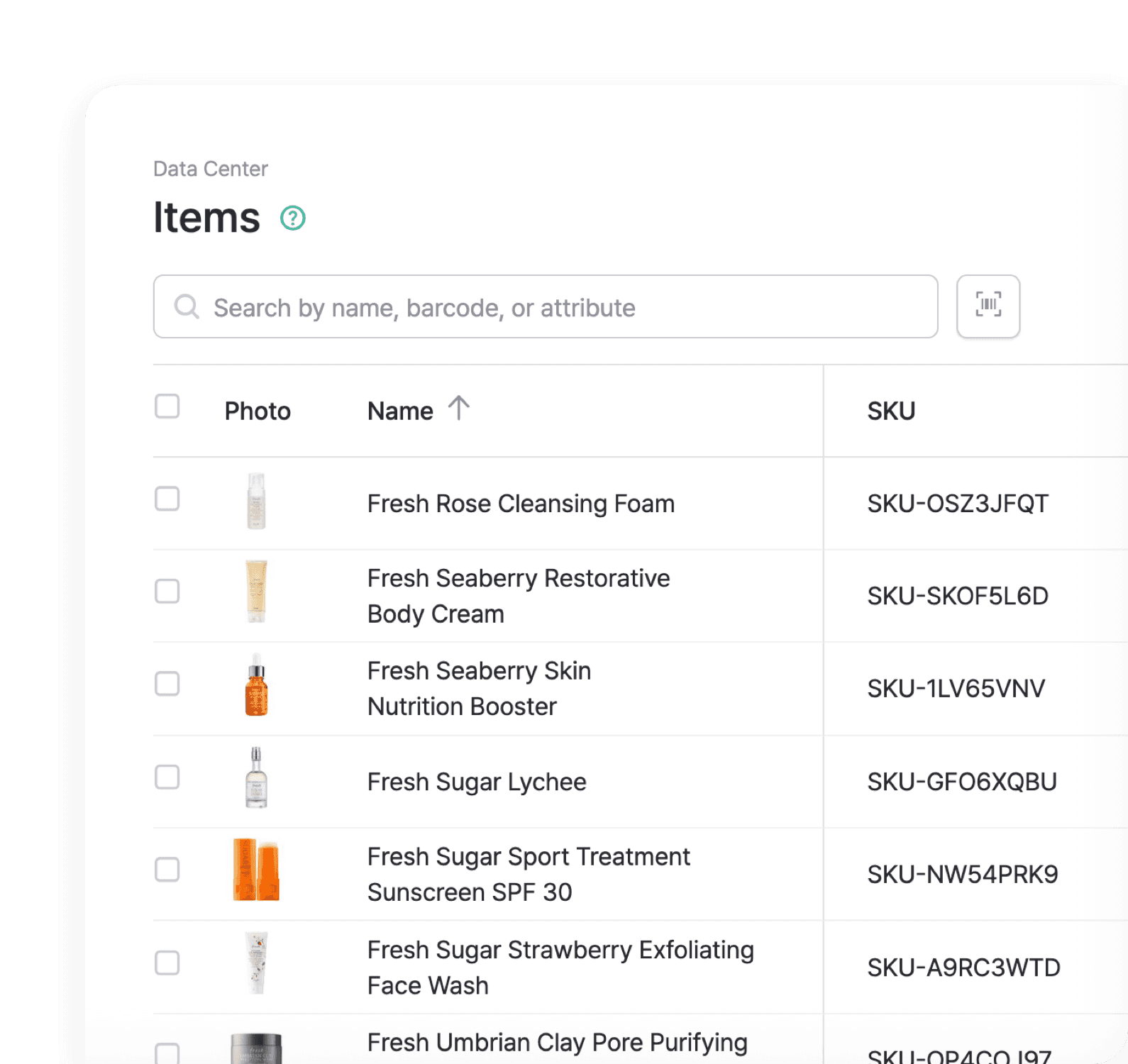
See every item in one list, with photos, costs, and quantities by location.

Customize
Add your own fields, roles, and variants so it fits how you work.

Manage
Record every stock change, and edit or reverse any of it anytime.
Organize Items
The item list is the home base for your inventory. Search, sort, filter, group, and bulk edit, with the same view on web, desktop, and mobile.
Item List
See every product or asset you stock, with photos, quantities by location, cost, price, and any custom field you add. Export the list to Excel for audits, accounting, or bulk edits.
Barcodes & SKUs
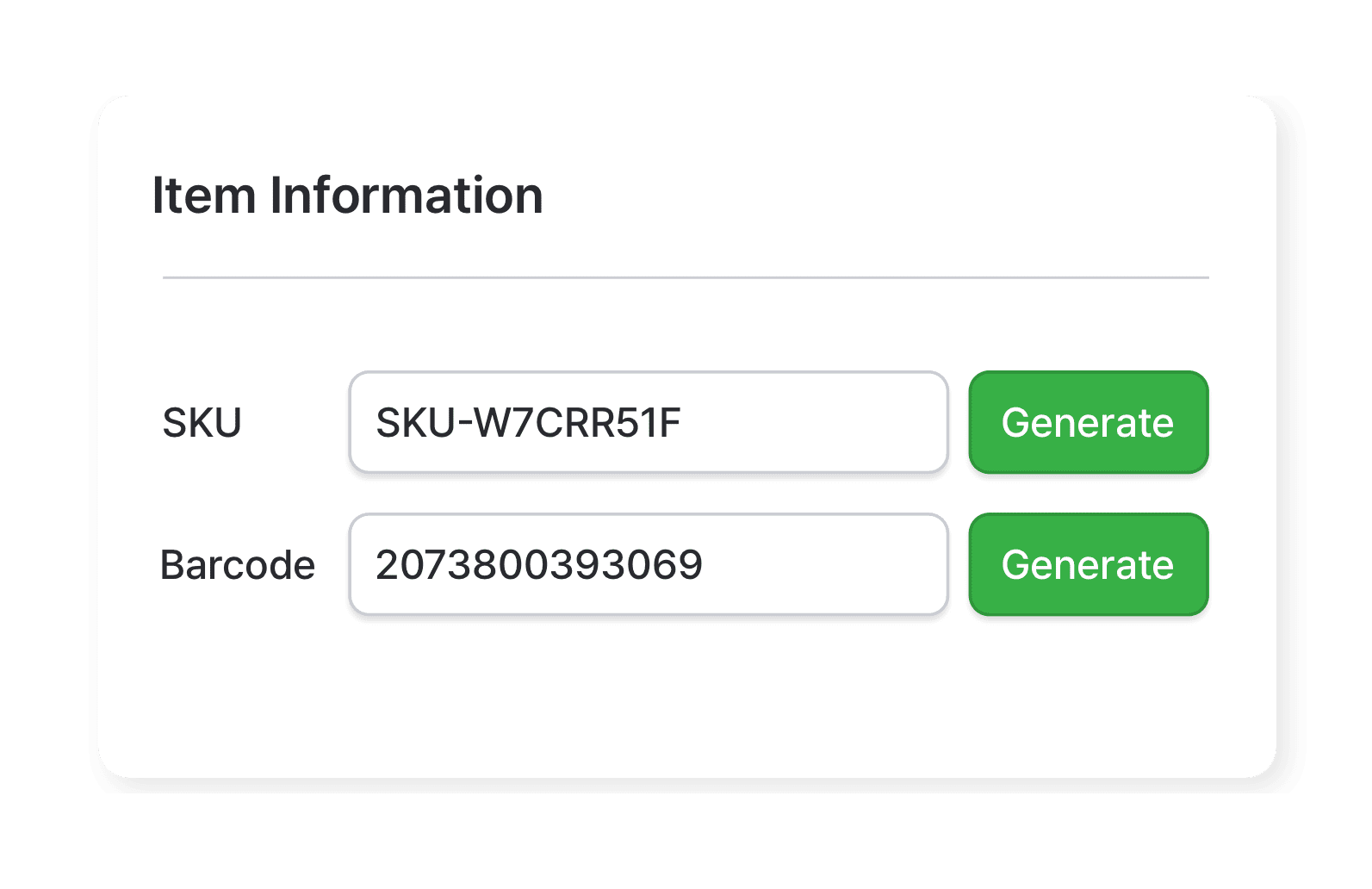
Use the barcodes that came on the box, or have BoxHero generate a unique 13-digit code. SKUs work the same way: bring your own format, or let BoxHero create them for you.
Grouping
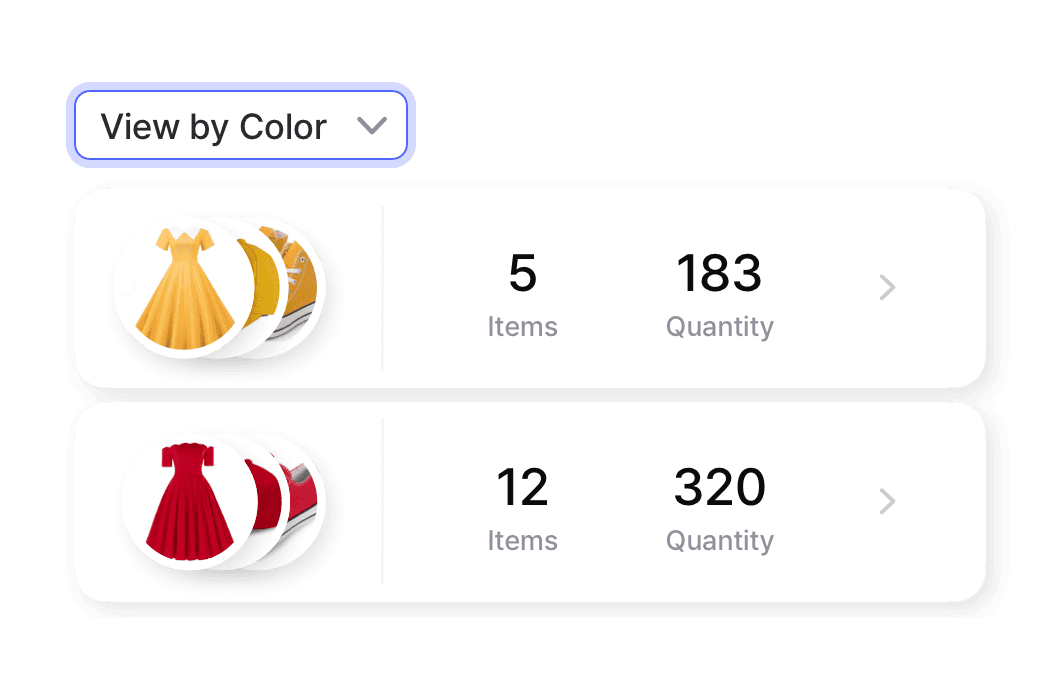
Group by any attribute and nest groups inside groups. Brand inside category, size inside color, or any order you prefer. The same view shows up on every device.
Customize Details
Inventory rarely fits a template. BoxHero gives you the pieces to shape it: custom fields on every item, permissions for every teammate, and variants for every version.
Item Attributes
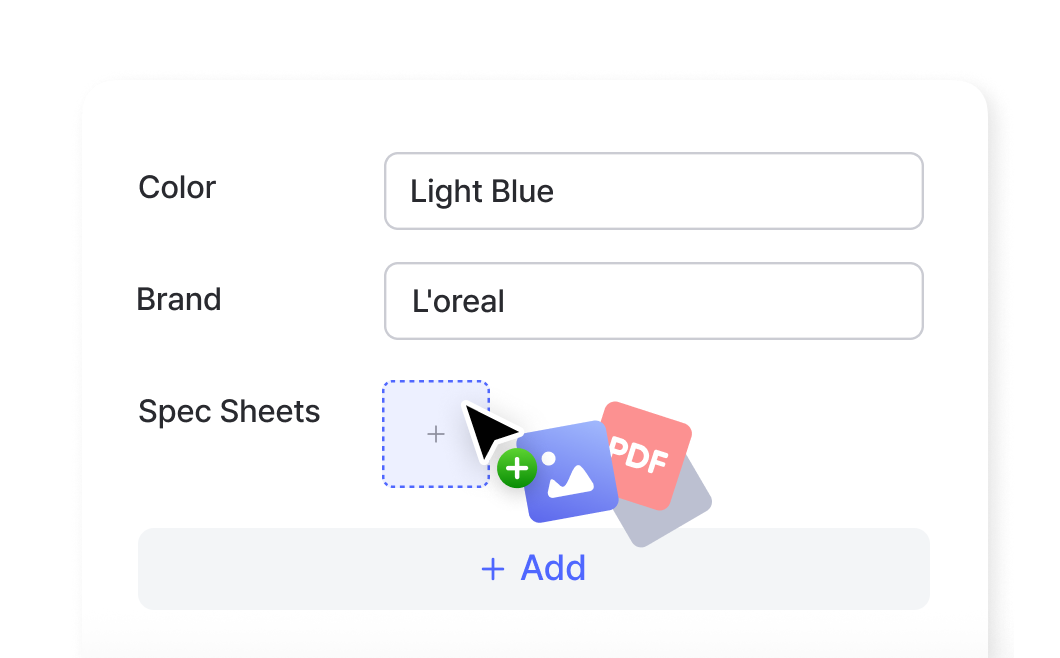
Add fields in five formats: text, number, date, barcode, and files. Use them for weight, condition, material, or expiration date, plus attachments like product photos, spec sheets, and warranty documents.
Roles & Permissions
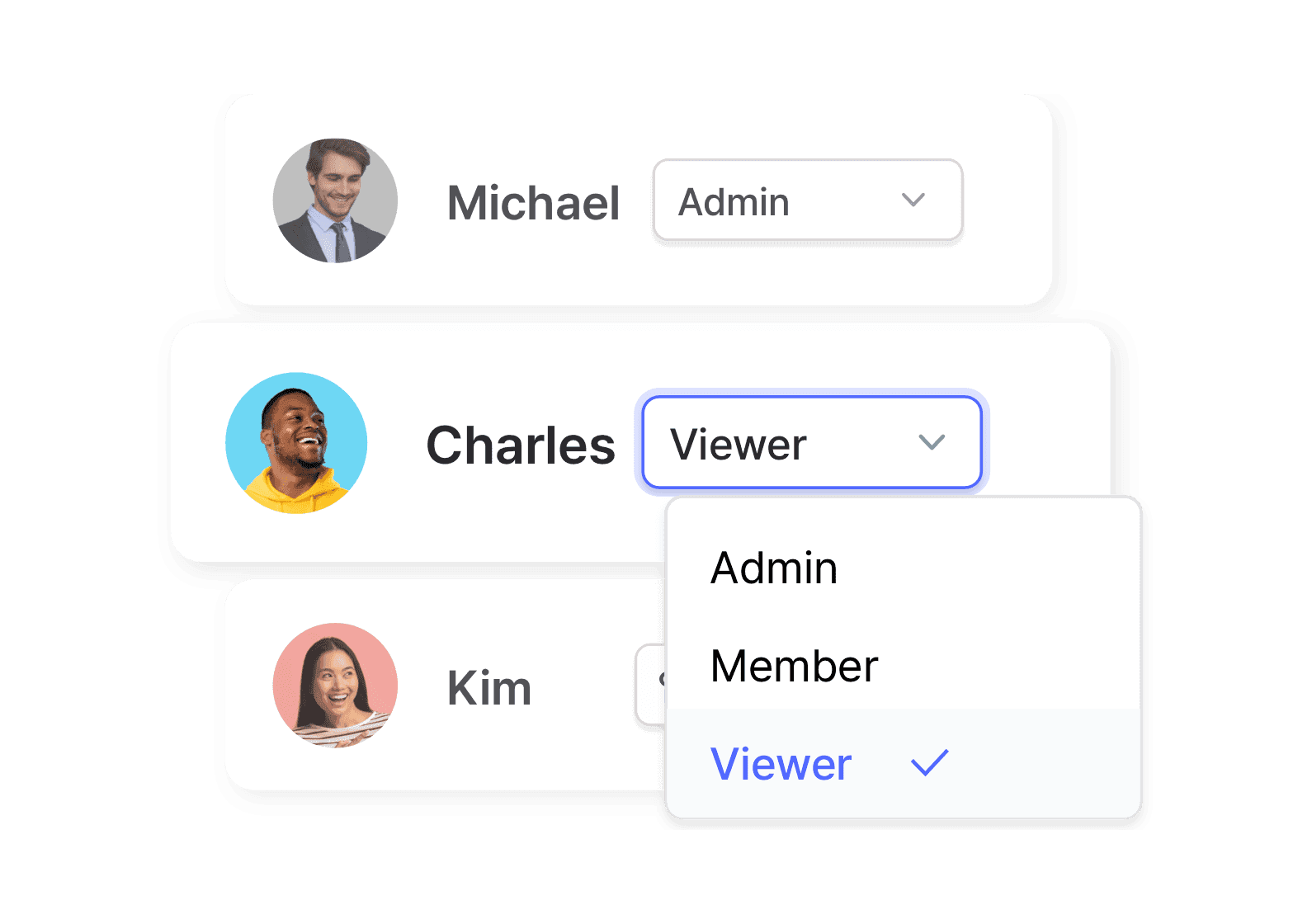
Invite teammates by email or shared link. Assign a role to each person, and build custom roles to restrict specific actions: stock movements, price visibility, or inventory reports.
Item Variants
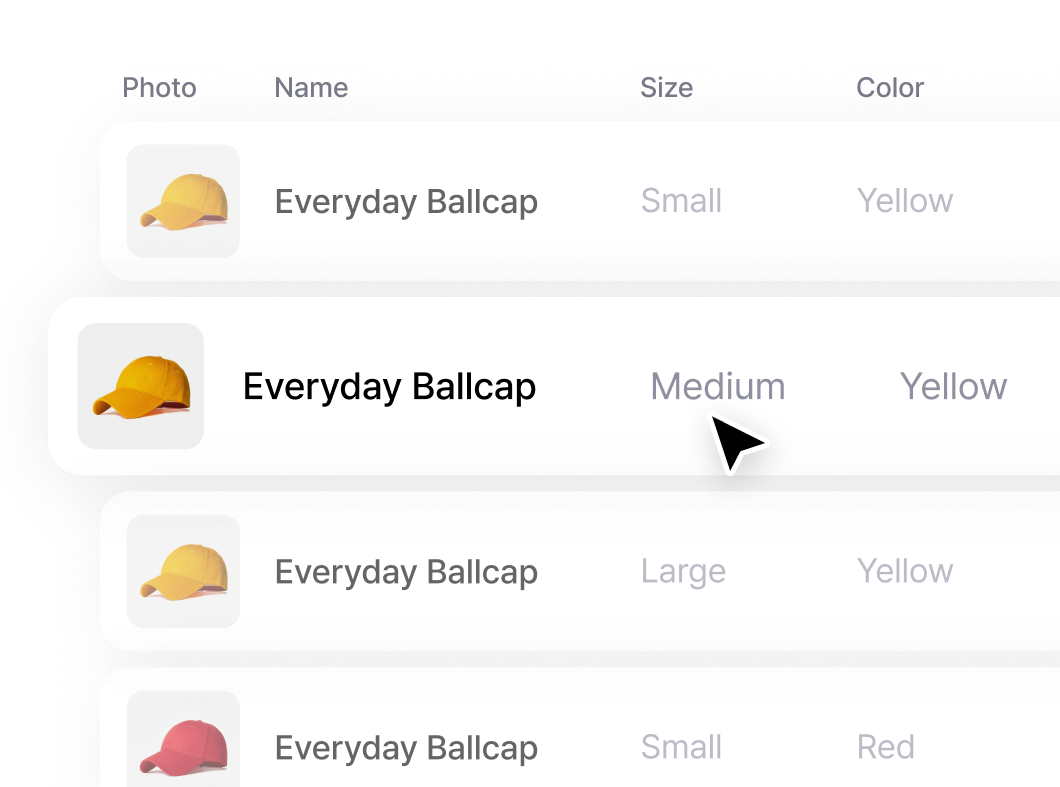
Define the size, color, or style options for an item with multiple versions. Each combination is added to your inventory automatically, with its own SKU and barcode.
Manage Stock
Every change to your stock is recorded, editable, and reversible. Reconciliation, audits, and end-of-month checks pull from the same transaction history.
Stock In & Out
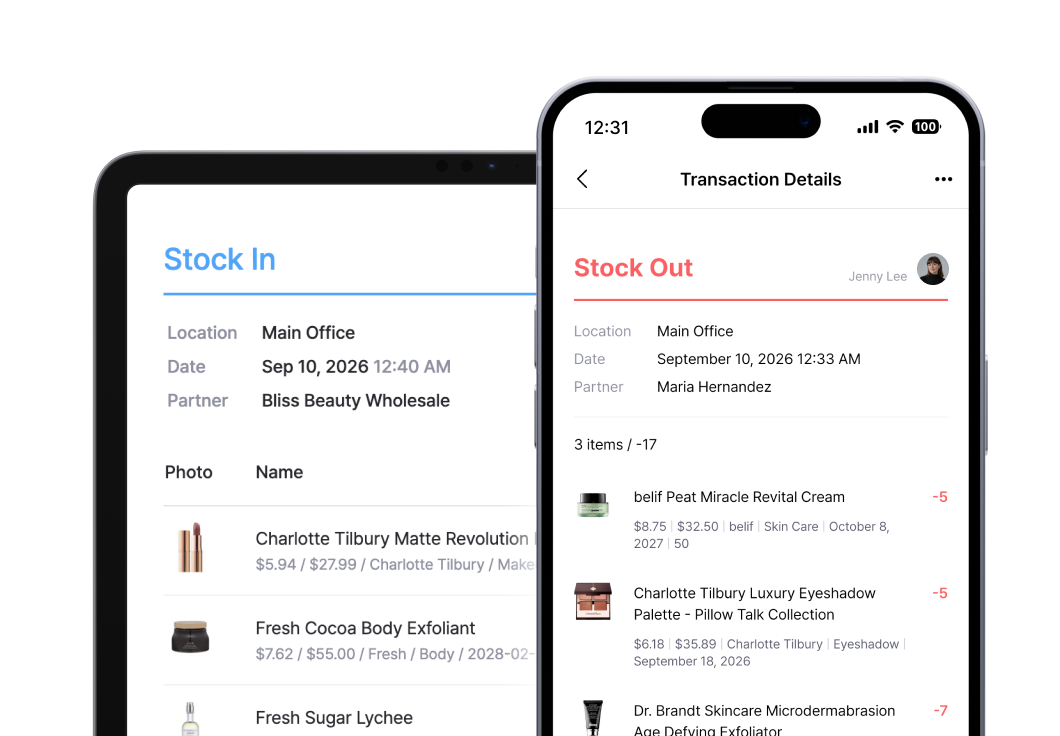
Record items arriving from suppliers and leaving for customers. Scan barcodes, type quantities, or import an Excel file for bulk transactions. Save drafts when a shipment isn’t fully checked in yet.
Move & Adjust Stock
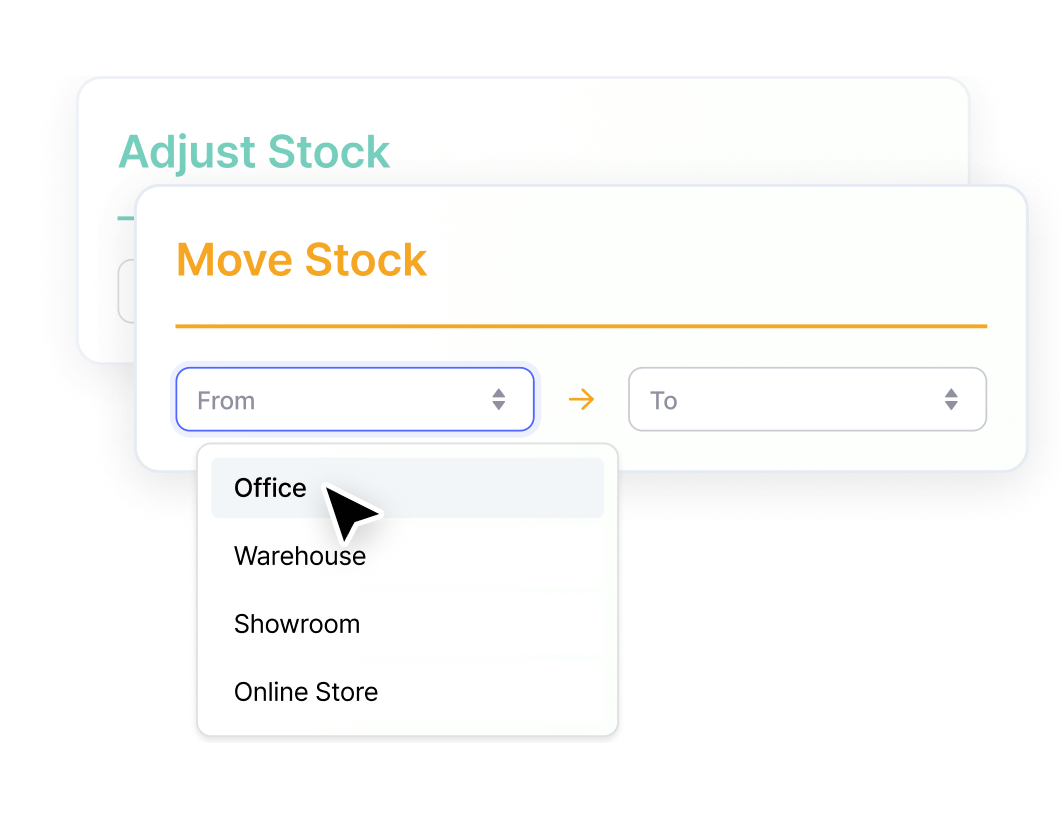
Transfer items between warehouses, stores, or shelves. Correct quantities for damage, loss, or count mistakes. Both are logged the same way as everyday transactions.
Transaction History
Filter every past change by date, location, team member, or transaction type. Export to Excel, save as PDF, or generate an invoice for a partner. Edit a past entry and quantities update everywhere automatically.
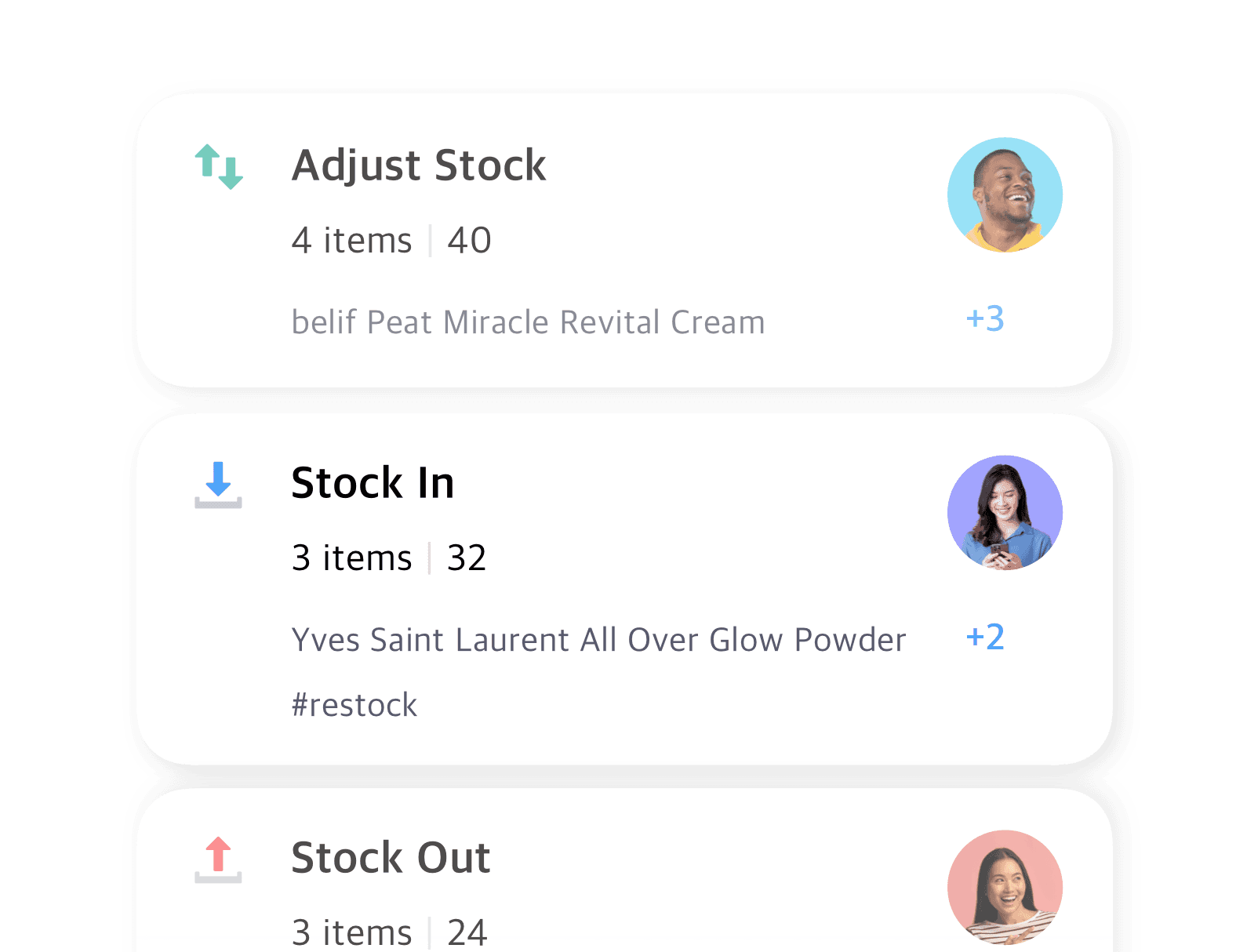
Four transactions, one history
Every change to your stock falls into one of four transaction types. Each one captures who, what, when, where, and why, and lands in the same searchable history.
Check out other related features
 Learn more
Barcoding
Scan with your phone camera or a handheld scanner to add, find, count, and move items. Generate barcodes and print custom labels on any standard or thermal printer.
 Learn more
Excel Import & Export
Add and update items straight from a spreadsheet, from prices and quantities to SKUs. Download a template that matches your columns, then export back to Excel whenever you need.
 Learn more
Inventory Sharing
Share current stock levels with people outside your team through a private link, no login required on their end. Choose which items and details appear, and keep the rest of your inventory private.
More on inventory control
Guides, comparisons, and how-tos from the BoxHero blog.

How to Convince Your Boss to Buy Inventory Software
The team counting stock usually wants better software first, but they don’t control the budget. This guide breaks down the four objections managers raise most and gives you the numbers and talking points to answer each one before the meeting.

5 Inventory Hacks for Small Businesses
Five practical tactics you can put to work this week. Rank items by how fast they sell. Set reorder points that trigger before you run out. Run cycle counts instead of one dreaded annual audit, and keep stock accurate across every location.
4 Lightweight Inventory Apps for Small Teams
Spreadsheets feel cramped, but enterprise systems are overkill for a team of five to fifteen. We compare four inventory apps built for that middle ground, weighing features, pricing, and how quickly each one gets you set up.
Try it on your own inventory
Try BoxHero free for 30 days.
No credit card required.
Quick reference
 Help GuideFrom getting started to basic concepts, explore our detailed user guide to learn more about BoxHero.
 Contact UsHave a question or comment? Reach out to us and we’ll get back to you.
 GlossaryLearn about the most important inventory management and accounting terms and acronyms for small businesses.
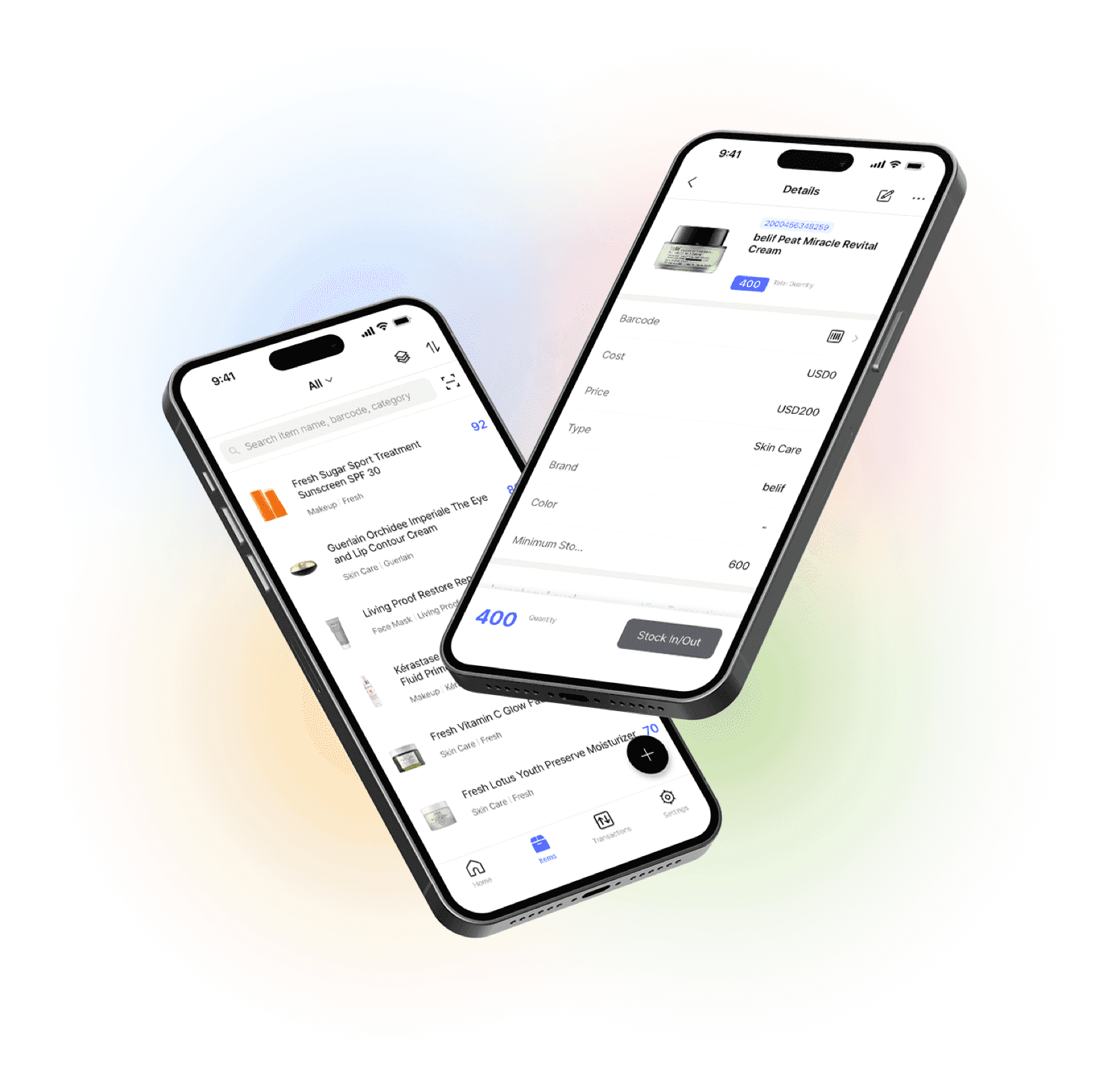
Manage your inventory from anywhere
Our mobile app makes it easy to control your inventory from anywhere. Use BoxHero on your phone, desktop, or tablet for automatic syncing.