Inventory tracking for donations and supplies
Log donations as they arrive, see what’s on hand at each site, and spot what’s running low before your next distribution, so you know which donations to ask for.
Free 30-day trial upon signing up.


Every donation logged, from intake to distribution.
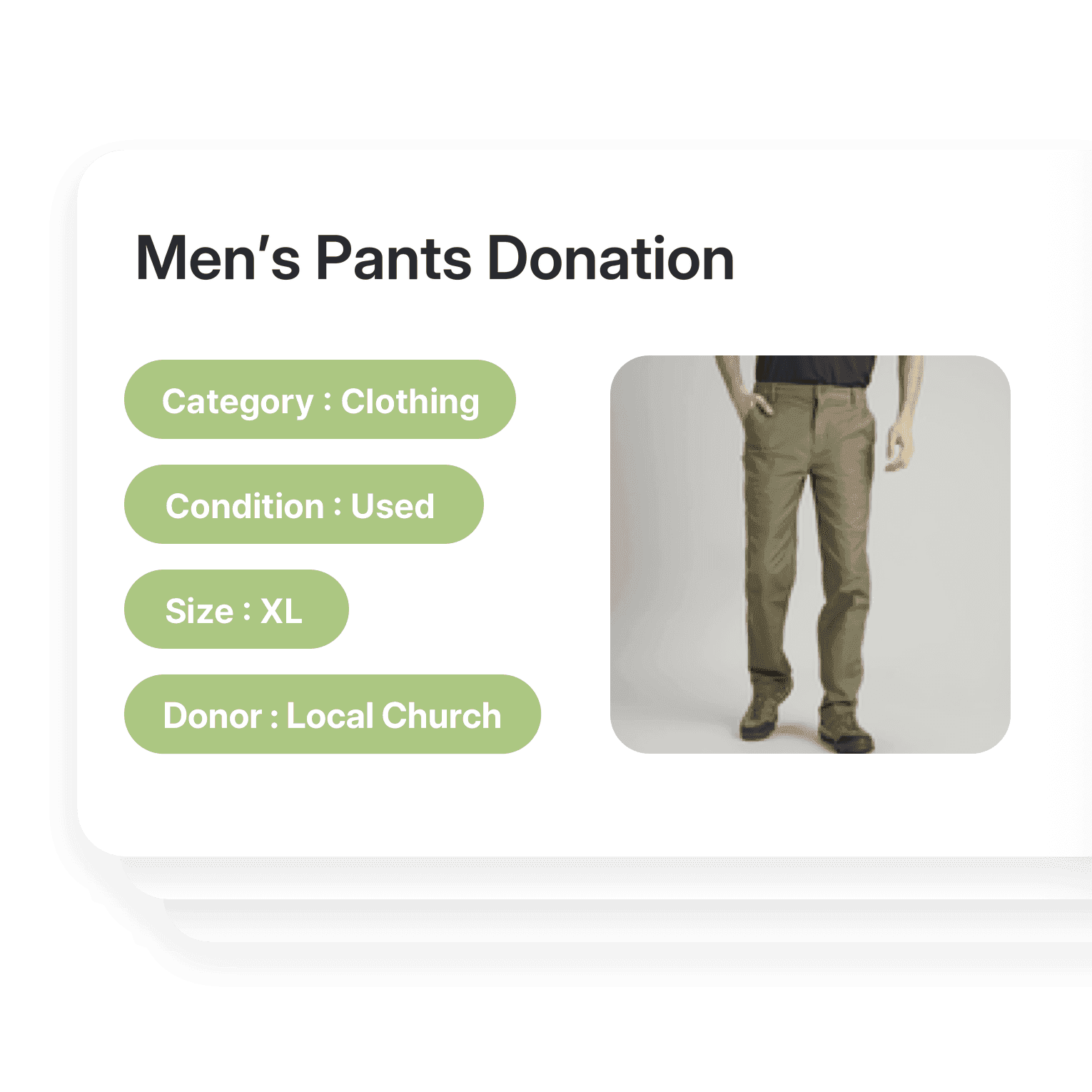
Organize with key details and custom categories
Sort donations by type, condition, or expiration date with custom attributes. Add a photo to each item, whether it’s food, clothing, or medical supplies.
- Sort donations by type or condition
- Record expiration dates
- Add a photo to every item
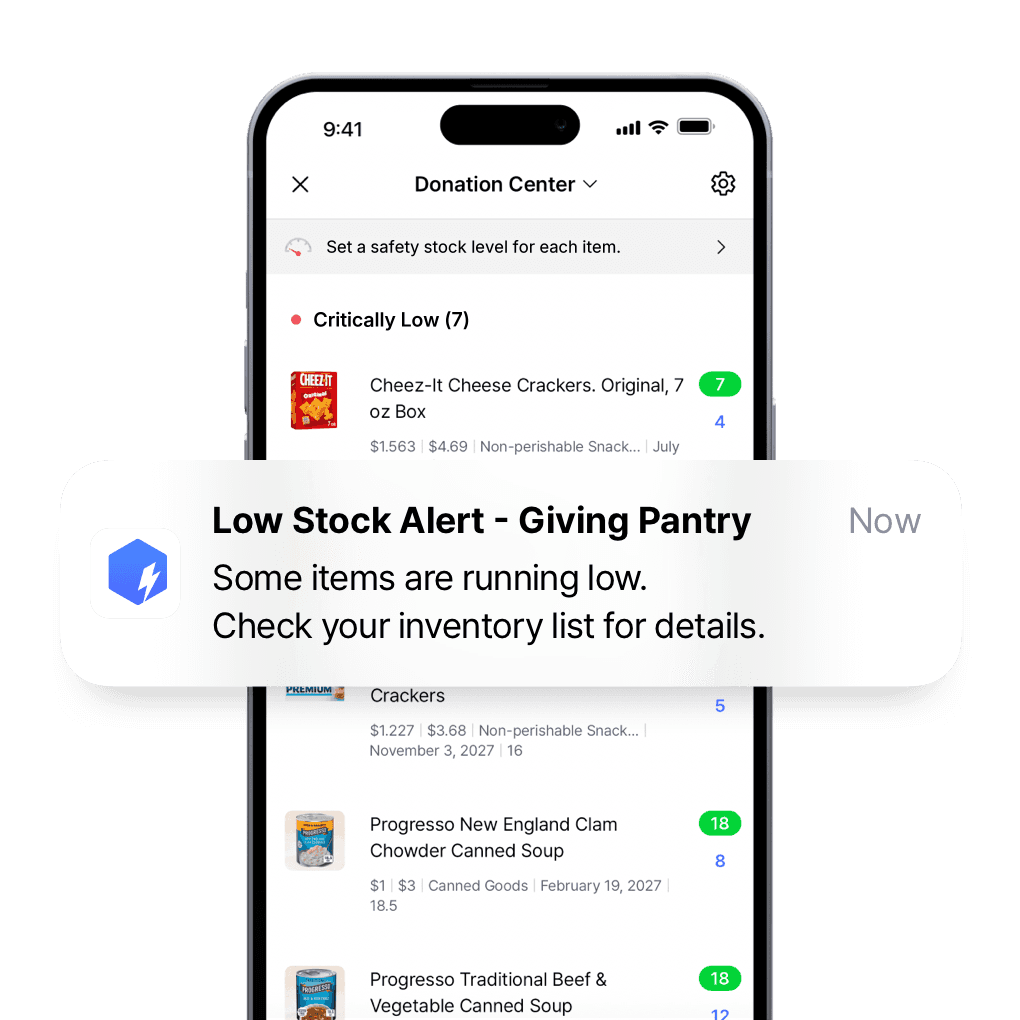
Know what to ask donors for next
Set a safety stock level for each item and get low stock alerts at the times you choose, so you know which donations to ask for next.
- Set a minimum for each item
- Get alerts at the times you choose
- Know what to ask donors for
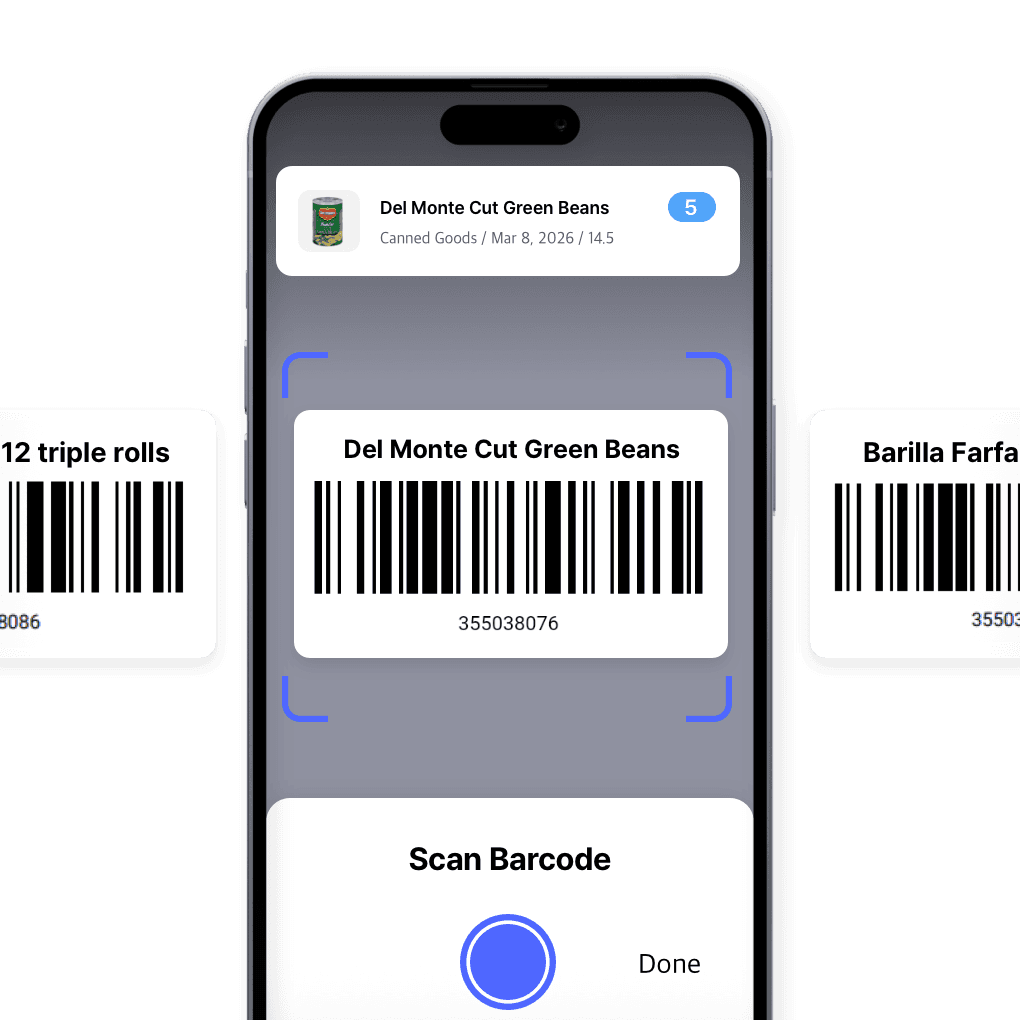
Barcode scanning and labeling
Scan with your phone or a barcode scanner to add items, adjust quantities, and run counts. Design custom labels and print them from BoxHero.
- Scan with a phone or handheld
- Cut manual entry errors
- Design and print your own labels
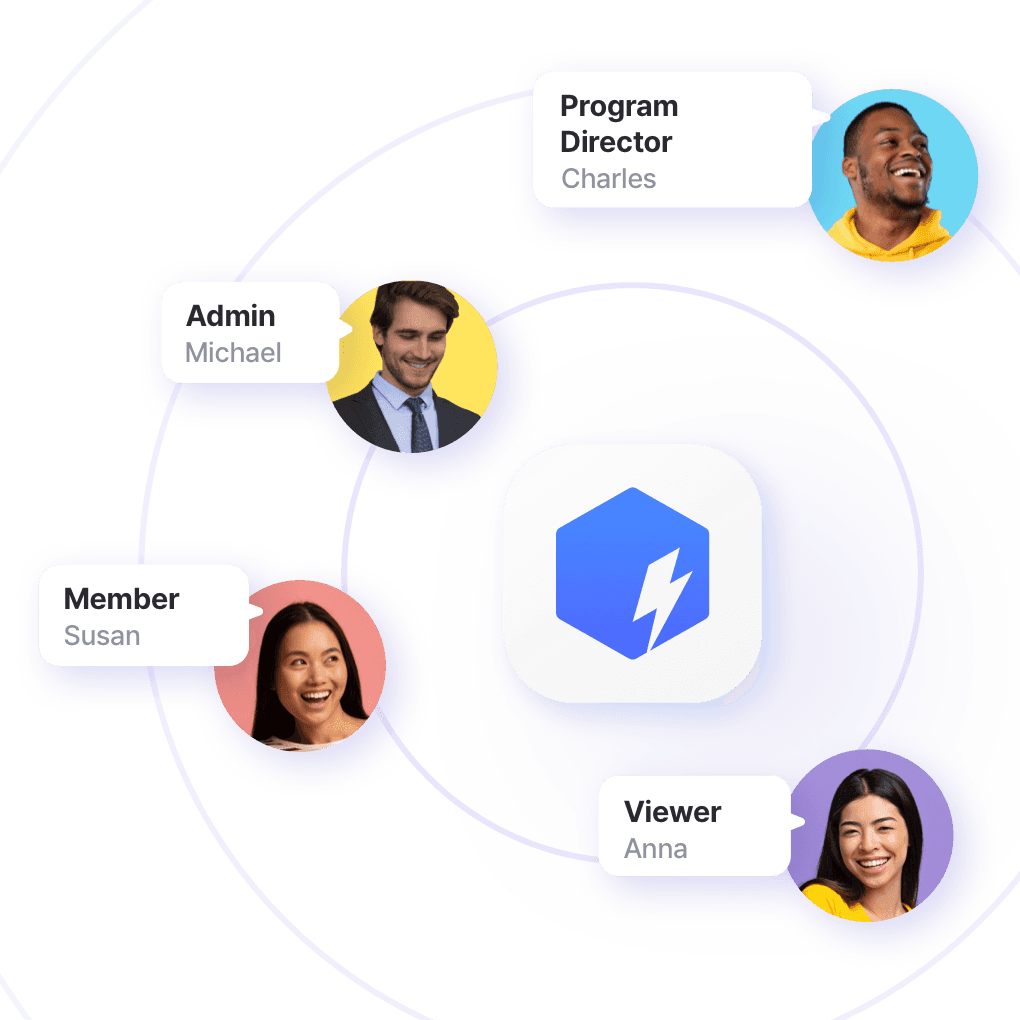
Give staff and volunteers the right access
Invite staff and volunteers, set permissions by role, and see every update as it happens, so you always know who changed what.
- Invite staff and volunteers
- Set permissions by role
- See every update as it happens
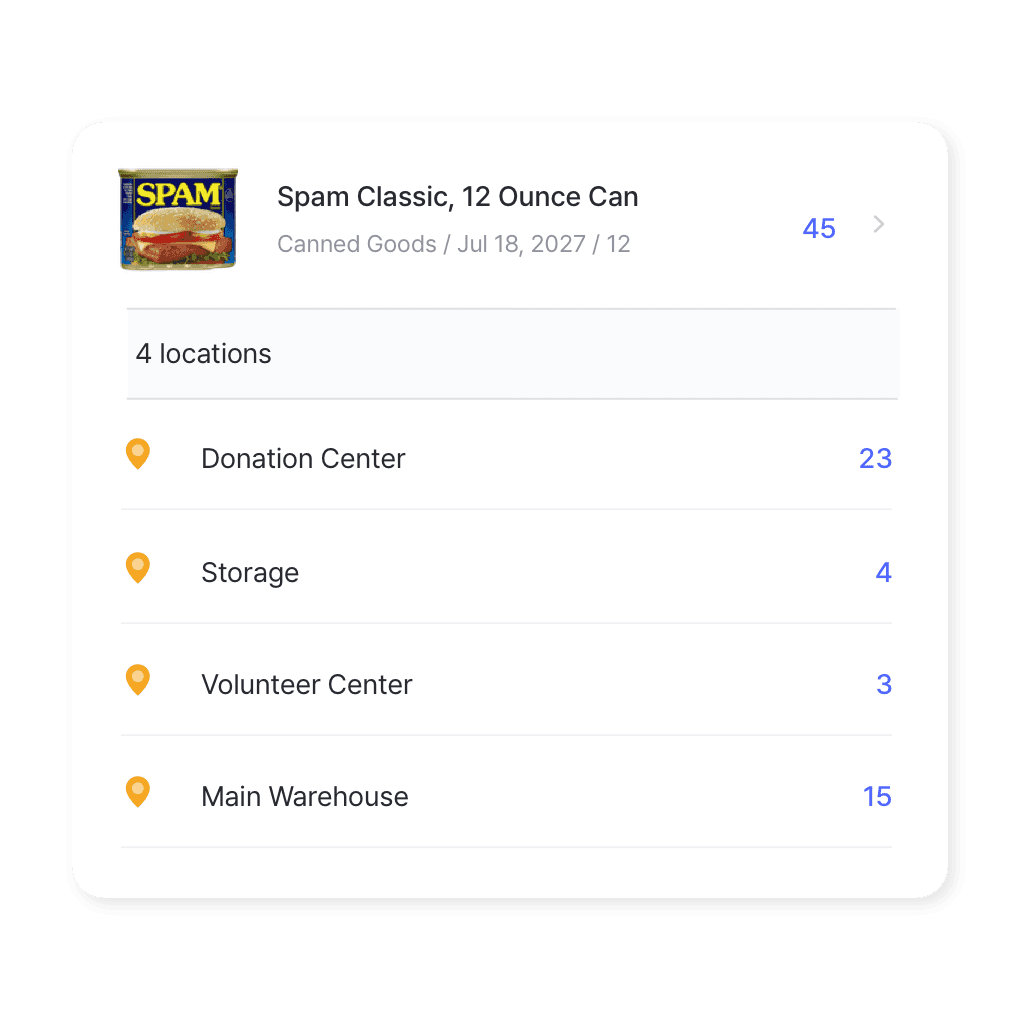
Multi-location management
Track stock across food banks, shelters, or supply centers. See every site in one view, move items between them, and keep everyone working from the same counts.
- See every site in one view
- Move items between sites
- Counts update as your team works
Supporting nonprofits that make an impact









More of what nonprofits use
Bring donation lists in from Excel, run counts with volunteers, and share what’s available with partner organizations.
 Learn more
Excel Import & Export
Add and update items straight from a spreadsheet, from prices and quantities to SKUs. Download a template that matches your columns, then export back to Excel whenever you need.
 Learn more
Stock Count
Run full or partial counts with your team, splitting the work into task sheets by area or shelf. Review every difference against recorded quantities, then apply the results in a single step.
 Learn more
Inventory Sharing
Share current stock levels with people outside your team through a private link, no login required on their end. Choose which items and details appear, and keep the rest of your inventory private.
Inventory tips for nonprofits and charities
Explore resources on how nonprofits can track donations, organize supplies, and manage inventory more effectively with practical guides and real stories.
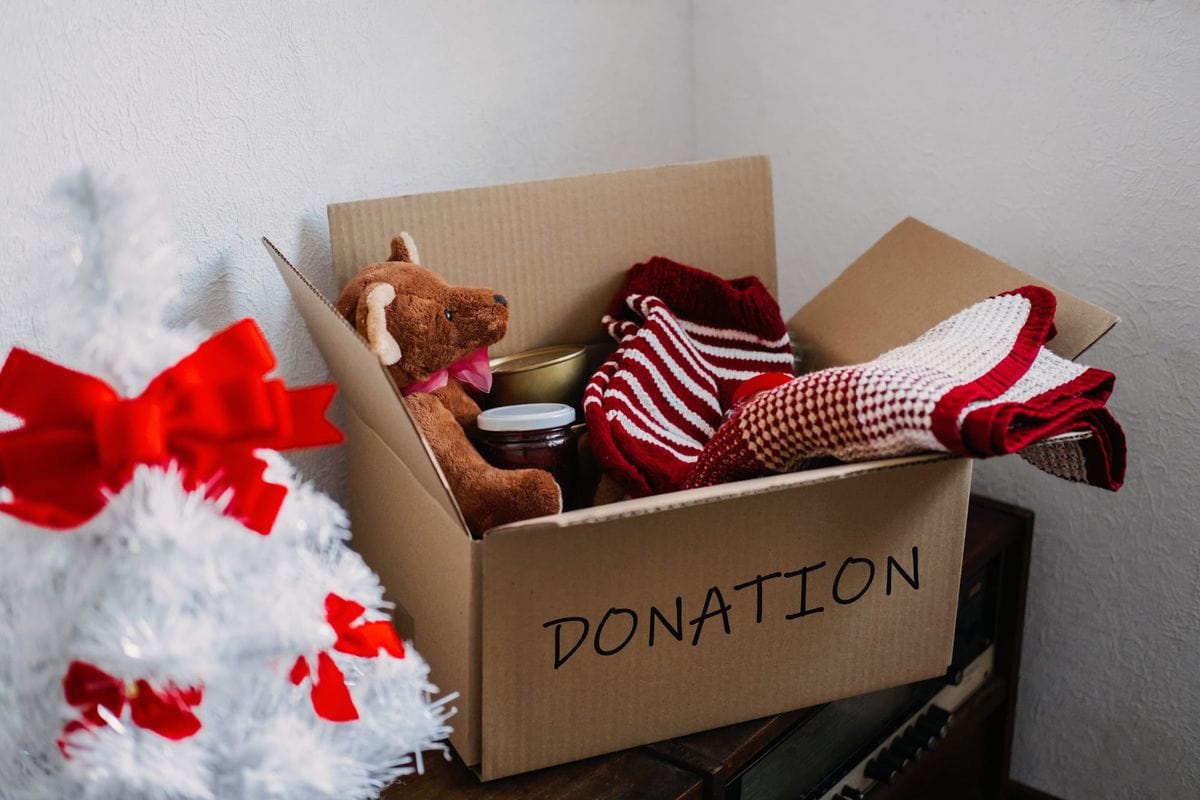
Nonprofit Guide to Managing Donations (and More)
Every act of giving brings with it the challenge of keeping things organized. Here’s how nonprofits can track donations using tools that show what’s in stock, where it’s stored, and when it needs to go out. Read the full guide for more details!
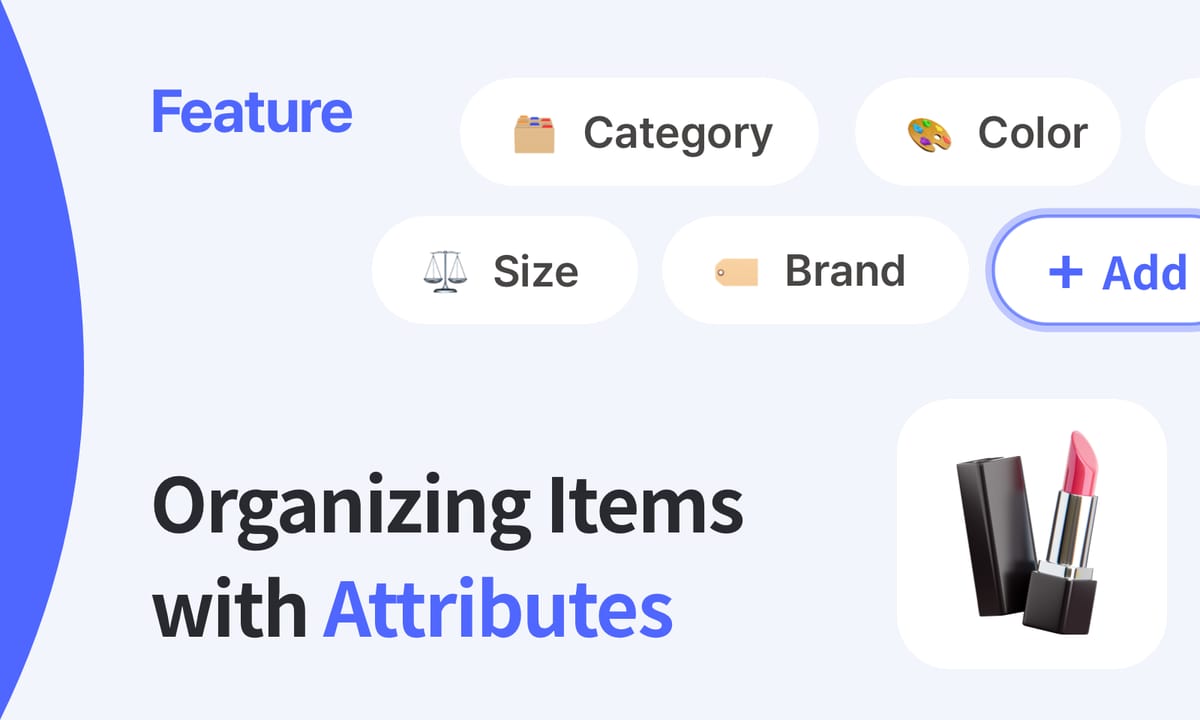
How to Organize Inventory with BoxHero’s Attributes
Products often vary by size, brand, or expiration date, and BoxHero’s attributes feature helps you track those details in one place. Learn how to set up attributes so your items are always organized and searchable.

Rescue All Dogs (RAD): A Montreal Charity’s Story
RAD, a Montreal-based dog rescue charity, used to manage inventory with spreadsheets that didn’t keep up. In this interview, they share how switching to BoxHero helped them locate supplies across multiple sites.

Nonprofits get 50% off
We support charities, nonprofits, and social change organizations that make an impact. Tell us about your organization and you may be eligible for a discount on your BoxHero account.
For details, contact us at support@boxhero.io.
Get every donation on one list
Free for 30 days, and 50% off for registered nonprofits.







Quick reference
 Help GuideFrom getting started to basic concepts, explore our detailed user guide to learn more about BoxHero.
 Contact UsHave a question or comment? Reach out to us and we’ll get back to you.
 GlossaryLearn about the most important inventory management and accounting terms and acronyms for small businesses.
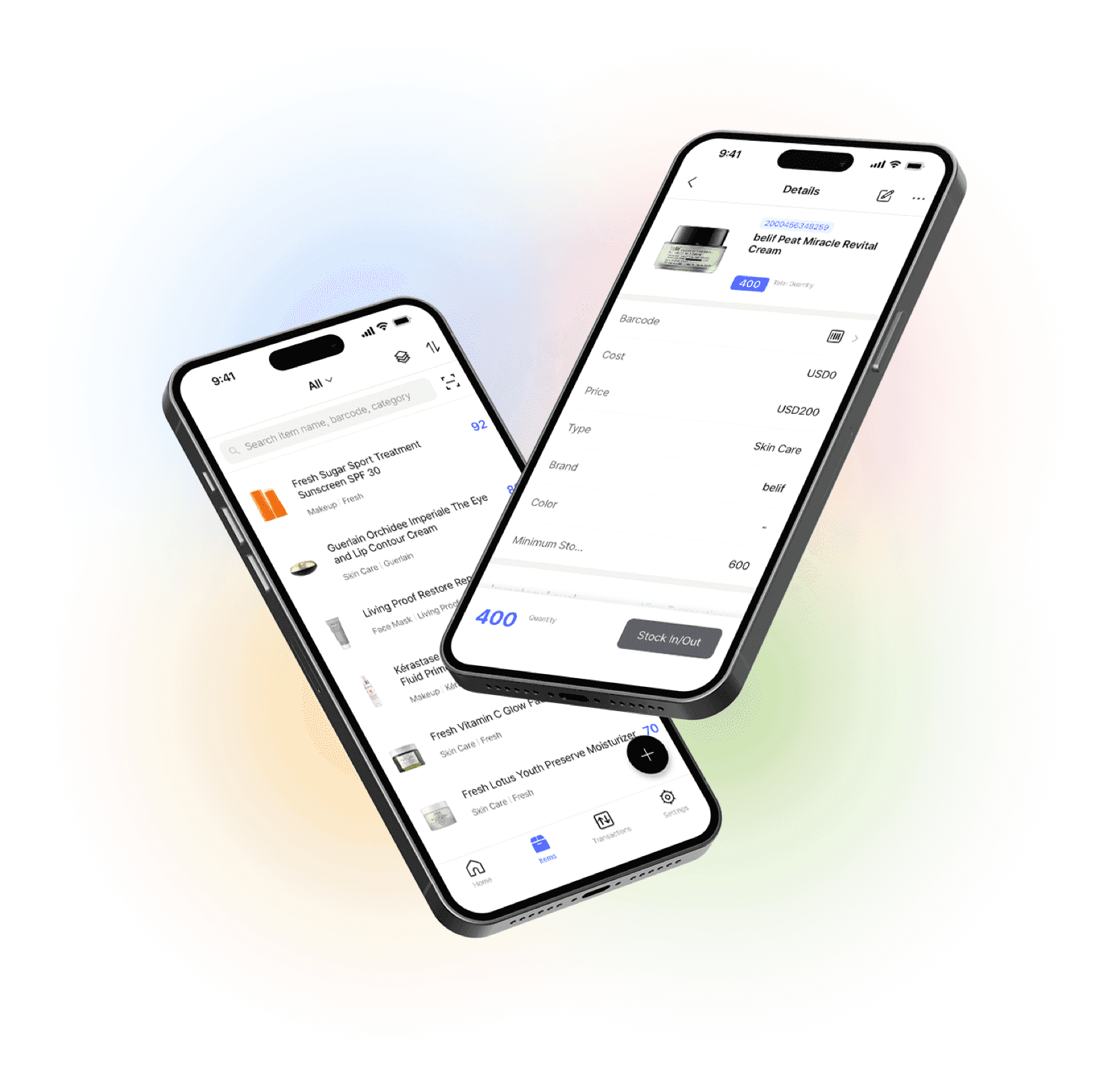
Go mobile with our iOS and Android app
Stay connected and get low stock alerts on your phone, wherever you are.