Inventory tracking for schools and campuses
Know where every laptop, lab kit, and box of supplies is, across buildings and classrooms. Restock before the term runs out, and give each teacher the right access.
Free 30-day trial upon signing up.


Track lab equipment, textbooks, and tech devices in real time.
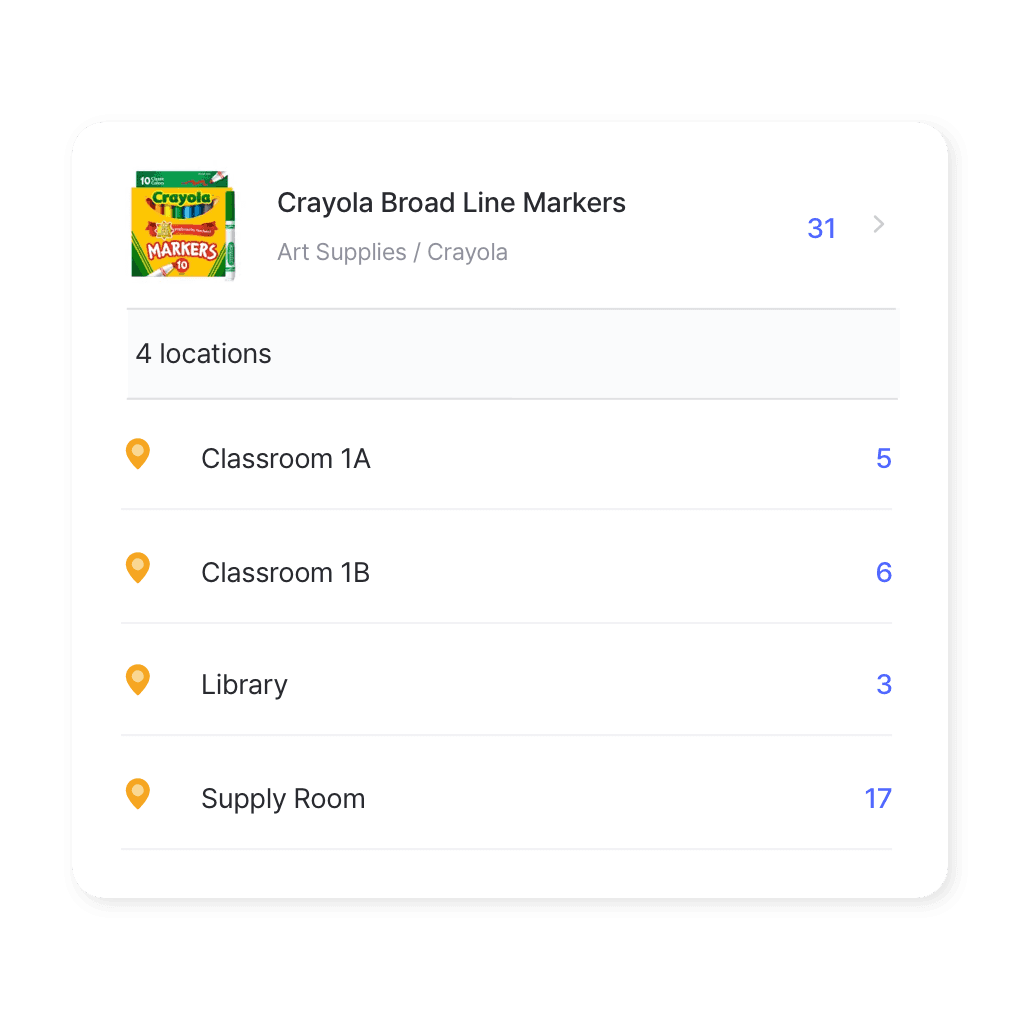
Multi-location management
Managing supplies across buildings or campuses? See every location’s stock in one view, move items between departments or classrooms, and adjust counts on the go.
- See every building in one view
- Move items between rooms
- Counts update as staff work
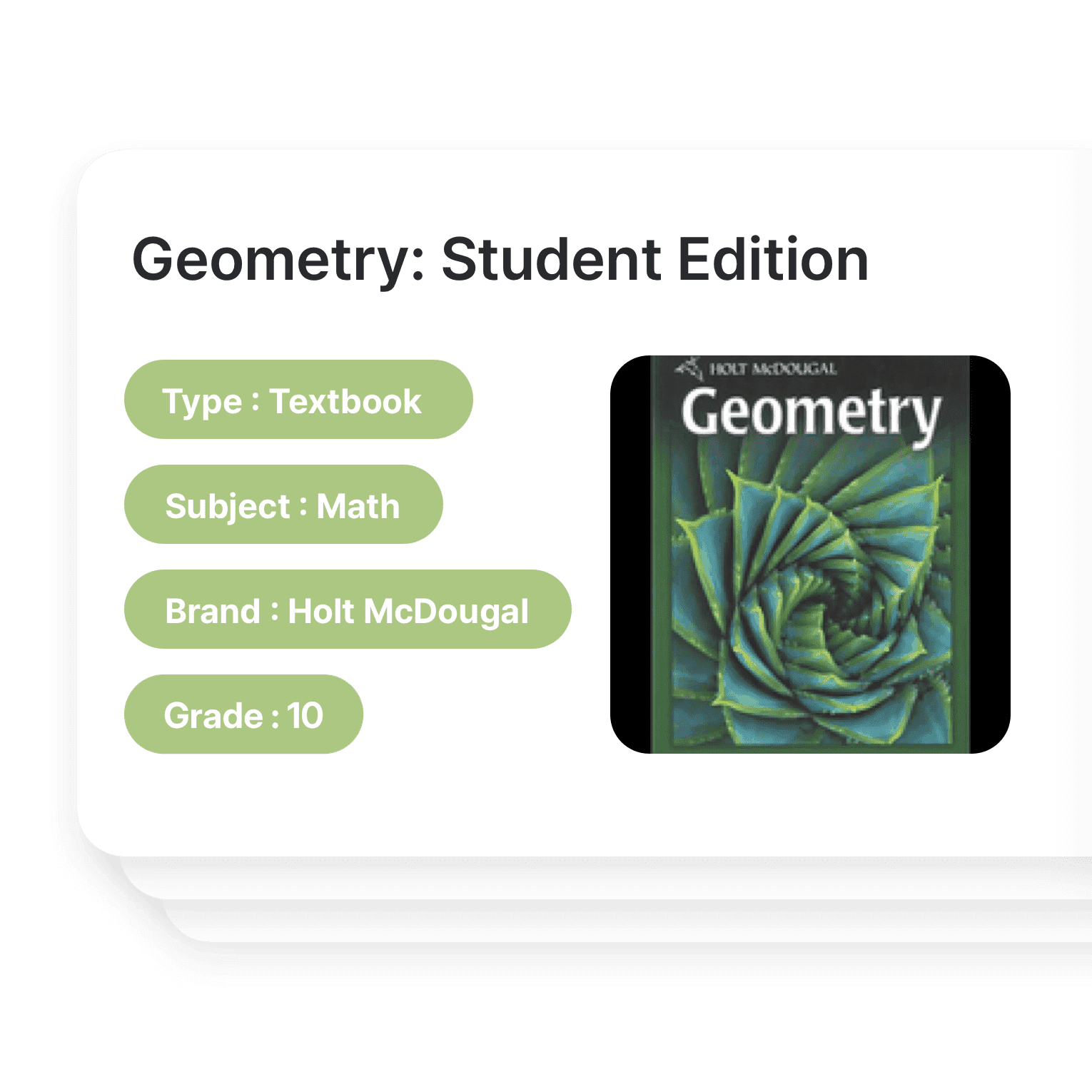
Custom inventory categories
Sort supplies by department, room, or item type, add a photo to each item, and filter by any field so teachers and staff can find what they need.
- Sort by department or room
- Add photos to every item
- Filter by any field
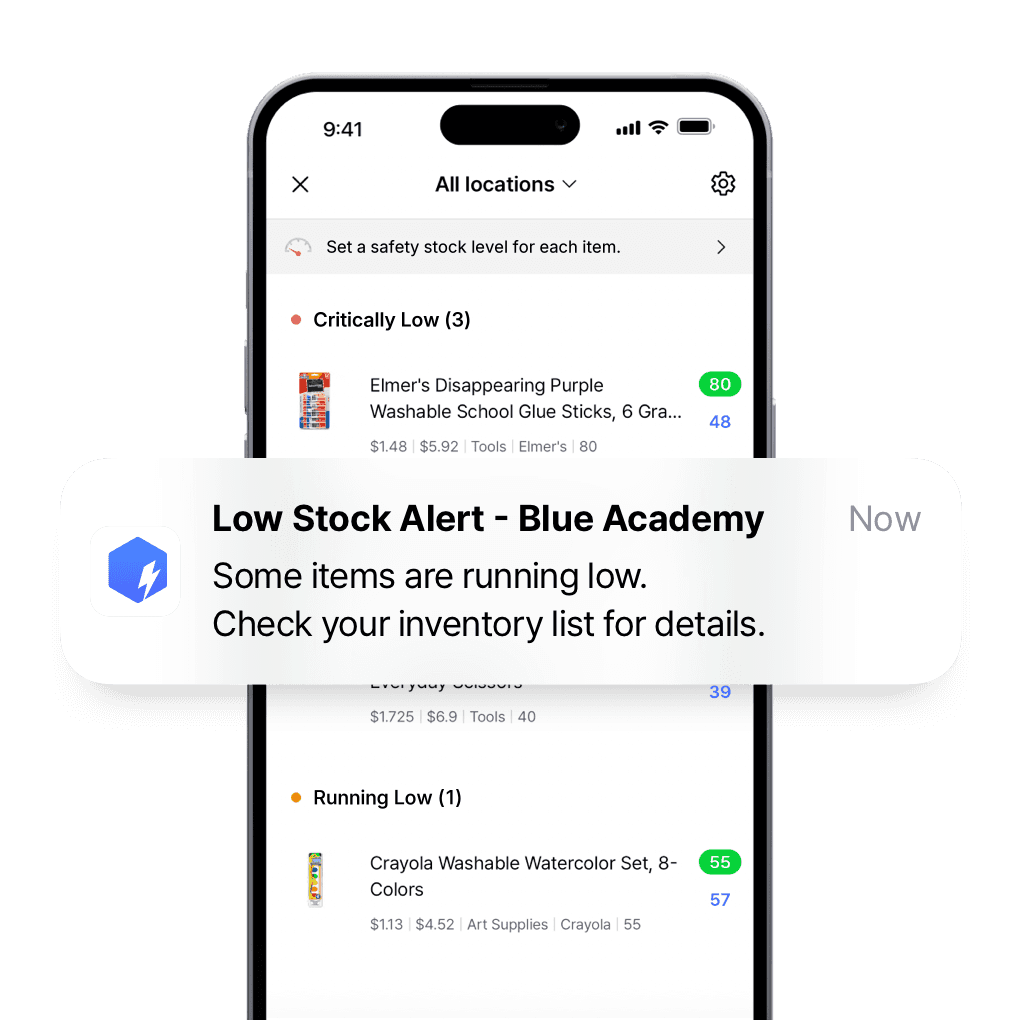
Restock supplies before the term runs out
Set a safety stock level for each supply and get low stock alerts on your phone at the times you choose, so you can restock well before the term runs out.
- Set a minimum for each supply
- Get alerts on your phone
- Restock before the term ends

Give every teacher and admin the right access
Invite teachers and staff, choose who can edit and who can only view, and see every change as it happens, so records stay accurate across departments.
- Invite teachers and staff
- Choose who can edit or view
- See every change as it happens
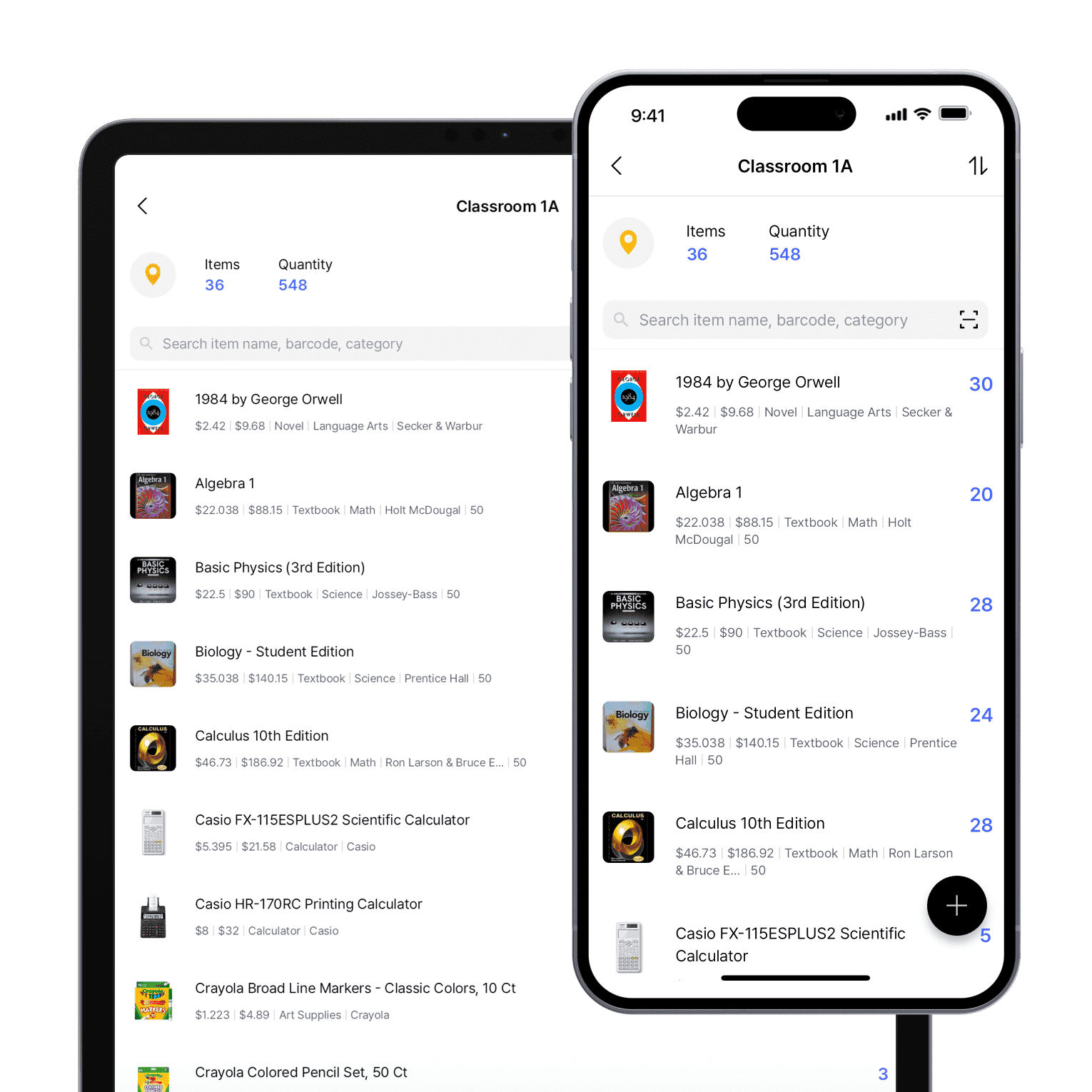
Update stock from the classroom
Use BoxHero’s mobile app on campus or in the classroom. Check inventory, update stock levels, and scan barcodes from your phone or tablet.
- Update stock from the classroom
- Check levels from any device
- Scan barcodes on the spot
Get every classroom on one list
Free for 30 days, no card needed.

Inventory software built for educational institutions
- Set location-specific stock alerts to ensure resources are always available.
- Track inventory to reduce lost or misplaced assets.
- Organize items for specific departments or activities.
- Simplify asset tracking and supply management.
Classroom and campus inventory insights
Learn how schools and institutions manage supplies, track assets, and keep classrooms running with smarter inventory practices.
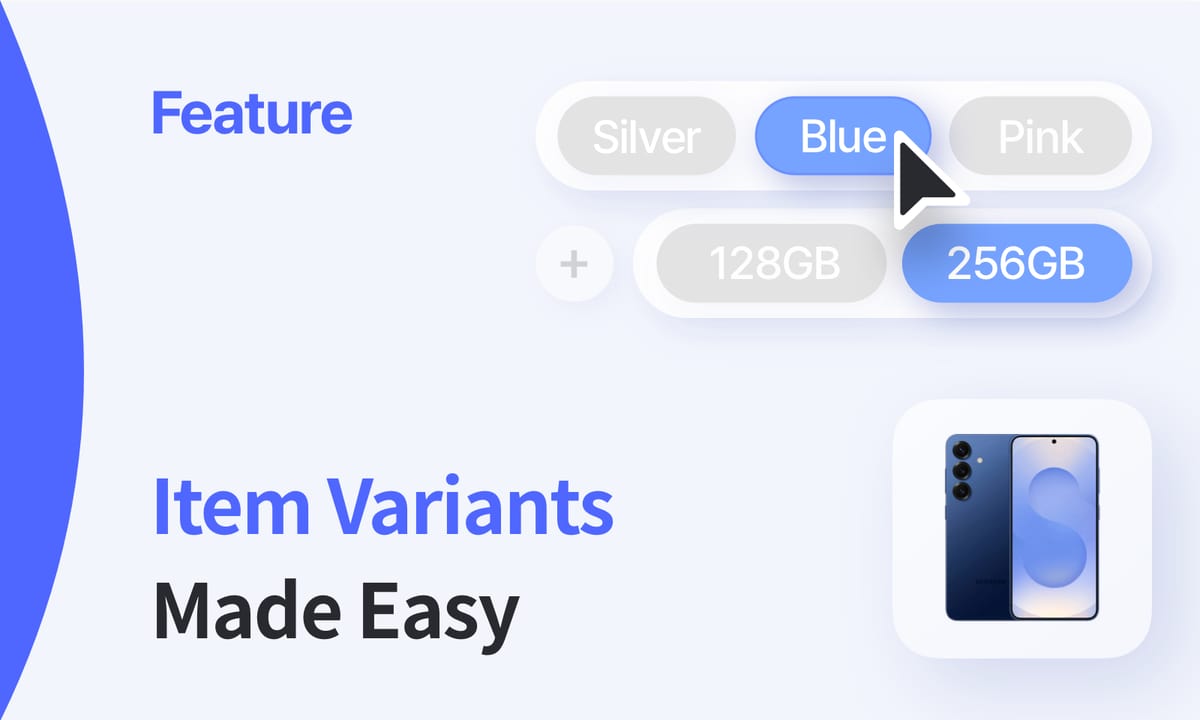
How to Add Inventory Options with Item Variants
Variants like size, model, or version make it easier to track classroom supplies and tech equipment. Learn how adding item variants simplifies school inventory and helps educators manage multiple resources at once.

Educational Asset Inventory Management
Schools and universities handle everything from laptops to lab equipment. How do they keep everything accounted for? This article explains how to track educational assets, prevent losses, and extend their lifespan.
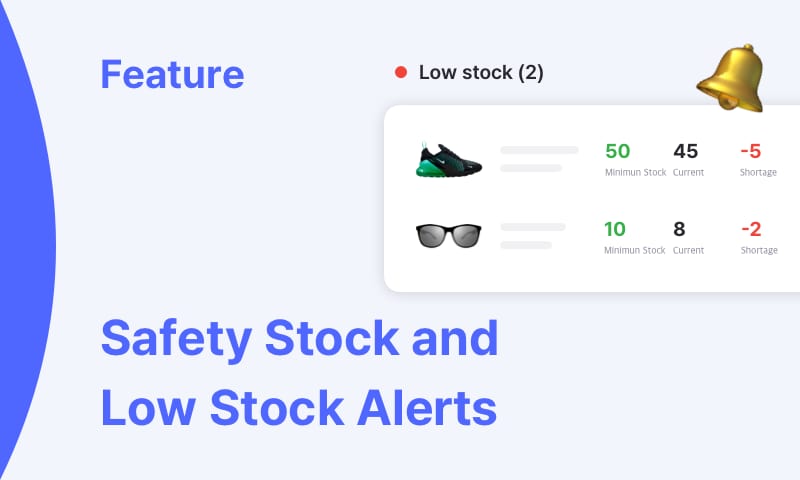
Safety Stock and Low Stock Alerts Features
Safety stock protects schools from unexpected shortages, while low stock alerts let staff know before supplies run out. See how these tools help you plan resources for every classroom and restock before the next term starts.
More of what school staff use
Tag devices with barcodes, bring your asset list in from Excel, and share stock with other departments.
 Learn more
Inventory Sharing
Share current stock levels with people outside your team through a private link, no login required on their end. Choose which items and details appear, and keep the rest of your inventory private.
 Learn more
Barcoding
Scan with your phone camera or a handheld scanner to add, find, count, and move items. Generate barcodes and print custom labels on any standard or thermal printer.
 Learn more
Excel Import & Export
Add and update items straight from a spreadsheet, from prices and quantities to SKUs. Download a template that matches your columns, then export back to Excel whenever you need.






Quick reference
 Help GuideFrom getting started to basic concepts, explore our detailed user guide to learn more about BoxHero.
 Contact UsHave a question or comment? Reach out to us and we’ll get back to you.
 GlossaryLearn about the most important inventory management and accounting terms and acronyms for small businesses.
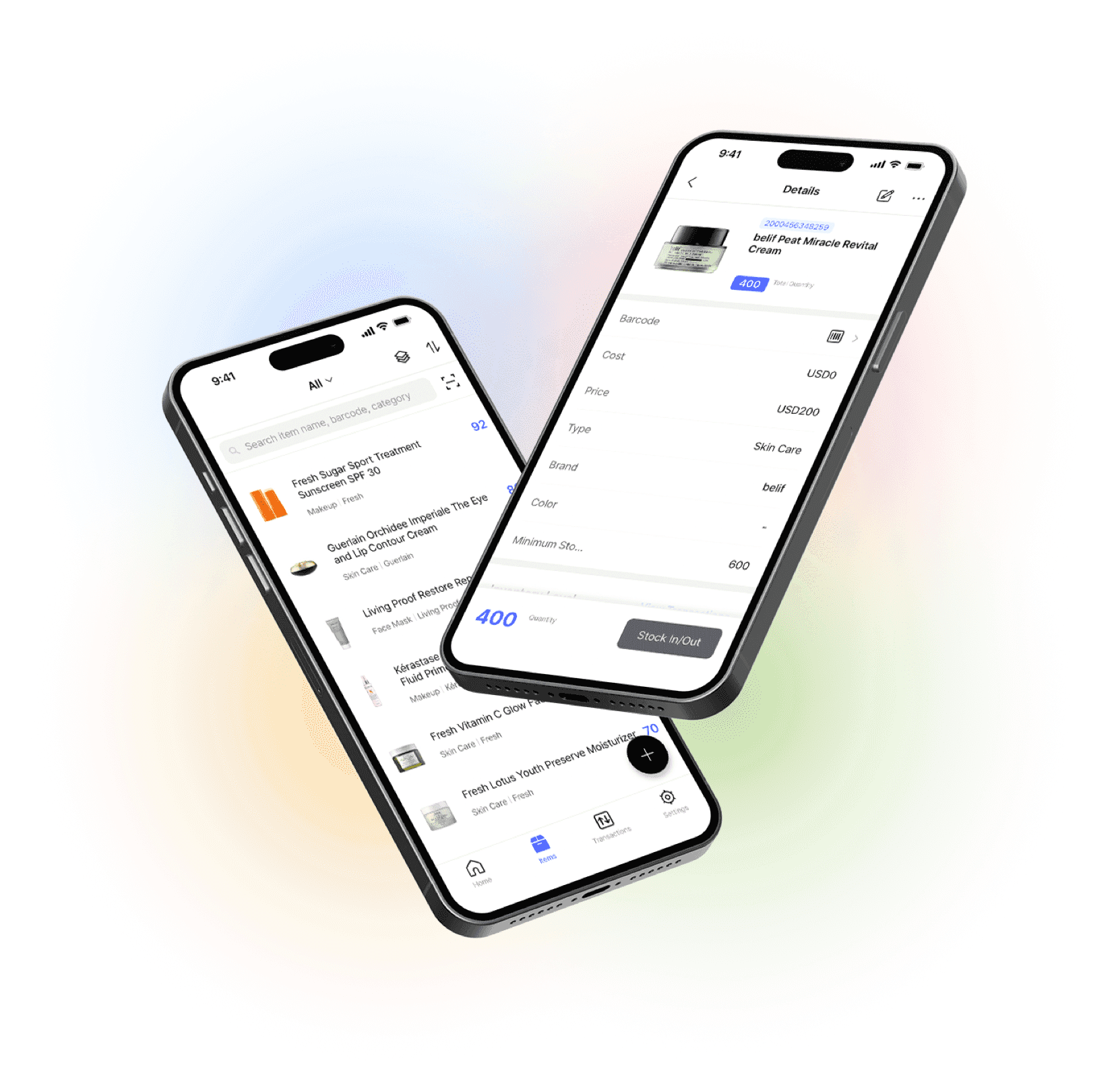
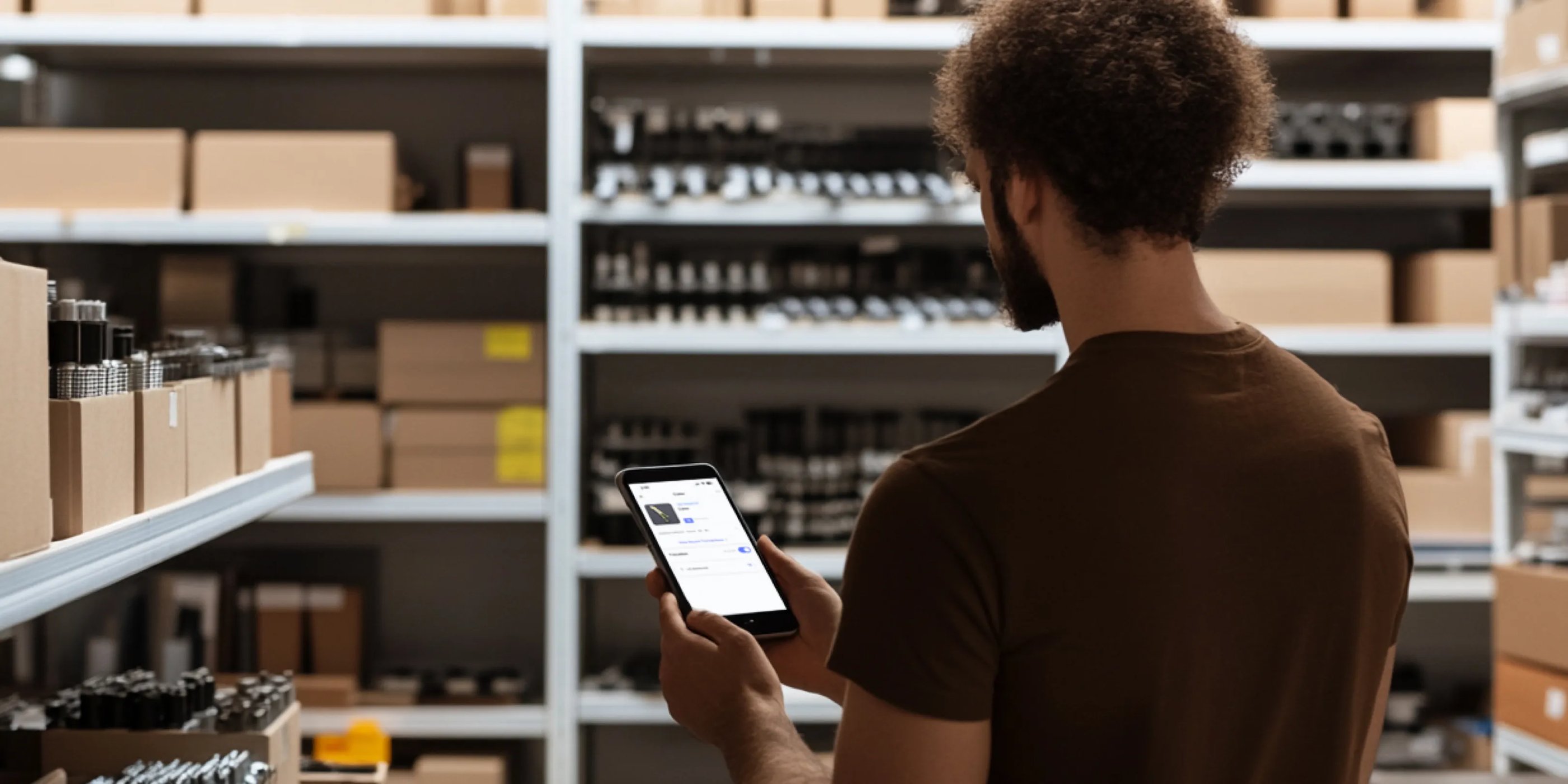
Go mobile with our iOS and Android app
Our mobile app makes it easy to control your inventory from anywhere. Use BoxHero on your phone, desktop, or tablet for automatic syncing.