Inventory built for sizes, colors, and seasons
Keep a separate count for every variant, see what sells at each store, and move or reorder stock before a season’s bestsellers run out.
Free 30-day trial upon signing up.


Know what’s on every rack and in every stockroom, all season long.
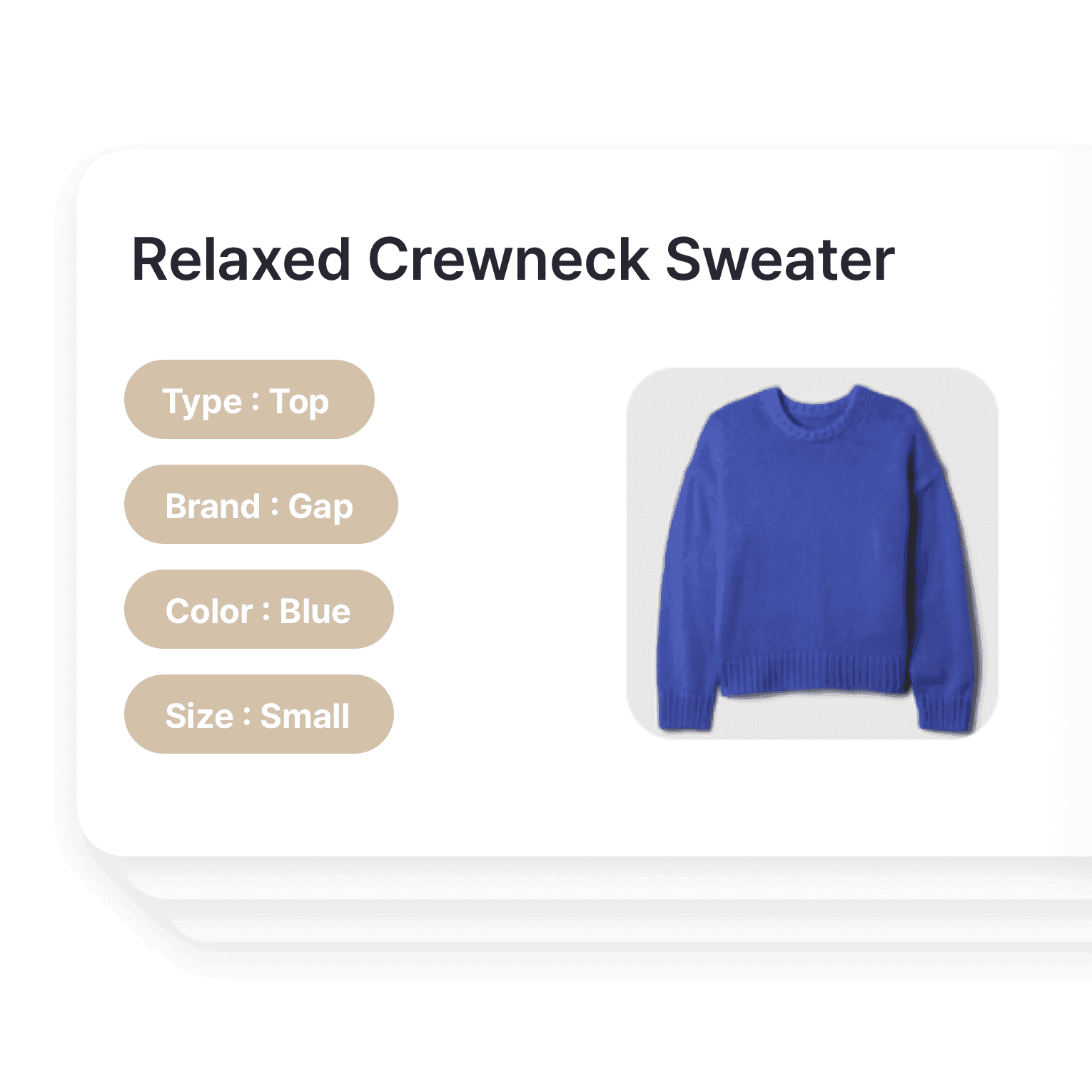
Manage the full size-and-color grid per style
Add size, color, and fit as attributes, so each variant has its own count and photo. Keep the right items in stock for your customers, be it seasonal jackets or a new line of shoes.
- Add size, color, and fit as attributes
- Give each variant its own photo
- Search any style in seconds
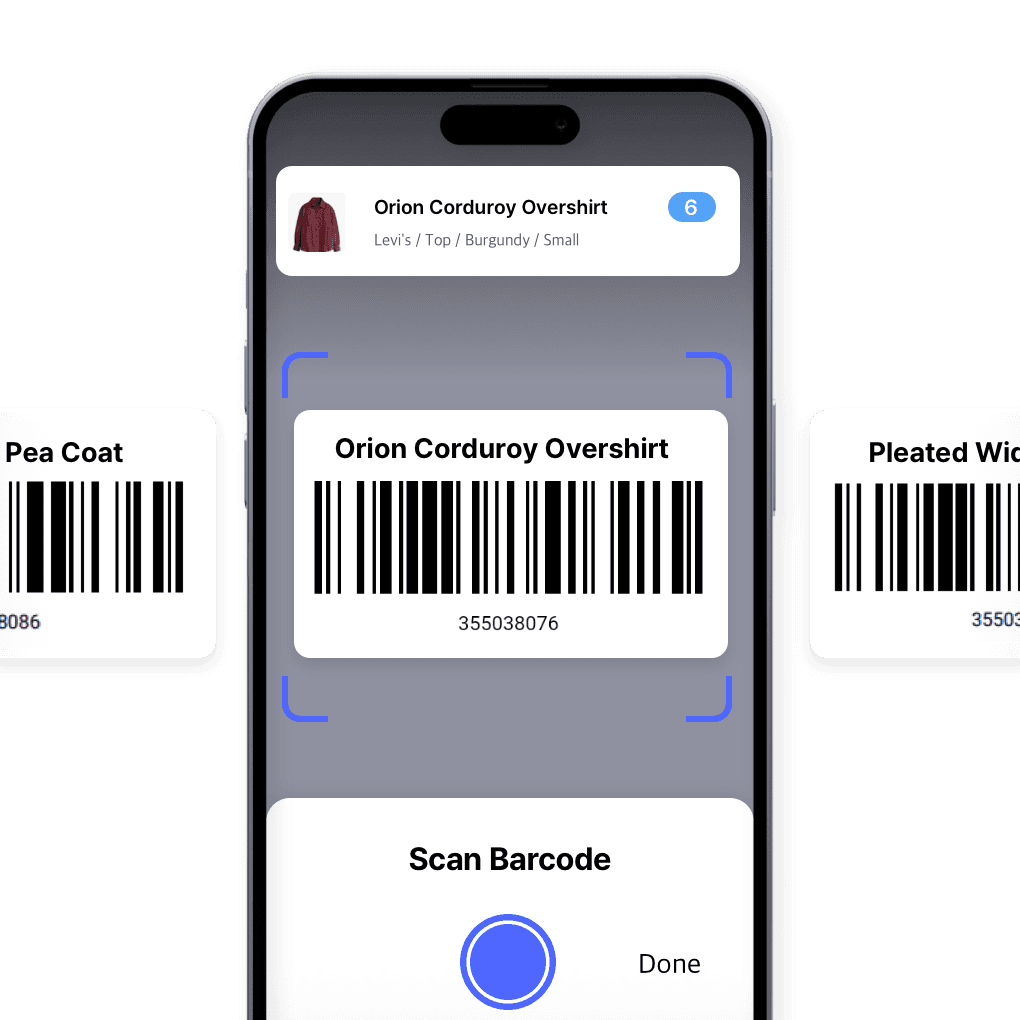
Scan to receive, count, and sell
Receive shipments, count stock, and track every piece with a scan. Use your phone or any Bluetooth scanner to update stock faster and with fewer errors.
- Scan with a phone or Bluetooth scanner
- Update stock with each scan
- Count faster and more accurately
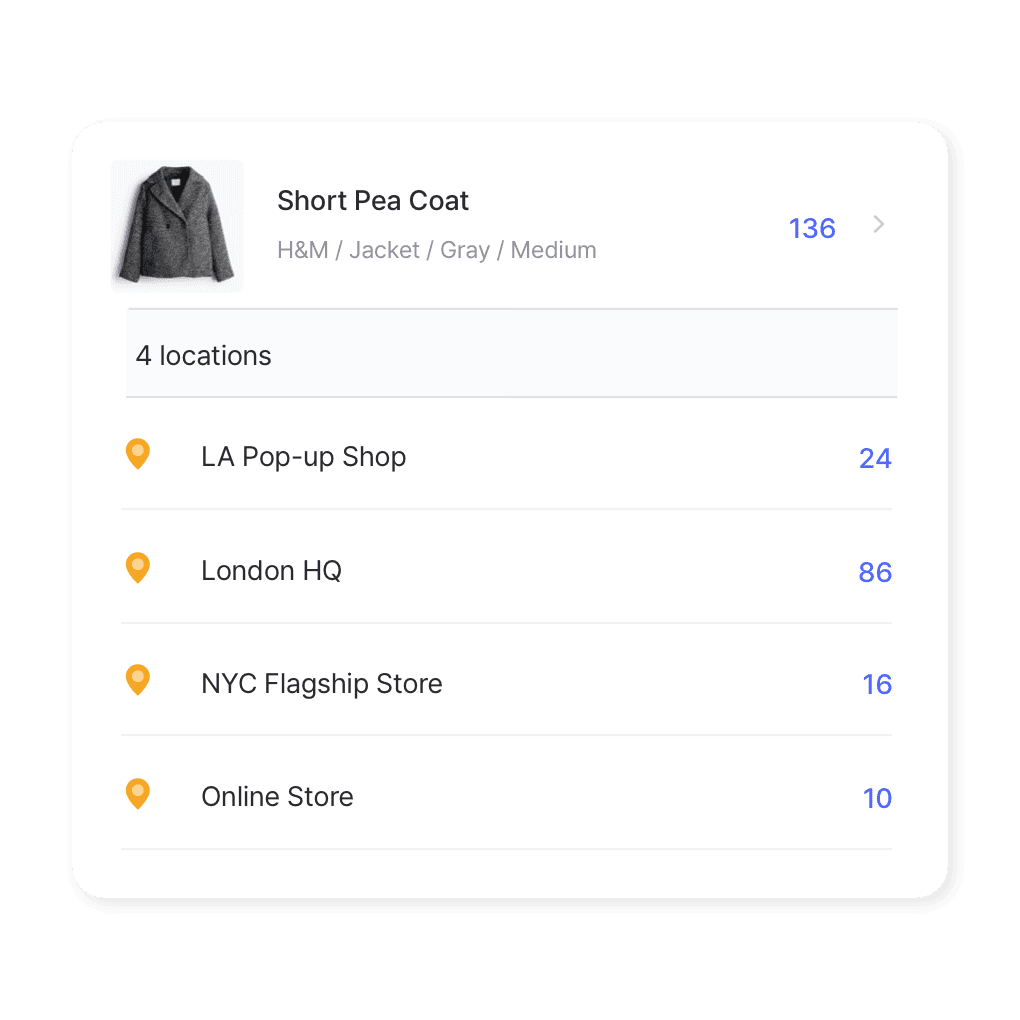
Stock across every boutique
Whether you have a single boutique or multiple retail locations, BoxHero lets you manage inventory from a centralized platform. Transfer stock between stores and keep track of what’s selling best in each location.
- See every store’s stock in one view
- Move stock between stores
- Compare sales by location
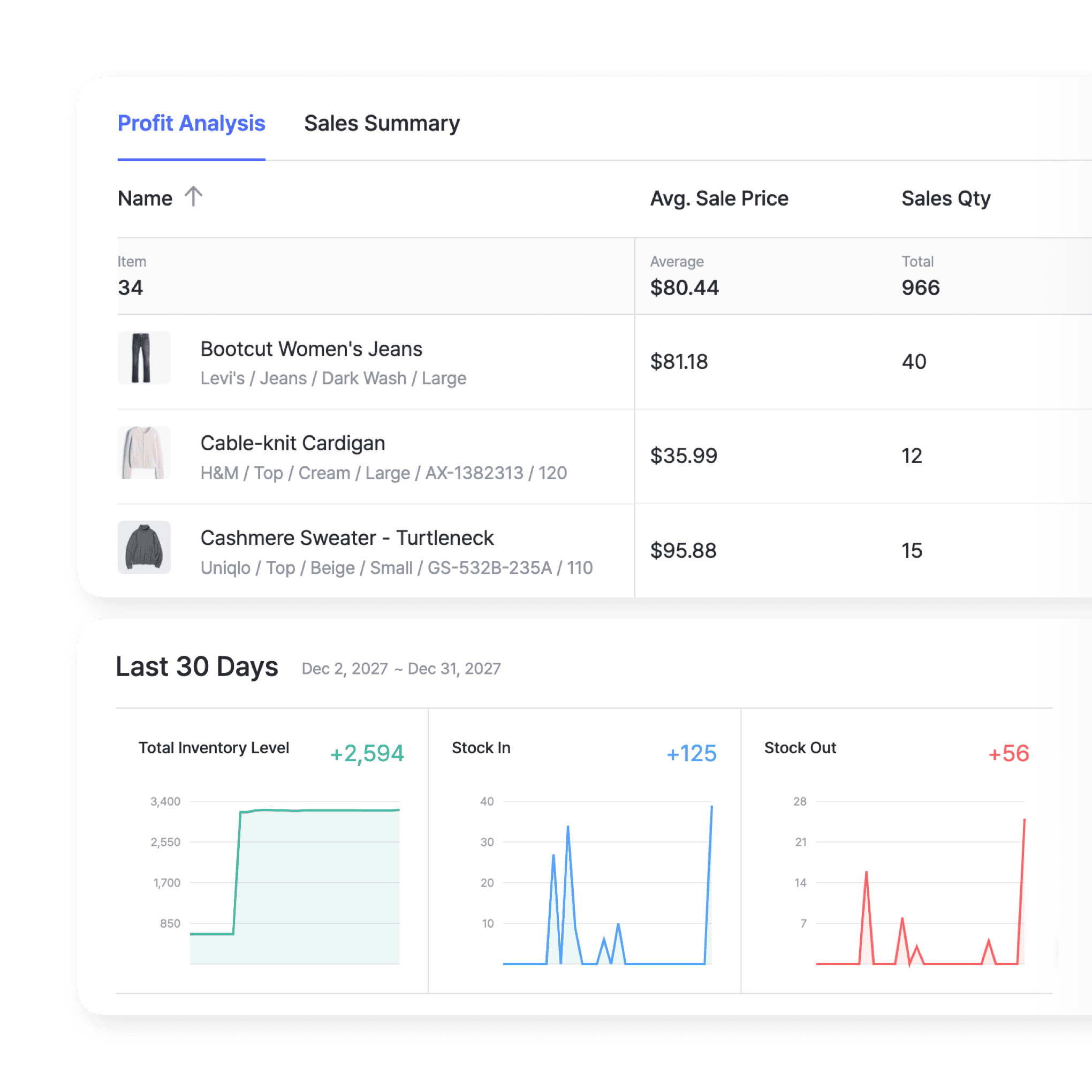
Plan next season from this season’s sales
Reports show sales trends, inventory turnover, and best-selling styles. See which pieces drive revenue, spot slow movers early, and plan your next collection.
- Track sales trends by style
- Spot slow movers early
- Plan stock for next season
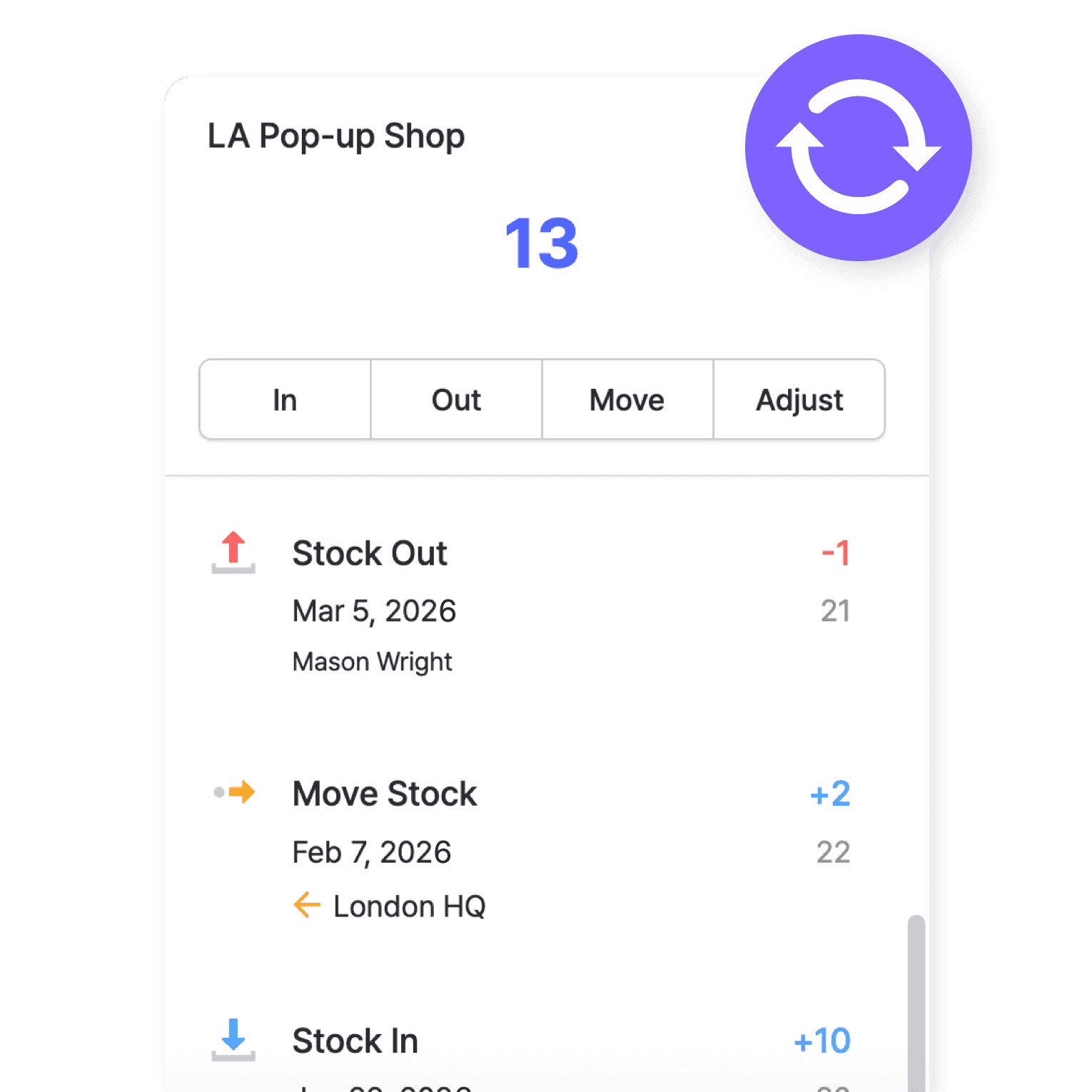
Real-time inventory tracking
See stock at every store and warehouse at a glance. Move pieces to the locations where they sell, and reorder bestsellers before they’re gone.
- See stock at every location
- Reorder bestsellers in time
- Move stock where it sells
More ways to manage stock and your team
Beyond tracking every variant, BoxHero handles the work around your stock.
 Learn more
Inventory Sharing
Share current stock levels with people outside your team through a private link, no login required on their end. Choose which items and details appear, and keep the rest of your inventory private.
 Learn more
Stock Count
Run full or partial counts with your team, splitting the work into task sheets by area or shelf. Review every difference against recorded quantities, then apply the results in a single step.
 Learn more
Excel Import & Export
Add and update items straight from a spreadsheet, from prices and quantities to SKUs. Download a template that matches your columns, then export back to Excel whenever you need.
Fashion & apparel inventory management FAQ
Fashion companies typically use inventory management software to track product variants like sizes, colors, and styles. Cloud-based solutions help companies manage stock across multiple locations and monitor inventory levels in real time.
Inventory turnover is the rate at which stock is sold and replaced over a given period. In the fashion industry, a high turnover rate indicates efficient inventory management, ensuring products don’t sit unsold for too long, especially with seasonal trends.
Fashion businesses plan for seasonal demand by using sales data and trends from previous seasons. Inventory management systems help them forecast demand, manage incoming stock, and handle end-of-season clearance sales.
By using real-time stock tracking and analytics, apparel businesses can set low stock alerts to reorder popular items before they run out. Overstocking can be reduced by monitoring sales trends to adjust orders and using strategies like the Just-in-Time (JIT) system.
Apparel and fast fashion insights
Guides on setting up inventory, planning for each season, and learning from how big retailers handle stock.

Fashion Store Guide, Part 1: Getting Started with Inventory Management
Learn how to set up an inventory management system for your fashion store. This guide covers SKUs, barcodes, and tools to help you track stock and avoid lost sales.

Fashion Store Guide, Part 2: Staff Scheduling and Shift Handoffs
More tips for running your fashion and apparel store: How to build better staff schedules, track time, and manage shift handoffs in your fashion store with practical tips from Shopl and BoxHero.
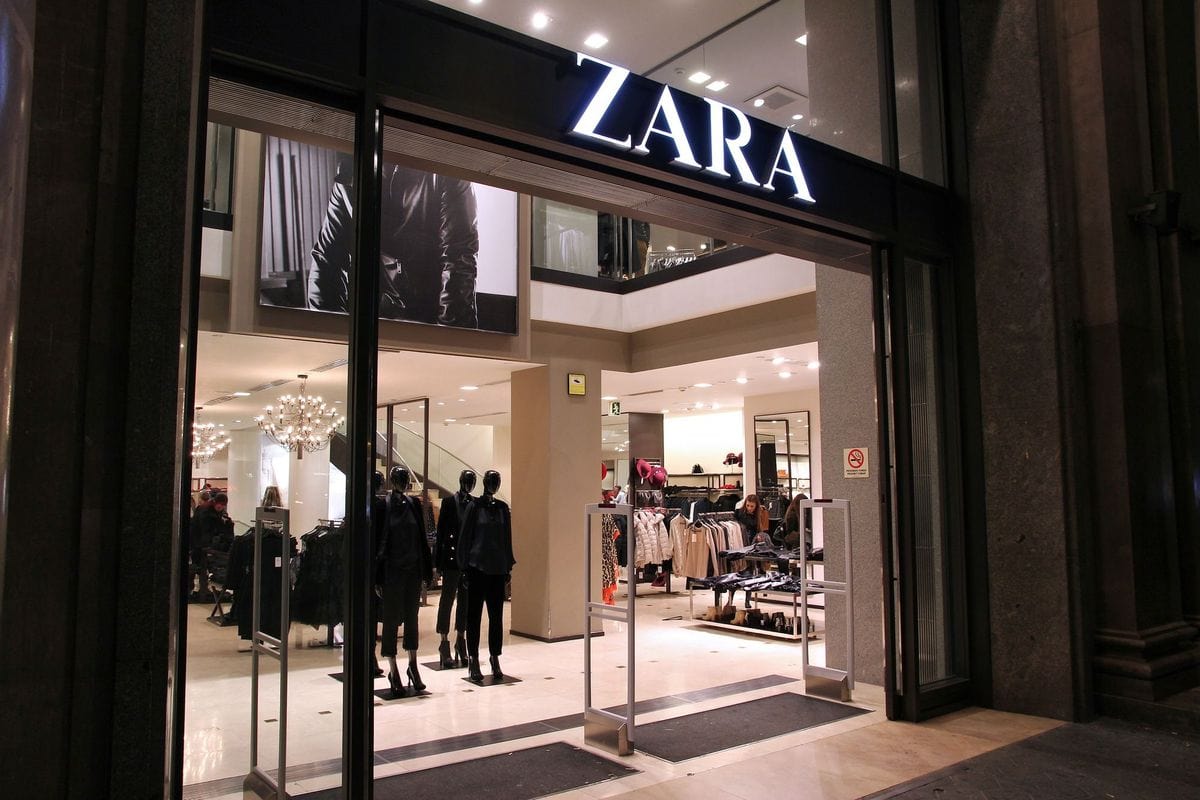
Zara’s Zero-Inventory Fast-Fashion Strategy
To be a fashion powerhouse, you need to do more than just follow trends. Check out best practices for inventory management by Zara: how fast fashion works with short production cycles and without excess stock.
Try BoxHero in your store for 30 days
Bring your whole catalog over in one import.
No card needed.



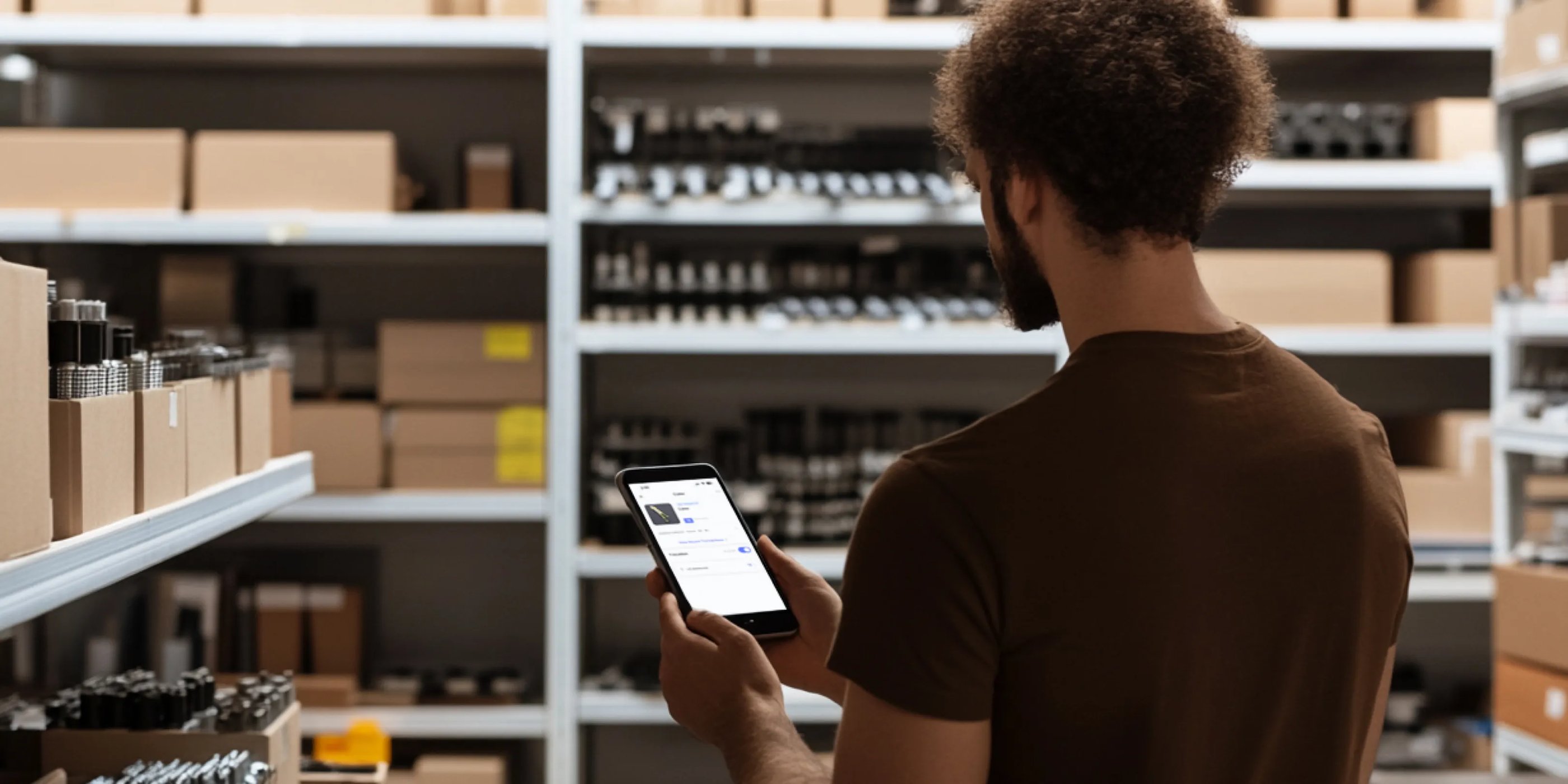



Quick reference
 Help GuideFrom getting started to basic concepts, explore our detailed user guide to learn more about BoxHero.
 Contact UsHave a question or comment? Reach out to us and we’ll get back to you.
 GlossaryLearn about the most important inventory management and accounting terms and acronyms for small businesses.
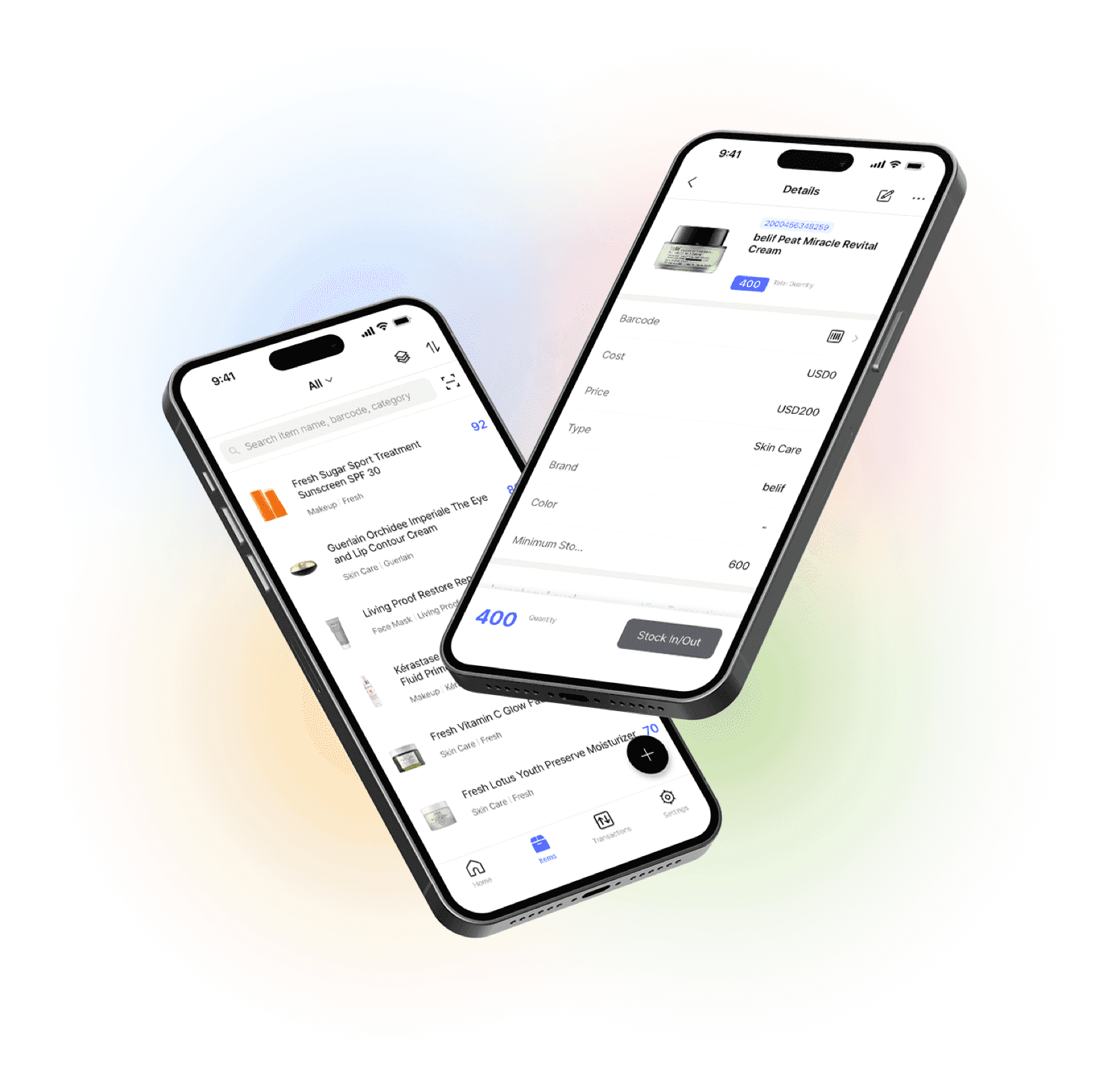
Go mobile with our iOS and Android app
Stay connected and get low stock alerts on your phone, wherever you are.