Inventory tracking for medical supplies and meds
Track medical supplies and medications across every supply room and site, get alerted before essentials run low, and keep a record of every count that’s ready for audits.
Free 30-day trial upon signing up.


One accurate count across every supply room and site.
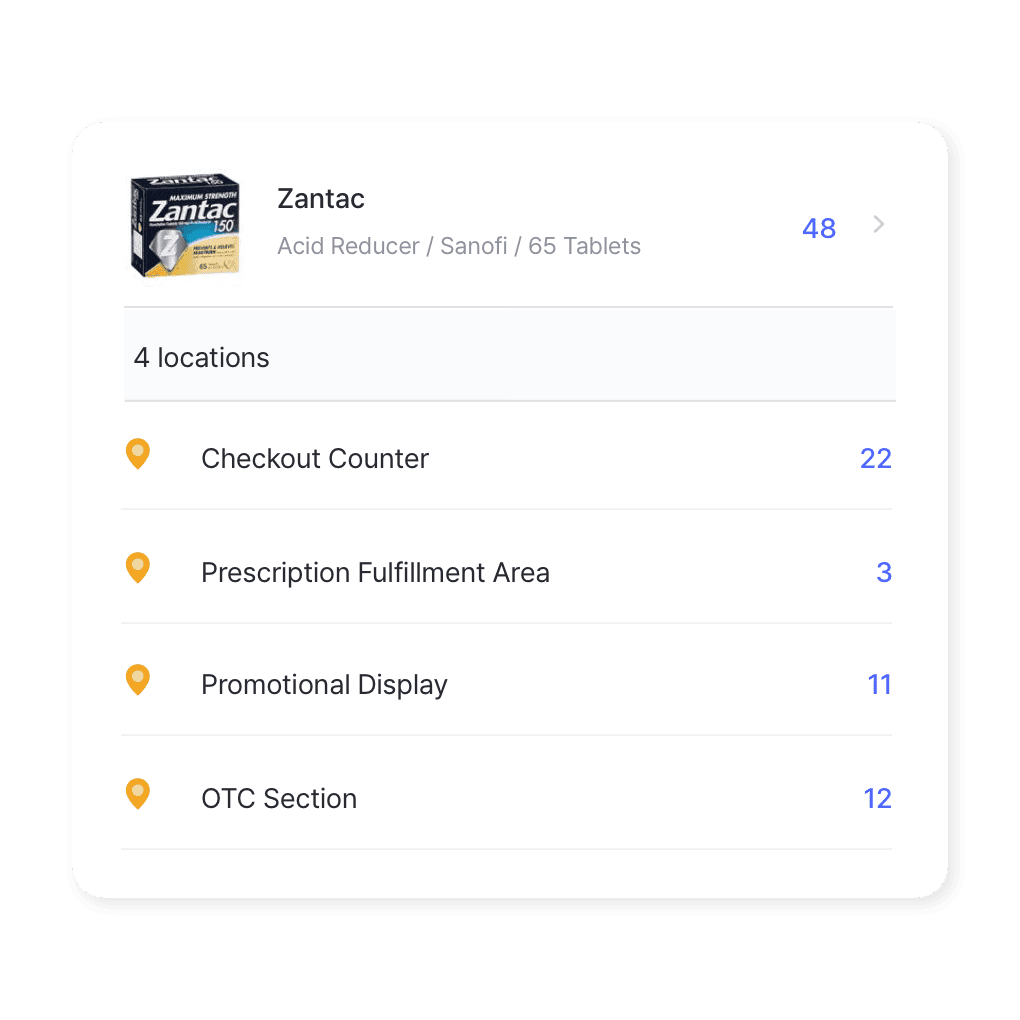
Multi-location management
Track supply rooms, pharmacies, and clinics as separate locations. See every site in one view, move stock between them, and set alerts for each one.
- See every site in one view
- Move stock between sites
- Set alerts for each location
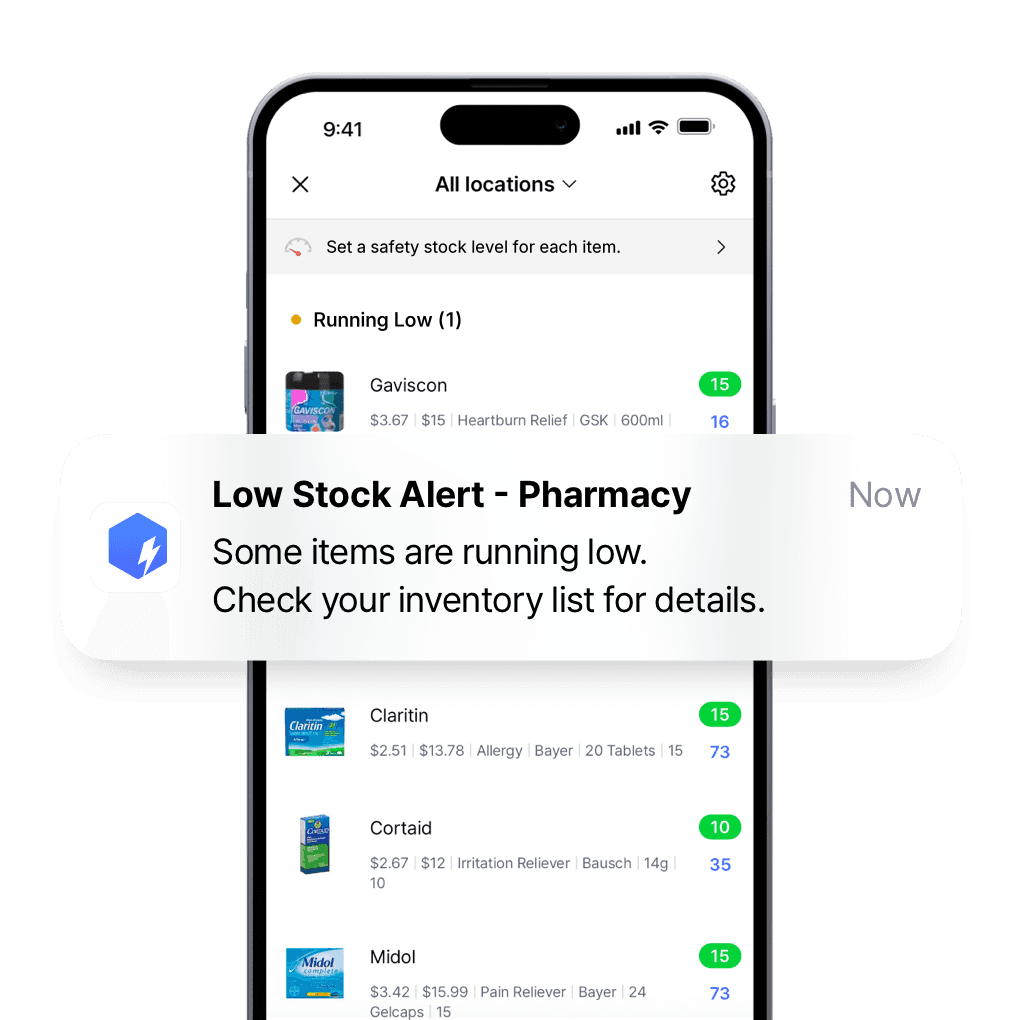
Custom low stock alerts
Set a safety stock level for each essential item and get low stock alerts on your phone, so you can reorder medical supplies before they run out.
- Set a minimum for each item
- Get alerts on your phone
- Reorder before supplies run out
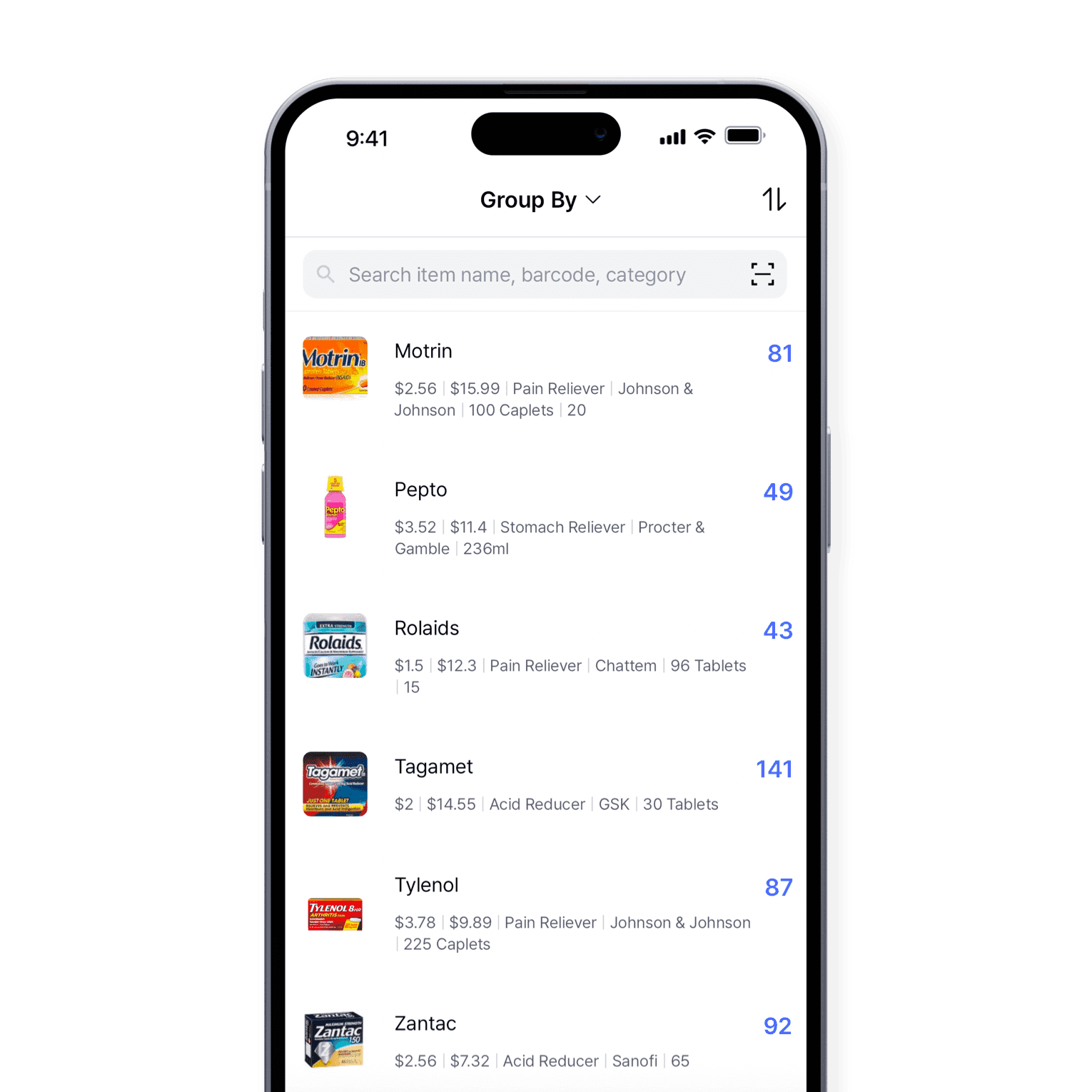
See what’s on hand in every supply room
Monitor medications, medical supplies, and equipment in every supply room, with counts that update as your team works and a record of every change.
- See stock in every supply room
- Catch shortages early
- Keep a record of every change
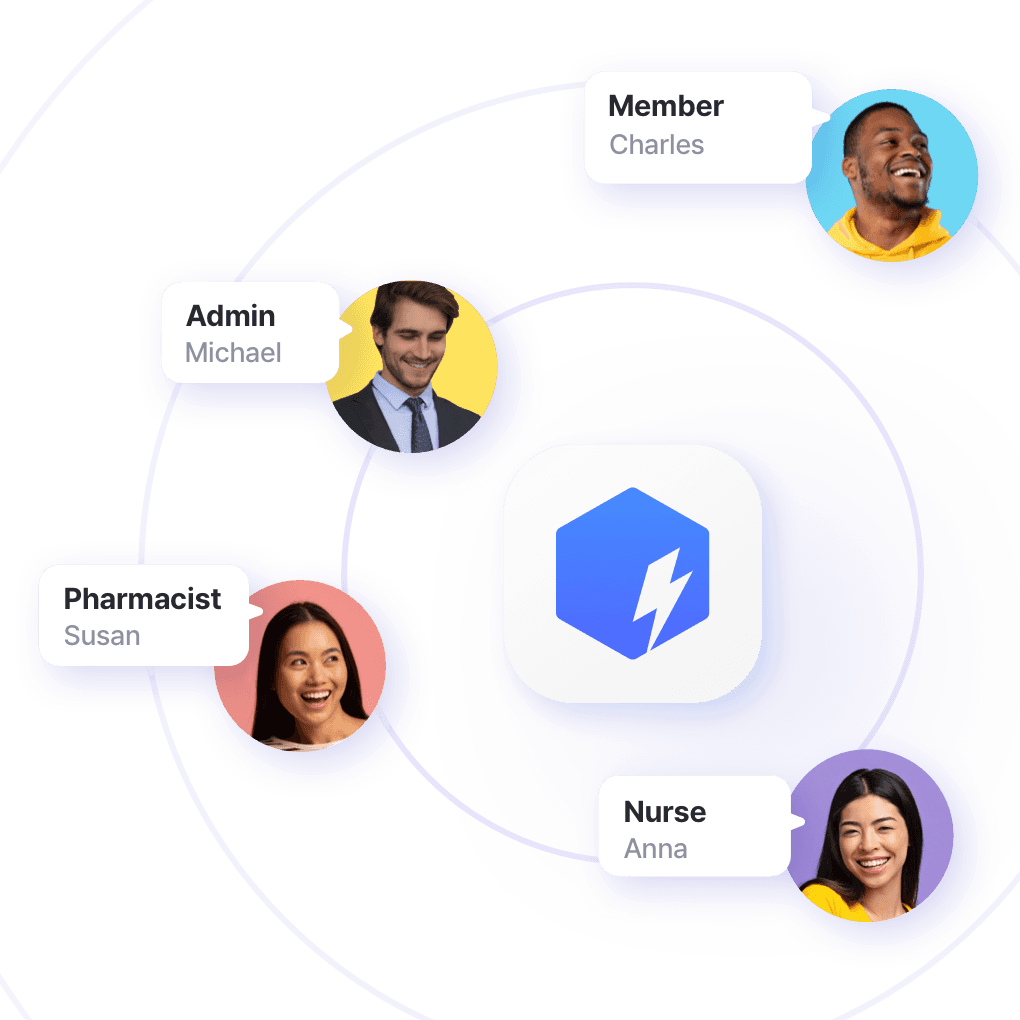
Give nurses, pharmacists, and stockroom staff the right access
Invite nurses, pharmacists, and stockroom staff, choose who can edit and who can only view, and see every count, order, and adjustment as it happens.
- Invite your whole team
- Choose who can edit or view
- See every update as it happens
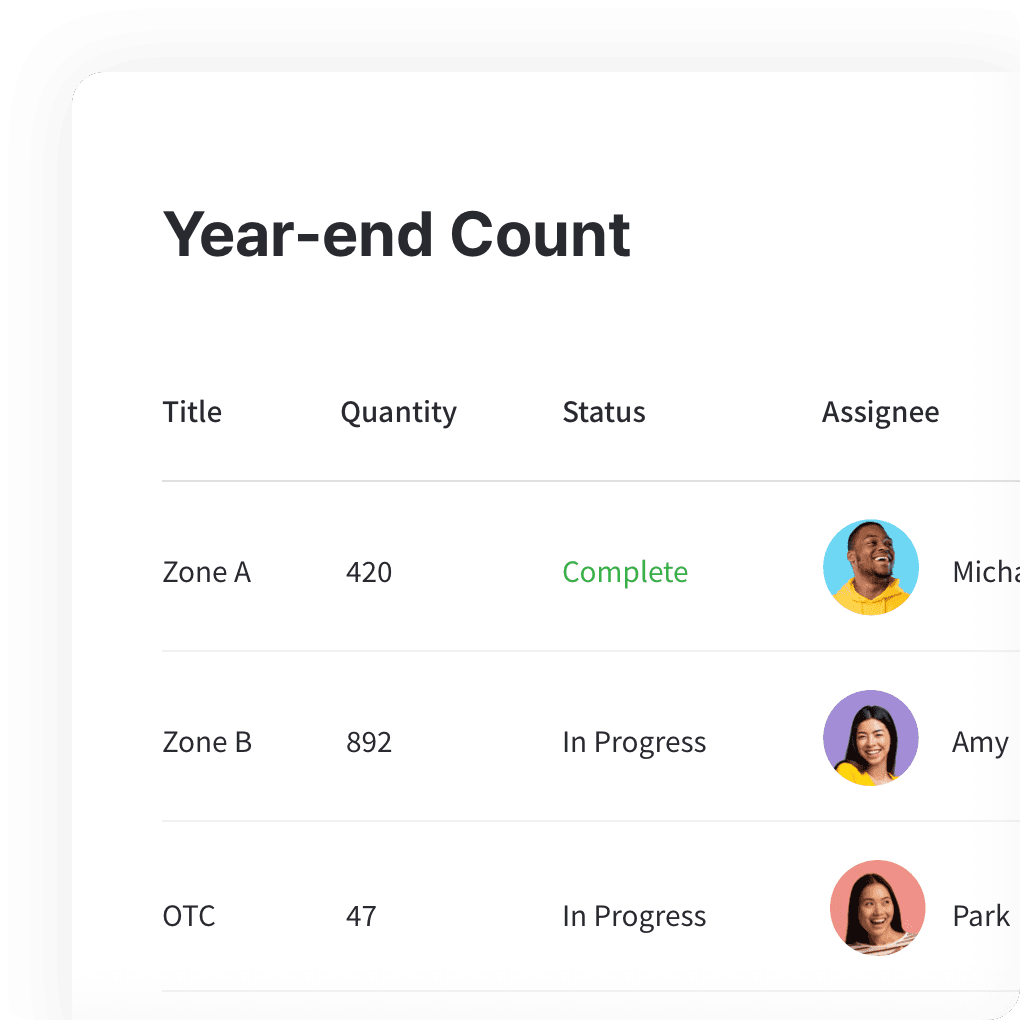
Accurate inventory counts
Count stock with your phone and compare it with your records. Review the differences before applying them, so your inventory stays accurate and audit-ready.
- Count with your phone
- Find differences before you apply them
- Keep records ready for audits
More of what healthcare teams rely on
Bring your supply list in from Excel, scan supplies with barcodes, and order from vendors in one place.
 Learn more
Excel Import & Export
Add and update items straight from a spreadsheet, from prices and quantities to SKUs. Download a template that matches your columns, then export back to Excel whenever you need.
 Learn more
Barcoding
Scan with your phone camera or a handheld scanner to add, find, count, and move items. Generate barcodes and print custom labels on any standard or thermal printer.
 Learn more
Purchases & Sales
Create purchase and sales orders, then receive or ship them in full or in batches. Send invoices by email or PDF, apply taxes and discounts, and handle returns against the original order.
Guides for healthcare inventory
Guides on audits, pharmacy stock, and keeping hospital supplies on hand.
Making the Most of BoxHero Across Multiple Devices
Discover when to use the mobile app versus the web version of BoxHero. The app simplifies everyday tasks like barcode scanning and on-the-go updates, while the web version shines with reporting, bulk edits, and advanced settings.

Drugstore Inventory Audits with BoxHero
Simplify pharmacy inventory audits by organizing items by usage, manufacturer, or SKU. With BoxHero, you can generate detailed reports and use barcodes to track prescription drugs and other medications across multiple locations.

Why Inventory Management Matters in Hospitals
Hospitals and clinics handle thousands of supplies every day, and keeping track can be overwhelming. It’s time to replace manual spreadsheets with barcode-based tracking, so medications and supplies are available when patients need them.

Managing medical supplies in hospitals
How can healthcare institutions reduce the workload caused by inventory management and improve the quality of care for their patients?
Get your supplies and meds on one list
Try it before you commit.
Free for 30 days, no card required.





Quick reference
 Help GuideFrom getting started to basic concepts, explore our detailed user guide to learn more about BoxHero.
 Contact UsHave a question or comment? Reach out to us and we’ll get back to you.
 GlossaryLearn about the most important inventory management and accounting terms and acronyms for small businesses.
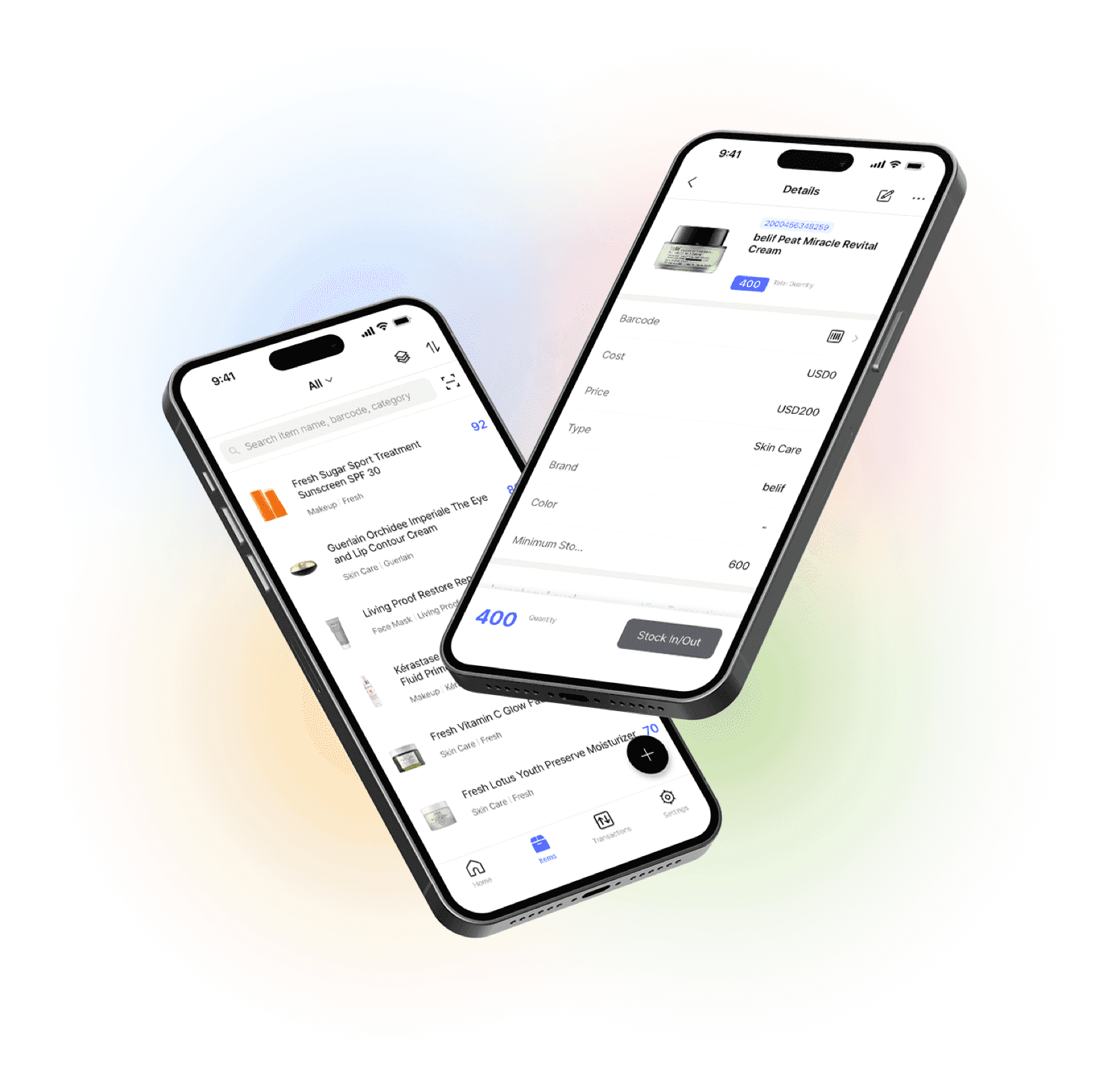
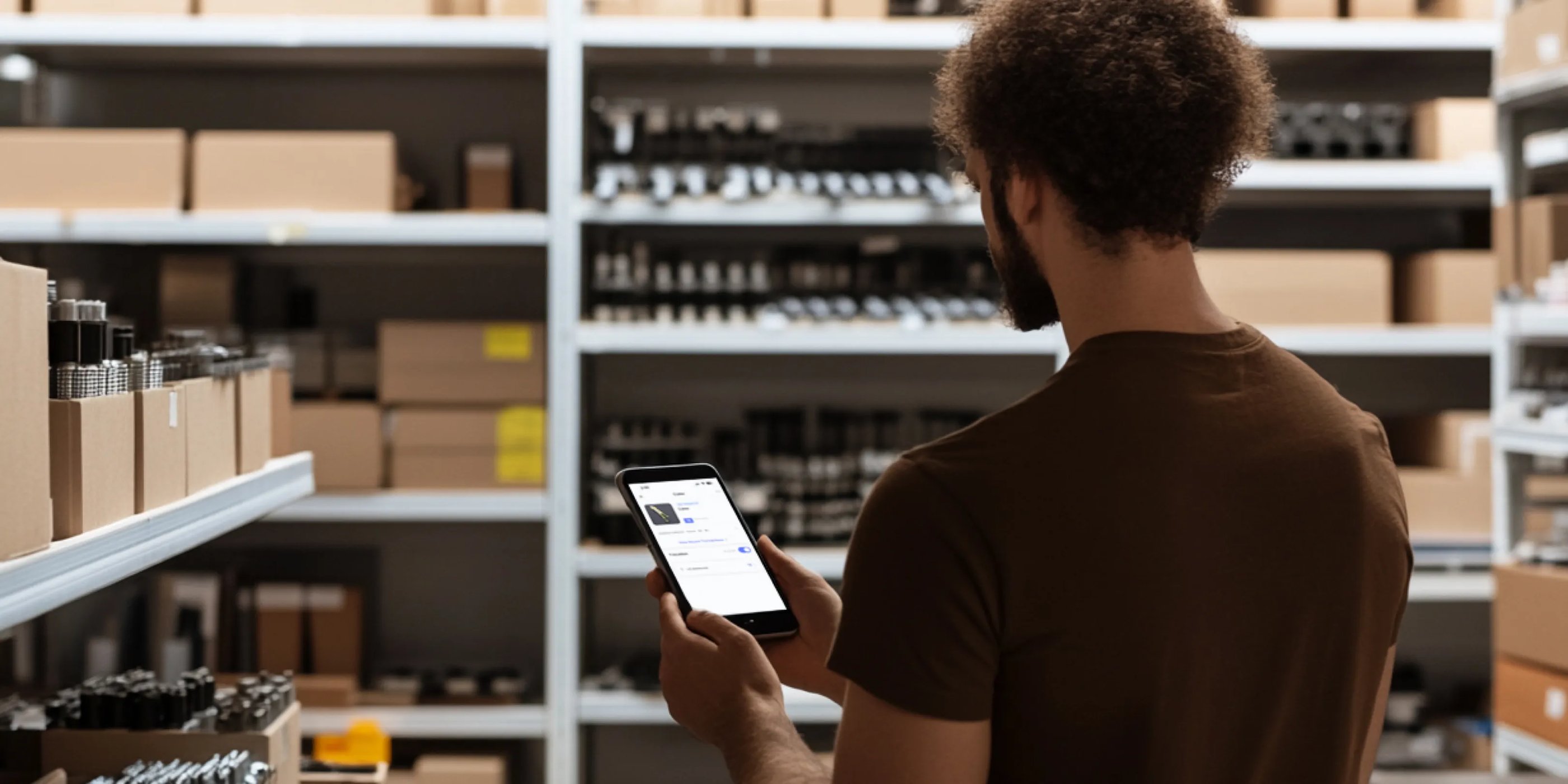
Go mobile with our iOS and Android app
Stay connected and get low stock alerts on your phone, wherever you are.