Low Stock Alerts
Know when to reorder, before you run out
Set a safety stock level for each item, and BoxHero alerts you by push notification or email at the times you choose. You reorder on time without counting shelves all day or keeping numbers in your head.
Start today with a 30-day trial.

Set
Give each item a minimum quantity. That number is your reorder trigger.

Alert
Get notified by app or email for each location, at the times you choose.

Reorder
Order the right amount from your low stock list before items hit zero.
Safety Stock
Safety stock is the lowest quantity you want to keep on hand. Set it once per item, and BoxHero flags any item that falls to it or below.
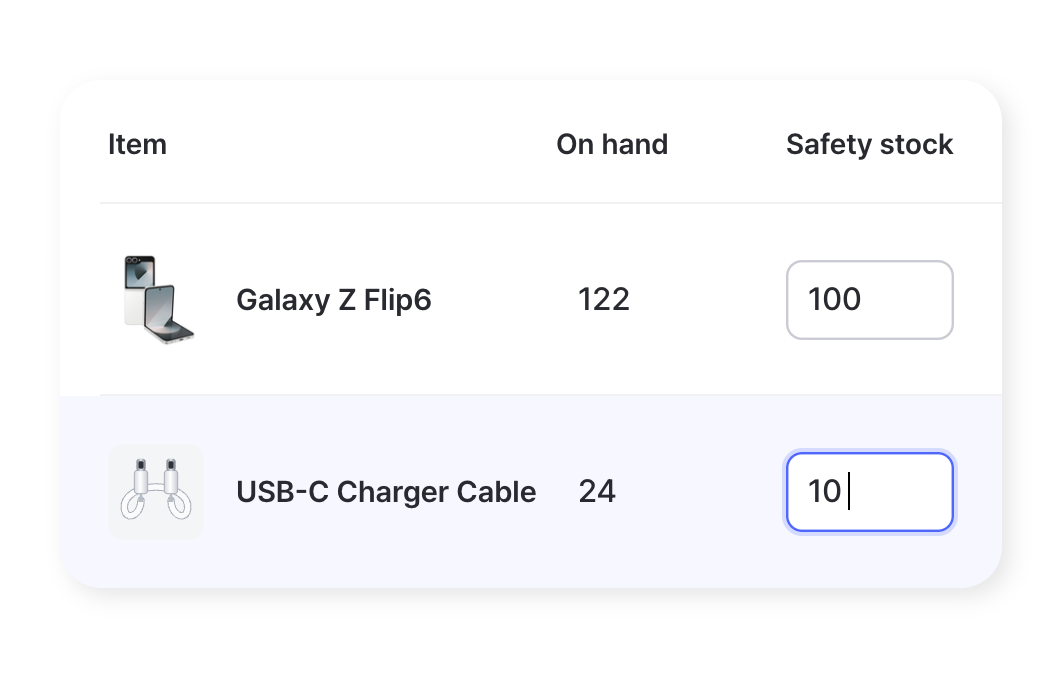
By Item
Give each item its own safety stock quantity. Fast movers and slow movers can have very different thresholds, and you set each one to match how it actually sells.
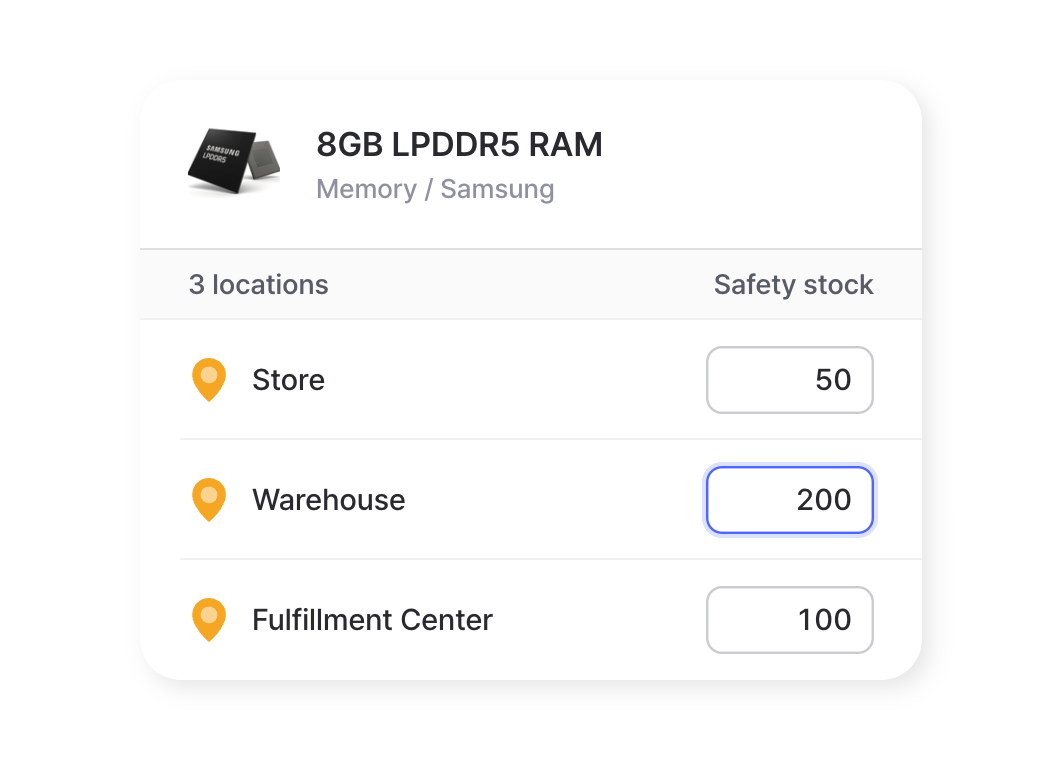
By Location
A number that works for one site may be too high or too low for another. Set a separate minimum for each location, so every site gets a level that fits its own demand.
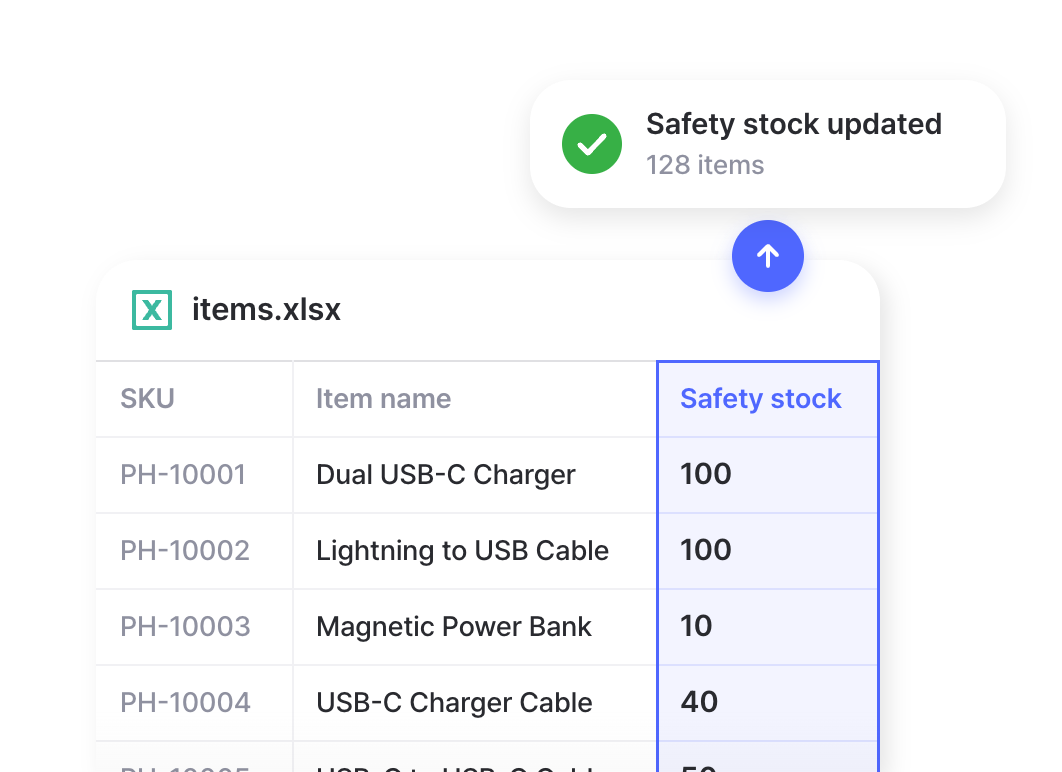
In Bulk
Have a large catalog? Download your items to Excel, fill in the safety stock column, and upload the file to set every item’s minimum in one pass.
Alerts & Notifications
BoxHero checks your stock against your safety levels and sends an alert when something runs low, so you can reorder before it runs out.
App & Email
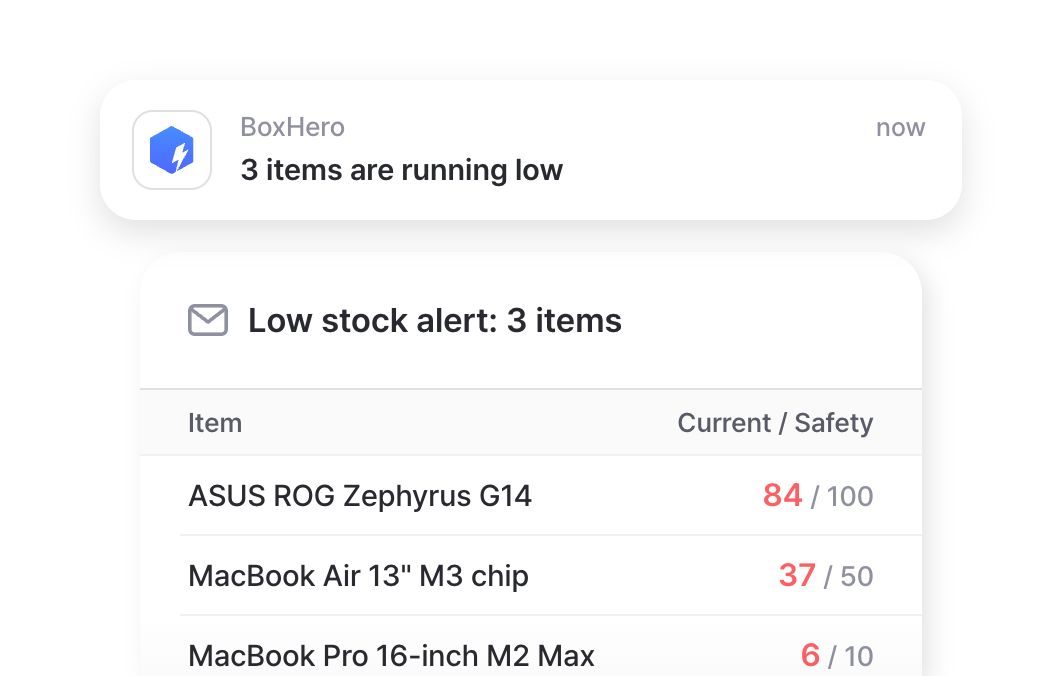
Low stock alerts reach you in the BoxHero mobile app or by email. Both carry the same alert, so you won’t miss it either way.
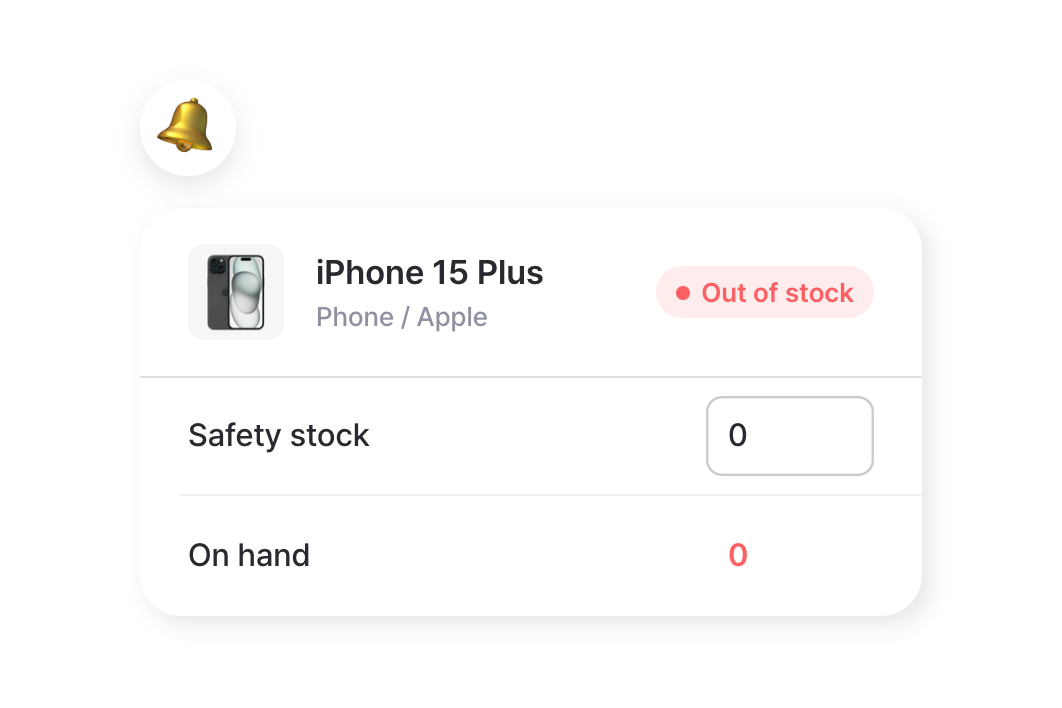
Out of Stock
Set safety stock to 0 for items you only restock on demand. When one hits zero, it shows up in your next scheduled alert.
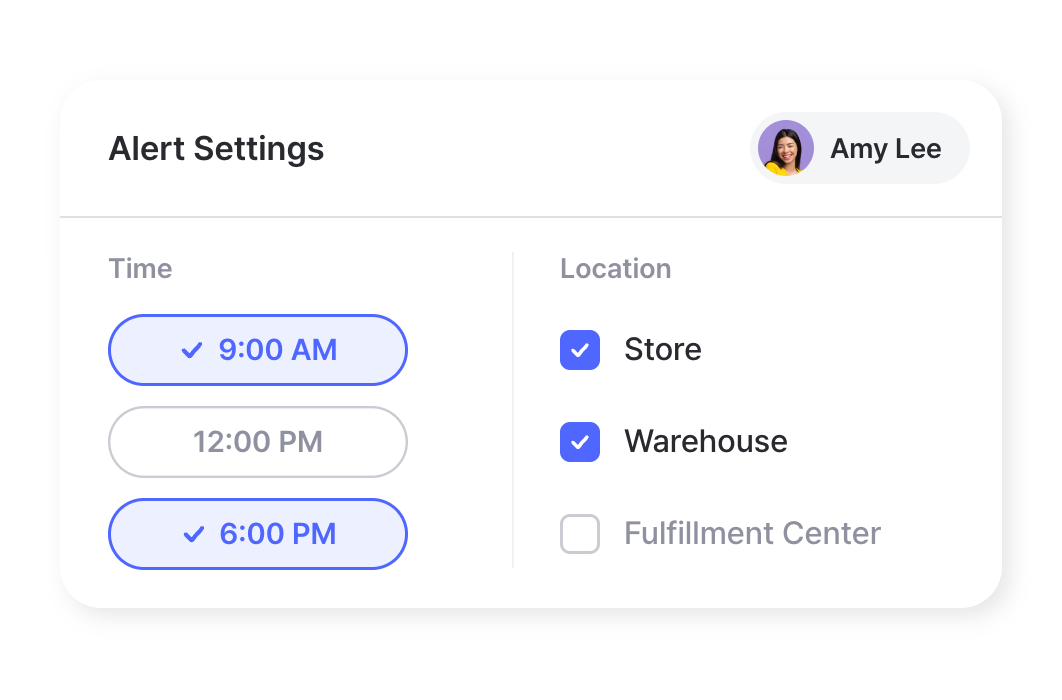
Custom Timing
Choose when alerts arrive and which locations they cover. Each person sets their own, without affecting the rest of the team.
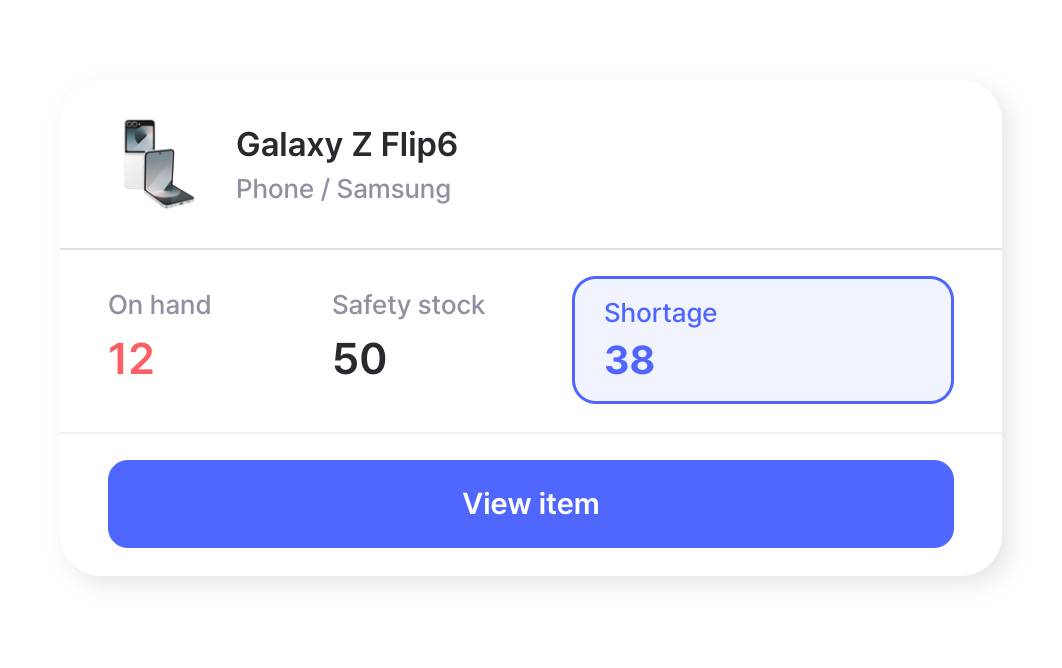
Reorder & Restock
Your alerts point to what needs restocking. Your low stock list shows what to reorder, how urgent it is, and how much to buy.
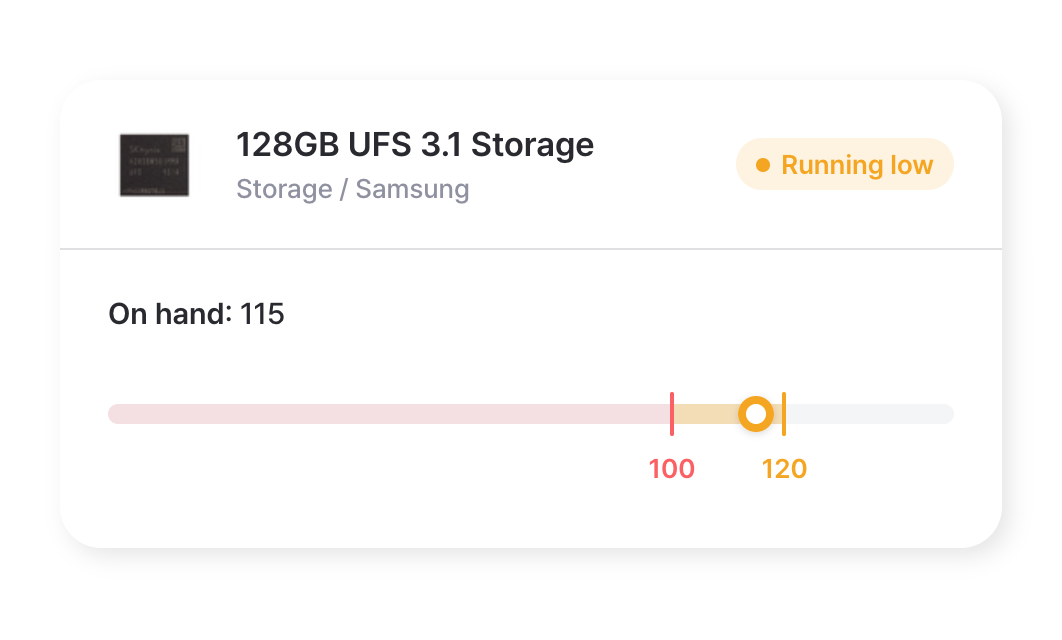
Early Warning
Items show as running low once they reach 1.2 times your safety level. It’s a heads-up to reorder before you hit the limit, not after.
Order to Demand
Order enough to meet demand without over-ordering. You keep less cash tied up in inventory and still avoid stockouts.
Low Stock List
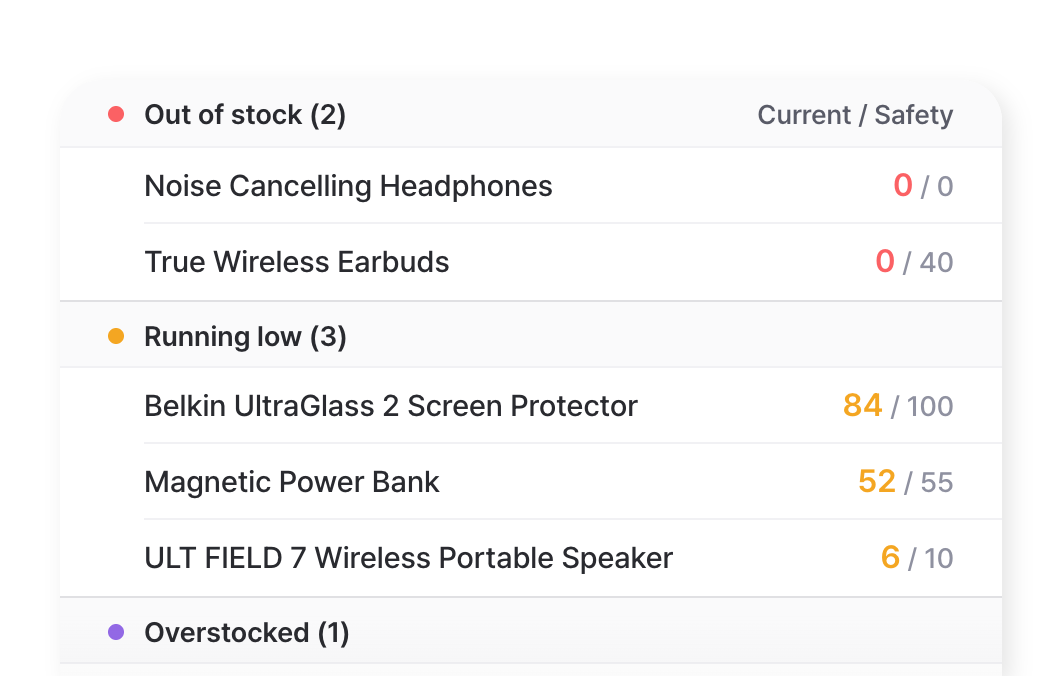
See every item that’s out of stock, running low, or overstocked on a single page. The ones that need attention are easy to spot at a glance.
Low stock comes to your phone
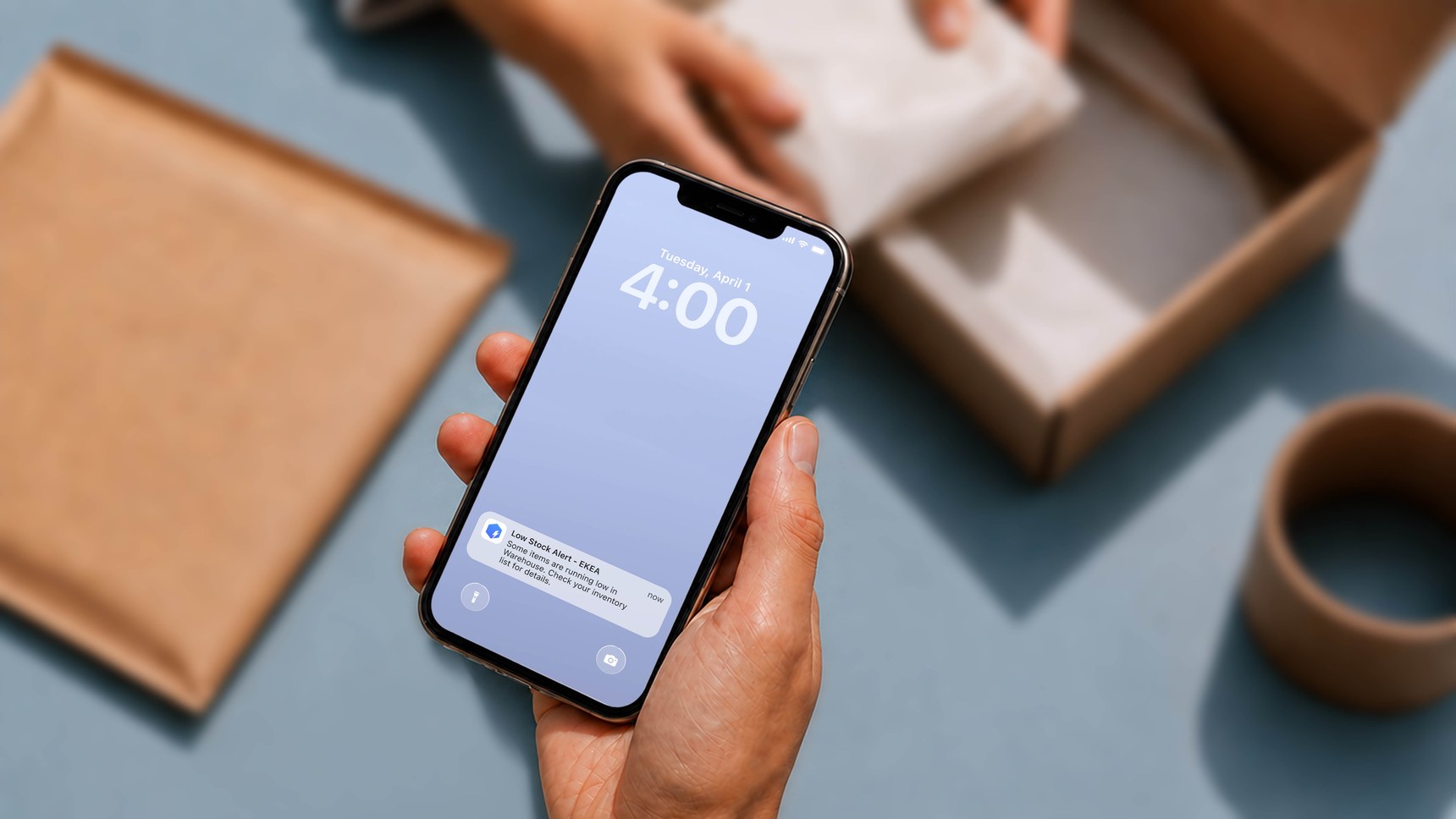
Your scheduled alert lists every item at or below its safety level, with its location, right on your phone. You reorder from there, without checking your inventory all day.
Check out other related features
 Learn more
Inventory Control
Track every item in one place with SKUs, photos, and custom attributes. Record cost and price for each one, and keep quantities accurate with every stock transaction.
 Learn more
Multiple Locations
Manage inventory across warehouses, stores, and stockrooms, all from one place. See how much you have at each site, and move stock between locations with full tracking history.
 Learn more
Reports
Build reports from your inventory and sales data, from stock value and turnover to profit. Use prebuilt formulas or write your own, filter by location and date range, then export to Excel.
FAQ
For each item, you set a safety stock level: the minimum quantity you want to keep. When an item’s stock reaches or drops below that number, BoxHero flags it as low and includes it in your next scheduled alert.
Alerts are delivered as push notifications through the BoxHero mobile app or by email. Turn on notifications for the app on your phone, or set up email notifications in your alert settings. You can view the full list of low stock items on web and desktop any time.
Yes. Set a safety stock quantity for each location, then choose which locations you want alerts for. You can track a specific site’s levels or the combined total across all sites.
Guides on safety stock and alerts
How to pick safety stock levels that fit your sales, and set up alerts you’ll actually act on.
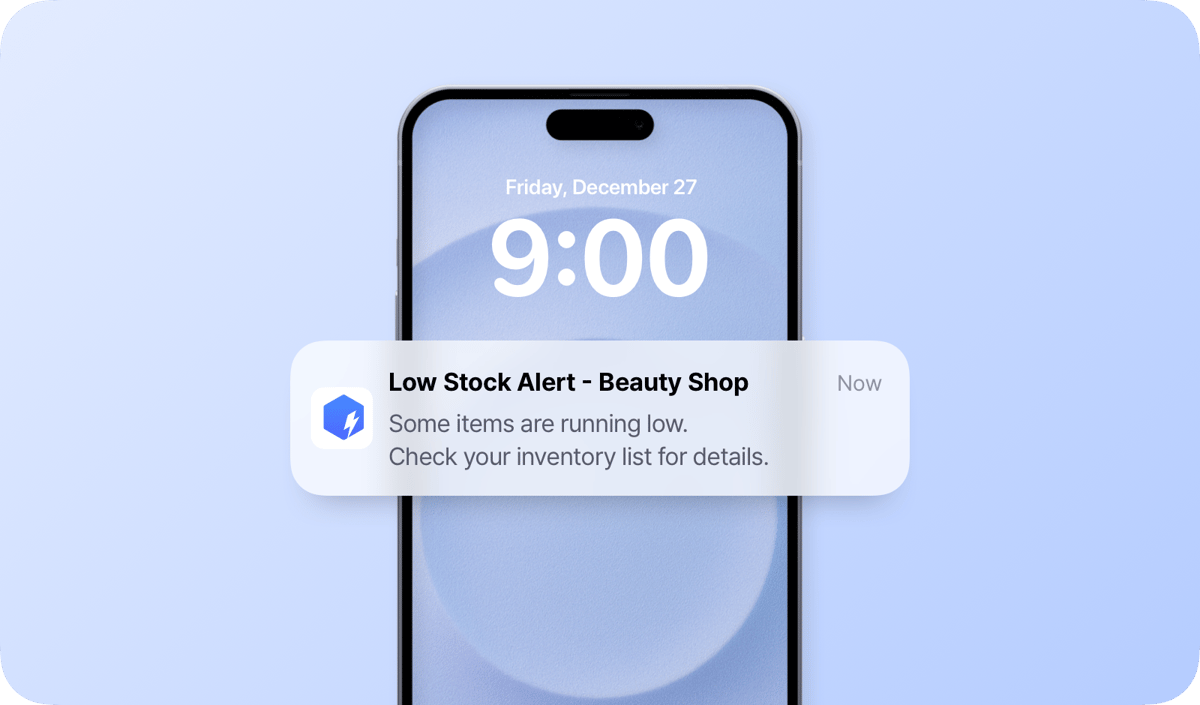
How to Set Up Low Stock Alerts with BoxHero
The step-by-step from the user guide. Set safety stock for each item or location, or update many at once from Excel. Then turn on push, email, or both, and let each teammate pick their own alert times and locations.
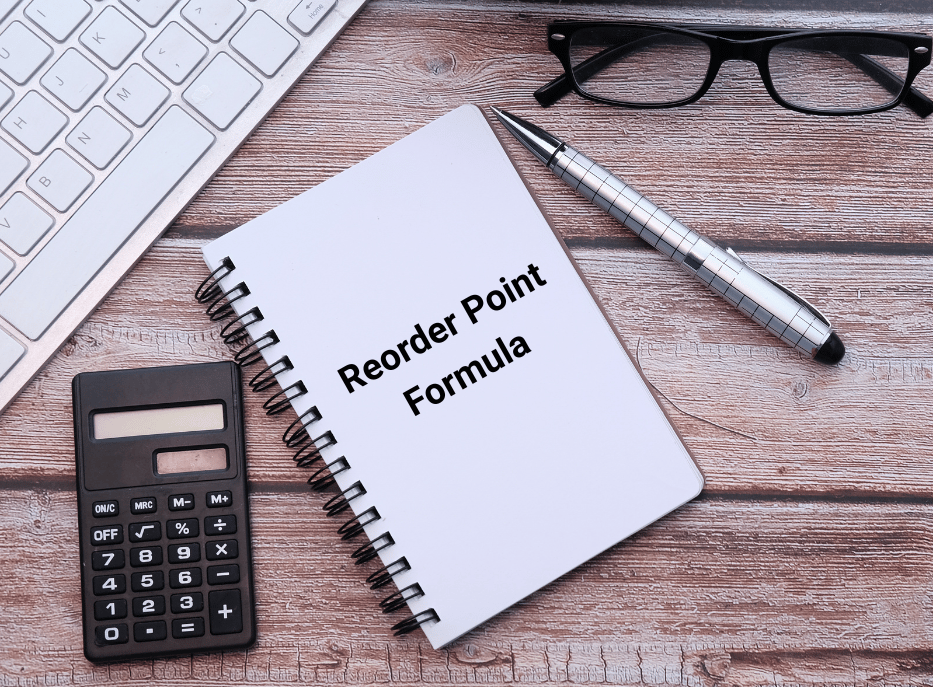
Find Your Reorder Point
Work through the reorder point formula, lead time demand plus safety stock, with real examples from a coffee shop, a clothing boutique, and a furniture maker. You’ll learn how to find the stock level that tells you when to order, and the mistakes that throw it off.
Supplier Lead Time & More
How long your supplier really takes, and why the consistency of that number matters more than the average when you set safety stock. Learn how to measure lead time for each item and supplier, plus practical ways to shorten it, from smaller orders to clear delivery terms.
Put your inventory on alert
Try BoxHero free for 30 days.
No credit card required.
Quick reference
 Help GuideFrom getting started to basic concepts, explore our detailed user guide to learn more about BoxHero.
 Contact UsHave a question or comment? Reach out to us and we’ll get back to you.
 GlossaryLearn about the most important inventory management and accounting terms and acronyms for small businesses.
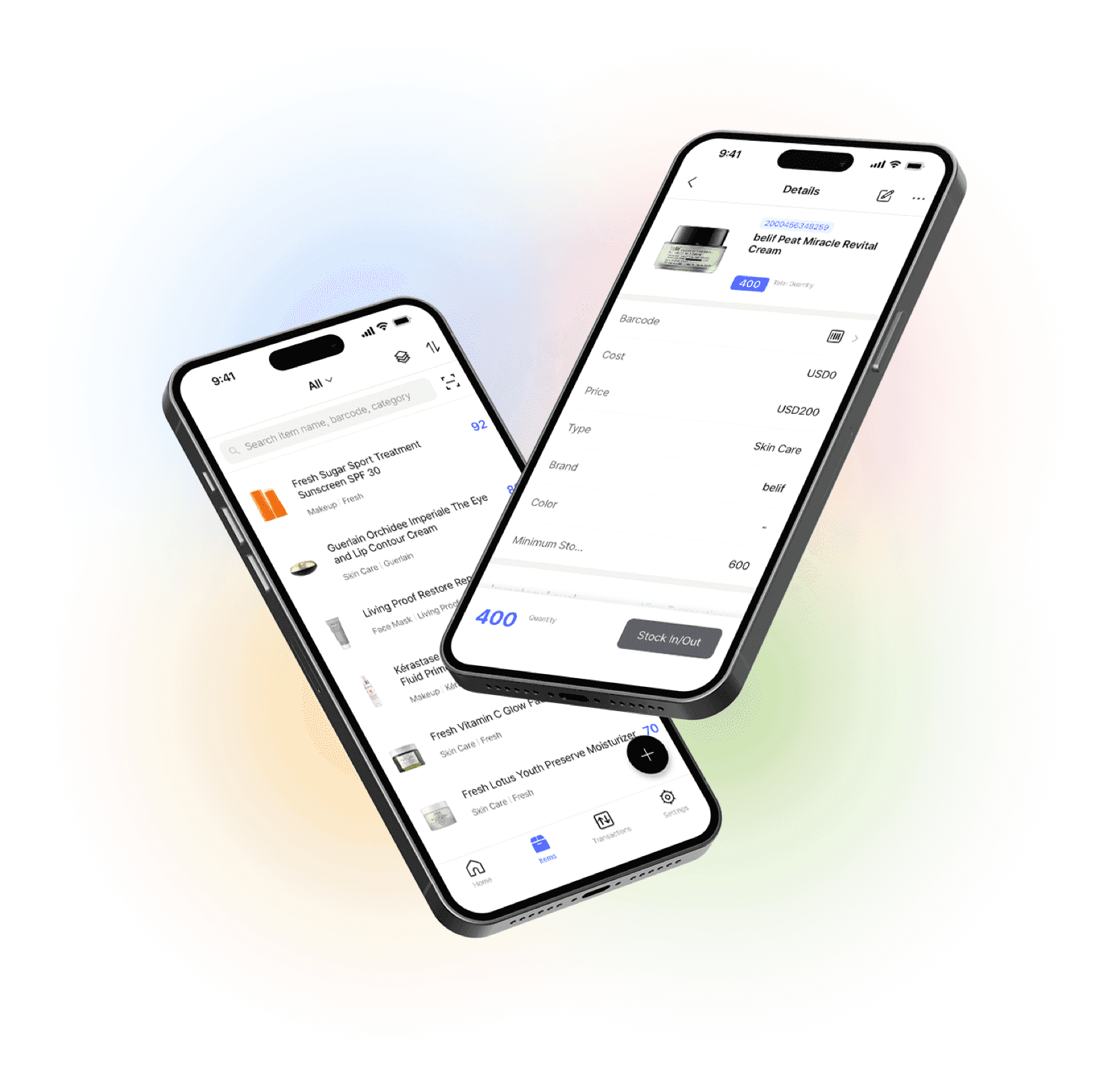
Manage your inventory from anywhere
Our mobile app makes it easy to control your inventory from anywhere. Use BoxHero on your phone, desktop, or tablet for automatic syncing.