
Inventory link
Answers to common questions about Inventory Links — how they work, who can access them, and how to keep your shared data secure.
Do external users need a BoxHero account to view the link?
Section titled “Do external users need a BoxHero account to view the link?”No. Anyone with the link can open it directly in a browser (no sign-up or login required). Inventory Links can be shared with suppliers, customers, and others who shouldn't be added to your team.
Do I need to create a new link every time I share my inventory?
Section titled “Do I need to create a new link every time I share my inventory?”No. You can keep using the same link — it always shows your latest inventory, so there's no need to create it again. If the page has been left open, refresh it to see the latest information.
Can I deactivate a link I've already shared?
Section titled “Can I deactivate a link I've already shared?”Yes, anytime. Go to Other Features > Inventory Link and select the link you want to deactivate.
Can external users edit my inventory through the link?
Section titled “Can external users edit my inventory through the link?”No. Inventory Links are strictly view-only. External users can see the data you've shared but cannot create, edit, or delete any items, transactions, or other inventory data.
Can I control what data is included in a link?
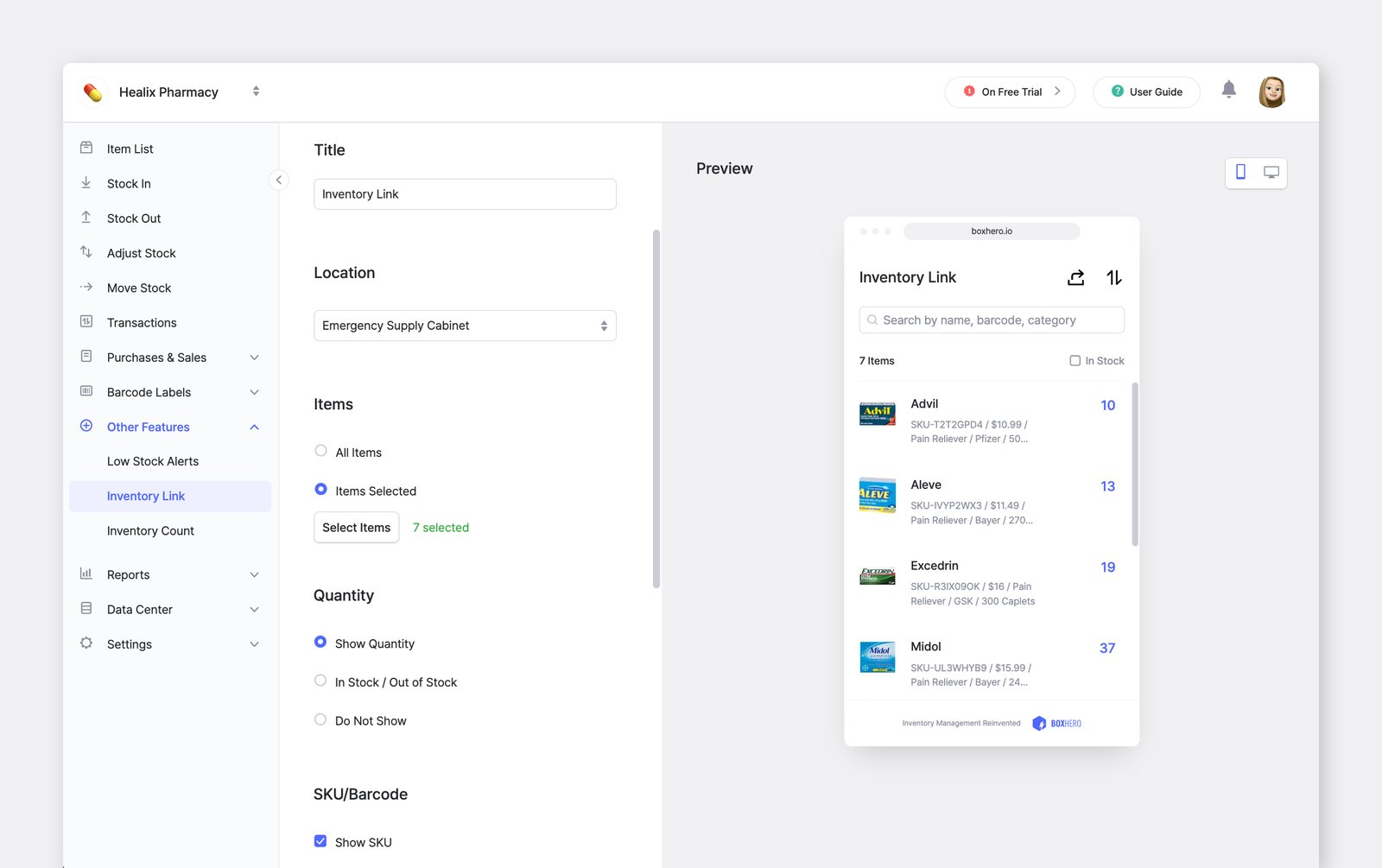
Section titled “Can I control what data is included in a link?”Yes. When creating a link, you can select specific items and choose which information is visible to external users. This means you can share, for example, just one product line with a supplier without exposing the rest of your inventory.
How secure is the Inventory Link?
Section titled “How secure is the Inventory Link?”Inventory Links only display the data you choose to include, and you can deactivate them at any time. Anyone with the link can view that data, so be thoughtful about what you share. If a link is going to be posted publicly, make sure it only includes information that's safe to share openly.
Can I password-protect an Inventory Link?
Section titled “Can I password-protect an Inventory Link?”Inventory Links don't currently support password protection. If you suspect a link has been shared with someone unintended, deactivate it immediately and create a new one for trusted recipients.
Can I see who has viewed an Inventory Link?
Section titled “Can I see who has viewed an Inventory Link?”View tracking and access logs are not currently available for Inventory Links.