Barcoding
Scan, print, and track in one app
Scan items to receive, move, and adjust stock in real time. Design custom labels in a drag-and-drop editor and print them on any printer you own. Phone, tablet, or desktop — your inventory stays in sync with every scan.
Start today with a 30-day trial.

Scan
Receive, move, and adjust stock in real time with a single scan.

Design
Build custom labels with your item details in a drag-and-drop editor.

Print
Print labels on office or thermal printers, with sizing handled for you.
Scan Barcodes
Receive shipments, transfer items between locations, and adjust quantities with a single scan. Every scan updates inventory in real time across desktop and mobile.
Stock In & Out
Track incoming and outgoing inventory with a single scan. Receive new shipments, fulfill orders, and update stock without typing a thing.
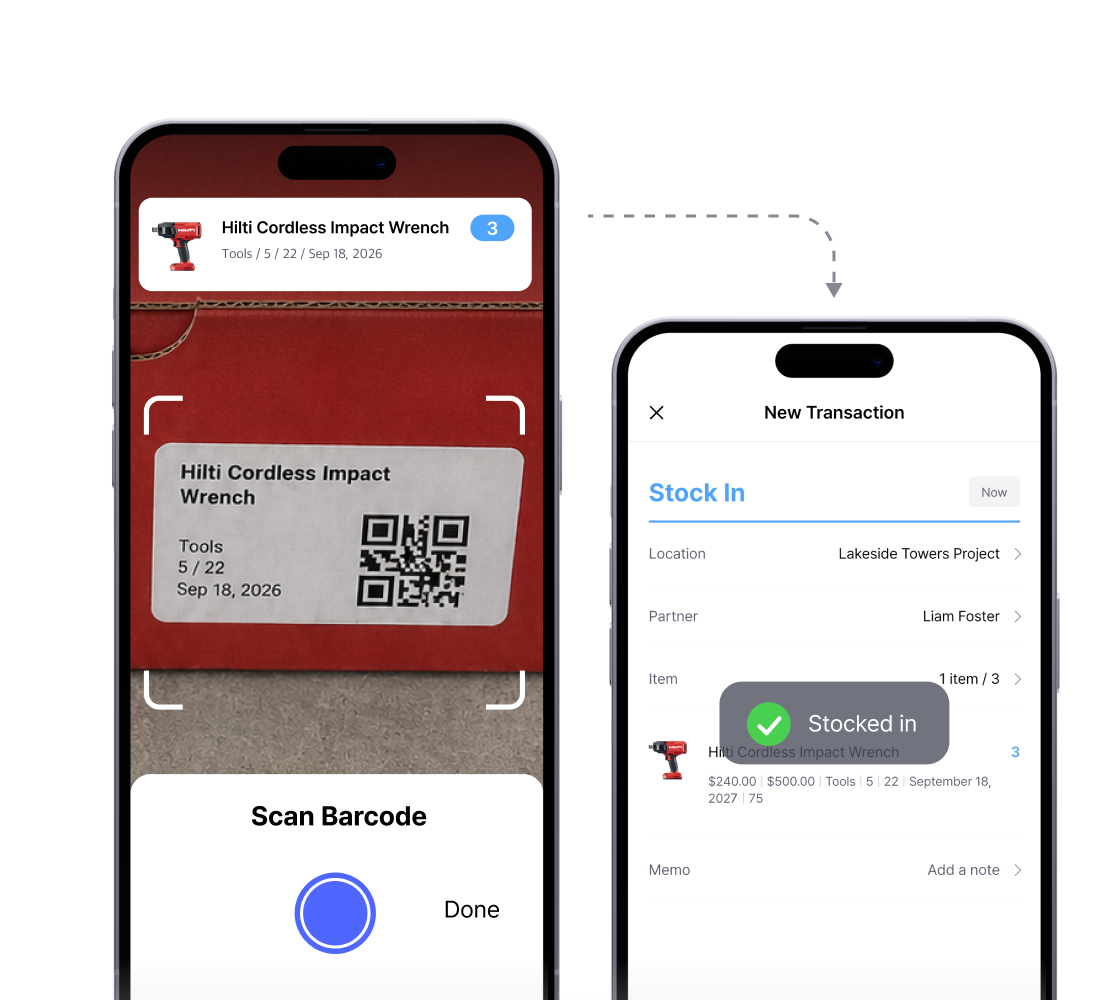
Move Stock
Transfer items between locations with a scan. You can track item movement across warehouses, stores, and storage sites without manual updates.
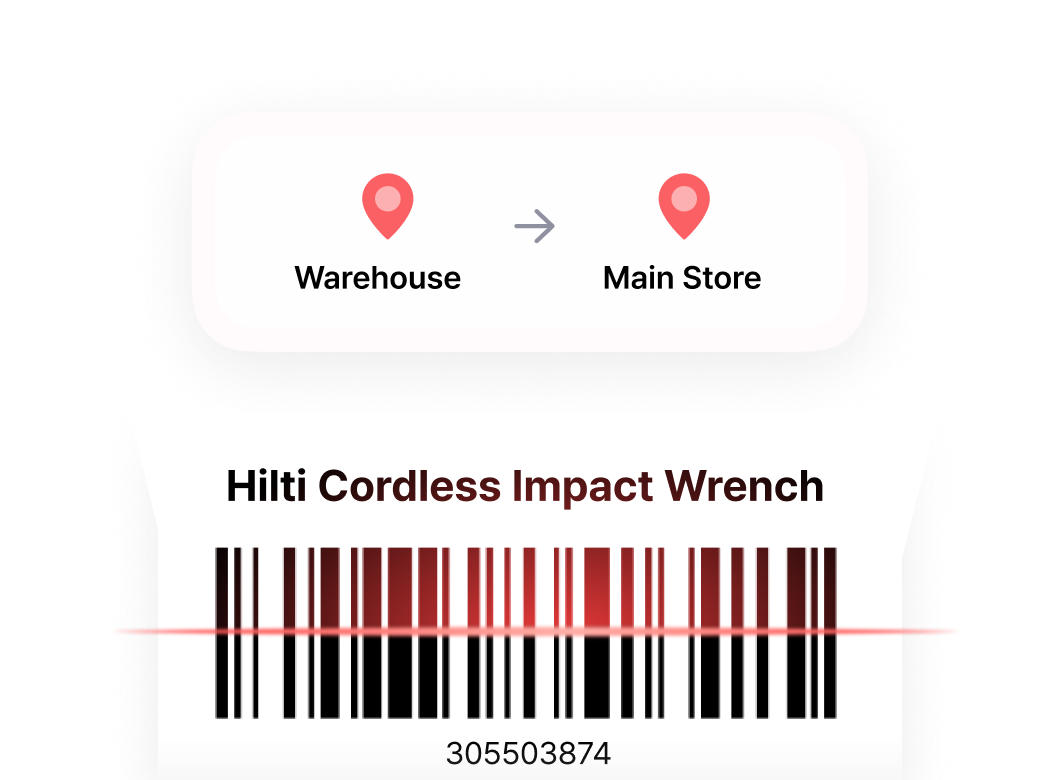
Adjust Stock
Scan item barcodes to verify quantities, spot discrepancies, and make adjustments on the spot. Works on desktop and mobile.
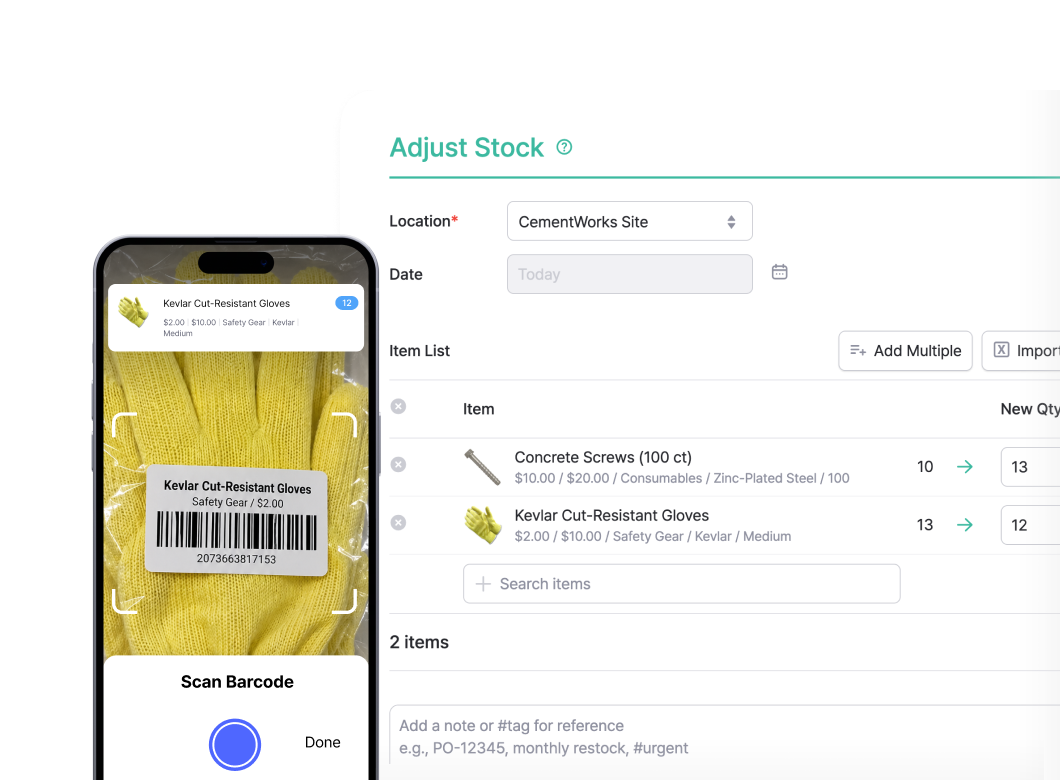
Print Barcodes
Print barcode labels directly from BoxHero on any printer. The desktop app handles driver setup, label sizing, and print quality for sharp, scannable barcodes.
Plug-and-Print Setup
Skip the driver installation and paper size configuration. BoxHero auto-detects your label size and optimizes print quality for sharp, scannable barcodes.
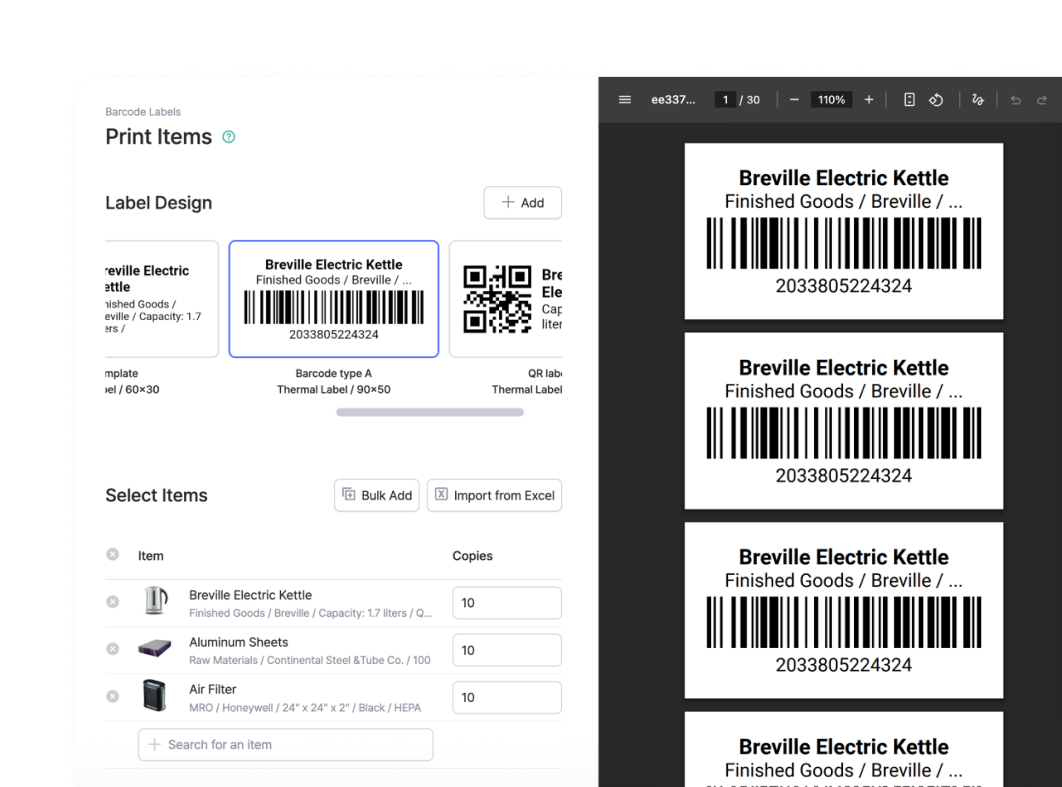
Printer Compatibility
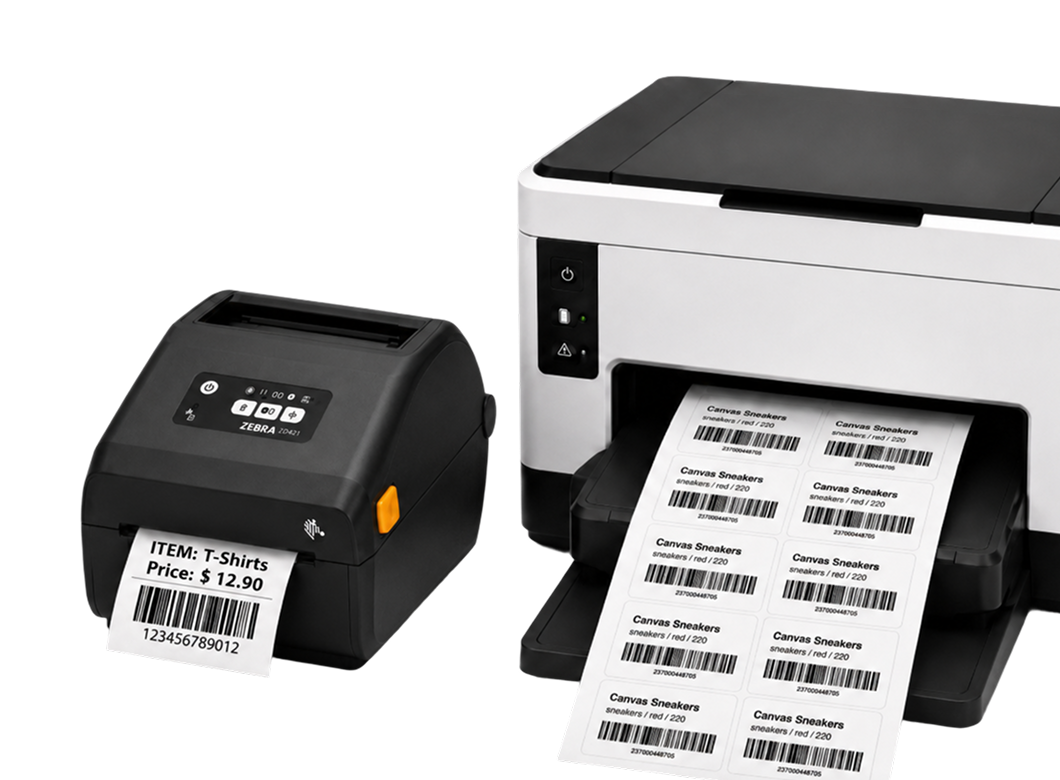
No specialized equipment required. BoxHero supports standard office printers with label sheets (Avery, Formtec, Printec) and thermal label printers from Zebra, Bixolon, and more.
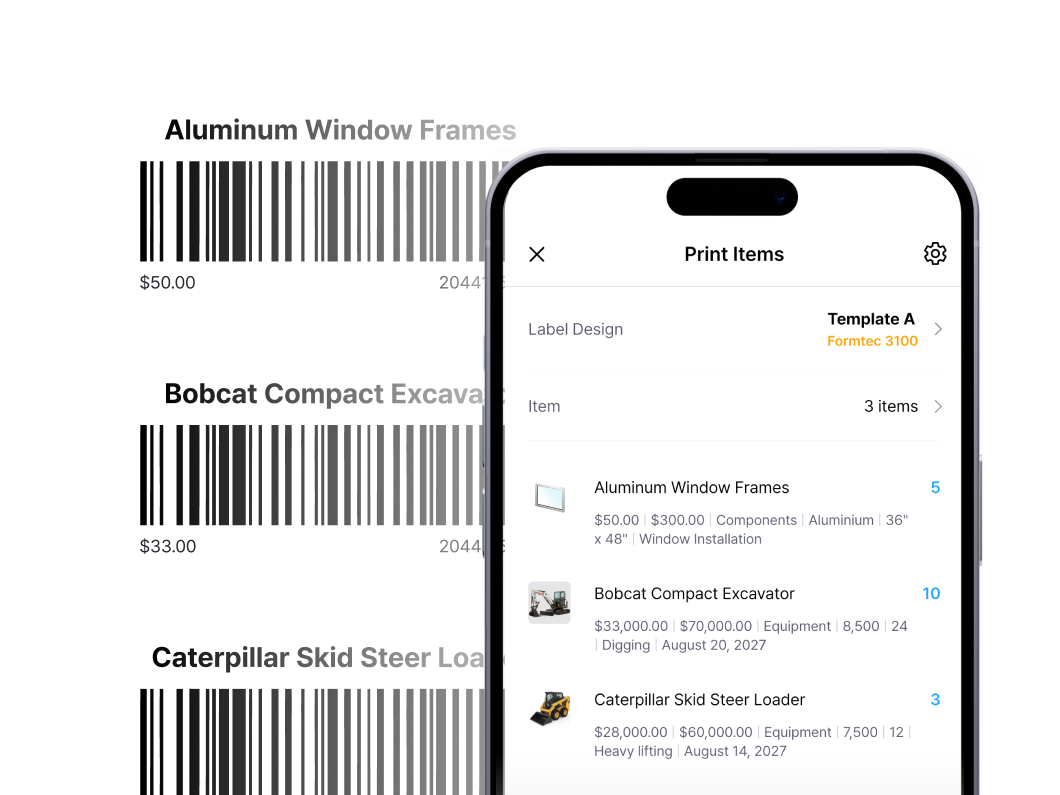
Mobile Printing
Print barcode labels directly from your phone over Bluetooth, Wi-Fi, or LAN. Update inventory and print labels on the spot, wherever you’re working.
Customize Labels
Design barcode labels exactly how you want them. Build from scratch using our custom label designer, with full control over every element.
Full Design Freedom
Place text, barcodes, QR codes, logos, and shapes anywhere on the canvas with our drag-and-drop label designer. Rotate, resize, and reposition as needed.
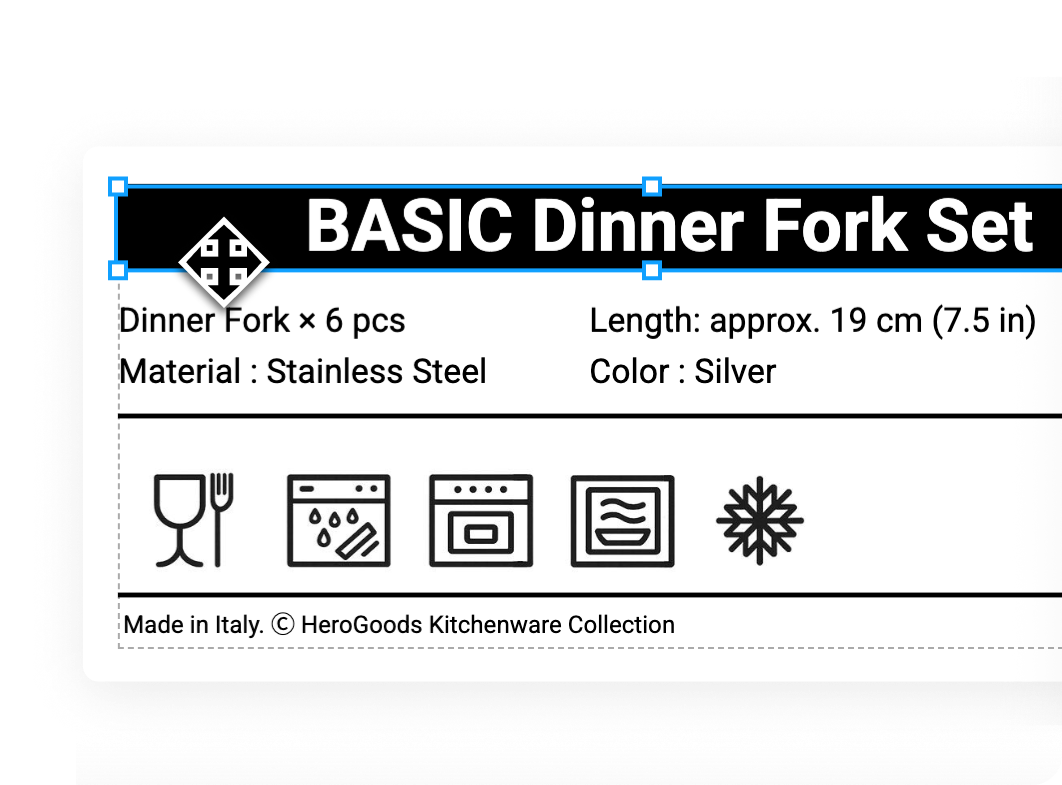
Brand-Ready Labels
Upload your company logo or any image to keep labels on-brand. Insert rectangles, dividers, and shapes to organize your design.
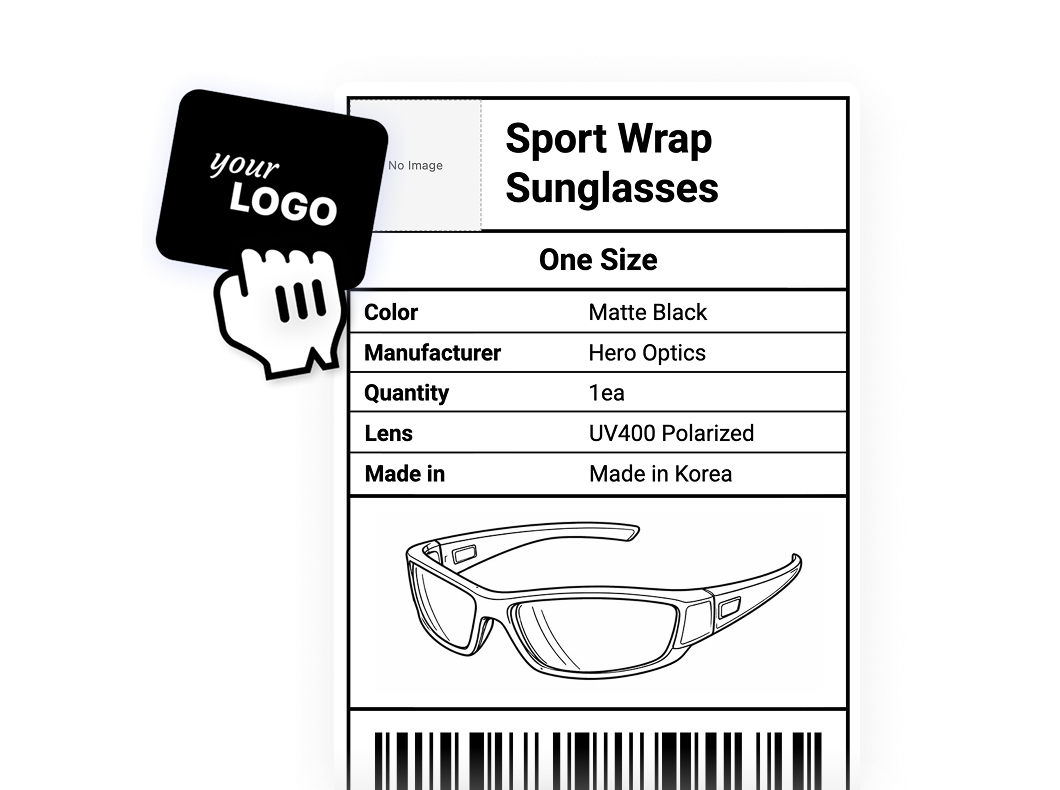
Live Inventory Data
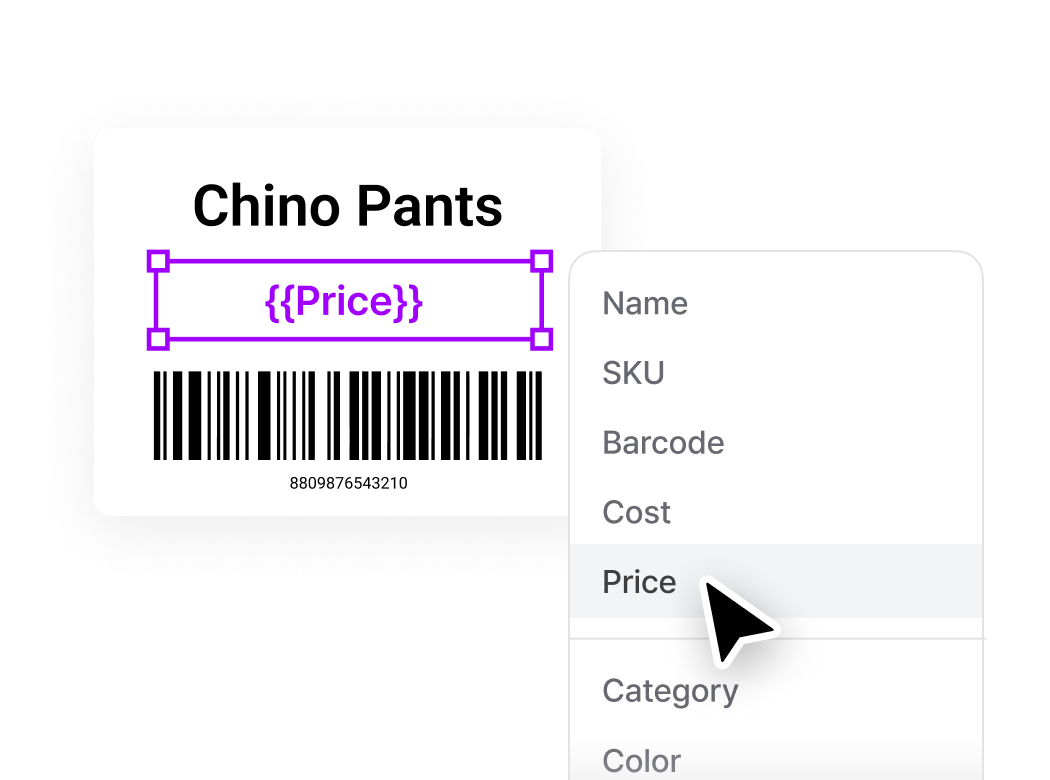
Use variable fields to auto-populate label content from your inventory: item name, SKU, price, and any custom attributes you track. Drop in a variable once to pull the right data automatically.
FAQ
BoxHero works with any standard barcode scanner, so you can choose based on budget, scan volume, and how you’ll use it day to day. Options range from roughly $30 for entry-level wireless models to $300+ for enterprise-grade scanners. If you don’t want to buy a scanner, use your phone’s camera through the BoxHero mobile app.
BoxHero works with any printer that connects to your computer or mobile device. For sharper, more durable labels, we recommend a thermal transfer printer from brands like Zebra. For mobile printing, make sure your printer supports Bluetooth, Wi-Fi, or LAN, and that it’s on the same network as your phone or tablet.
If your barcodes are printing rotated, blurry, or misaligned, the paper size or printer settings likely need to be adjusted. The easiest fix is to use BoxHero’s desktop app, which auto-detects label sizes and handles print quality without manual configuration. For more detailed troubleshooting, see our docs.
Yes. BoxHero’s custom label designer lets you upload images, add shapes, and pull in variable data fields like item name, SKU, and price. You can design from scratch or start from one of our pre-built templates.
Use the hardware you already have
BoxHero supports thermal printers and PDA scanners, so your labeling and scanning workflow fits right into your existing hardware. Follow our step-by-step guides to connect your devices, from driver setup to your first print or scan.
Thermal Printer
Use a thermal printer for clean, durable barcode labels. Connect on desktop or mobile, install the drivers, and print your first label in minutes.
Learn more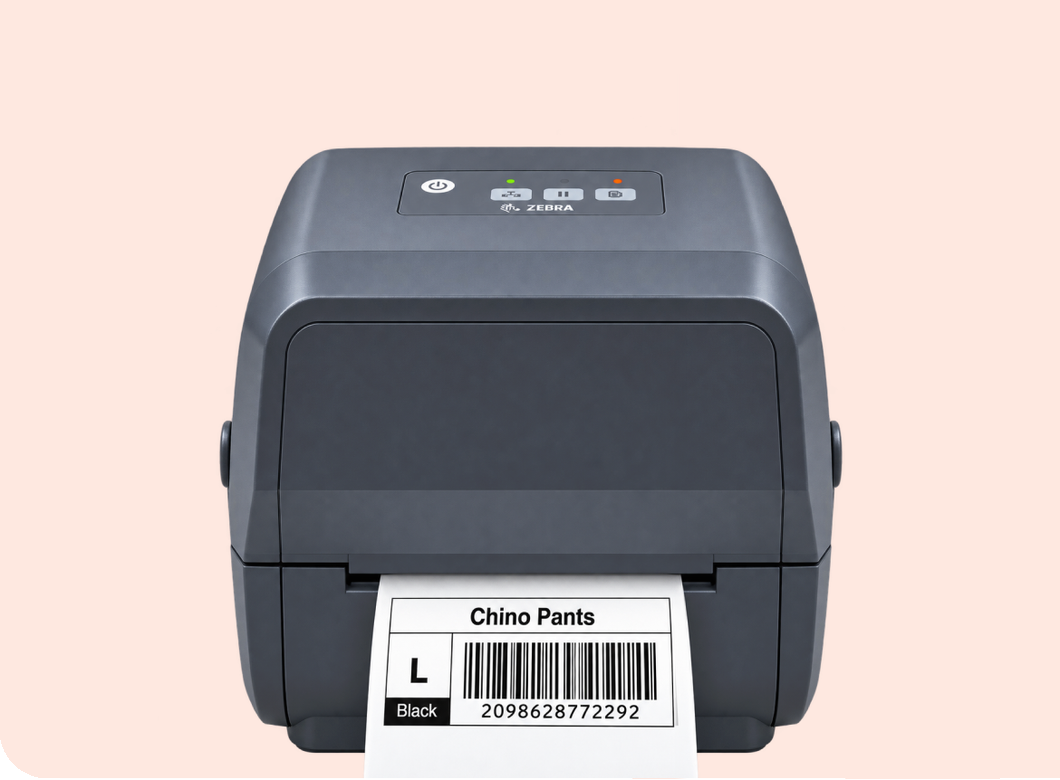
PDA Scanner
Bring a rugged handheld into your workflow for fast, high-volume scanning. Set up the built-in scanner once, and every barcode goes straight into BoxHero.
Learn more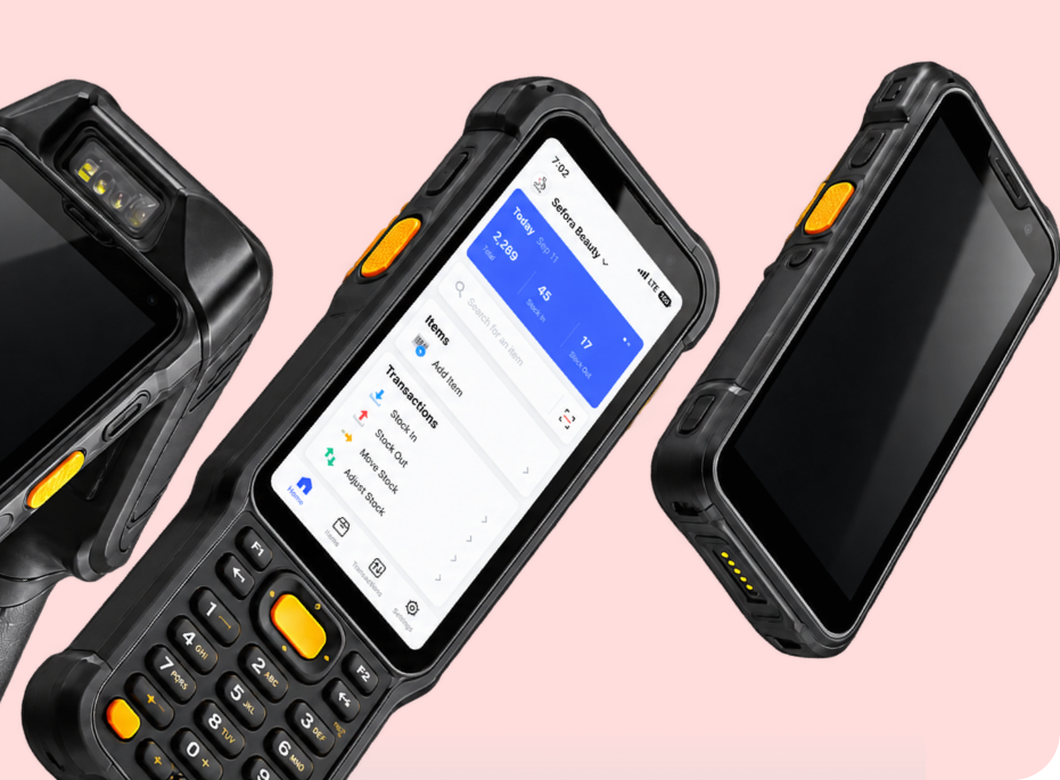
Check out other related features
 Learn more
Stock Count
Run full or partial counts with your team, splitting the work into task sheets by area or shelf. Review every difference against recorded quantities, then apply the results in a single step.
 Learn more
Multiple Locations
Manage inventory across warehouses, stores, and stockrooms, all from one place. See how much you have at each site, and move stock between locations with full tracking history.
 Learn more
Excel Import & Export
Add and update items straight from a spreadsheet, from prices and quantities to SKUs. Download a template that matches your columns, then export back to Excel whenever you need.
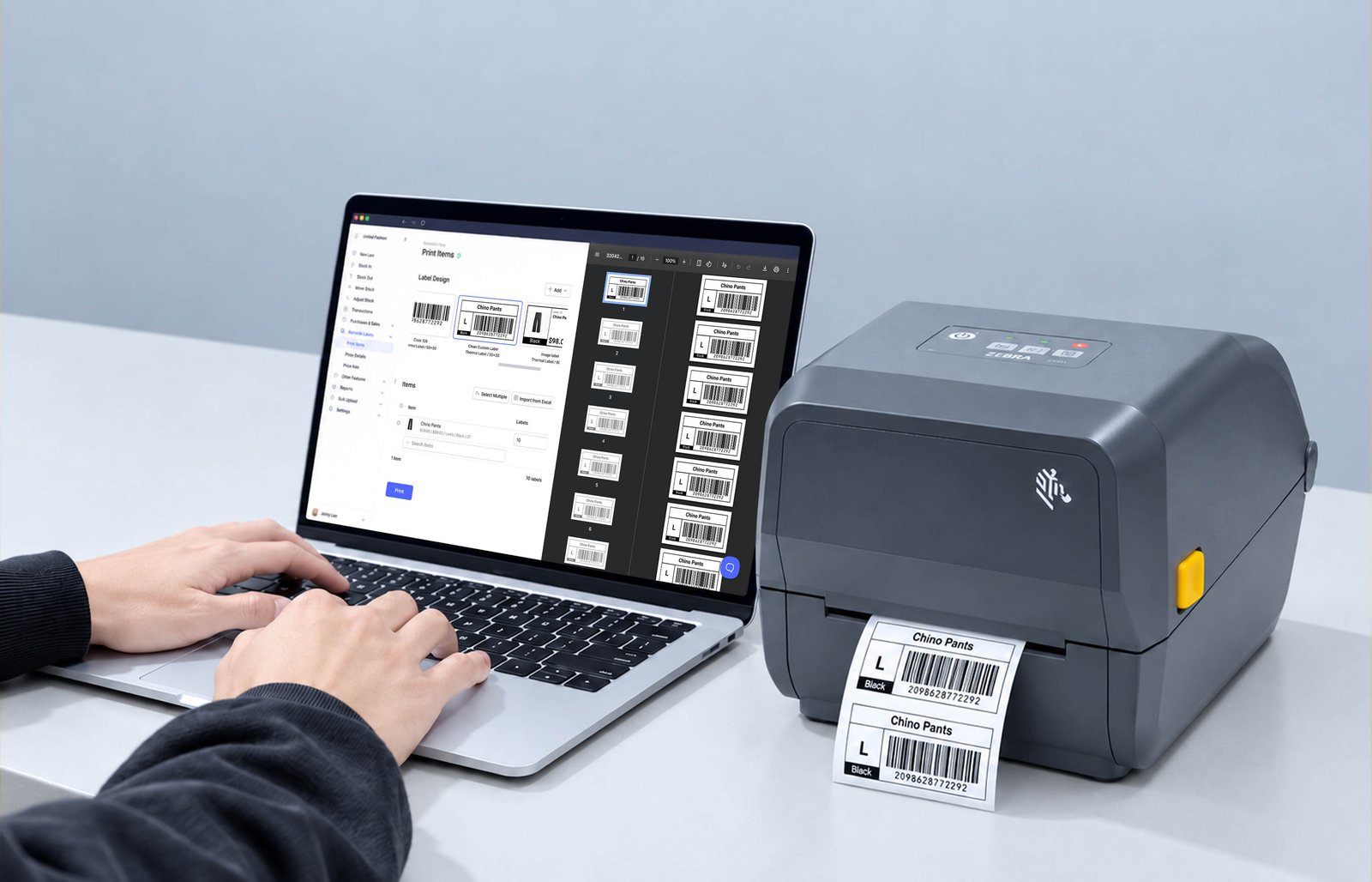
Built-in barcode label design and printing
With BoxHero, you can scan barcodes with your phone or external scanner, design custom templates, and print clear labels on any printer you own.
Make the most out of barcodes
Get tips and updates on connecting barcode scanners and printers with BoxHero.
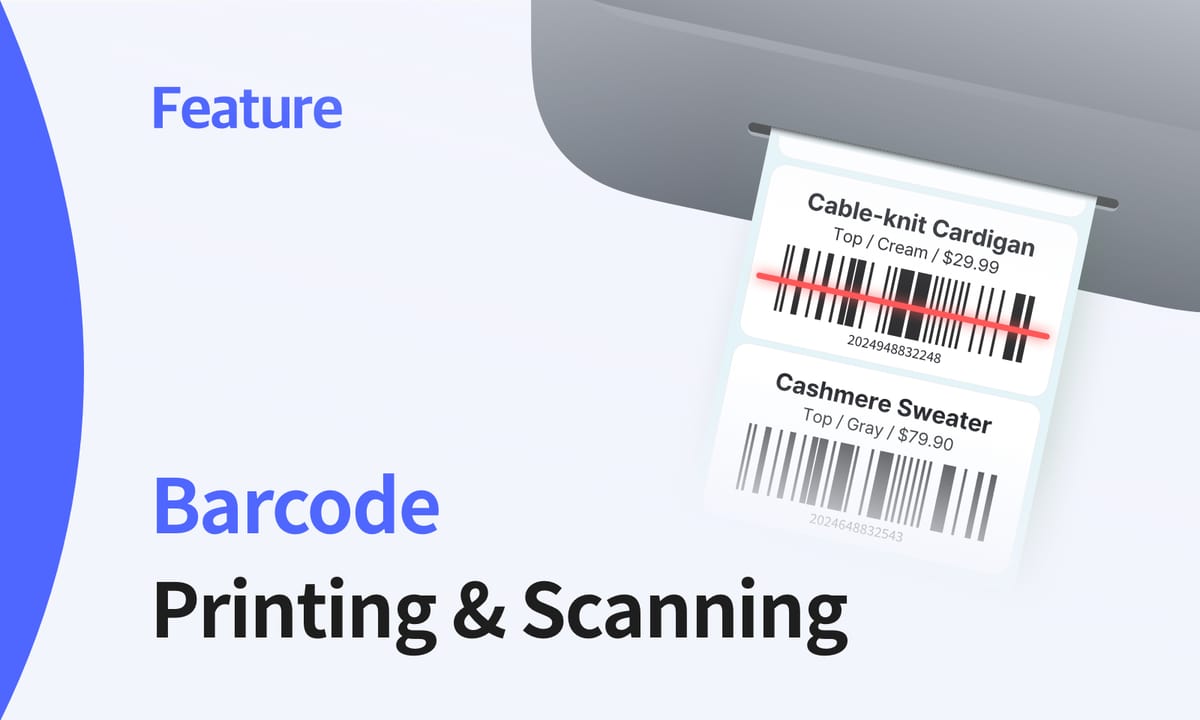
Barcoding for Small Businesses: How to Print and Scan with BoxHero
You don’t need warehouse hardware to barcode your inventory, just a phone and a label printer. This guide covers how scanning and printing work, which formats to pick, and how to set both up.
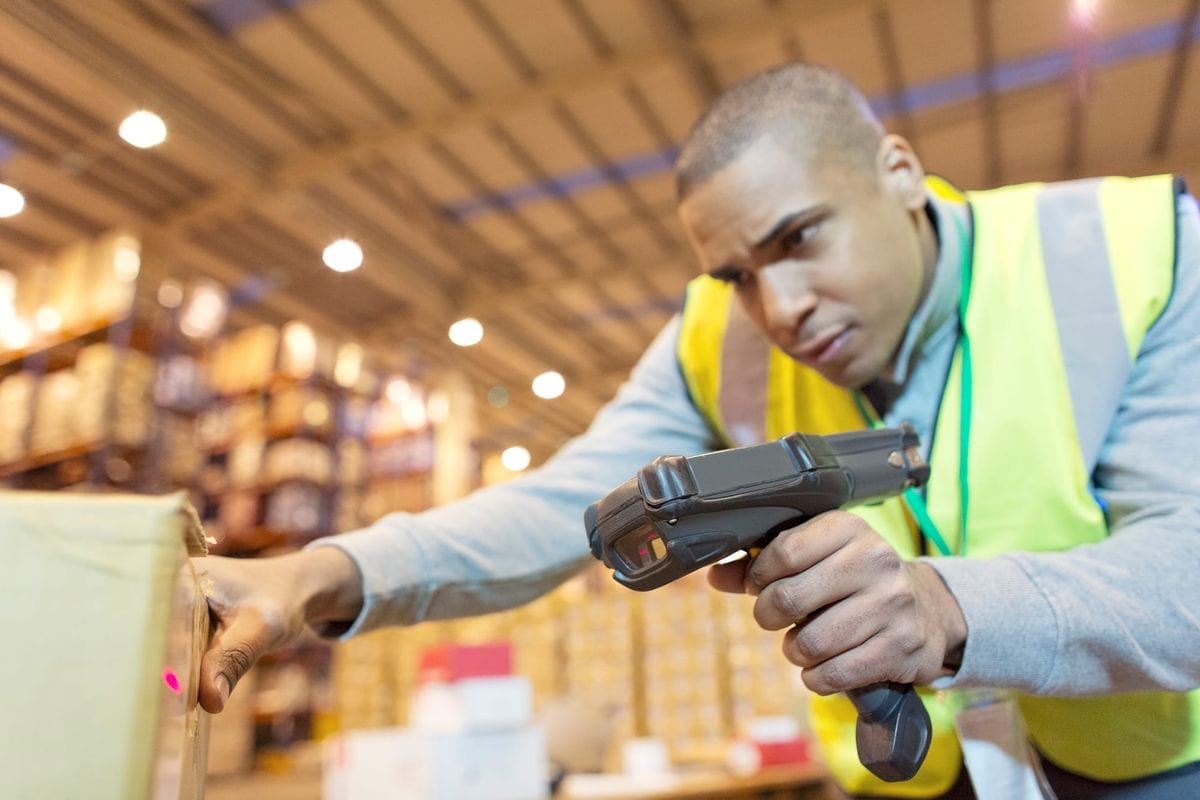
Barcode or RFID? Choosing the Right Technology for Your Inventory System
Deciding between barcodes and RFID technology can significantly impact how your business manages inventory. Learn about the strengths and limitations of both and how to determine which one is best.
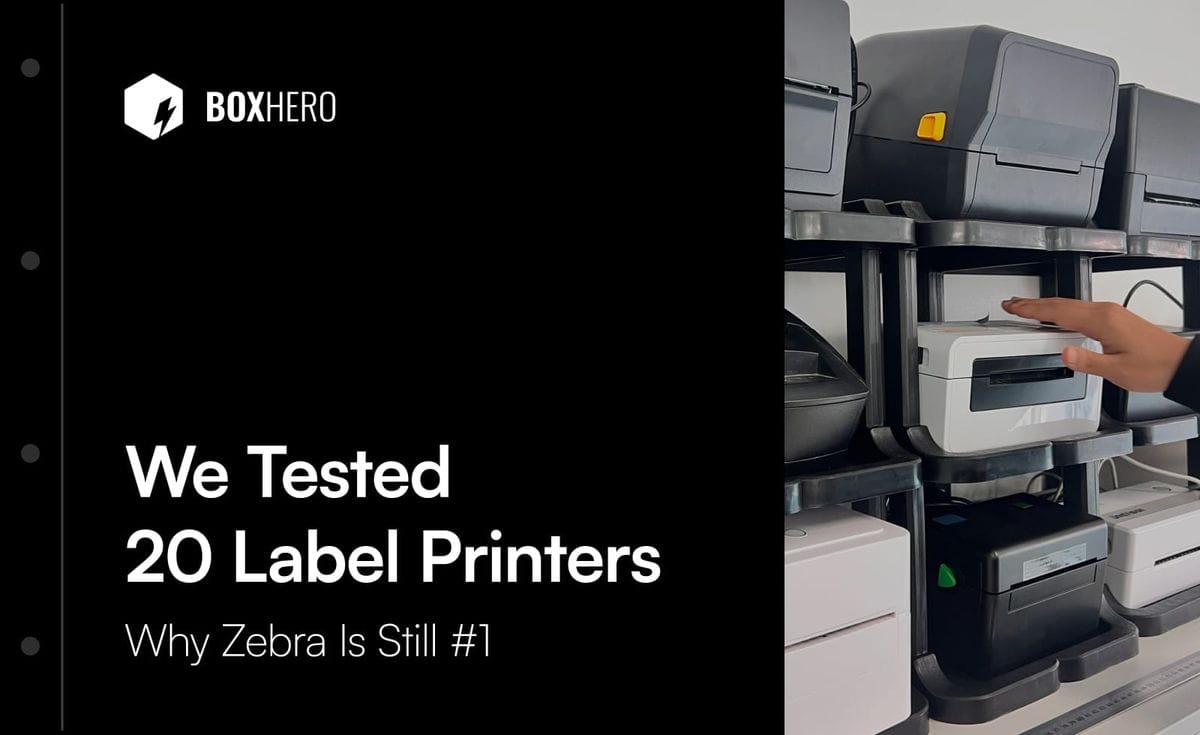
Why Zebra Is #1 in Label Printers: We Tested 20 Machines
Everyone says Zebra makes the best label printer, but rarely why. We bought 20 thermal printers and ran them through weeks of real use. Here’s what set Zebra apart, and where it falls short.
Start scanning and printing labels today
Try BoxHero free for 30 days.
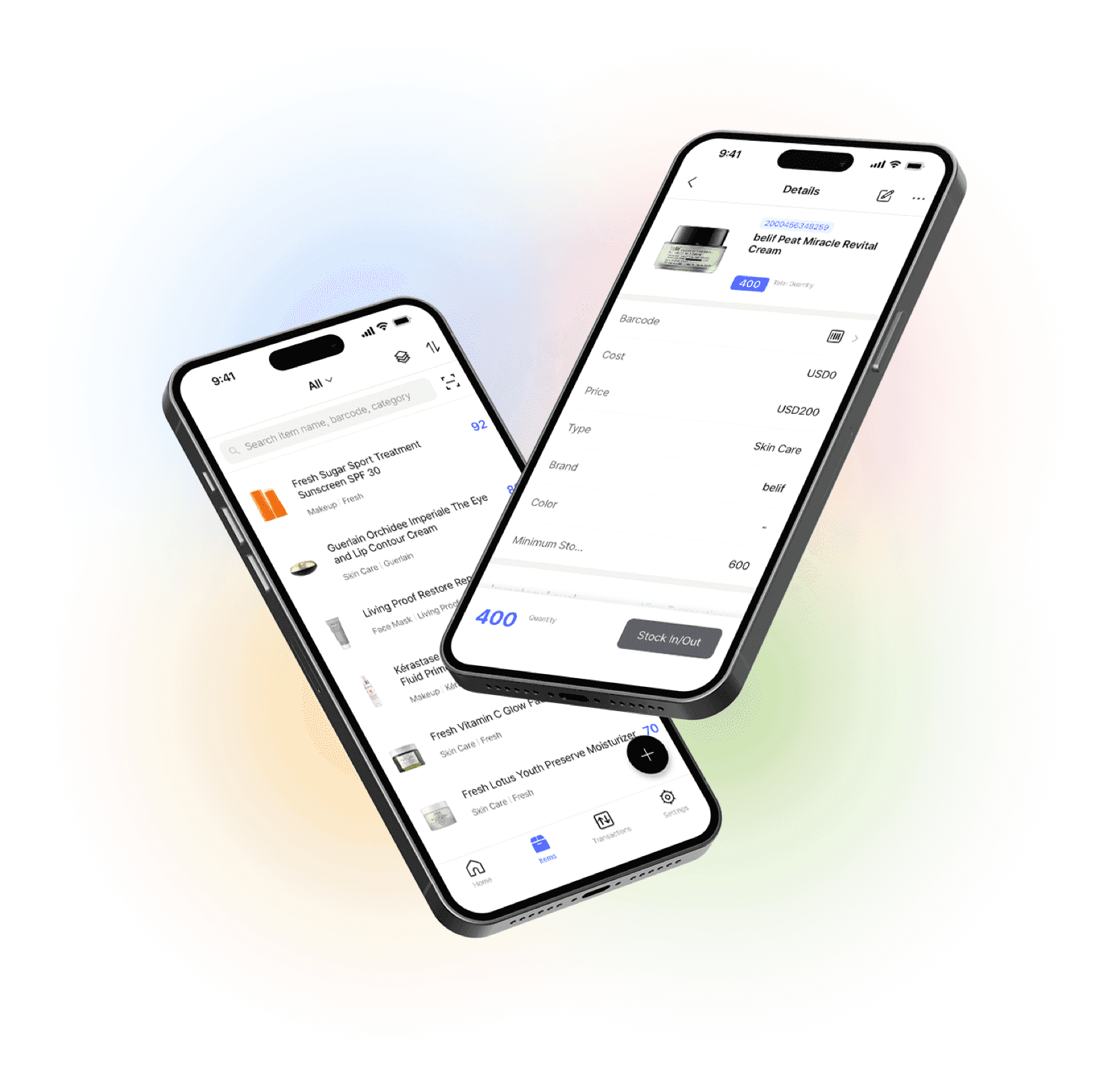
Scan barcodes on the go
Our mobile app makes it easy to control your inventory from anywhere. Use BoxHero on your phone, desktop, or tablet for automatic syncing.


Quick reference
 Help GuideFrom getting started to basic concepts, explore our detailed user guide to learn more about BoxHero.
 Contact UsHave a question or comment? Reach out to us and we’ll get back to you.
 GlossaryLearn about the most important inventory management and accounting terms and acronyms for small businesses.