# Guides

***

## Getting Started with BoxHero

#### **How to Set Up Your BoxHero Account**

Get up and running in minutes. This guide covers creating your team, inviting members, and configuring your first location so you can start tracking inventory right away.

{% content-ref url="../getting-started" %}
[getting-started](https://www.boxhero.io/docs/getting-started)
{% endcontent-ref %}

#### **How to Import Your Inventory from Excel**

Already have product data in a spreadsheet? Learn how to format your file, map columns to BoxHero attributes, and bulk-import items without manual data entry.

[*Read the full guide*](https://www.boxhero.io/blog/import-excel-boxhero-guide/)

#### **How to Create and Assign Custom Attributes**

Go beyond basic item names. Set up attributes like brand, color, size, or expiration date to organize inventory the way your business actually works.

[*Read the full guide*](https://www.boxhero.io/blog/how-to-organize-inventory-with-attributes)

***

## Barcode Printing & Label Setup

**How to Design Custom Barcode Labels in BoxHero**

Choose from built-in templates or build your own layout from scratch. This guide explains how to add item attributes, adjust font sizes, and preview labels before printing.

[*Read the full guide*](https://www.boxhero.io/docs/key-features/print-barcode#b.-create-custom-design)

**How to Print Barcode Labels from Your Phone**

You don't need to be at a desk. Learn how to connect a Bluetooth or Wi-Fi printer to the BoxHero mobile app and print labels on the go.

[*Read the full guide*](https://www.boxhero.io/blog/mobile-barcode-printing-update)

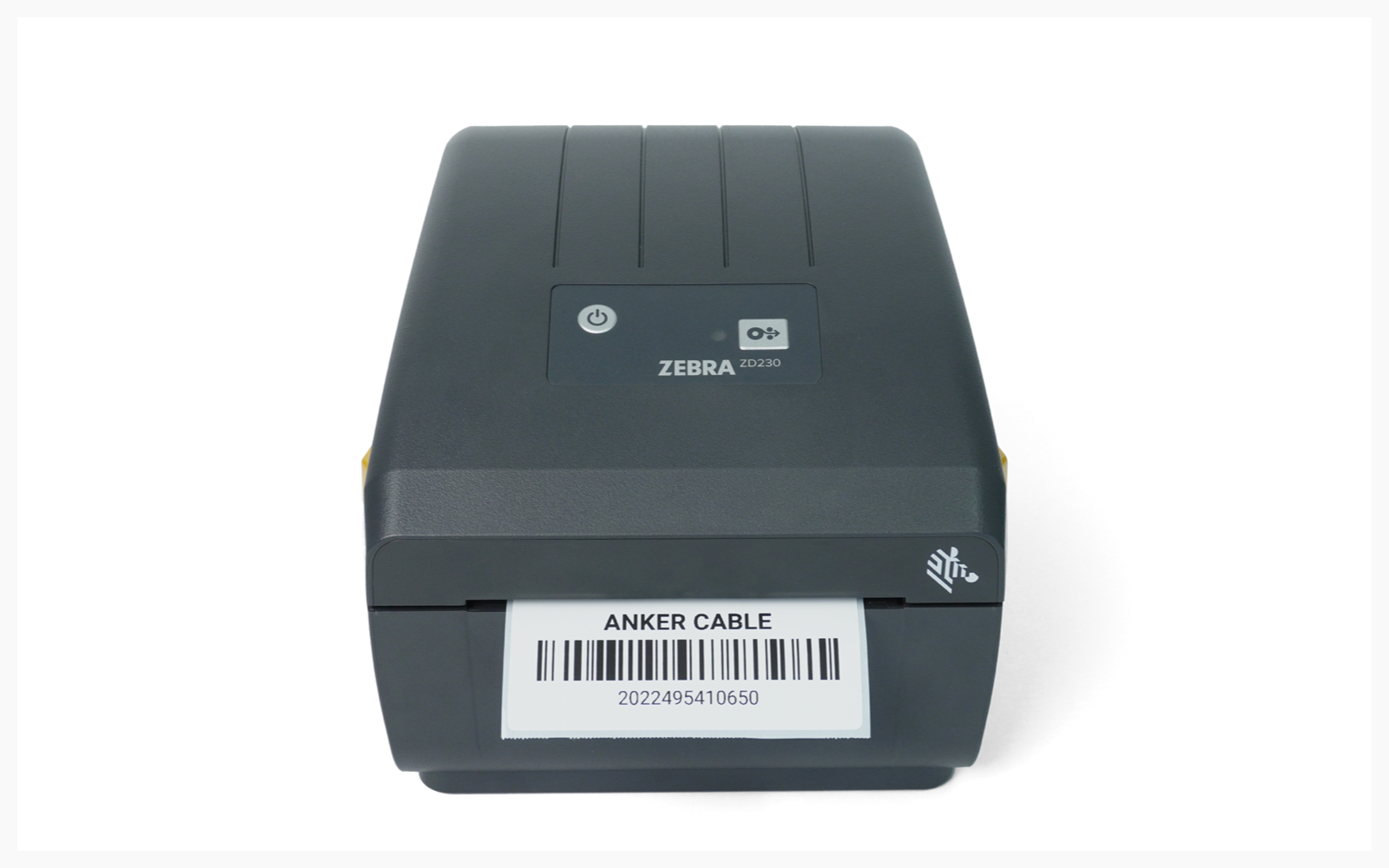
**How to Set Up the Zebra ZD230D with BoxHero**

A complete walkthrough for connecting the Zebra ZD230D direct thermal printer to BoxHero on both desktop and mobile, including driver installation and paper-size configuration.

{% content-ref url="guides/zebra-zd230d" %}
[zebra-zd230d](https://www.boxhero.io/docs/resources/guides/zebra-zd230d)
{% endcontent-ref %}

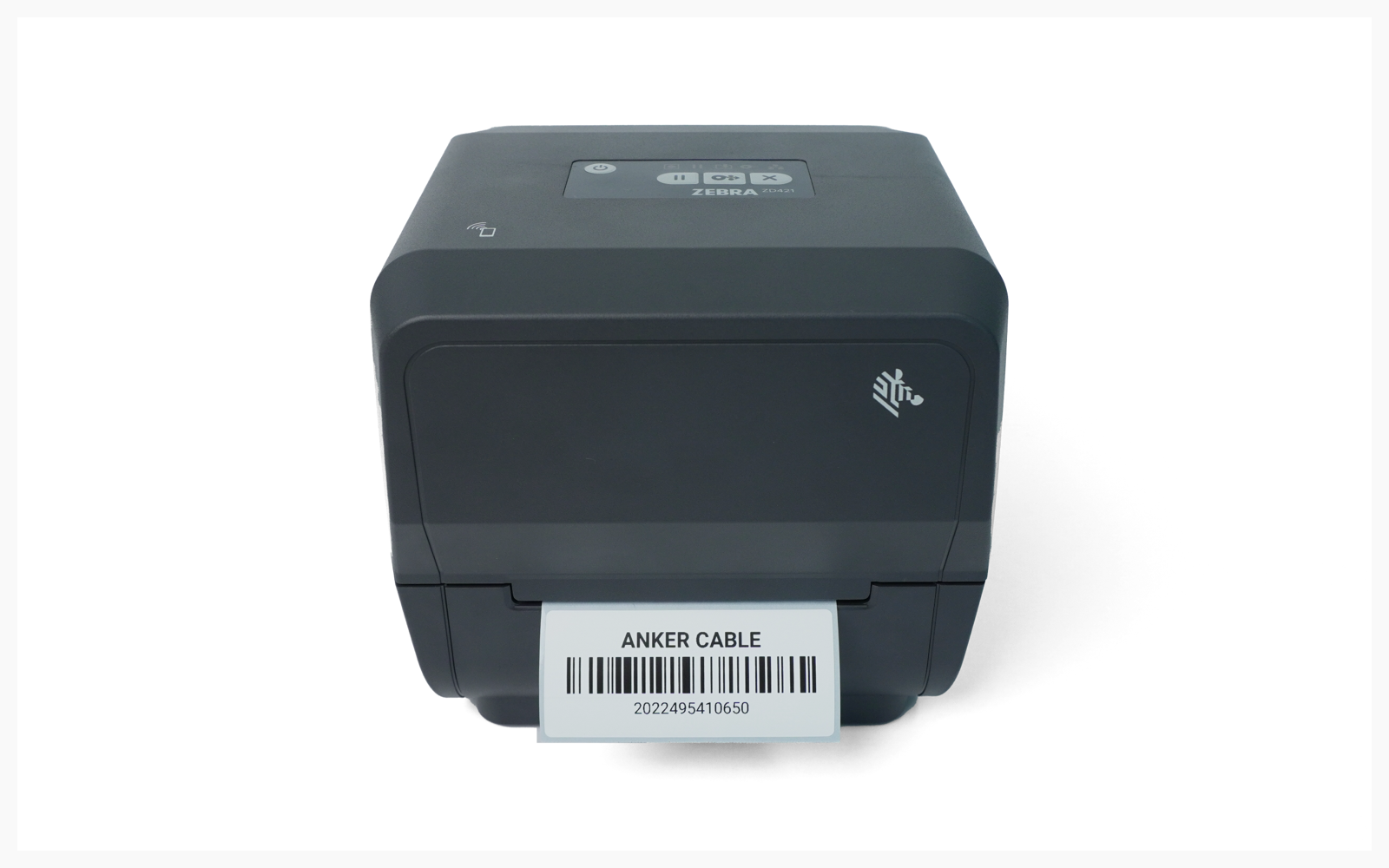
**How to Set Up the Zebra ZD421T with BoxHero**

Step-by-step instructions for the Zebra ZD421T thermal transfer printer — from unboxing to printing your first barcode label through BoxHero.

{% content-ref url="guides/zebra-zd421t" %}
[zebra-zd421t](https://www.boxhero.io/docs/resources/guides/zebra-zd421t)
{% endcontent-ref %}

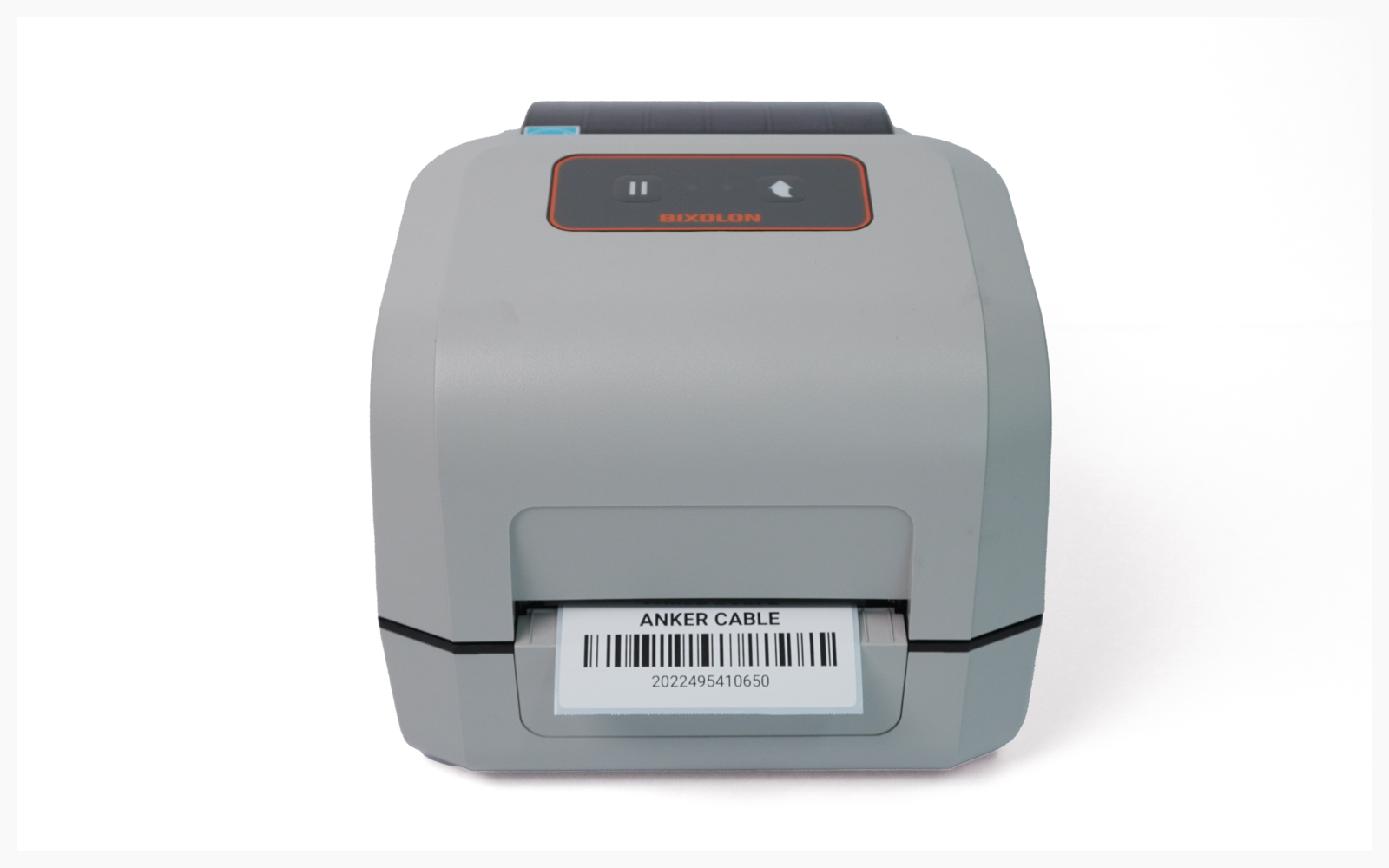
**How to Set Up the BIXOLON XD5-40 with BoxHero**

Everything you need to connect the BIXOLON XD5-40 to your computer or mobile device, including ribbon loading, driver setup, and label calibration.

{% content-ref url="guides/bixolon-xd5-40" %}
[bixolon-xd5-40](https://www.boxhero.io/docs/resources/guides/bixolon-xd5-40)
{% endcontent-ref %}


---

# Agent Instructions: Querying This Documentation

If you need additional information that is not directly available in this page, you can query the documentation dynamically by asking a question.

Perform an HTTP GET request on the current page URL with the `ask` query parameter:

```
GET https://www.boxhero.io/docs/resources/guides.md?ask=<question>
```

The question should be specific, self-contained, and written in natural language.
The response will contain a direct answer to the question and relevant excerpts and sources from the documentation.

Use this mechanism when the answer is not explicitly present in the current page, you need clarification or additional context, or you want to retrieve related documentation sections.