
Deleting your account
Learn how to transfer team ownership, delete a team or account, and export your inventory data.
Can I leave a team without deleting my account?
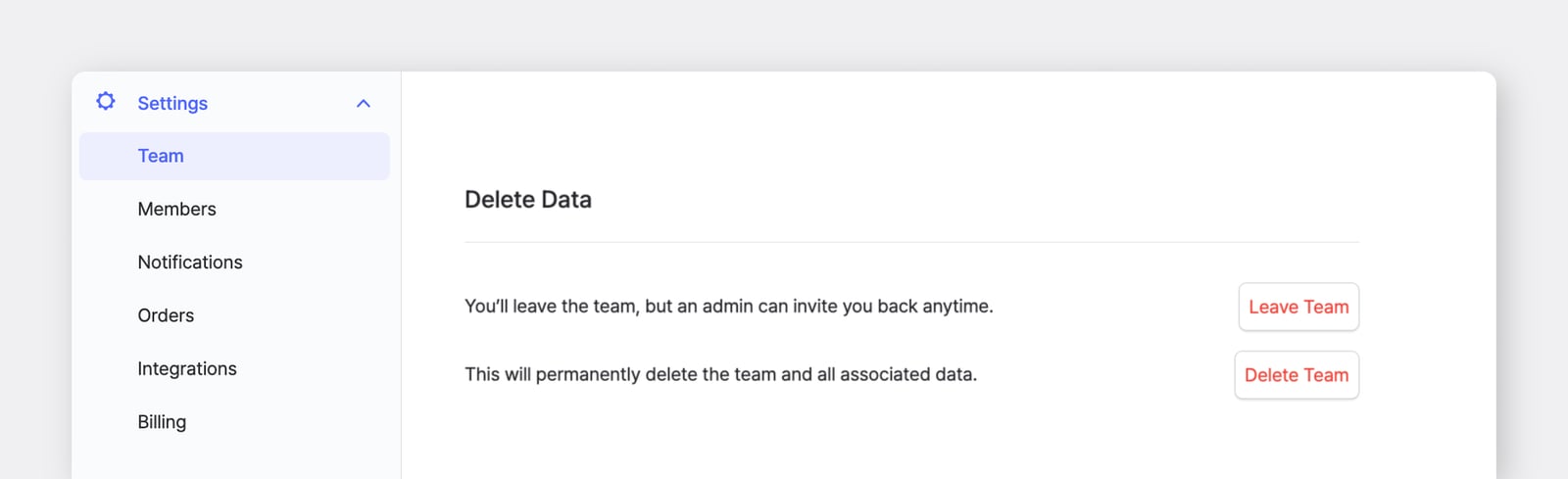
Section titled “Can I leave a team without deleting my account?”Yes — you can leave a specific team while keeping your account. Go to Settings > Team and select Leave Team next to your account. Your account will remain active, and you'll still have access to any other teams you belong to.
Note that if you're a team admin, at least one other member must have Admin access before you can leave the team.
How do I delete my team?
Section titled “How do I delete my team?”Go to Settings > Team > Delete Data > Delete Team. This will permanently remove the team and all associated data, and any members of the team will lose access.
How do I delete my account?
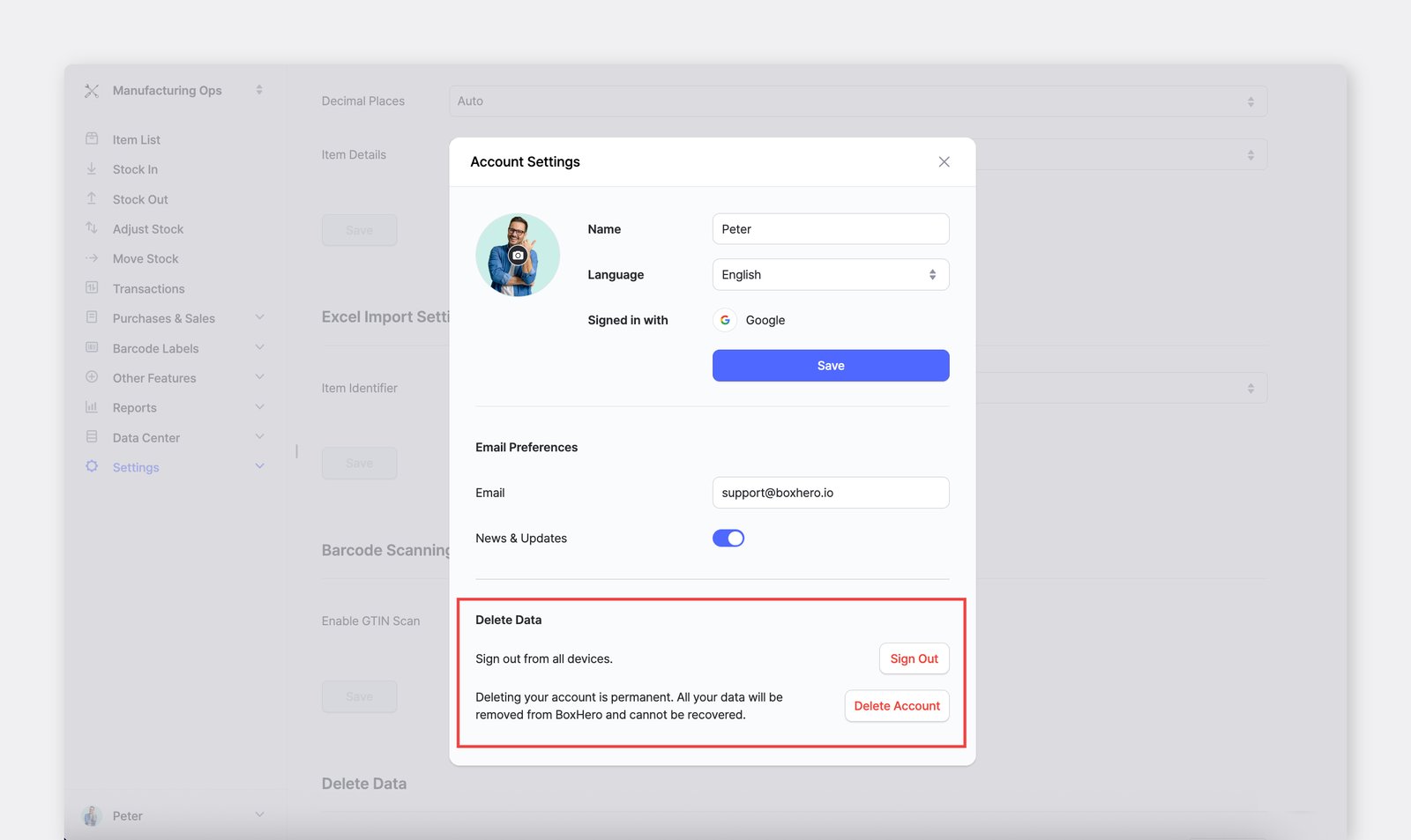
Section titled “How do I delete my account?”- On the web: Click your profile icon at the bottom-left of the sidebar to go to
Account Settings. InDelete Data, clickDelete Account. - On mobile: Go to
Settings, tap your profile picture in the top-right corner, then go toDelete Data>Delete Account.
This permanently deletes your BoxHero account. This action cannot be undone, so please make sure to export any data you need before proceeding.
What happens to my data if my team or account is deleted?
Section titled “What happens to my data if my team or account is deleted?”All data is permanently deleted and cannot be recovered. This includes items, transaction history, team settings, and any other information associated with the team or account. We strongly recommend exporting your data before deleting anything.
Can I export my data?
Section titled “Can I export my data?”Yes. You can use the Export to Excel feature to download your item list, transaction history, and other inventory data at any time. We recommend exporting periodically so you always have a backup of your records.