Plans & pricing
Learn about BoxHero's free and paid plans, including what's included in each, how the free trial works, available discounts, and how to manage your subscription.
What plans are available?
Section titled “What plans are available?”BoxHero offers two plans: the Personal Plan (free) for individual use, and the Business Plan (paid) for teams.
- Personal Plan — Free forever. Includes 1 member, 100 items, and 1 location, with access to core inventory features only.
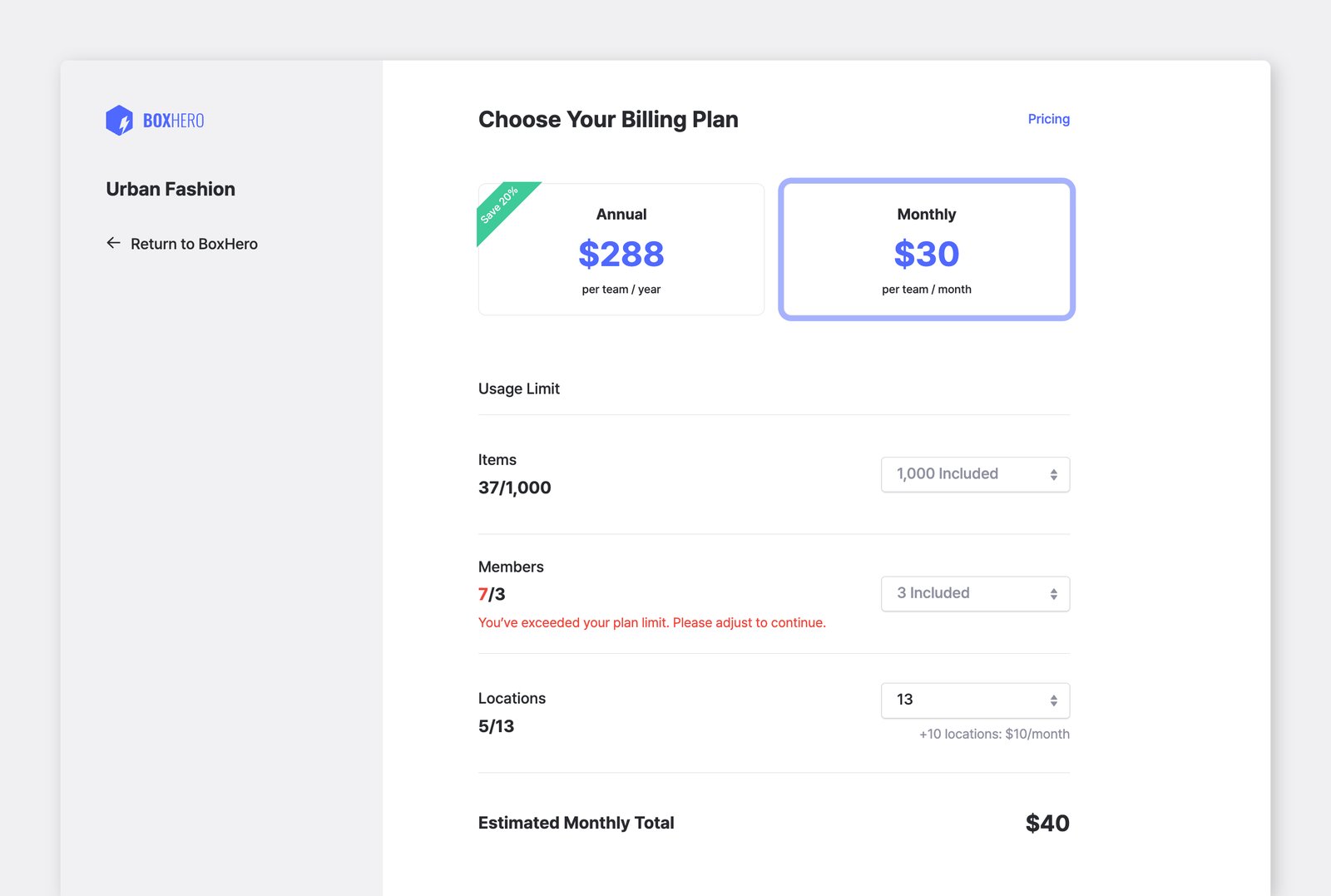
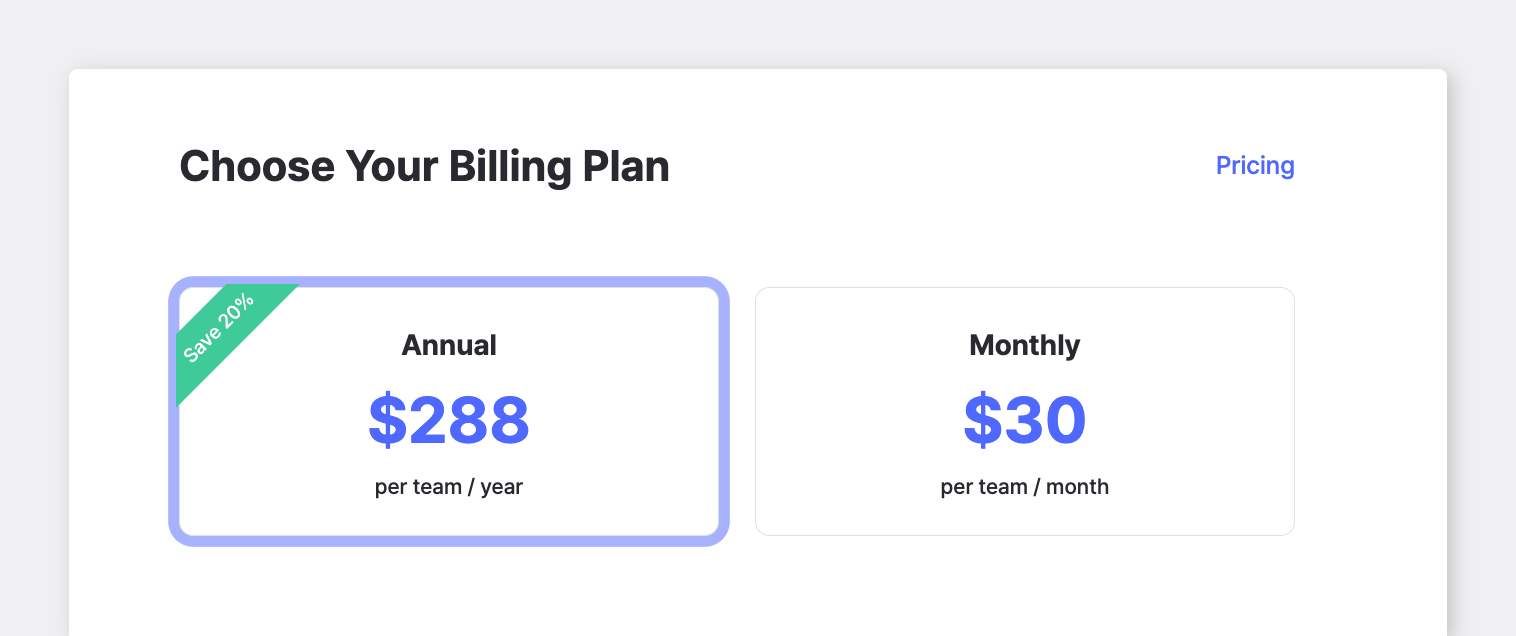
- Business Plan — Starts at $30/month (or $288/year with a 20% annual discount). Includes 3 members, 1,000 items, and 3 locations, with full access to all features.
- Add-ons: Optional upgrades available to expand your plan's limits.
- Free Trial: All new accounts start with a free 30-day trial of the Business Plan. No credit card required.
Do you offer custom pricing?
Section titled “Do you offer custom pricing?”No, BoxHero uses a standard pricing model for all customers. At the moment, we don't offer custom or reduced-usage pricing. If the Business Plan includes more than you need, you can simply use it as is or add members, items, and locations as your team grows.
How do I start a free trial?
Section titled “How do I start a free trial?”Just sign up for a BoxHero account — a 30-day free trial of the Business Plan begins automatically. No setup or activation is needed.
You can access BoxHero right away in your web browser, or download the mobile app (iOS / Android) for on-the-go inventory management with barcode scanning and more.
How can I check the time remaining on my free trial?
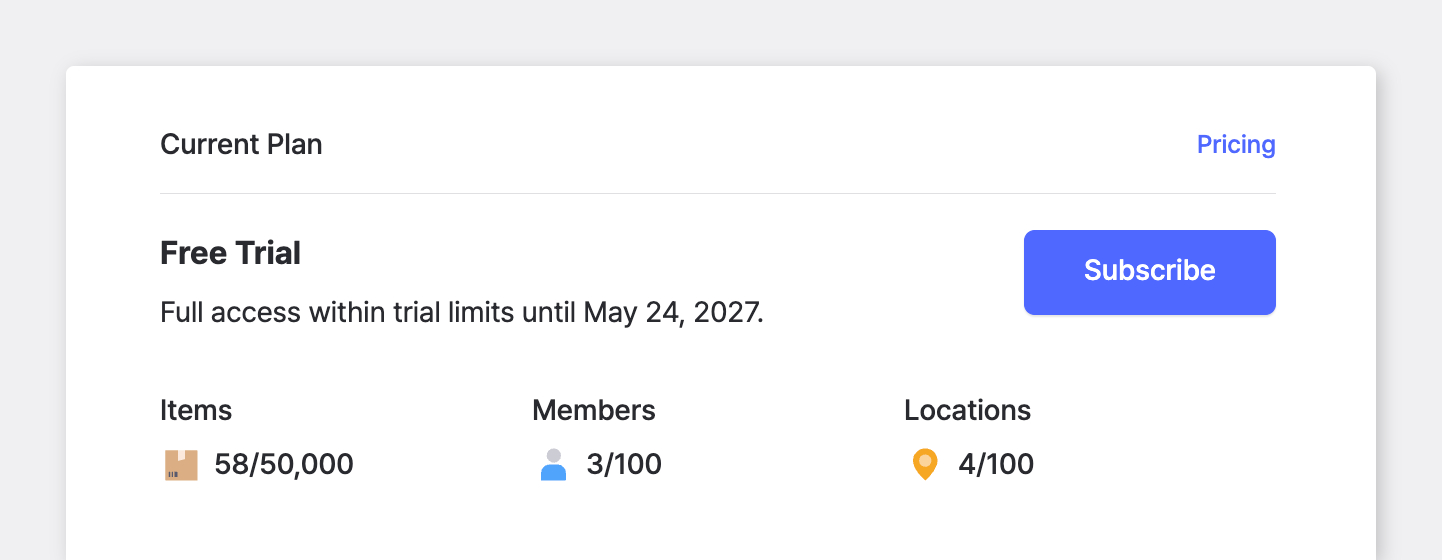
Section titled “How can I check the time remaining on my free trial?”You can see your remaining trial time in Settings > Billing. This is also where you can subscribe or update your plan.
What happens when my free trial ends?
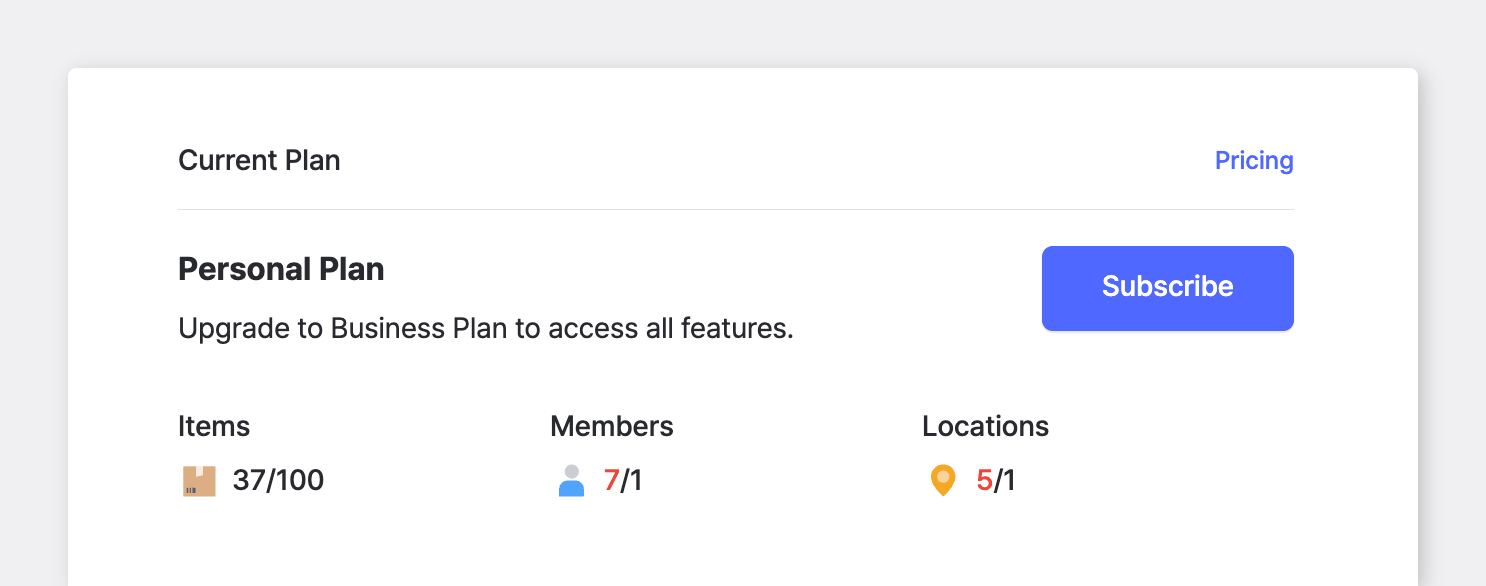
Section titled “What happens when my free trial ends?”When your free 30-day trial ends, your account will automatically switch to the free Personal Plan unless you subscribe to the paid Business Plan.
You'll still have access to your data, but some features available during the trial (such as Low Stock Alerts and Inventory Reports) will become restricted. To keep full access, we recommend upgrading before the trial expires.
What discounts do you offer?
Section titled “What discounts do you offer?”BoxHero offers the following discounts:
- 20% off annual subscriptions to the Business Plan.
- 50% off for registered nonprofit organizations (legal documentation required).
To apply for nonprofit pricing, contact support@boxhero.io.
How do I check my current usage?
Section titled “How do I check my current usage?”Go to Settings > Team to review your team's current usage, including items, members, and locations. You can also go to Settings > Billing to view your plan details and billing information.
How do I change my subscription plan?
Section titled “How do I change my subscription plan?”Go to Settings > Billing to modify your plan. You can add extra members or locations, switch between monthly and annual billing, or adjust other plan options.
All changes are pro-rated. Increases are billed immediately for the remaining period, while decreases are credited and deducted from your next payment.
What happens if I exceed my usage limit?
Section titled “What happens if I exceed my usage limit?”If you go over your plan's usage limit for items, members, or locations, a warning appears and some BoxHero features will be restricted. Go to Settings > Team to see which limit you've exceeded.
To restore access, either delete what's over the limit to get back within it, or purchase additional capacity through add-ons. Only team admins can purchase add-ons — find your admin under Settings > Members. Admins can click Update Plan under Settings > Billing; additional costs are pro-rated for the rest of the billing period.