Custom analytics
Find answers to common questions about querying your data, saving reports, and managing access to custom analytics in BoxHero.
How current is the data in Custom Analytics?
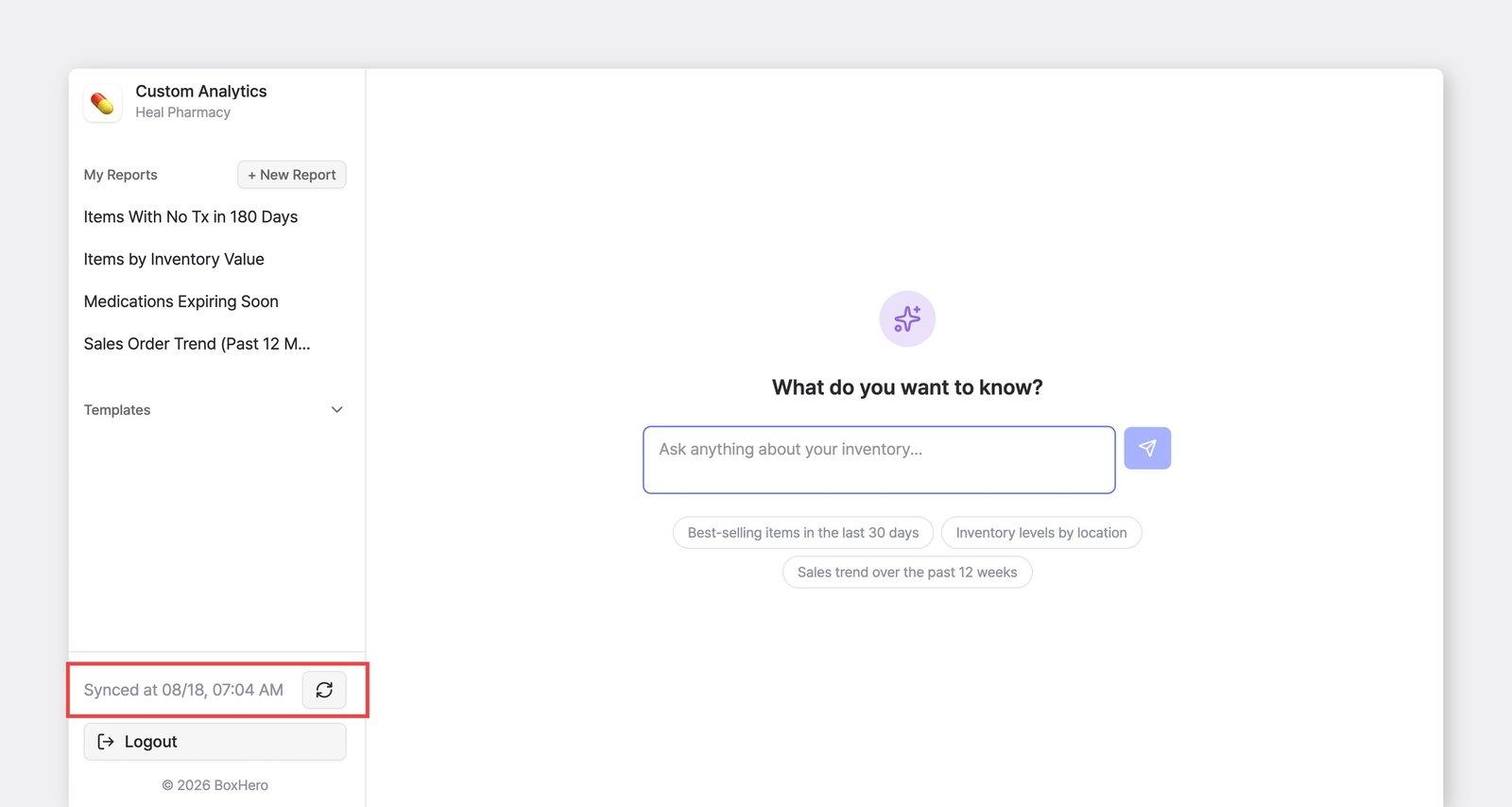
Section titled “How current is the data in Custom Analytics?”Data syncs automatically once a day. To pull the latest data on demand, click the sync icon (🔄) at the bottom of the sidebar.
Can I combine data from multiple teams in Custom Analytics?
Section titled “Can I combine data from multiple teams in Custom Analytics?”No, data is limited to a single team. You can only analyze data from the team you're currently logged into.
What information does the AI Assistant use, and what gets shared?
Section titled “What information does the AI Assistant use, and what gets shared?”To build or update your report, the AI Assistant uses your question along with some context about your report: its name, current SQL and input values, and the structure of your data (the names of your tables and columns).
If your question depends on specific values in your data, the AI Assistant may look up a small sample to make sure it uses them correctly. Each lookup returns no more than 20 rows, though it may run several lookups for one question.
The rows returned by your finished report aren’t sent to the AI .
Can I undo a change or go back to an earlier version of a report?
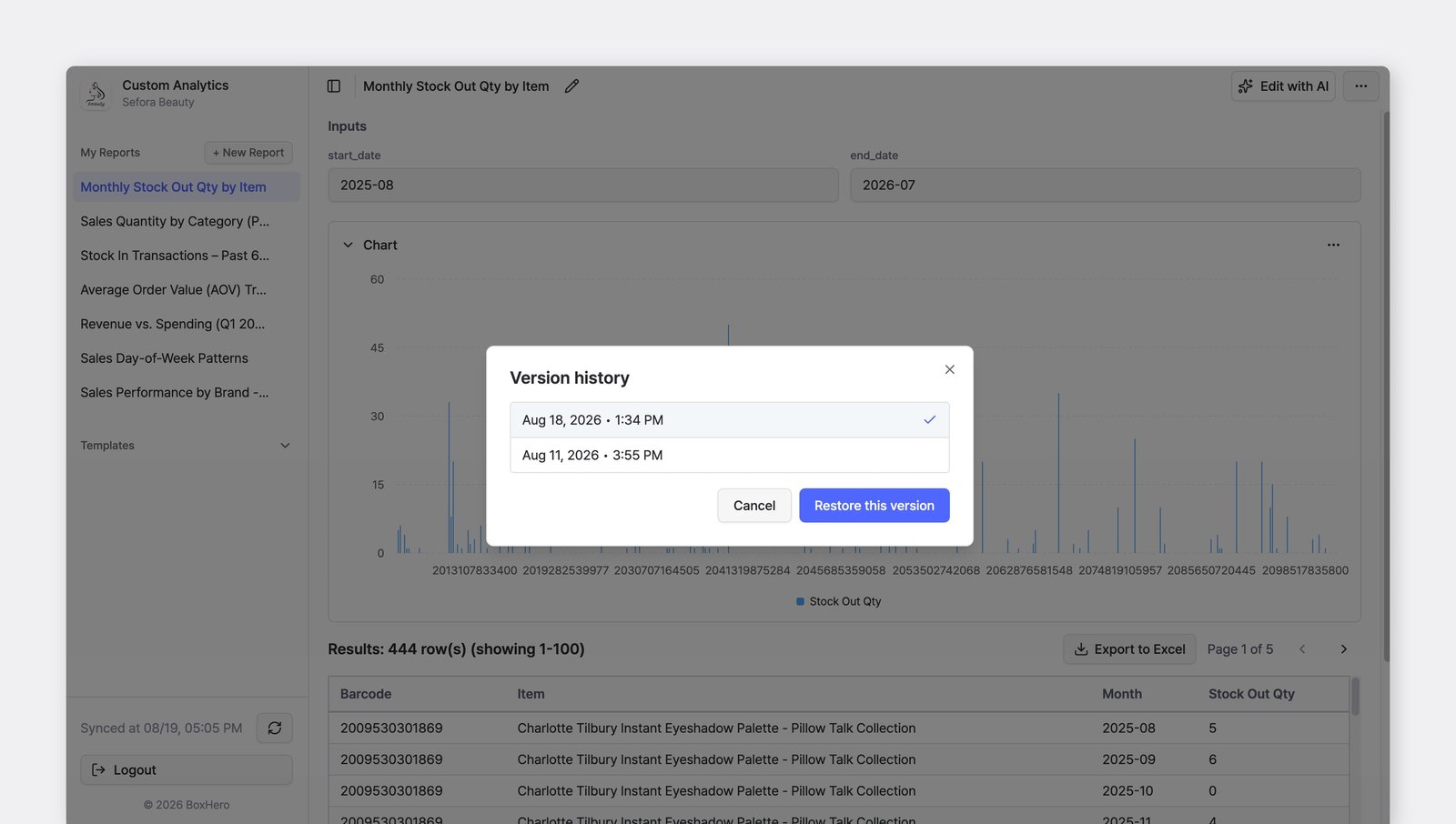
Section titled “Can I undo a change or go back to an earlier version of a report?”Yes. Each time you edit a report, BoxHero saves a version. Open the report, click the ··· (more) button in the top-right corner, and choose Version history. Select the version you want and click Restore this version. If you haven't edited the report yet, there won't be any versions to restore.
Who can see the reports I save?
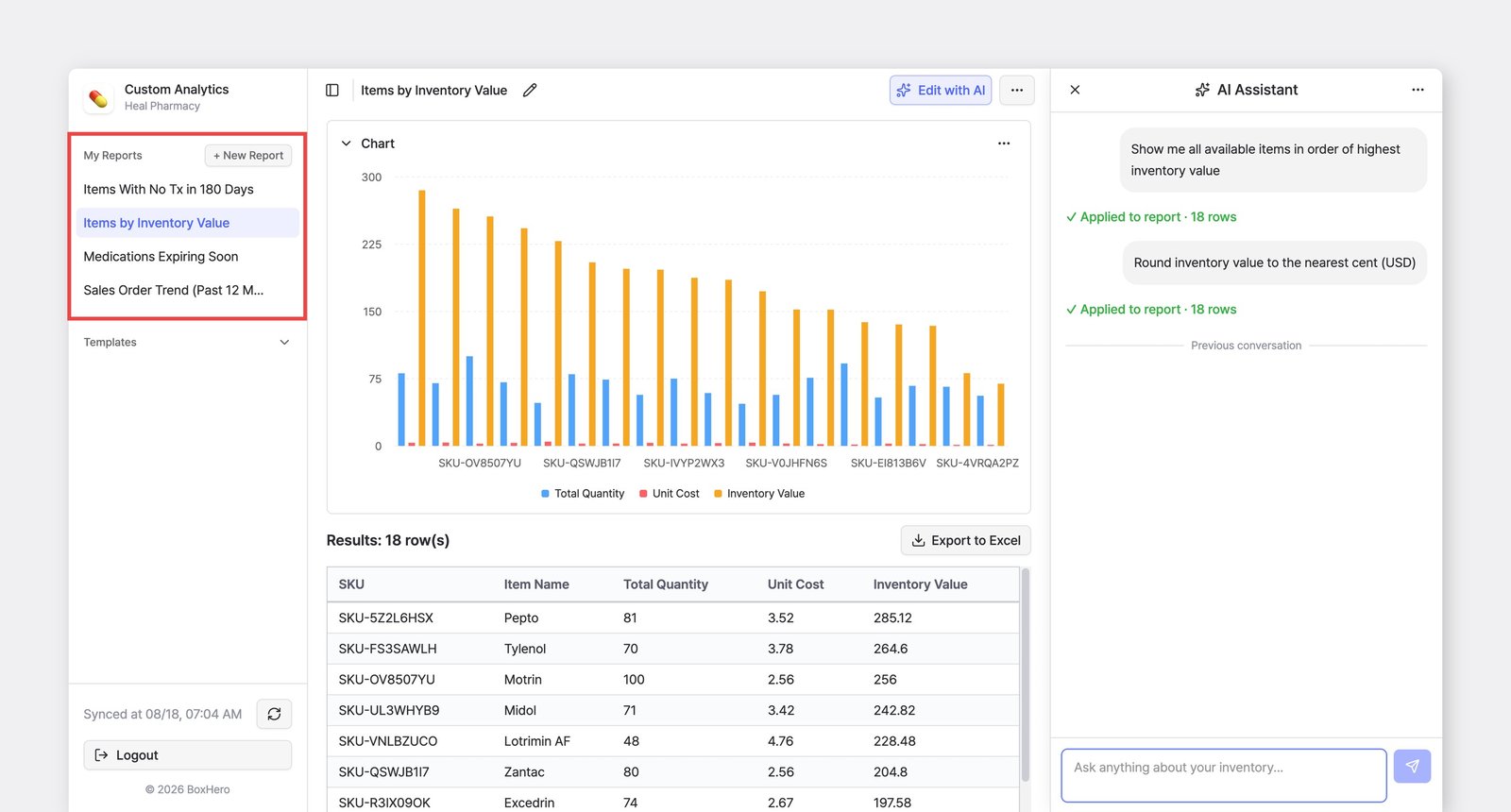
Section titled “Who can see the reports I save?”Saved reports are visible to all Admins and standard Members on your team. Anyone with access can open and edit them with the AI Assistant. Use clear names so teammates can find the right report.
Can I restrict access to custom analytics?
Section titled “Can I restrict access to custom analytics?”By default, Admins and Members can create and view queries in Custom Analytics. To restrict a member's access, assign them a custom role. Custom Analytics is not included in custom role permissions, so anyone on a custom role won't have access to it, regardless of which other permissions are selected.
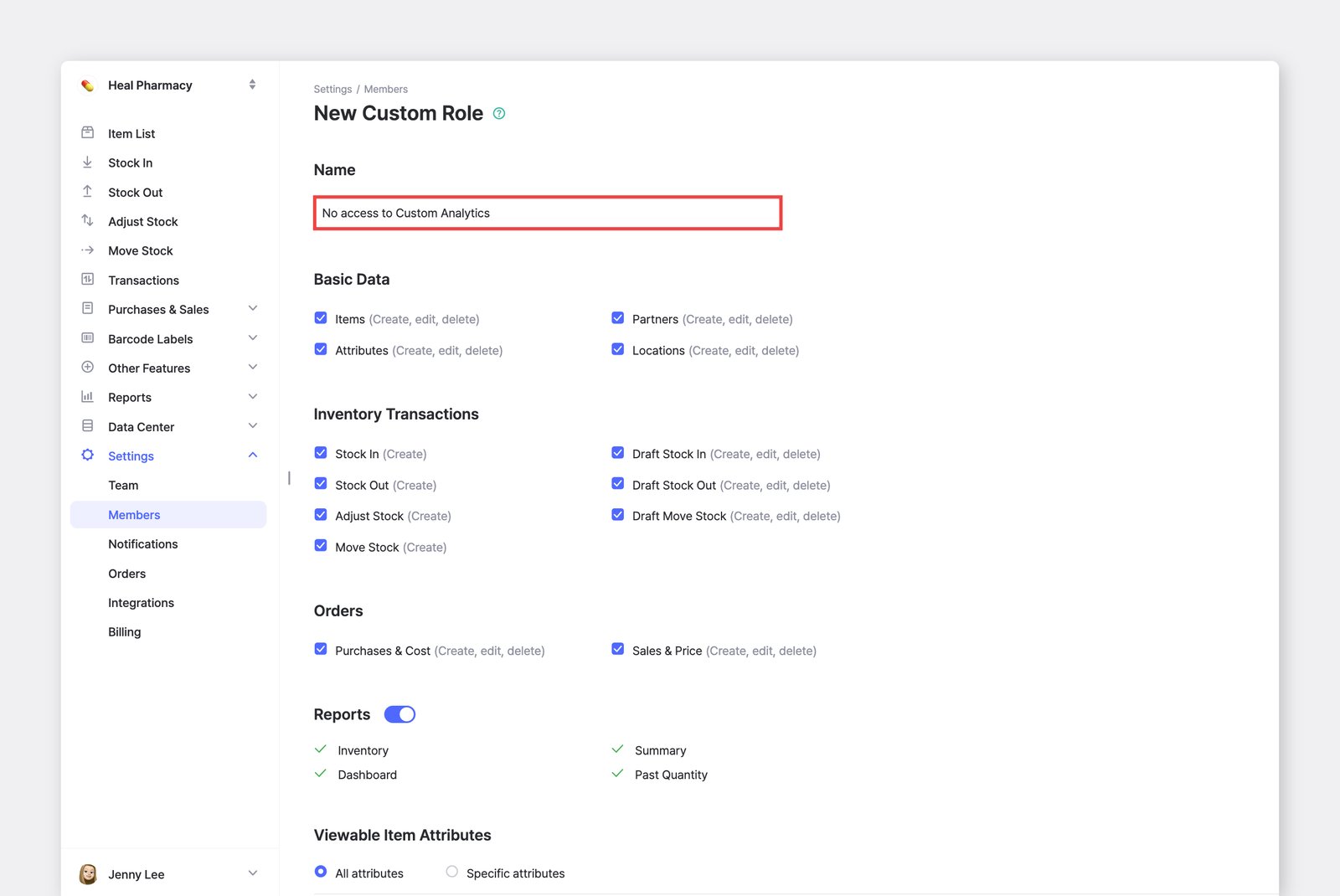
To block only Custom Analytics, create a custom role with every permission checked and assign it to the member. They’ll keep access to everything else.