Reports
From raw data to reports you can actually use
Track key metrics like net profit, turnover, and inventory value in real time. BoxHero turns raw inventory and sales data into clear reports, so you can catch issues early and adjust before they cost you.
Start today with a 30-day trial.

Metrics
Get key numbers instantly with built-in calculations, no setup required.

Formulas
Create the exact metrics your business needs with your own formulas.

Trends
Spot patterns over time and turn them into data-backed decisions.
Quick Reports
Get instant insight from your inventory with ready-to-use metrics. Track KPIs, filter by date and location, and see which items need reordering. No setup required.
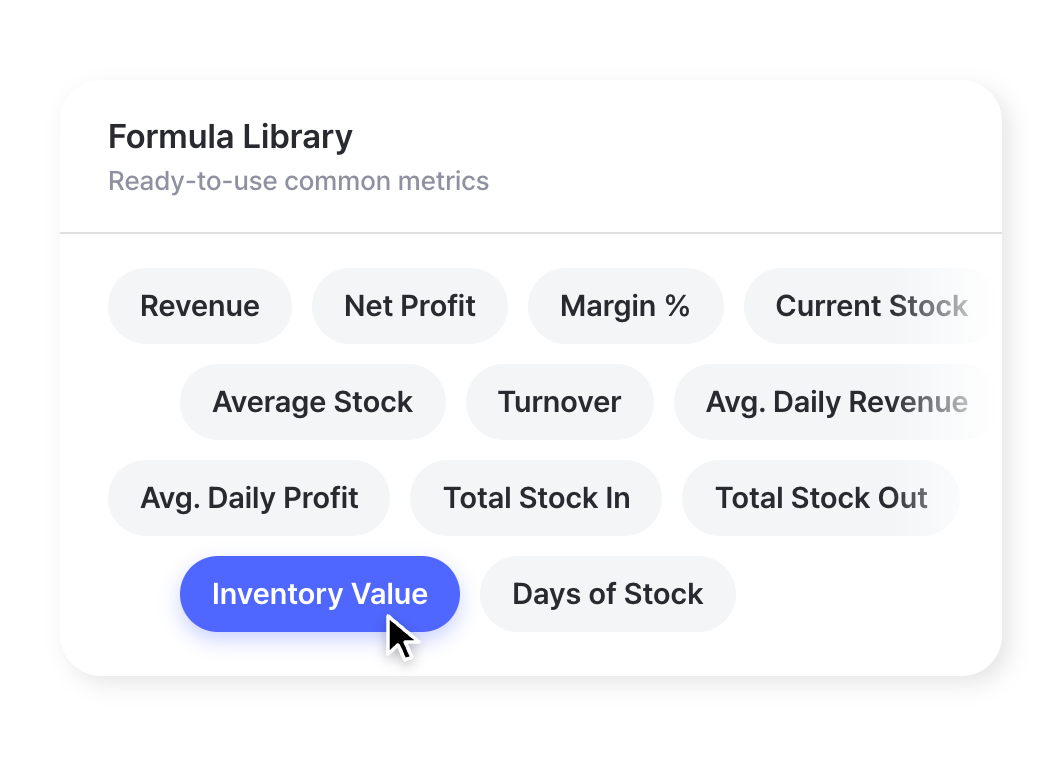
Core KPIs
Track key metrics like inventory value, turnover, and net profit from a single report. Choose a predefined formula from the library and it updates automatically.
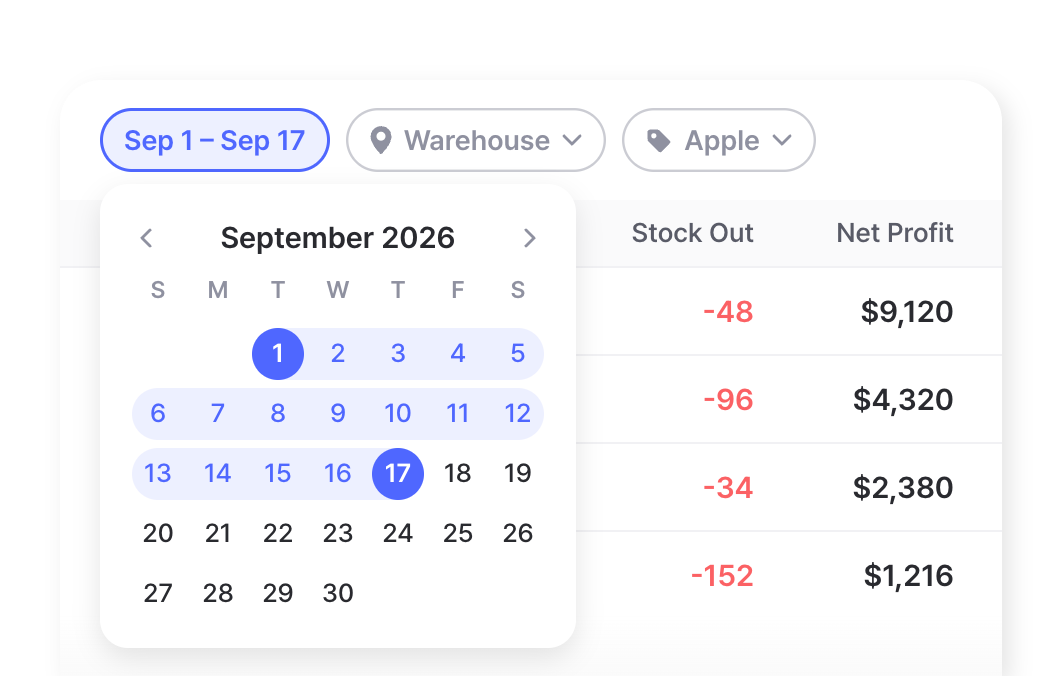
Filters & Ranges
Refine any report by date range, location, or item attribute to see exactly what you need. Compare performance across periods and sites to spot what’s working and what isn’t.
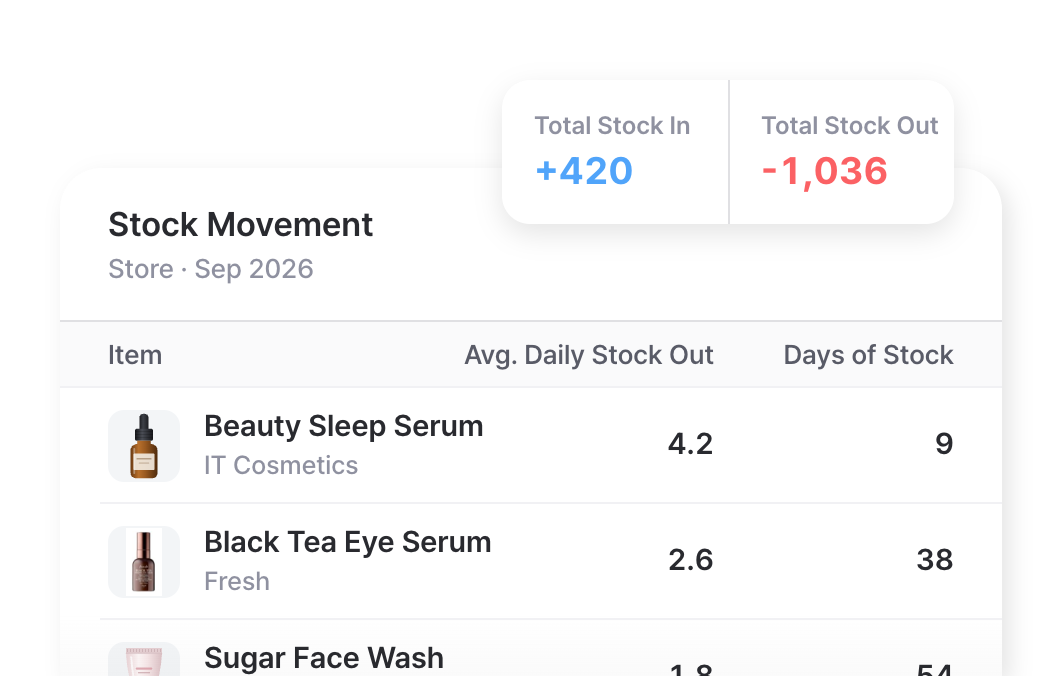
Stock Movement
See how inventory flows in and out with stock transactions, moves, and adjustments. Daily averages and days of stock show how fast items sell and how long your current stock will last.
Formula Builder
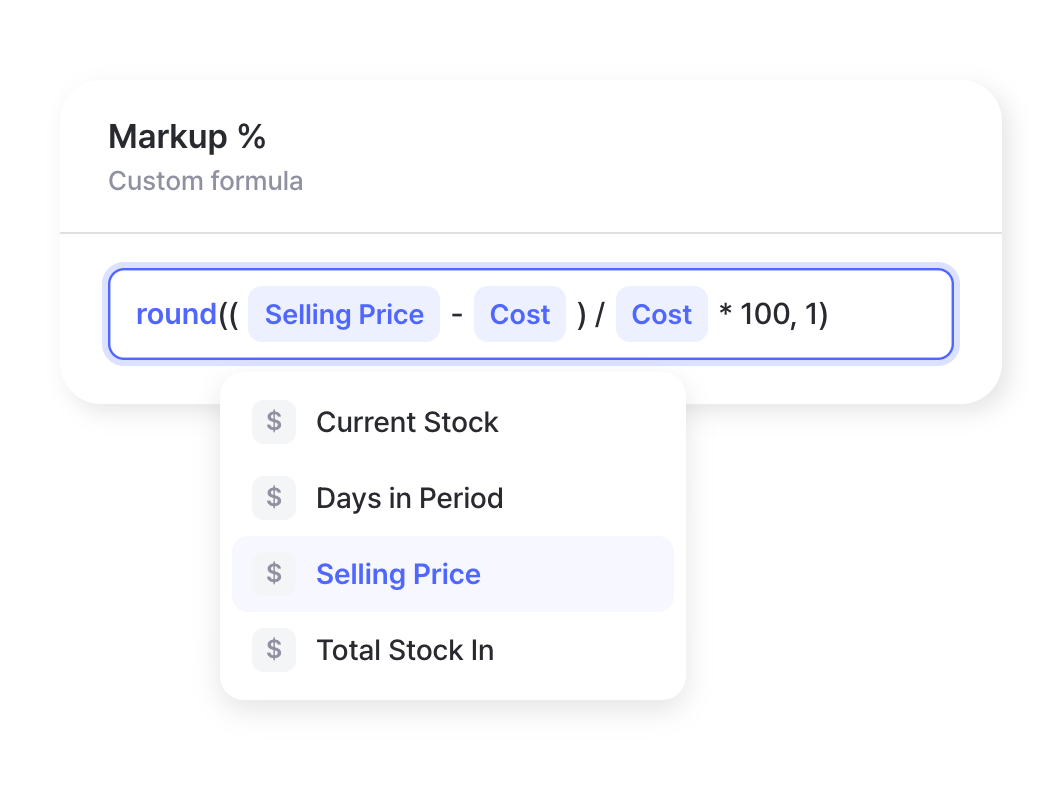
Build the exact calculations your business runs on with familiar, spreadsheet-style tools. Use built-in functions, pull from your live inventory variables, and save custom formulas to reuse across reports.
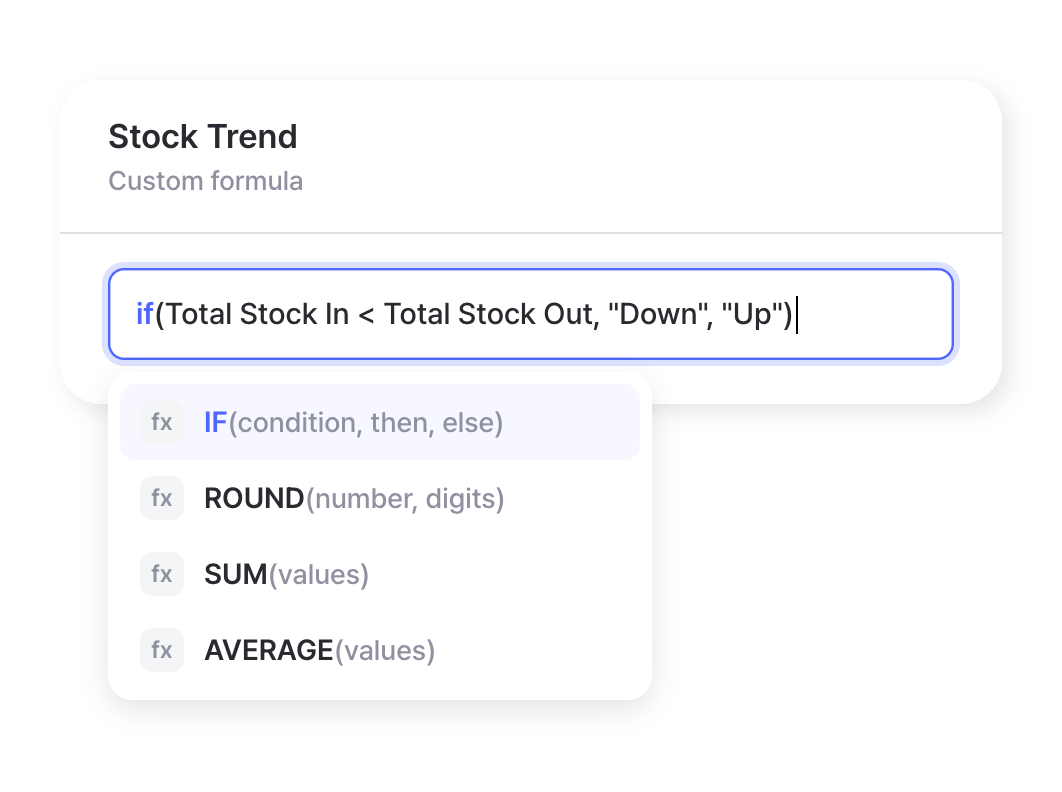
Spreadsheet Functions
Build custom formulas using familiar functions like arithmetic, IF statements, and rounding. If you’ve written a formula in Excel, you already know how to create one here.
Inventory Variables
Pull from variables like current stock, selling price, and transaction frequency. Insert a variable or reference a saved attribute, then combine them into the metric you need.
Reusable Metrics
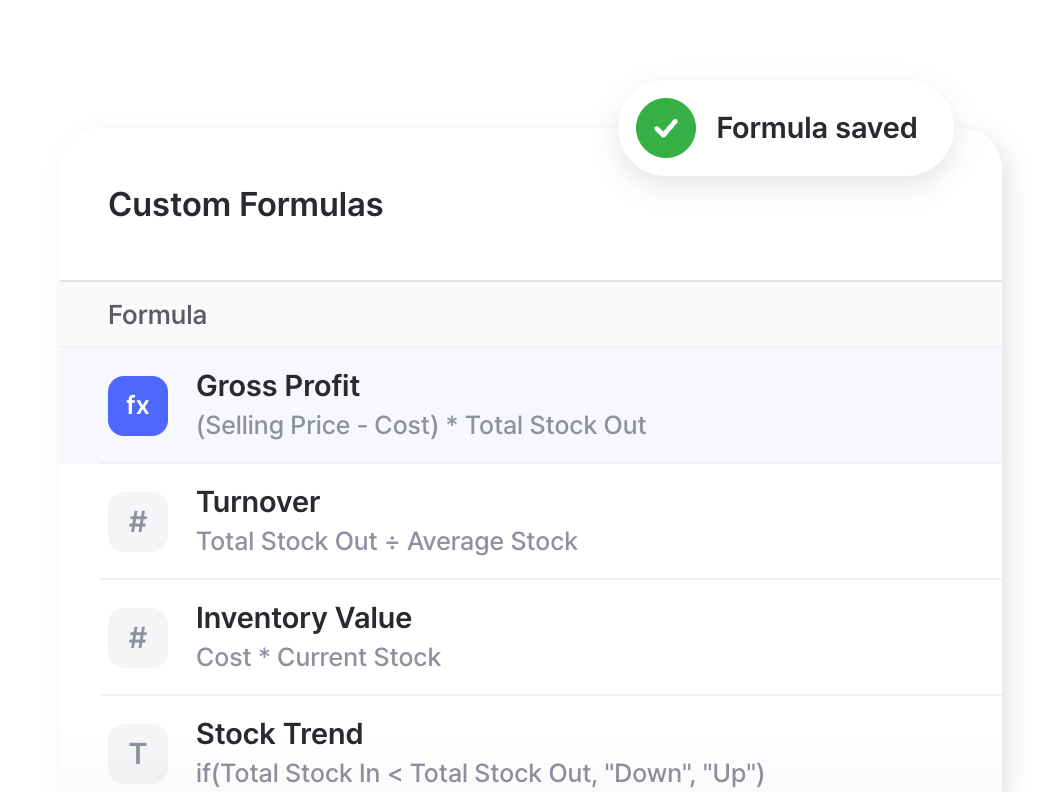
Track the indicators specific to your business, from profit margins to product performance. Save the formulas you build and reuse them across reports as your needs change.
Custom Analytics
Explore your data freely and turn the answers into something you can act on. Ask questions in plain language, build tailored reports, and visualize the results as charts.
Ask a Question
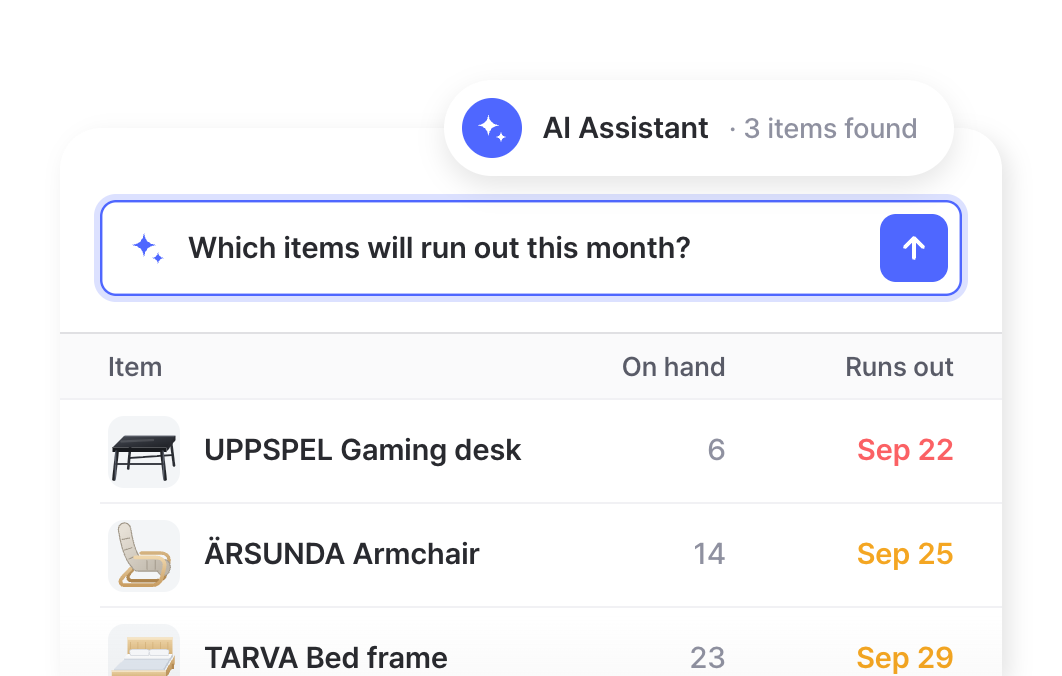
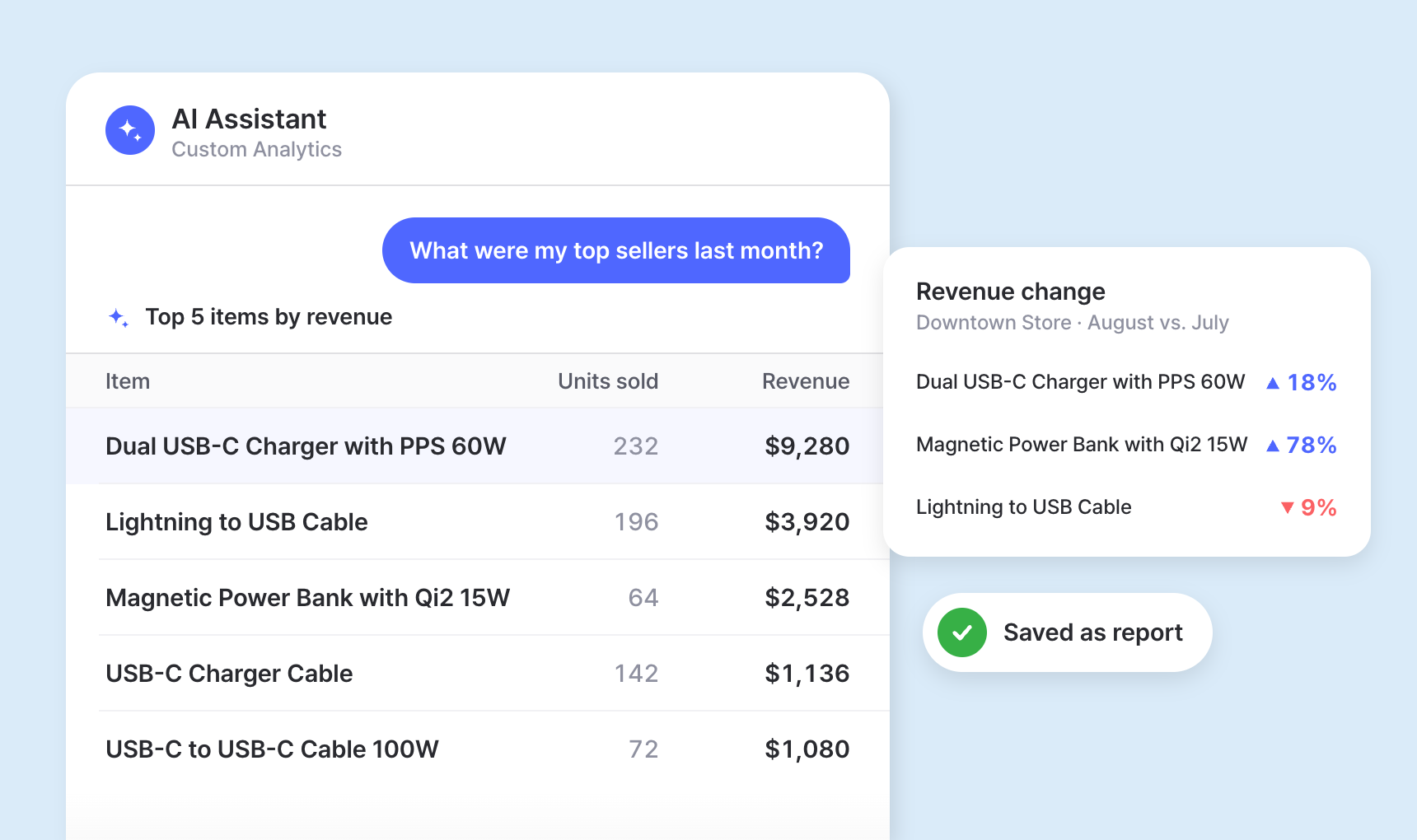
Type a question in everyday words and the AI Assistant writes the query and runs it for you. No technical skills required, and you can adjust your question anytime to refine the results.
Advanced Reports
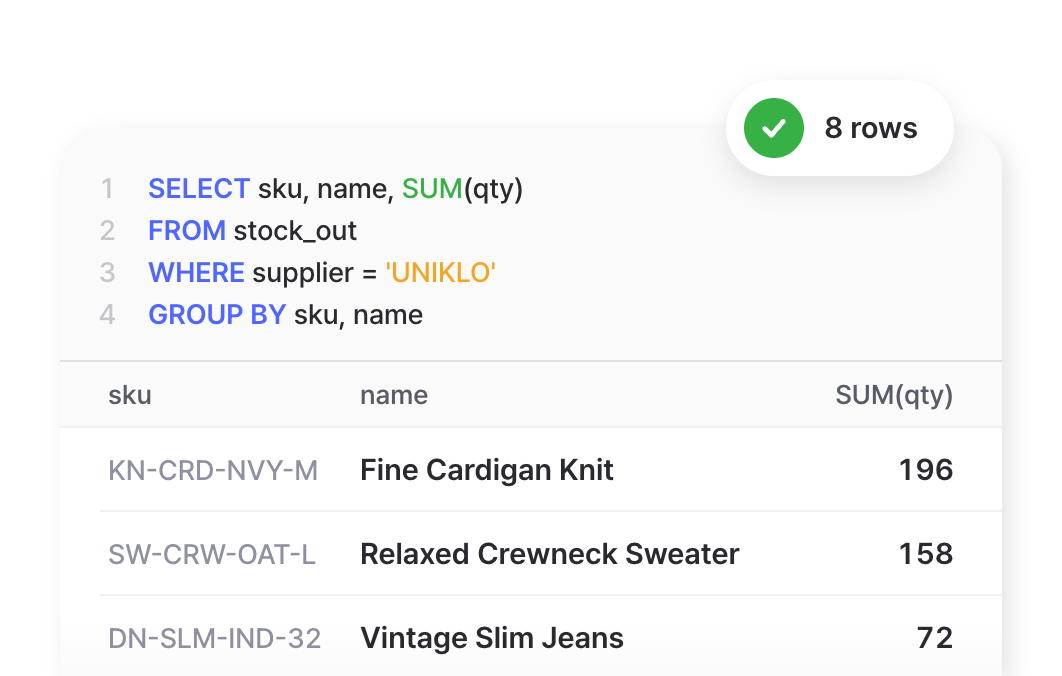
Go beyond standard metrics by querying your data to answer more specific questions, combining conditions across items, suppliers, and date ranges. Write your own SQL with full control and save the reports your team reuses most.
Charts & Graphs
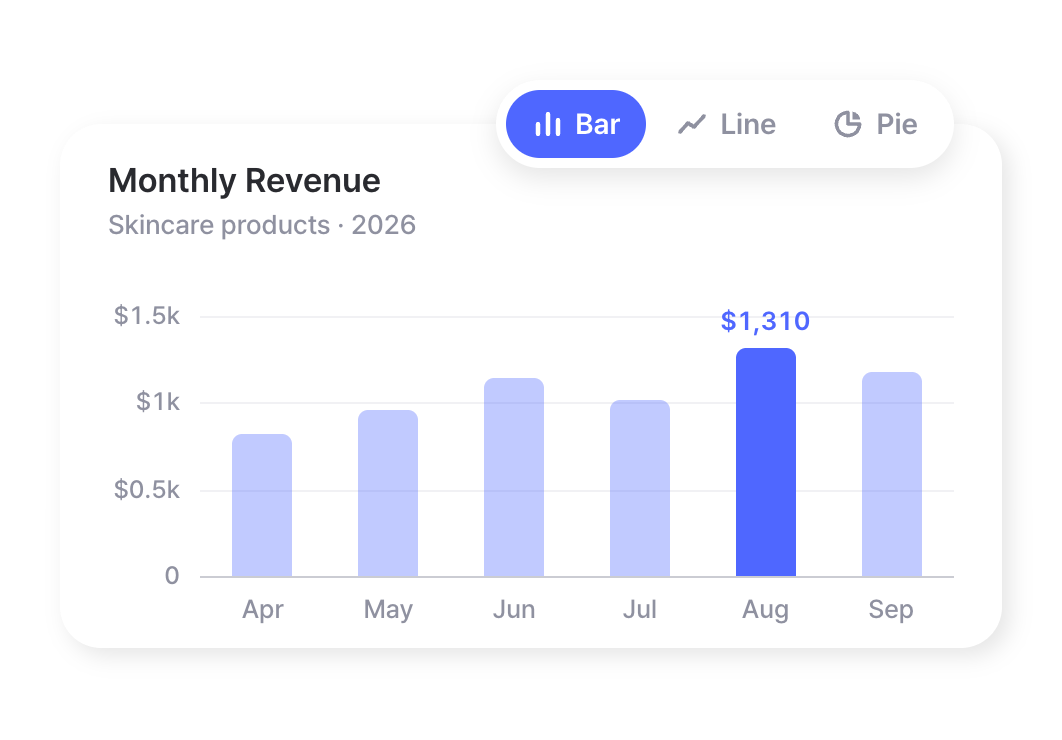
Turn any report into a bar, line, or pie chart to spot trends at a glance. Export the underlying data to Excel whenever you need to dig deeper or share with your team.
Reporting for any kind of business







FAQ
Add the “Inventory Value” formula from the predefined metrics library. It multiplies each item’s cost by its current quantity, and you can filter by date or location to value your stock at a specific point in time.
Yes. All reports in BoxHero can be exported to Excel for further analysis, recordkeeping, or sharing with your team.
No. The AI Assistant turns plain-language questions into queries for you and runs them automatically. If you do know SQL, you can write or edit queries directly for full control.
Yes. Filter reports by custom date ranges to compare performance across periods, or use Custom Analytics for month-over-month, quarterly, and year-over-year analysis.
Predefined metrics are ready-to-use calculations like net profit and inventory turnover that work out of the box. Custom formulas let you build your own calculations using spreadsheet-style functions and your live inventory variables.
Check out other related features
 Learn more
Purchases & Sales
Create purchase and sales orders, then receive or ship them in full or in batches. Send invoices by email or PDF, apply taxes and discounts, and handle returns against the original order.
 Learn more
Multiple Locations
Manage inventory across warehouses, stores, and stockrooms, all from one place. See how much you have at each site, and move stock between locations with full tracking history.
 Learn more
Excel Import & Export
Add and update items straight from a spreadsheet, from prices and quantities to SKUs. Download a template that matches your columns, then export back to Excel whenever you need.
Use AI to build the reports you need
Ask a question in plain language and get a custom inventory report instantly. BoxHero’s AI Assistant writes the query behind the scenes and shows your results in clean, easy-to-read tables.
Get more from your inventory data
Guides and tips on inventory metrics, KPIs, and building reports that help you make smarter decisions.
Custom Analytics: Building Inventory Reports with AI
Some questions your standard reports just can’t answer. With BoxHero’s Custom Analytics, you describe what you need and the AI Assistant builds the report for you. Learn how to ask, refine, and save reports your whole team can reuse.

Supplier Lead Time: How to Measure, Manage, and Improve
Two suppliers can quote the same lead time and behave nothing alike. Learn how to measure lead time at the item level, why consistency beats a low average, and practical ways to cut delays and plan reorders with confidence.
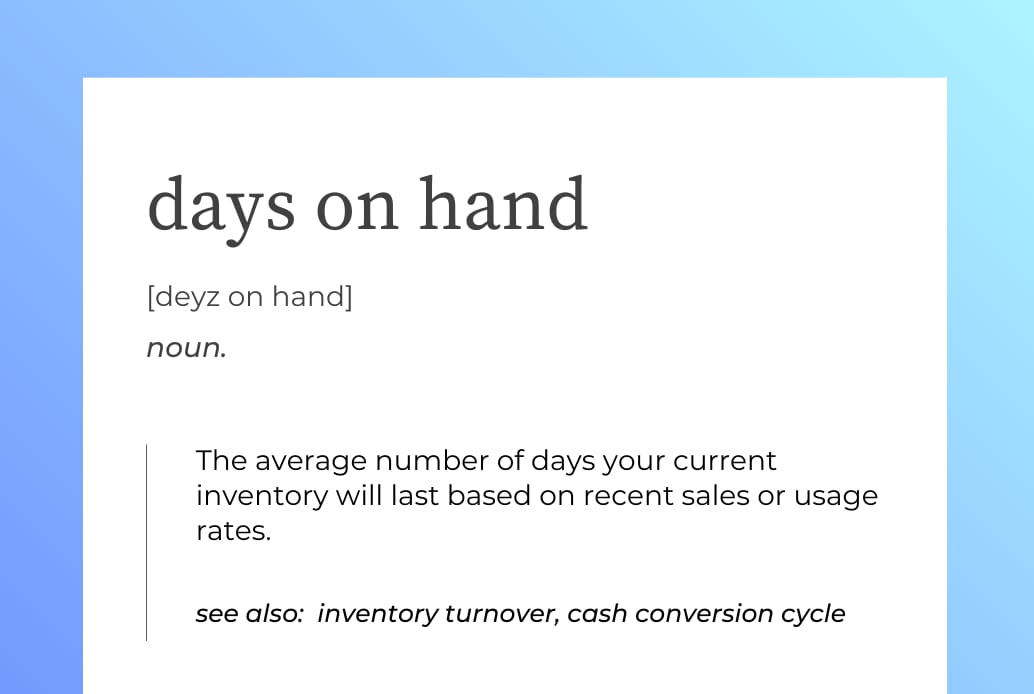
Days on Hand Inventory: The Formula and Common Pitfalls
Days on hand answers one question: if you stopped buying today, how long until you run out? Learn how to calculate it, what a healthy number looks like for your business, and where the metric can mislead you.
Put your inventory data to work
Try BoxHero free for 30 days.
No credit card required.
Quick reference
 Help GuideFrom getting started to basic concepts, explore our detailed user guide to learn more about BoxHero.
 Contact UsHave a question or comment? Reach out to us and we’ll get back to you.
 GlossaryLearn about the most important inventory management and accounting terms and acronyms for small businesses.