Purchases & Sales
Keep your sales and inventory in sync
Manage purchase orders, sales orders, and invoices from one place. Send branded documents, apply custom taxes and discounts, and track every order from draft to delivery — while your stock and P&L update automatically.
Start today with a 30-day trial.

Orders
Create purchase and sales orders and track each from draft to delivery.

Invoices
Send branded invoices by email or PDF, with your own taxes and discounts.

Reports
See P&L and sales reports update as orders ship, then plan your next move.
Purchases
Create purchase orders, track them through every stage, and keep supplier records organized. Every PO syncs with your inventory so receiving stock and updating quantities happens in one step.
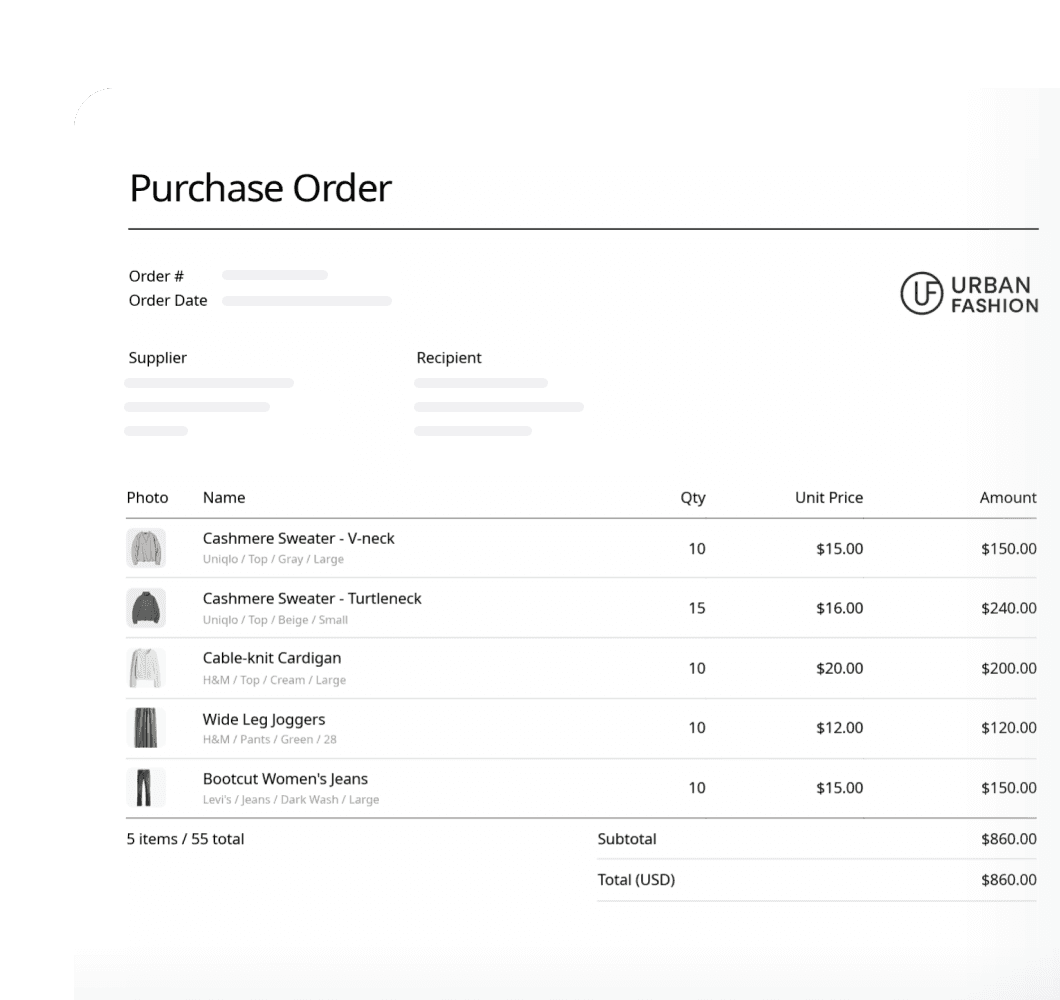
Purchase Order
Generate detailed POs and share them with your suppliers via email, PDF, or Excel export. Apply saved custom fields and price lists to auto-fill recurring details on each order.
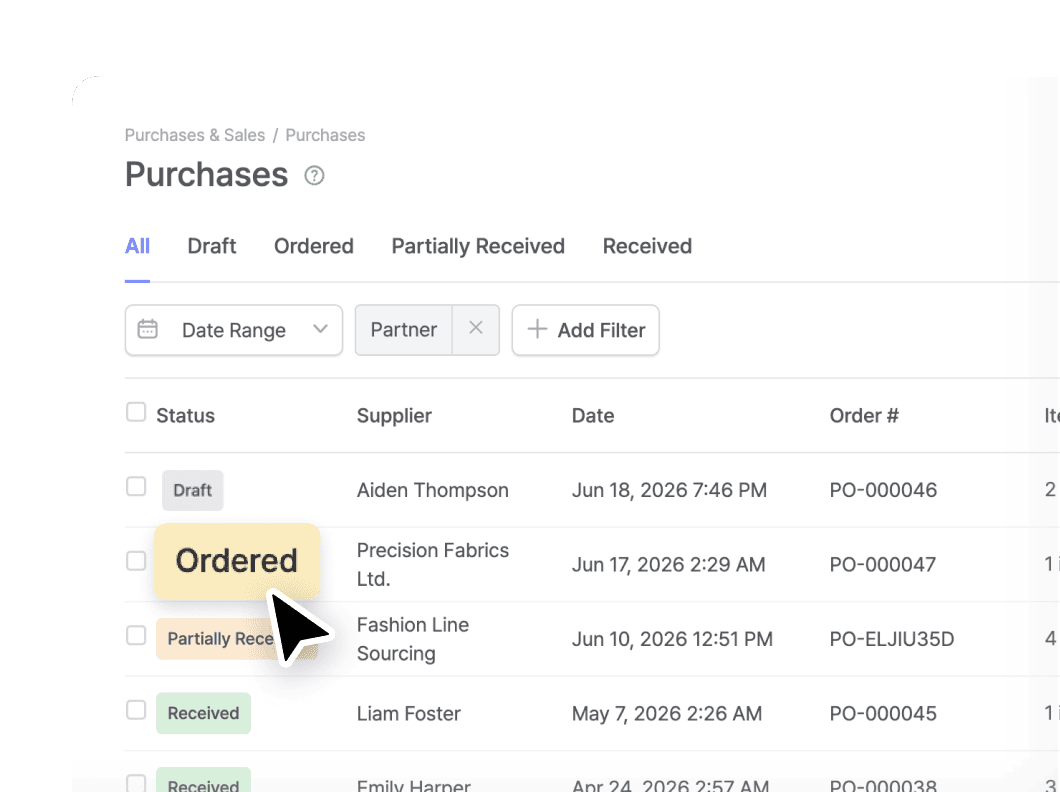
Status Tracking
Follow every order through four clear stages: Draft, Ordered, Partially Received, and Received. Inventory quantities update when items are physically received.
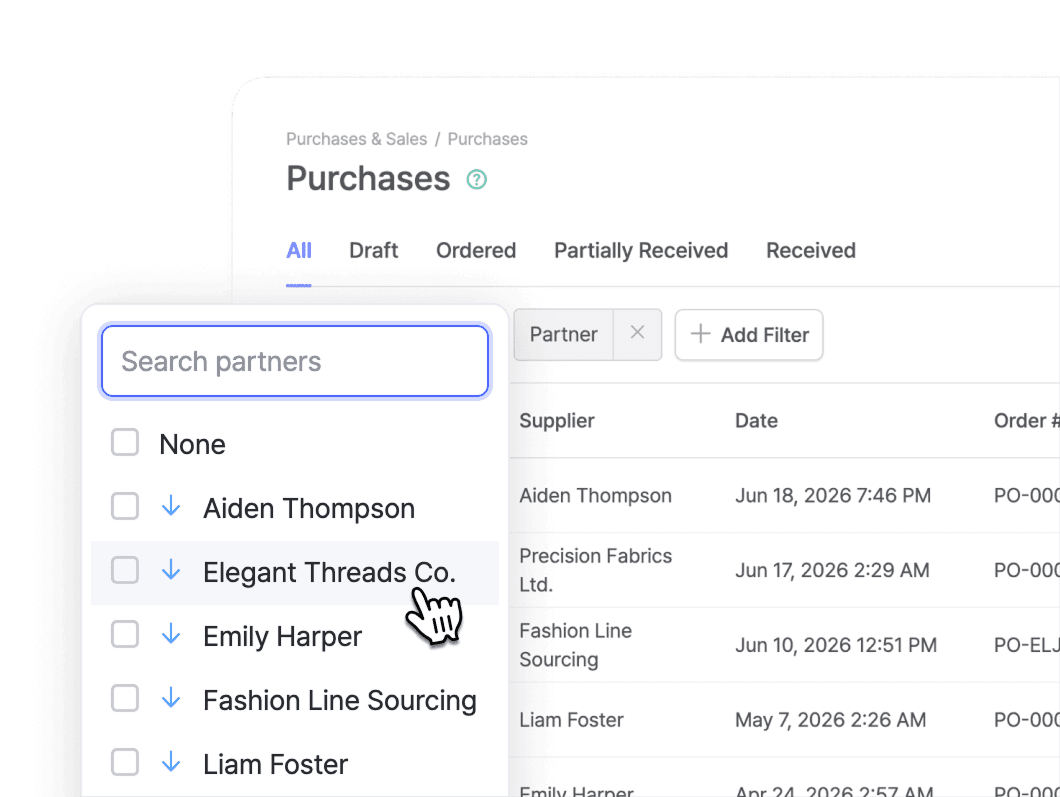
Vendor Relations
Keep a central database of every supplier with contact info, billing details, and full order history. View a vendor’s past POs and billing records from your partner list.
Sales
Manage the full sales process, from creating orders to delivering invoices and processing returns. Every transaction stays linked to inventory and to its original order record.
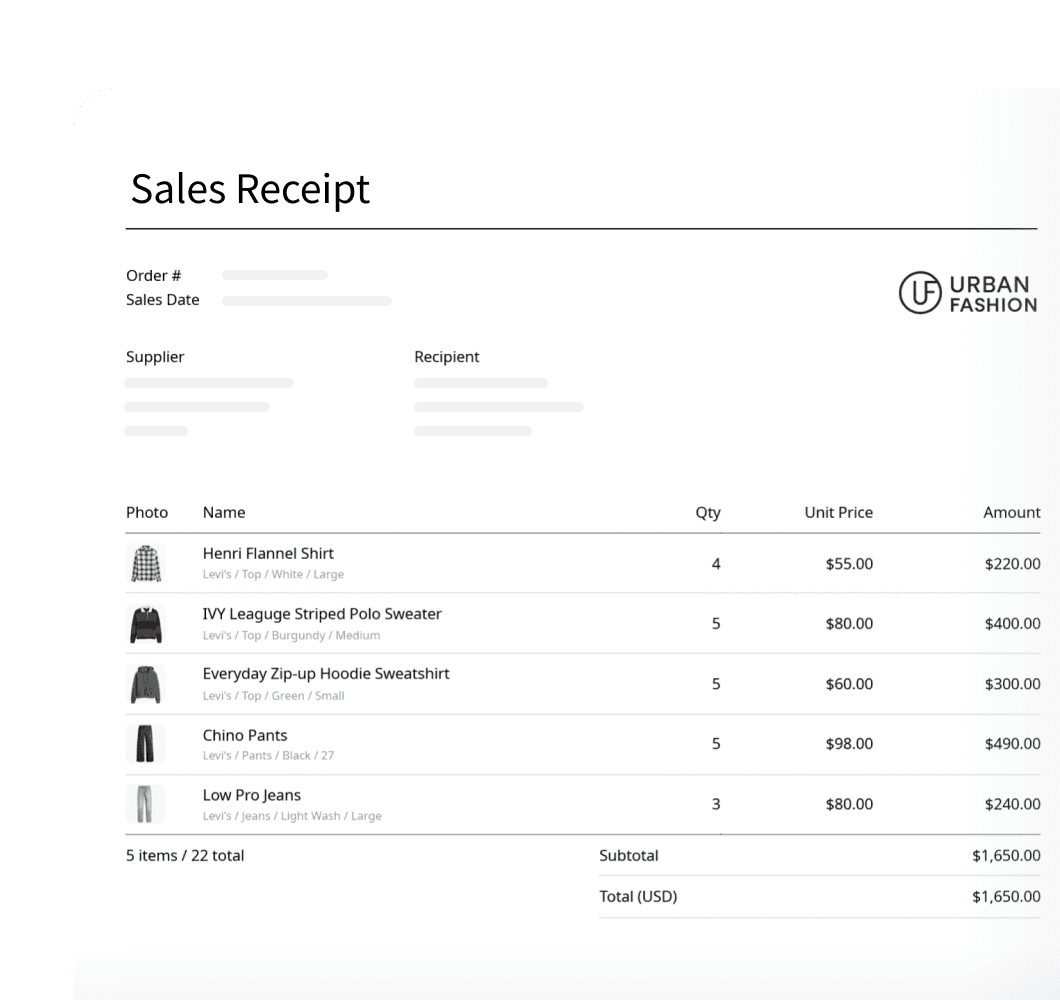
Sales Order
Create sales orders that convert into invoices with the same line items, pricing, and customer details. Track each one through four stages: Draft, Confirmed, Partially Shipped, and Shipped.
Returns & Refunds
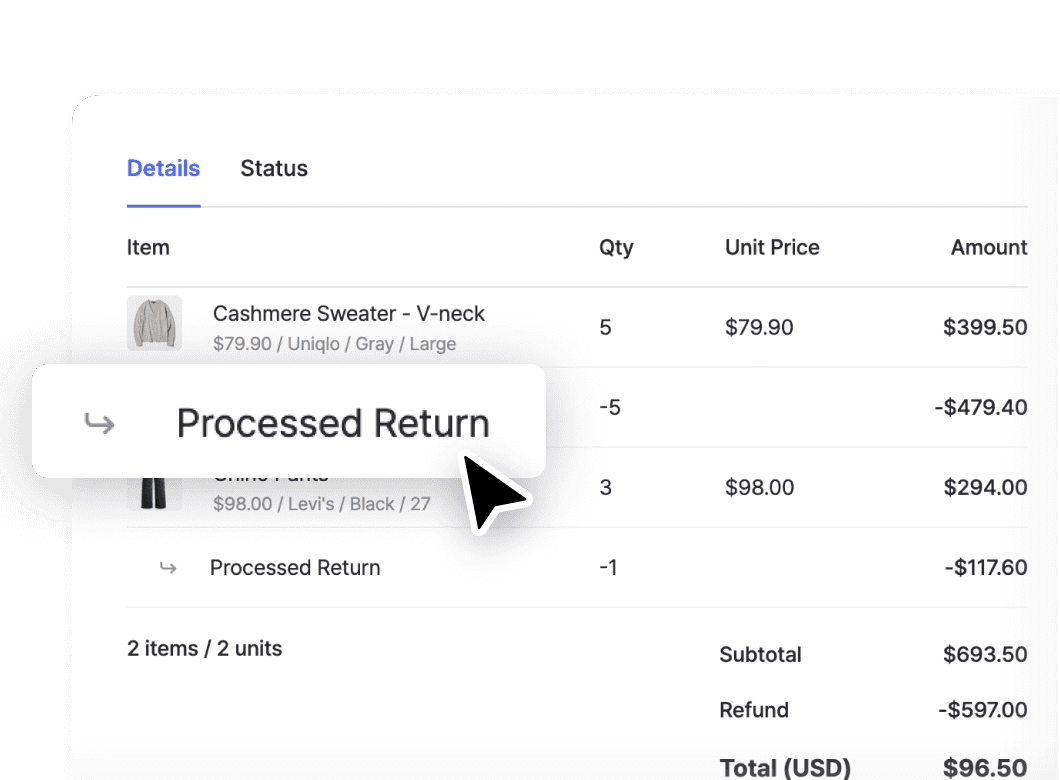
Link returns directly to the original sales order. Search for the order number or browse the sales list to add returned items back into your inventory.
Invoice Delivery
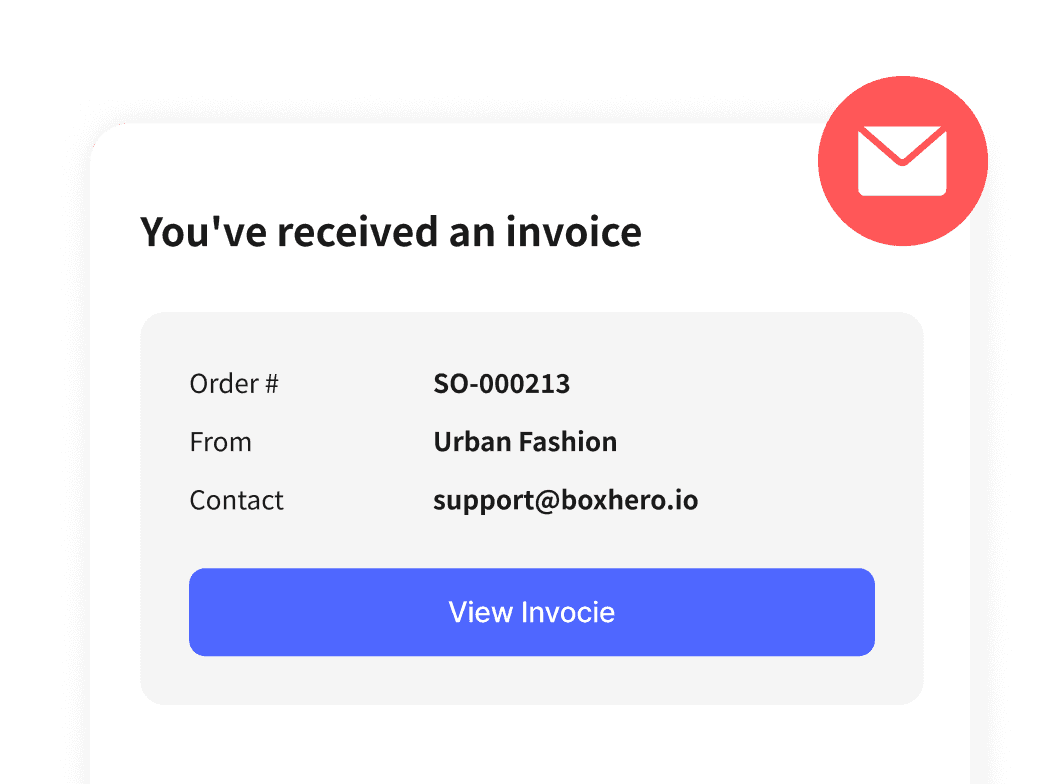
Send invoices by email directly from BoxHero or export them as PDFs. Your print layout settings carry over automatically, from logos to lines and shapes.
Orders
Customize how your order documents look and how you price them. Adjust what appears on orders and invoices, add your own fields, and set different prices and promos.
Flexible Pricing
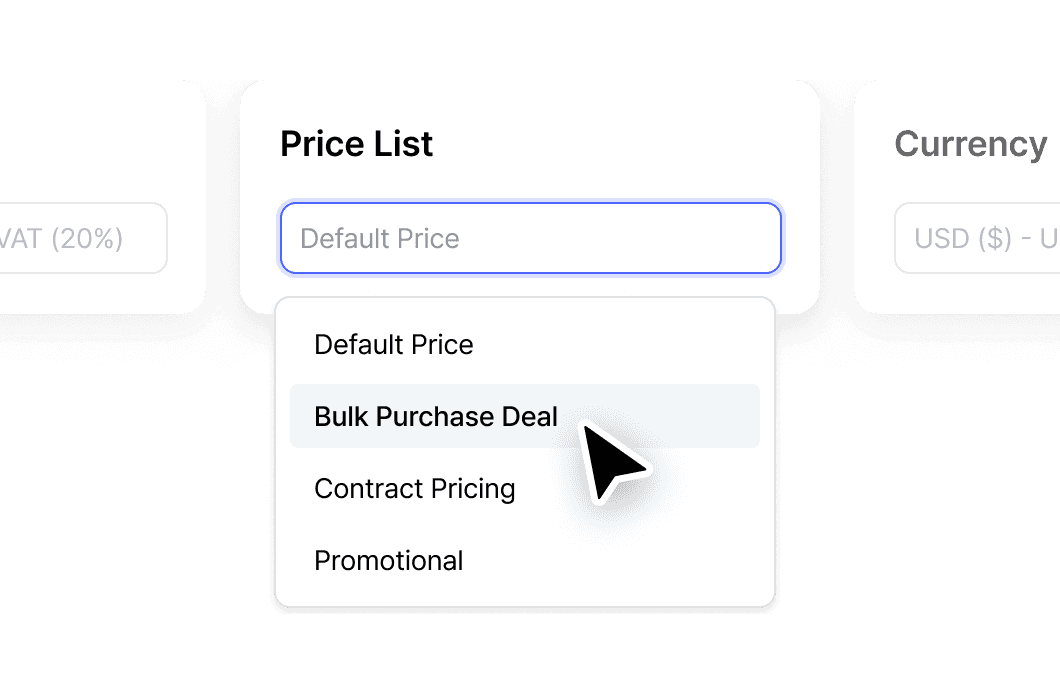
Set different prices for different customers, promotions, or contracts. Build unlimited price lists and apply them per order. Layer in taxes and discounts — inclusive or exclusive, percentage or fixed-amount.
Custom Fields
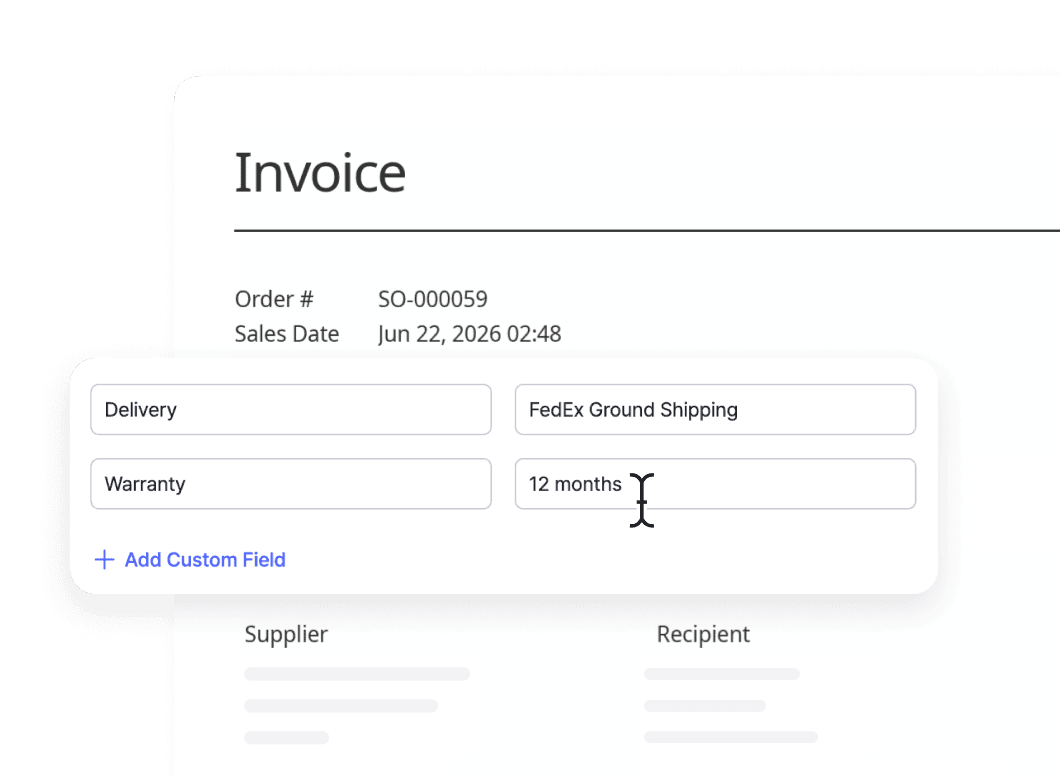
Add fields beyond the defaults: contact email, bank account, project codes, delivery instructions, or anything else you need. Save commonly used fields as templates so they auto-fill on new orders.
Branded Documents
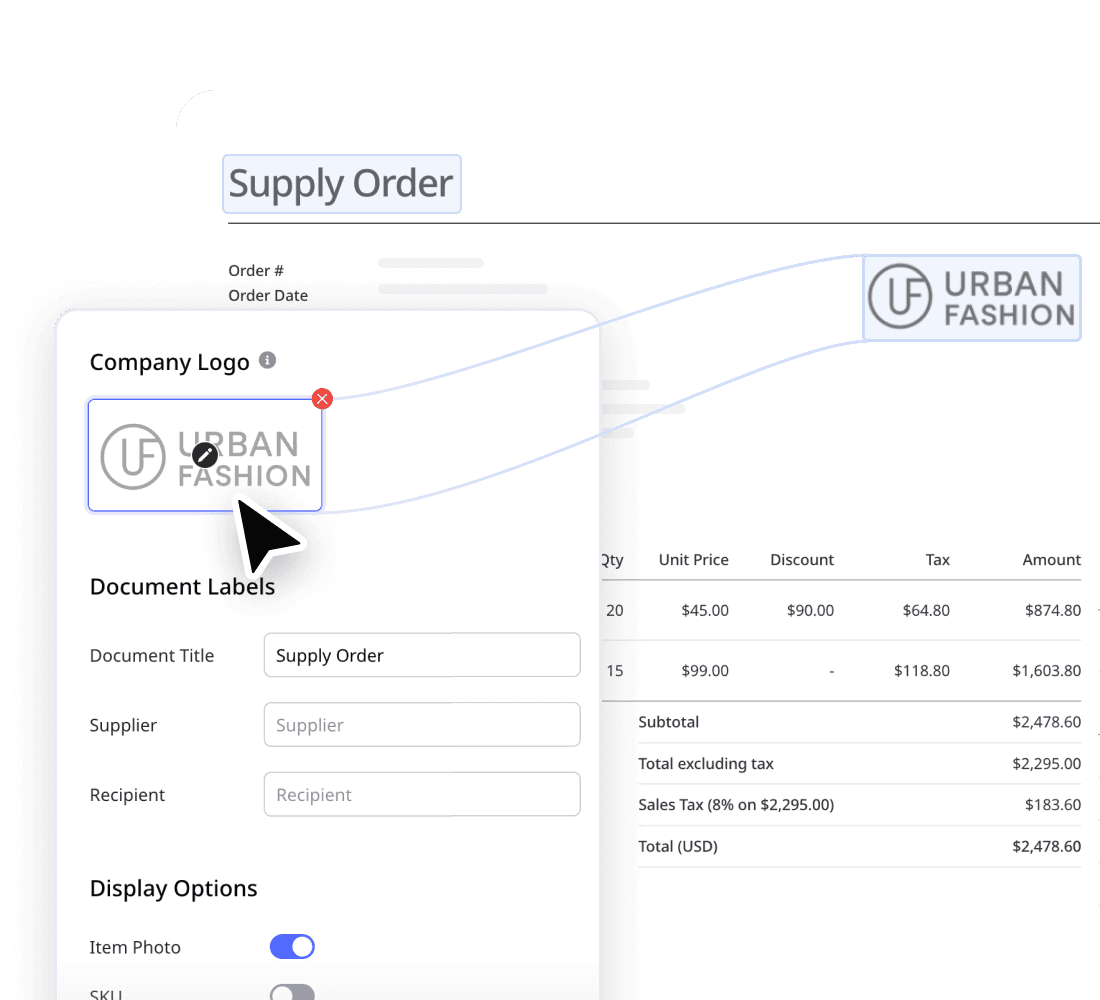
Design how your purchase orders and invoices look. Add your company logo, rename document labels, choose which fields display, and pick which item attributes to show.
Bundles
Package items together, track them apart
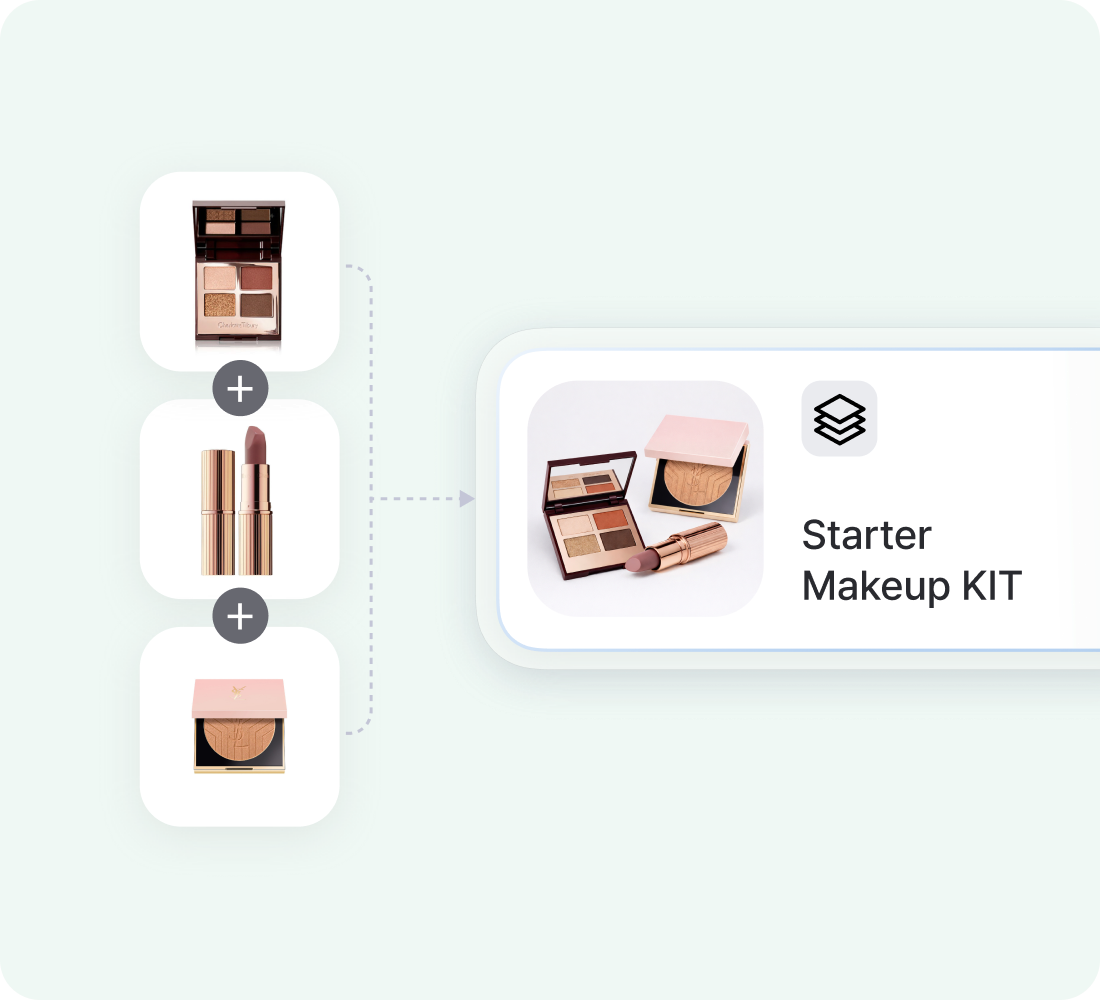
Group multiple items into a single bundle and add it to any purchase or sales order as one line. Component stock updates automatically as bundles move, so you track inventory at the item level.
Great for holiday gift sets, starter kits, BOGO promotions, and subscription boxes.
FAQ
Yes. You can update the print layout to add your company logo, rename document labels, and choose which details appear. Save reusable templates and add custom fields like project codes, payment methods, or delivery methods.
Yes. You can create price lists to save different prices for specific customers, promotions, or contracts, alongside your default cost and sale price. Set them up separately for purchases and sales, and apply the right one when you create an order.
Both. You can apply tax as inclusive (built into the item price) or exclusive (added on top), and set the rates you use most as defaults. Manage your tax and discount options anytime under Settings > Orders.
Inventory updates only when items are physically received or shipped, not when the order is created. A purchase order changes stock once items are received, and a sales order changes stock once items are shipped.
*Orders in Draft, Ordered, or Confirmed status don’t affect your inventory levels.
Yes. Open any order to send the sales invoice or purchase order straight to your customer or supplier without leaving BoxHero. You can also export any order as a PDF or to Excel with your print layout branding applied.
Purchase and sales orders in action
Follow a complete order from start to finish. Here’s a quick walkthrough on how to create new orders and track each status in BoxHero.
Check out other related features
 Learn more
Inventory Sharing
Share current stock levels with people outside your team through a private link, no login required on their end. Choose which items and details appear, and keep the rest of your inventory private.
 Learn more
Reports
Build reports from your inventory and sales data, from stock value and turnover to profit. Use prebuilt formulas or write your own, filter by location and date range, then export to Excel.
 Learn more
Barcoding
Scan with your phone camera or a handheld scanner to add, find, count, and move items. Generate barcodes and print custom labels on any standard or thermal printer.
Make the most out of your orders
See helpful tips and updates on using the Purchases & Sales function with BoxHero.
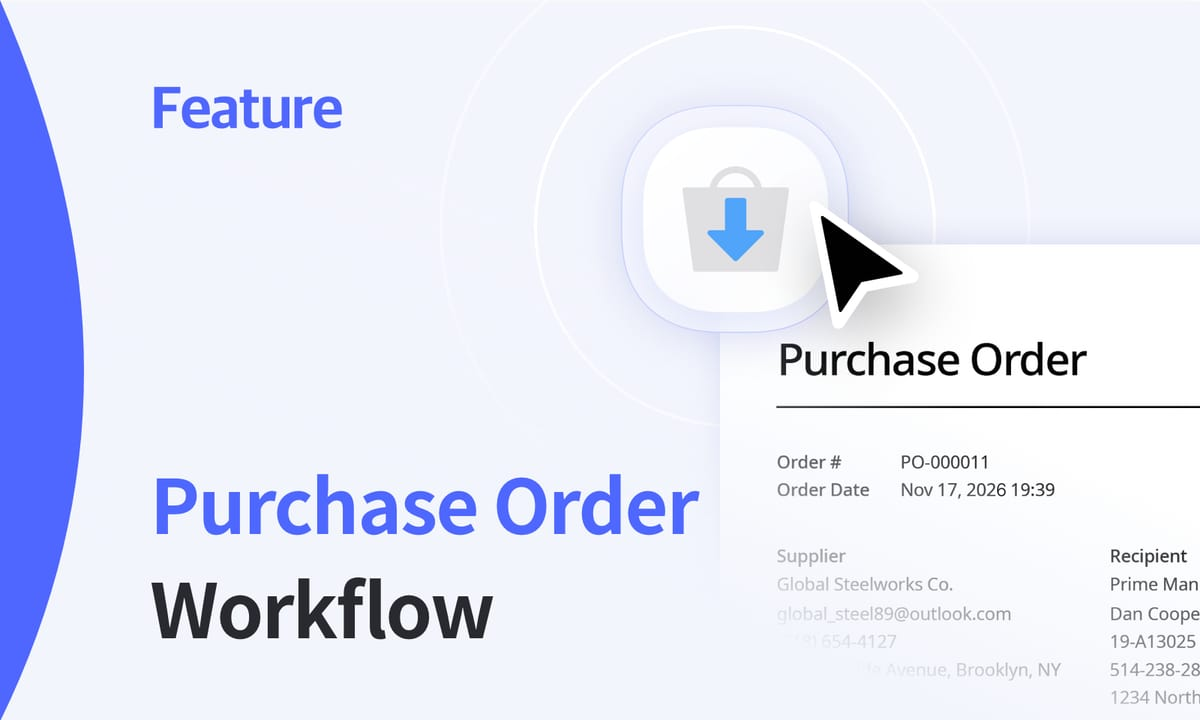
How to Create and Track Purchase Orders, Step by Step
Create a purchase order, email it to your supplier, and watch it move from draft to ordered to received as stock arrives. Record partial deliveries as they come in, and stock updates only when items are actually received.
Purchase Order vs. Invoice: What’s the Difference?
One confirms an order, the other requests payment, and mixing them up causes accounting headaches. Learn what each document does, how to match them against the delivery before you pay, and the common mistakes to avoid.
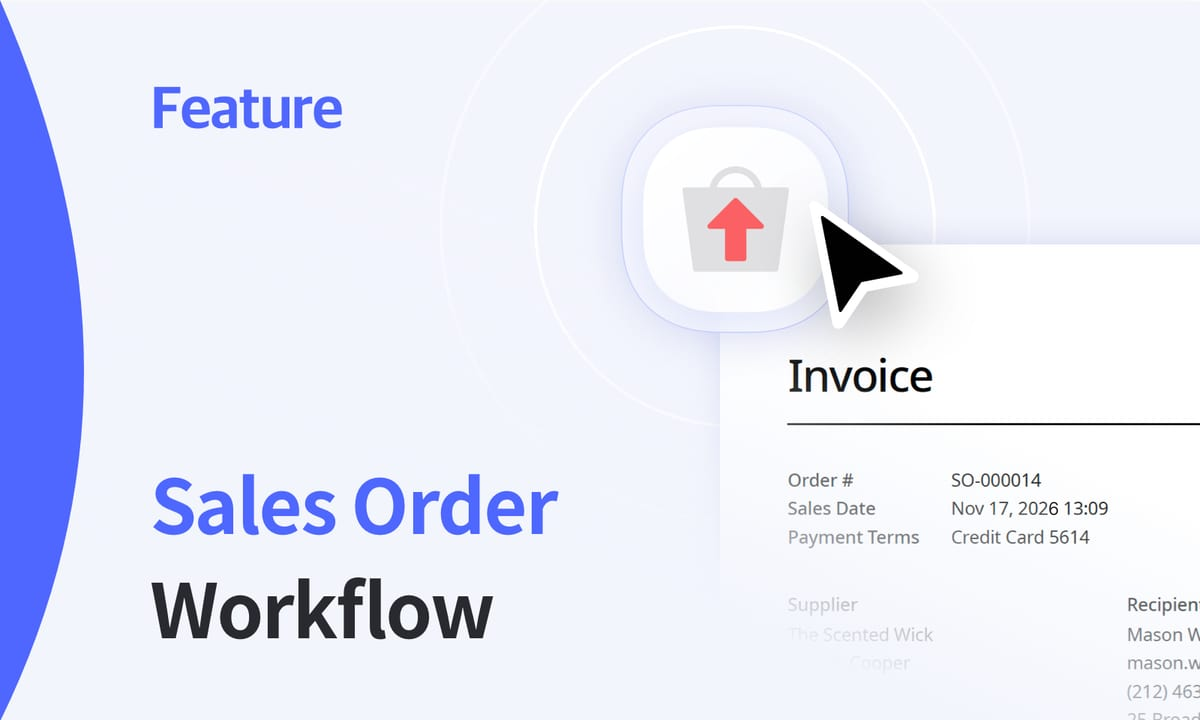
Sales Orders: Confirmation, Shipment, and Returns
Every customer order kicks off a chain: confirm stock, invoice, pick, ship, record revenue. Here’s how to take each sales order from draft to shipped, ship in batches, handle returns, and keep inventory in sync along the way.
Simplify your invoices and billing today
Try BoxHero free for 30 days.
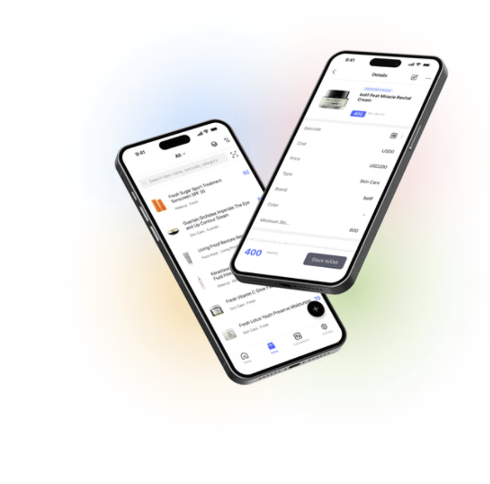
Manage your orders on the go
Our mobile app makes it easy to sync your inventory with your purchase and sales orders. Use BoxHero on your phone, desktop, or tablet to stay updated.

Quick reference
 Help GuideFrom getting started to basic concepts, explore our detailed user guide to learn more about BoxHero.
 Contact UsHave a question or comment? Reach out to us and we’ll get back to you.
 GlossaryLearn about the most important inventory management and accounting terms and acronyms for small businesses.