
Pricing
Learn about BoxHero's subscription plans and pricing. Compare the free Personal Plan and paid Business Plan features, billing options, and usage limits.
Available Plans
Section titled “Available Plans”BoxHero offers two plans:
Business Plan: Paid plan for teamsPersonal Plan: Free plan for individual use
Billing
Section titled “Billing”BoxHero is billed per team.
All of your inventory data is stored inside a Team. When you sign up, one team is created automatically — from there, you register items and invite members to manage inventory together.
Think of a team as a self-contained workspace: separate teams don't share items, locations, or members with one another. So if you create three teams to manage stock for three stores separately, each team needs its own subscription.
What's Included?
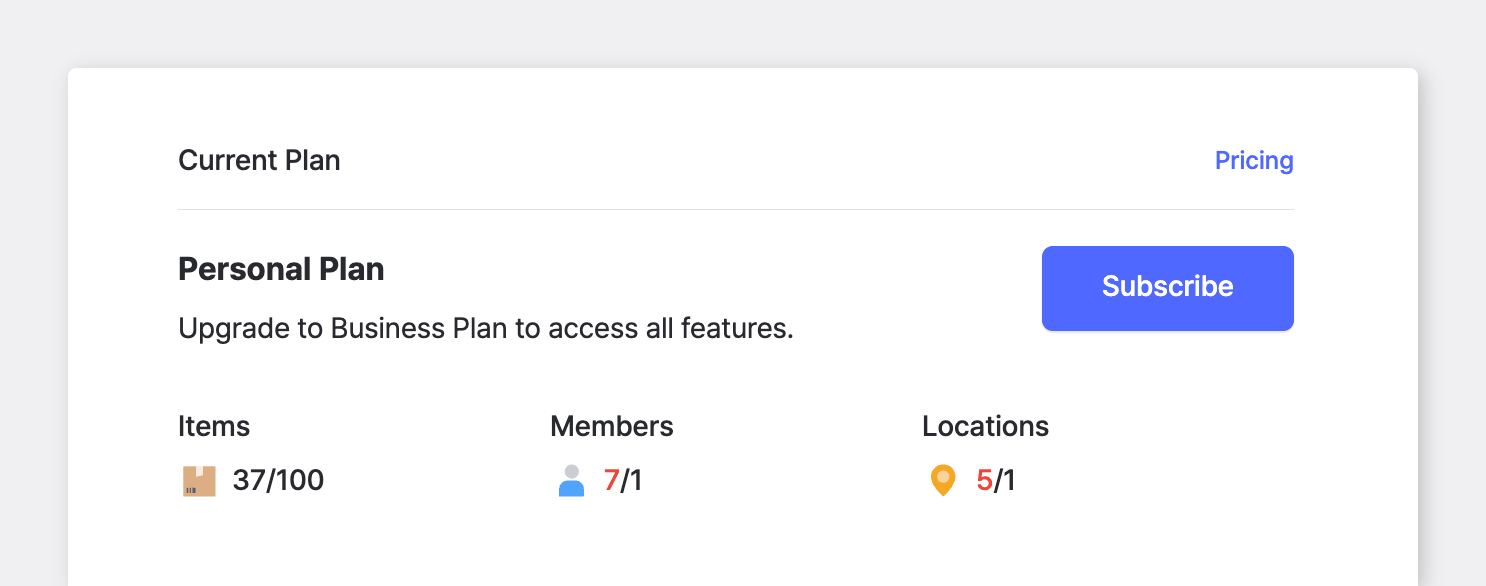
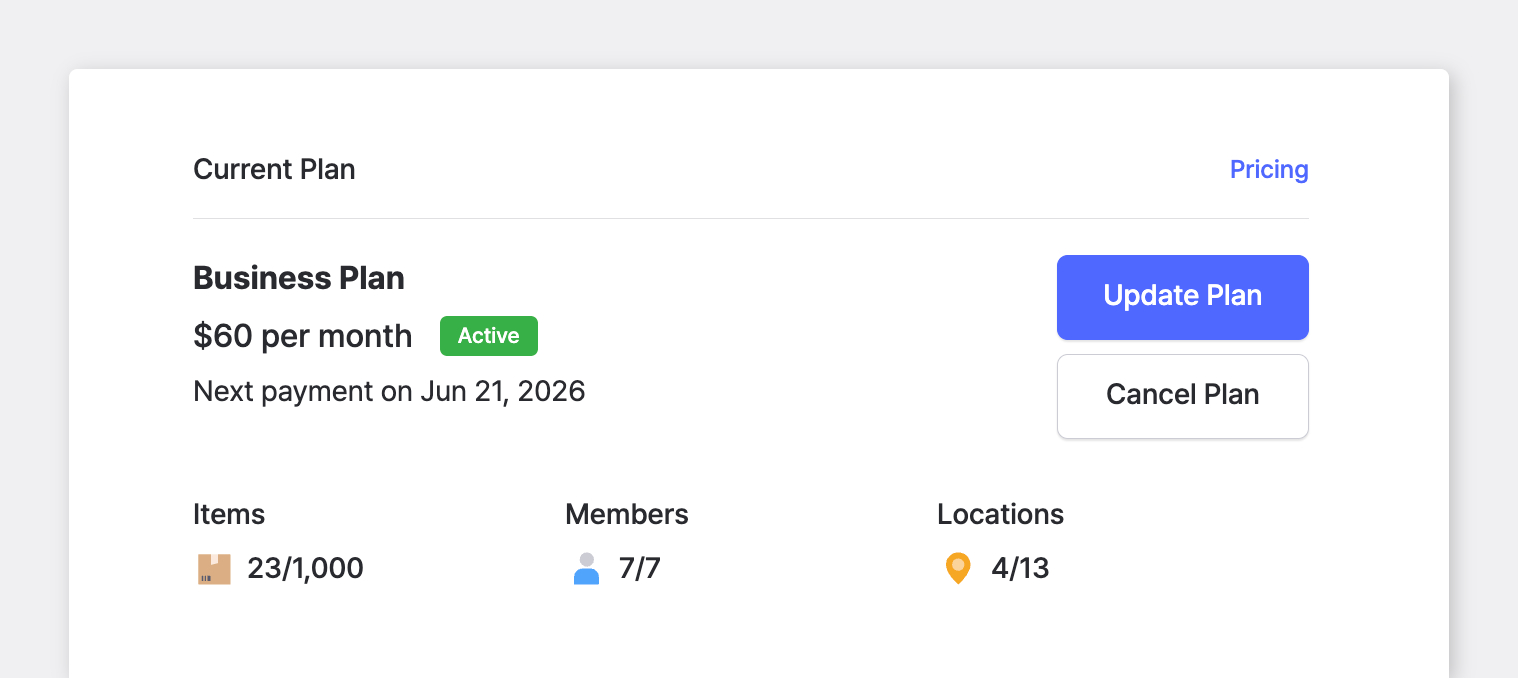
Section titled “What's Included?”Your plan limits are based on three components:
| Component | Description |
|---|---|
| Items | The number of unique item types (SKUs), not total stock quantity. |
| Members | The number of accounts that can join the team, including the admin who created it. |
| Locations | Places where you store items — warehouses, stores, offices, and so on. |
Business Plan
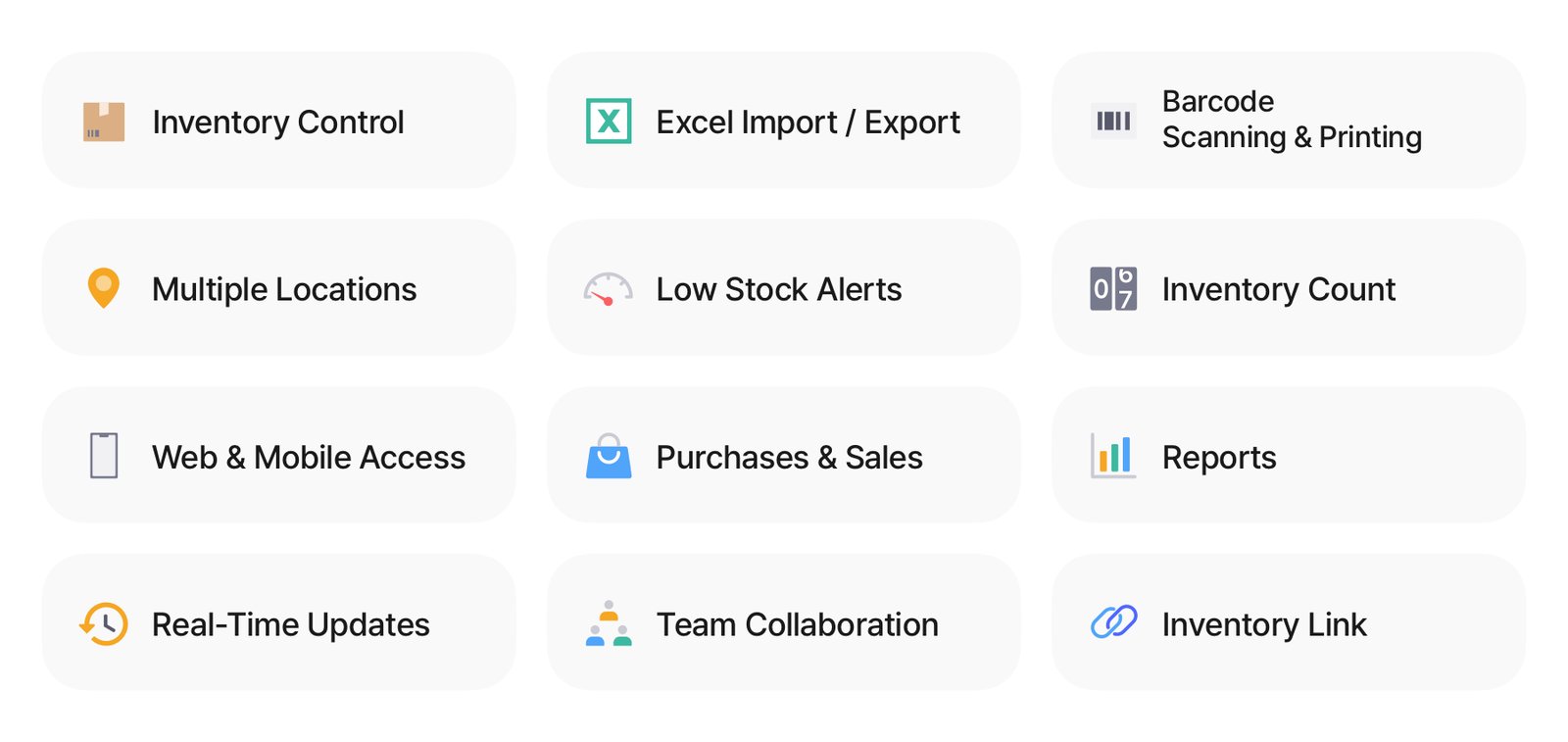
Section titled “Business Plan”Full access to all BoxHero features, including team collaboration.
Pricing
Section titled “Pricing”- Monthly: $30 per team/month
- Annual: $288 per team/year ($24/month – save 20%)
What's Included
Section titled “What's Included”The Business Plan includes the following usage:
- 3 members
- 1,000 items
- 3 locations
Add-Ons
Section titled “Add-Ons”Need more capacity? You can increase usage limits with add-ons:
- Members: $5/month per additional member
- Items: $10/month per additional 1,000 items
- Locations: $10/month per additional 10 locations
Personal Plan
Section titled “Personal Plan”Free forever, with access to core inventory features only.
What's Included
Section titled “What's Included”The Personal Plan includes:
- 1 member
- 100 items
- 1 location
Managing Your Plan
Section titled “Managing Your Plan”Go to Settings > Billing to manage your subscription and view your current plan and team usage.
Update Plan
Section titled “Update Plan”Upgrade or downgrade anytime. Plan changes are pro-rated and applied to your next payment.
Cancel Plan
Section titled “Cancel Plan”Cancel subscription to stop future renewals. Note that canceling does not delete your data.
Programs & Rewards
Section titled “Programs & Rewards”Referral Credit
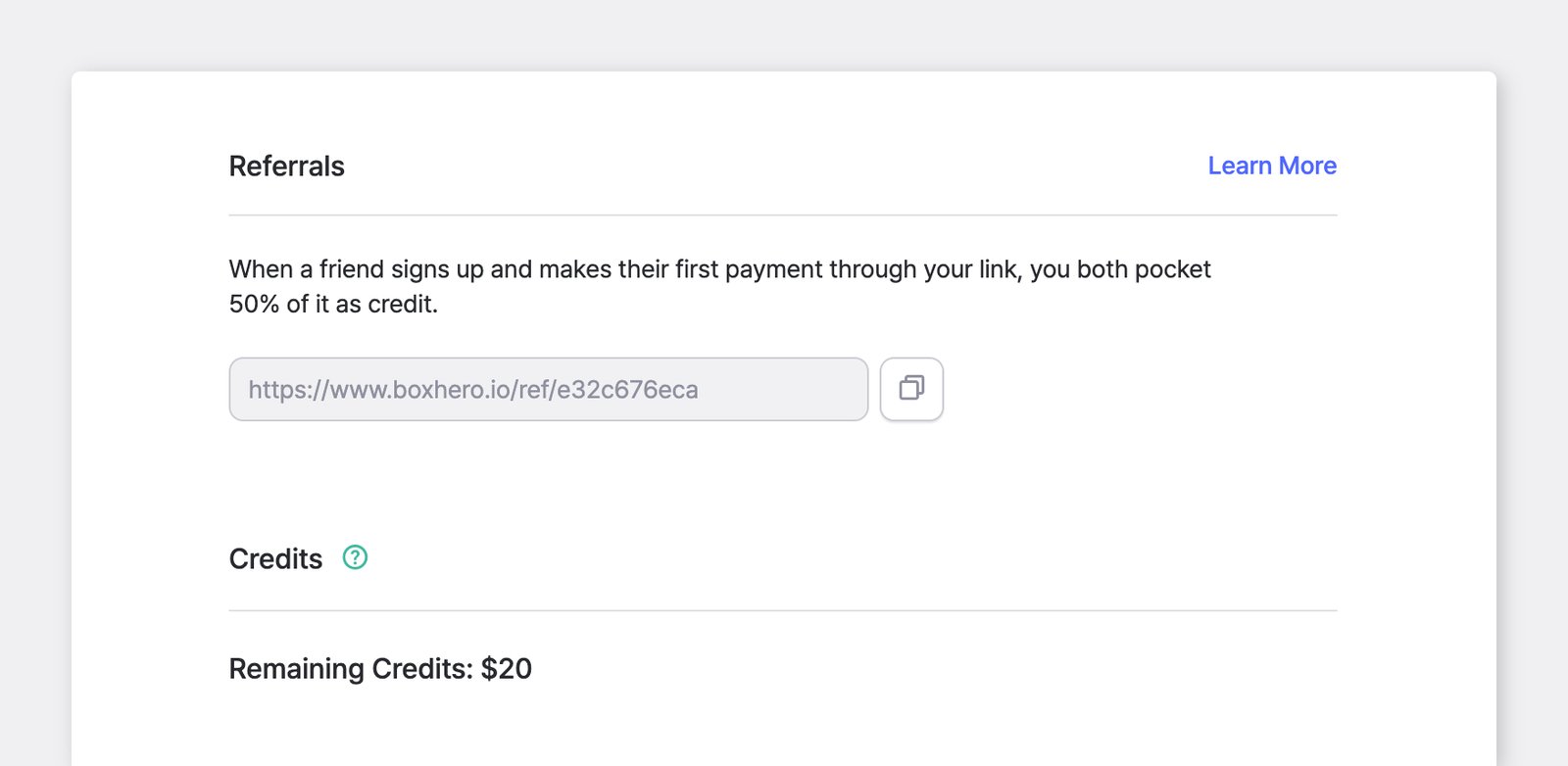
Section titled “Referral Credit”Refer BoxHero to someone you know, and both the referring team and the new team receive credit to put toward payment when the new team subscribes.
- Generate your referral code: Go to
Settings>Billing>Referralsand click Generate. Share the referral code (link) with the person you're referring. - They sign up: When someone signs up through your referral link, a 30-day free trial is automatically applied.
- They subscribe: After the free trial, they subscribe under
Settings>Billing. - You both get credit: Once the new team completes their first payment, both teams receive credit equal to 50% of that payment.
Affiliate Program
Section titled “Affiliate Program”Earn 50% commission on every payment your referred customers make for their first 12 months. This includes base plans and any add-ons.
- New customers who sign up through your affiliate link get a 90-day free trial — triple the standard 30 days.
- Commissions become redeemable once you reach $100 in affiliate sales.
- Payouts are processed via PayPal or wire transfer.
- Track your earnings and request payouts anytime from the Affiliate Portal. You can log in with your email address and verification code.
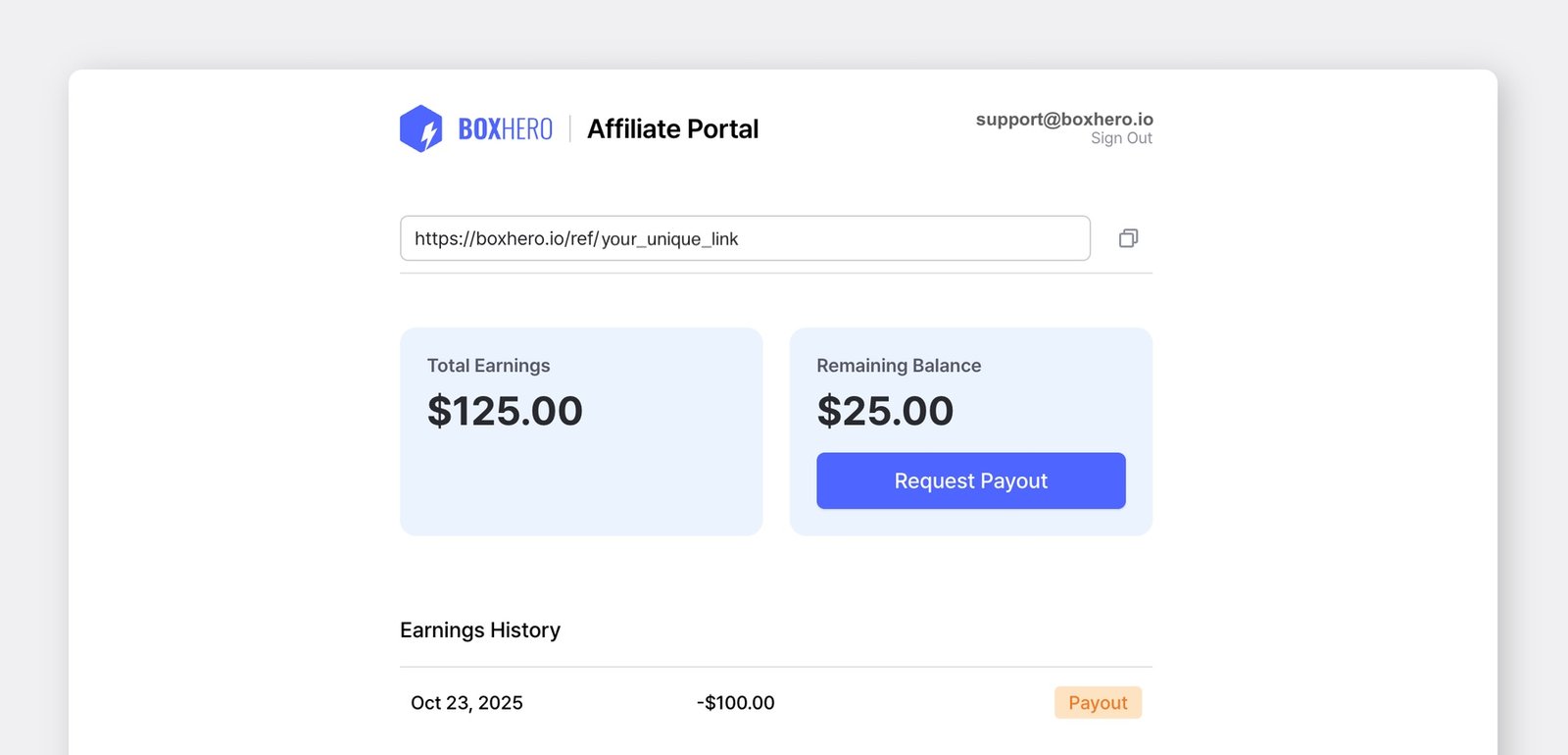
To start a free application, see our Affiliate Program page.
Nonprofit Pricing
Section titled “Nonprofit Pricing”Registered nonprofit organizations receive 50% off the Business Plan, including add-ons.
To apply the discount, contact us at support@boxhero.io and provide legal documentation confirming your nonprofit status, such as a 501(c)(3) registration in the U.S. or an equivalent registration in your country.
Once verified, the discount is applied to your team's subscription and renews automatically at the discounted rate.