
Atributos
Los atributos le permiten agregar datos adicionales a cada artículo en BoxHero, como la categoría, la marca, la talla, el color y más. Puede crear y usar estos campos para organizar y gestionar sus artículos con mayor facilidad.
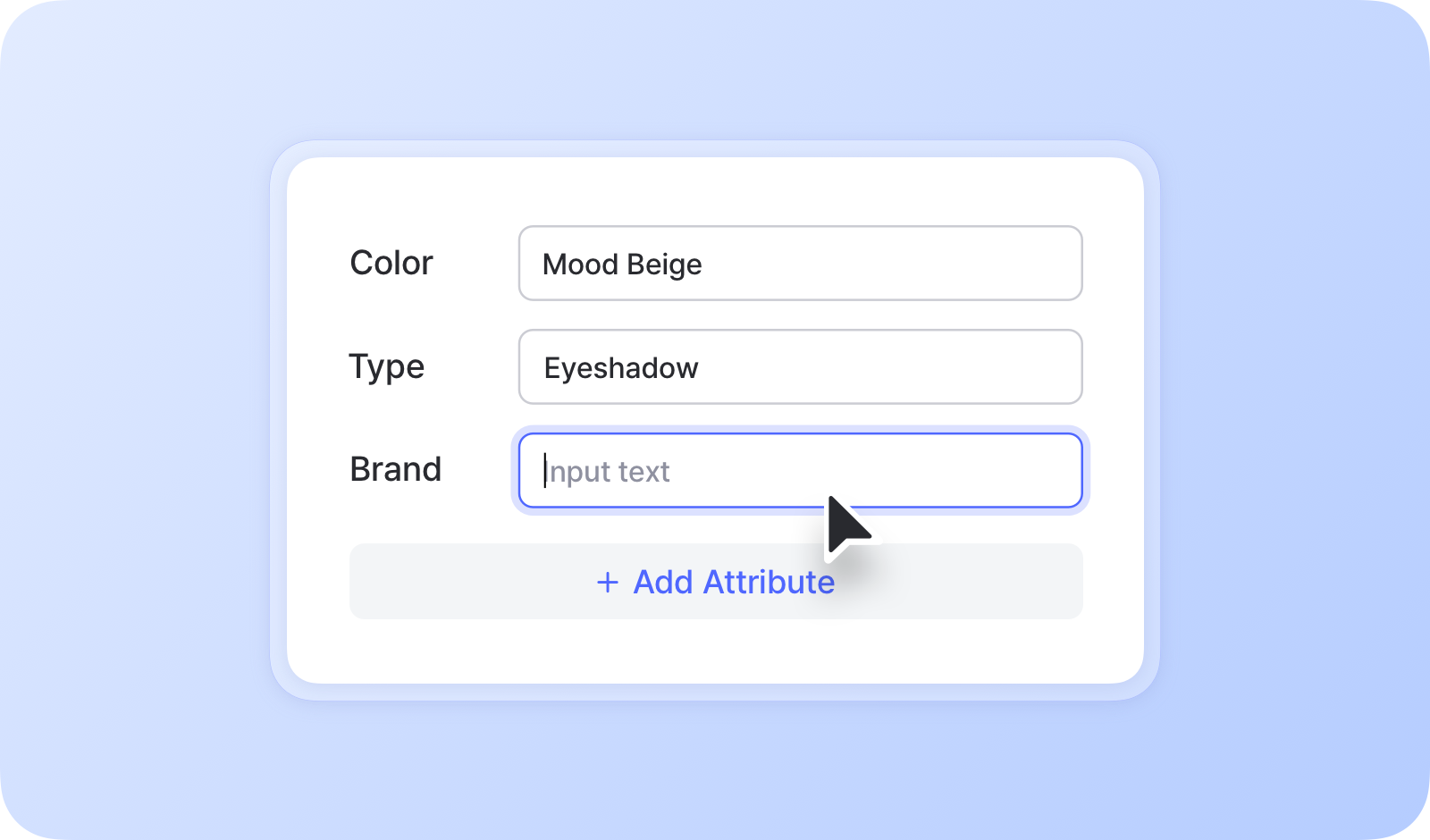
Cuándo usar atributos
Sección titulada «Cuándo usar atributos»- Para distinguir las variantes de un artículo que comparten el mismo nombre, como distintos colores o tallas
- Para agregar detalles como la marca o la categoría
- Para mantener un campo de memo en cada artículo
- Para adjuntar archivos como planos, manuales de producto o certificados
- Para agregar más fotos además de la foto principal del artículo
Cómo agregar atributos
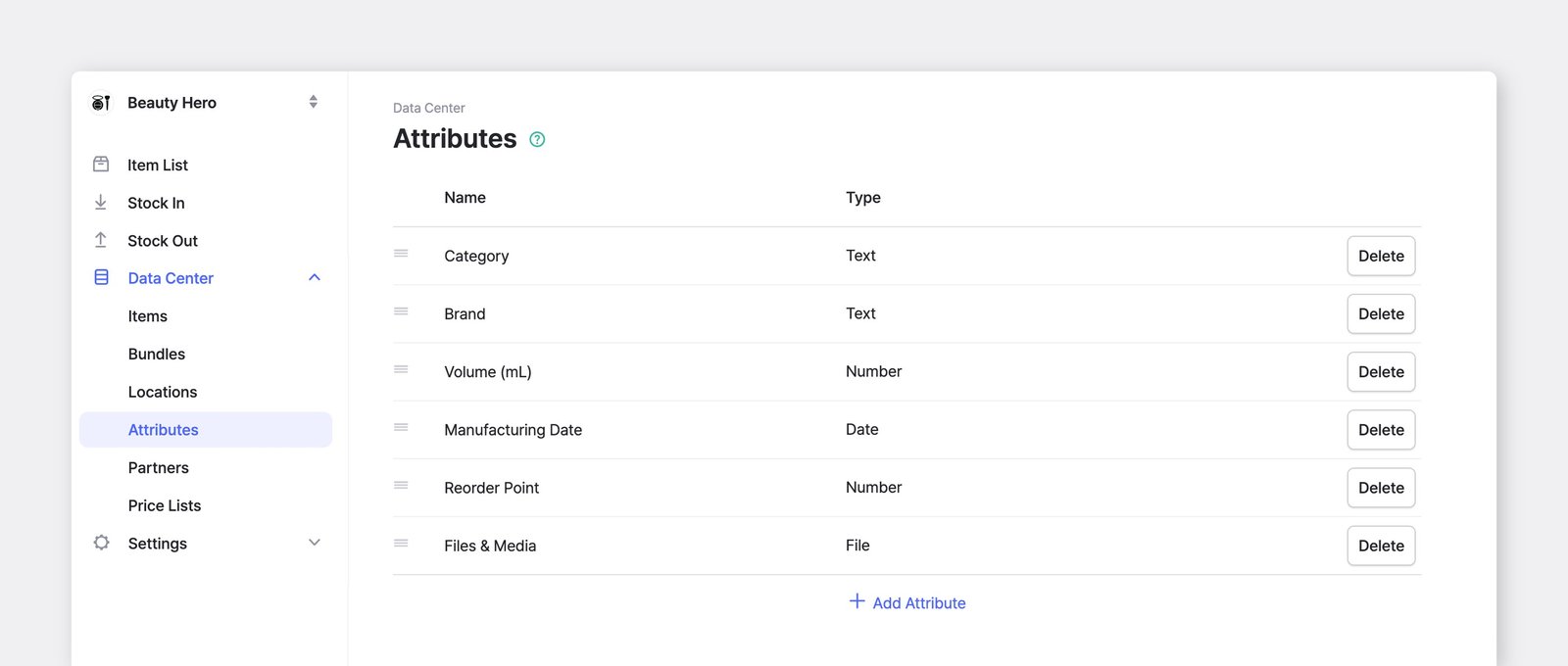
Sección titulada «Cómo agregar atributos»Para agregar y gestionar los atributos de sus artículos, vaya a Gestión de datos > Atributos. Los atributos se aplican a todos los artículos de su equipo.
Tipos de atributos
Sección titulada «Tipos de atributos»- Texto: introduzca texto general o números.
- Número: introduzca números enteros o decimales.
- Fecha: introduzca una fecha (p. ej., 2027-10-08).
- Código de barras: registre un código de barras adicional para imprimir y escanear; es útil cuando un artículo tiene más de un código de barras.
- Archivo: suba imágenes, documentos y otros archivos a sus artículos, incluidas fotos adicionales del artículo (máx.: 3 MB para imágenes, 10 MB para otros archivos).
Orden de los atributos
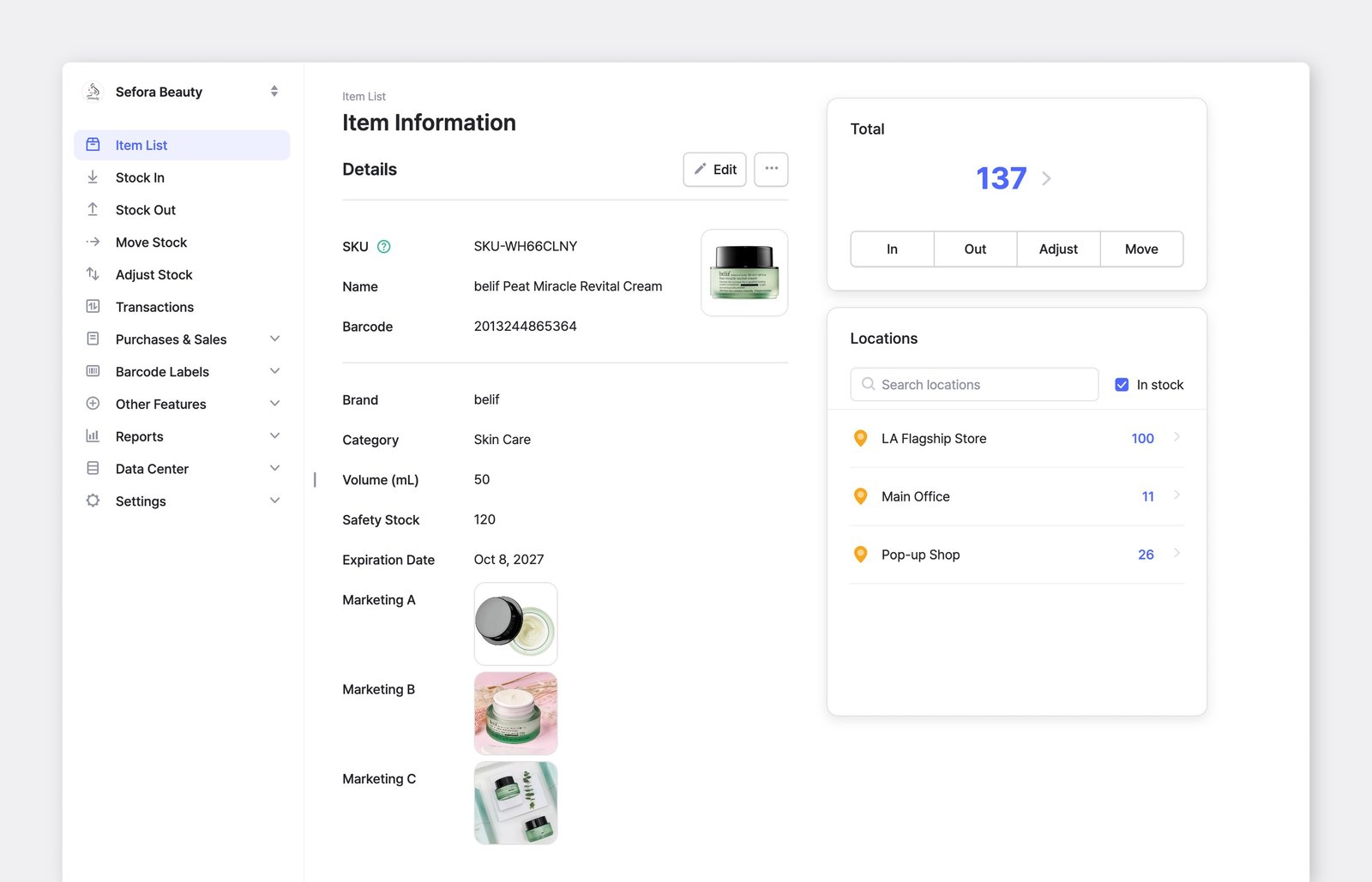
Sección titulada «Orden de los atributos»Los atributos aparecen en el orden definido en Gestión de datos > Atributos.
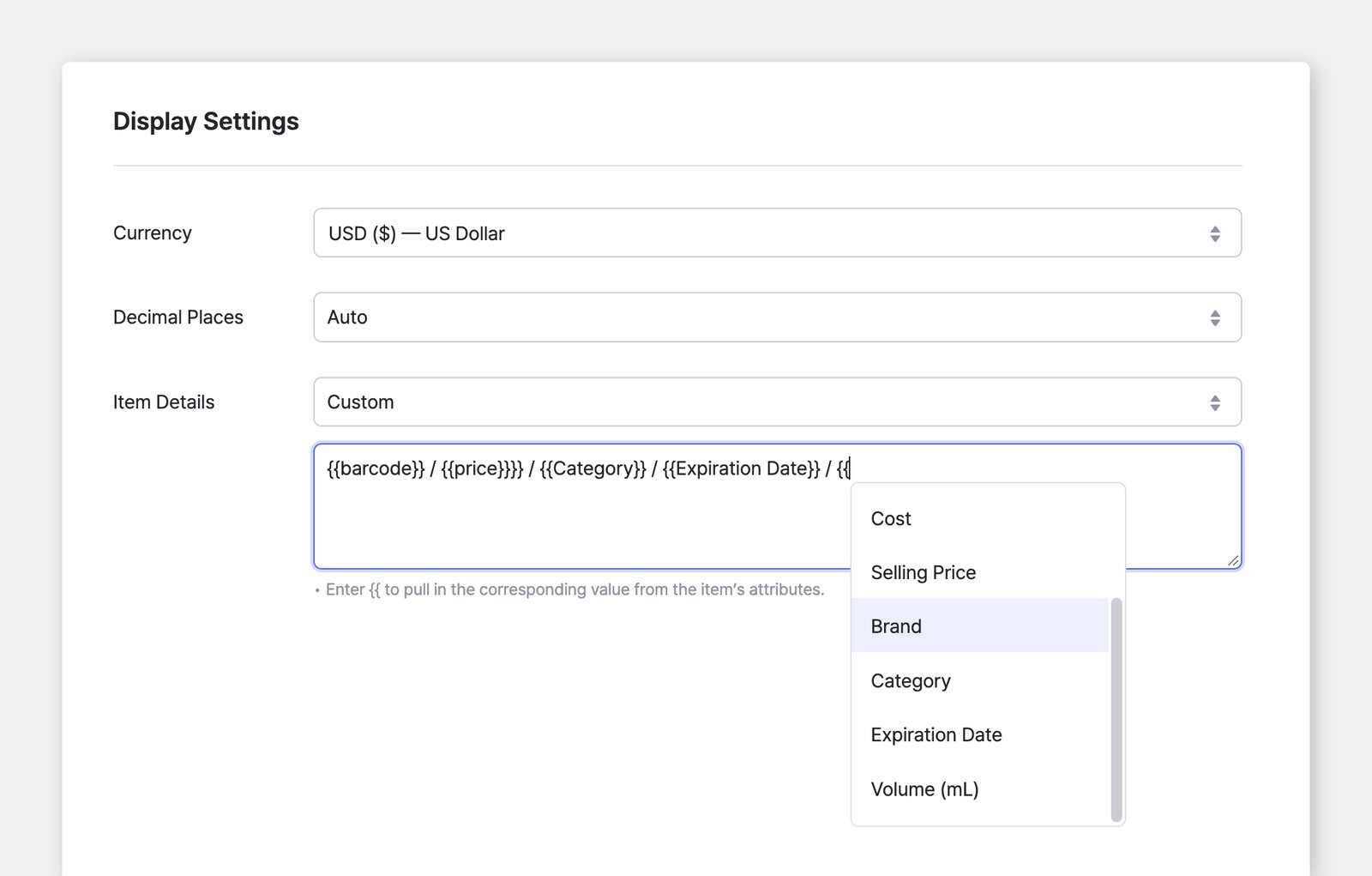
Para mostrar solo los atributos que desea en estas listas, vaya a Configuración > Equipo > Configuración de visualización > Detalles del artículo. Elija "Personalizado" para mostrar el SKU o el código de barras junto con el nombre de los artículos, o para mostrar solo los atributos seleccionados.
Introducir datos de atributos
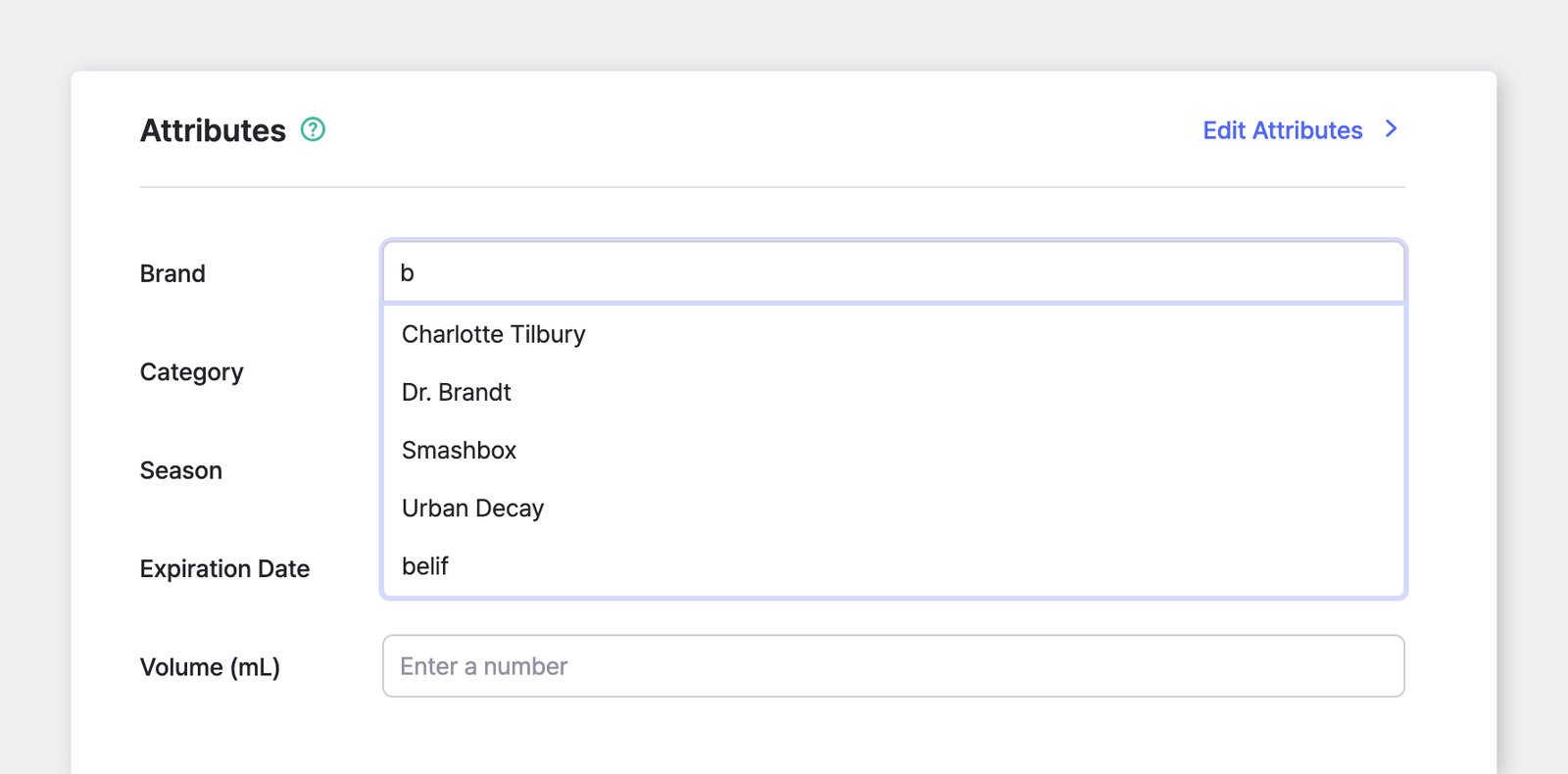
Sección titulada «Introducir datos de atributos»Una vez agregados los atributos, puede introducir los datos correspondientes de cada uno durante el registro del artículo.
Agrupar y ordenar
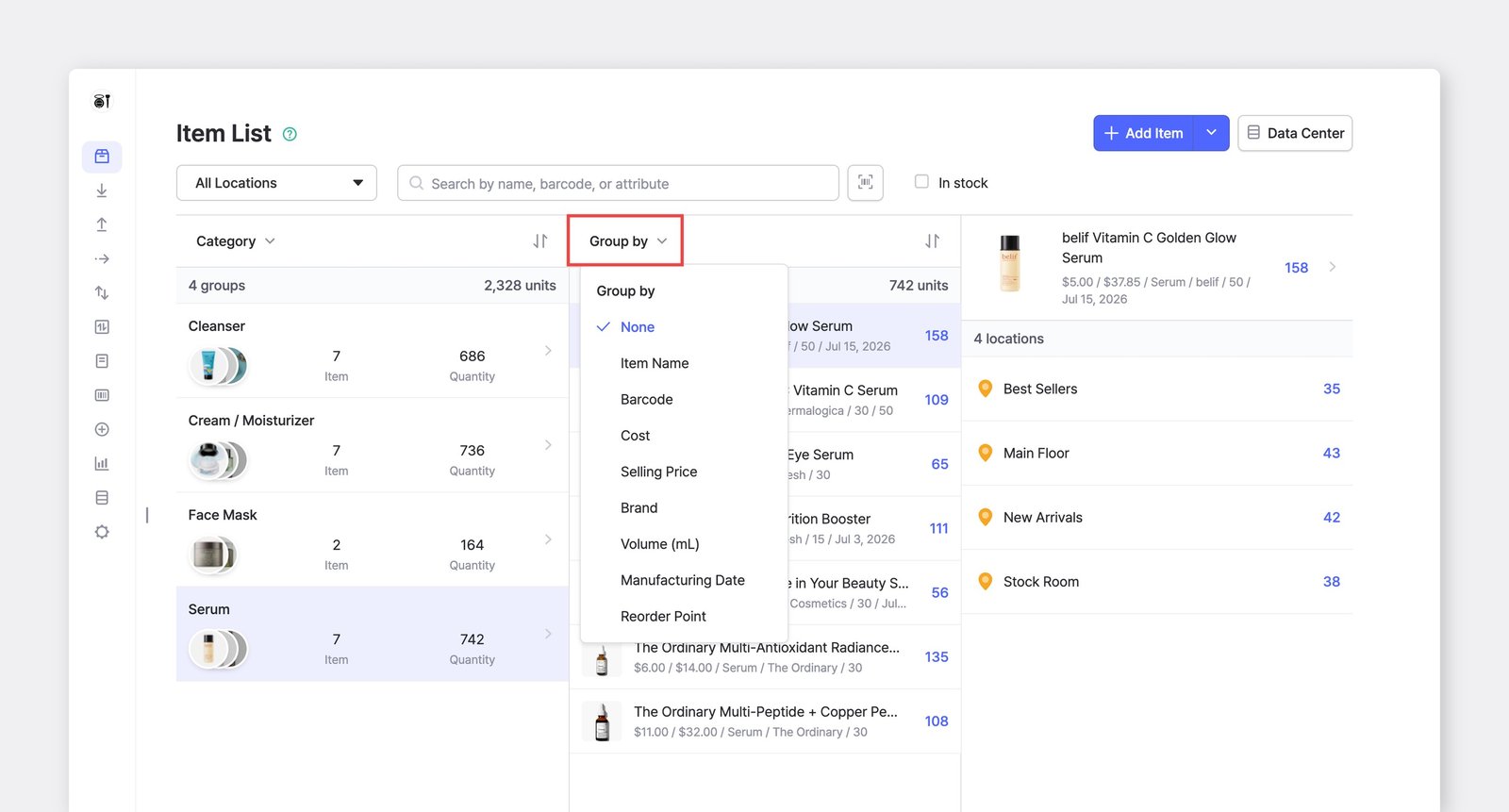
Sección titulada «Agrupar y ordenar»Los artículos se pueden agrupar y ver según sus atributos. Por ejemplo, puede ver los artículos por color o por marca.
A. En su computadora
Sección titulada «A. En su computadora»Agrupar por
Sección titulada «Agrupar por»Puede agrupar los artículos varias veces y crear categorías anidadas. Por ejemplo, puede agrupar primero por tipo, después por marca y luego por nombre, para obtener una estructura más detallada y organizada.
Ordenar por
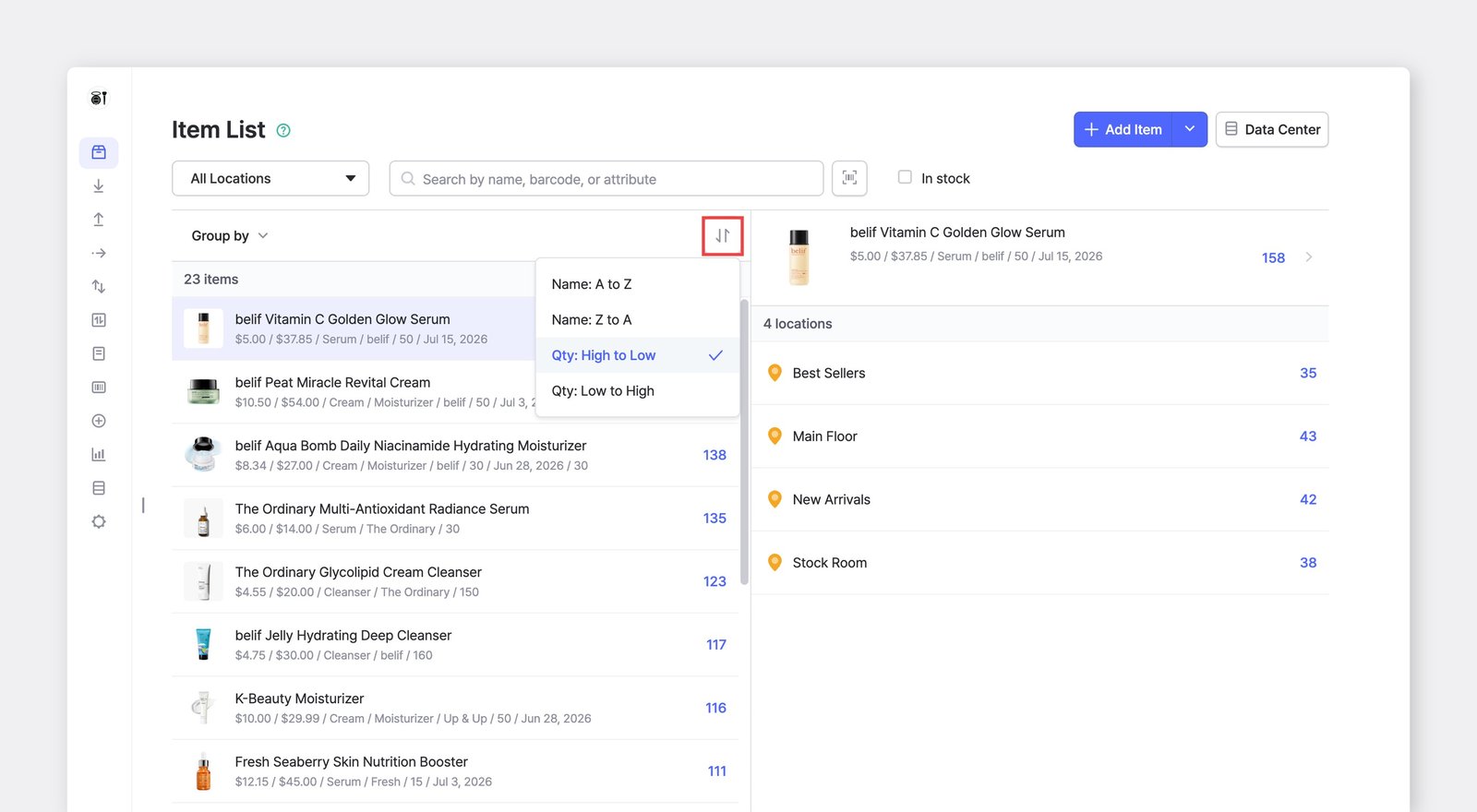
Sección titulada «Ordenar por»También puede ordenar los artículos alfabéticamente (de la A a la Z) o por cantidad de existencias, de mayor a menor o viceversa.
B. En su teléfono
Sección titulada «B. En su teléfono»Puede agrupar, filtrar y ordenar los artículos de la misma manera en la aplicación móvil.
Historial de cambios de información
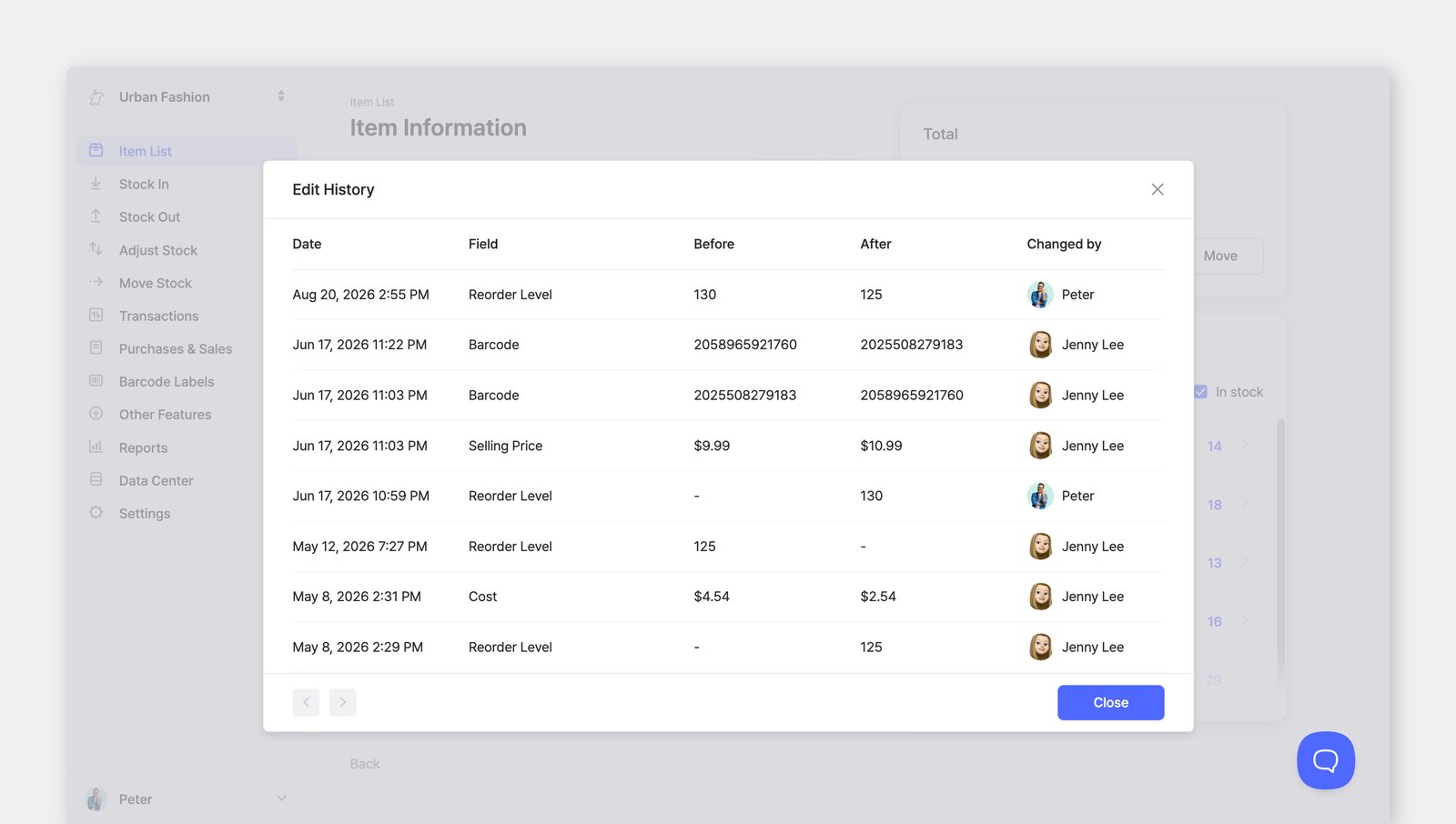
Sección titulada «Historial de cambios de información»El Historial de cambios de información muestra un registro de las modificaciones realizadas en un artículo: el campo que cambió, su valor antes y después, cuándo ocurrió y quién hizo el cambio.
Para ver los cambios en los detalles y los valores de atributos de un artículo, vaya a Lista de artículos > seleccione un artículo > ··· (más) > Historial de cambios de información.
Recuperar atributos eliminados
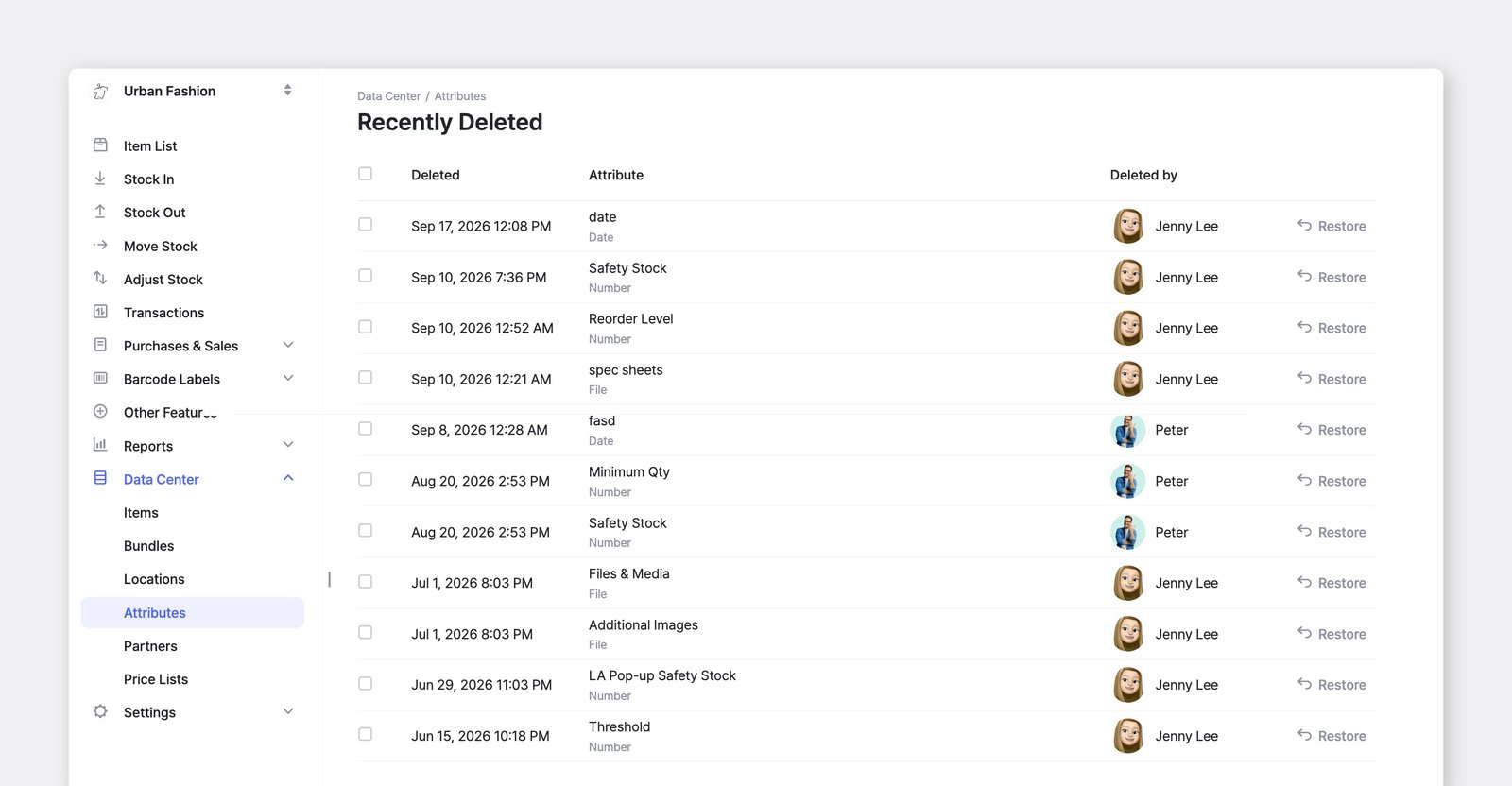
Sección titulada «Recuperar atributos eliminados»Si elimina un atributo por error, puede recuperarlo desde Eliminado recientemente.
Vaya a Gestión de datos > Atributos, haga clic en el botón ··· (más) de la esquina superior derecha y seleccione Eliminado recientemente. Busque el atributo que desea y haga clic en Recuperar.
Preguntas frecuentes
Sección titulada «Preguntas frecuentes»¿Busca más información? Encuentre respuestas a las preguntas más comunes en nuestras preguntas frecuentes.