> For the complete documentation index, see [llms.txt](https://www.boxhero.io/docs/llms.txt). Markdown versions of documentation pages are available by appending `.md` to page URLs; this page is available as [Markdown](https://www.boxhero.io/docs/key-features/print-barcode/print-link.md).

# Print Link

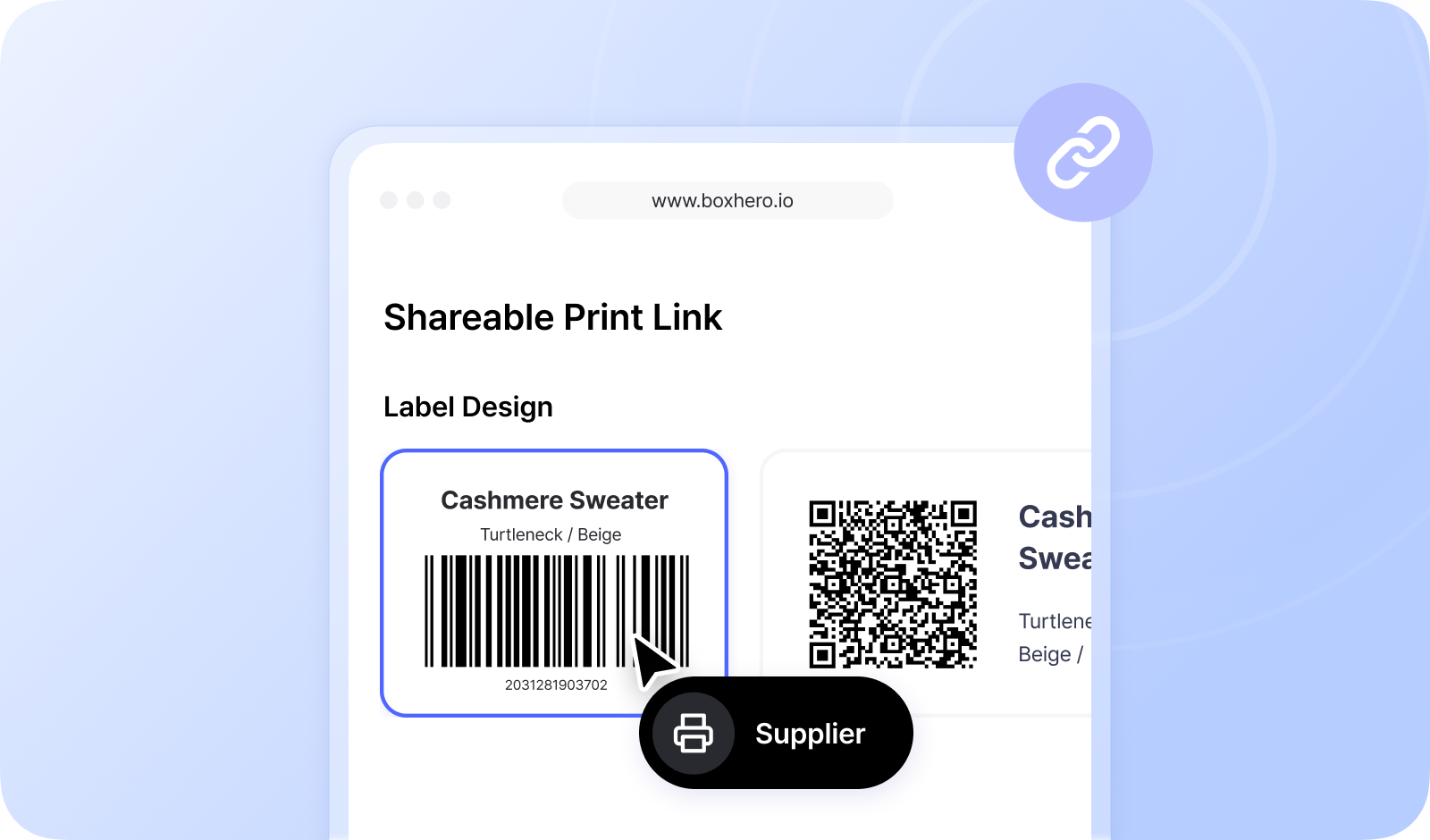
<figure><img src="/files/rdQDz11Si1ftoJzqpKGF" alt=""><figcaption></figcaption></figure>

***

### Create a Link <a href="#create-link" id="create-link"></a>

Go to <mark style="color:$primary;">`Barcode Labels`</mark> > <mark style="color:$primary;">`Print Links`</mark>, then click <mark style="color:$primary;">`+ Create Link`</mark>.&#x20;

{% embed url="<https://customer-0jrbilsa8yt3k758.cloudflarestream.com/ad4e4a845267288305a28bebed7e1712/iframe?autoplay=true&controls=false&letterboxColor=transparent&loop=true&muted=true&poster=https://customer-0jrbilsa8yt3k758.cloudflarestream.com/ad4e4a845267288305a28bebed7e1712/thumbnails/thumbnail.jpg?height=1080&preload=true>" %}

From there, set up what the link shares:

* **Label Design** — choose which label template the recipient can print from.
* **Items** — share <mark style="color:$primary;">`All items`</mark> or <mark style="color:$primary;">`Specific items`</mark>.
* **Pricing** — show or hide <mark style="color:$primary;">`Cost`</mark> and <mark style="color:$primary;">`Price`</mark>.
* **Attributes** — include all item attributes, or pick just the ones you want visible.

Once you save, the link appears in your list with a status of **Active** or **Inactive**, which you can toggle anytime. Recipients can only open and print from a link while it's Active.

{% hint style="success" %}
**Your on-hand stock quantities are never shared.**\
Recipients can print labels, but they can't see how much inventory you have.
{% endhint %}

***

### Share the Link <a href="#how-to-use" id="how-to-use"></a>

Copy the link and send it to your supplier, factory, or print shop. When they open it, they can pick a label design, choose the items they need, set a print quantity for each, and print — all from the browser, no login required.

{% embed url="<https://customer-0jrbilsa8yt3k758.cloudflarestream.com/af7ea1f8ef1e5205d0cc41cc77a2f42a/iframe?autoplay=true&controls=false&letterboxColor=transparent&loop=true&muted=true&poster=https://customer-0jrbilsa8yt3k758.cloudflarestream.com/af7ea1f8ef1e5205d0cc41cc77a2f42a/thumbnails/thumbnail.jpg?height=1080&preload=true>" %}

{% hint style="warning" %}
If the recipient is using a label printer for the first time, have them review the [printer setup guide](https://www.boxhero.io/docs/documentation/en/key-features/print-barcode#printer-setup) before printing so their labels come out aligned and correctly sized.
{% endhint %}