
Past Quantity
Look up your inventory quantity as of any past date in BoxHero — check stock at the end of last month or year, filter by location, and export to Excel.
Past Quantity
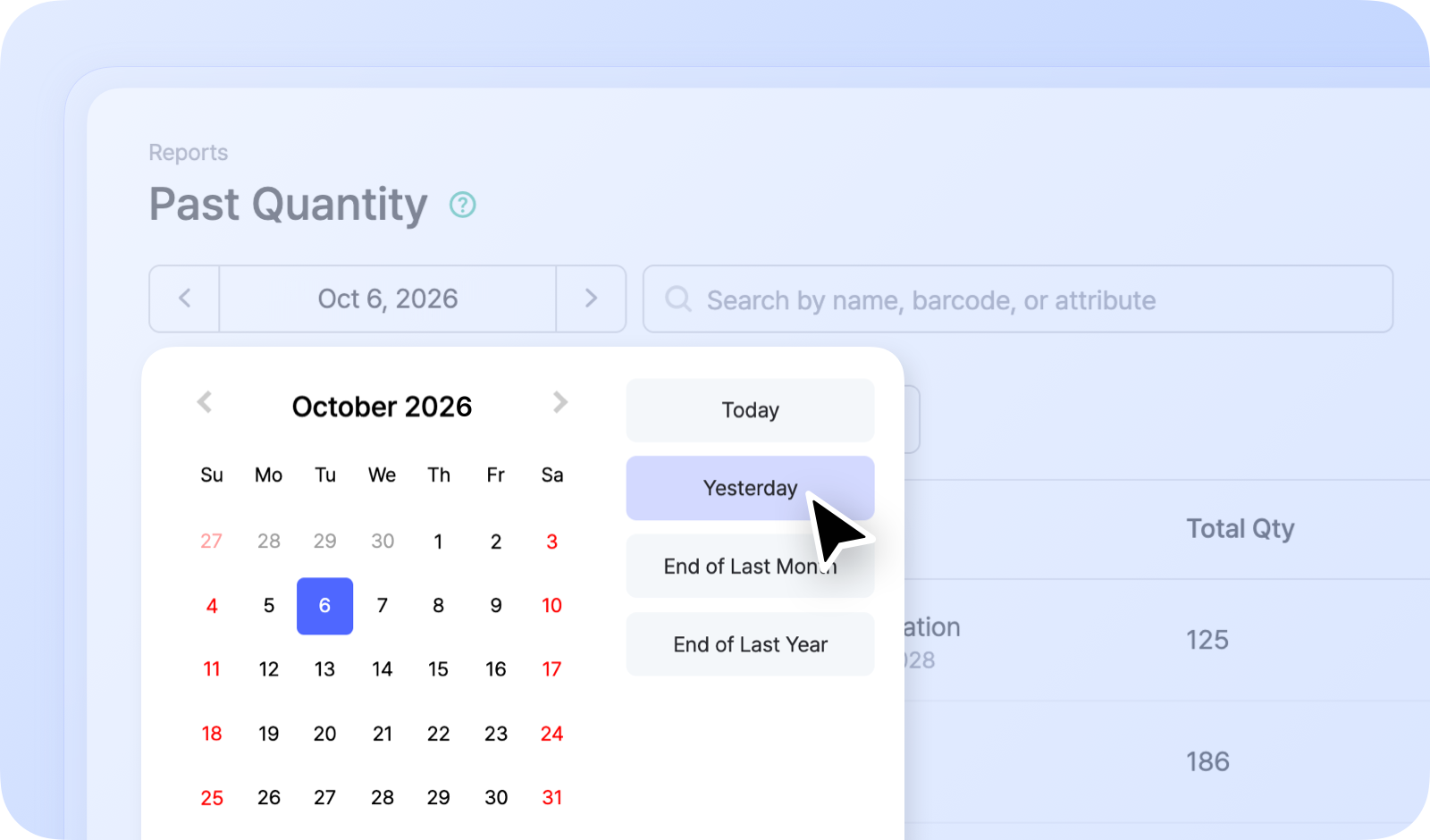
Section titled “Past Quantity”Because BoxHero keeps a complete record of every stock transaction, you can look up what any item's quantity was on any date in the past. Find it under Reports > Past Quantity.
How It Works
Section titled “How It Works”Choose a date, and Past Quantity shows each item's on-hand count as of that day. It's useful for closing out an accounting period or checking historical stock levels.
For example:
- Inventory as of the end of last month
- Inventory as of the end of last year
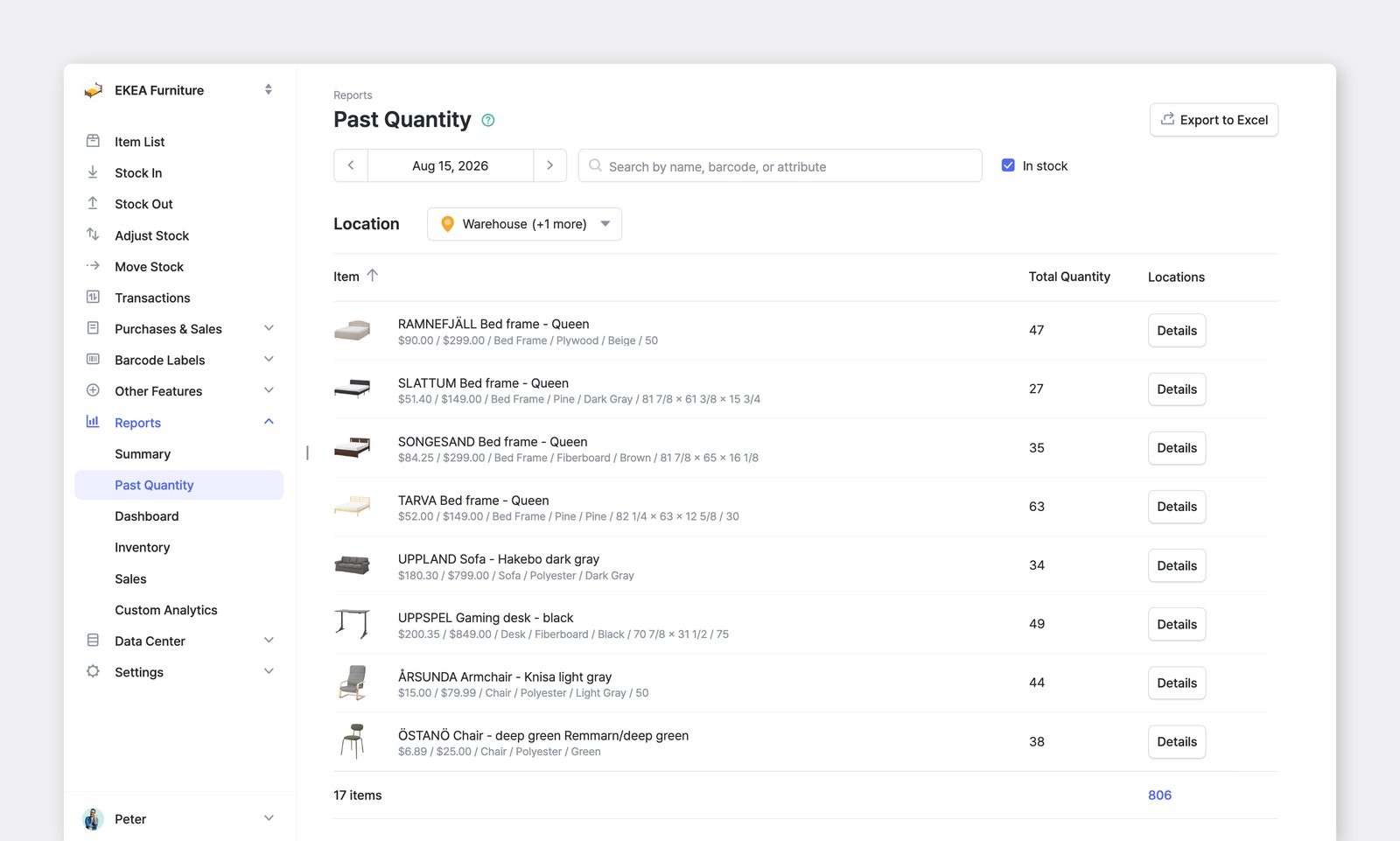
You can filter by location or export your past quantity to Excel to edit it or attach it to other documents.
Things to Know
Section titled “Things to Know”- Quantities are shown as of the end of the selected day (11:59:59 PM).
- Deleted items still appear in the list, shown with a strikethrough.
- Deleted locations are also included.
- Uncheck
In Stockin the top-right corner to also show items that had a quantity of 0 on the selected date.